 ChecklistGuro
 Compliance Auditing and Regulatory Reporting
Streamline your healthcare operations with our automated Compliance Auditing and Regulatory Reporting workflow. Ensure 100% accuracy in HIPAA, CMS, and Joint Commission standards while reducing manual errors, mitigating legal risks, and generating real-time, audit-ready reports for seamless regulatory oversight and patient data integrity.
Esta plantilla se instaló 2 veces.
Inicio
Inicio del flujo de trabajo/proceso.
1. Fetch Regulatory Requirements
Retrieve the latest list of applicable regulations and compliance standards from the Regulatory Data Model.
2. Assign Internal Auditor
Create a task for the Compliance Officer to initiate the audit scope definition.
3. Initialize Audit Record
Create a new entry in the 'Audit Logs' data model to track the start of the current audit cycle.
4. Execute Evidence Collection
Assign tasks to department heads to upload necessary documentation and proof of compliance.
5. Retrieve Collected Evidence
Fetch all uploaded documents and evidence entries linked to the current audit ID.
6. Calculate Compliance Gap Score
Execute a formula comparing 'Required Controls' vs 'Implemented Controls' to determine the gap percentage.
7. Summarize Non-Compliance Findings
Aggregate all 'High Risk' finding entries to count the total number of critical failures.
8. Update Audit Status
Update the Audit Record entry status to 'Review Phase' once evidence collection is complete.
9. Perform Discrepancy Review
Create a task for the Senior Auditor to review the findings and calculated gap scores.
10. Log Audit Finding
Create a new entry in the 'Findings' data model for every non-compliance issue identified.
11. Notify Stakeholders of Findings
Send an email summary of the audit discrepancies to the Legal and Operations departments.
12. Assign Remediation Plan
Create tasks for responsible owners to address the identified non-compliance entries.
13. Update Finding Resolution Status
Update the status of specific findings in the 'Findings' model once remediation tasks are marked complete.
14. Generate Final Audit Report
Generate a comprehensive compliance report summarizing the audit scope, findings, and remediation progress.
15. Submit Regulatory Report
Send the final generated report via email to the external Regulatory Body or Board of Directors.
16. Cleanup Temporary Drafts
Delete temporary or draft audit working papers that are no longer needed after the final report is finalized.
Fin
Fin del flujo de trabajo/proceso.
Inicio del flujo de trabajo/proceso.
Retrieve the latest list of applicable regulations and compliance standards from the Regulatory Data Model.
Create a task for the Compliance Officer to initiate the audit scope definition.
Create a new entry in the 'Audit Logs' data model to track the start of the current audit cycle.
Assign tasks to department heads to upload necessary documentation and proof of compliance.
Fetch all uploaded documents and evidence entries linked to the current audit ID.
Execute a formula comparing 'Required Controls' vs 'Implemented Controls' to determine the gap percentage.
Aggregate all 'High Risk' finding entries to count the total number of critical failures.
Update the Audit Record entry status to 'Review Phase' once evidence collection is complete.
Create a task for the Senior Auditor to review the findings and calculated gap scores.
Create a new entry in the 'Findings' data model for every non-compliance issue identified.
Send an email summary of the audit discrepancies to the Legal and Operations departments.
Create tasks for responsible owners to address the identified non-compliance entries.
Update the status of specific findings in the 'Findings' model once remediation tasks are marked complete.
Generate a comprehensive compliance report summarizing the audit scope, findings, and remediation progress.
Send the final generated report via email to the external Regulatory Body or Board of Directors.
Delete temporary or draft audit working papers that are no longer needed after the final report is finalized.
Fin del flujo de trabajo/proceso.
¿Le resultó útil esta plantilla de flujo de trabajo?
Comentarios
Aún no hay comentarios. ¡Sé el primero en añadir uno!
Demostración de la Solución de Gestión de la Atención Médica
¿Está buscando optimizar las operaciones de atención médica y mejorar la atención al paciente? La plataforma Work OS de ChecklistGuro simplifica todo, desde la programación de pacientes y la facturación hasta el cumplimiento normativo y la gestión del personal. Mejore la eficiencia, reduzca la carga administrativa y concéntrese en lo que más importa: sus pacientes. ¡Aprenda cómo ChecklistGuro puede transformar su organización de atención médica!
Plantillas de flujo de trabajo relacionadas

Disaster Recovery and Emergency Response Plan

Healthcare Facility Management and Maintenance

Medical Coding and Billing Accuracy Process

Radiology Imaging Workflow and Management

Immunization Tracking and Record Management

Patient Feedback and Satisfaction Management

Healthcare Data Analytics and Reporting Process
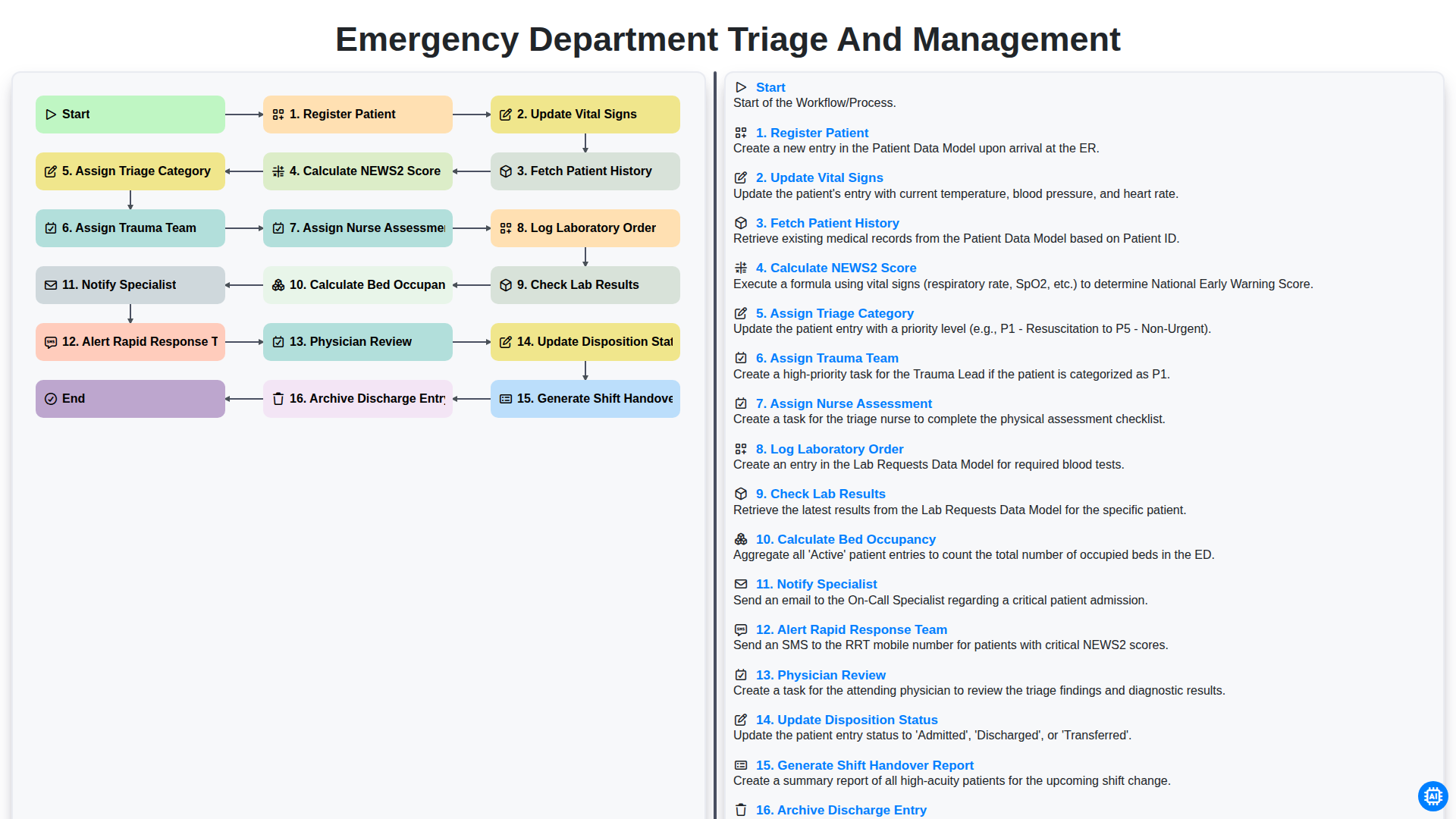
Emergency Department Triage and Management
Podemos hacerlo juntos
¿Necesita ayuda con las listas de verificación?
¿Tienes alguna pregunta? Estamos aquí para ayudarte. Envía tu consulta y te responderemos a la brevedad.