 ChecklistGuro
 Disaster Recovery and Emergency Response Plan
Ensure patient safety and operational continuity with our comprehensive Disaster Recovery and Emergency Response Plan. This healthcare-focused workflow provides a strategic roadmap for managing medical crises, protecting sensitive health data, and maintaining critical care delivery during unforeseen emergencies. Optimize your facility's resilience and regulatory compliance with streamlined protocols for rapid response and-system restoration.
Esta plantilla se instaló 1 veces.
Inicio
Inicio del flujo de trabajo/proceso.
1. Retrieve Emergency Contact List
Fetch all entries from the 'Emergency Contacts' data model to identify key stakeholders and responders.
2. Identify Affected Assets
Retrieve entries from the 'Critical Infrastructure' data model to determine which systems are impacted by the disaster.
3. Update Incident Status
Update the 'Incident Report' entry to change the status from 'Detected' to 'Active/In-Progress'.
4. Assign Incident Commander
Create a task for the designated Lead Responder to take control of the emergency response.
5. Initiate Site Assessment
Create a task for the Safety Officer to perform a physical or digital inspection of the affected area/system.
6. Alert Internal Stakeholders
Send an emergency email to the management and IT teams regarding the active disaster.
7. Emergency SMS Alert
Send an automated SMS to the Rapid Response Team for immediate notification.
8. Calculate Downtime Impact
Calculate the estimated financial loss by multiplying the 'Estimated Hours of Outage' by the 'Hourly Revenue Value'.
9. Create Incident Log Entry
Create a new entry in the 'Incident Log' data model to begin documenting the timeline of events.
10. Aggregate Damage Costs
Sum the 'Repair Cost' property from all 'Damage Assessment' entries to calculate total estimated loss.
11. Execute Data Backup Restoration
Create a technical task for the DevOps team to begin restoring systems from the most recent clean backup.
12. Update System Health Status
Update the 'System Status' data model entries to 'Down' or 'Degraded' across all impacted services.
13. Create a task to schedule and hold a debriefing session once the incident is resolved.
Create a task to schedule and hold a debriefing session once the incident is resolved.
14. Generate Incident Post-Mortem Report
Create a comprehensive report summarizing the timeline, impact, and resolution steps for regulatory compliance.
15. Purge Temporary Emergency Notes
Delete temporary, sensitive, or unstructured data entries used during the heat of the response once the official log is finalized.
Fin
Fin del flujo de trabajo/proceso.
Inicio del flujo de trabajo/proceso.
Fetch all entries from the 'Emergency Contacts' data model to identify key stakeholders and responders.
Retrieve entries from the 'Critical Infrastructure' data model to determine which systems are impacted by the disaster.
Update the 'Incident Report' entry to change the status from 'Detected' to 'Active/In-Progress'.
Create a task for the designated Lead Responder to take control of the emergency response.
Create a task for the Safety Officer to perform a physical or digital inspection of the affected area/system.
Send an emergency email to the management and IT teams regarding the active disaster.
Send an automated SMS to the Rapid Response Team for immediate notification.
Calculate the estimated financial loss by multiplying the 'Estimated Hours of Outage' by the 'Hourly Revenue Value'.
Create a new entry in the 'Incident Log' data model to begin documenting the timeline of events.
Sum the 'Repair Cost' property from all 'Damage Assessment' entries to calculate total estimated loss.
Create a technical task for the DevOps team to begin restoring systems from the most recent clean backup.
Update the 'System Status' data model entries to 'Down' or 'Degraded' across all impacted services.
Create a task to schedule and hold a debriefing session once the incident is resolved.
Create a comprehensive report summarizing the timeline, impact, and resolution steps for regulatory compliance.
Delete temporary, sensitive, or unstructured data entries used during the heat of the response once the official log is finalized.
Fin del flujo de trabajo/proceso.
¿Le resultó útil esta plantilla de flujo de trabajo?
Comentarios
Aún no hay comentarios. ¡Sé el primero en añadir uno!
Demostración de la Solución de Gestión de la Atención Médica
¿Está buscando optimizar las operaciones de atención médica y mejorar la atención al paciente? La plataforma Work OS de ChecklistGuro simplifica todo, desde la programación de pacientes y la facturación hasta el cumplimiento normativo y la gestión del personal. Mejore la eficiencia, reduzca la carga administrativa y concéntrese en lo que más importa: sus pacientes. ¡Aprenda cómo ChecklistGuro puede transformar su organización de atención médica!
Plantillas de flujo de trabajo relacionadas

Healthcare Facility Management and Maintenance

Medical Coding and Billing Accuracy Process

Radiology Imaging Workflow and Management

Immunization Tracking and Record Management

Patient Feedback and Satisfaction Management

Compliance Auditing and Regulatory Reporting

Healthcare Data Analytics and Reporting Process
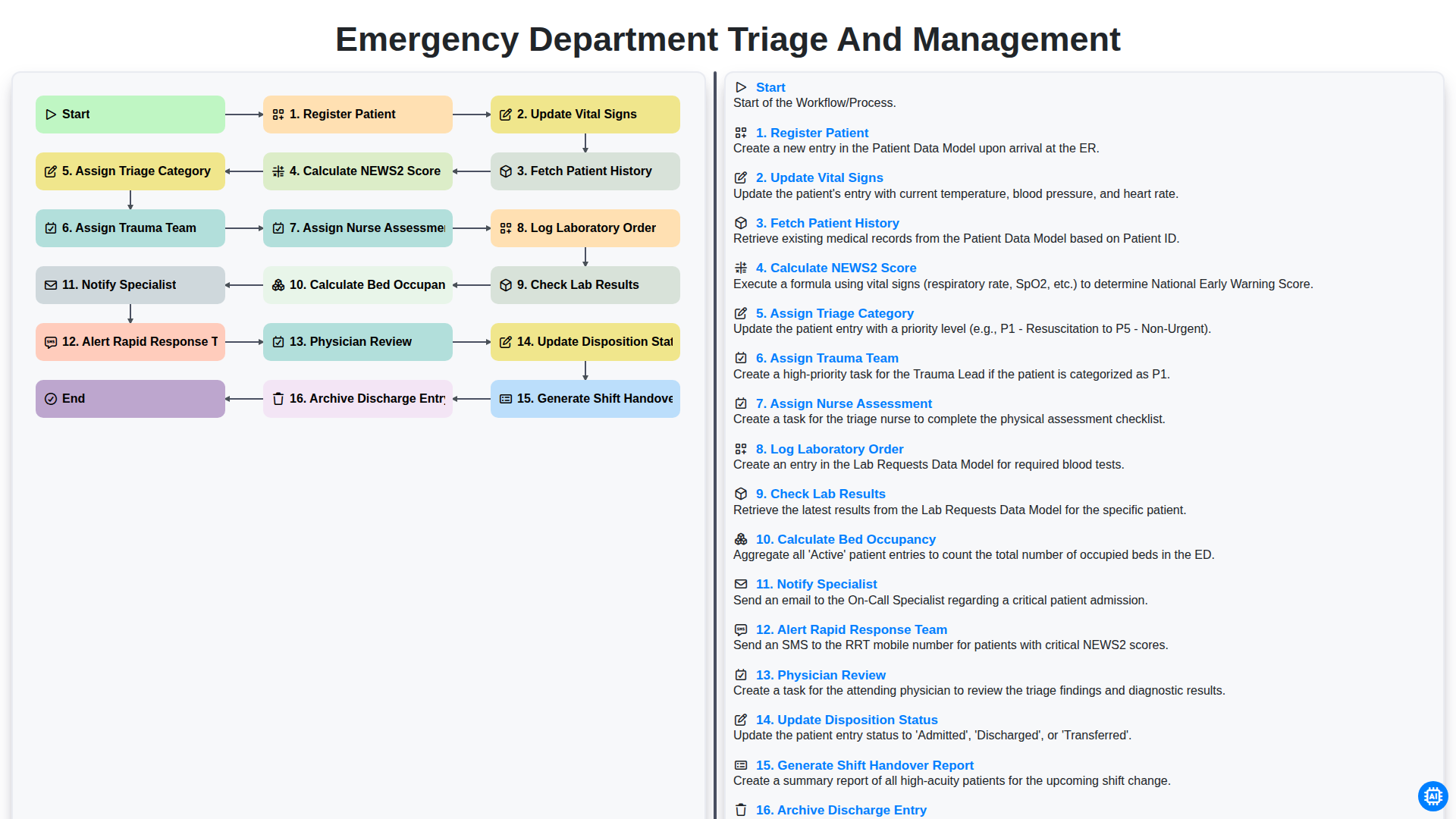
Emergency Department Triage and Management
Podemos hacerlo juntos
¿Necesita ayuda con las listas de verificación?
¿Tienes alguna pregunta? Estamos aquí para ayudarte. Envía tu consulta y te responderemos a la brevedad.