 ChecklistGuro
 Hospitality Revenue Management and Dynamic Pricing Strategy
Maximize profitability and drive ADR with our comprehensive Hospitality Revenue Management and Dynamic Pricing Strategy workflow. Learn to master demand forecasting, optimize room inventory, and implement real-time pricing adjustments to outpace competitors and capture market share in an ever-changing landscape.
Esta plantilla se instaló 2 veces.
Inicio
Inicio del flujo de trabajo/proceso.
1. Fetch Historical Occupancy Data
Retrieve historical occupancy rates from the past 30 days to establish a baseline for forecasting.
2. Fetch Competitor Pricing
Retrieve current pricing data from the Competitor Rate Monitoring data model.
3. Fetch Local Event Calendar
Retrieve upcoming local events and holidays that may impact demand.
4. Calculate Average Daily Rate (ADR)
Aggregate all completed booking entries to calculate the average room rate for the current period.
5. Calculate Average Occupancy Rate
Aggregate occupancy percentage entries to determine the mean occupancy for the upcoming week.
6. Calculate Demand Index
Execute a formula comparing current booking pace against historical trends to determine a demand multiplier.
7. Calculate Recommended Dynamic Price
Apply a formula: (Baseline Rate * Demand Index) + Seasonal Adjustment.
8. Update Room Rate Master Table
Update the 'Daily Rate' field in the Room Rate Data Model with the newly calculated price.
9. Revenue Manager Review
Create a task for the Revenue Manager to review and approve the proposed price changes for the next 7 days.
10. Inventory Adjustment Task
Create a task for the Front Office Manager to adjust room availability if occupancy exceeds threshold.
11. Log Pricing Change Log
Create a new entry in the Pricing Audit Log documenting the date, old price, new price, and the reason for change.
12. Notify Stakeholders of Rate Change
Send an email to the General Manager and Sales Team notifying them of significant updates to the pricing strategy.
13. Generate Weekly Revenue Forecast Report
Generate a PDF report summarizing the projected RevPAR (Revenue Per Available Room) based on the new pricing.
14. Clear Expired Promotions
Delete outdated promotional rate entries from the Promotions Data Model that have passed their end date.
Fin
Fin del flujo de trabajo/proceso.
Inicio del flujo de trabajo/proceso.
Retrieve historical occupancy rates from the past 30 days to establish a baseline for forecasting.
Retrieve current pricing data from the Competitor Rate Monitoring data model.
Retrieve upcoming local events and holidays that may impact demand.
Aggregate all completed booking entries to calculate the average room rate for the current period.
Aggregate occupancy percentage entries to determine the mean occupancy for the upcoming week.
Execute a formula comparing current booking pace against historical trends to determine a demand multiplier.
Apply a formula: (Baseline Rate * Demand Index) + Seasonal Adjustment.
Update the 'Daily Rate' field in the Room Rate Data Model with the newly calculated price.
Create a task for the Revenue Manager to review and approve the proposed price changes for the next 7 days.
Create a task for the Front Office Manager to adjust room availability if occupancy exceeds threshold.
Create a new entry in the Pricing Audit Log documenting the date, old price, new price, and the reason for change.
Send an email to the General Manager and Sales Team notifying them of significant updates to the pricing strategy.
Generate a PDF report summarizing the projected RevPAR (Revenue Per Available Room) based on the new pricing.
Delete outdated promotional rate entries from the Promotions Data Model that have passed their end date.
Fin del flujo de trabajo/proceso.
¿Le resultó útil esta plantilla de flujo de trabajo?
Comentarios
Aún no hay comentarios. ¡Sé el primero en añadir uno!
Demostración de la Solución de Gestión de Hostelería
Gestionar un hotel, restaurante u otro negocio de hostelería es exigente. La plataforma Work OS de ChecklistGuro simplifica la gestión, desde las reservas y los servicios al cliente hasta el inventario y la programación del personal. ¡Mejore la eficiencia, mejore la experiencia del cliente y aumente la rentabilidad! Descubra cómo ChecklistGuro puede transformar sus operaciones de hostelería.
Plantillas de flujo de trabajo relacionadas

Hotel Departmental Communication and Task Management Workflow
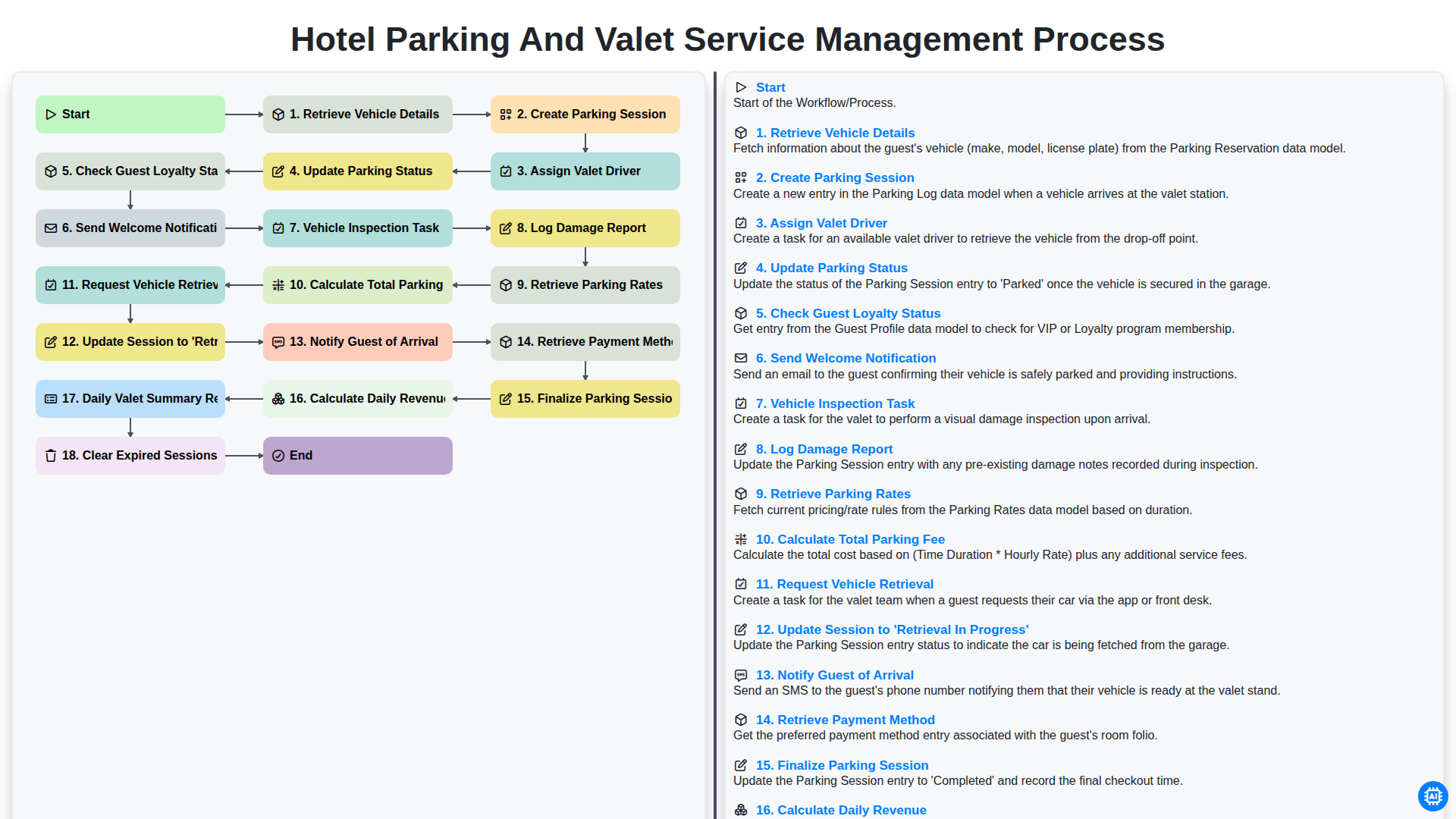
Hotel Parking and Valet Service Management Process
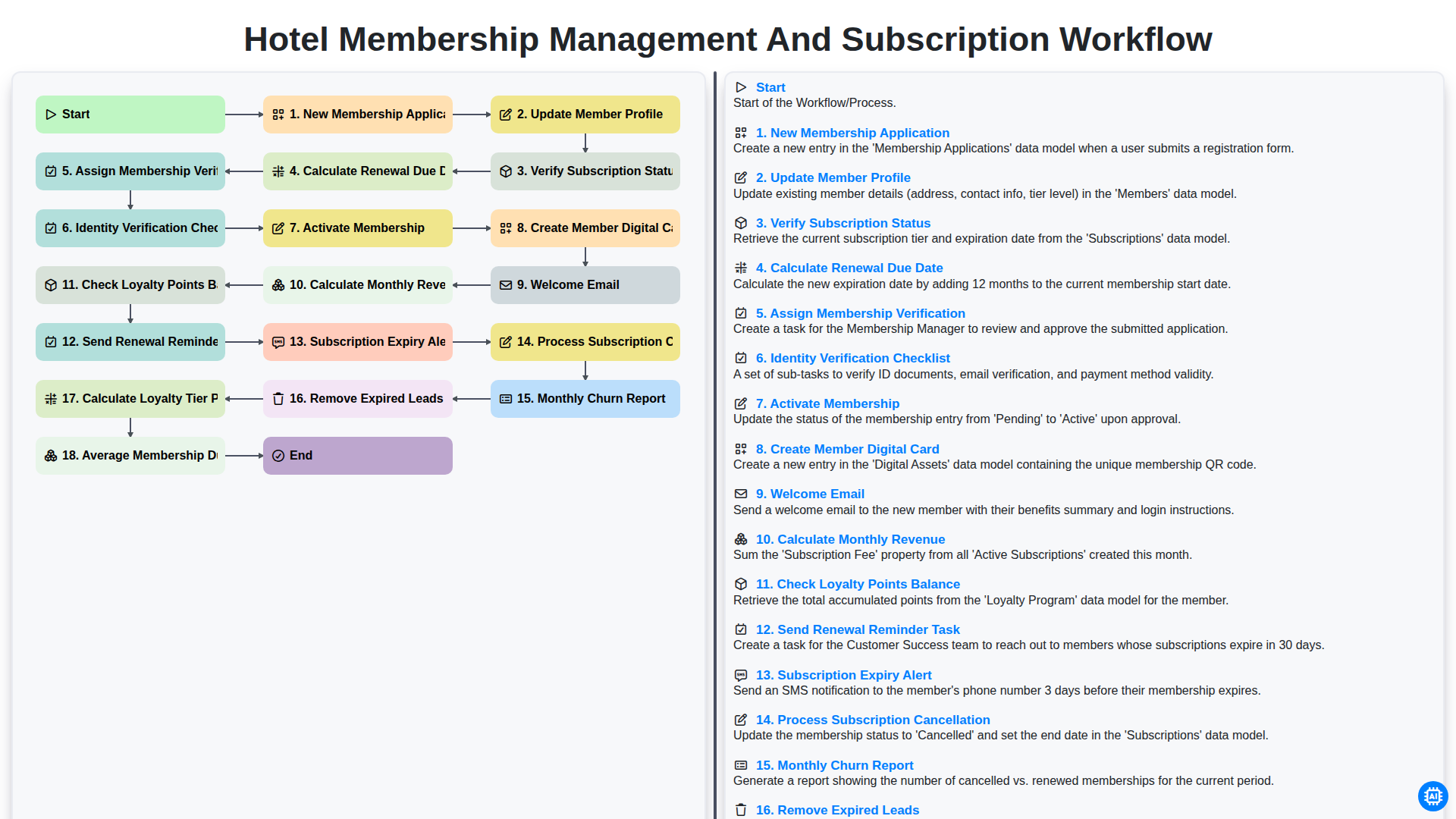
Hotel Membership Management and Subscription Workflow

Hotel VIP Guest Arrival and Personalized Service Process

Hotel Staff Onboarding and Training Management Workflow
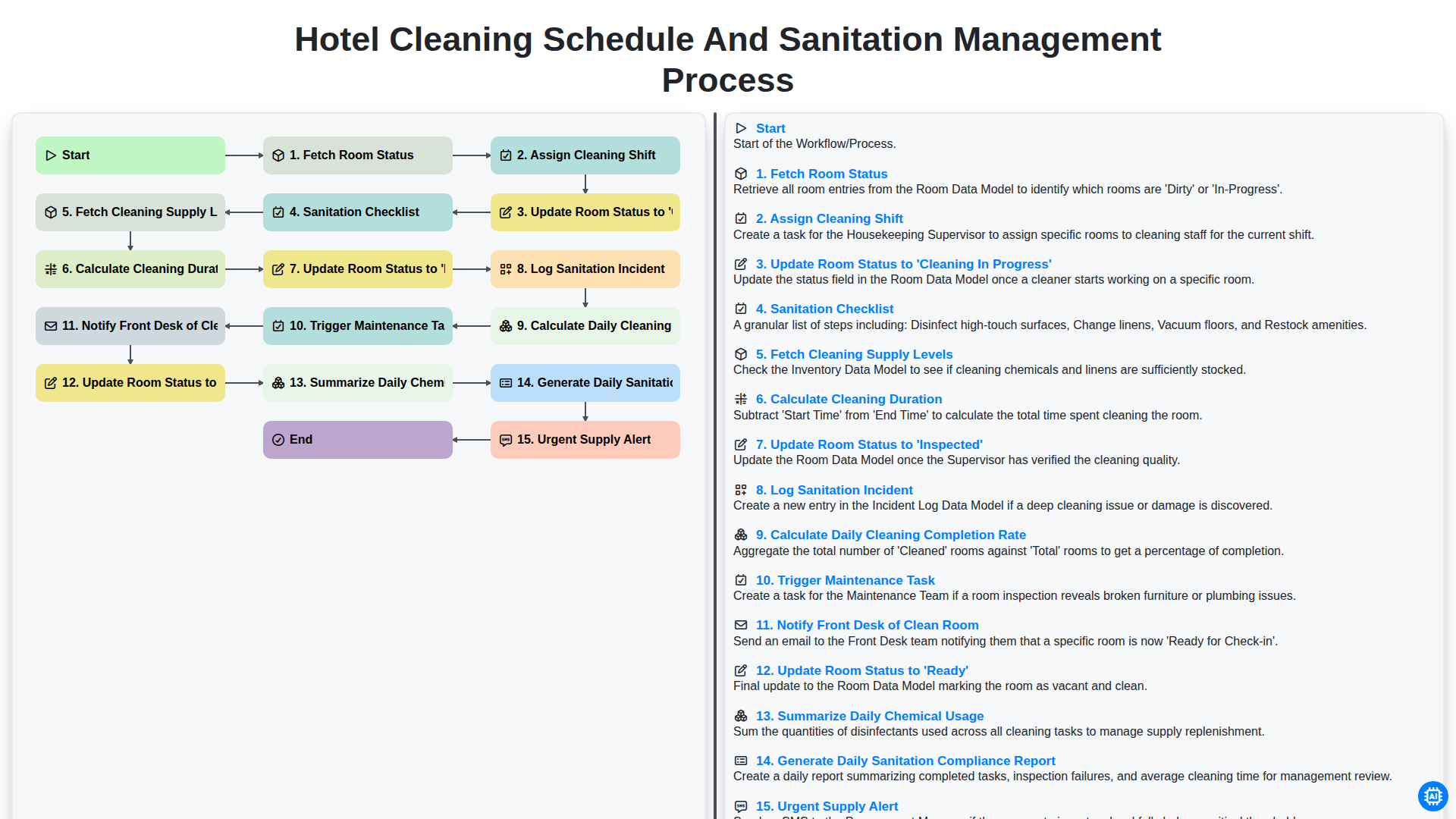
Hotel Cleaning Schedule and Sanitation Management Process

Hotel Group Booking and Room Block Management Workflow
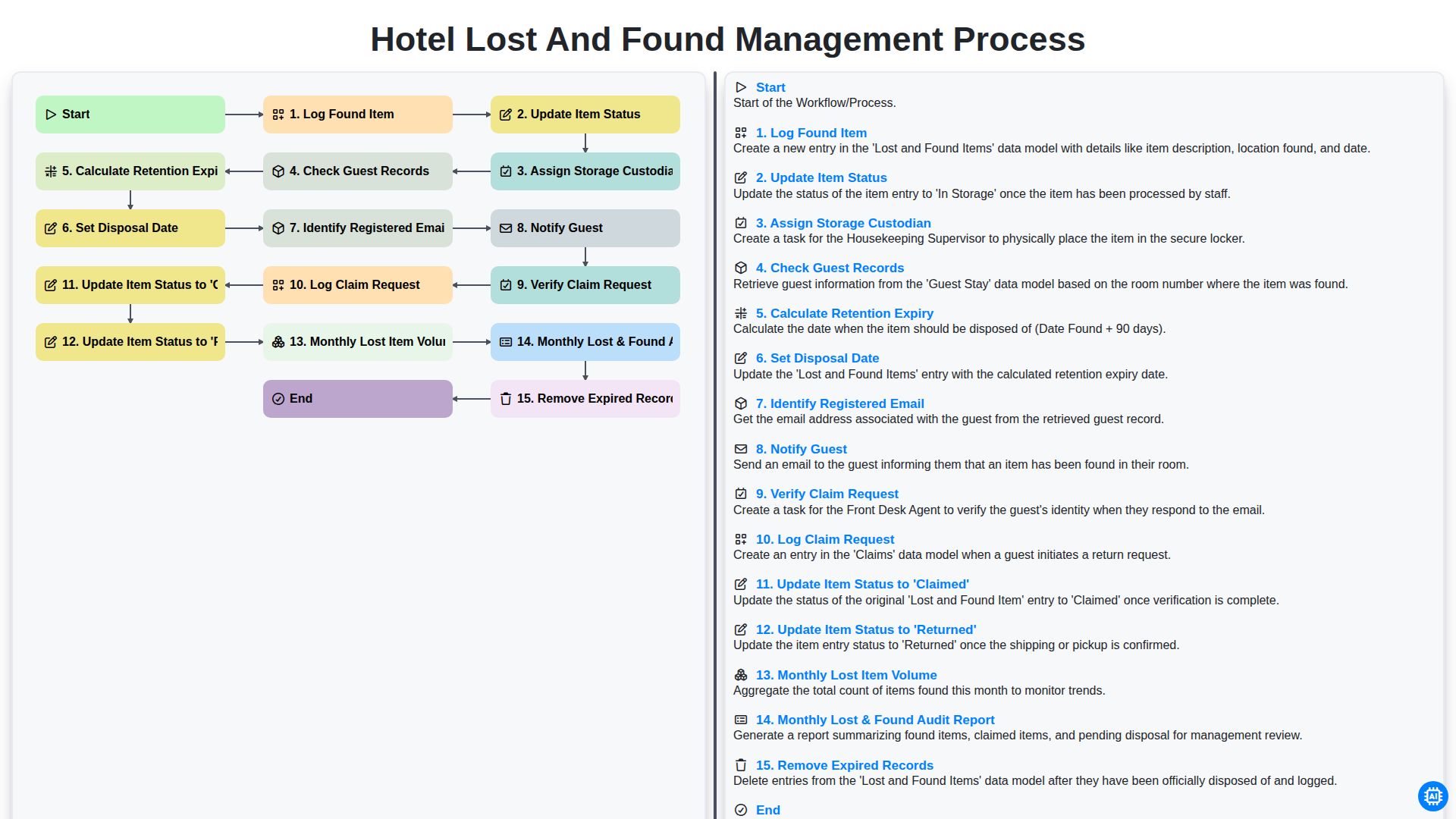
Hotel Lost and Found Management Process
Podemos hacerlo juntos
¿Necesita ayuda con las listas de verificación?
¿Tienes alguna pregunta? Estamos aquí para ayudarte. Envía tu consulta y te responderemos a la brevedad.