 ChecklistGuro
 Equipment Calibration and Maintenance Management
Ensure continuous compliance and operational excellence with our streamlined Equipment Calibration and Maintenance Management workflow. Specifically designed for the pharmaceutical industry, this automated process optimizes asset lifecycle management, mitigates risk of deviations, and ensures all laboratory and manufacturing instruments meet stringent GMP and regulatory standards through rigorous, audit-ready scheduling and documentation.
Esta plantilla se instaló 2 veces.
Inicio
Inicio del flujo de trabajo/proceso.
1. Retrieve Asset Details
Fetch the specific equipment record from the Equipment Data Model to identify calibration intervals and last service date.
2. Identify Assigned Technician
Retrieve the technician profile and contact details associated with the maintenance department.
3. Calculate Next Calibration Due Date
Add the calibration interval (from the asset model) to the last calibration date to determine the next due date.
4. Update Asset Status to 'Maintenance Required'
Change the status property in the Equipment Data Model to alert all users that the unit is currently out of service.
5. Assign Calibration Task
Create a new task assigned to the Technician containing the equipment ID and required calibration steps.
6. Create Safety Inspection Task
Generate a sub-task for the safety officer to verify the equipment is safe for use after maintenance.
7. Create Maintenance Log Entry
Generate a new entry in the Maintenance History Data Model to document the completed work, technician, and results.
8. Update Last Calibration Date
Update the 'Last Calibration Date' field in the Equipment Data Model with the current date upon successful completion.
9. Update Asset Status to 'Operational'
Revert the status property in the Equipment Data Model back to 'Active/Operational'.
10. Calculate Maintenance Cost Total
Sum all costs from the Maintenance Log entries associated with this specific piece of equipment to track total cost of ownership.
11. Calculate the maximum measurement deviation recorded in recent calibration entries to identify precision drift.
Find the max value of the 'deviation' property in the recent calibration entries.
12. Notify Maintenance Manager
Send an email notification to the manager summarizing the completed maintenance and any identified issues.
13. Alert Technician of Urgent Task
Send an SMS to the technician's mobile number when a high-priority calibration task is assigned.
14. Generate Equipment Health Report
Create a periodic report summarizing all completed, pending, and overdue maintenance tasks for the department.
15. Remove Obsolete Inspection Checklists
Delete temporary or redundant inspection checklists that are no longer relevant after the task completion.
Fin
Fin del flujo de trabajo/proceso.
Inicio del flujo de trabajo/proceso.
Fetch the specific equipment record from the Equipment Data Model to identify calibration intervals and last service date.
Retrieve the technician profile and contact details associated with the maintenance department.
Add the calibration interval (from the asset model) to the last calibration date to determine the next due date.
Change the status property in the Equipment Data Model to alert all users that the unit is currently out of service.
Create a new task assigned to the Technician containing the equipment ID and required calibration steps.
Generate a sub-task for the safety officer to verify the equipment is safe for use after maintenance.
Generate a new entry in the Maintenance History Data Model to document the completed work, technician, and results.
Update the 'Last Calibration Date' field in the Equipment Data Model with the current date upon successful completion.
Revert the status property in the Equipment Data Model back to 'Active/Operational'.
Sum all costs from the Maintenance Log entries associated with this specific piece of equipment to track total cost of ownership.
Find the max value of the 'deviation' property in the recent calibration entries.
Send an email notification to the manager summarizing the completed maintenance and any identified issues.
Send an SMS to the technician's mobile number when a high-priority calibration task is assigned.
Create a periodic report summarizing all completed, pending, and overdue maintenance tasks for the department.
Delete temporary or redundant inspection checklists that are no longer relevant after the task completion.
Fin del flujo de trabajo/proceso.
¿Le resultó útil esta plantilla de flujo de trabajo?
Comentarios
Aún no hay comentarios. ¡Sé el primero en añadir uno!
Demostración de la Solución de Gestión Farmacéutica
¿Está buscando cumplir con regulaciones complejas y garantizar la calidad en la fabricación farmacéutica? La plataforma Work OS de ChecklistGuro optimiza los procesos, desde la investigación y desarrollo hasta la producción, el envasado y la distribución. Mantenga el cumplimiento normativo, mejore la eficiencia y reduzca los riesgos. ¡Descubra cómo ChecklistGuro puede transformar sus operaciones farmacéuticas!
Plantillas de flujo de trabajo relacionadas
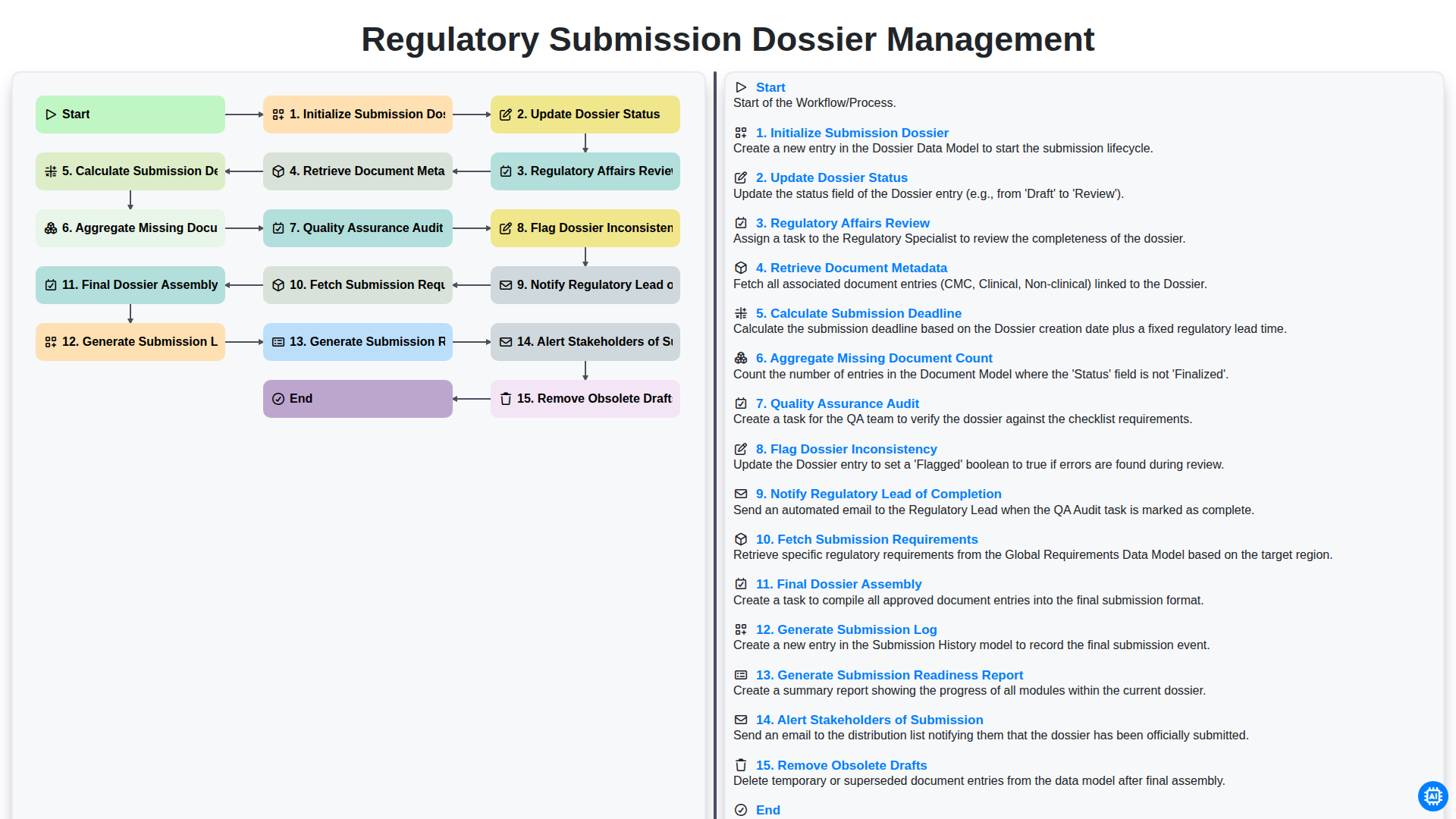
Regulatory Submission Dossier Management
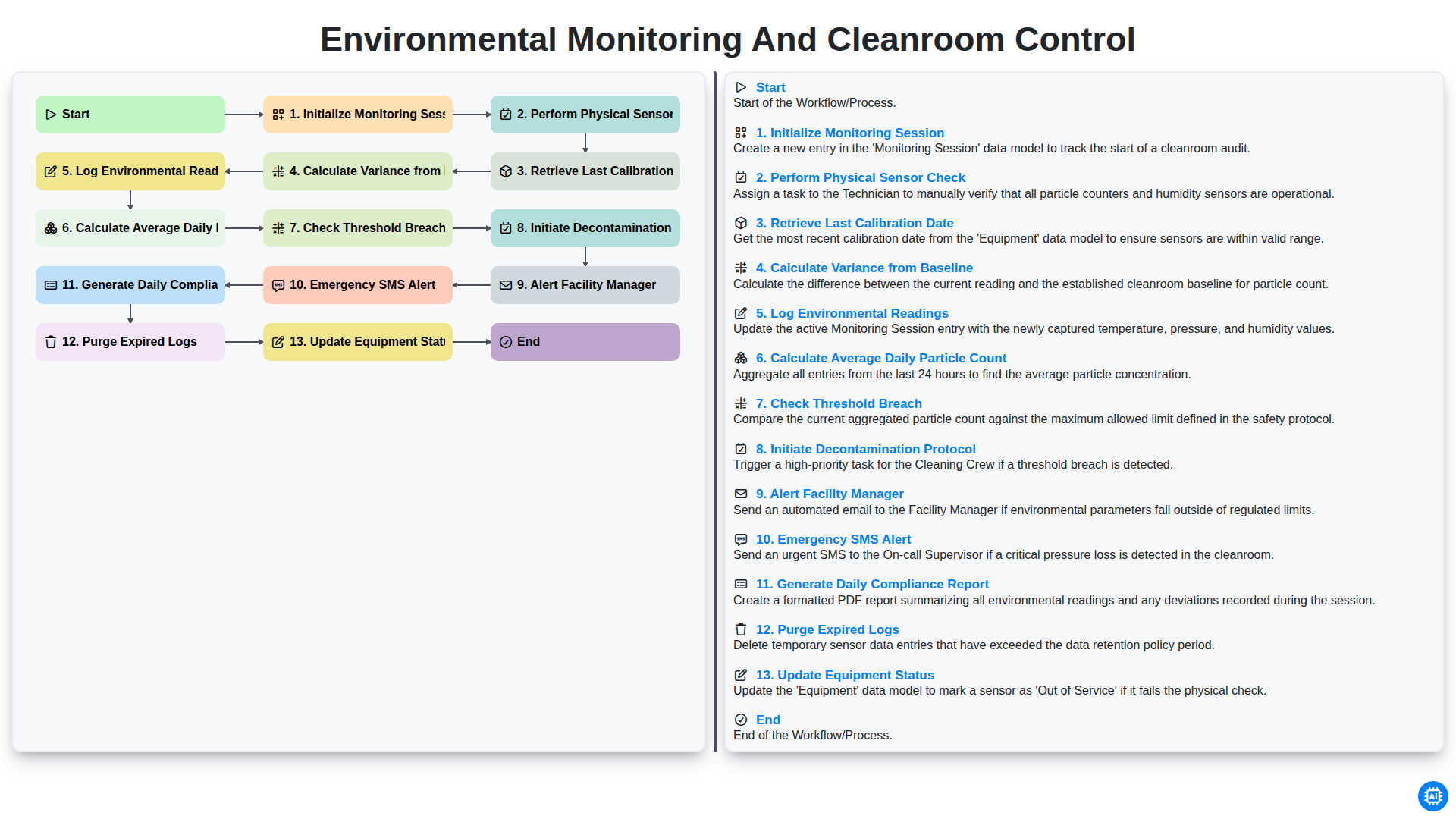
Environmental Monitoring and Cleanroom Control
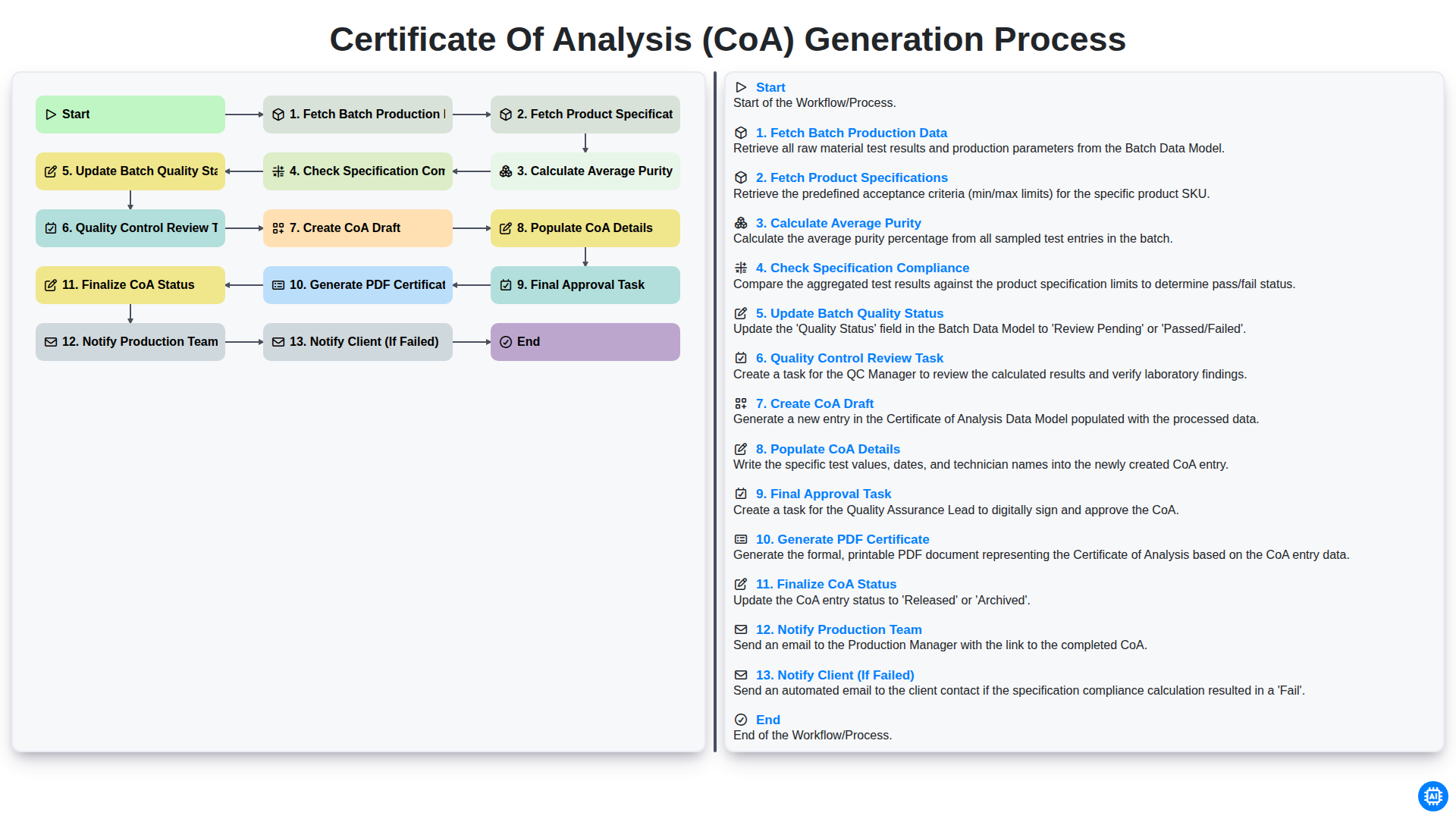
Certificate of Analysis (CoA) Generation Process
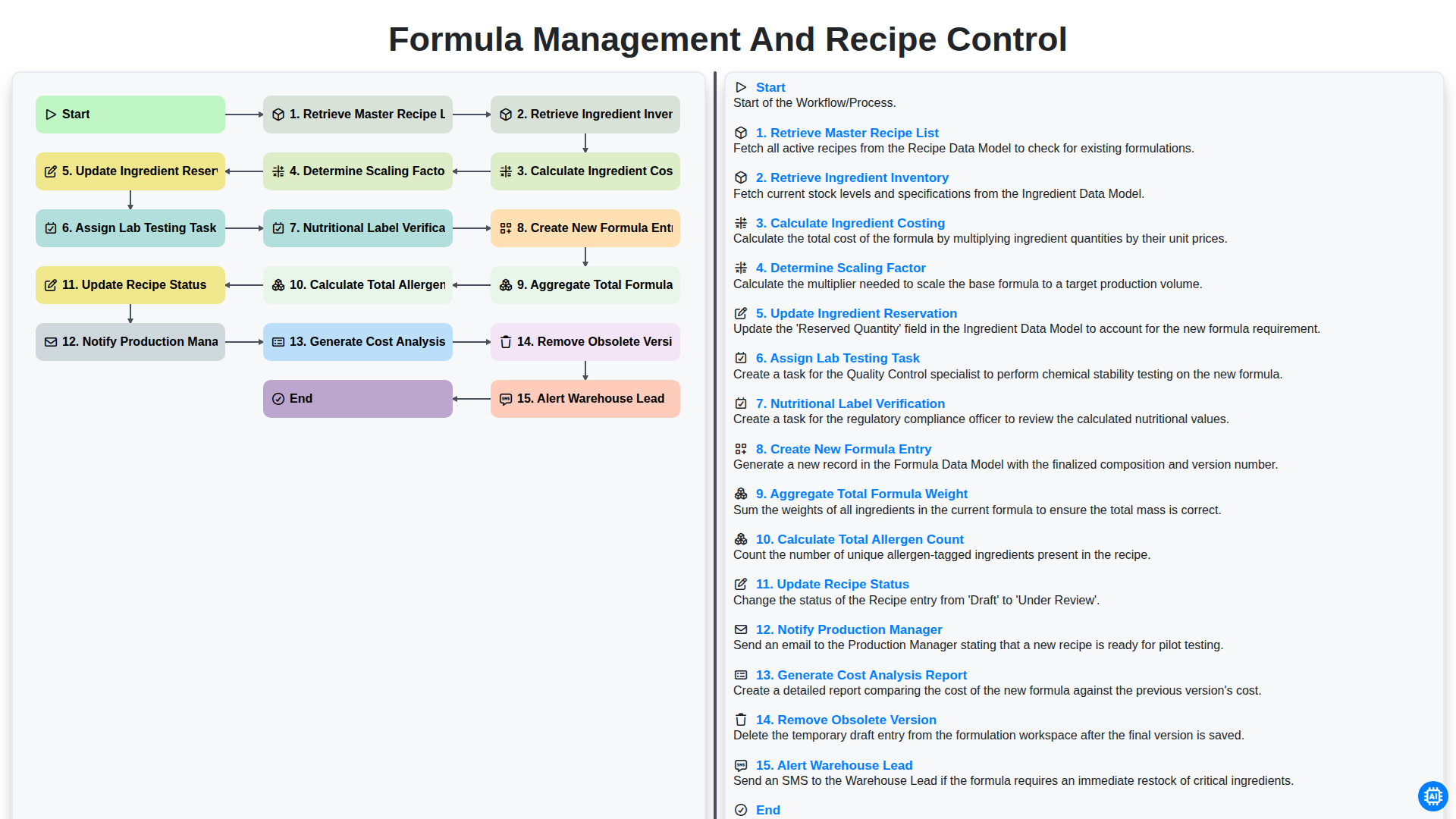
Formula Management and Recipe Control
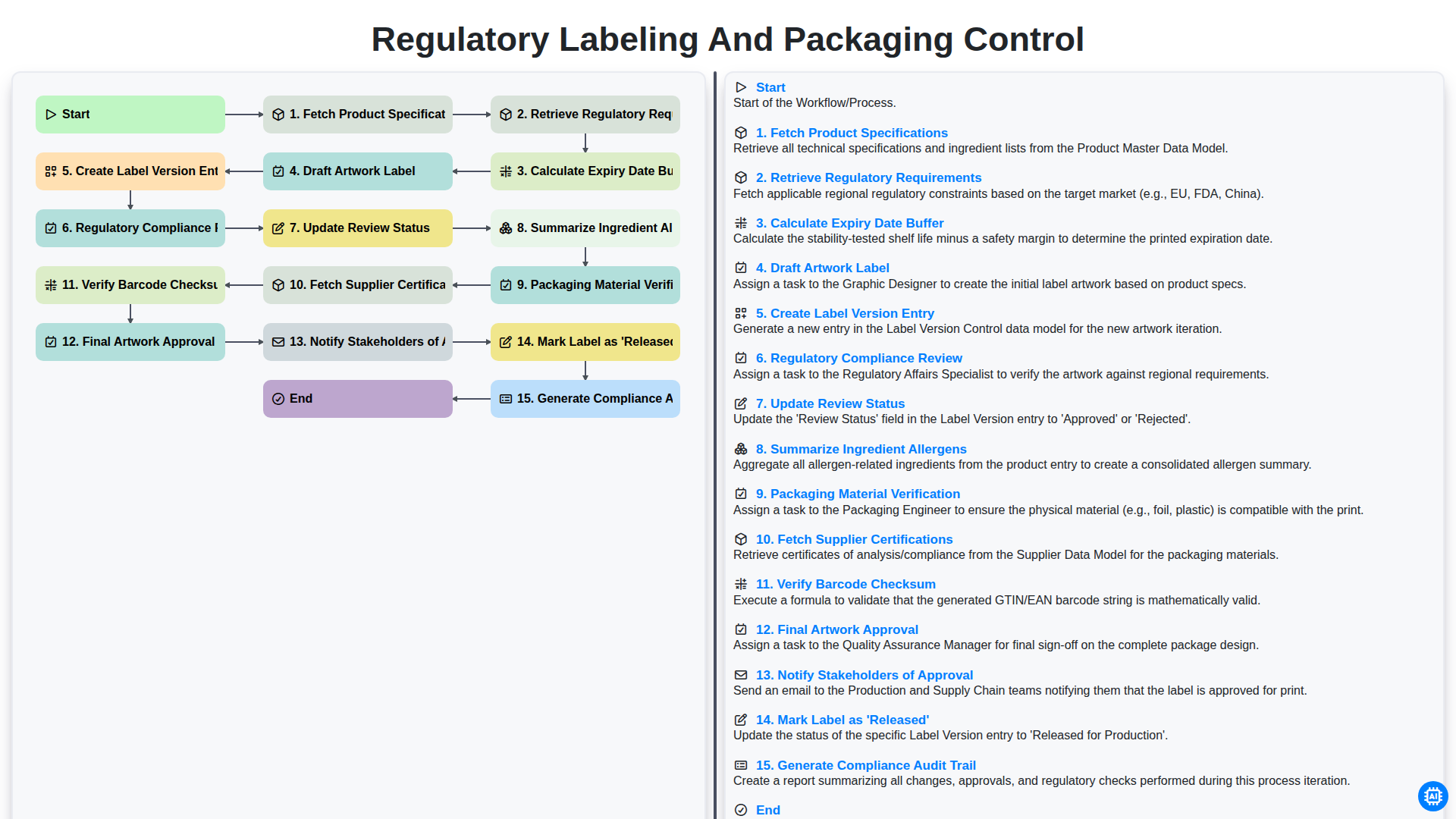
Control del etiquetado y el envasado según la normativa.
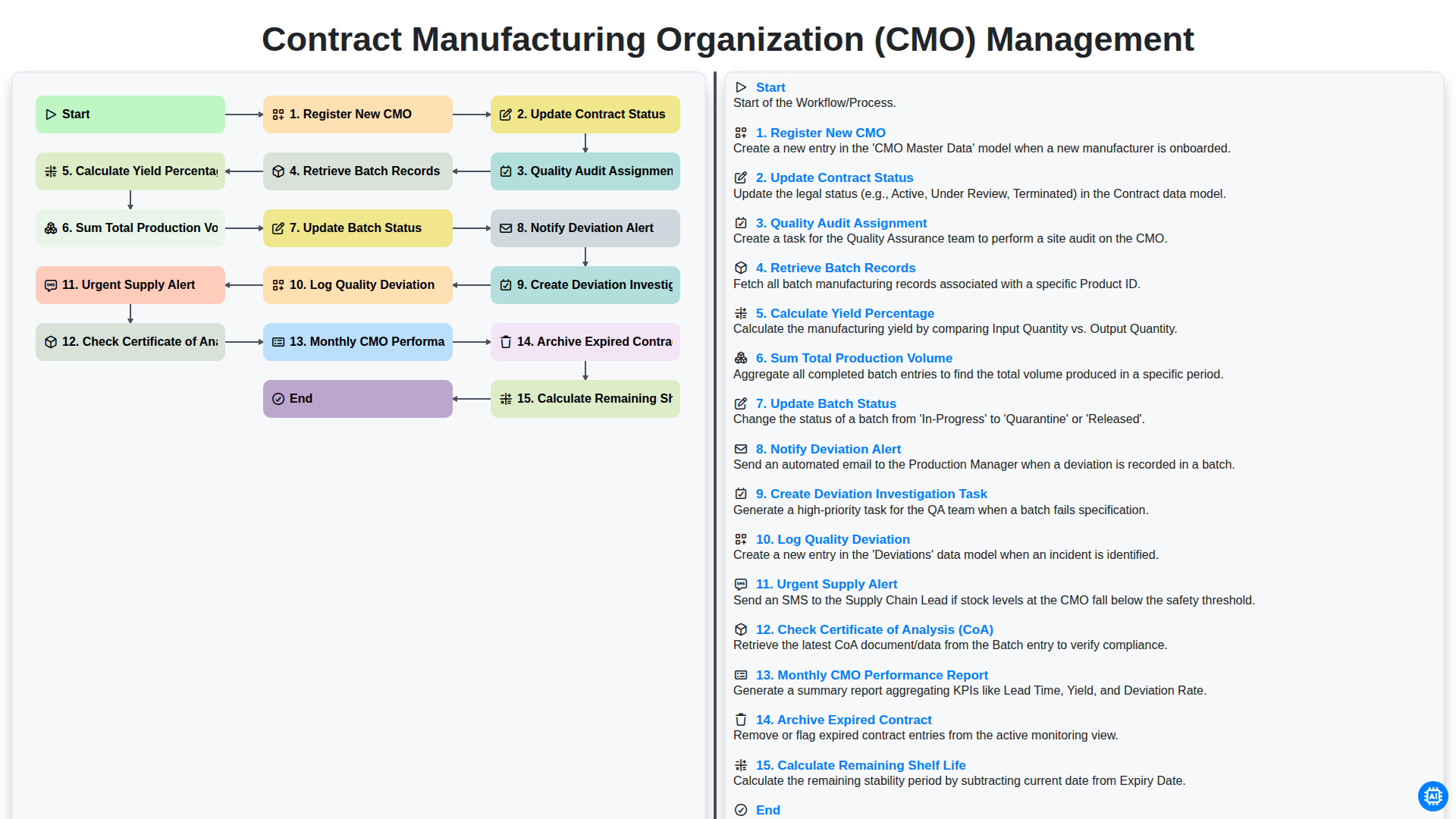
Contract Manufacturing Organization (CMO) Management
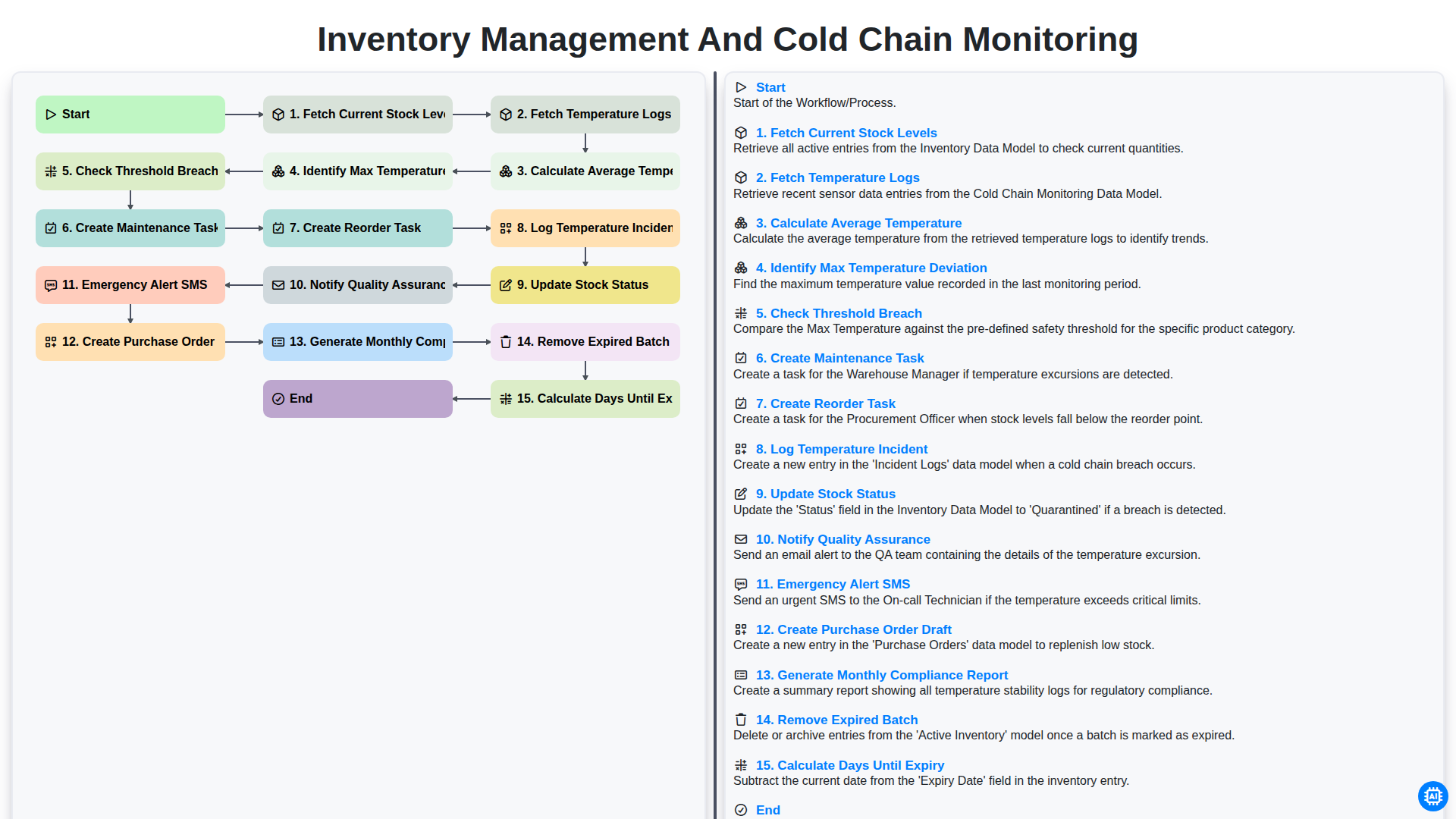
Inventory Management and Cold Chain Monitoring
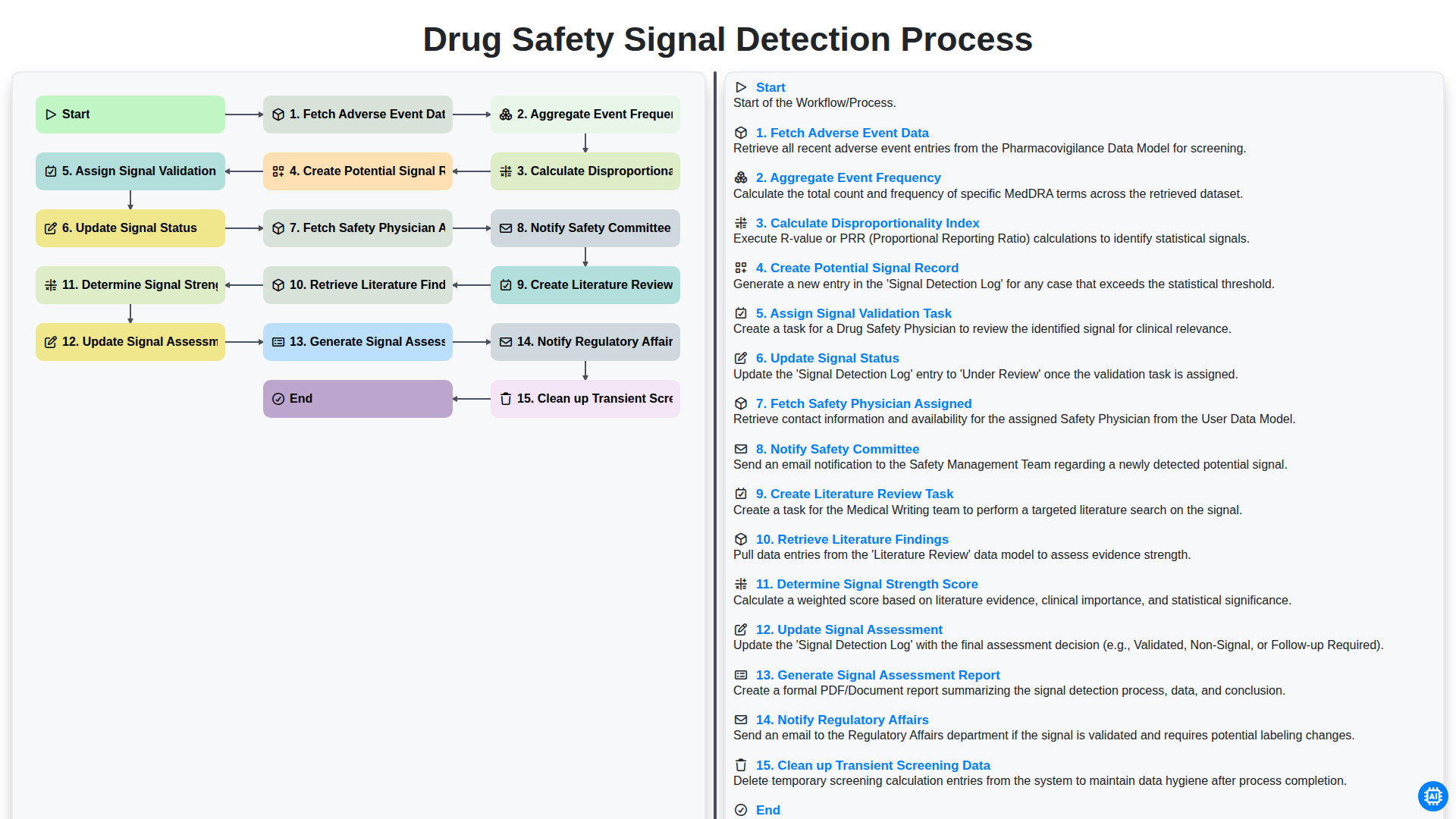
Drug Safety Signal Detection Process
Podemos hacerlo juntos
¿Necesita ayuda con las listas de verificación?
¿Tienes alguna pregunta? Estamos aquí para ayudarte. Envía tu consulta y te responderemos a la brevedad.