 ChecklistGuro
 Retail Demand Forecasting Workflow
Optimize your inventory precision with our Retail Demand Forecasting Workflow. Streamline data collection, analyze seasonal trends, and master predictive analytics to prevent stockouts and reduce overstock. Transform raw retail data into actionable, automated insights for smarter, profit-driven replenishment strategies.
Esta plantilla se instaló 3 veces.
Inicio
Inicio del flujo de trabajo/proceso.
1. Retrieve Historical Sales Data
Fetch historical sales entries from the Sales Data Model for the previous 12 months.
2. Retrieve Current Inventory Levels
Fetch current stock levels from the Inventory Data Model for all SKUs.
3. Retrieve Market Trend Data
Get external market trend indicators and competitor pricing data entries.
4. Calculate Average Monthly Sales
Aggregate historical sales entries to calculate the mean sales volume per month.
5. Calculate Total Stock Value
Sum the value of all items in the current inventory entries.
6. Compute Forecasted Demand
Apply a mathematical formula (e.g., Moving Average + Seasonal Factor) to the aggregated sales and market trends.
7. Calculate Safety Stock Requirement
Calculate the required buffer stock based on lead time and demand volatility.
8. Create Demand Forecast Record
Create a new entry in the 'Forecast Results' Data Model containing the calculated projections.
9. Update Inventory Reorder Points
Update the 'Reorder Point' field in the Inventory Data Model based on the new forecast.
10. Assign Procurement Review Task
Create a task for the Purchasing Manager to review the forecasted demand vs. budget.
11. Create Inventory Replenishment Task
Create tasks for the Warehouse Team for items identified as 'Below Safety Stock'.
12. Notify Stakeholders of Forecast
Send an email to the Supply Chain and Finance departments with the summary of the new forecast.
13. Generate Monthly Forecast Report
Create a PDF/Dashboard report summarizing forecasted vs. actual sales performance.
Fin
Fin del flujo de trabajo/proceso.
Inicio del flujo de trabajo/proceso.
Fetch historical sales entries from the Sales Data Model for the previous 12 months.
Fetch current stock levels from the Inventory Data Model for all SKUs.
Get external market trend indicators and competitor pricing data entries.
Aggregate historical sales entries to calculate the mean sales volume per month.
Sum the value of all items in the current inventory entries.
Apply a mathematical formula (e.g., Moving Average + Seasonal Factor) to the aggregated sales and market trends.
Calculate the required buffer stock based on lead time and demand volatility.
Create a new entry in the 'Forecast Results' Data Model containing the calculated projections.
Update the 'Reorder Point' field in the Inventory Data Model based on the new forecast.
Create a task for the Purchasing Manager to review the forecasted demand vs. budget.
Create tasks for the Warehouse Team for items identified as 'Below Safety Stock'.
Send an email to the Supply Chain and Finance departments with the summary of the new forecast.
Create a PDF/Dashboard report summarizing forecasted vs. actual sales performance.
Fin del flujo de trabajo/proceso.
Preguntas frecuentes
¿Le resultó útil esta plantilla de flujo de trabajo?
Comentarios
Aún no hay comentarios. ¡Sé el primero en añadir uno!
Demostración de la Solución de Gestión de Comercio Minorista
¡Aumente la eficiencia en el comercio minorista! ChecklistGuro simplifica las operaciones de la tienda, la gestión del inventario y la capacitación de los empleados. Mejore la experiencia del cliente y maximice la rentabilidad. Administre todo con nuestro Work OS.
Plantillas de flujo de trabajo relacionadas

Retail Distribution and Logistics Management

Retail Employee Onboarding Process

Store Maintenance and Facilities Management

Retail Returns and Reverse Logistics

Seasonal Stock Transition Workflow

Retail Warehouse Management Process

Customer Relationship Management (CRM) Workflow
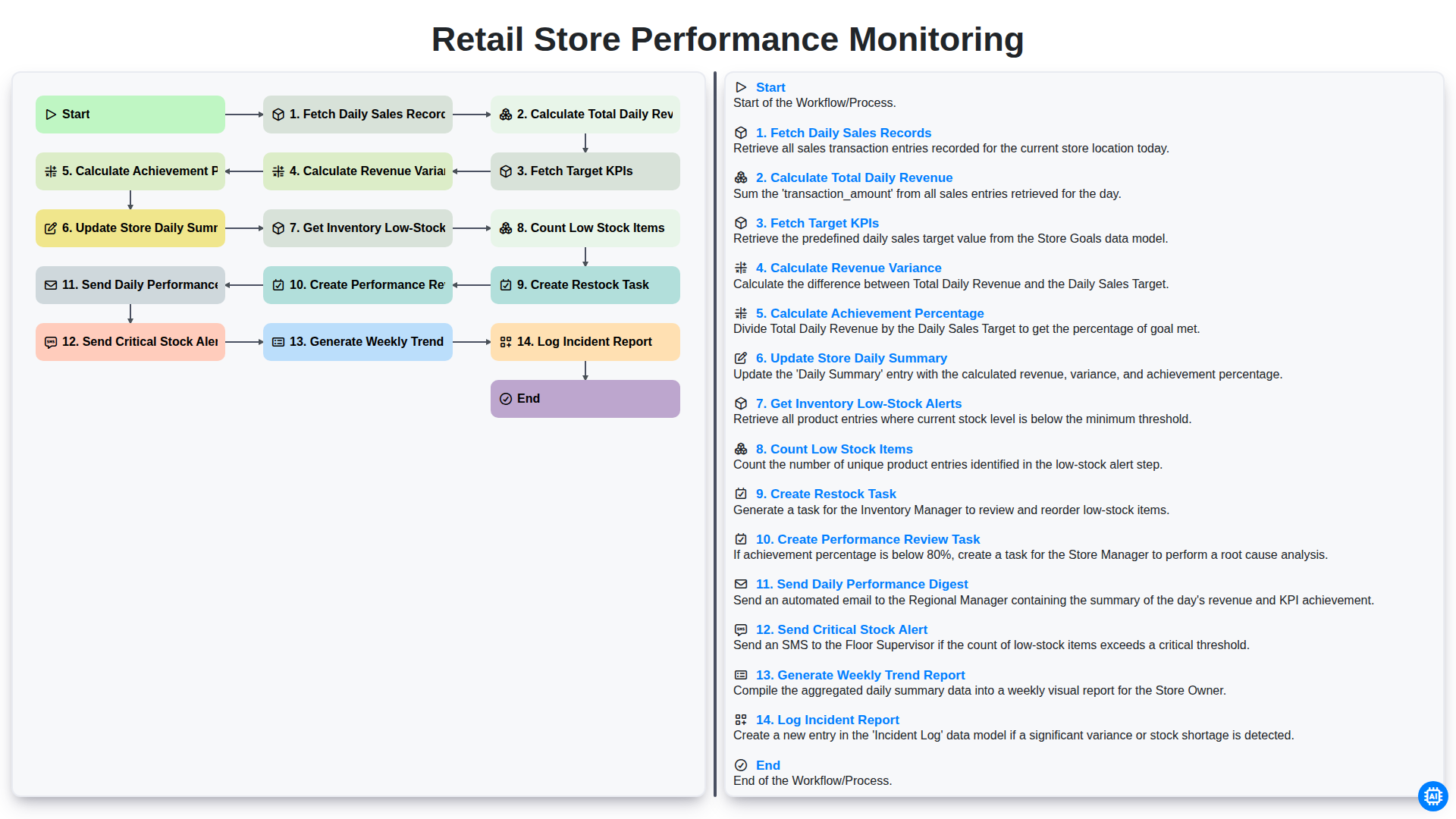
Retail Store Performance Monitoring
¿Necesita ayuda con las listas de verificación?
¿Tienes alguna pregunta? Estamos aquí para ayudarte. Envía tu consulta y te responderemos a la brevedad.