Retail Management
Boost retail efficiency! ChecklistGuro simplifies store operations, inventory management, and employee training. Improve customer experience and maximize profitability. Manage it all with our Work OS.
No credit card or cancellation needed.
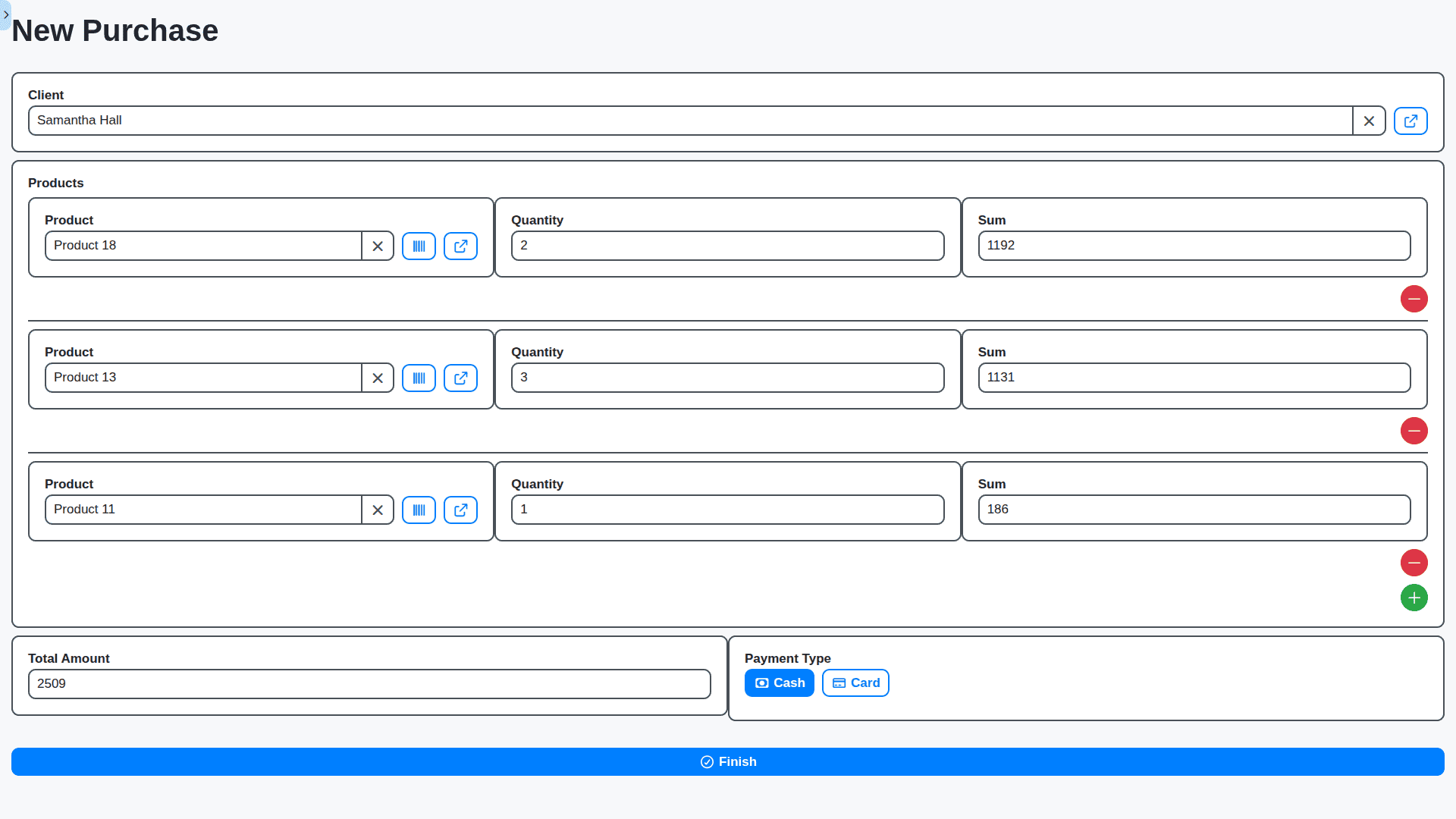
Seamless Point of Sale (POS) Management
Move beyond basic ringing. ChecklistGuro provides a modern, customizable POS that handles diverse payment types, generates instant receipts, and processes sales across physical and online channels seamlessly.
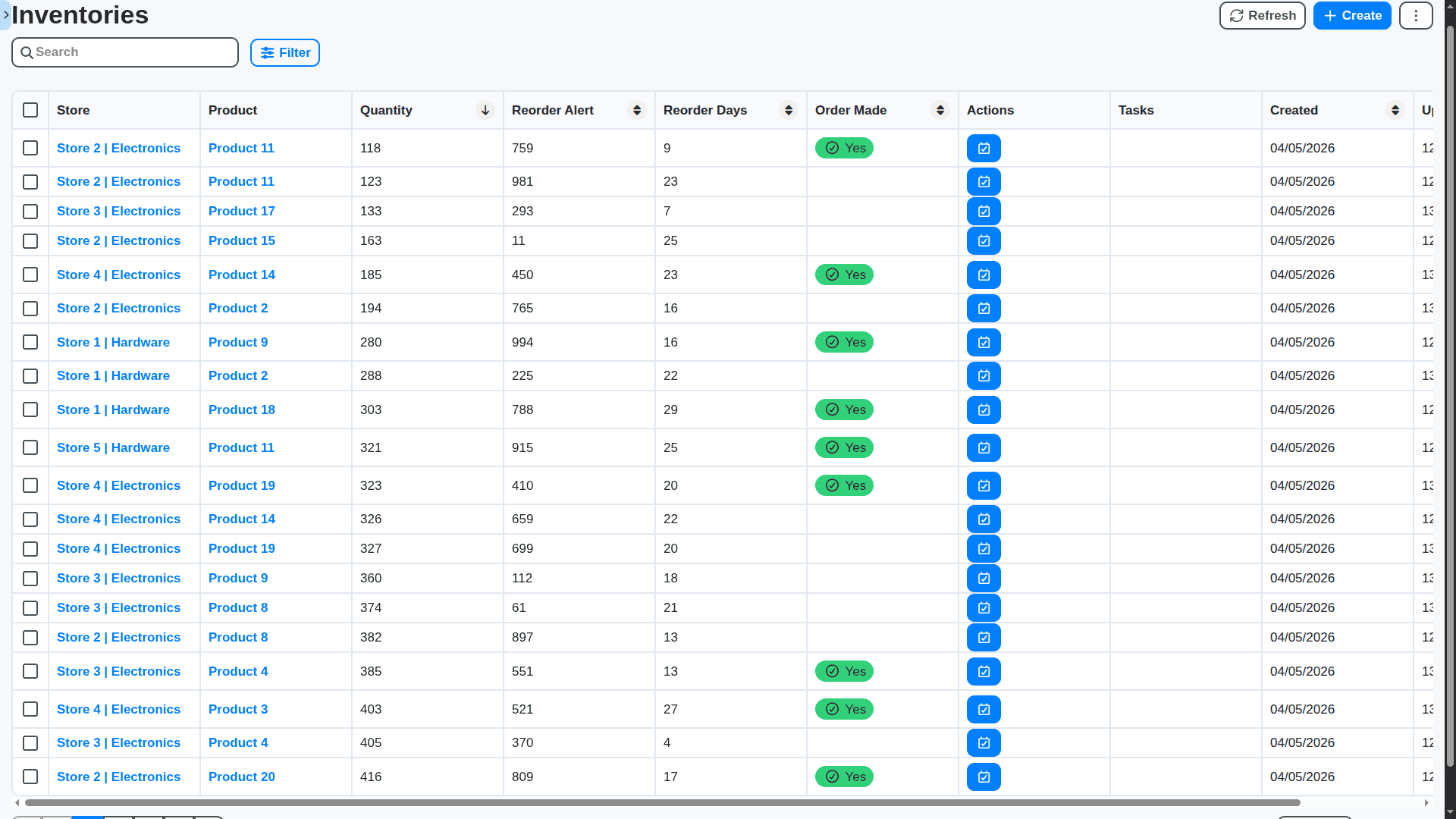
Real-Time Inventory Control
Stop guessing and start knowing. Track stock levels down to the SKU level across all your locations. Instantly identify discrepancies, manage vendor POs, and optimize your stockroom flow.
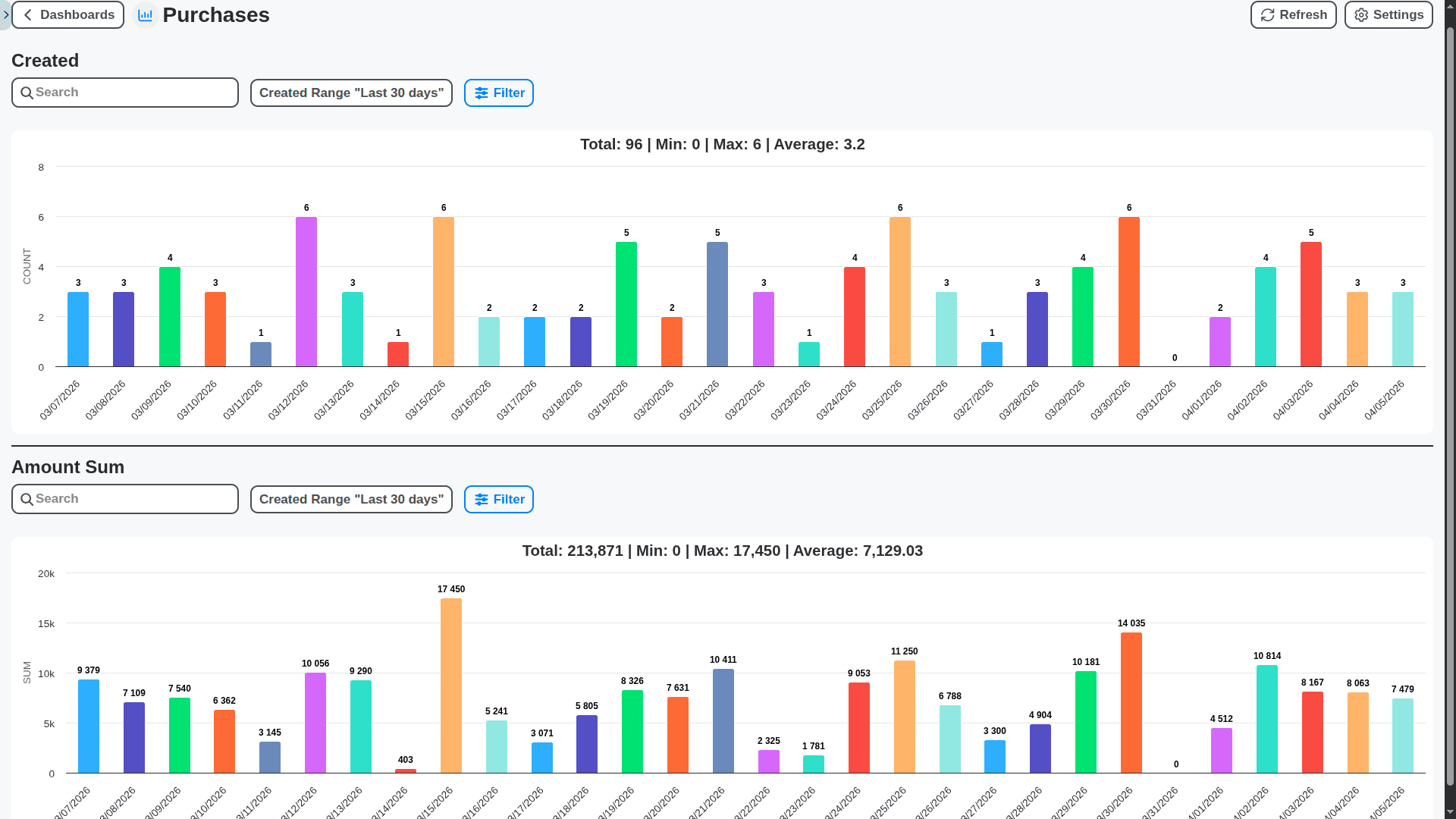
Automated Sales Analytics & Reporting
Data is your profit predictor. Dive deep into customizable reports on best-selling items, peak transaction times, profit margins, and employee performance - all in one intuitive dashboard.
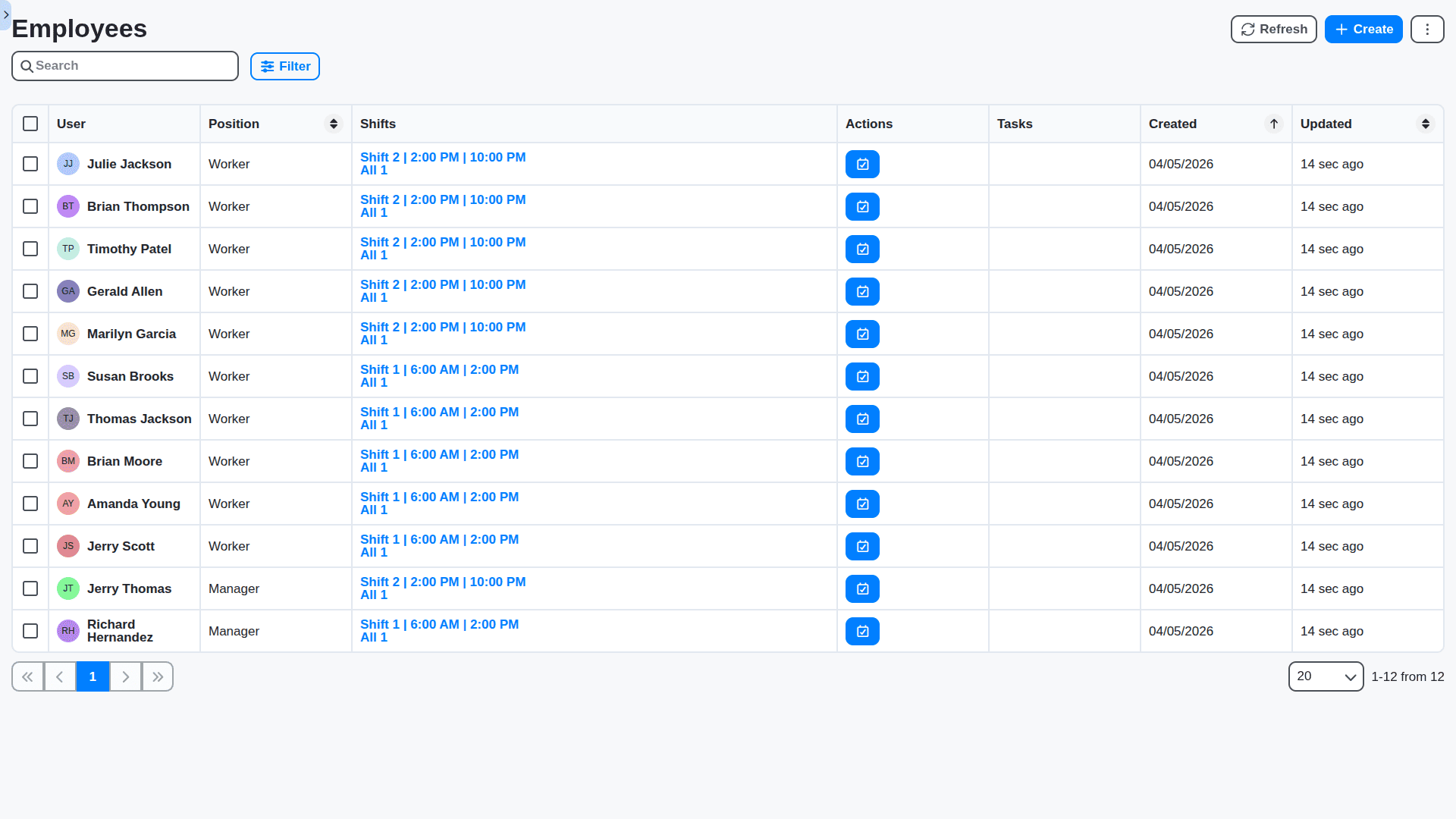
Comprehensive Employee Scheduling & Payroll
Streamline workforce management. Create efficient schedules, track time clock-ins/outs, and monitor labor costs against daily revenue so you never overstaff or understaff.
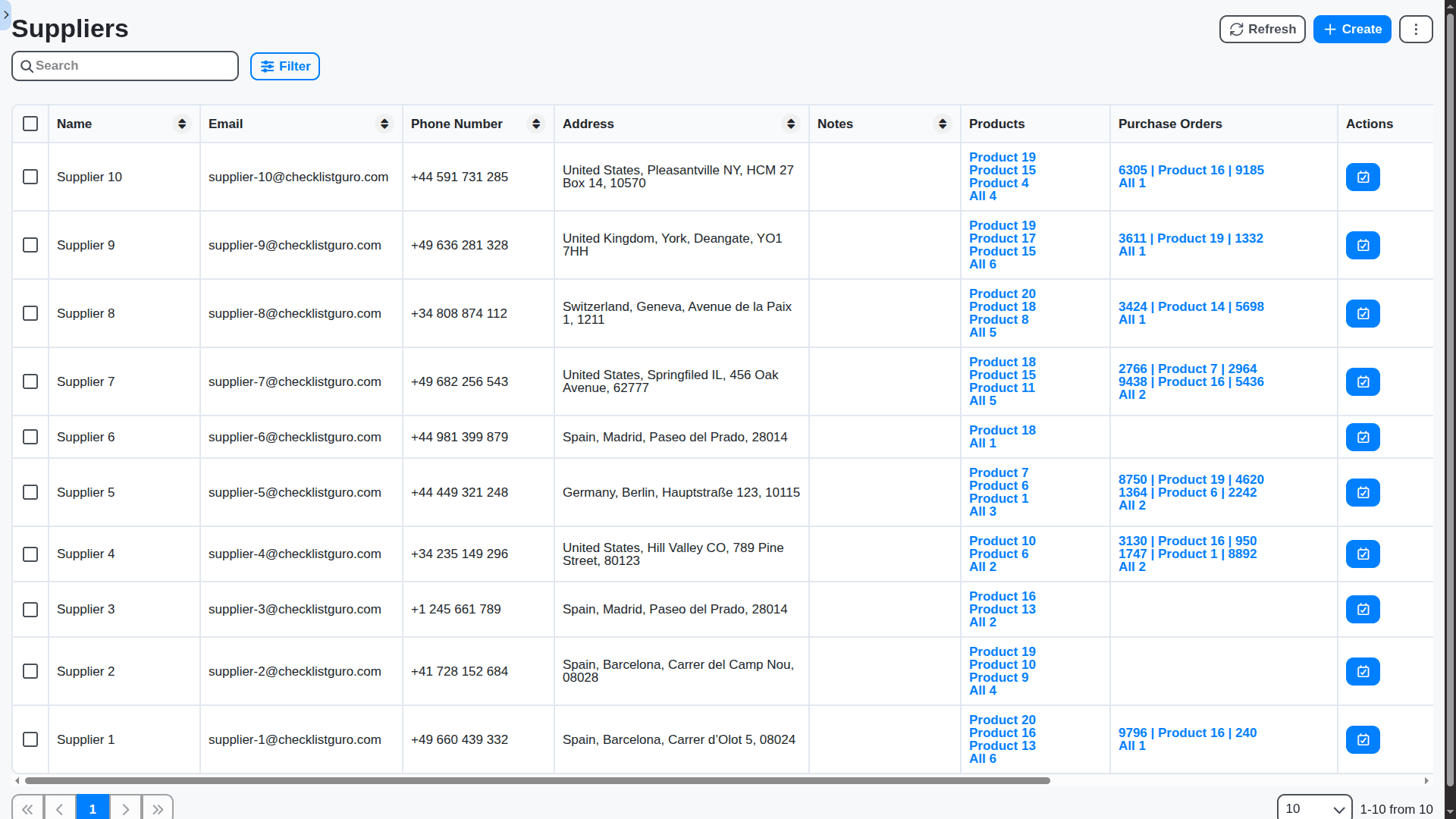
Supplier & Vendor Management
Take control of your supply chain. Manage vendor accounts, track purchase order statuses, and compare pricing data to negotiate better terms with your key suppliers.
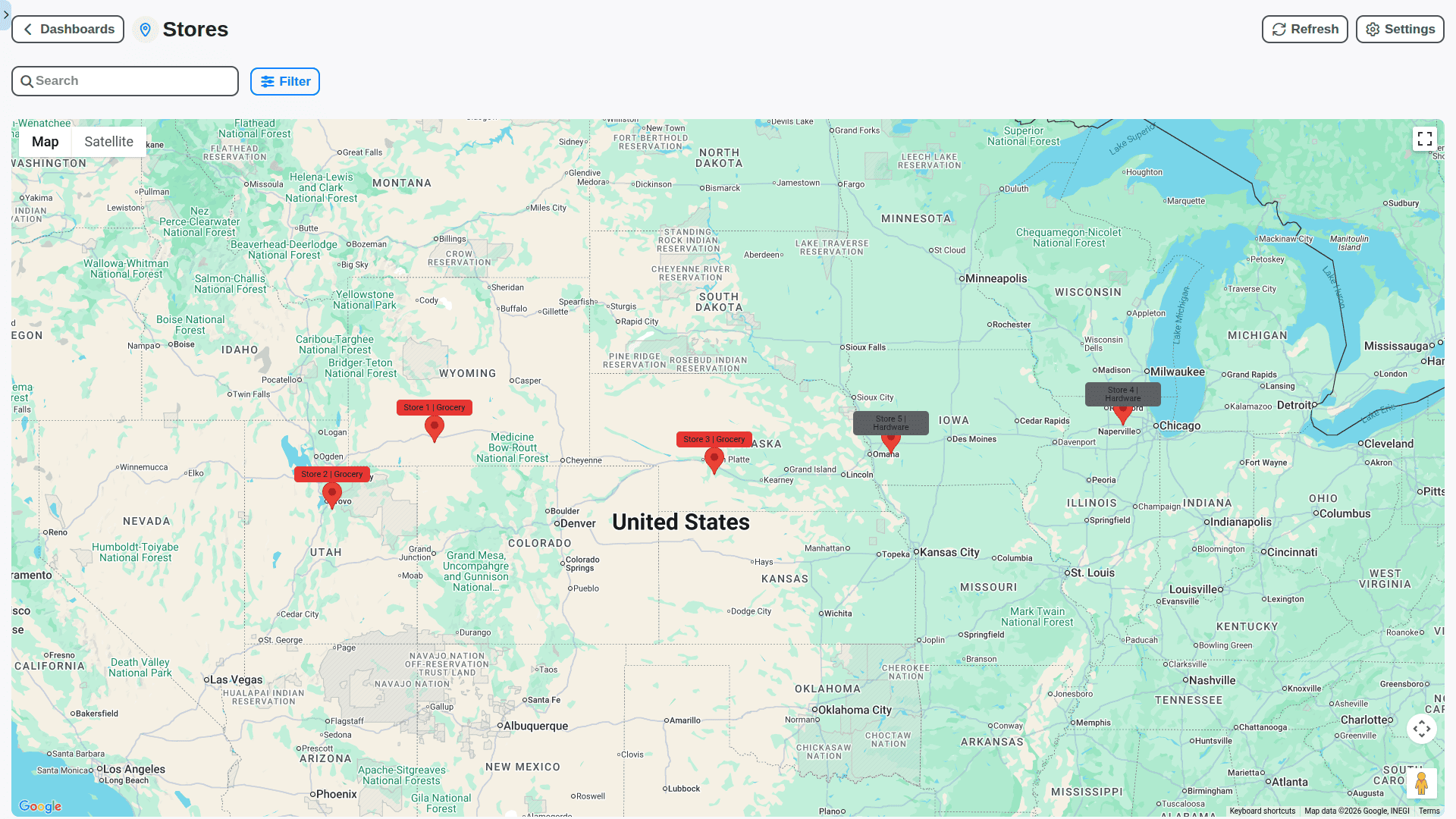
Multi-Channel & Multi-Location Support
Whether you operate one flagship store or a dozen locations, ChecklistGuro centralizes operations. Manage uniforms, regional pricing, and centralized reporting from your primary dashboard.
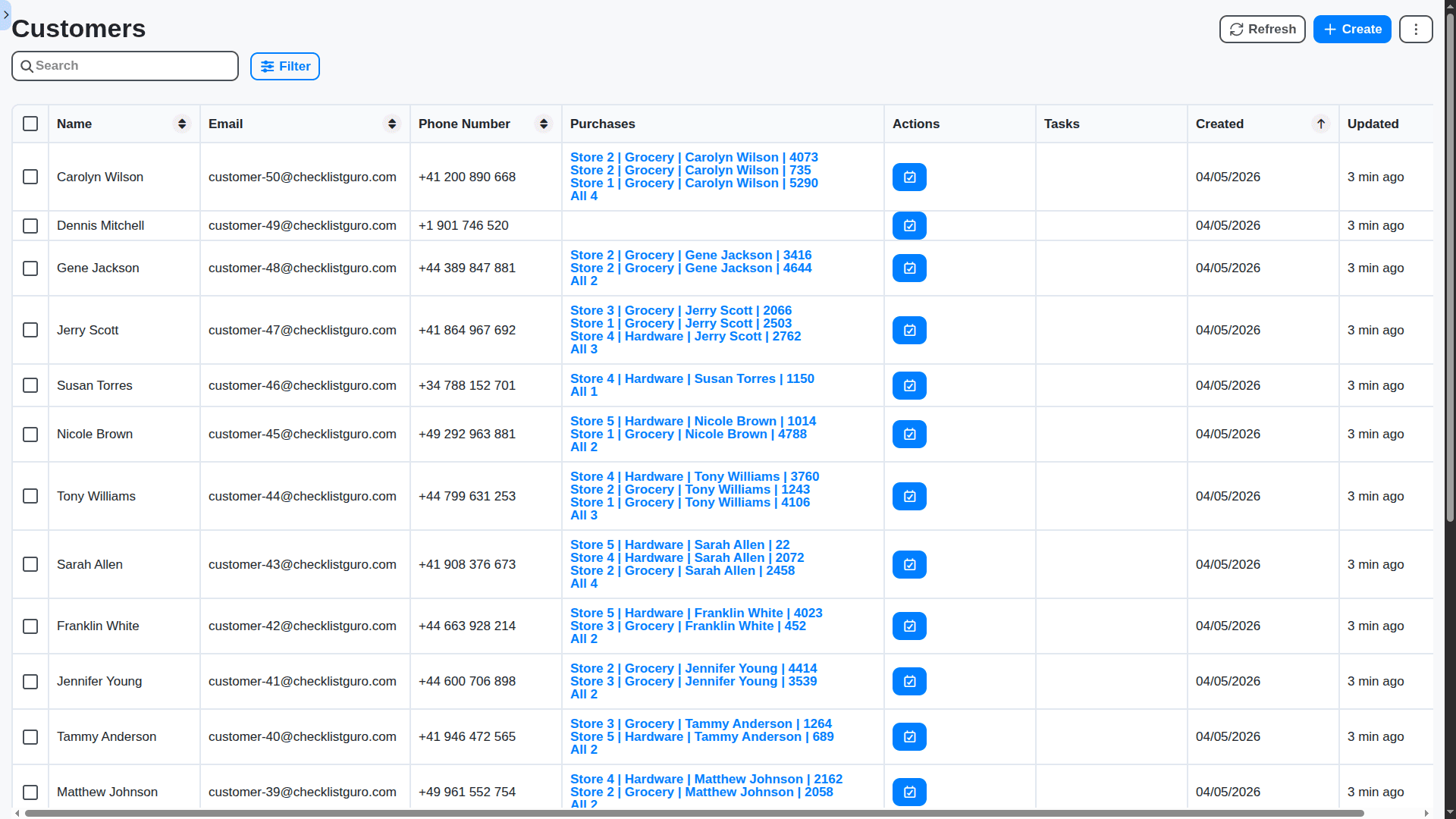
Customer Relationship Management (CRM)
Build loyalty effortlessly. Capture customer purchase histories, manage loyalty points, and track customer interactions directly within the system to enhance the in-store experience.
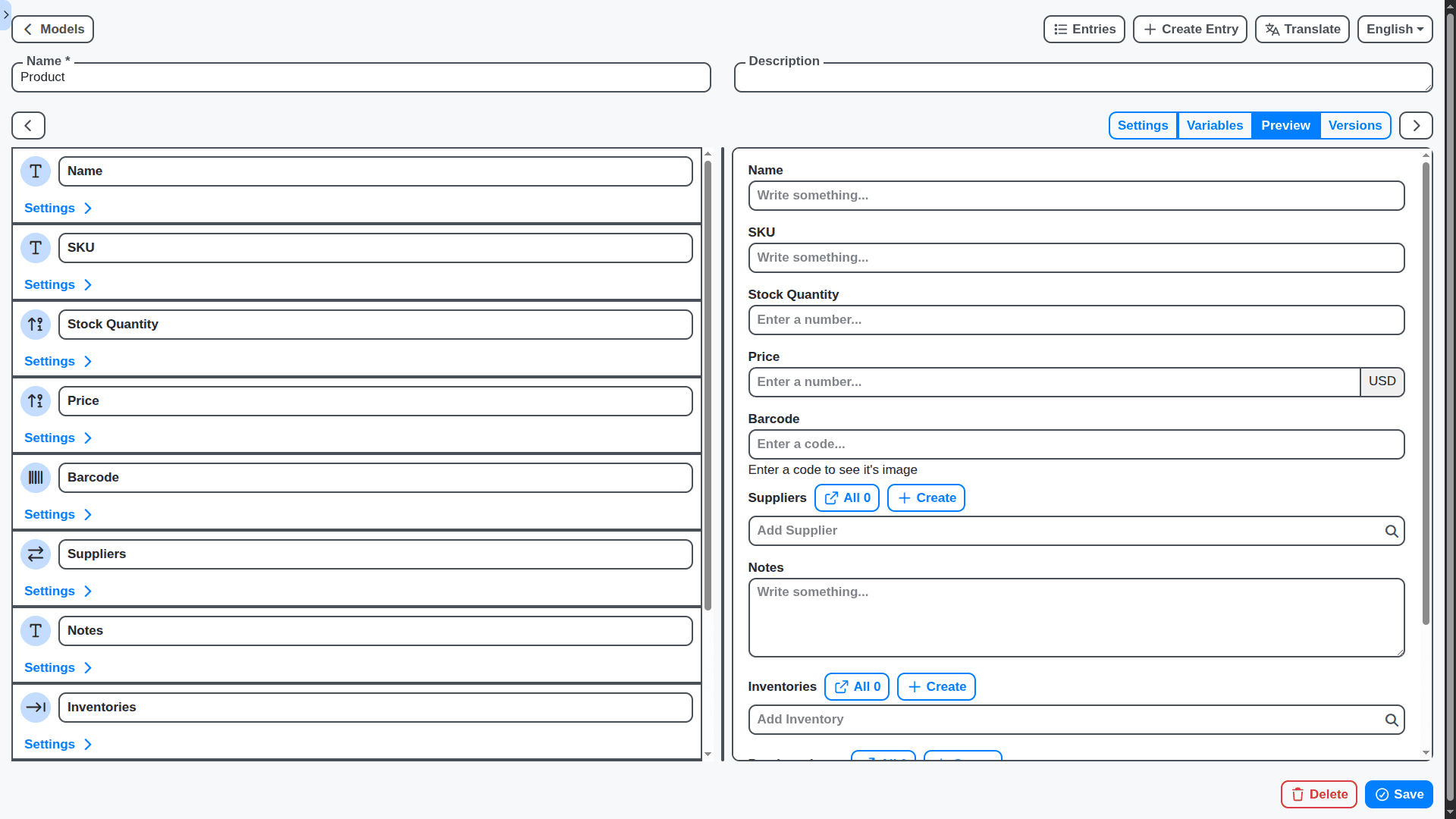
Intuitive User Experience (UX) Design
Designed for retailers, not just IT departments. Our clean, drag-and-drop interface ensures that even non-technical staff can master complex functions quickly.
Features of our Retail Management Solution
Core Retail Management Features
Point of Sale (POS) Management: Process transactions, manage returns, and handle payments.
Inventory Management: Track stock levels, manage product catalogs, and optimize ordering.
Customer Relationship Management (CRM): Collect customer data, track purchase history, and personalize marketing efforts.
Merchandise Planning & Allocation: Plan assortment, allocate inventory to stores, and manage markdowns.
Store Operations Management: Manage staff schedules, track store performance, and monitor security.
Reporting & Analytics: Generate reports on sales, inventory, and customer behavior.
E-commerce Integration: Synchronize online and offline inventory and sales data.
Business Process Management (BPM) Features
Order Management Workflow: Process online and in-store orders, track fulfillment, and manage returns.
Vendor Management Workflow: Manage vendor relationships, track shipments, and process invoices.
Promotions & Loyalty Program Management Workflow: Create and manage promotional campaigns and loyalty programs.
Price Change Management Workflow: Manage price changes across all channels.
Returns & Exchanges Workflow: Process returns and exchanges efficiently.
Store Auditing Workflow: Conduct store audits and track compliance.
Loss Prevention Workflow: Detect and prevent loss due to theft or fraud.
Reporting & Analytics Features
Sales Performance Reporting: Track sales by product, store, and time period.
Inventory Turnover Reporting: Monitor inventory turnover rates and identify slow-moving items.
Customer Segmentation Reporting: Segment customers based on purchase history and demographics.
Profitability Analysis Reporting: Analyze profitability by product, store, and customer.
Foot Traffic Analysis Reporting: Track foot traffic in stores and online.
Customizable Dashboards: Provide users with personalized dashboards to monitor key performance indicators (KPIs).
Technical & Admin Features
Role-Based Access Control (RBAC): Define user roles and permissions to control access to retail data.
Security: Secure retail data with encryption and access controls.
Scalability: Handle a large number of users, products, and transactions.
API & Integrations: Provide APIs for integration with accounting software, payment processors, and other business systems.
Mobile App for Store Associates: Provide a mobile app for store associates to manage inventory, process transactions, and communicate with headquarters.
Loyalty Program Integration: Seamlessly integrate with existing loyalty program platforms.
Audit Trail: Track user activity and changes to retail data for compliance and accountability.
No credit card or cancellation needed.
Retail Management Checklist Templates
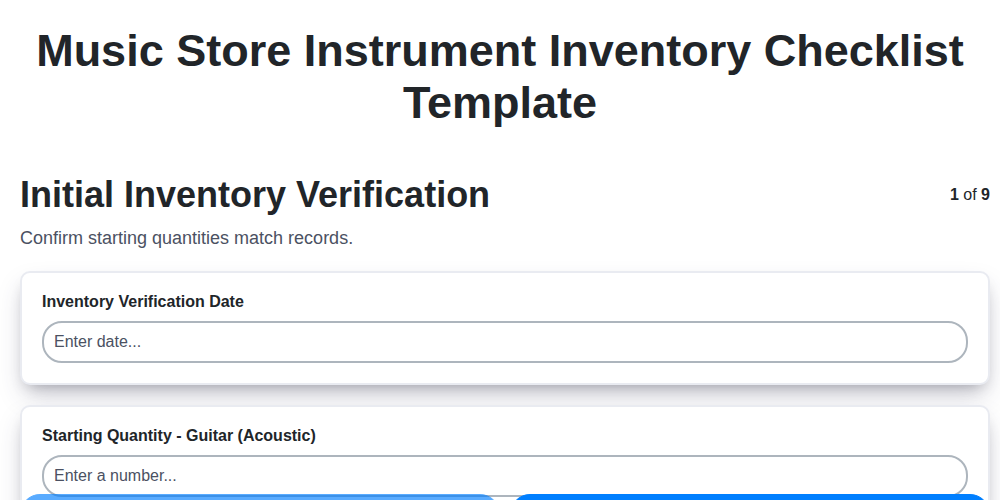
Music Store Instrument Inventory Checklist Template
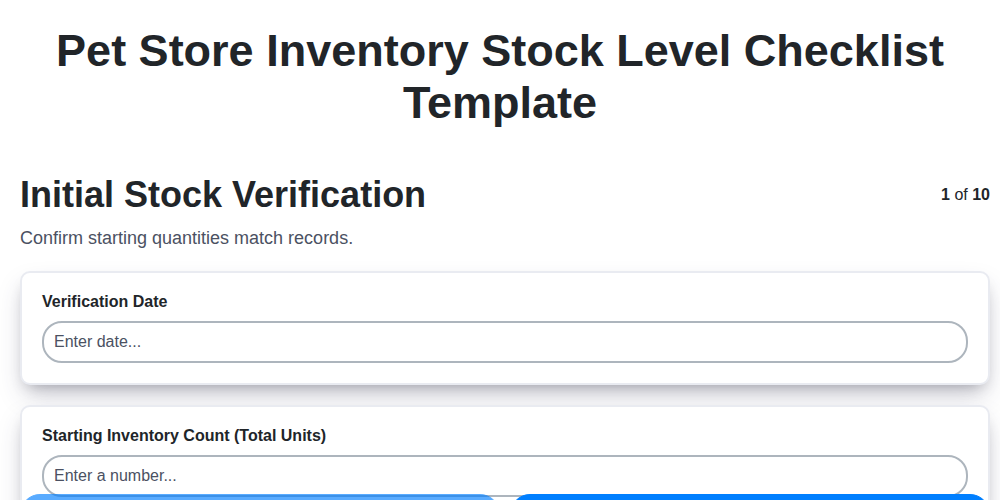
Pet Store Inventory Stock Level Checklist Template
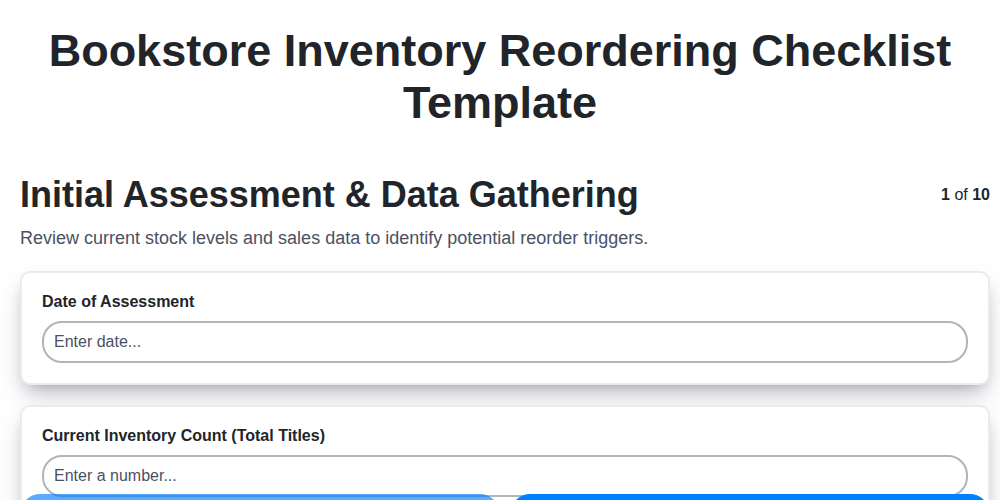
Bookstore Inventory Reordering Checklist Template
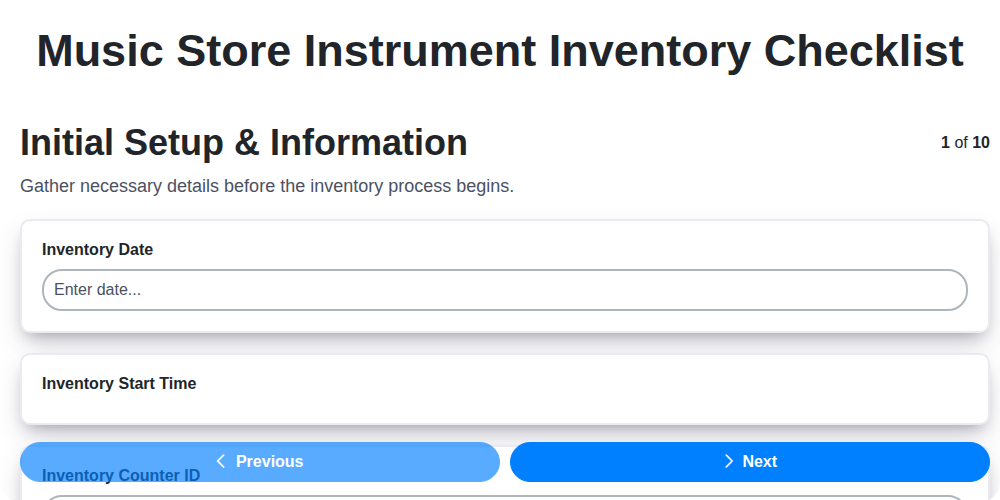
Music Store Instrument Inventory Checklist
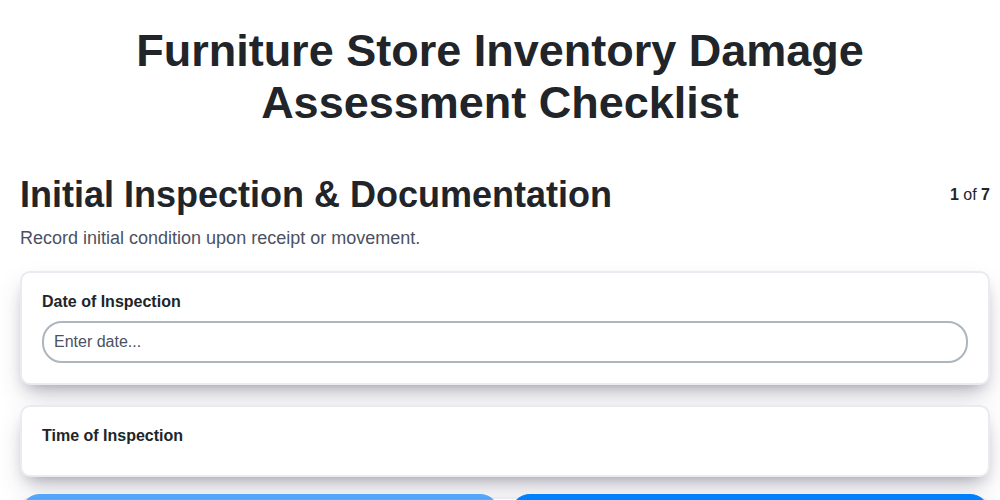
Furniture Store Inventory Damage Assessment Checklist
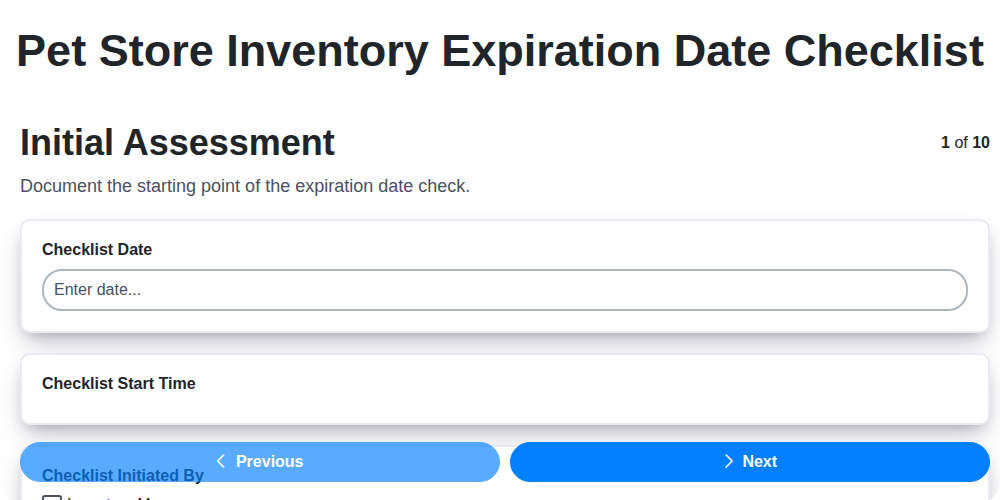
Pet Store Inventory Expiration Date Checklist
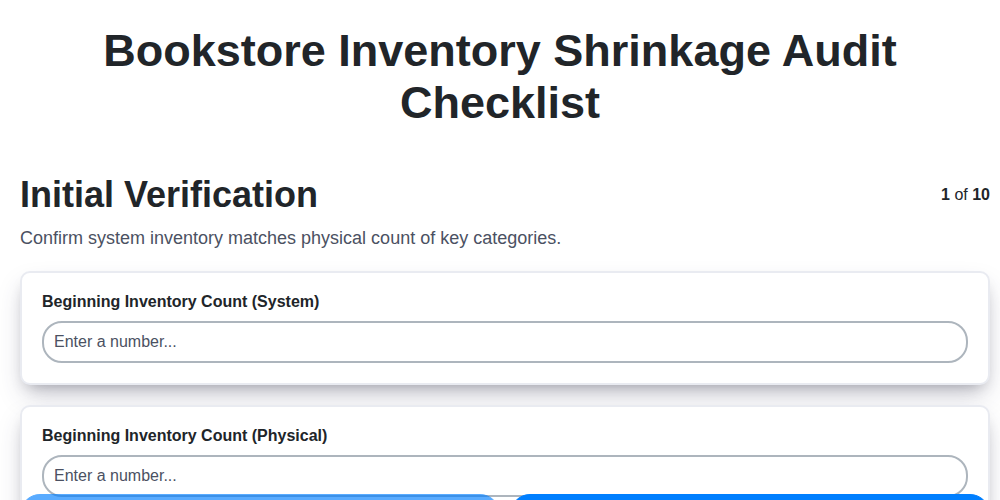
Bookstore Inventory Shrinkage Audit Checklist
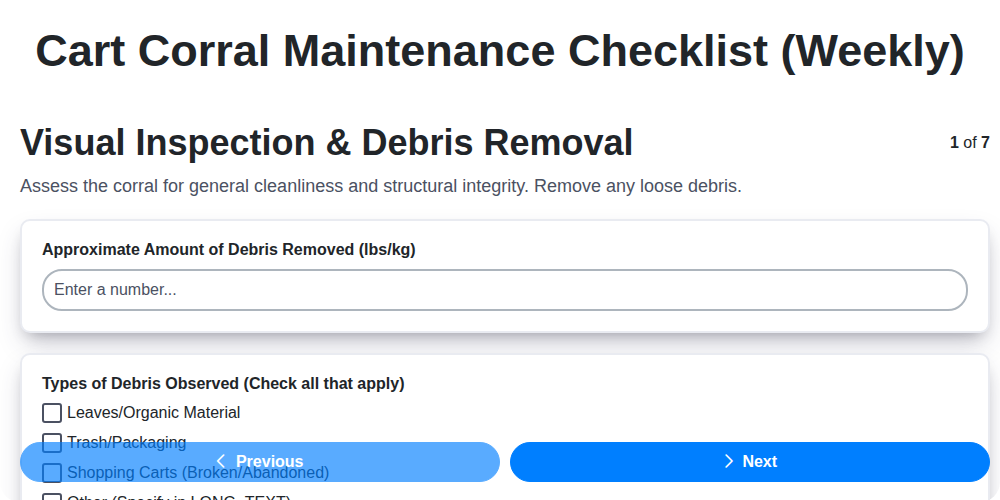
Cart Corral Maintenance Checklist (Weekly)
Frequently Asked Questions
What kind of businesses can use ChecklistGuro?
ChecklistGuro is designed for all retail environments, from small boutique shops and specialty stores to multi-location chains. If you sell physical goods or services, our system has a workflow for you!
How long does it take to set up ChecklistGuro?
We pride ourselves on rapid onboarding. Our support team works with you to get your core functions (inventory setup, POS integration) running efficiently, often allowing you to be operational within days.
Do I need to replace my existing Point of Sale (POS) system?
Not necessarily! ChecklistGuro is built to integrate seamlessly with many existing POS hardware and software systems, ensuring minimal disruption to your daily sales flow.
Can the system handle multiple warehouse locations?
Absolutely. Our advanced inventory module allows you to track stock levels, movements, and adjust pricing across multiple physical locations from a single dashboard.
How does the platform manage incoming stock vs. outgoing sales?
You can perform precise stock counts and track purchase orders (POs). ChecklistGuro automatically reconciles incoming inventory against sales data to give you real-time, accurate stock valuation.
Does it help me predict when I need to reorder items?
Yes! We offer smart reorder level alerts. By analyzing your sales velocity, ChecklistGuro will notify you before you run out of best-sellers, keeping your shelves stocked and your customers happy.
Can I manage employee shifts and payroll in one place?
Yes. ChecklistGuro includes workforce management tools where you can schedule shifts, track labor hours against sales, and even generate reports needed for payroll processing.
Can it track vendor performance?
Yes. You can track which suppliers provide the best product quality, adherence to delivery times, and pricing consistency, helping you negotiate better terms.
What kind of hardware do I need to run ChecklistGuro?
The platform is cloud-based, meaning you only need a stable internet connection and compatible terminals (like tablets or dedicated POS hardware).
What kind of support do I get?
We are here for you! You get access to our comprehensive knowledge base, live chat support, and dedicated account management to help you master every feature of ChecklistGuro.
We can do it Together
Make a Request
Have a question? We're here to help. Please submit your inquiry, and we'll respond promptly.