 ChecklistGuro
 Event Planning and Coordination Workflow
Master the art of seamless execution with our Event Planning and Coordination Workflow. Designed specifically for task management excellence, this streamlined process helps you manage timelines, delegate vendor responsibilities, and track real-time logistics. Eliminate chaos, prevent missed deadlines, and transform complex event logistics into a structured, repeatable success. Perfect for event managers and coordinators looking to optimize productivity and deliver flawless experiences every time.
Esta plantilla se instaló 3 veces.
Inicio
Inicio del flujo de trabajo/proceso.
1. Initialize Event Record
Create a new entry in the 'Events' data model with initial details like Event Name, Date, and Venue.
2. Assign Venue Scout
Create a task for the Logistics Manager to research and shortlist potential venues.
3. Update Venue Details
Update the 'Events' entry with the selected venue information once confirmed.
4. Create Vendor Entry
Create a new entry in the 'Vendors' data model for catering, AV, or decor services.
5. Fetch Vendor Quotes
Retrieve all entries from the 'Quotes' data model associated with the current event.
6. Calculate Total Estimated Cost
Aggregate the 'Price' property from all retrieved Vendor Quotes to find the total estimated budget.
7. Calculate Budget Variance
Calculate the difference between the 'Allocated Budget' and the 'Total Estimated Cost' (Budget - Total Cost).
8. Send Vendor Contracts
Create a task for the Legal/Admin user to distribute and collect signed contracts.
9. Notify Stakeholders
Send an email to the Event Committee with the confirmed event date and venue location.
10. Retrieve Guest List
Get all entries from the 'Attendees' data model linked to this event.
11. Prepare Invitations
Create a task to design and finalize digital/physical invitations.
12. Send RSVP Reminder
Send an SMS notification to guests who have not yet responded to the invitation.
13. Update Attendee Count
Update the 'Confirmed Guest Count' field in the 'Events' entry based on RSVP responses.
14. Calculate Total Catering Demand
Aggregate the 'Meal Preference' counts from the 'Attendees' list to provide a total for the caterer.
15. Finalize Event Itinerary
Create a task to create the minute-by-minute run sheet for the event day.
16. Generate Event Summary Report
Create a final report summarizing the event budget, attendee numbers, and vendor performance.
17. Cleanup Draft Vendors
Delete entries from the 'Vendors' data model that were rejected during the selection process.
Fin
Fin del flujo de trabajo/proceso.
Inicio del flujo de trabajo/proceso.
Create a new entry in the 'Events' data model with initial details like Event Name, Date, and Venue.
Create a task for the Logistics Manager to research and shortlist potential venues.
Update the 'Events' entry with the selected venue information once confirmed.
Create a new entry in the 'Vendors' data model for catering, AV, or decor services.
Retrieve all entries from the 'Quotes' data model associated with the current event.
Aggregate the 'Price' property from all retrieved Vendor Quotes to find the total estimated budget.
Calculate the difference between the 'Allocated Budget' and the 'Total Estimated Cost' (Budget - Total Cost).
Create a task for the Legal/Admin user to distribute and collect signed contracts.
Send an email to the Event Committee with the confirmed event date and venue location.
Get all entries from the 'Attendees' data model linked to this event.
Create a task to design and finalize digital/physical invitations.
Send an SMS notification to guests who have not yet responded to the invitation.
Update the 'Confirmed Guest Count' field in the 'Events' entry based on RSVP responses.
Aggregate the 'Meal Preference' counts from the 'Attendees' list to provide a total for the caterer.
Create a task to create the minute-by-minute run sheet for the event day.
Create a final report summarizing the event budget, attendee numbers, and vendor performance.
Delete entries from the 'Vendors' data model that were rejected during the selection process.
Fin del flujo de trabajo/proceso.
¿Le resultó útil esta plantilla de flujo de trabajo?
Comentarios
Aún no hay comentarios. ¡Sé el primero en añadir uno!
Demostración de la Solución de Gestión de Tareas
¡Organícese y aumente la productividad! ChecklistGuro simplifica la gestión de tareas, la priorización y el seguimiento del progreso. Logre más, estrese menos y alcance sus objetivos. Administre todo con nuestro Work OS.
Plantillas de flujo de trabajo relacionadas
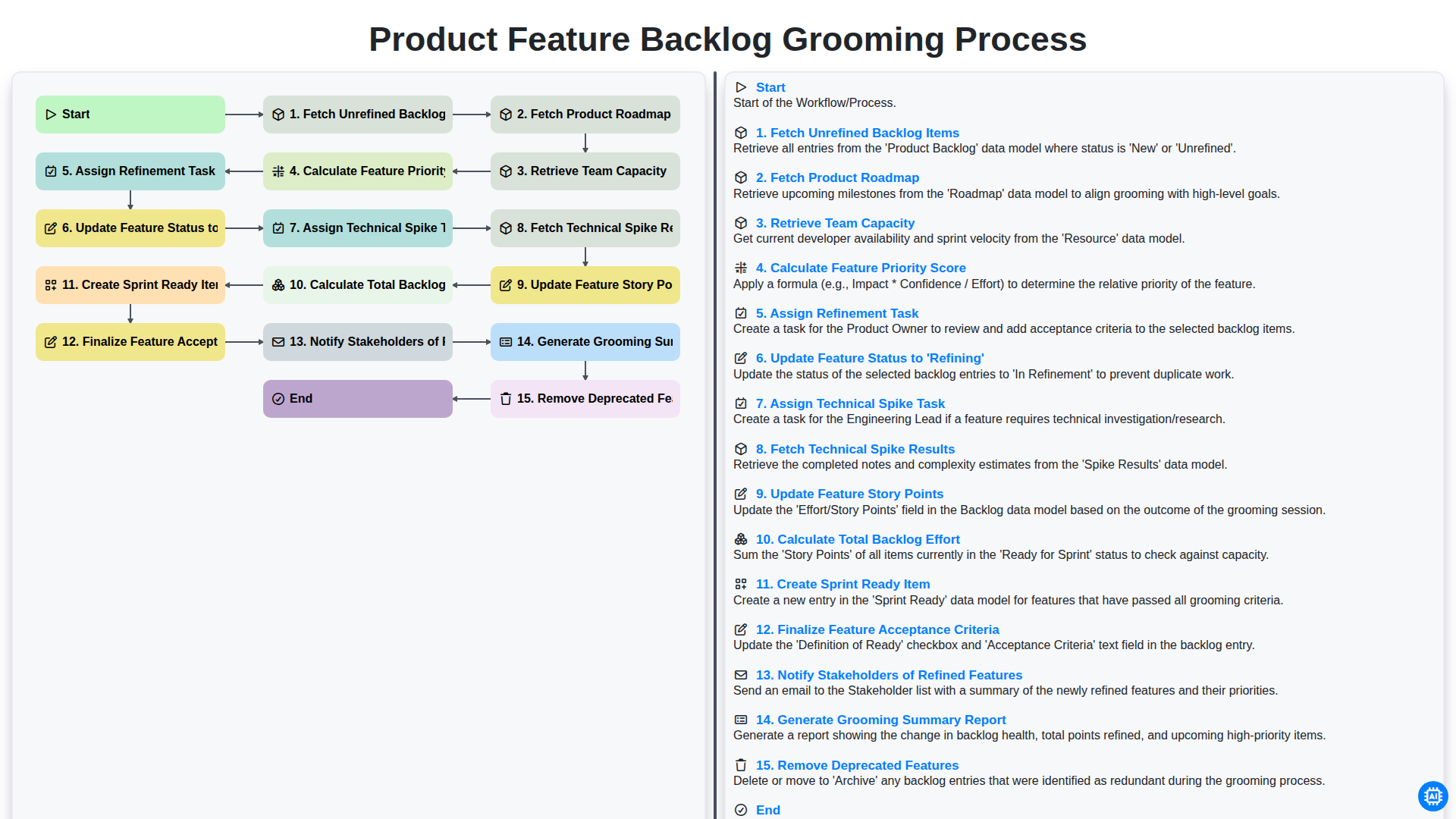
Product Feature Backlog Grooming Process
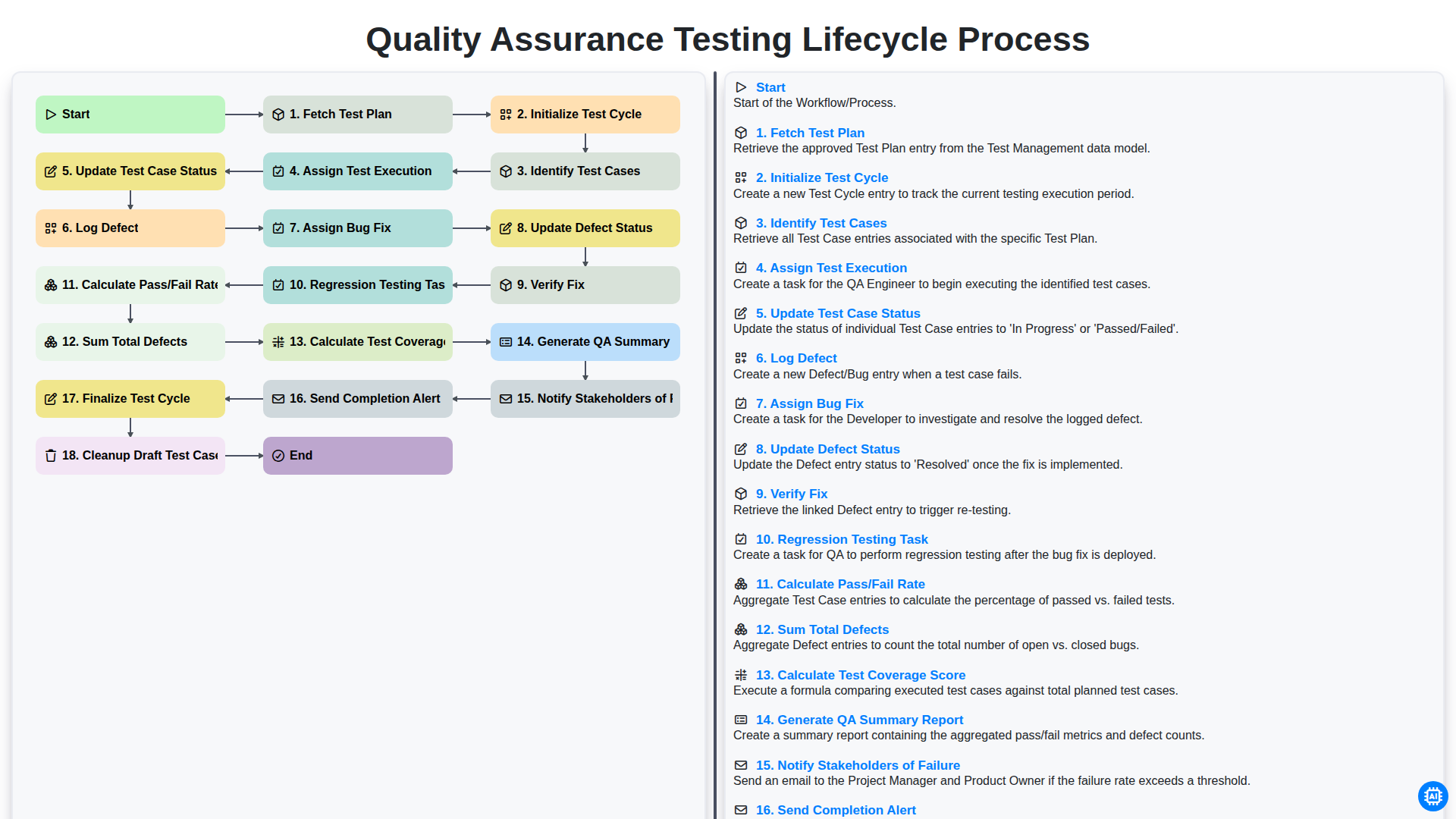
Quality Assurance Testing Lifecycle Process
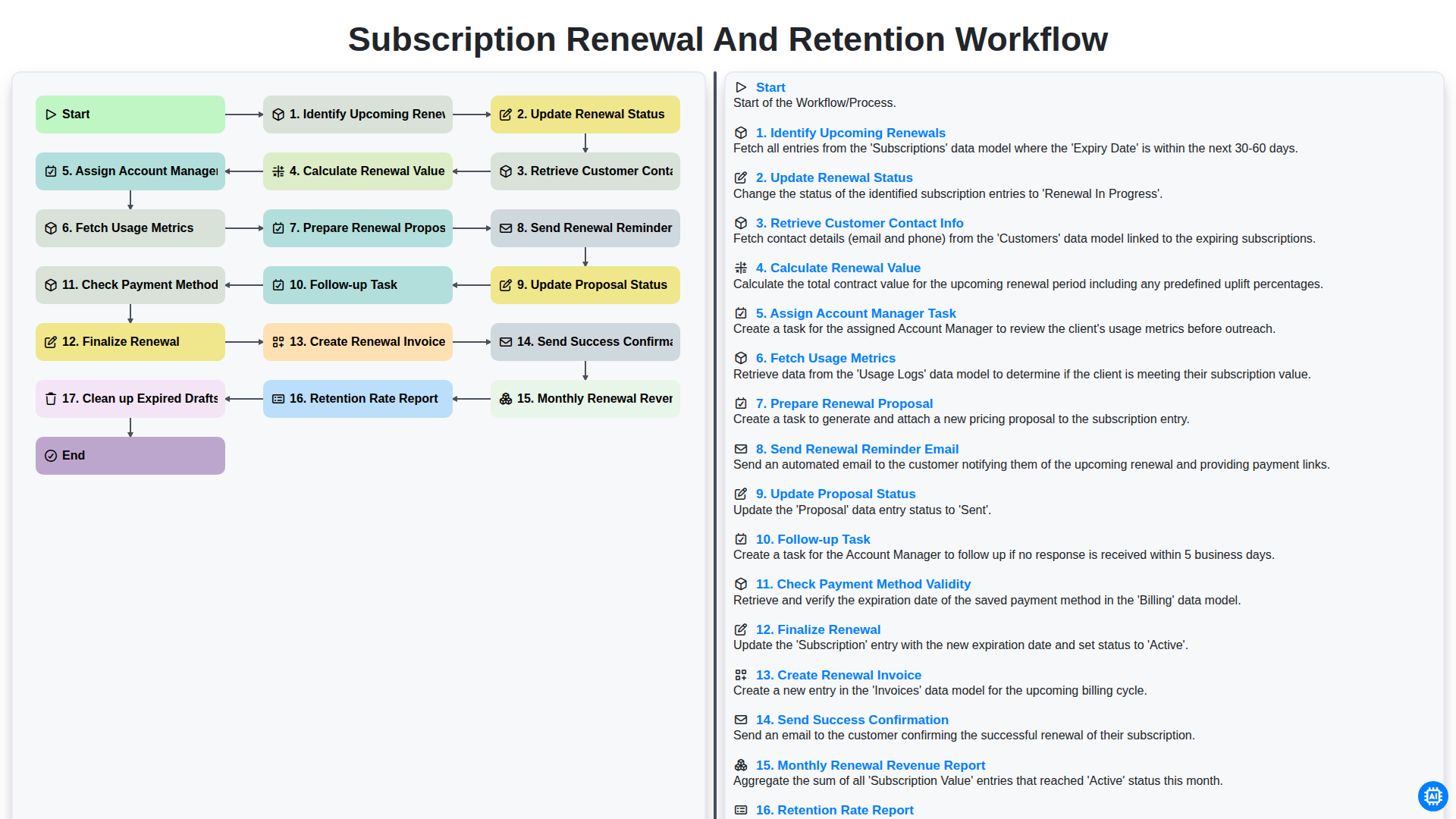
Subscription Renewal and Retention Workflow

B2B Lead Nurturing Process
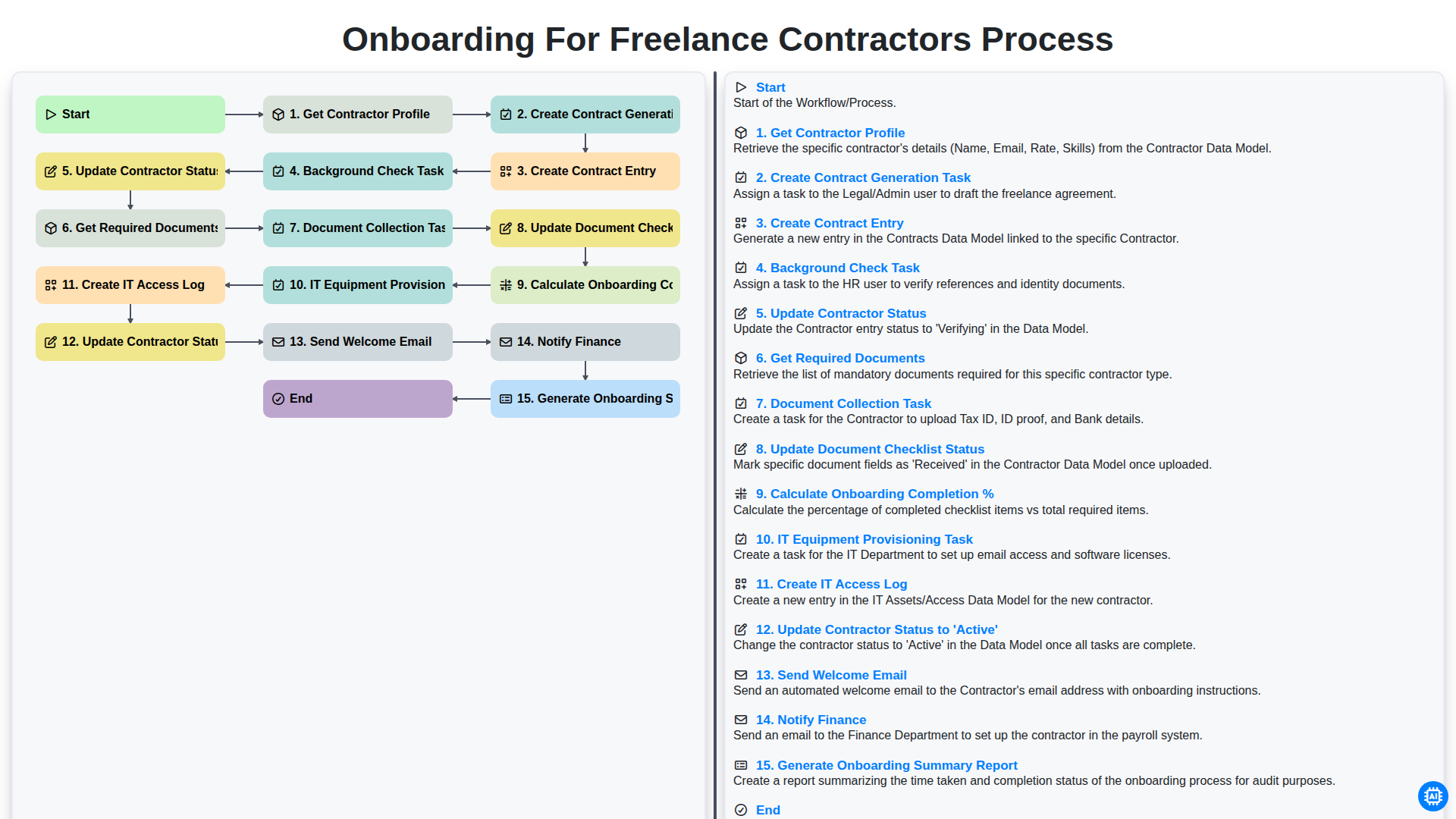
Onboarding for Freelance Contractors Process

Audit and Compliance Monitoring Workflow
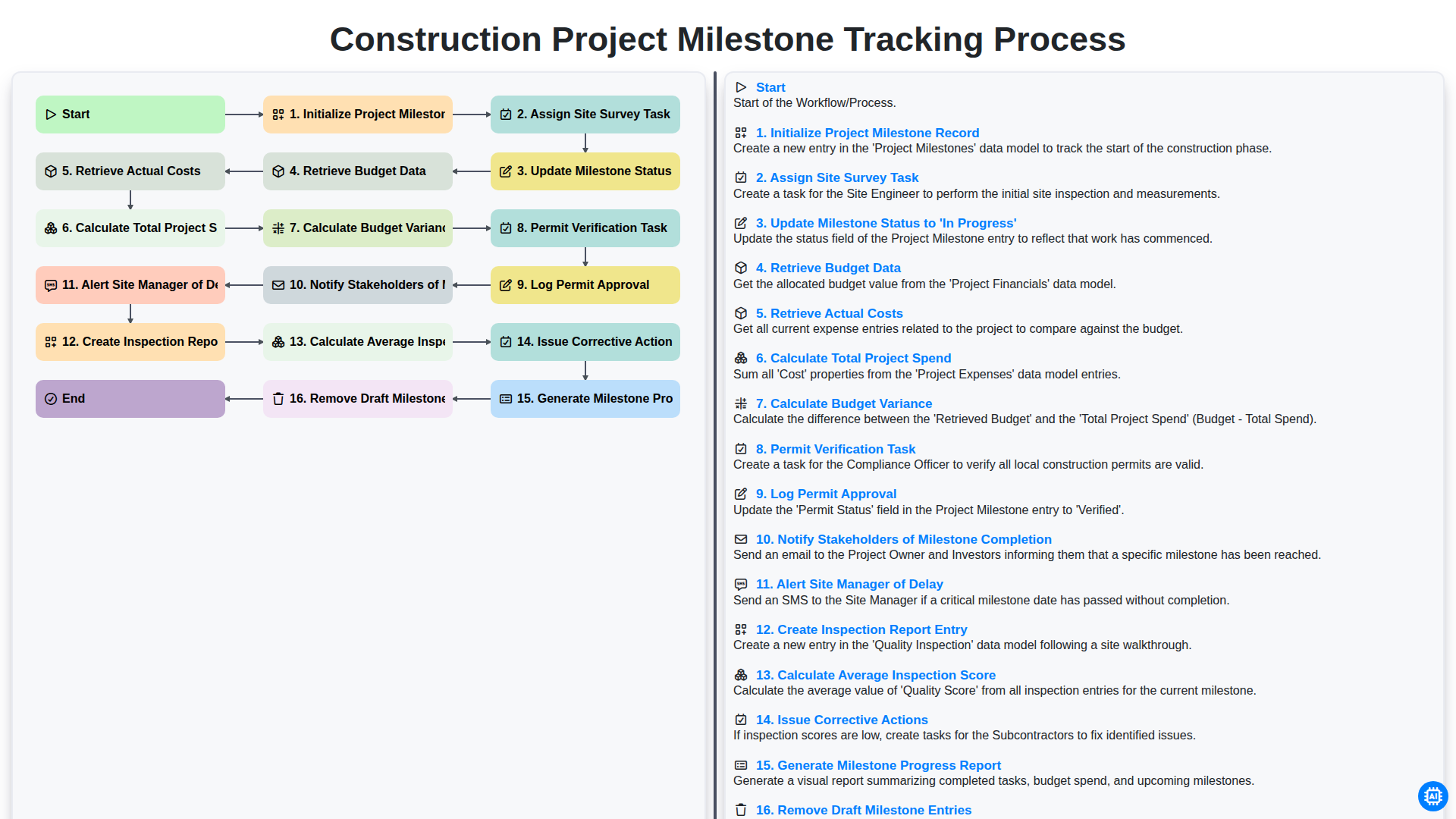
Construction Project Milestone Tracking Process
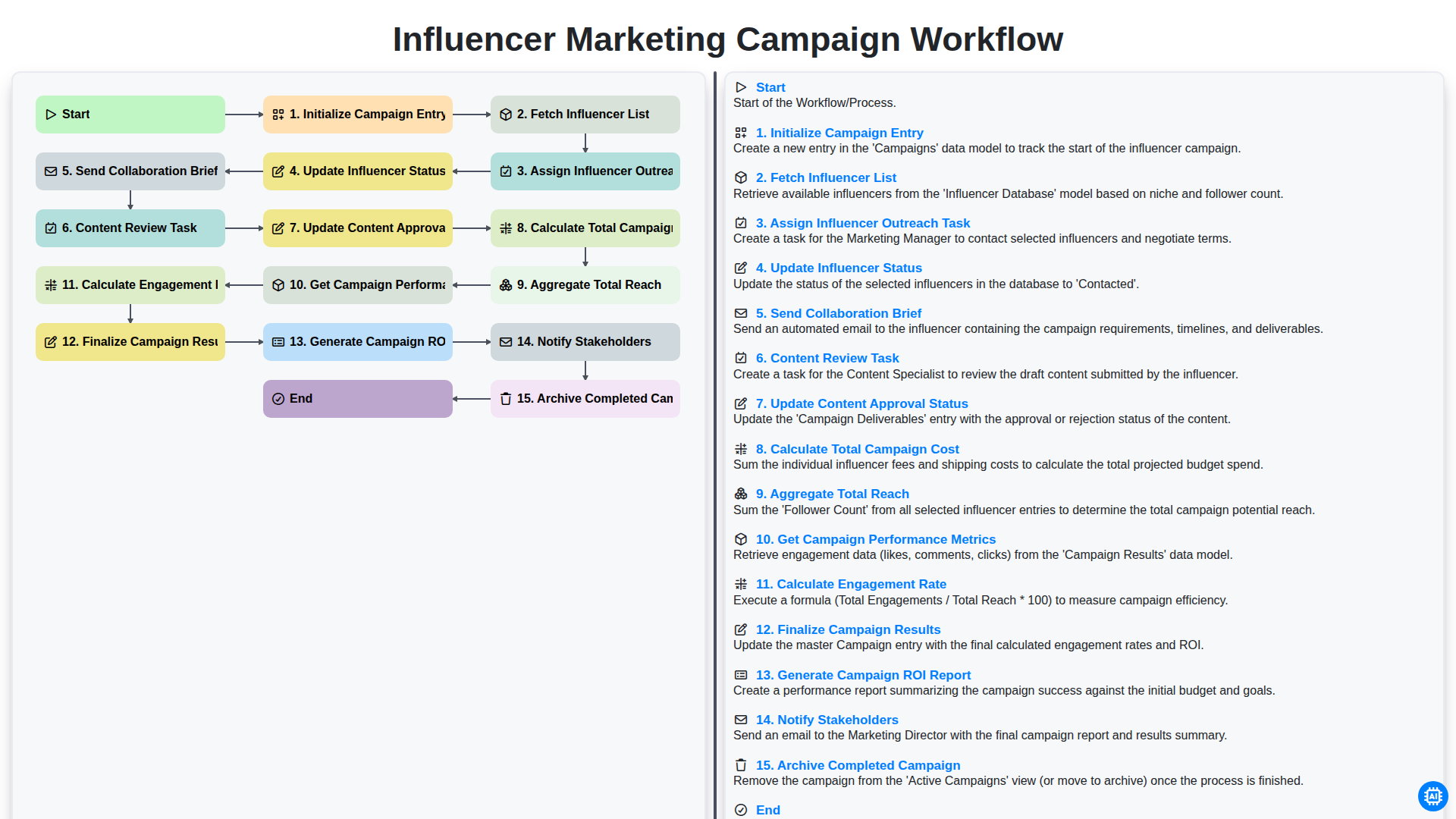
Influencer Marketing Campaign Workflow
Podemos hacerlo juntos
¿Necesita ayuda con las listas de verificación?
¿Tienes alguna pregunta? Estamos aquí para ayudarte. Envía tu consulta y te responderemos a la brevedad.