 ChecklistGuro
 EBITDA Calculation and Monitoring Process
Streamline your financial performance tracking with our automated EBITDA Calculation and Monitoring Process. Designed for seamless accounting management, this workflow automates interest, tax, depreciation, and amortization adjustments to provide real-time visibility into your core operational profitability. Optimize decision-making, ensure valuation accuracy, and maintain continuous oversight of your company's true earnings potential through standardized, error-free financial reporting.
Ten szablon został zainstalowany 5 razy.
Rozpoczęcie
Rozpoczęcie przepływu pracy/procesu.
1. Fetch Monthly Revenue and Expenses
Retrieve all relevant revenue and expense entries from the Financial Data model for the current period.
2. Fetch Depreciation and Amortization
Retrieve depreciation and amortization entries from the Ledger data model.
3. Fetch Interest and Taxes
Retrieve interest and tax expense entries from the Tax and Interest data model.
4. Calculate EBITDA
Perform the calculation: Revenue - Operating Expenses + Depreciation + Amortization.
5. Calculate EBITDA Margin
Perform the calculation: (EBITDA / Total Revenue) * 100 to determine profitability ratio.
6. Create EBITDA Monthly Record
Create a new entry in the EBITDA Monitoring data model with the calculated values.
7. Update Budget Variance
Update the Budget vs Actual data model with the newly calculated EBITDA figures.
8. Assign Variance Analysis Task
Create a task for the Financial Controller if the EBITDA margin falls below the predefined threshold.
9. Generate Monthly EBITDA Report
Create a PDF/Data report summarizing the EBITDA performance against previous months.
10. Notify Stakeholders
Send an email to the CFO and Management team with the monthly EBITDA summary and report attachment.
11. Calculate Quarterly Trend
Aggregate the last 3 months of EBITDA entries to calculate the quarterly growth rate.
Koniec
Koniec przepływu pracy/procesu.
Rozpoczęcie przepływu pracy/procesu.
Retrieve all relevant revenue and expense entries from the Financial Data model for the current period.
Retrieve depreciation and amortization entries from the Ledger data model.
Retrieve interest and tax expense entries from the Tax and Interest data model.
Perform the calculation: Revenue - Operating Expenses + Depreciation + Amortization.
Perform the calculation: (EBITDA / Total Revenue) * 100 to determine profitability ratio.
Create a new entry in the EBITDA Monitoring data model with the calculated values.
Update the Budget vs Actual data model with the newly calculated EBITDA figures.
Create a task for the Financial Controller if the EBITDA margin falls below the predefined threshold.
Create a PDF/Data report summarizing the EBITDA performance against previous months.
Send an email to the CFO and Management team with the monthly EBITDA summary and report attachment.
Aggregate the last 3 months of EBITDA entries to calculate the quarterly growth rate.
Koniec przepływu pracy/procesu.
Komentarze
Na razie nie ma żadnych komentarzy. Dodaj pierwszy!
Prezentacja rozwiązania do zarządzania finansami i księgowości
Odrzuć sztywne, uniwersalne rozwiązania programowe. Wykorzystaj w pełni programowalne środowisko księgowe, które można dostosować do specyficznych procesów pracy, złożonych struktur organizacyjnych i zmieniającej się logiki biznesowej.
Powiązane Szablony Pracy
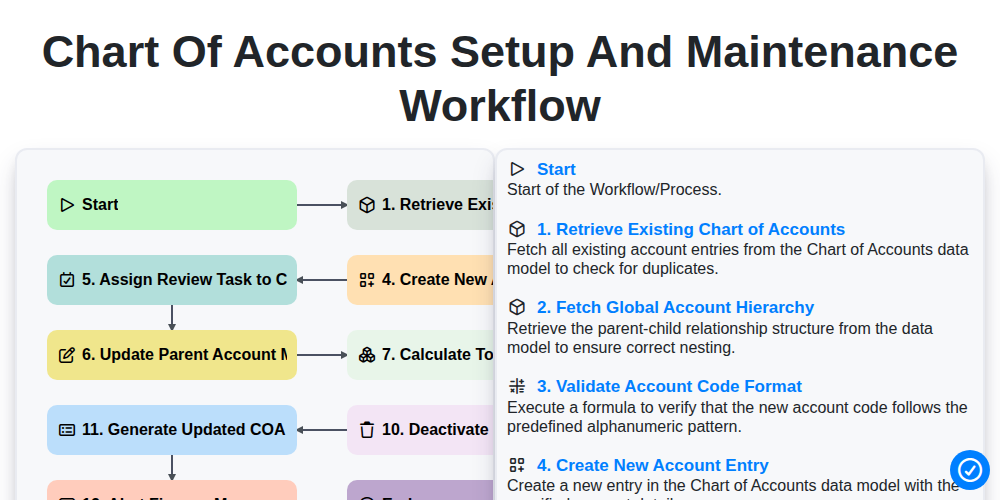
Chart of Accounts Setup and Maintenance Workflow
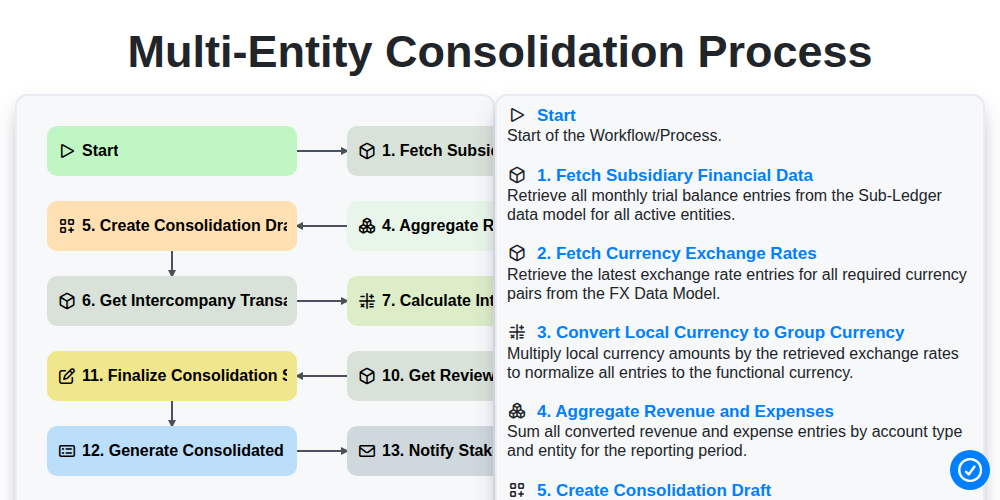
Multi-Entity Consolidation Process
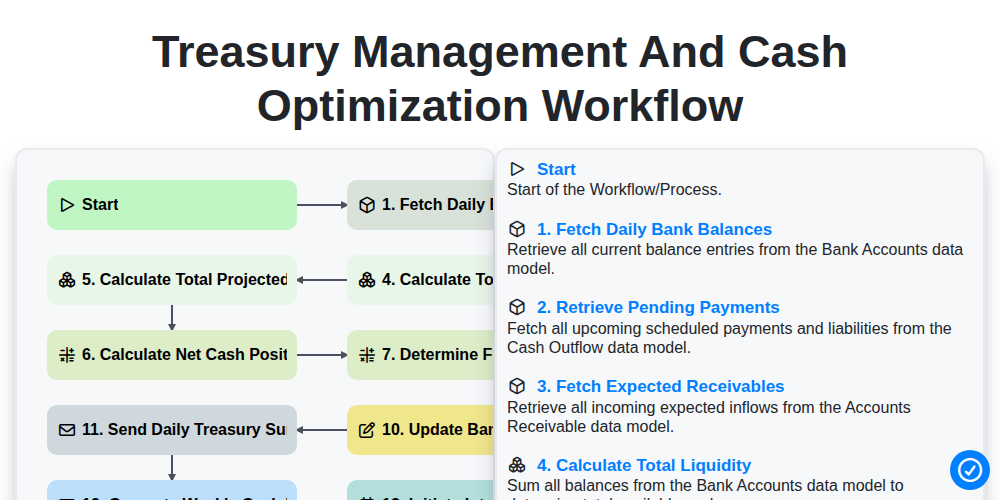
Treasury Management and Cash Optimization Workflow
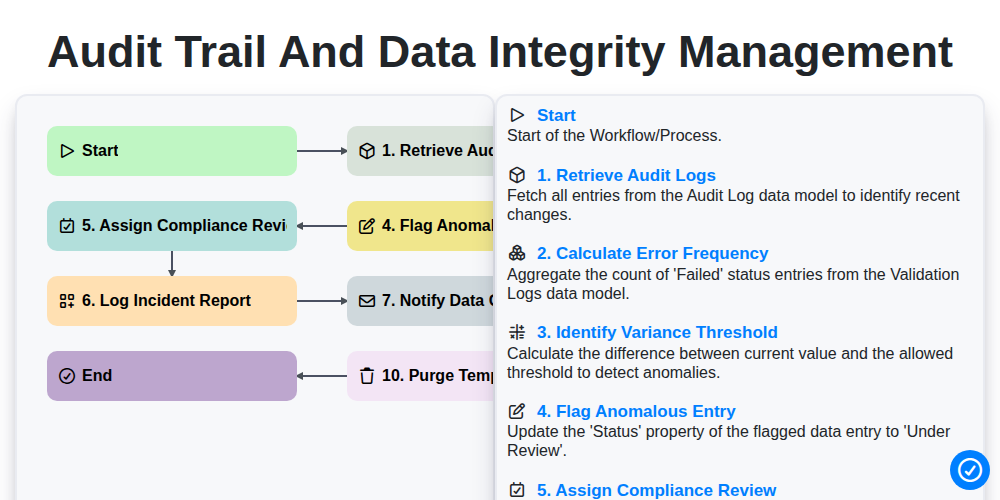
Audit Trail and Data Integrity Management
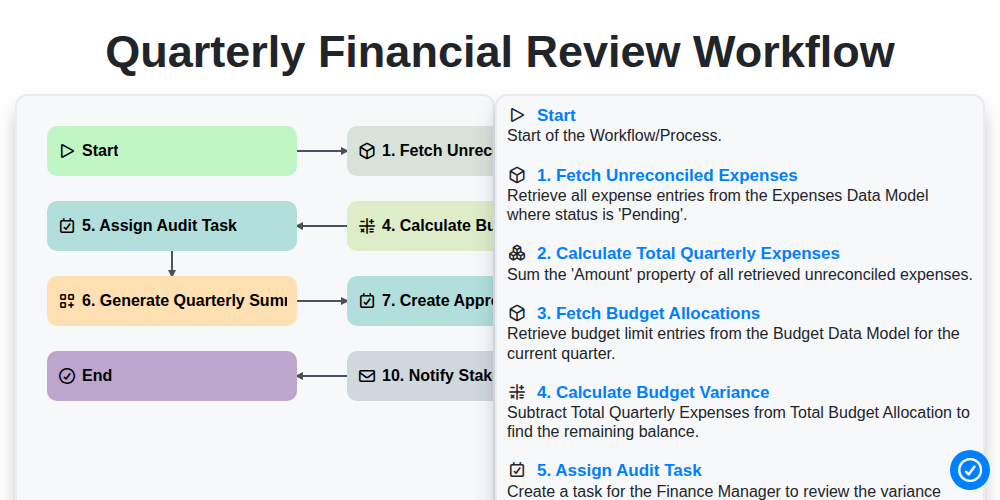
Quarterly Financial Review Workflow
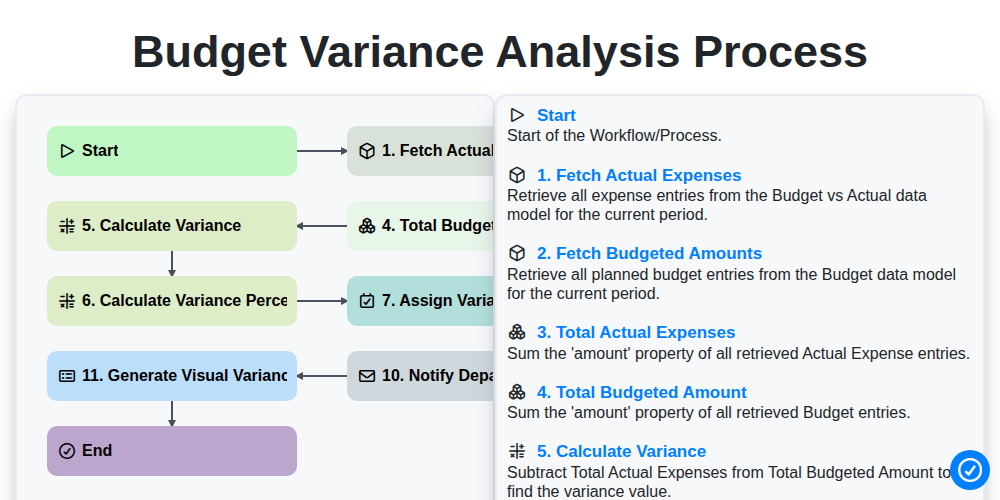
Budget Variance Analysis Process
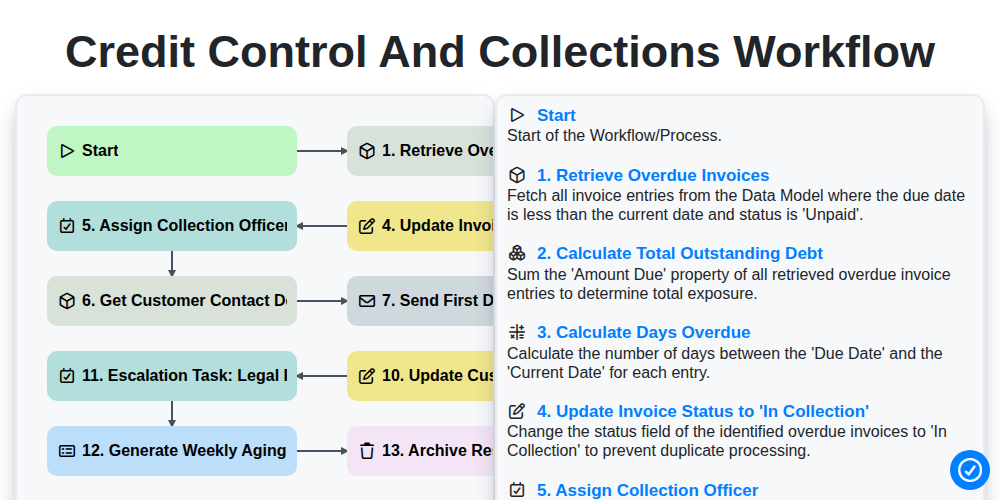
Credit Control and Collections Workflow
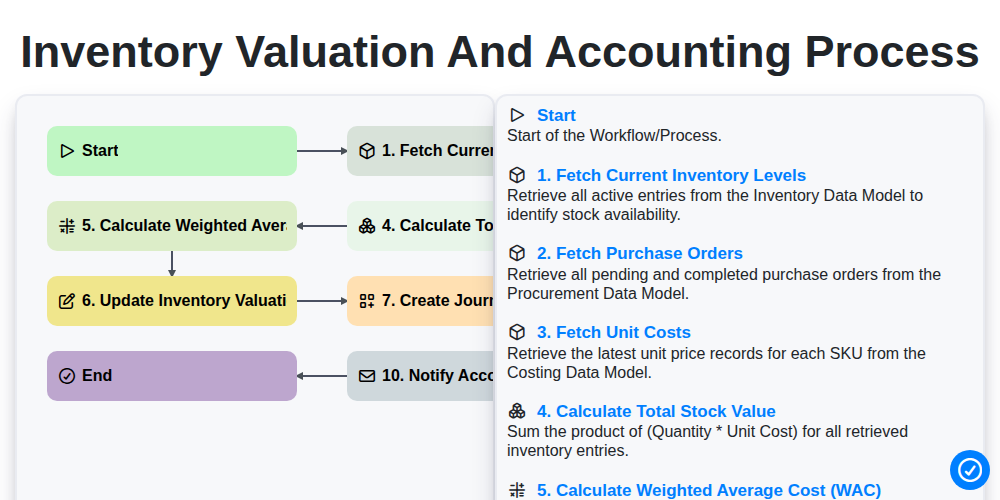
Inventory Valuation and Accounting Process
Możemy to zrobić razem
Potrzebujesz pomocy z listami kontrolnymi?
Masz pytanie? Jesteśmy tu, aby pomóc. Prześlij zapytanie, a my szybko na nie odpowiemy.