 ChecklistGuro
 Farm Equipment Maintenance and Repair Process
Maximize uptime and reduce costly breakdowns with our streamlined Farm Equipment Maintenance and Repair Process. This comprehensive workflow provides a step-by-step guide to implementing proactive inspection schedules, tracking repairs, and optimizing machinery longevity to keep your agricultural operations running smoothly and cost-effectively.
Ten szablon został zainstalowany 2 razy.
Rozpoczęcie
Rozpoczęcie przepływu pracy/procesu.
1. Log Maintenance Request
Create a new entry in the Maintenance Request data model to initiate the repair process.
2. Retrieve Equipment Profile
Fetch equipment details (model, age, service history) from the Equipment data model based on the ID provided in the request.
3. Assign Technician Inspection
Create a task for the assigned technician to perform a physical inspection of the identified equipment.
4. Inspection Checklist
A set of sub-tasks within the inspection task: Check hydraulic fluids, inspect tire pressure, check engine oil, and inspect battery terminals.
5. Update Equipment Status
Update the 'Status' field in the Equipment data model to 'Under Repair' once inspection begins.
6. Create Parts Requisition
Create a new entry in the Parts Order data model for any components identified as damaged during inspection.
7. Estimate Repair Cost
Calculate the total estimated cost by summing the price of parts and the estimated labor hours multiplied by the technician's hourly rate.
8. Check Parts Inventory
Query the Inventory data model to check if the required parts are currently in stock.
9. Notify Manager of Budget Overrun
Send an email to the Farm Manager if the calculated repair cost exceeds the predefined maintenance budget threshold.
10. Perform Repair Work
Create a task for the technician to execute the mechanical repairs using the identified parts.
11. Update Maintenance Log
Update the Maintenance Log entry with the completion date, parts used, and total cost incurred.
12. Calculate Monthly Maintenance Spend
Aggregate all completed maintenance entries for the current month to sum the total expenditure.
13. Final Safety Verification
Create a task for a supervisor to verify that the equipment is safe to return to the field.
14. Set Equipment to 'Operational'
Update the status in the Equipment data model to 'Operational' after safety verification is passed.
15. Notify Operator of Availability
Send an email to the equipment operator notifying them that the machine is ready for use.
16. Generate Monthly Equipment Health Report
Create a summary report containing downtime statistics and frequent failure points for the month.
Koniec
Koniec przepływu pracy/procesu.
Rozpoczęcie przepływu pracy/procesu.
Create a new entry in the Maintenance Request data model to initiate the repair process.
Fetch equipment details (model, age, service history) from the Equipment data model based on the ID provided in the request.
Create a task for the assigned technician to perform a physical inspection of the identified equipment.
A set of sub-tasks within the inspection task: Check hydraulic fluids, inspect tire pressure, check engine oil, and inspect battery terminals.
Update the 'Status' field in the Equipment data model to 'Under Repair' once inspection begins.
Create a new entry in the Parts Order data model for any components identified as damaged during inspection.
Calculate the total estimated cost by summing the price of parts and the estimated labor hours multiplied by the technician's hourly rate.
Query the Inventory data model to check if the required parts are currently in stock.
Send an email to the Farm Manager if the calculated repair cost exceeds the predefined maintenance budget threshold.
Create a task for the technician to execute the mechanical repairs using the identified parts.
Update the Maintenance Log entry with the completion date, parts used, and total cost incurred.
Aggregate all completed maintenance entries for the current month to sum the total expenditure.
Create a task for a supervisor to verify that the equipment is safe to return to the field.
Update the status in the Equipment data model to 'Operational' after safety verification is passed.
Send an email to the equipment operator notifying them that the machine is ready for use.
Create a summary report containing downtime statistics and frequent failure points for the month.
Koniec przepływu pracy/procesu.
Komentarze
Na razie nie ma żadnych komentarzy. Dodaj pierwszy!
Demonstracja rozwiązania do zarządzania farmą
Rozwijaj swoją farmę w sposób inteligentniejszy i bardziej efektywny! ChecklistGuro usprawnia planowanie upraw, zarządzanie zadaniami i śledzenie zasobów. Zmaksymalizuj plony, zminimalizuj straty i popraw rentowność. Zarządzaj wszystkim za pomocą naszej platformy Work OS.
Powiązane Szablony Pracy
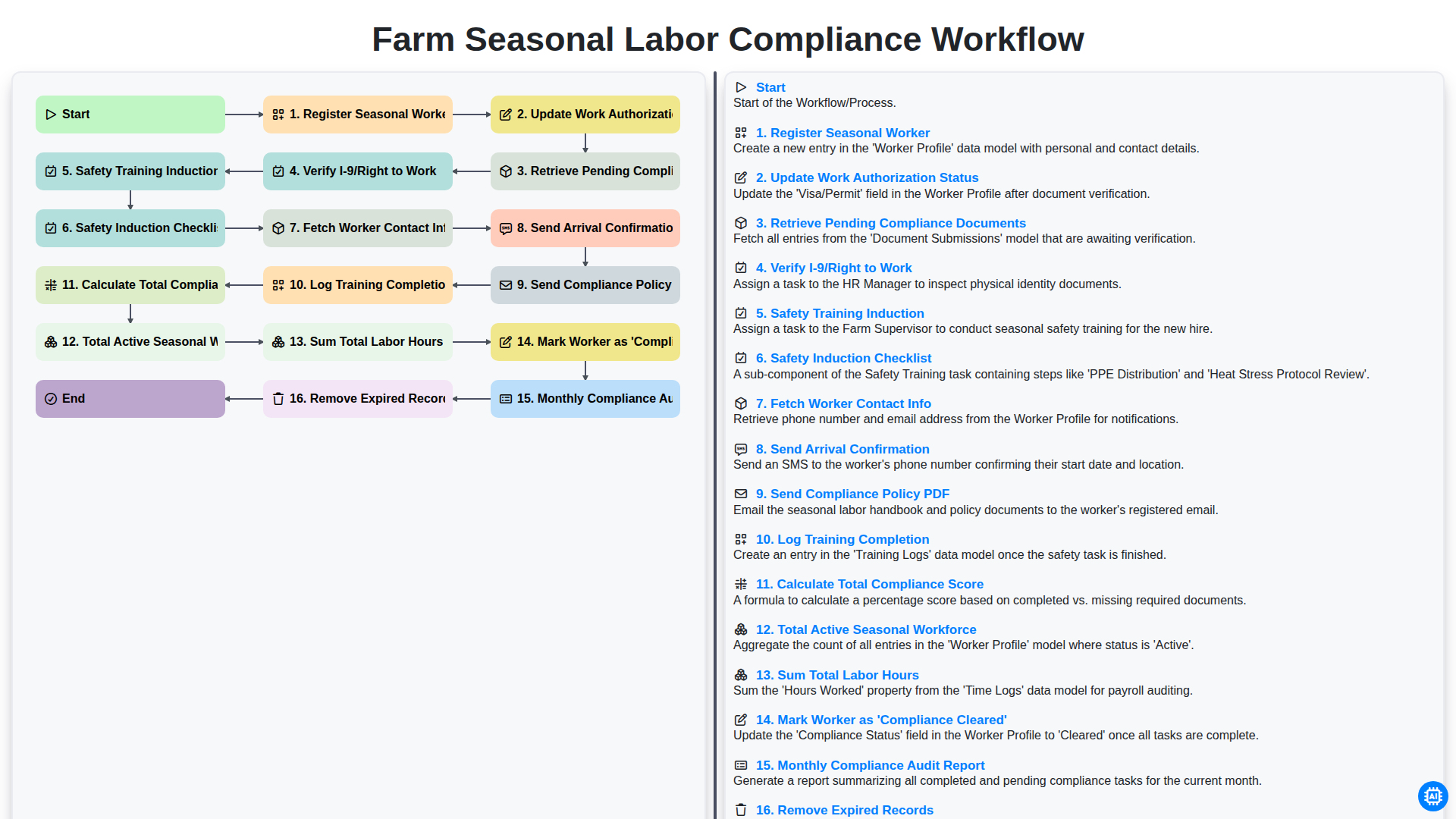
Farm Seasonal Labor Compliance Workflow
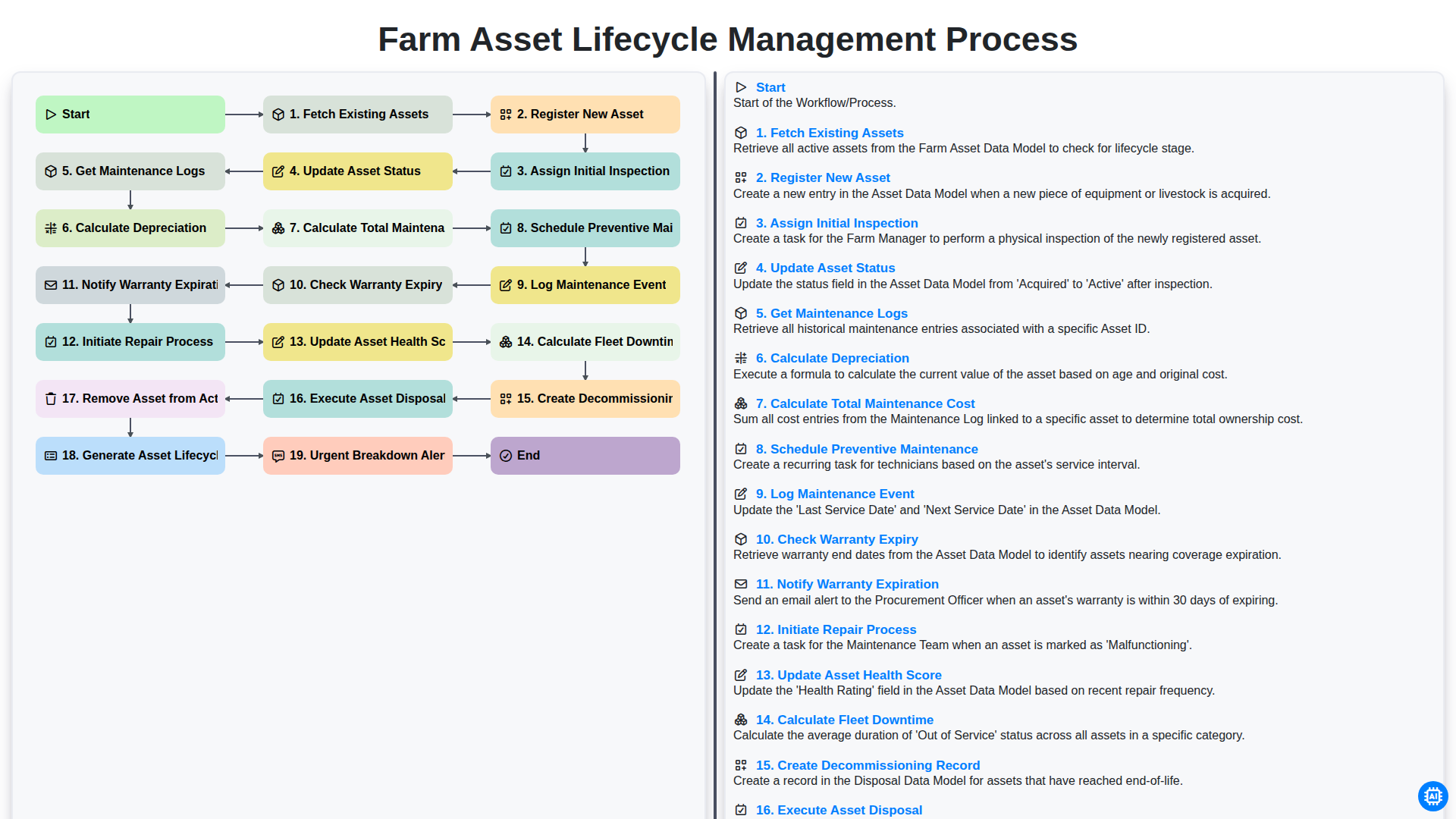
Farm Asset Lifecycle Management Process
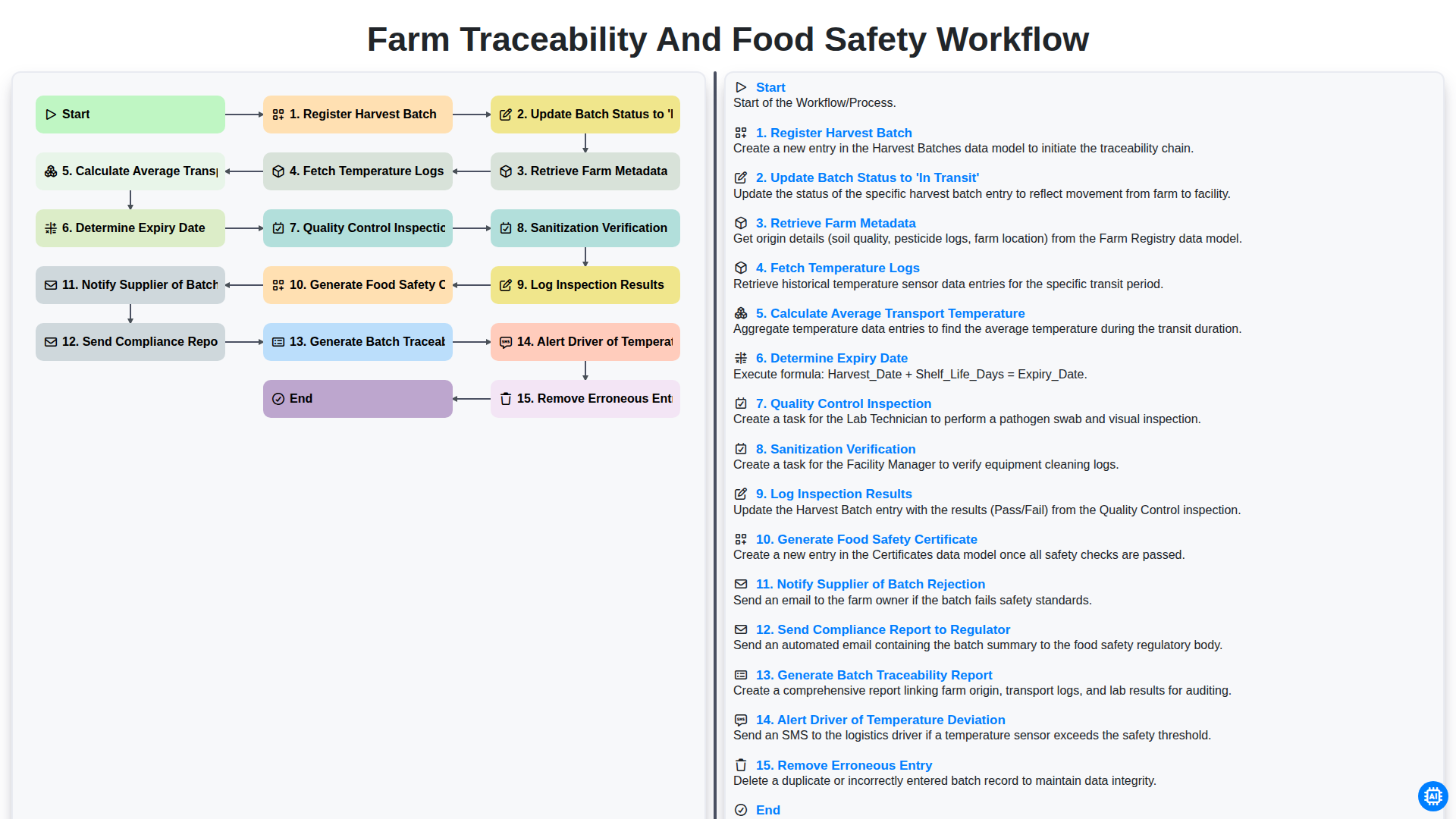
Farm Traceability and Food Safety Workflow
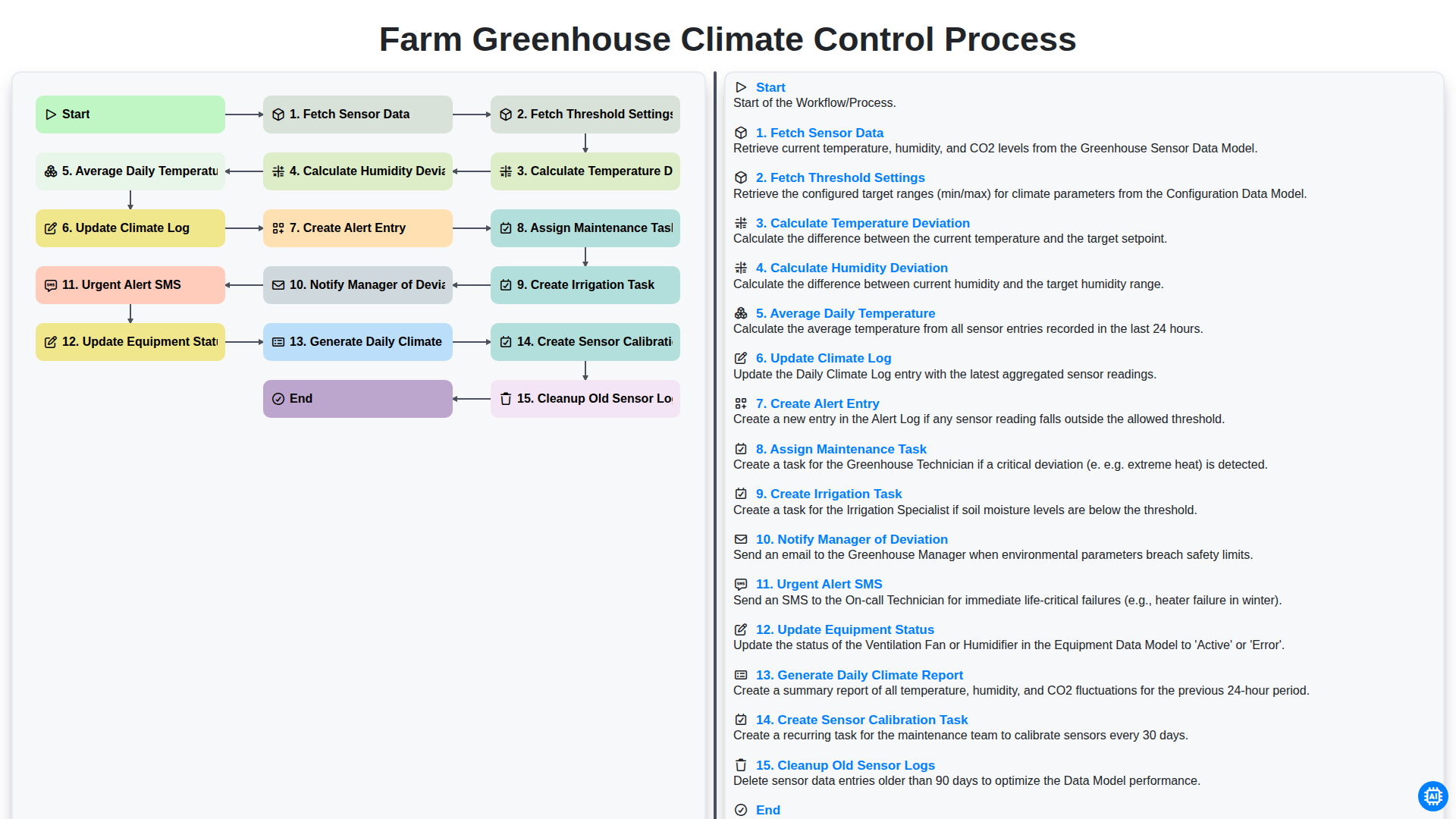
Farm Greenhouse Climate Control Process
Integrated Pest Management (IPM) Workflow
Farm Field Mapping and Spatial Data Management Process
Farm Revenue and Sales Order Management Workflow
Farm Supply Chain and Logistics Management Process
Możemy to zrobić razem
Potrzebujesz pomocy z listami kontrolnymi?
Masz pytanie? Jesteśmy tu, aby pomóc. Prześlij zapytanie, a my szybko na nie odpowiemy.