 ChecklistGuro
 Livestock Health and Veterinary Care Process
Streamline your farm's productivity with our comprehensive Livestock Health and Veterinary Care Process. Master everything from routine vaccinations and disease monitoring to emergency medical protocols and vet scheduling. Optimize animal wellness, ensure regulatory compliance, and reduce mortality rates with this structured, easy-to-follow workflow designed for modern, data-driven livestock management.
Ten szablon został zainstalowany 5 razy.
Rozpoczęcie
Rozpoczęcie przepływu pracy/procesu.
1. Fetch Livestock Records
Retrieve all livestock entries from the 'Livestock Master' data model to identify animals due for checkups.
2. Fetch Vaccination Schedule
Retrieve the predefined vaccination protocols from the 'Veterinary Protocols' data model.
3. Update Animal Health Status
Update the 'Health Status' field in the specific Livestock entry (e.g., changing status from 'Healthy' to 'Under Treatment').
4. Assign Veterinary Inspection Task
Create a task for the assigned Veterinarian to perform a physical examination on the identified livestock.
5. Create Medication Administration Task
Create a task for the Farm Technician to administer the prescribed medication/vaccine.
6. Calculate Dosage
Calculate the required medication dosage based on the animal's weight retrieved from the data model (e.g., weight * mg_per_kg).
7. Create Medical Treatment Log
Create a new entry in the 'Treatment Logs' data model documenting the date, medication used, and veterinarian notes.
8. Calculate Average Temperature
Aggregate all recent temperature readings for a specific animal to determine if a fever trend is present.
9. Sum Total Medication Cost
Sum the costs of all medications used in the current treatment cycle for budget tracking.
10. Notify Farm Owner of Outbreak
Send an automated email to the owner if the health status of multiple animals is updated to 'Sick' within a short period.
11. Alert Technician of Urgent Task
Send an SMS to the Farm Technician when an emergency veterinary task is created.
12. Update Medication Inventory
Decrease the 'Stock Quantity' in the 'Medicine Inventory' data model after a dose is administered.
13. Generate Monthly Health Summary
Create a report summarizing all completed veterinary tasks and health trends for the month.
14. Remove Erroneous Entry
Delete a duplicate or incorrectly entered medical observation from the 'Health Logs' data model.
Koniec
Koniec przepływu pracy/procesu.
Rozpoczęcie przepływu pracy/procesu.
Retrieve all livestock entries from the 'Livestock Master' data model to identify animals due for checkups.
Retrieve the predefined vaccination protocols from the 'Veterinary Protocols' data model.
Update the 'Health Status' field in the specific Livestock entry (e.g., changing status from 'Healthy' to 'Under Treatment').
Create a task for the assigned Veterinarian to perform a physical examination on the identified livestock.
Create a task for the Farm Technician to administer the prescribed medication/vaccine.
Calculate the required medication dosage based on the animal's weight retrieved from the data model (e.g., weight * mg_per_kg).
Create a new entry in the 'Treatment Logs' data model documenting the date, medication used, and veterinarian notes.
Aggregate all recent temperature readings for a specific animal to determine if a fever trend is present.
Sum the costs of all medications used in the current treatment cycle for budget tracking.
Send an automated email to the owner if the health status of multiple animals is updated to 'Sick' within a short period.
Send an SMS to the Farm Technician when an emergency veterinary task is created.
Decrease the 'Stock Quantity' in the 'Medicine Inventory' data model after a dose is administered.
Create a report summarizing all completed veterinary tasks and health trends for the month.
Delete a duplicate or incorrectly entered medical observation from the 'Health Logs' data model.
Koniec przepływu pracy/procesu.
Komentarze
Na razie nie ma żadnych komentarzy. Dodaj pierwszy!
Demonstracja rozwiązania do zarządzania farmą
Rozwijaj swoją farmę w sposób inteligentniejszy i bardziej efektywny! ChecklistGuro usprawnia planowanie upraw, zarządzanie zadaniami i śledzenie zasobów. Zmaksymalizuj plony, zminimalizuj straty i popraw rentowność. Zarządzaj wszystkim za pomocą naszej platformy Work OS.
Powiązane Szablony Pracy
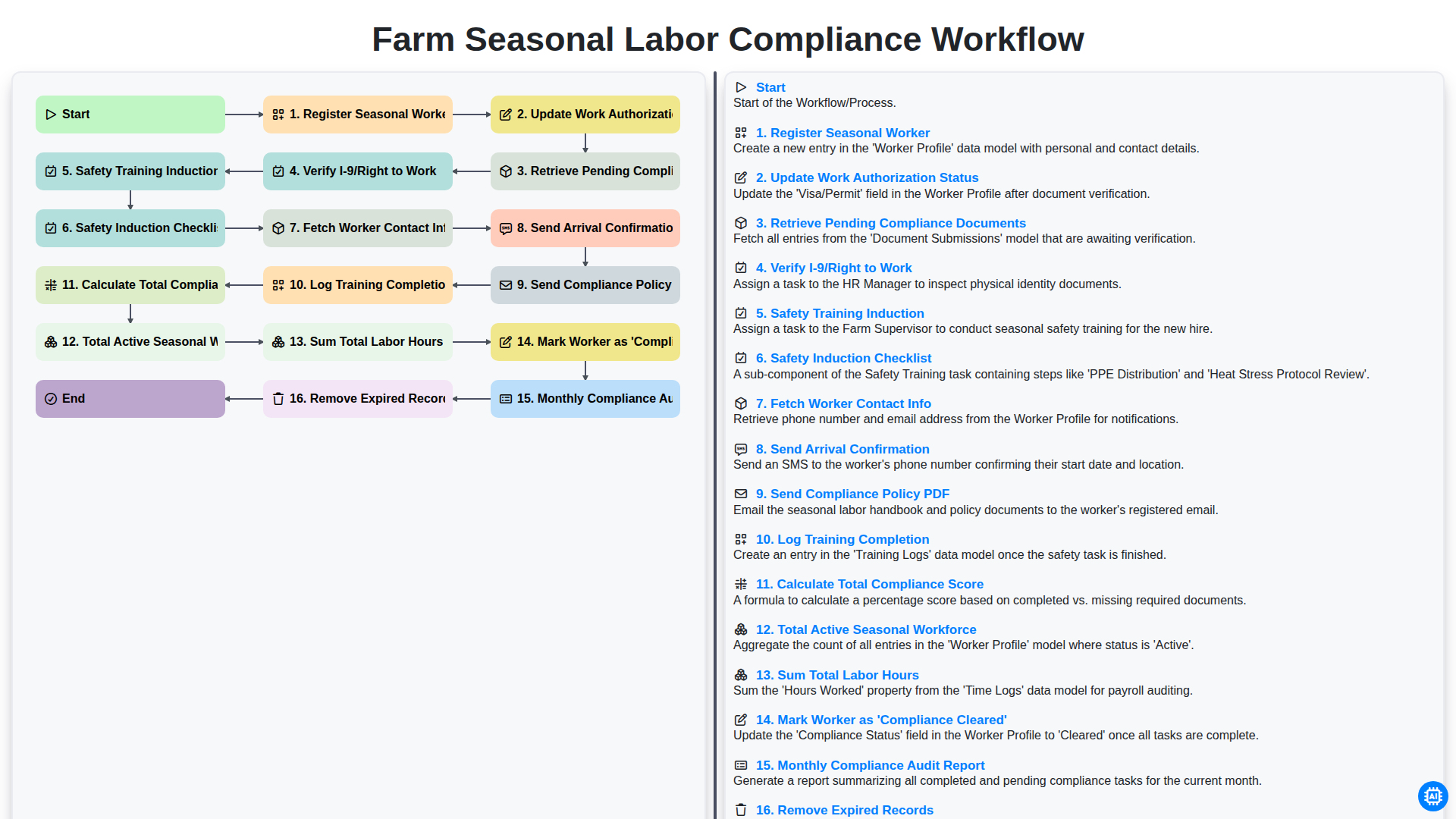
Farm Seasonal Labor Compliance Workflow
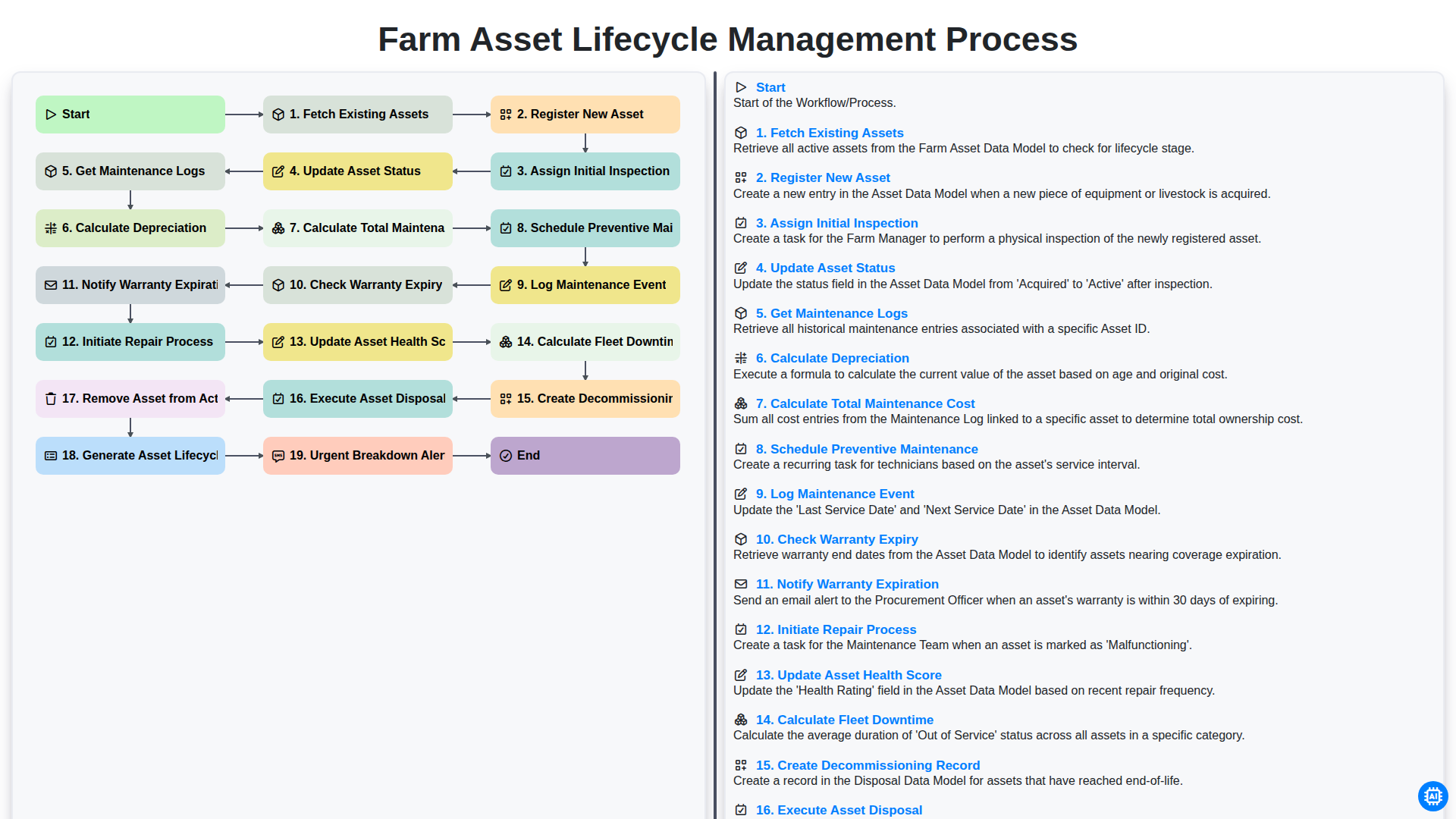
Farm Asset Lifecycle Management Process
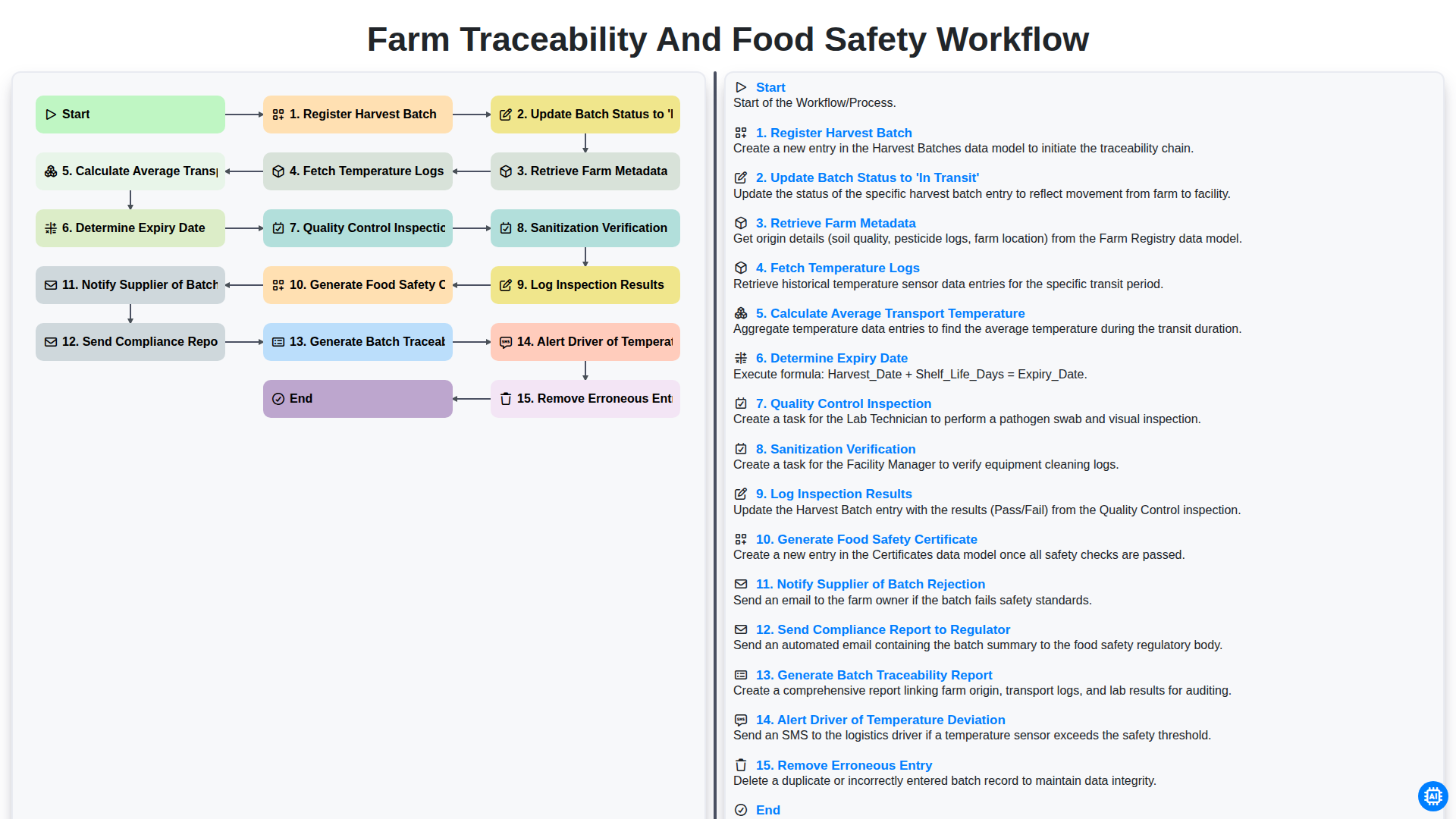
Farm Traceability and Food Safety Workflow
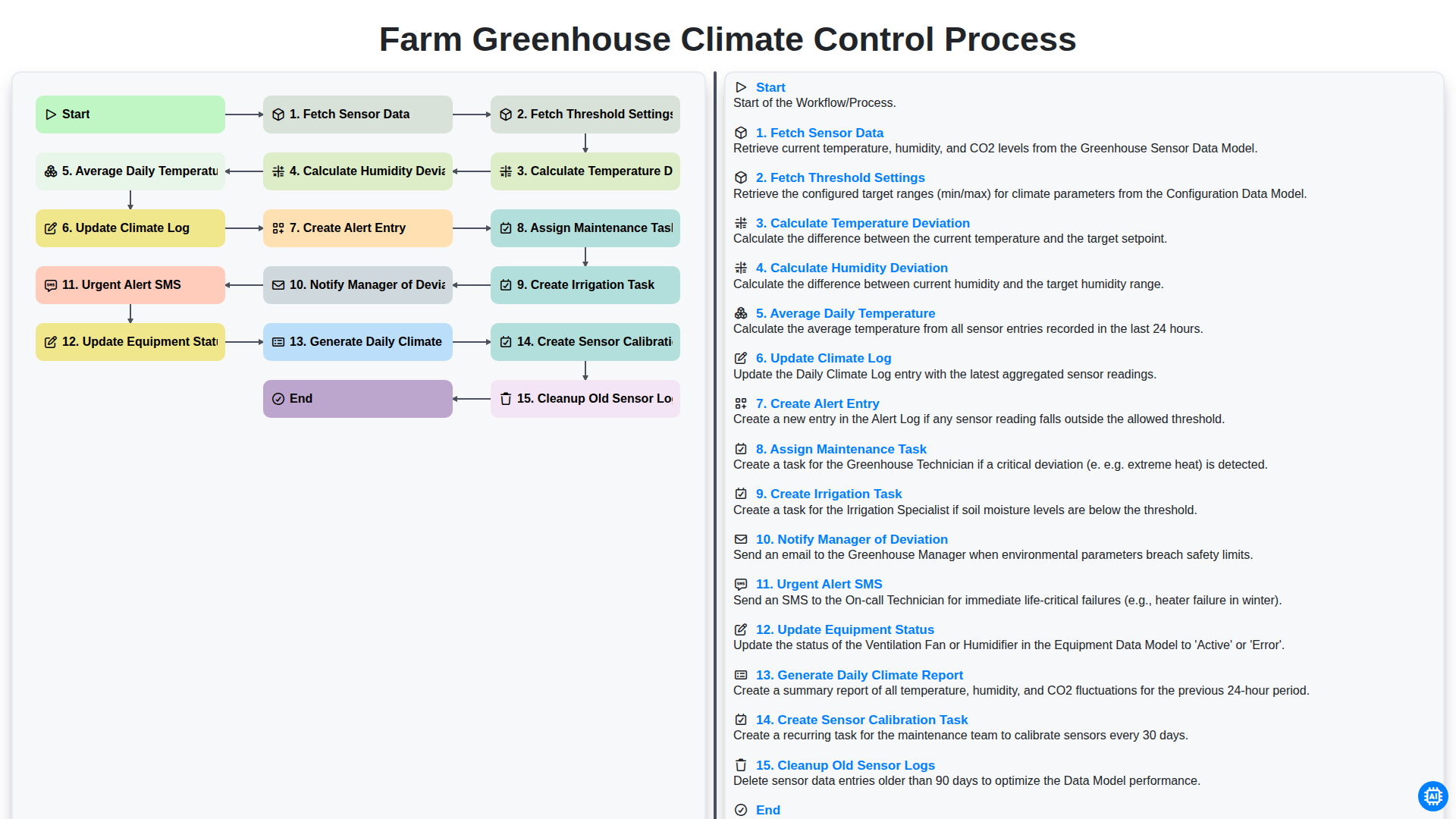
Farm Greenhouse Climate Control Process
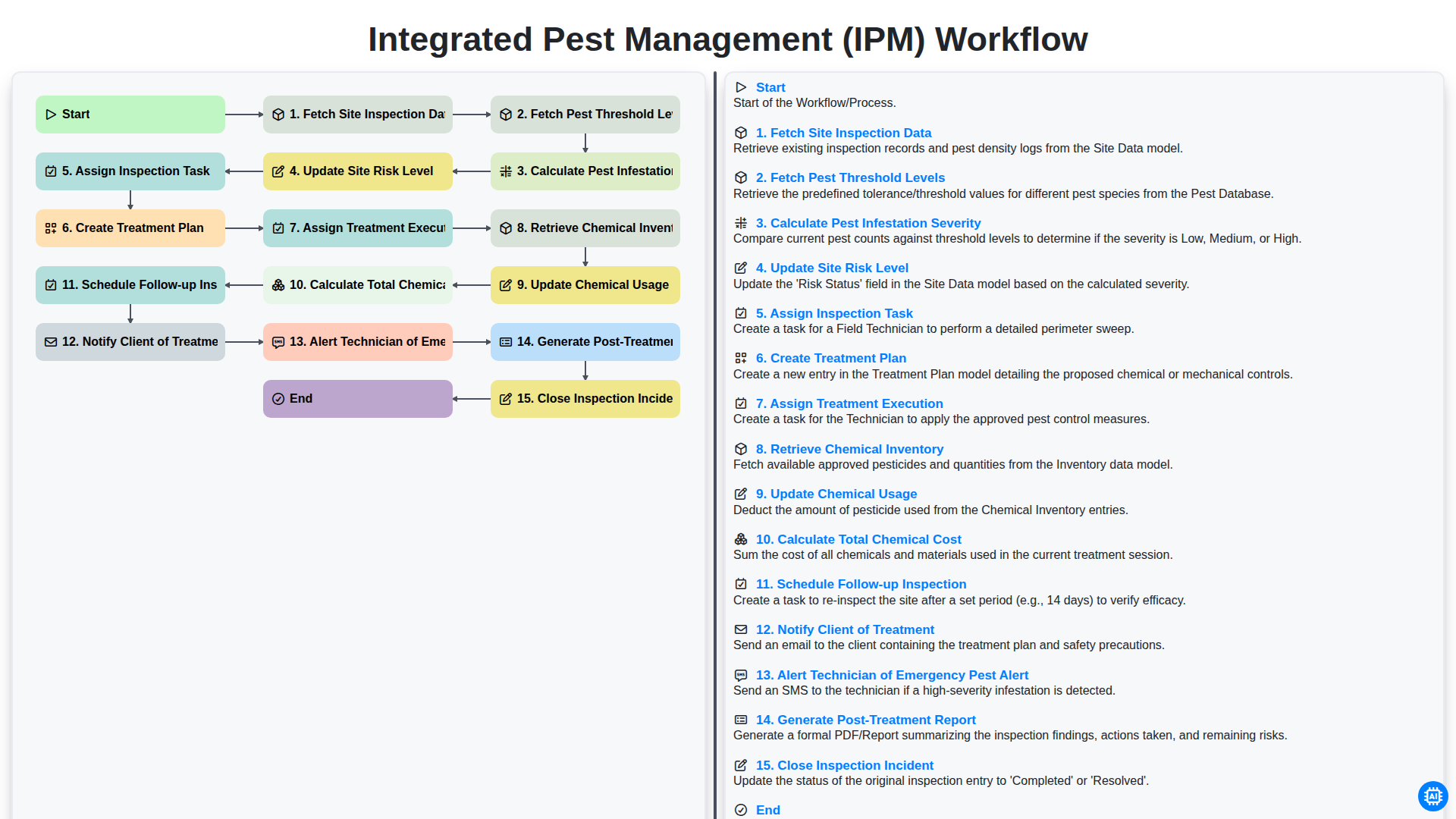
Integrated Pest Management (IPM) Workflow
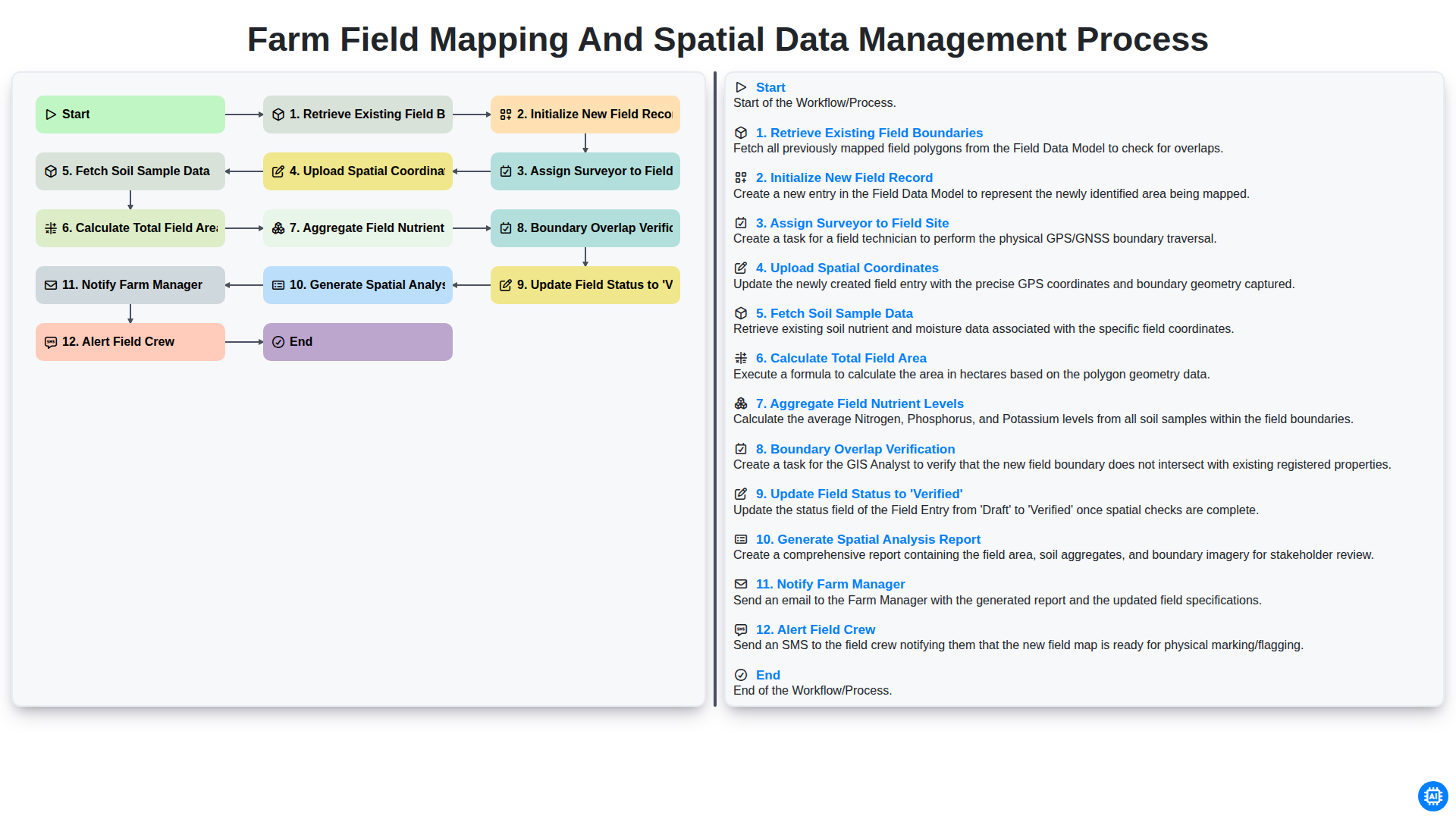
Farm Field Mapping and Spatial Data Management Process
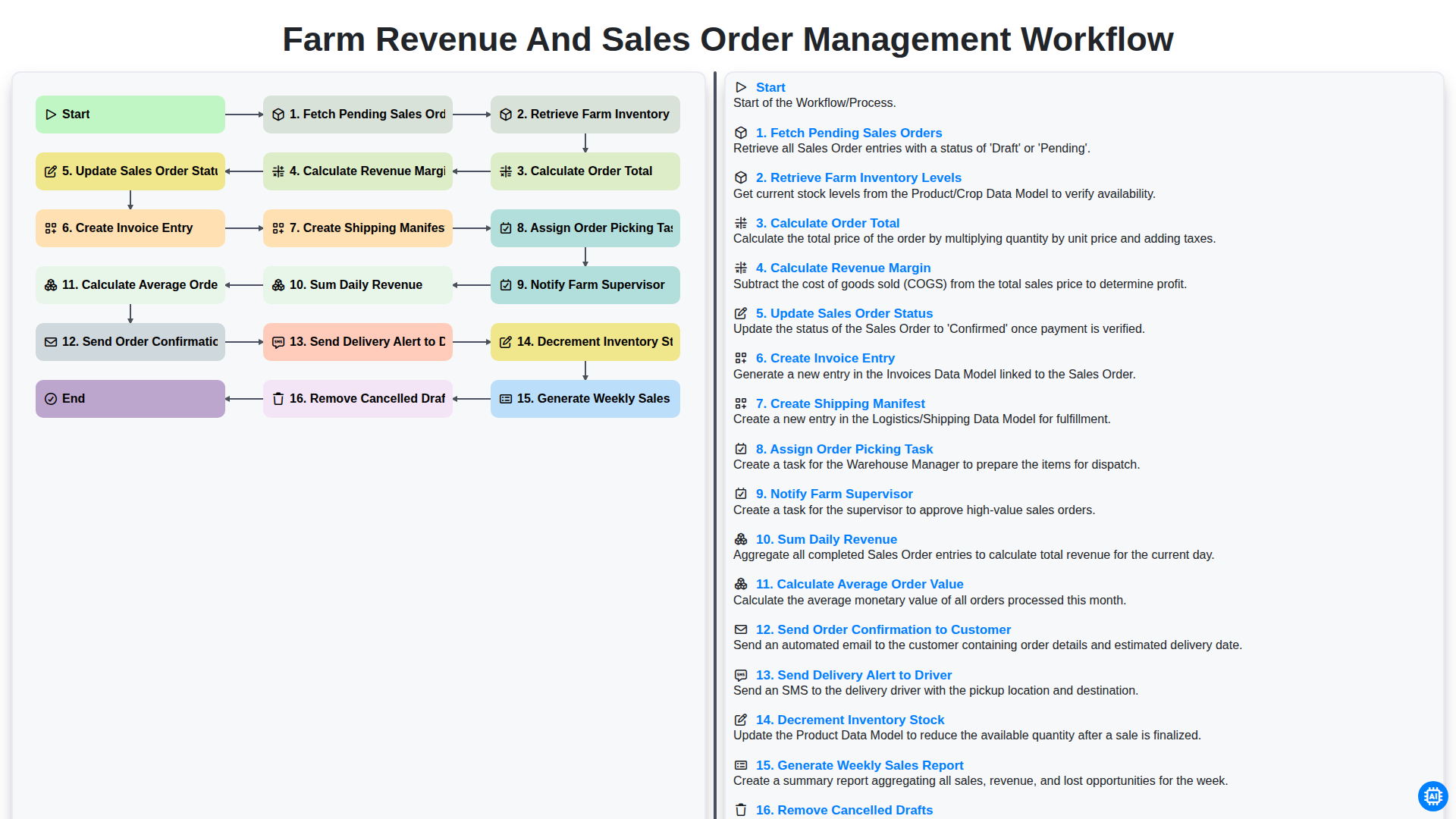
Farm Revenue and Sales Order Management Workflow
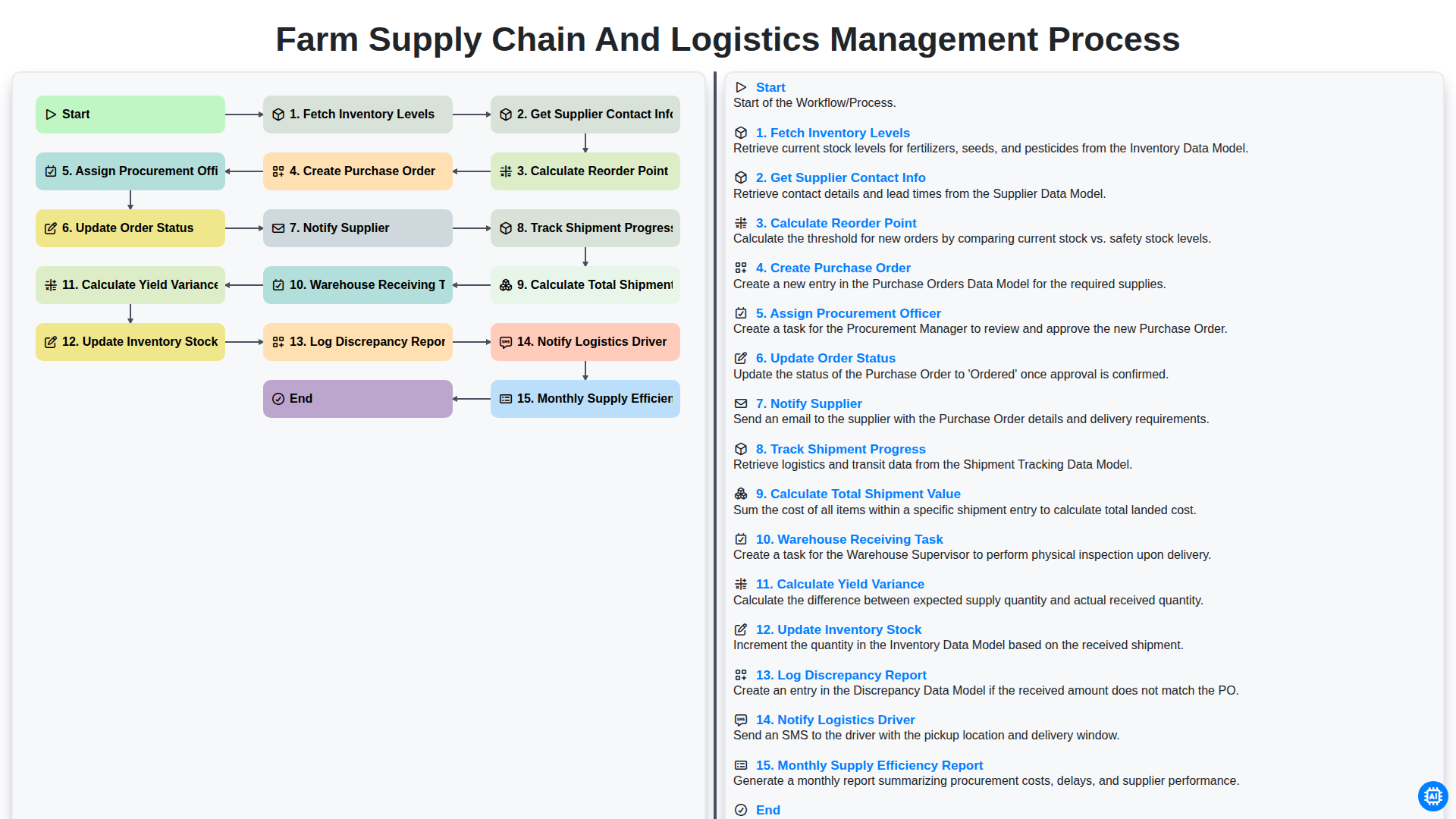
Farm Supply Chain and Logistics Management Process
Możemy to zrobić razem
Potrzebujesz pomocy z listami kontrolnymi?
Masz pytanie? Jesteśmy tu, aby pomóc. Prześlij zapytanie, a my szybko na nie odpowiemy.