 ChecklistGuro
 Reactive Maintenance Management Process
Minimize downtime and streamline emergency repairs with our Reactive Maintenance Management Process. This optimized workflow provides a structured approach to handling unplanned equipment failures, from initial fault detection and rapid response to root cause analysis and complete restoration. Master the art of effective breakdown management, optimize technician dispatch, and transform reactive chaos into a controlled, efficient maintenance lifecycle to keep your operations running smoothly.
Diese Vorlage wurde 1 Mal installiert.
Start
Start des Workflows/Prozesses.
1. Fetch Asset Details
Retrieve the specific equipment or machinery details from the Assets data model using the reported ID.
2. Create Maintenance Incident
Create a new entry in the Maintenance Log data model to record the initial failure report.
3. Assign Technician
Create a task for the Maintenance Supervisor to review the incident and assign a technician.
4. Check Spare Parts Inventory
Search the Inventory data model to see if required parts for the specific asset are available.
5. Calculate Estimated Repair Time
Calculate the expected downtime by adding labor time and part procurement lead time.
6. Procure Parts
Create a task for the Procurement Officer if parts are identified as 'Out of Stock'.
7. Update Incident Status
Update the Maintenance Log entry status from 'Reported' to 'In Progress' once work begins.
8. Execute Repair
Create a task for the assigned Technician to perform the physical repair work.
9. Log Work Performed
Create an entry in the Work History data model detailing the actions taken during the repair.
10. Calculate Total Repair Cost
Sum the costs of all part entries and labor entries associated with this specific incident.
11. Quality Inspection
Create a task for the Supervisor to verify that the repair meets safety and operational standards.
12. Update Asset Health Score
Update the 'Health Score' field in the Asset data model based on the outcome of the repair.
13. Notify Stakeholders
Send an email to the Production Manager notifying them that the asset is back in service.
14. Generate Monthly Downtime Report
Create a report aggregating all completed maintenance tasks for the current month to analyze MTTR (Mean Time To Repair).
15. Cleanup Temporary Work Orders
Delete temporary or draft maintenance requests that were created in error or duplicated.
Ende
Ende des Arbeitsablaufs/Prozesses.
Start des Workflows/Prozesses.
Retrieve the specific equipment or machinery details from the Assets data model using the reported ID.
Create a new entry in the Maintenance Log data model to record the initial failure report.
Create a task for the Maintenance Supervisor to review the incident and assign a technician.
Search the Inventory data model to see if required parts for the specific asset are available.
Calculate the expected downtime by adding labor time and part procurement lead time.
Create a task for the Procurement Officer if parts are identified as 'Out of Stock'.
Update the Maintenance Log entry status from 'Reported' to 'In Progress' once work begins.
Create a task for the assigned Technician to perform the physical repair work.
Create an entry in the Work History data model detailing the actions taken during the repair.
Sum the costs of all part entries and labor entries associated with this specific incident.
Create a task for the Supervisor to verify that the repair meets safety and operational standards.
Update the 'Health Score' field in the Asset data model based on the outcome of the repair.
Send an email to the Production Manager notifying them that the asset is back in service.
Create a report aggregating all completed maintenance tasks for the current month to analyze MTTR (Mean Time To Repair).
Delete temporary or draft maintenance requests that were created in error or duplicated.
Ende des Arbeitsablaufs/Prozesses.
Kommentare
Bisher gibt es keine Kommentare. Seien Sie der Erste, der einen hinzufügt!
Demo der Wartungsmanagementlösung
Maximieren Sie die Betriebsdauer Ihrer Anlagen und reduzieren Sie Kosten! ChecklistGuro optimiert die Wartungsplanung, die Arbeitsauftragsverwaltung und die Anlagenverfolgung. Verhindern Sie Ausfälle, optimieren Sie die Leistung und verlängern Sie die Lebensdauer Ihrer Geräte. Verwalten Sie all das mit unserem Work OS.
Verwandte Workflow-Vorlagen
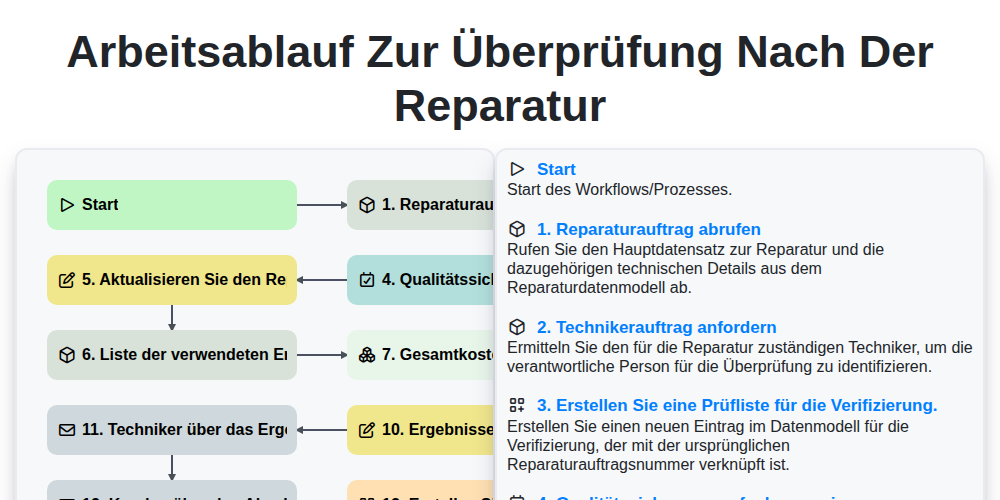
Arbeitsablauf zur Überprüfung nach der Reparatur

Maintenance Training and Certification Process

Predictive Failure Analysis Workflow

Mobile Maintenance Work Order Process

MRO Inventory Control Workflow

Maintenance KPI Reporting Process

Asset Inspection and Audit Workflow

Annual Maintenance Budgeting Workflow
Gemeinsam schaffen wir das
Benötigen Sie Hilfe bei Checklisten?
Haben Sie eine Frage? Wir helfen Ihnen gerne. Bitte senden Sie uns Ihre Anfrage, und wir werden Ihnen umgehend antworten.