 ChecklistGuro
 Farm Field Mapping and Spatial Data Management Process
Optimize your agricultural productivity with our comprehensive Farm Field Mapping and Spatial Data Management Process. Master precision agriculture by streamlining the collection, analysis, and integration of GPS boundaries, soil variability maps, and field imagery. This specialized workflow empowers farmers to transform raw spatial data into actionable insights, enabling smarter planting, precise nutrient application, and enhanced resource allocation for high-yield, data-driven farm management.
Esta plantilla se instaló 1 veces.
Inicio
Inicio del flujo de trabajo/proceso.
1. Retrieve Existing Field Boundaries
Fetch all previously mapped field polygons from the Field Data Model to check for overlaps.
2. Initialize New Field Record
Create a new entry in the Field Data Model to represent the newly identified area being mapped.
3. Assign Surveyor to Field Site
Create a task for a field technician to perform the physical GPS/GNSS boundary traversal.
4. Upload Spatial Coordinates
Update the newly created field entry with the precise GPS coordinates and boundary geometry captured.
5. Fetch Soil Sample Data
Retrieve existing soil nutrient and moisture data associated with the specific field coordinates.
6. Calculate Total Field Area
Execute a formula to calculate the area in hectares based on the polygon geometry data.
7. Aggregate Field Nutrient Levels
Calculate the average Nitrogen, Phosphorus, and Potassium levels from all soil samples within the field boundaries.
8. Boundary Overlap Verification
Create a task for the GIS Analyst to verify that the new field boundary does not intersect with existing registered properties.
9. Update Field Status to 'Verified'
Update the status field of the Field Entry from 'Draft' to 'Verified' once spatial checks are complete.
10. Generate Spatial Analysis Report
Create a comprehensive report containing the field area, soil aggregates, and boundary imagery for stakeholder review.
11. Notify Farm Manager
Send an email to the Farm Manager with the generated report and the updated field specifications.
12. Alert Field Crew
Send an SMS to the field crew notifying them that the new field map is ready for physical marking/flagging.
Fin
Fin del flujo de trabajo/proceso.
Inicio del flujo de trabajo/proceso.
Fetch all previously mapped field polygons from the Field Data Model to check for overlaps.
Create a new entry in the Field Data Model to represent the newly identified area being mapped.
Create a task for a field technician to perform the physical GPS/GNSS boundary traversal.
Update the newly created field entry with the precise GPS coordinates and boundary geometry captured.
Retrieve existing soil nutrient and moisture data associated with the specific field coordinates.
Execute a formula to calculate the area in hectares based on the polygon geometry data.
Calculate the average Nitrogen, Phosphorus, and Potassium levels from all soil samples within the field boundaries.
Create a task for the GIS Analyst to verify that the new field boundary does not intersect with existing registered properties.
Update the status field of the Field Entry from 'Draft' to 'Verified' once spatial checks are complete.
Create a comprehensive report containing the field area, soil aggregates, and boundary imagery for stakeholder review.
Send an email to the Farm Manager with the generated report and the updated field specifications.
Send an SMS to the field crew notifying them that the new field map is ready for physical marking/flagging.
Fin del flujo de trabajo/proceso.
¿Le resultó útil esta plantilla de flujo de trabajo?
Comentarios
Aún no hay comentarios. ¡Sé el primero en añadir uno!
Demostración de la Solución de Gestión de Granjas
¡Cultive su granja de forma más inteligente y eficiente! ChecklistGuro optimiza la planificación de cultivos, la gestión de tareas y el seguimiento de recursos. Maximice los rendimientos, reduzca el desperdicio y mejore la rentabilidad. Administre todo con nuestro Work OS.
Plantillas de flujo de trabajo relacionadas
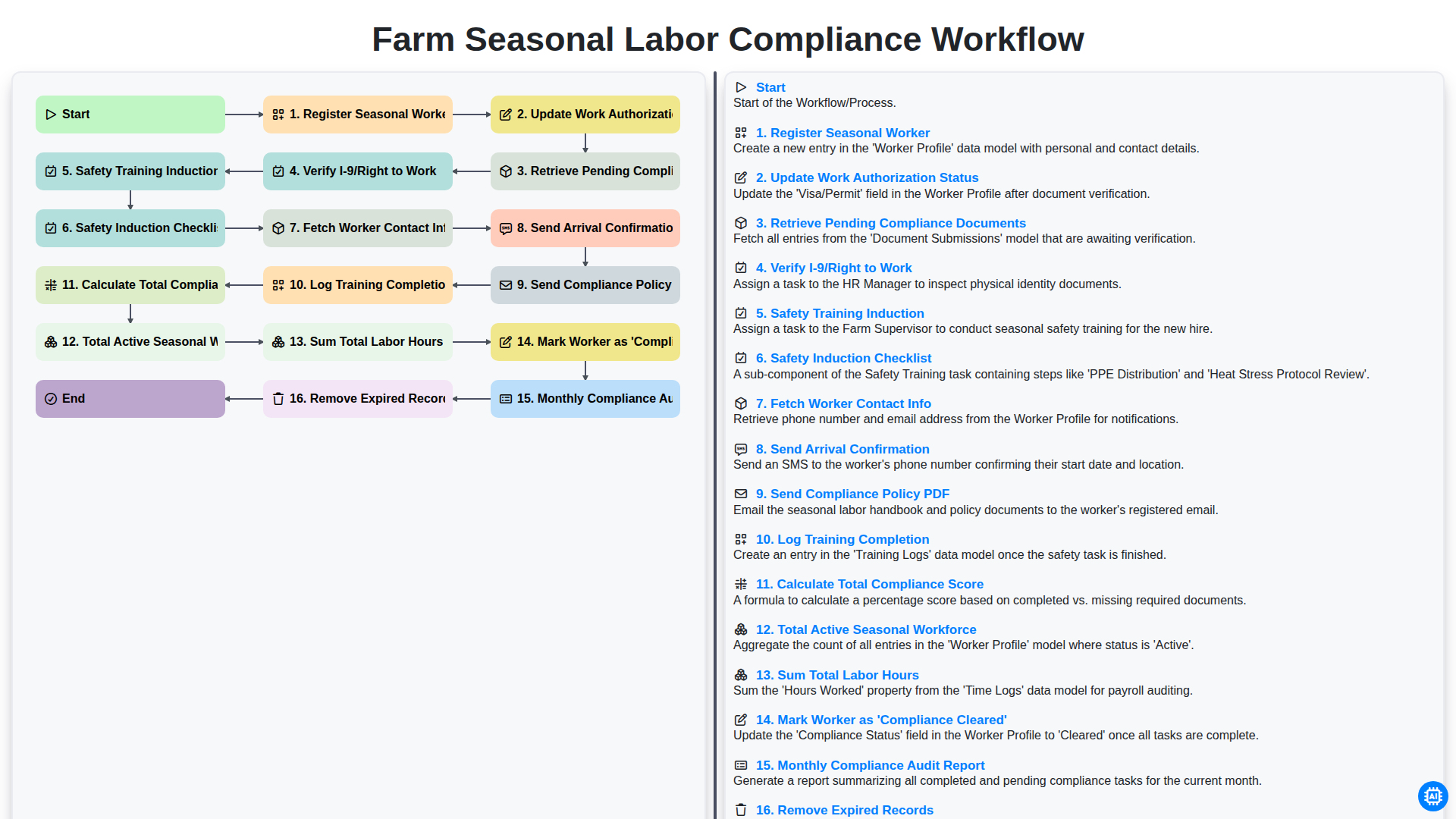
Farm Seasonal Labor Compliance Workflow
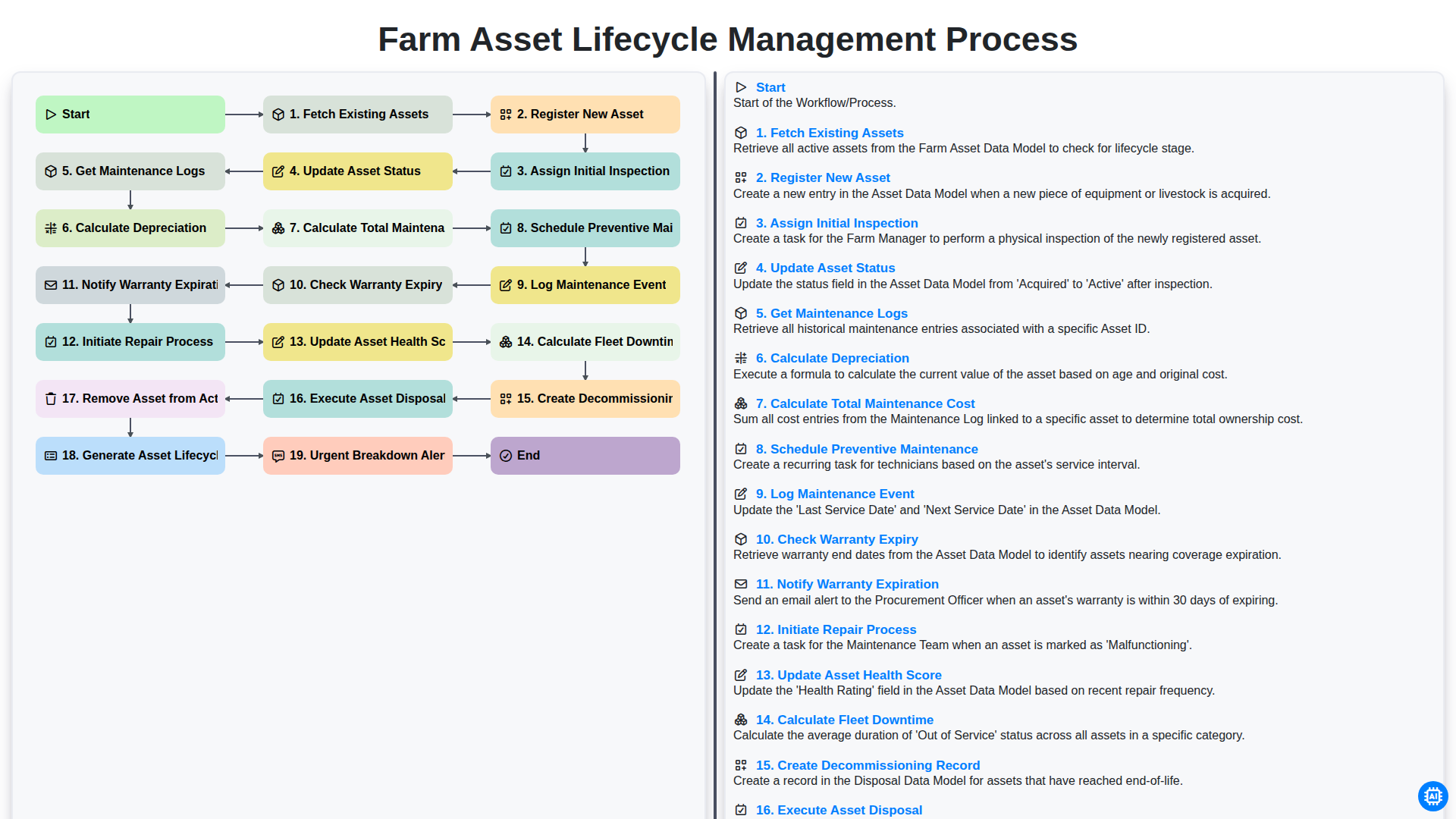
Farm Asset Lifecycle Management Process
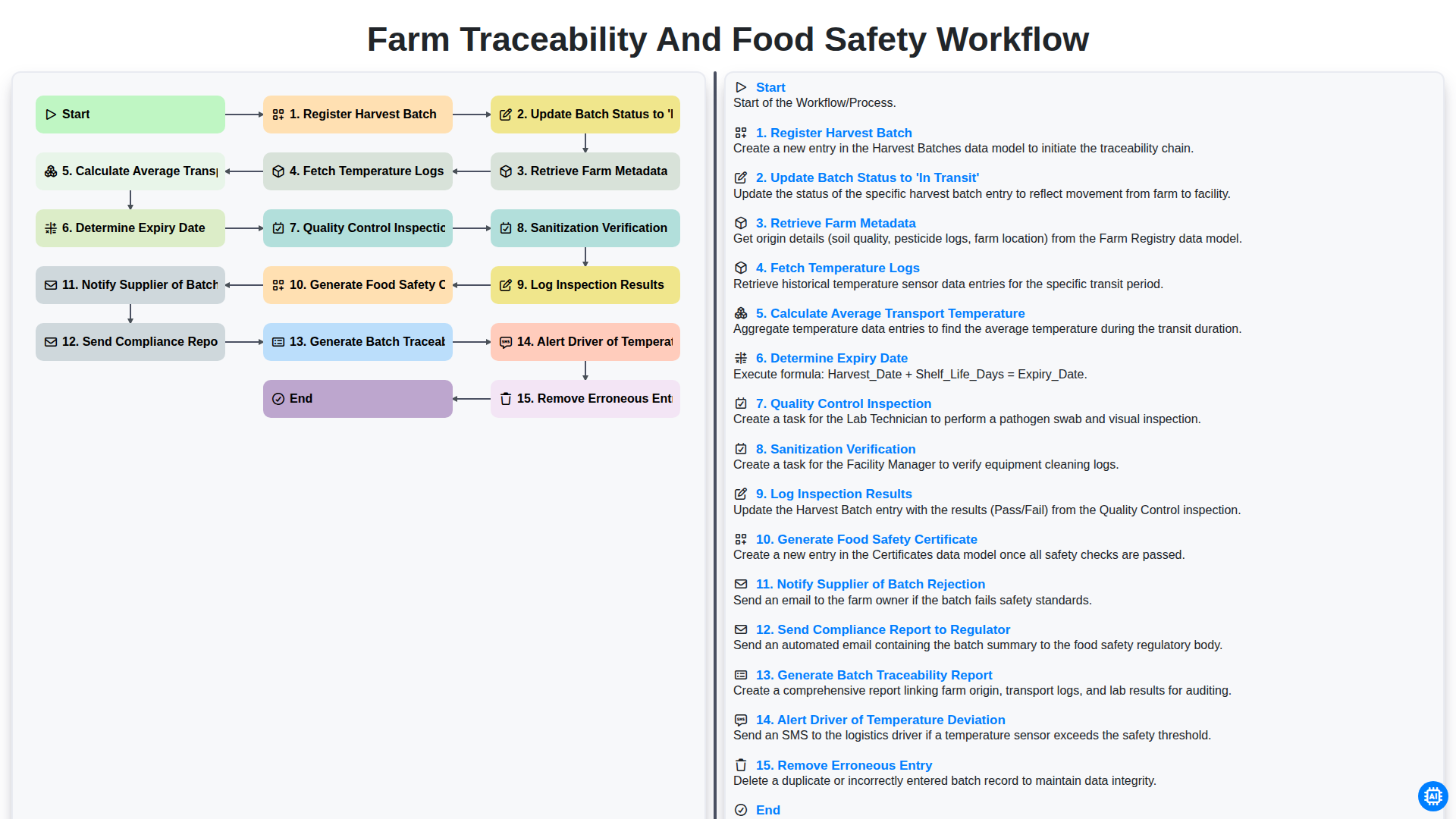
Farm Traceability and Food Safety Workflow
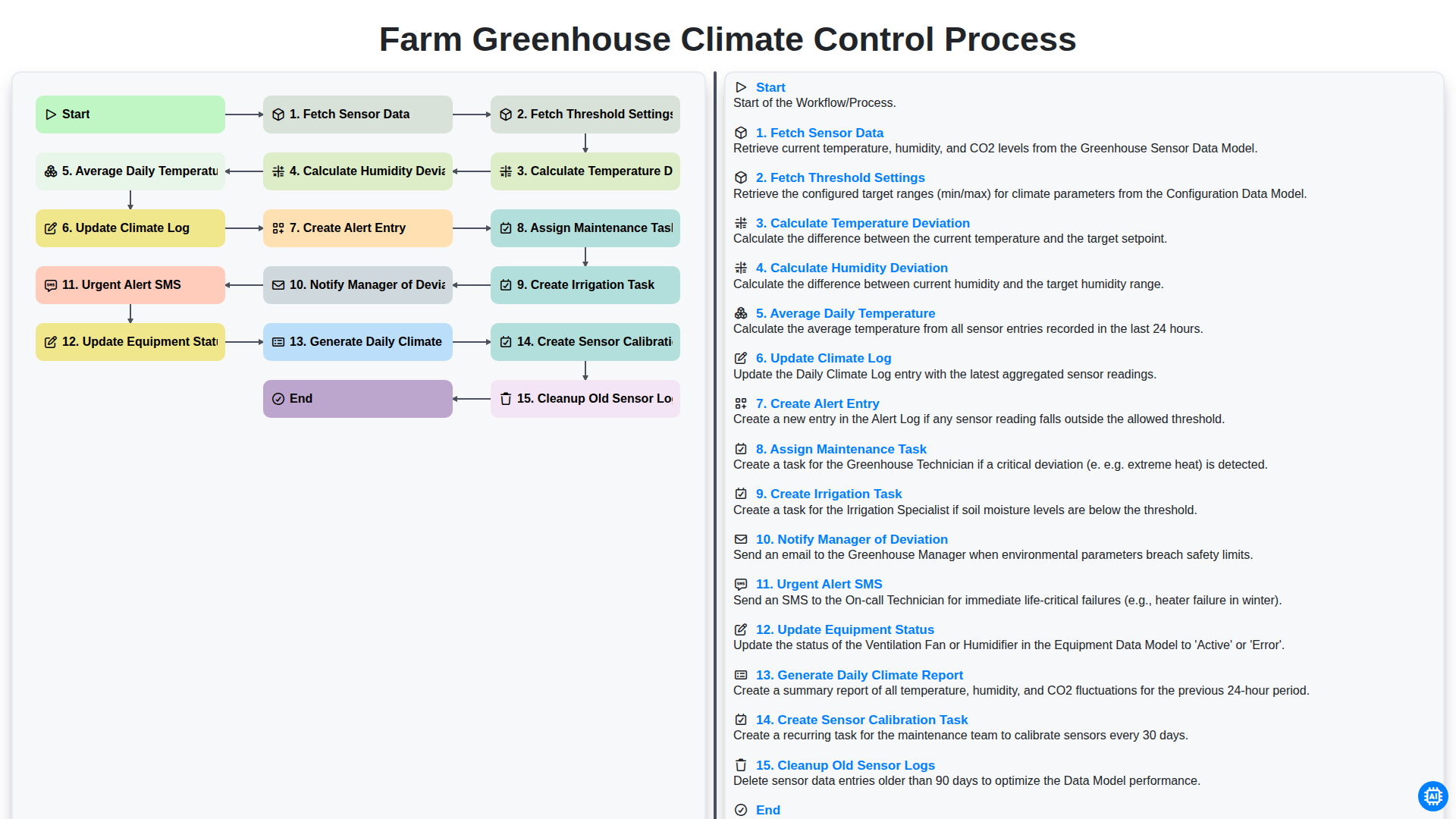
Farm Greenhouse Climate Control Process
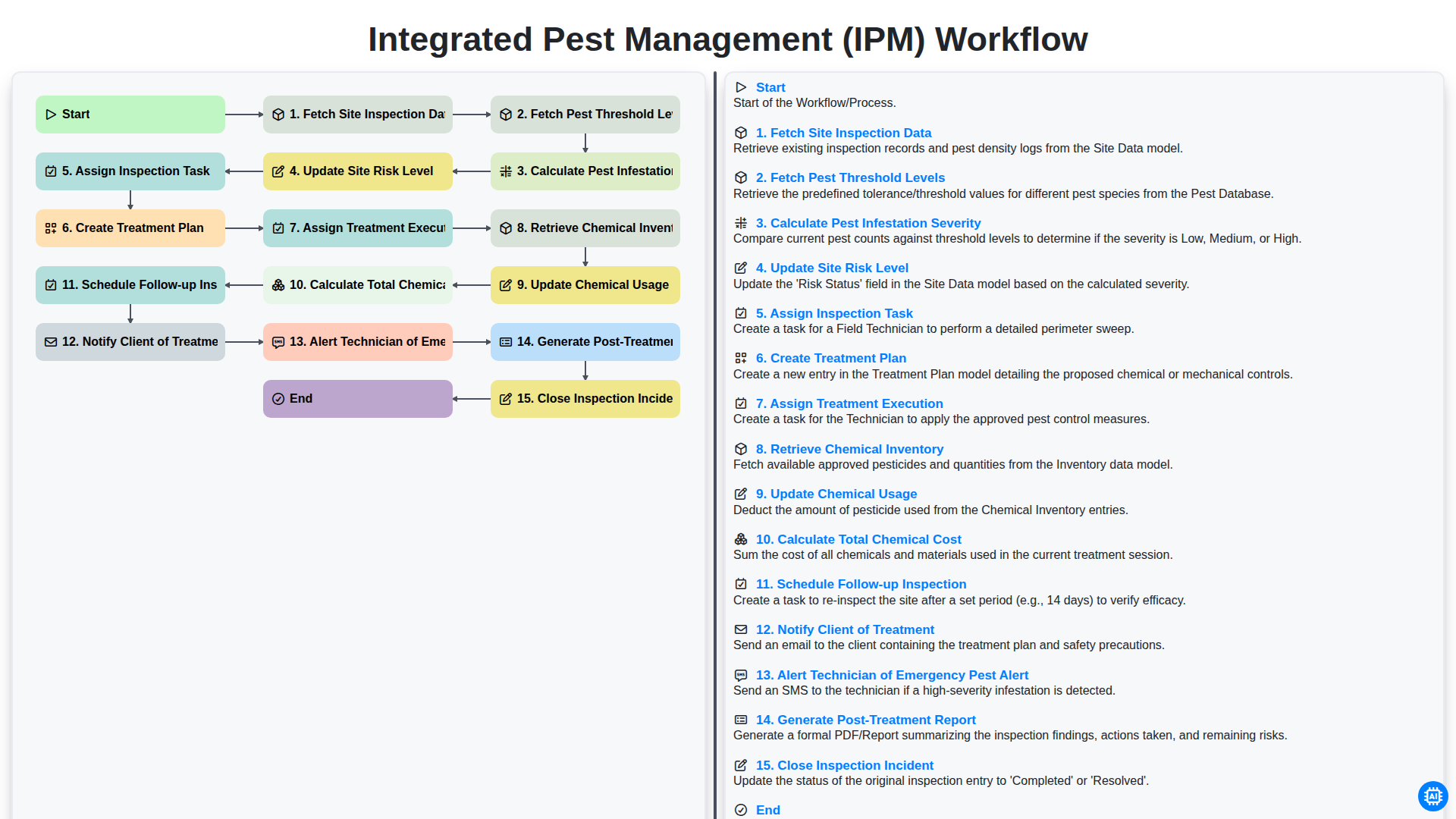
Integrated Pest Management (IPM) Workflow
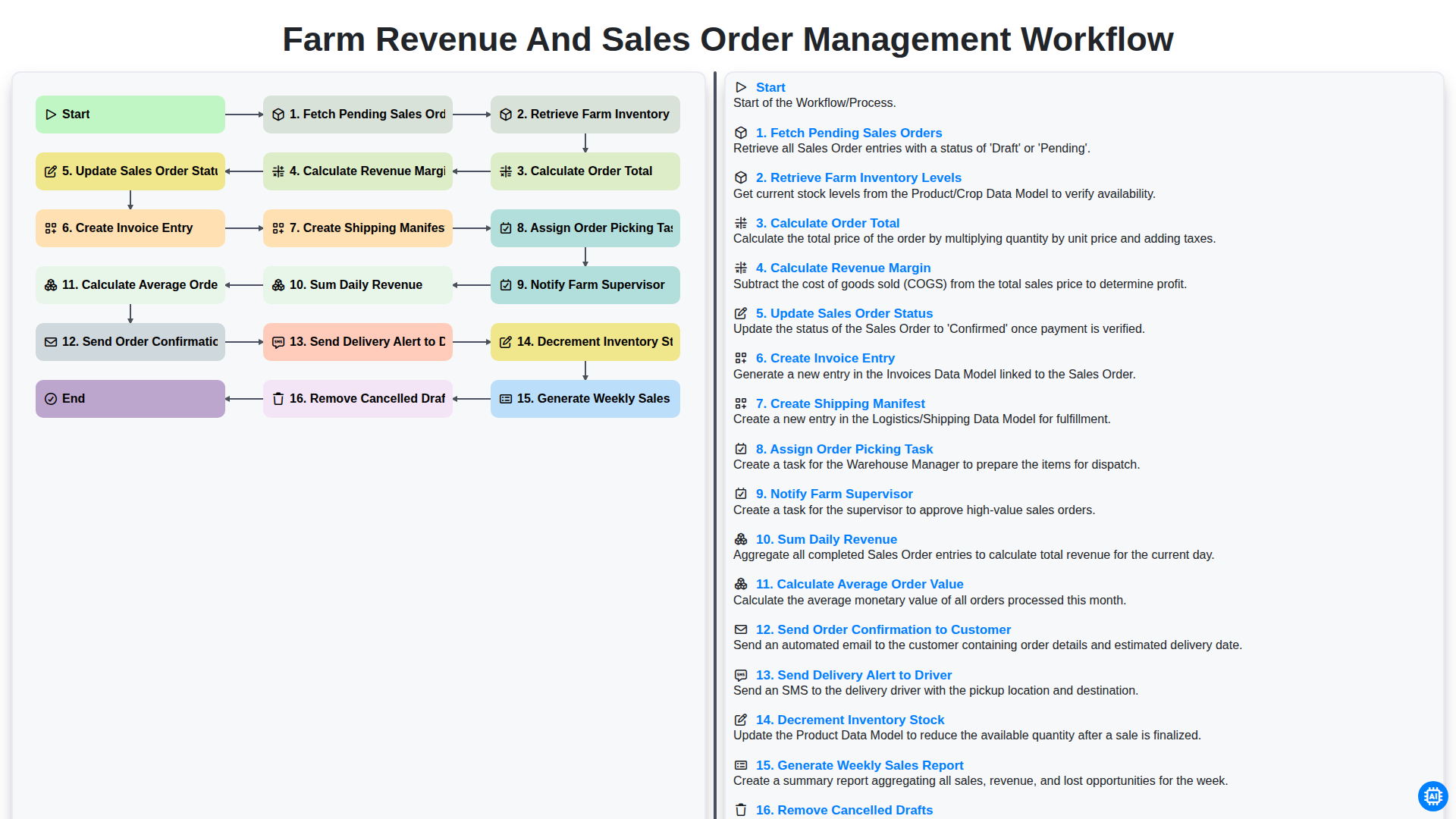
Farm Revenue and Sales Order Management Workflow
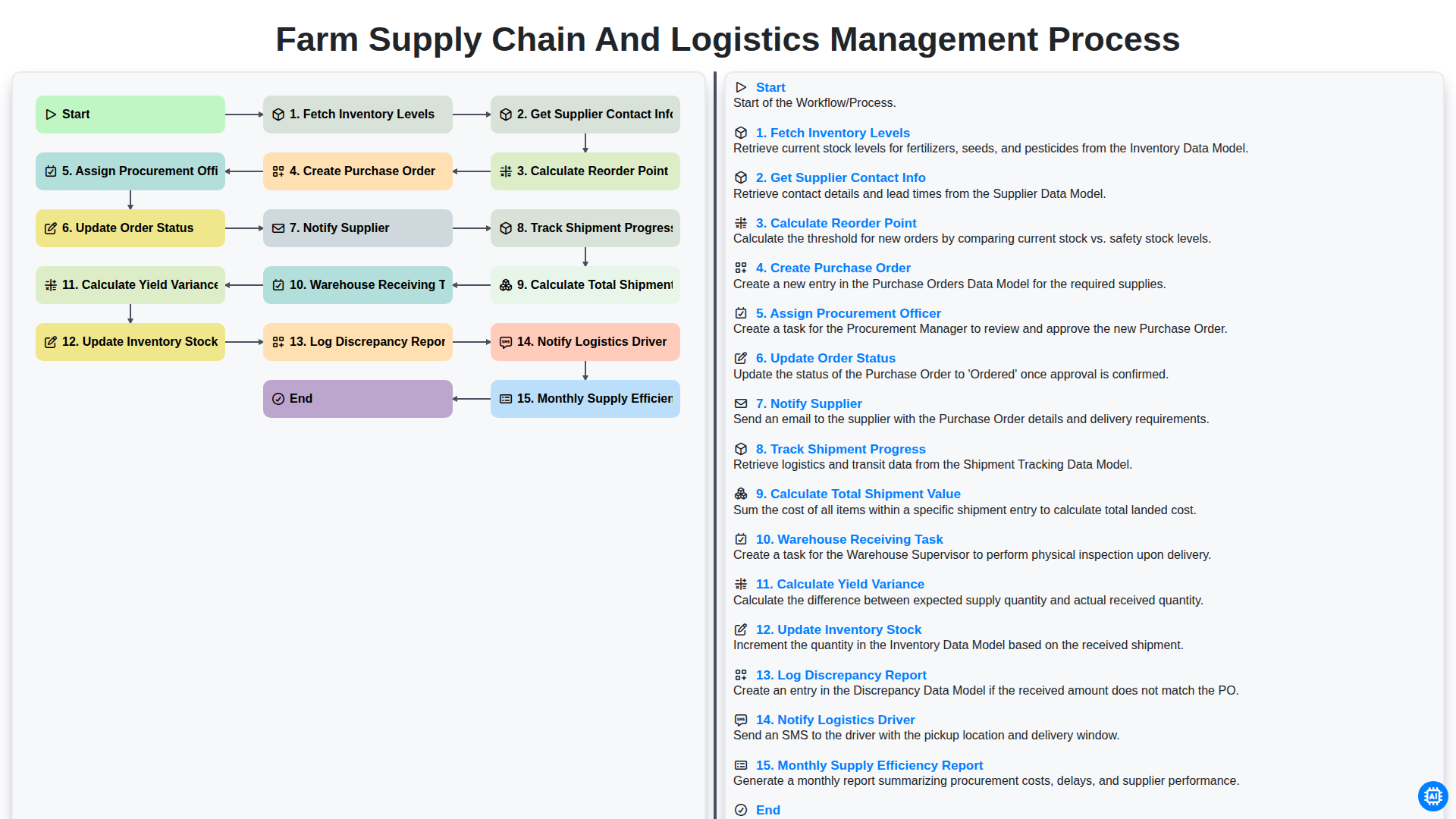
Farm Supply Chain and Logistics Management Process
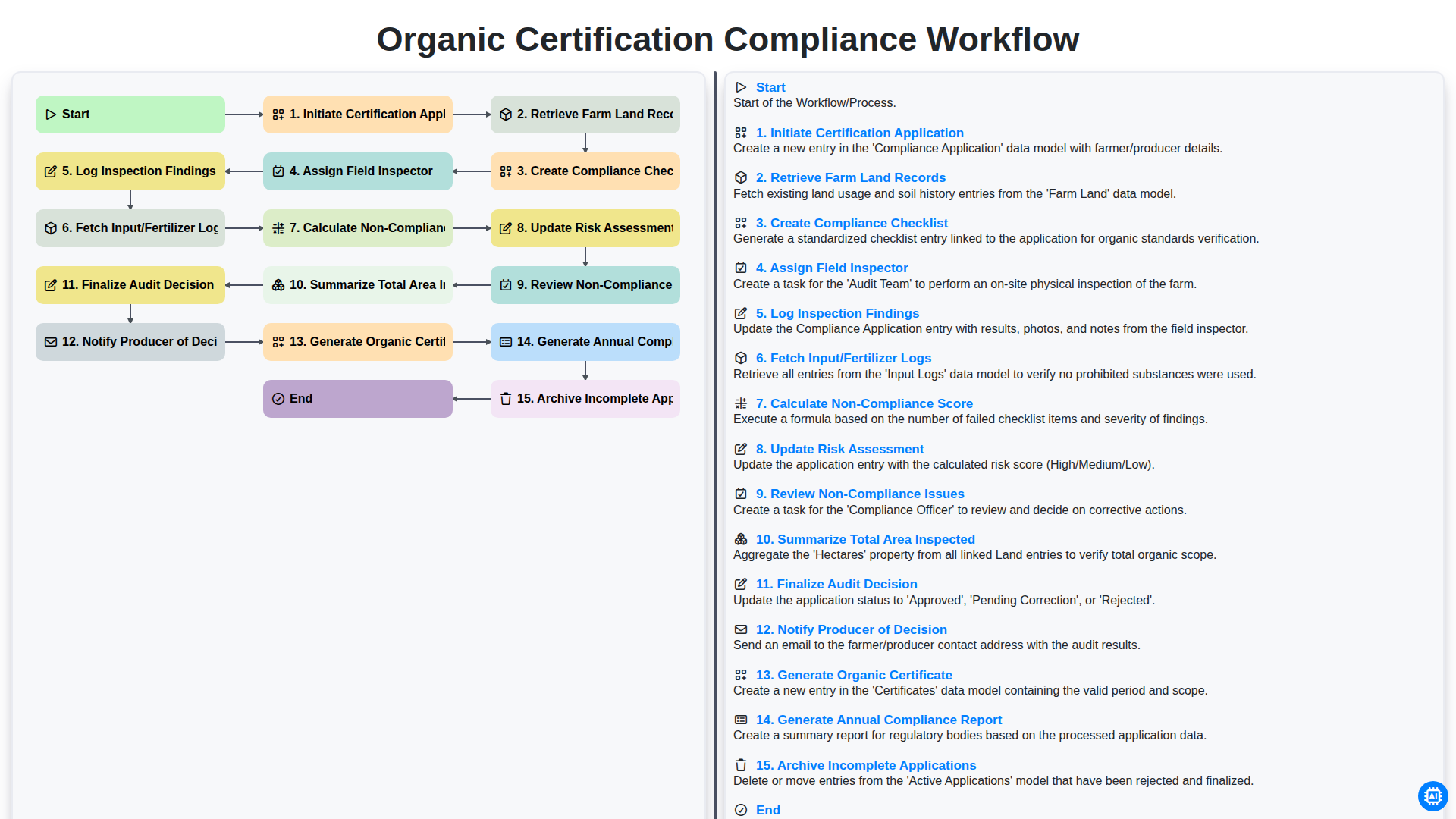
Organic Certification Compliance Workflow
Podemos hacerlo juntos
¿Necesita ayuda con las listas de verificación?
¿Tienes alguna pregunta? Estamos aquí para ayudarte. Envía tu consulta y te responderemos a la brevedad.