 ChecklistGuro
 Organic Certification Compliance Workflow
Streamline your organic journey with our Organic Certification Compliance Workflow. Automate audit readiness, track soil inputs, and manage certification documentation seamlessly to ensure total compliance and maintain your organic integrity from seed to sale.
Esta plantilla se instaló 2 veces.
Inicio
Inicio del flujo de trabajo/proceso.
1. Initiate Certification Application
Create a new entry in the 'Compliance Application' data model with farmer/producer details.
2. Retrieve Farm Land Records
Fetch existing land usage and soil history entries from the 'Farm Land' data model.
3. Create Compliance Checklist
Generate a standardized checklist entry linked to the application for organic standards verification.
4. Assign Field Inspector
Create a task for the 'Audit Team' to perform an on-site physical inspection of the farm.
5. Log Inspection Findings
Update the Compliance Application entry with results, photos, and notes from the field inspector.
6. Fetch Input/Fertilizer Logs
Retrieve all entries from the 'Input Logs' data model to verify no prohibited substances were used.
7. Calculate Non-Compliance Score
Execute a formula based on the number of failed checklist items and severity of findings.
8. Update Risk Assessment
Update the application entry with the calculated risk score (High/Medium/Low).
9. Review Non-Compliance Issues
Create a task for the 'Compliance Officer' to review and decide on corrective actions.
10. Summarize Total Area Inspected
Aggregate the 'Hectares' property from all linked Land entries to verify total organic scope.
11. Finalize Audit Decision
Update the application status to 'Approved', 'Pending Correction', or 'Rejected'.
12. Notify Producer of Decision
Send an email to the farmer/producer contact address with the audit results.
13. Generate Organic Certificate
Create a new entry in the 'Certificates' data model containing the valid period and scope.
14. Generate Annual Compliance Report
Create a summary report for regulatory bodies based on the processed application data.
15. Archive Incomplete Applications
Delete or move entries from the 'Active Applications' model that have been rejected and finalized.
Fin
Fin del flujo de trabajo/proceso.
Inicio del flujo de trabajo/proceso.
Create a new entry in the 'Compliance Application' data model with farmer/producer details.
Fetch existing land usage and soil history entries from the 'Farm Land' data model.
Generate a standardized checklist entry linked to the application for organic standards verification.
Create a task for the 'Audit Team' to perform an on-site physical inspection of the farm.
Update the Compliance Application entry with results, photos, and notes from the field inspector.
Retrieve all entries from the 'Input Logs' data model to verify no prohibited substances were used.
Execute a formula based on the number of failed checklist items and severity of findings.
Update the application entry with the calculated risk score (High/Medium/Low).
Create a task for the 'Compliance Officer' to review and decide on corrective actions.
Aggregate the 'Hectares' property from all linked Land entries to verify total organic scope.
Update the application status to 'Approved', 'Pending Correction', or 'Rejected'.
Send an email to the farmer/producer contact address with the audit results.
Create a new entry in the 'Certificates' data model containing the valid period and scope.
Create a summary report for regulatory bodies based on the processed application data.
Delete or move entries from the 'Active Applications' model that have been rejected and finalized.
Fin del flujo de trabajo/proceso.
¿Le resultó útil esta plantilla de flujo de trabajo?
Comentarios
Aún no hay comentarios. ¡Sé el primero en añadir uno!
Demostración de la Solución de Gestión de Granjas
¡Cultive su granja de forma más inteligente y eficiente! ChecklistGuro optimiza la planificación de cultivos, la gestión de tareas y el seguimiento de recursos. Maximice los rendimientos, reduzca el desperdicio y mejore la rentabilidad. Administre todo con nuestro Work OS.
Plantillas de flujo de trabajo relacionadas
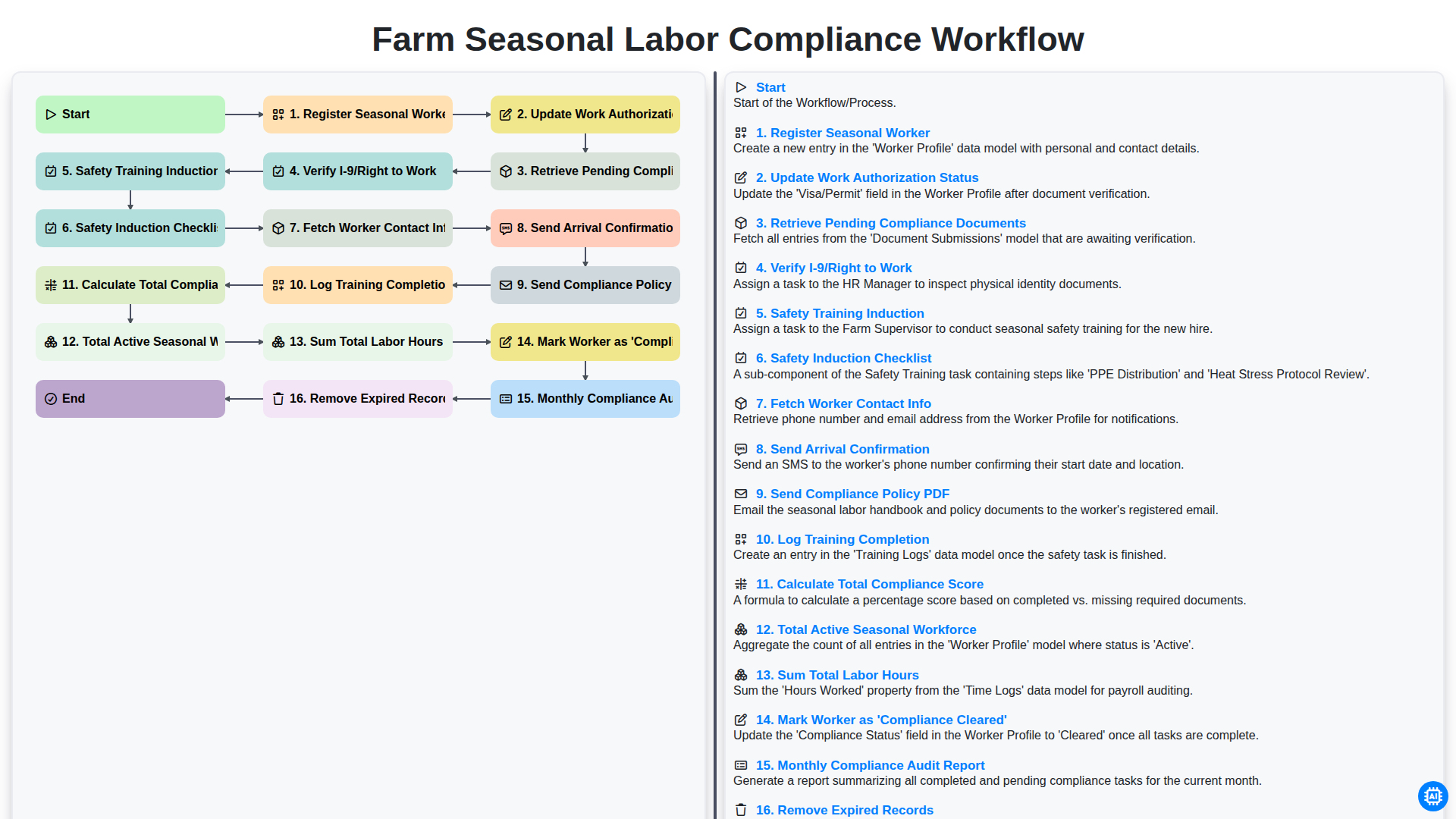
Farm Seasonal Labor Compliance Workflow
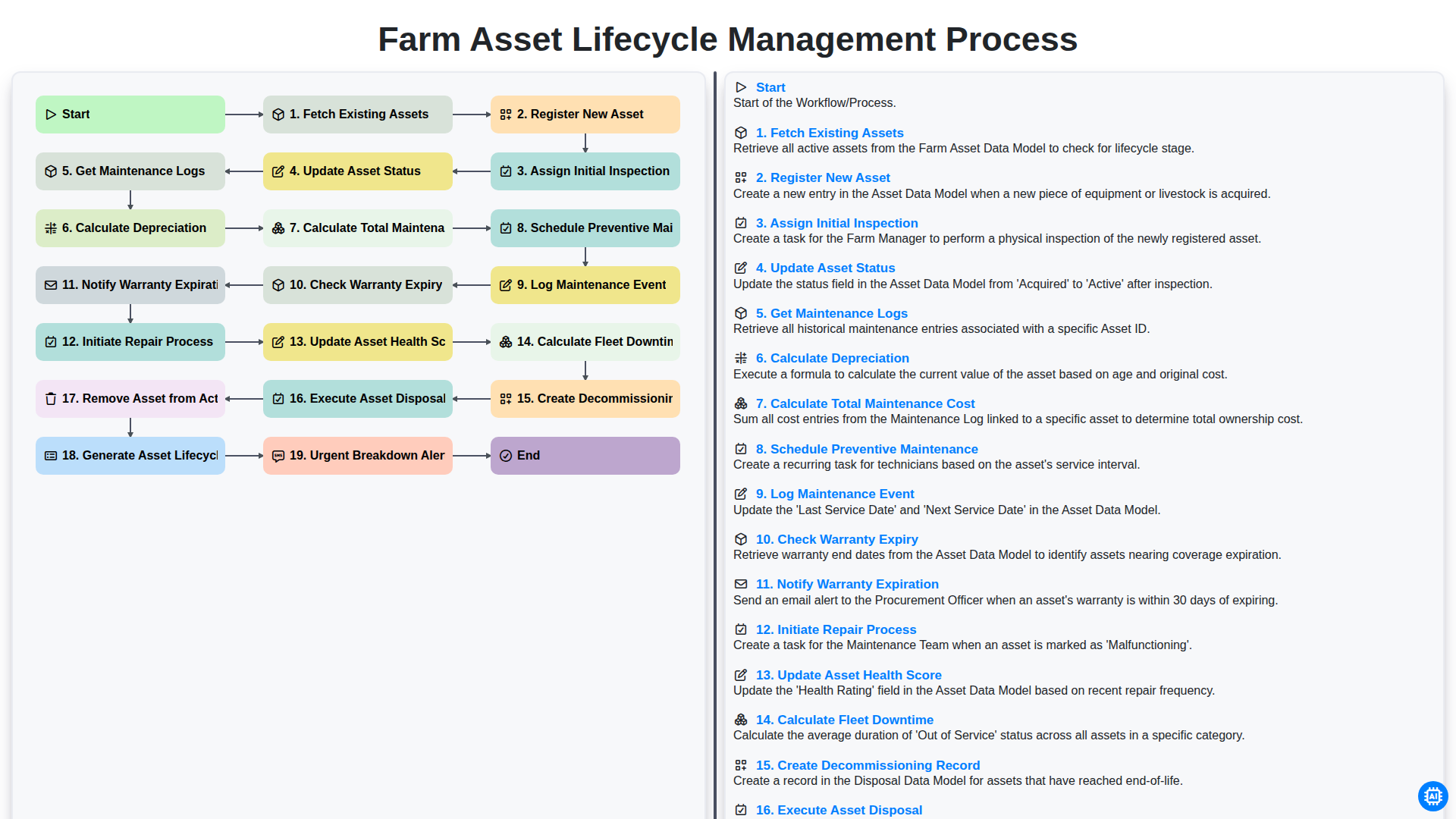
Farm Asset Lifecycle Management Process
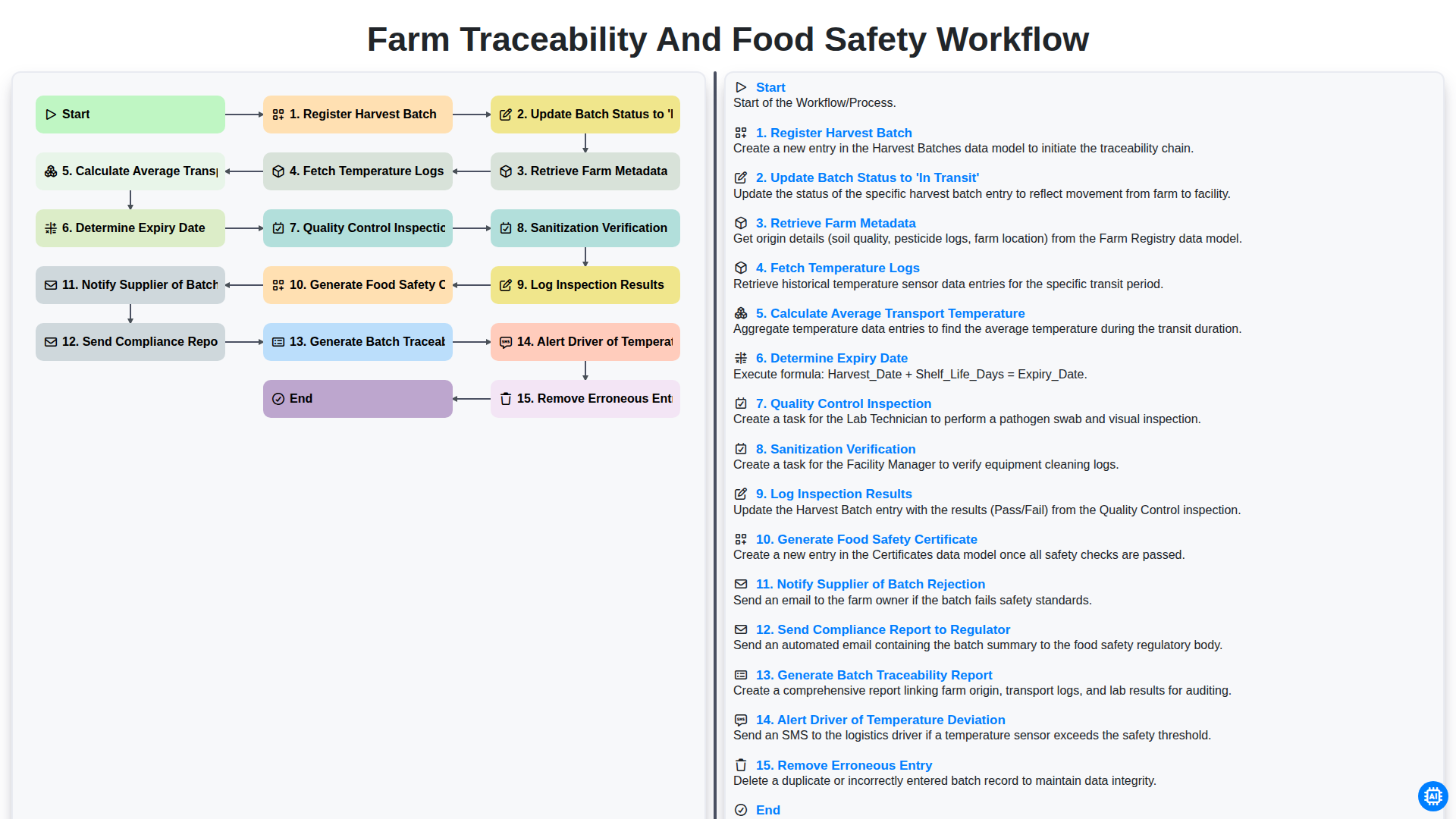
Farm Traceability and Food Safety Workflow
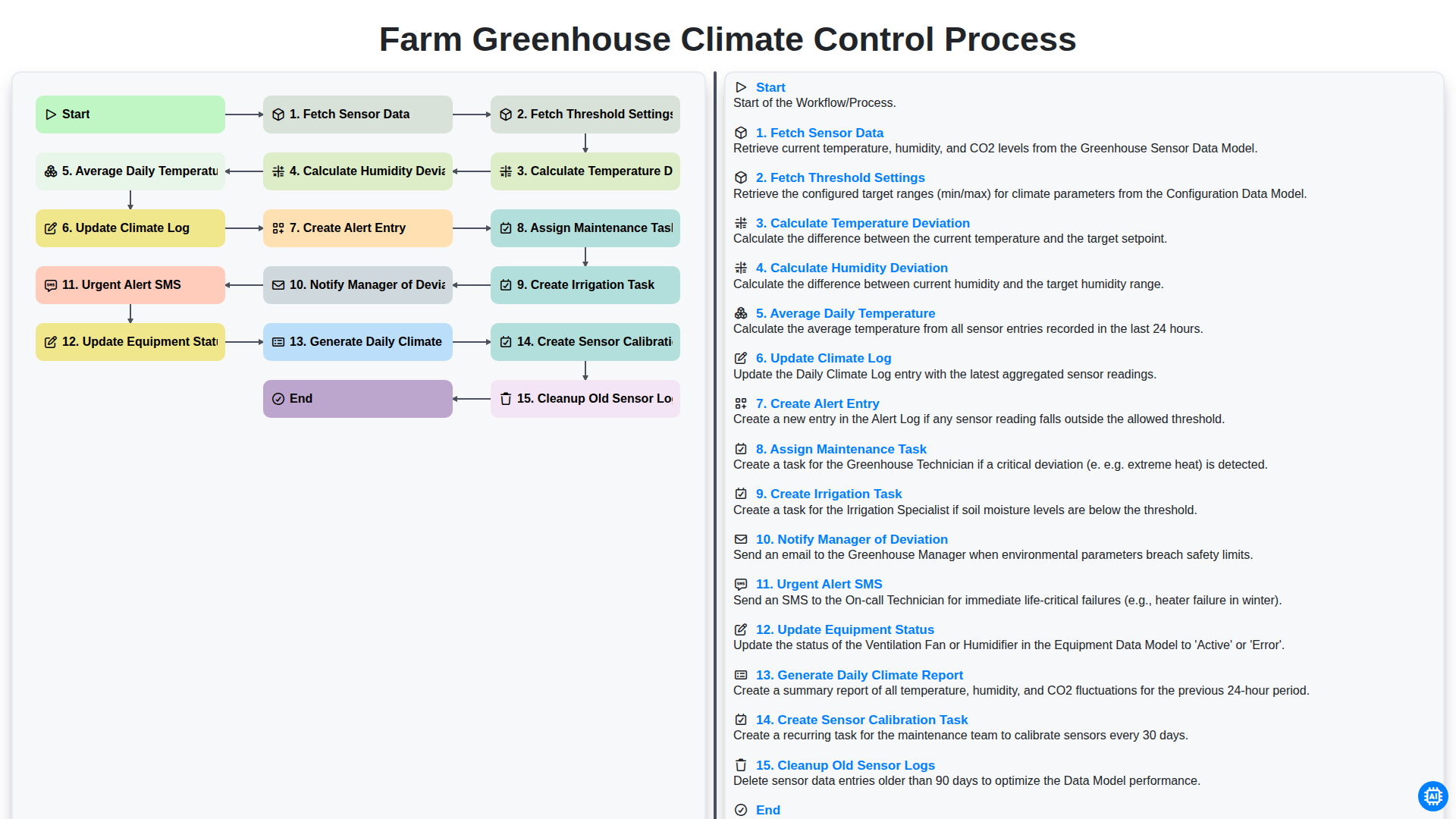
Farm Greenhouse Climate Control Process
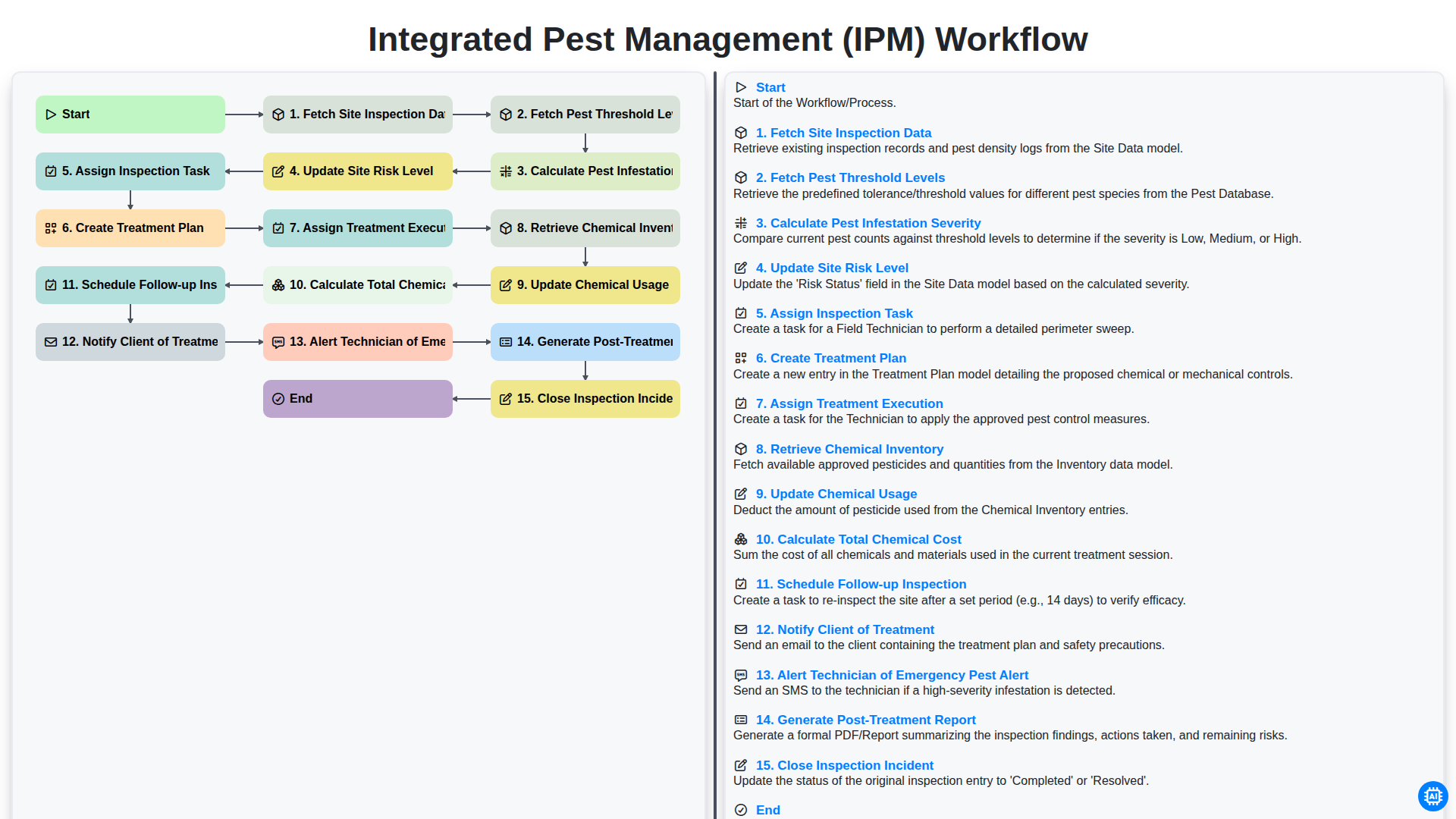
Integrated Pest Management (IPM) Workflow
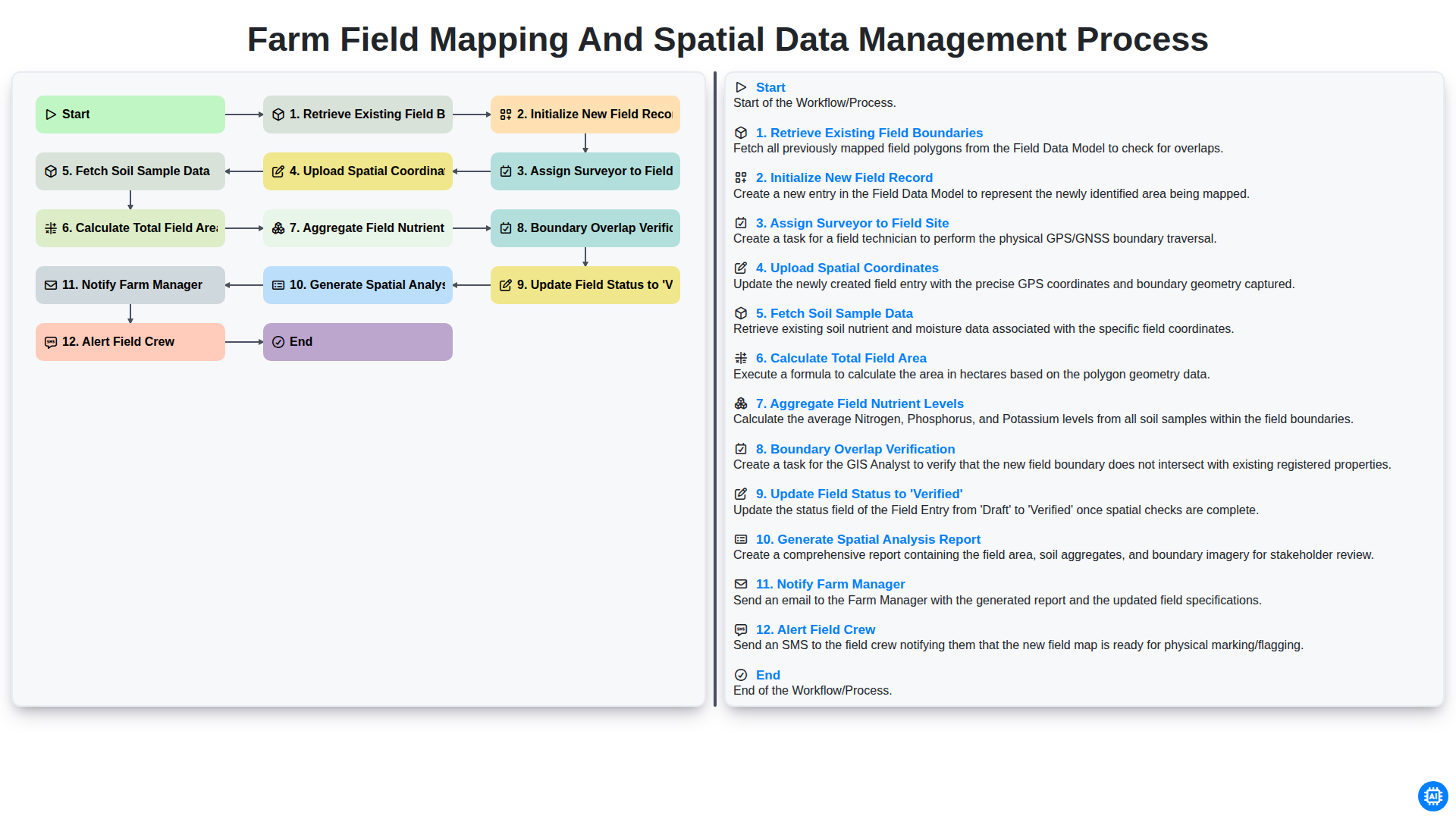
Farm Field Mapping and Spatial Data Management Process
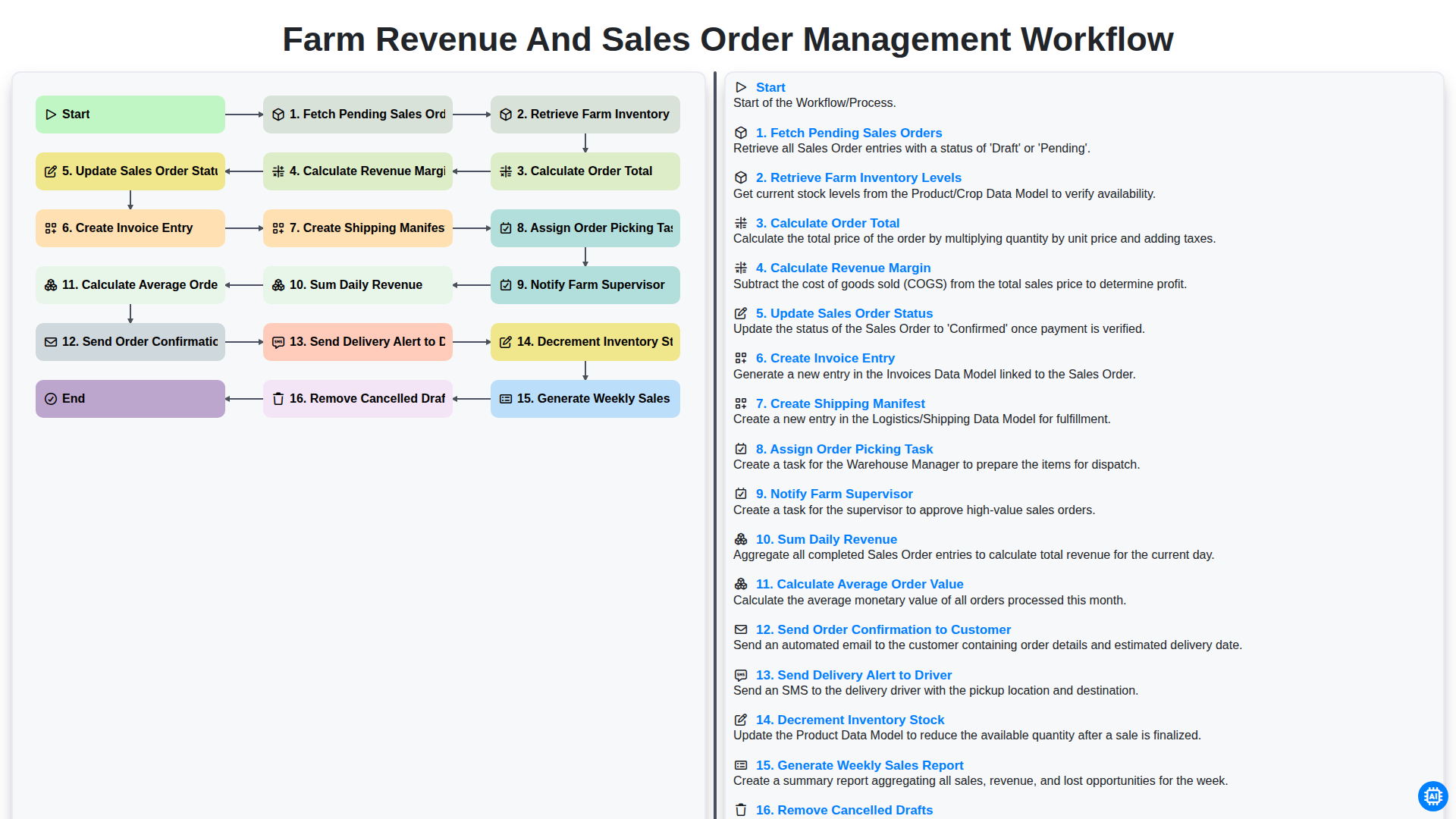
Farm Revenue and Sales Order Management Workflow
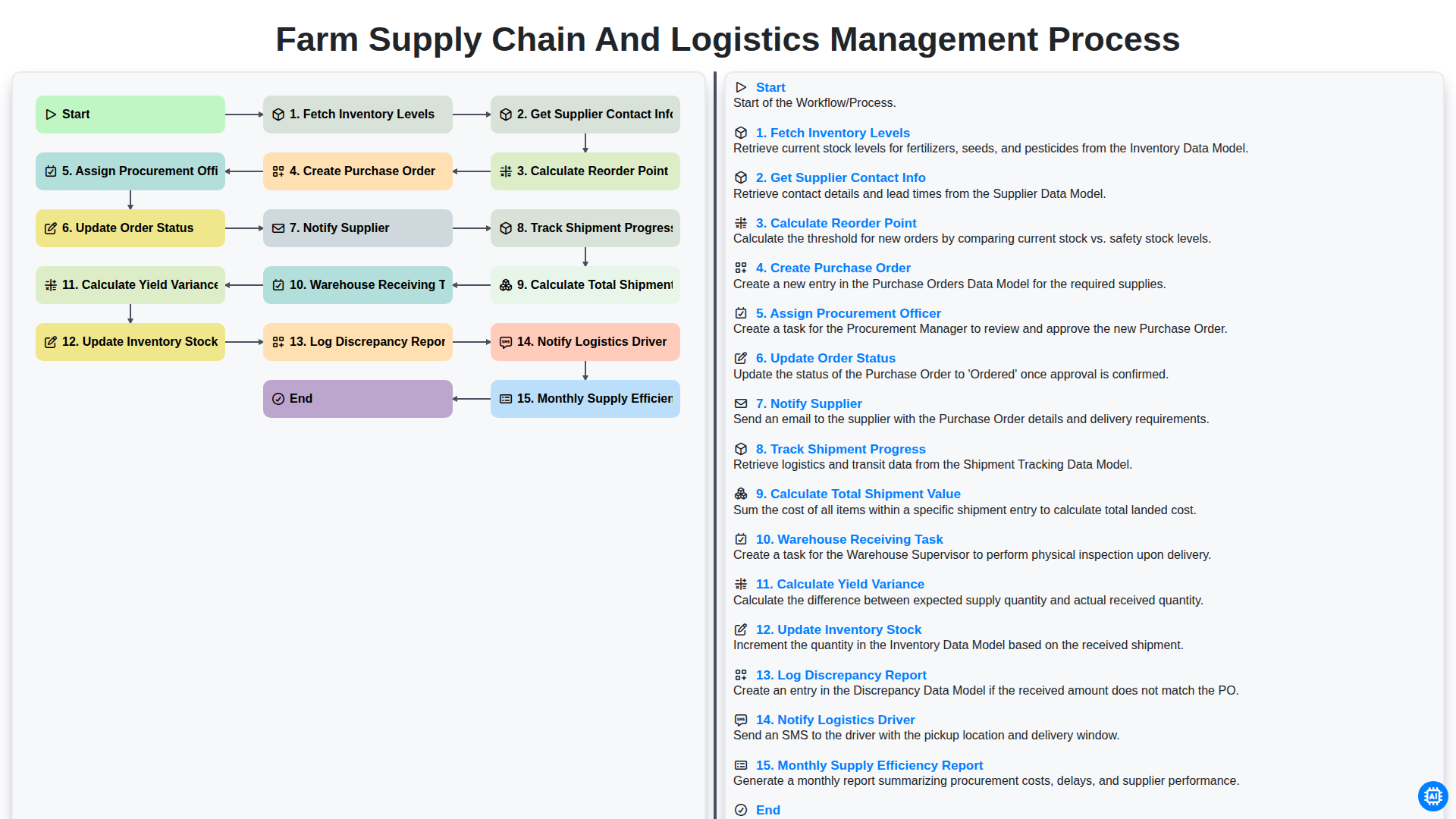
Farm Supply Chain and Logistics Management Process
Podemos hacerlo juntos
¿Necesita ayuda con las listas de verificación?
¿Tienes alguna pregunta? Estamos aquí para ayudarte. Envía tu consulta y te responderemos a la brevedad.