 ChecklistGuro
 Farm Asset Lifecycle Management Process
Optimize your agricultural productivity with our Farm Asset Lifecycle Management Process. Streamline everything from equipment procurement and maintenance scheduling to depreciation tracking and disposal. This end-to-end workflow empowers farmers to maximize the lifespan of machinery, reduce downtime, and make data-driven investment decisions to boost long-term farm profitability and operational efficiency.
Esta plantilla se instaló 5 veces.
Inicio
Inicio del flujo de trabajo/proceso.
1. Fetch Existing Assets
Retrieve all active assets from the Farm Asset Data Model to check for lifecycle stage.
2. Register New Asset
Create a new entry in the Asset Data Model when a new piece of equipment or livestock is acquired.
3. Assign Initial Inspection
Create a task for the Farm Manager to perform a physical inspection of the newly registered asset.
4. Update Asset Status
Update the status field in the Asset Data Model from 'Acquired' to 'Active' after inspection.
5. Get Maintenance Logs
Retrieve all historical maintenance entries associated with a specific Asset ID.
6. Calculate Depreciation
Execute a formula to calculate the current value of the asset based on age and original cost.
7. Calculate Total Maintenance Cost
Sum all cost entries from the Maintenance Log linked to a specific asset to determine total ownership cost.
8. Schedule Preventive Maintenance
Create a recurring task for technicians based on the asset's service interval.
9. Log Maintenance Event
Update the 'Last Service Date' and 'Next Service Date' in the Asset Data Model.
10. Check Warranty Expiry
Retrieve warranty end dates from the Asset Data Model to identify assets nearing coverage expiration.
11. Notify Warranty Expiration
Send an email alert to the Procurement Officer when an asset's warranty is within 30 days of expiring.
12. Initiate Repair Process
Create a task for the Maintenance Team when an asset is marked as 'Malfunctioning'.
13. Update Asset Health Score
Update the 'Health Rating' field in the Asset Data Model based on recent repair frequency.
14. Calculate Fleet Downtime
Calculate the average duration of 'Out of Service' status across all assets in a specific category.
15. Create Decommissioning Record
Create a record in the Disposal Data Model for assets that have reached end-of-life.
16. Execute Asset Disposal
Create a task for the Operations Lead to remove the asset from the farm premises.
17. Remove Asset from Active Inventory
Delete the asset entry from the 'Active Assets' view/model once disposal is confirmed.
18. Generate Asset Lifecycle Report
Create a comprehensive report summarizing acquisition, maintenance costs, and disposal rates for the fiscal year.
19. Urgent Breakdown Alert
Send an SMS to the Farm Supervisor when a critical asset (e.g., Tractor) is marked as 'Critical Failure'.
Fin
Fin del flujo de trabajo/proceso.
Inicio del flujo de trabajo/proceso.
Retrieve all active assets from the Farm Asset Data Model to check for lifecycle stage.
Create a new entry in the Asset Data Model when a new piece of equipment or livestock is acquired.
Create a task for the Farm Manager to perform a physical inspection of the newly registered asset.
Update the status field in the Asset Data Model from 'Acquired' to 'Active' after inspection.
Retrieve all historical maintenance entries associated with a specific Asset ID.
Execute a formula to calculate the current value of the asset based on age and original cost.
Sum all cost entries from the Maintenance Log linked to a specific asset to determine total ownership cost.
Create a recurring task for technicians based on the asset's service interval.
Update the 'Last Service Date' and 'Next Service Date' in the Asset Data Model.
Retrieve warranty end dates from the Asset Data Model to identify assets nearing coverage expiration.
Send an email alert to the Procurement Officer when an asset's warranty is within 30 days of expiring.
Create a task for the Maintenance Team when an asset is marked as 'Malfunctioning'.
Update the 'Health Rating' field in the Asset Data Model based on recent repair frequency.
Calculate the average duration of 'Out of Service' status across all assets in a specific category.
Create a record in the Disposal Data Model for assets that have reached end-of-life.
Create a task for the Operations Lead to remove the asset from the farm premises.
Delete the asset entry from the 'Active Assets' view/model once disposal is confirmed.
Create a comprehensive report summarizing acquisition, maintenance costs, and disposal rates for the fiscal year.
Send an SMS to the Farm Supervisor when a critical asset (e.g., Tractor) is marked as 'Critical Failure'.
Fin del flujo de trabajo/proceso.
¿Le resultó útil esta plantilla de flujo de trabajo?
Comentarios
Aún no hay comentarios. ¡Sé el primero en añadir uno!
Demostración de la Solución de Gestión de Granjas
¡Cultive su granja de forma más inteligente y eficiente! ChecklistGuro optimiza la planificación de cultivos, la gestión de tareas y el seguimiento de recursos. Maximice los rendimientos, reduzca el desperdicio y mejore la rentabilidad. Administre todo con nuestro Work OS.
Plantillas de flujo de trabajo relacionadas
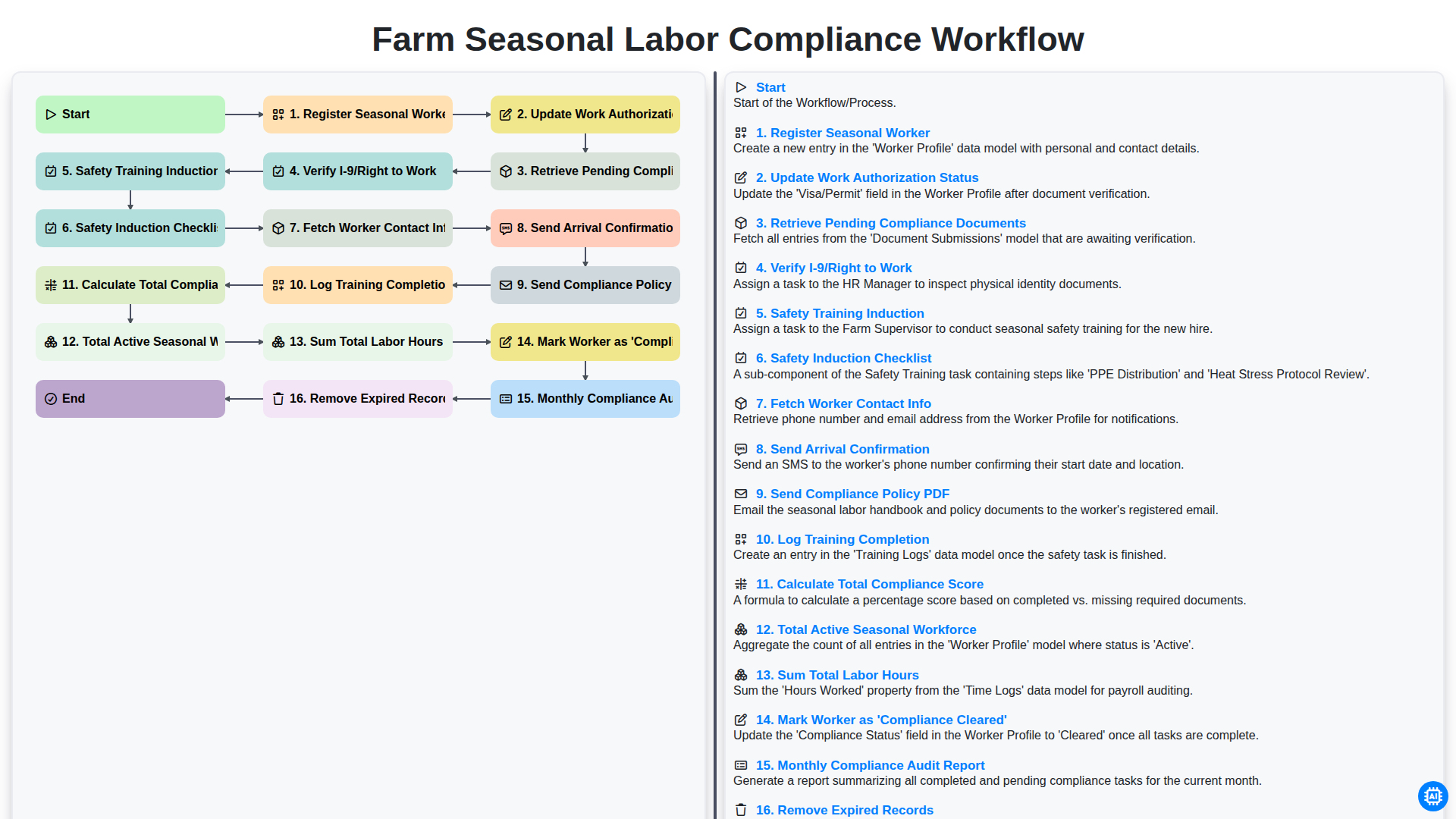
Farm Seasonal Labor Compliance Workflow
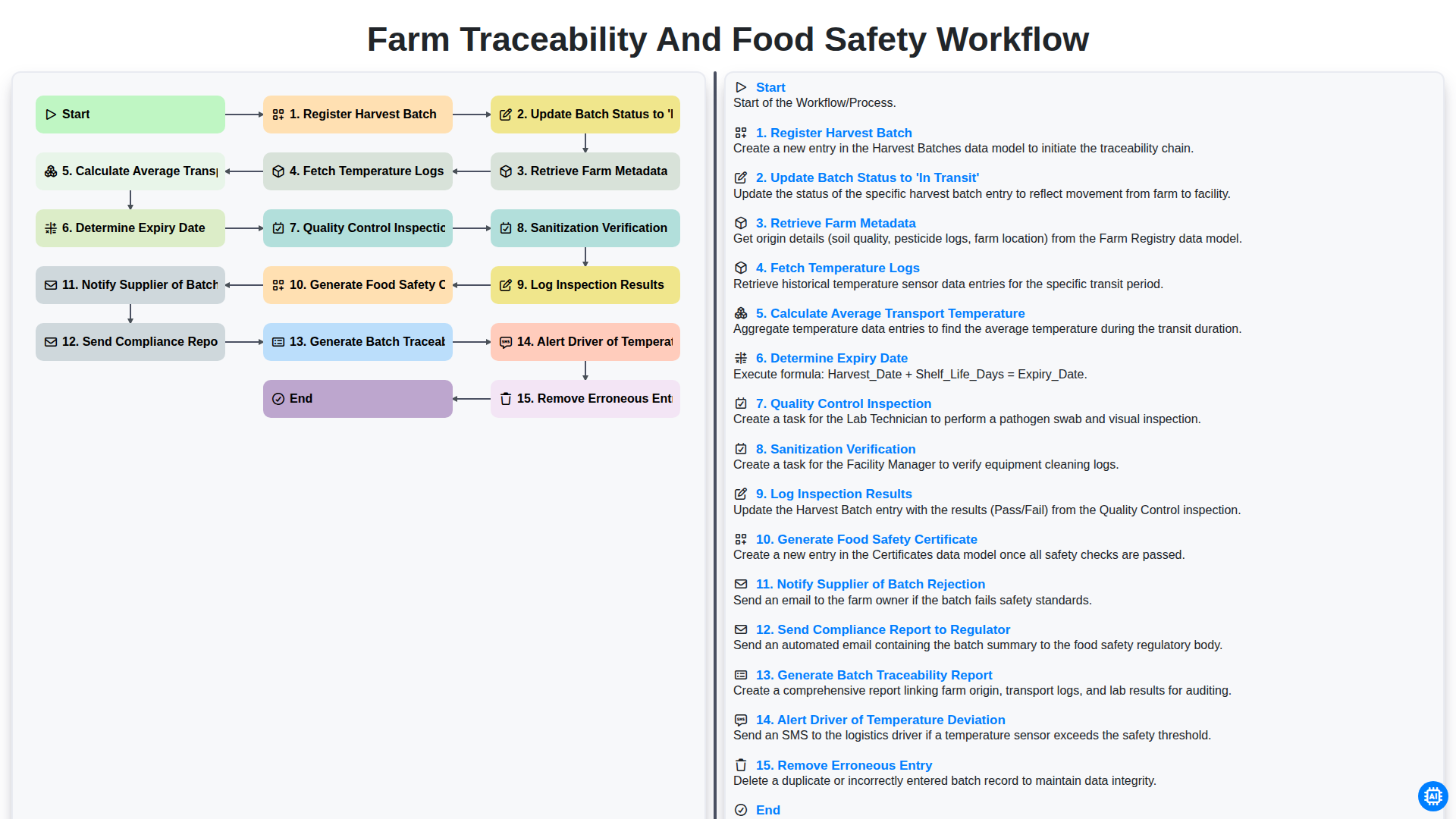
Farm Traceability and Food Safety Workflow
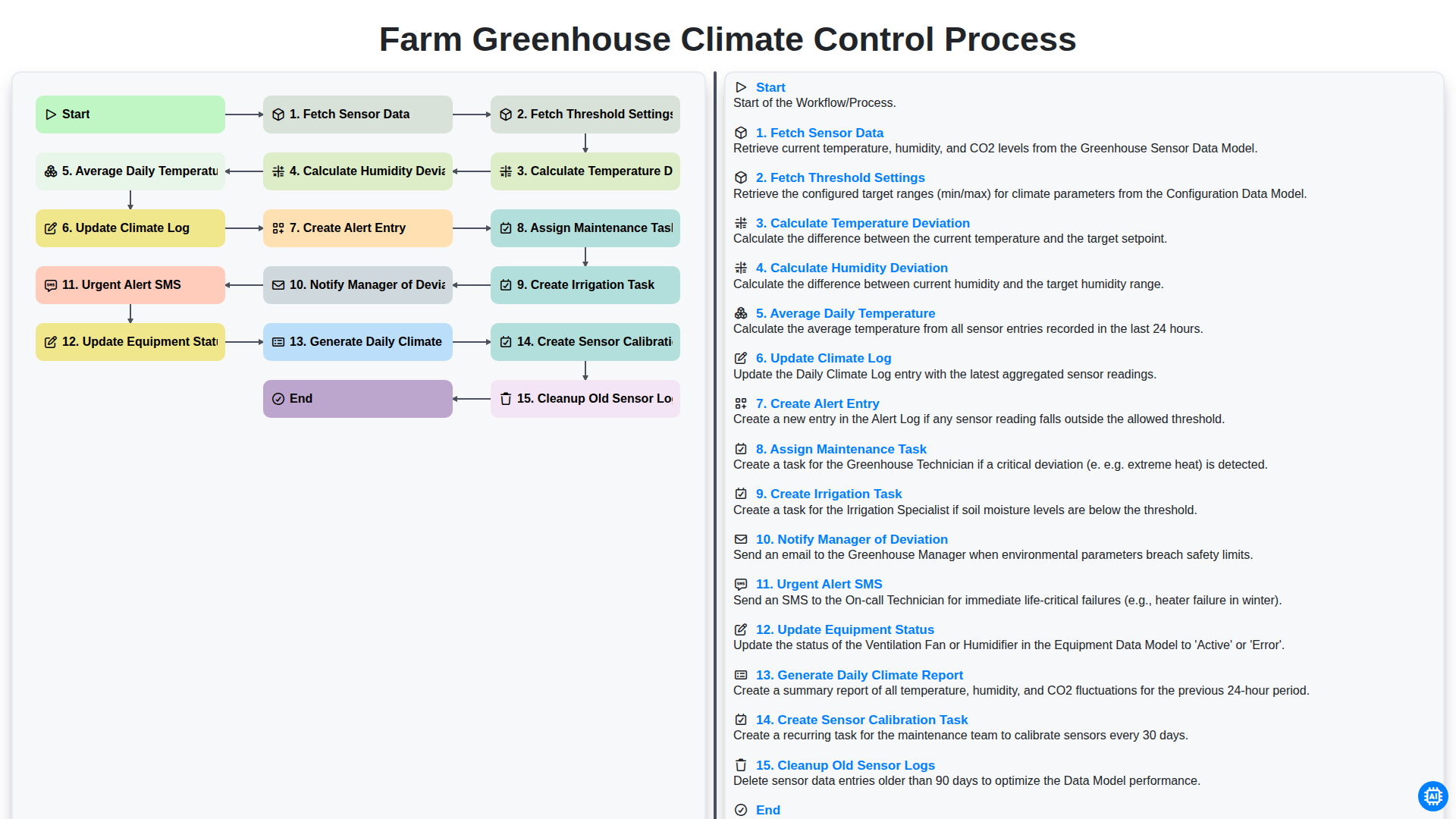
Farm Greenhouse Climate Control Process
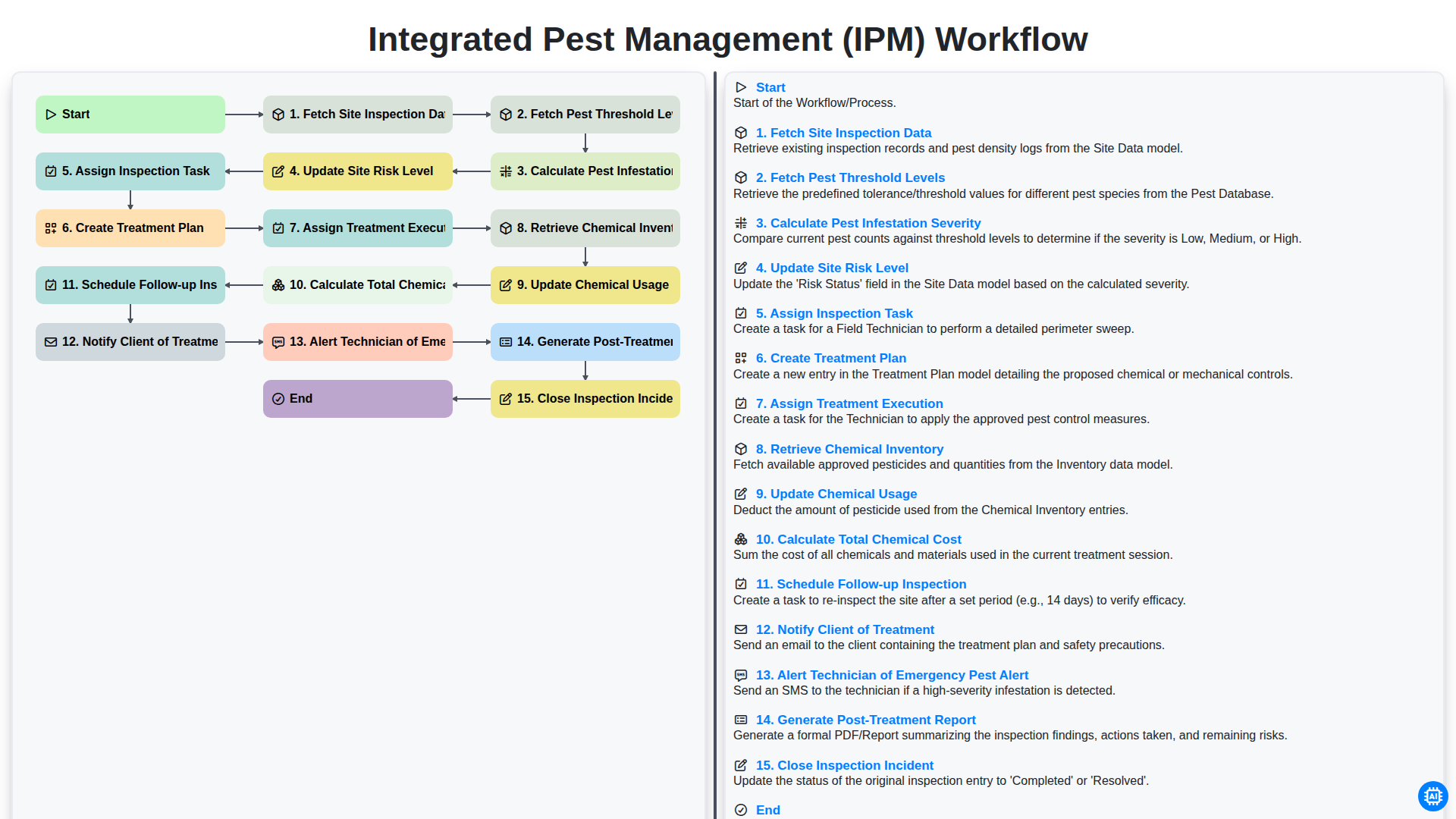
Integrated Pest Management (IPM) Workflow
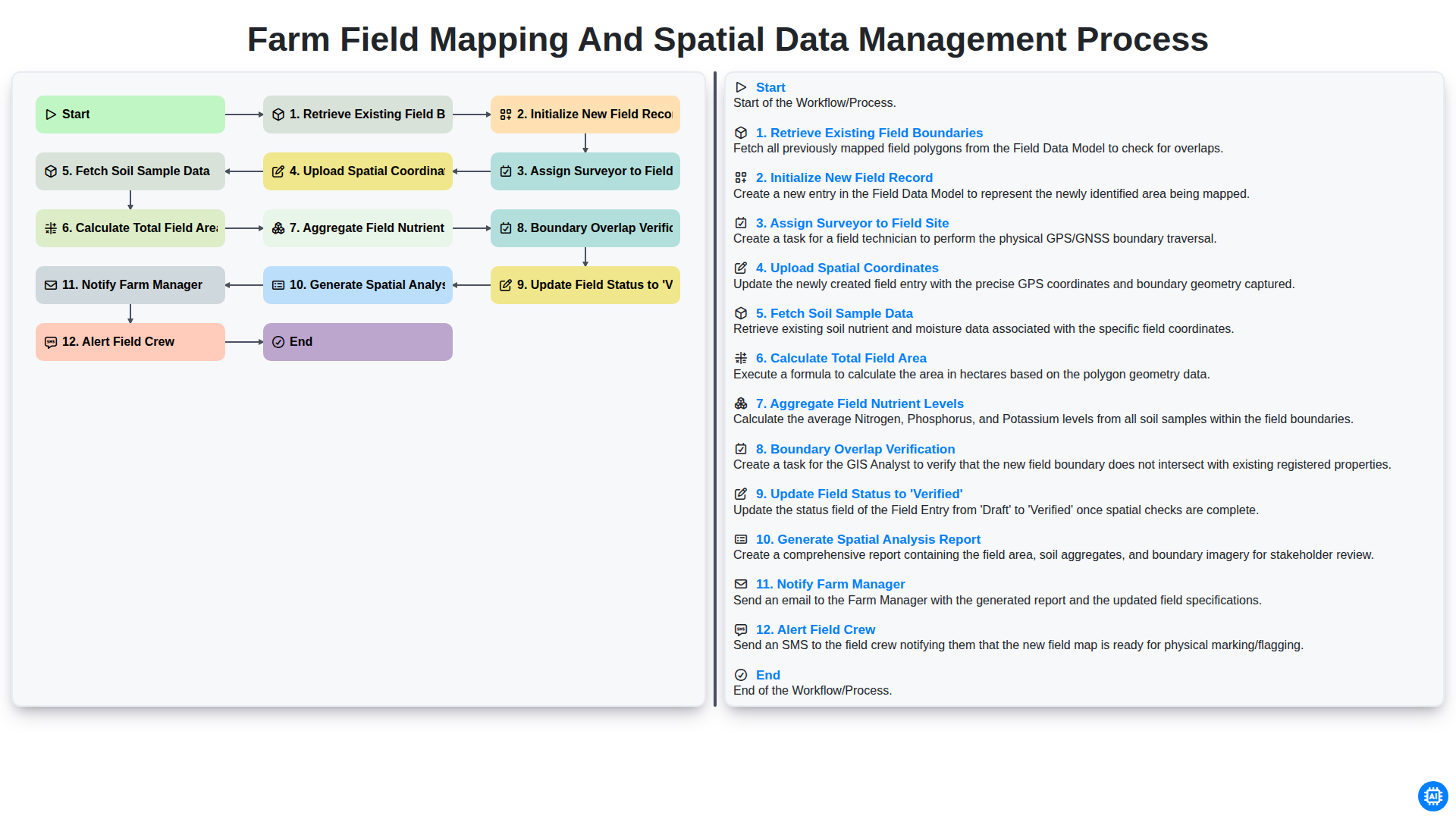
Farm Field Mapping and Spatial Data Management Process
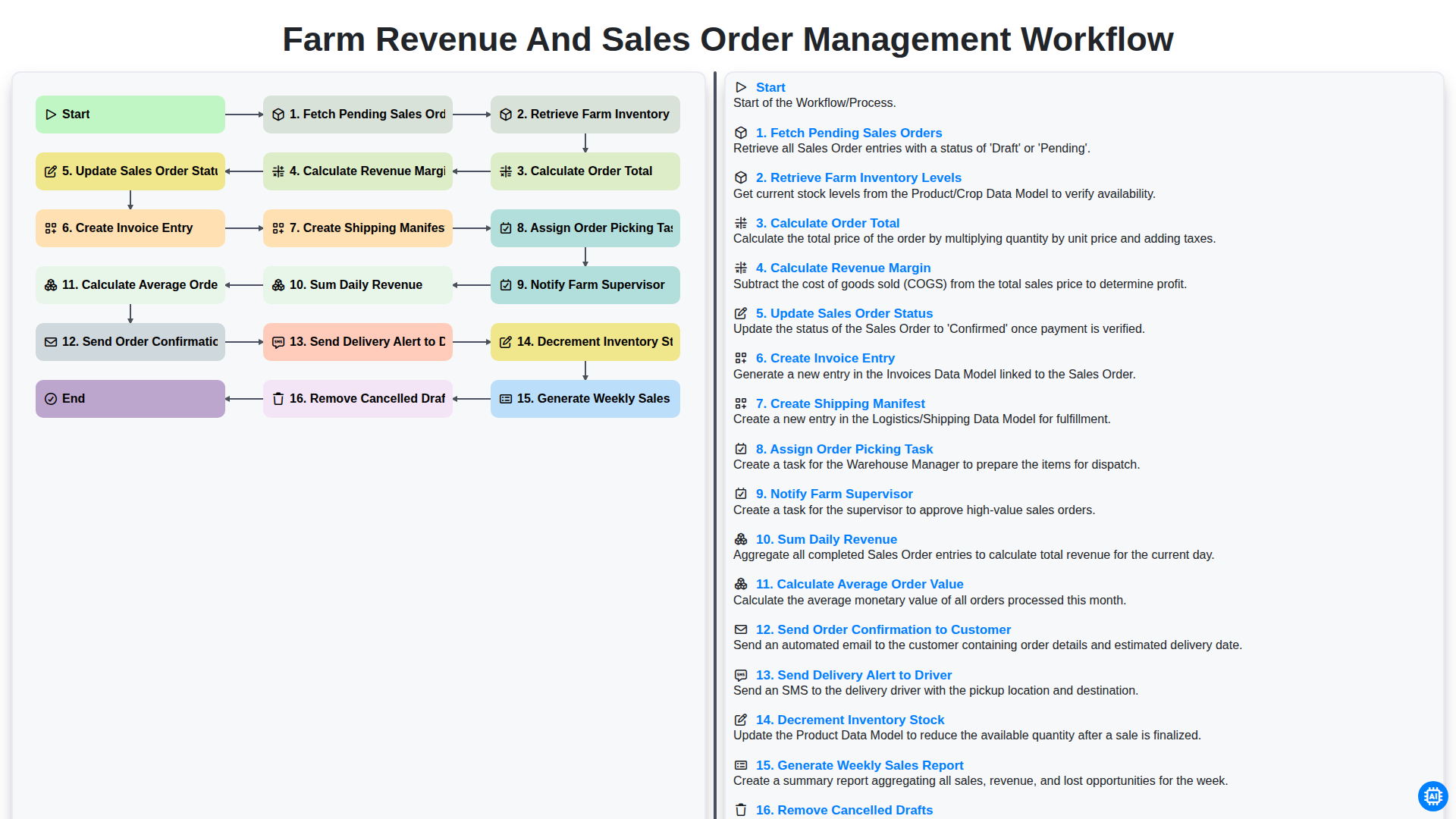
Farm Revenue and Sales Order Management Workflow
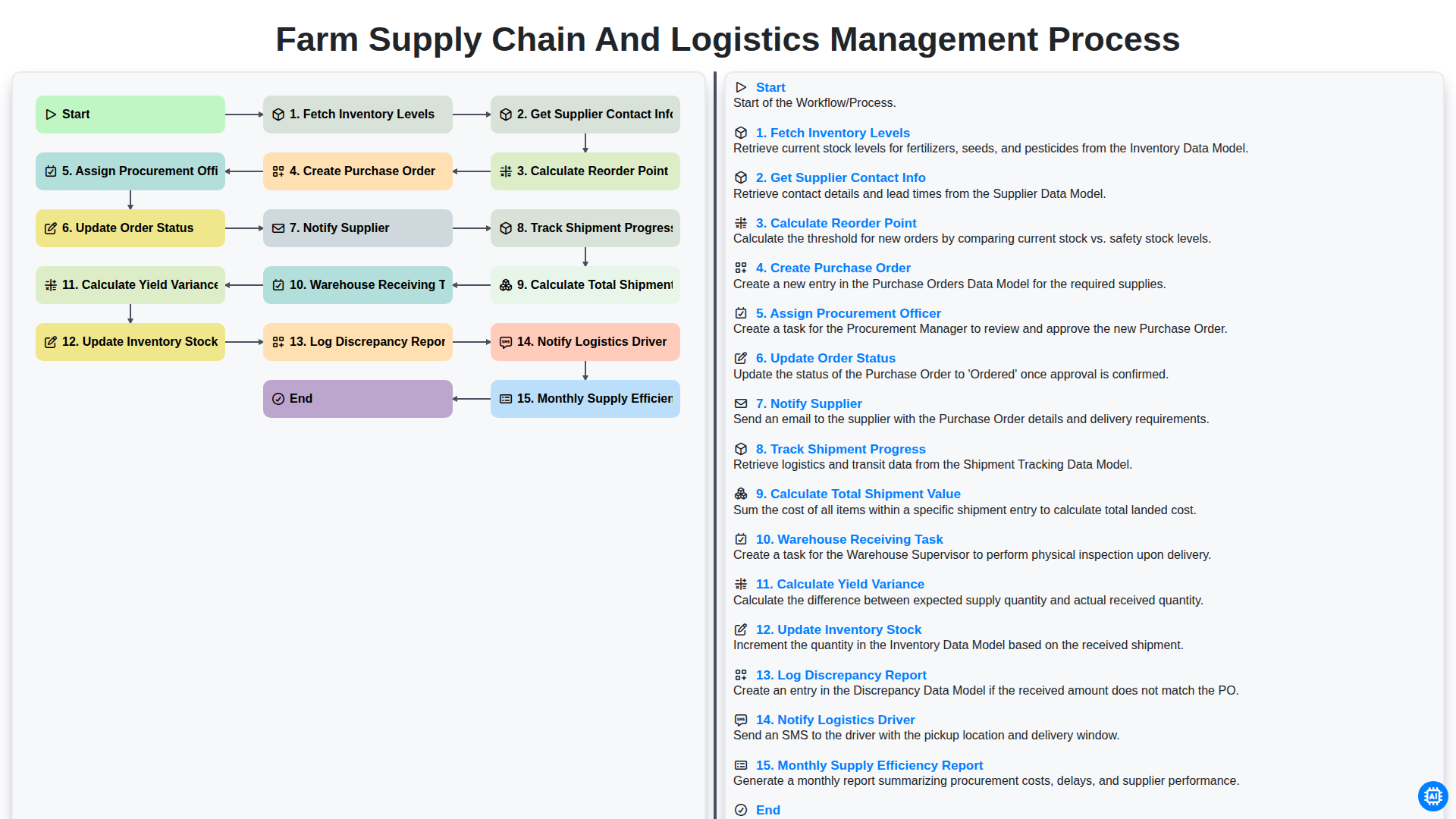
Farm Supply Chain and Logistics Management Process
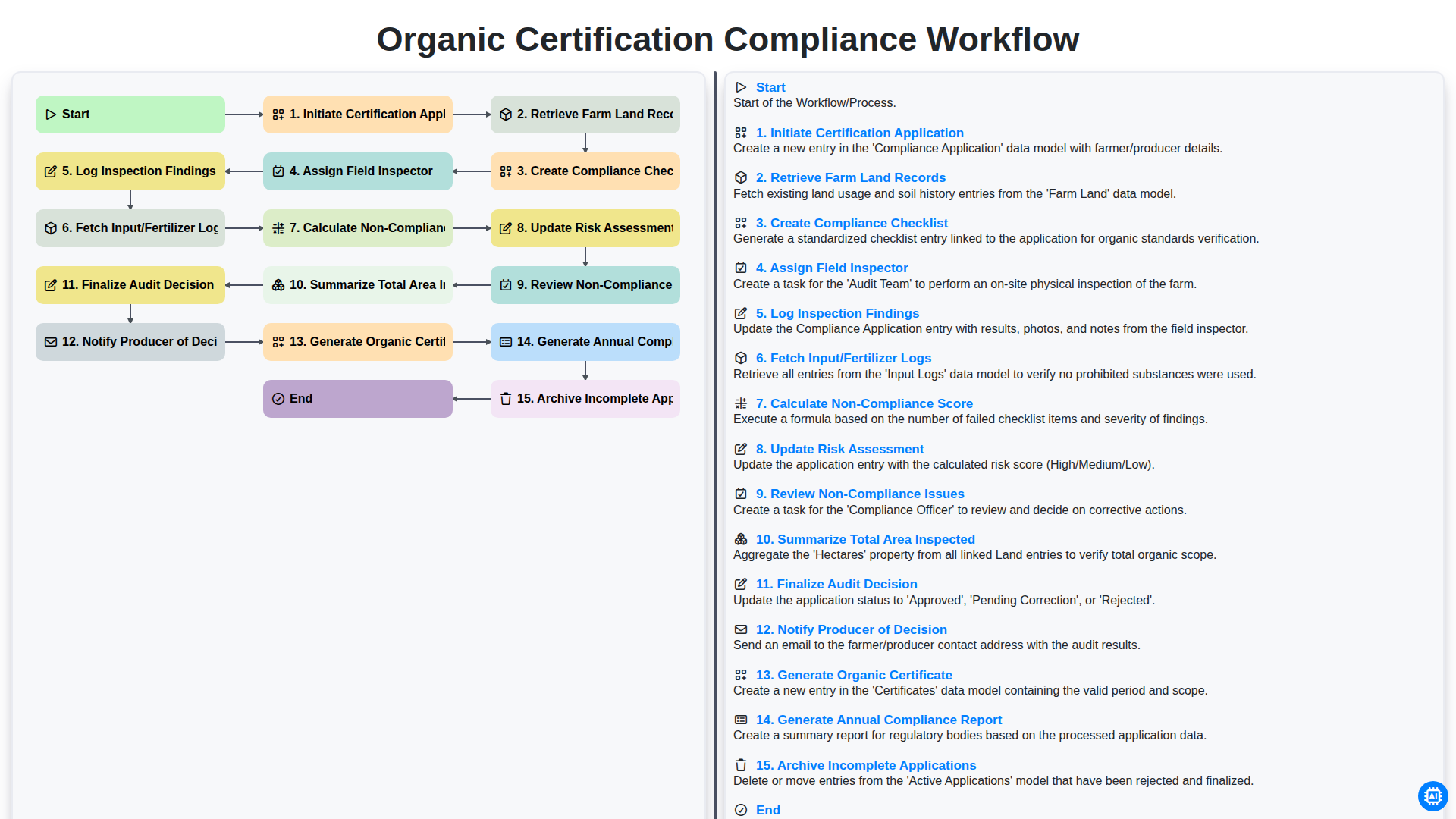
Organic Certification Compliance Workflow
Podemos hacerlo juntos
¿Necesita ayuda con las listas de verificación?
¿Tienes alguna pregunta? Estamos aquí para ayudarte. Envía tu consulta y te responderemos a la brevedad.