 ChecklistGuro
 Insurance Quote Generation Process
Streamline your underwriting with our comprehensive Insurance Quote Generation Process. Learn how to automate data collection, evaluate risk profiles, and accelerate policy issuance to deliver lightning-fast, accurate premiums and transform your agency's efficiency.
Esta plantilla se instaló 4 veces.
Inicio
Inicio del flujo de trabajo/proceso.
1. Initialize Quote Request
Create a new entry in the 'Quote Requests' data model to initiate the process.
2. Fetch Client Profile
Retrieve existing data from the 'Clients' data model using the provided Client ID.
3. Fetch Risk Assessment Data
Retrieve historical risk data and previous claim entries associated with the client.
4. Calculate Base Premium
Execute formula based on coverage amount, risk score, and industry multipliers.
5. Calculate Tax and Fees
Apply regional tax percentages and administrative fees to the base premium.
6. Update Quote Financials
Update the 'Quote Request' entry with the newly calculated premium and total cost.
7. Underwriter Risk Review
Assign a task to the Underwriting team to review high-risk indicators in the data.
8. Aggregate Claims History
Sum the total value of all 'Claim' entries associated with the client to determine loss ratio.
9. Compliance Verification
Assign a task to the Compliance Officer to ensure the quote meets regulatory standards.
10. Generate Final Quote Document
Create a new entry in the 'Quotes' data model containing the finalized terms and conditions.
11. Send Quote to Agent
Send an email to the assigned Insurance Agent with the quote details and summary.
12. Send Quote to Client
Send a formal email to the Client's email address with the quote attachment/link.
13. Notify Client of Quote Availability
Send an SMS notification to the client's phone number alerting them that their quote is ready.
14. Monthly Quote Conversion Report
Generate a report aggregating all 'Quote' entries created during the current month.
15. Set Quote Status to Issued
Update the status of the Quote Request entry to 'Issued' upon final approval.
Fin
Fin del flujo de trabajo/proceso.
Inicio del flujo de trabajo/proceso.
Create a new entry in the 'Quote Requests' data model to initiate the process.
Retrieve existing data from the 'Clients' data model using the provided Client ID.
Retrieve historical risk data and previous claim entries associated with the client.
Execute formula based on coverage amount, risk score, and industry multipliers.
Apply regional tax percentages and administrative fees to the base premium.
Update the 'Quote Request' entry with the newly calculated premium and total cost.
Assign a task to the Underwriting team to review high-risk indicators in the data.
Sum the total value of all 'Claim' entries associated with the client to determine loss ratio.
Assign a task to the Compliance Officer to ensure the quote meets regulatory standards.
Create a new entry in the 'Quotes' data model containing the finalized terms and conditions.
Send an email to the assigned Insurance Agent with the quote details and summary.
Send a formal email to the Client's email address with the quote attachment/link.
Send an SMS notification to the client's phone number alerting them that their quote is ready.
Generate a report aggregating all 'Quote' entries created during the current month.
Update the status of the Quote Request entry to 'Issued' upon final approval.
Fin del flujo de trabajo/proceso.
¿Le resultó útil esta plantilla de flujo de trabajo?
Comentarios
Aún no hay comentarios. ¡Sé el primero en añadir uno!
Demostración de la Solución de Gestión de Seguros
Gestionar pólizas, reclamaciones y el cumplimiento normativo en la industria de seguros es complejo. La plataforma Work OS de ChecklistGuro optimiza sus operaciones, desde la suscripción y las renovaciones hasta el procesamiento de reclamaciones y la elaboración de informes. Mejore la eficiencia, reduzca los errores y mejore la satisfacción del cliente. ¡Descubra cómo ChecklistGuro puede transformar su negocio de seguros!
Plantillas de flujo de trabajo relacionadas

Policy Lifecycle Management Workflow

Insurance Renewal Quote Automation

Agent Performance Tracking Workflow

Insurance Renewal Management Process

Insurance Regulatory Reporting Process
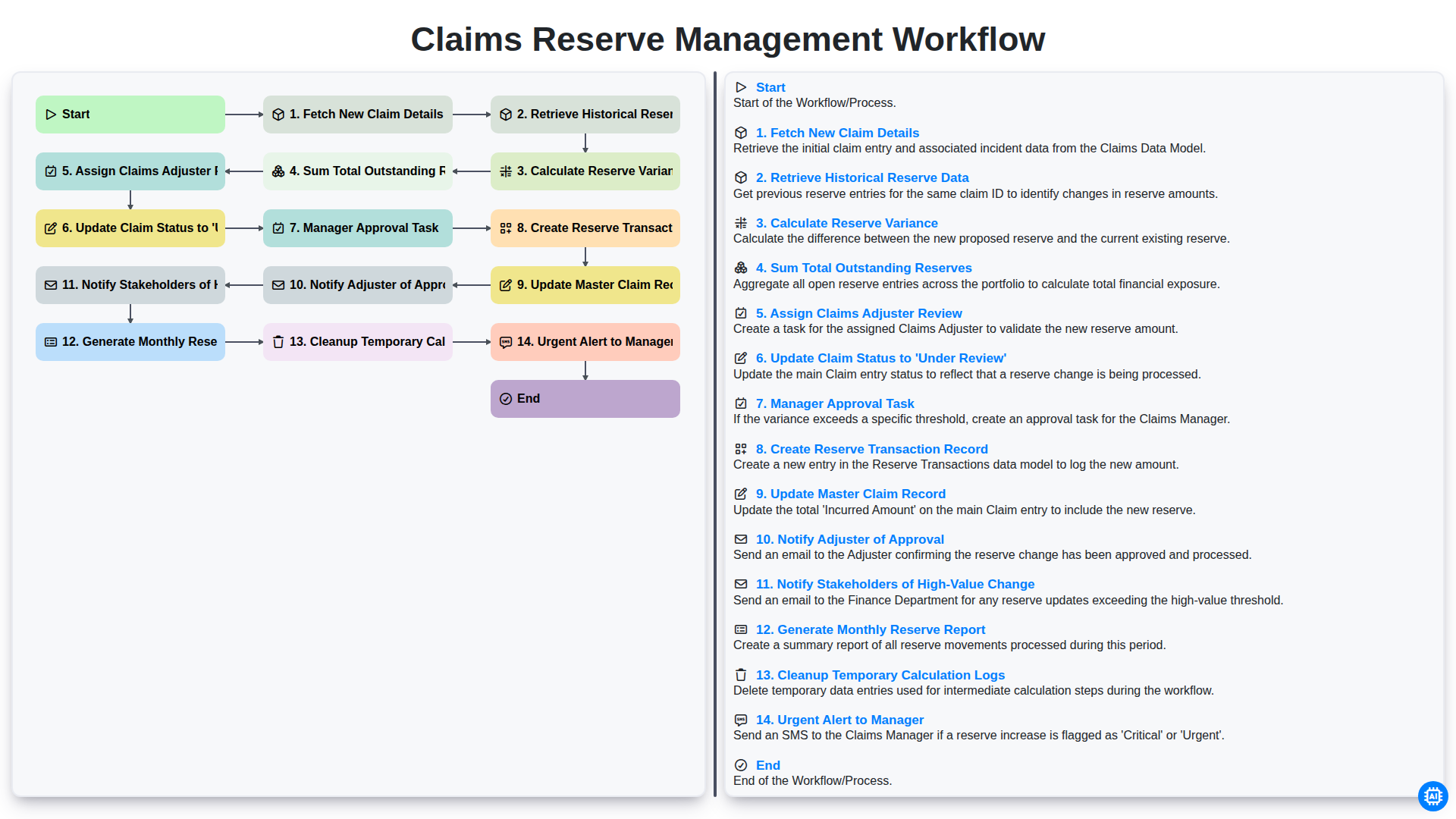
Claims Reserve Management Workflow

Policy Cancellation and Lapsed Workflow
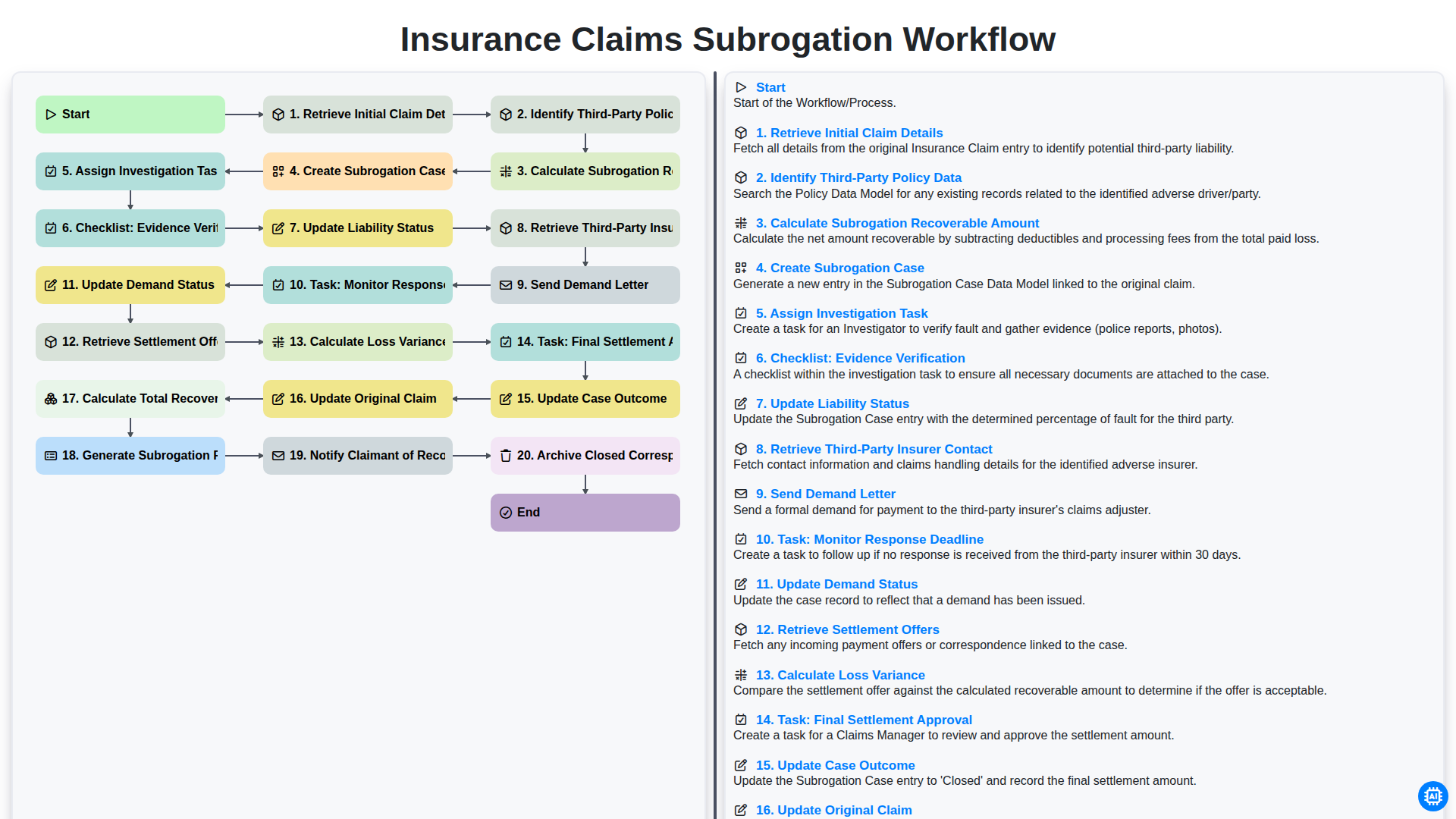
Flujo de trabajo para la gestión de reclamaciones de seguros y la subrogación.
Podemos hacerlo juntos
¿Necesita ayuda con las listas de verificación?
¿Tienes alguna pregunta? Estamos aquí para ayudarte. Envía tu consulta y te responderemos a la brevedad.