 ChecklistGuro
 Insurance Renewal Management Process
Streamline your policy lifecycle with our automated Insurance Renewal Management Process. Eliminate manual tracking, reduce churn, and boost retention by optimizing every step of the renewal workflow-from proactive notifications to seamless policy updates and client re-engagement.
Esta plantilla se instaló 3 veces.
Inicio
Inicio del flujo de trabajo/proceso.
1. Retrieve Policy Records
Fetch all active insurance policies from the Policy Data Model to identify upcoming expiration dates.
2. Flag Policy for Renewal
Update the status of the identified policy entry to 'Renewal in Progress' to prevent duplicate workflows.
3. Assign Renewal Specialist
Create a task assigned to the Account Manager to begin the renewal assessment process.
4. Fetch Client Contact Info
Retrieve contact details (email and phone) from the Client Data Model associated with the policy.
5. Retrieve Claims History
Get all claim entries related to the specific policy to assess risk for the upcoming term.
6. Calculate Total Claims Cost
Sum the total payout amounts from all retrieved claims entries to determine the loss ratio.
7. Calculate Risk Score
Execute a formula combining Claims Cost, Policy Age, and Claim Frequency to generate a new risk rating.
8. Update Policy Risk Rating
Update the Risk Rating field in the Policy Data Model based on the calculated score.
9. Underwriting Review Task
Create a task for the Underwriter if the calculated risk score exceeds the predefined threshold.
10. Create Renewal Quote
Create a new entry in the Quotation Data Model containing the proposed premium and coverage terms.
11. Send Quote to Client
Send an email to the client's email address with the details of the new renewal quotation.
12. Notify Client of Quote
Send an SMS to the client's mobile number alerting them that a renewal quote is ready for review.
13. Check Client Response
Retrieve the status of the 'Quote Acceptance' entry to see if the client has signed or declined.
14. Finalize Documentation Task
Create a task for the Operations team to issue the new policy document once the quote is accepted.
15. Update Policy Expiry Date
Update the expiration date in the Policy Data Model to reflect the new coverage period.
16. Generate Renewal Success Report
Create a report summarizing the renewal rate, total premium retained, and claims impact for the period.
Fin
Fin del flujo de trabajo/proceso.
Inicio del flujo de trabajo/proceso.
Fetch all active insurance policies from the Policy Data Model to identify upcoming expiration dates.
Update the status of the identified policy entry to 'Renewal in Progress' to prevent duplicate workflows.
Create a task assigned to the Account Manager to begin the renewal assessment process.
Retrieve contact details (email and phone) from the Client Data Model associated with the policy.
Get all claim entries related to the specific policy to assess risk for the upcoming term.
Sum the total payout amounts from all retrieved claims entries to determine the loss ratio.
Execute a formula combining Claims Cost, Policy Age, and Claim Frequency to generate a new risk rating.
Update the Risk Rating field in the Policy Data Model based on the calculated score.
Create a task for the Underwriter if the calculated risk score exceeds the predefined threshold.
Create a new entry in the Quotation Data Model containing the proposed premium and coverage terms.
Send an email to the client's email address with the details of the new renewal quotation.
Send an SMS to the client's mobile number alerting them that a renewal quote is ready for review.
Retrieve the status of the 'Quote Acceptance' entry to see if the client has signed or declined.
Create a task for the Operations team to issue the new policy document once the quote is accepted.
Update the expiration date in the Policy Data Model to reflect the new coverage period.
Create a report summarizing the renewal rate, total premium retained, and claims impact for the period.
Fin del flujo de trabajo/proceso.
Preguntas frecuentes
¿Le resultó útil esta plantilla de flujo de trabajo?
Comentarios
Aún no hay comentarios. ¡Sé el primero en añadir uno!
Demostración de la Solución de Gestión de Seguros
Gestionar pólizas, reclamaciones y el cumplimiento normativo en la industria de seguros es complejo. La plataforma Work OS de ChecklistGuro optimiza sus operaciones, desde la suscripción y las renovaciones hasta el procesamiento de reclamaciones y la elaboración de informes. Mejore la eficiencia, reduzca los errores y mejore la satisfacción del cliente. ¡Descubra cómo ChecklistGuro puede transformar su negocio de seguros!
Plantillas de flujo de trabajo relacionadas

Policy Lifecycle Management Workflow

Insurance Renewal Quote Automation

Agent Performance Tracking Workflow

Insurance Regulatory Reporting Process
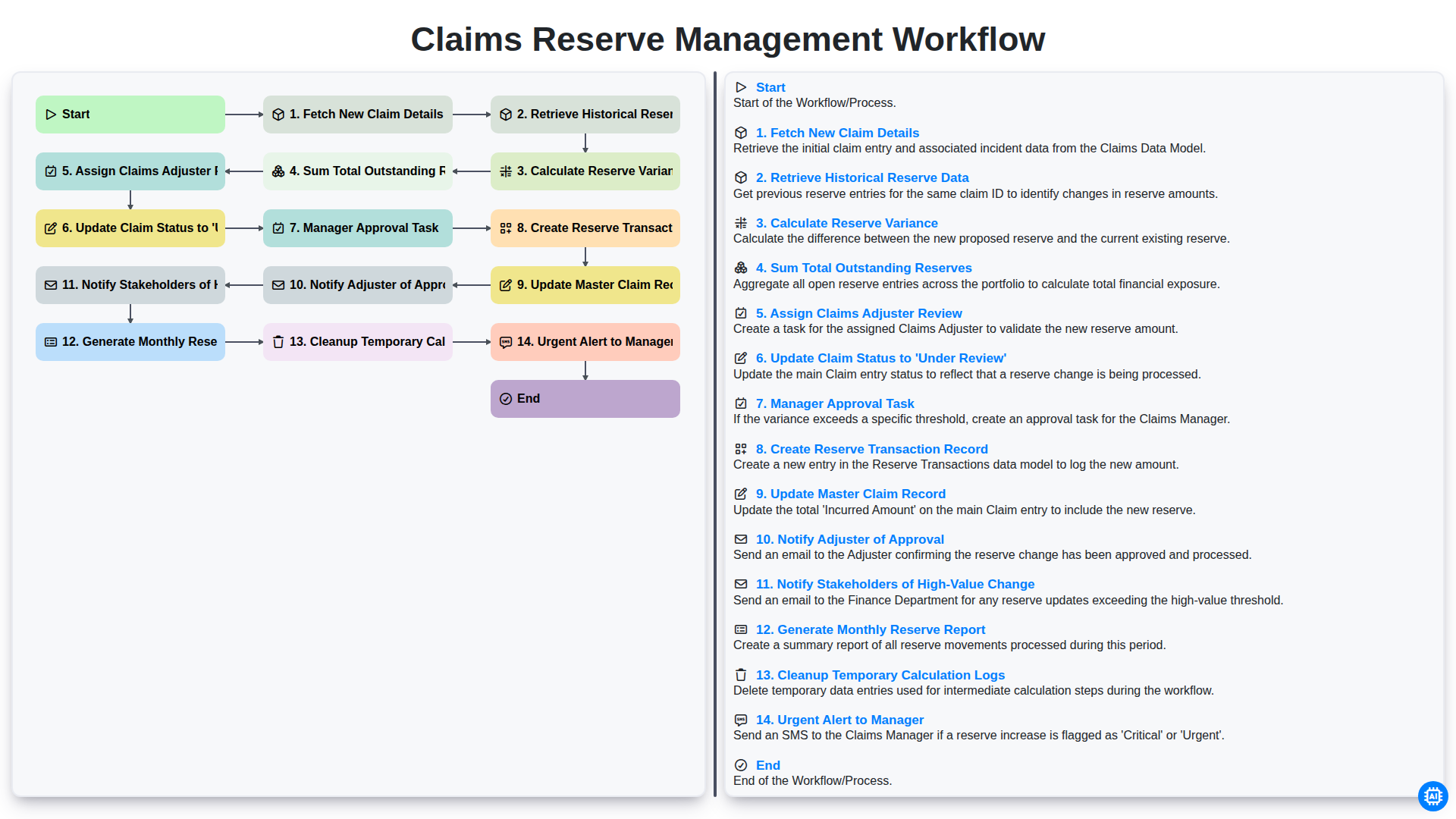
Claims Reserve Management Workflow

Insurance Quote Generation Process

Policy Cancellation and Lapsed Workflow
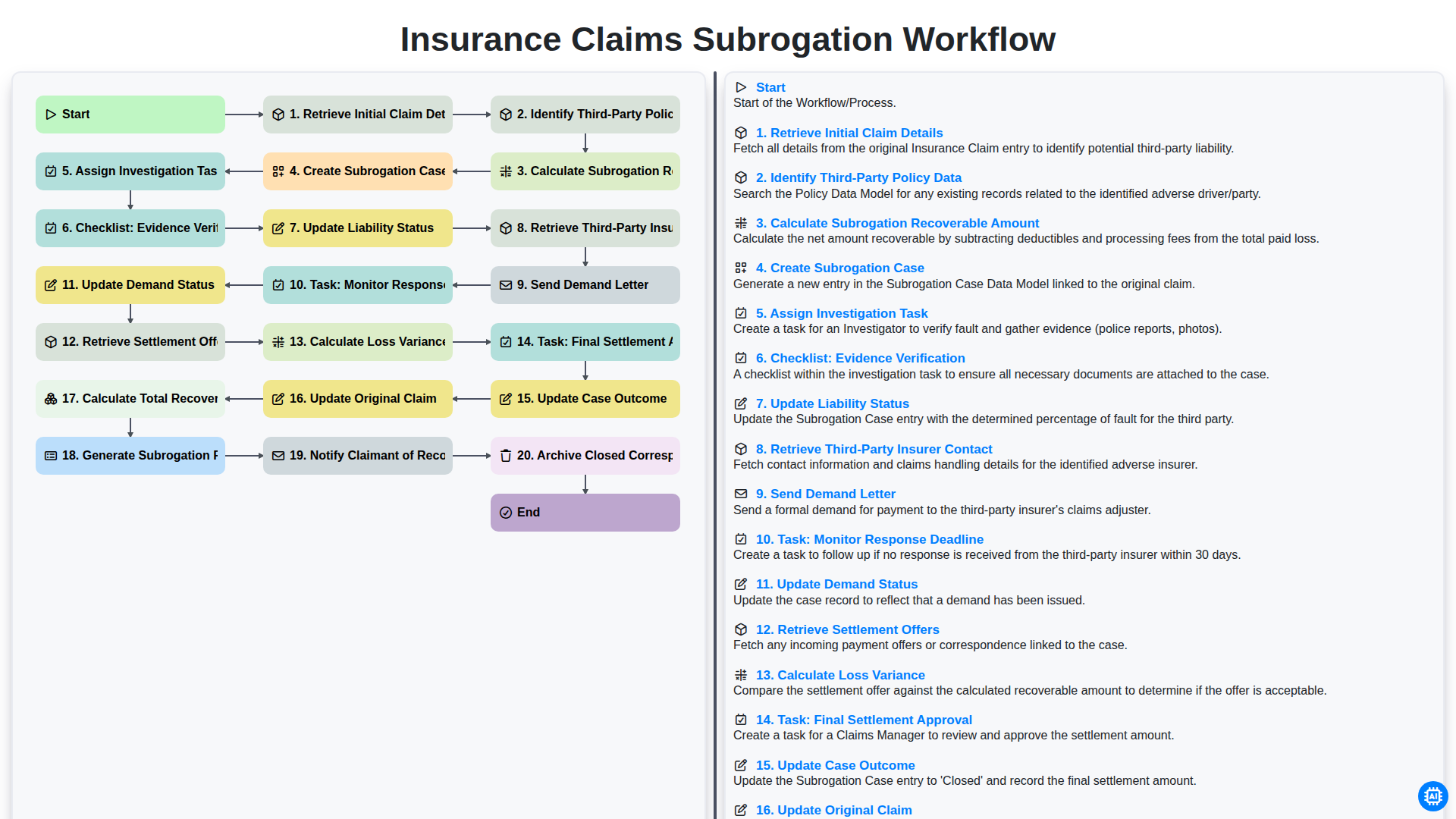
Flujo de trabajo para la gestión de reclamaciones de seguros y la subrogación.
Podemos hacerlo juntos
¿Necesita ayuda con las listas de verificación?
¿Tienes alguna pregunta? Estamos aquí para ayudarte. Envía tu consulta y te responderemos a la brevedad.