 ChecklistGuro
 Policy Cancellation and Lapsed Workflow
Streamline your insurance operations with our automated Policy Cancellation and Lapsed Workflow. Eliminate manual errors and ensure regulatory compliance by managing policy terminations, premium lapses, and renewal failures through a seamless, end-to-end automated process. Optimized for efficiency and risk mitigation.
Esta plantilla se instaló 5 veces.
Inicio
Inicio del flujo de trabajo/proceso.
1. Identify Lapsed Policies
Fetch all entries from the 'Policy' data model where the 'Status' is 'Lapsed' or 'Expiry Date' is in the past.
2. Retrieve Client Contact Details
Get contact information (Email/Phone) from the 'Client' data model linked to the identified lapsed policies.
3. Calculate Total Lost Premium
Sum the 'Annual Premium' values of all identified lapsed policies to understand revenue impact.
4. Aggregate Total Revenue Loss
Aggregate the sum of premiums from the retrieved lapsed policy entries for financial reporting.
5. Assign Cancellation Review Task
Create a task for the Retention Specialist to review the reason for cancellation for each identified policy.
6. Cancellation Verification Checklist
A set of sub-steps within the Review Task to verify notice periods, outstanding balances, and refund eligibility.
7. Update Policy Status to 'Cancelled'
Update the 'Status' field of the specific Policy entry to 'Cancelled' once the review is finalized.
8. Create Cancellation Notice Record
Create a new entry in the 'Correspondence Log' data model to document that a cancellation notice was issued.
9. Send Cancellation Confirmation Email
Send an automated email to the Client's email address notifying them that their policy has been officially cancelled.
10. Send Cancellation SMS Alert
Send a brief SMS notification to the Client's mobile number regarding the change in policy status.
11. Finance Department Notification
Create a task for the Billing Team to process any necessary premium refunds or stop future automated payments.
12. Update Billing Status
Update the 'Payment Instructions' entry to 'Halt' for the associated client account.
13. Generate Monthly Churn Report
Create a report summarizing all cancelled and lapsed entries for the month to be reviewed by Management.
14. Remove Temporary Hold Entries
Delete any temporary 'Payment Hold' entries in the system that are no longer relevant following the final cancellation.
Fin
Fin del flujo de trabajo/proceso.
Inicio del flujo de trabajo/proceso.
Fetch all entries from the 'Policy' data model where the 'Status' is 'Lapsed' or 'Expiry Date' is in the past.
Get contact information (Email/Phone) from the 'Client' data model linked to the identified lapsed policies.
Sum the 'Annual Premium' values of all identified lapsed policies to understand revenue impact.
Aggregate the sum of premiums from the retrieved lapsed policy entries for financial reporting.
Create a task for the Retention Specialist to review the reason for cancellation for each identified policy.
A set of sub-steps within the Review Task to verify notice periods, outstanding balances, and refund eligibility.
Update the 'Status' field of the specific Policy entry to 'Cancelled' once the review is finalized.
Create a new entry in the 'Correspondence Log' data model to document that a cancellation notice was issued.
Send an automated email to the Client's email address notifying them that their policy has been officially cancelled.
Send a brief SMS notification to the Client's mobile number regarding the change in policy status.
Create a task for the Billing Team to process any necessary premium refunds or stop future automated payments.
Update the 'Payment Instructions' entry to 'Halt' for the associated client account.
Create a report summarizing all cancelled and lapsed entries for the month to be reviewed by Management.
Delete any temporary 'Payment Hold' entries in the system that are no longer relevant following the final cancellation.
Fin del flujo de trabajo/proceso.
¿Le resultó útil esta plantilla de flujo de trabajo?
Comentarios
Aún no hay comentarios. ¡Sé el primero en añadir uno!
Demostración de la Solución de Gestión de Seguros
Gestionar pólizas, reclamaciones y el cumplimiento normativo en la industria de seguros es complejo. La plataforma Work OS de ChecklistGuro optimiza sus operaciones, desde la suscripción y las renovaciones hasta el procesamiento de reclamaciones y la elaboración de informes. Mejore la eficiencia, reduzca los errores y mejore la satisfacción del cliente. ¡Descubra cómo ChecklistGuro puede transformar su negocio de seguros!
Plantillas de flujo de trabajo relacionadas

Policy Lifecycle Management Workflow

Insurance Renewal Quote Automation

Agent Performance Tracking Workflow

Insurance Renewal Management Process

Insurance Regulatory Reporting Process
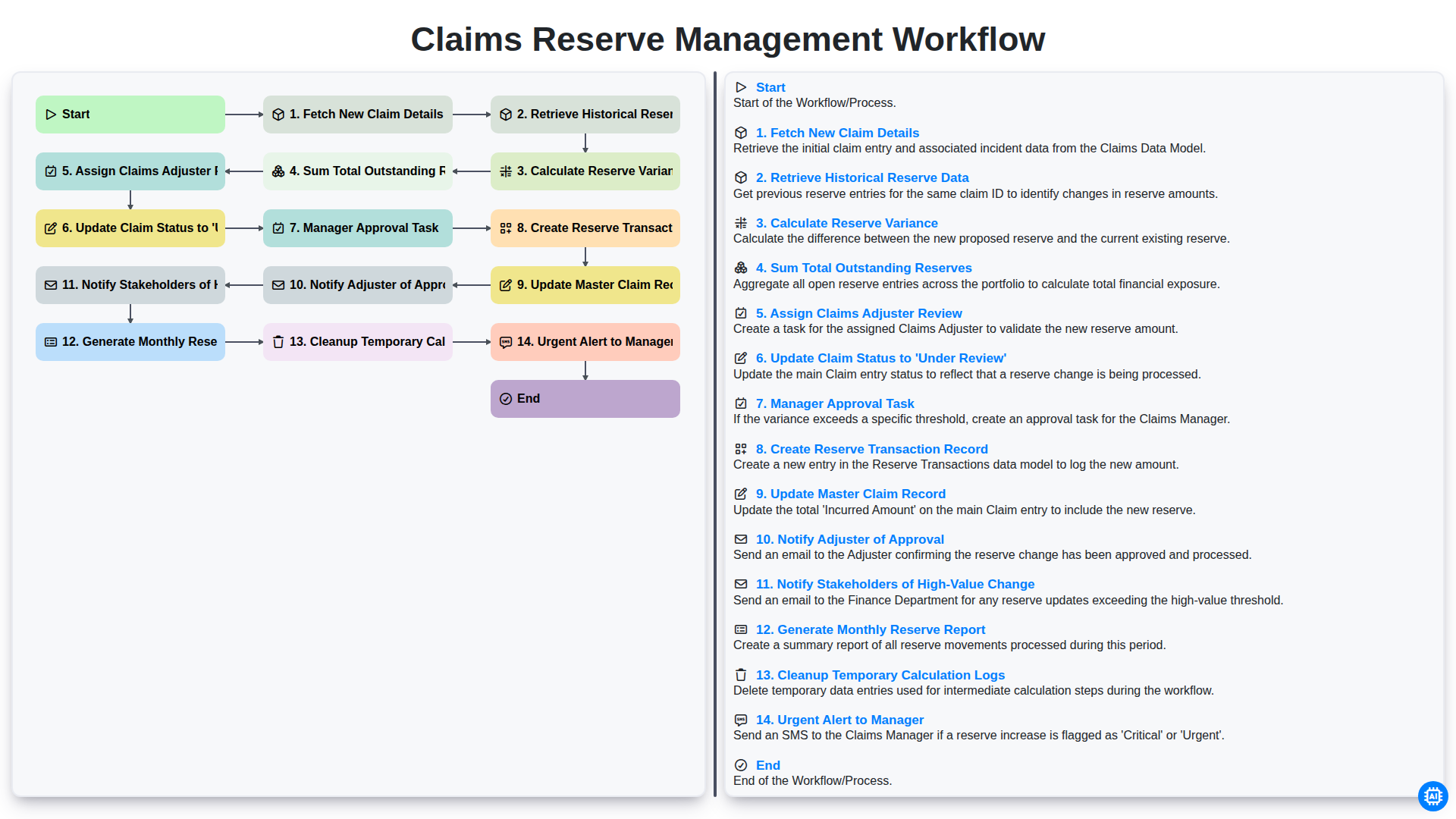
Claims Reserve Management Workflow

Insurance Quote Generation Process
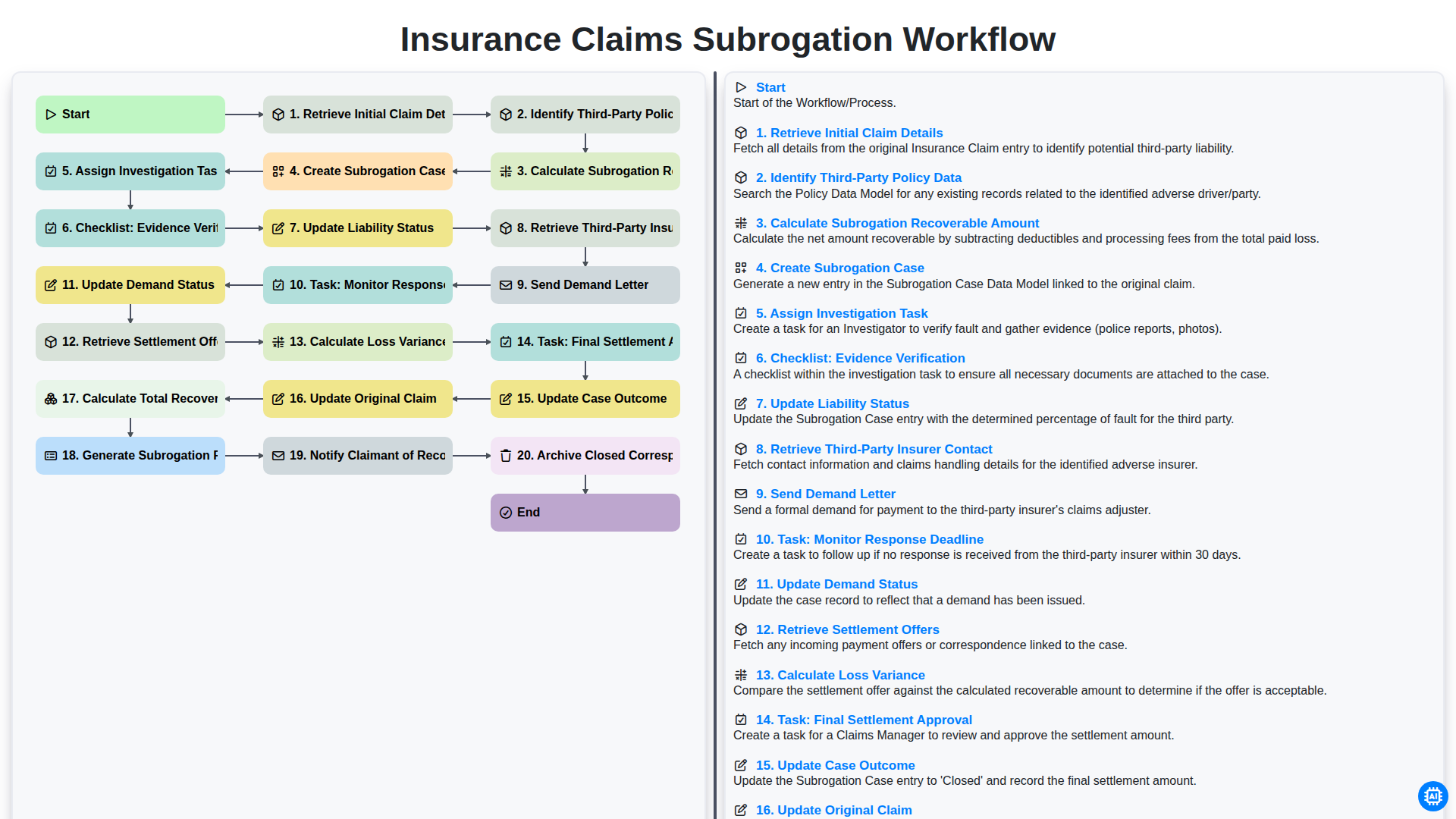
Flujo de trabajo para la gestión de reclamaciones de seguros y la subrogación.
Podemos hacerlo juntos
¿Necesita ayuda con las listas de verificación?
¿Tienes alguna pregunta? Estamos aquí para ayudarte. Envía tu consulta y te responderemos a la brevedad.