 ChecklistGuro
 Financial Month-End Closing Process
Streamline your period-end activities with our comprehensive Financial Month-End Closing Process. Eliminate manual errors, ensure regulatory compliance, and accelerate your reporting cycle with this automated task management workflow designed to orchestrate reconciliations, accruals, and financial statement preparation seamlessly.
Ce modèle a été installé 4 fois.
Début
Début du flux de travail/processus.
1. Fetch Unreconciled Bank Transactions
Retrieve all bank statement entries from the Bank Transactions data model where status is 'Unreconciled'.
2. Perform Bank Reconciliation
Create a task for the Accountant to match bank statement entries against internal ledger entries.
3. Update Transaction Status
Update the status of reconciled transactions to 'Closed' in the Bank Transactions data model.
4. Retrieve All Accrual Expenses
Fetch all pending accrual entries from the Accruals data model for the current period.
5. Calculate Total Accrual Amount
Sum the 'Amount' property of all retrieved accrual entries to determine total monthly accrual liability.
6. Calculate Variance
Calculate the difference between the Total Accrual Amount and the Budgeted Accrual amount.
7. Create Journal Voucher
Create a new entry in the General Ledger data model to record the calculated accrual amounts.
8. Review Accounts Payable
Create a task for the AP Manager to verify all unpaid invoices in the Accounts Payable data model.
9. Fetch Pending Invoices
Retrieve all invoices from the Invoices data model with a status of 'Pending Approval'.
10. Sum Total Accounts Payable
Aggregate the total value of all pending invoices to calculate the total current liability.
11. Final Ledger Review
Create a task for the Finance Controller to perform a final review of all ledger entries before closing the period.
12. Generate Month-End P&L Report
Create a financial report summarizing Profit and Loss based on the updated General Ledger entries.
13. Close Financial Period
Update the Accounting Period data model to change the status from 'Open' to 'Closed'.
14. Notify Stakeholders of Period Closure
Send an email to the Executive Team and Department Heads notifying them that the month-end close is complete.
15. Archive Monthly Documents
Create a task for the Accounting Clerk to move all period-specific documents to the permanent archive folder.
Fin
Fin du flux de travail/processus.
Début du flux de travail/processus.
Retrieve all bank statement entries from the Bank Transactions data model where status is 'Unreconciled'.
Create a task for the Accountant to match bank statement entries against internal ledger entries.
Update the status of reconciled transactions to 'Closed' in the Bank Transactions data model.
Fetch all pending accrual entries from the Accruals data model for the current period.
Sum the 'Amount' property of all retrieved accrual entries to determine total monthly accrual liability.
Calculate the difference between the Total Accrual Amount and the Budgeted Accrual amount.
Create a new entry in the General Ledger data model to record the calculated accrual amounts.
Create a task for the AP Manager to verify all unpaid invoices in the Accounts Payable data model.
Retrieve all invoices from the Invoices data model with a status of 'Pending Approval'.
Aggregate the total value of all pending invoices to calculate the total current liability.
Create a task for the Finance Controller to perform a final review of all ledger entries before closing the period.
Create a financial report summarizing Profit and Loss based on the updated General Ledger entries.
Update the Accounting Period data model to change the status from 'Open' to 'Closed'.
Send an email to the Executive Team and Department Heads notifying them that the month-end close is complete.
Create a task for the Accounting Clerk to move all period-specific documents to the permanent archive folder.
Fin du flux de travail/processus.
Questions fréquemment posées
Commentaires
Aucun commentaire n'a été publié pour le moment. Soyez le premier à en ajouter un !
Démonstration de la solution de gestion des tâches
Organisez-vous et augmentez votre productivité ! ChecklistGuro simplifie la gestion des tâches, la priorisation et le suivi des progrès. Accomplissez davantage, réduisez le stress et atteignez vos objectifs. Gérez tout cela grâce à notre plateforme Work OS.
Modèles de flux de travail associés
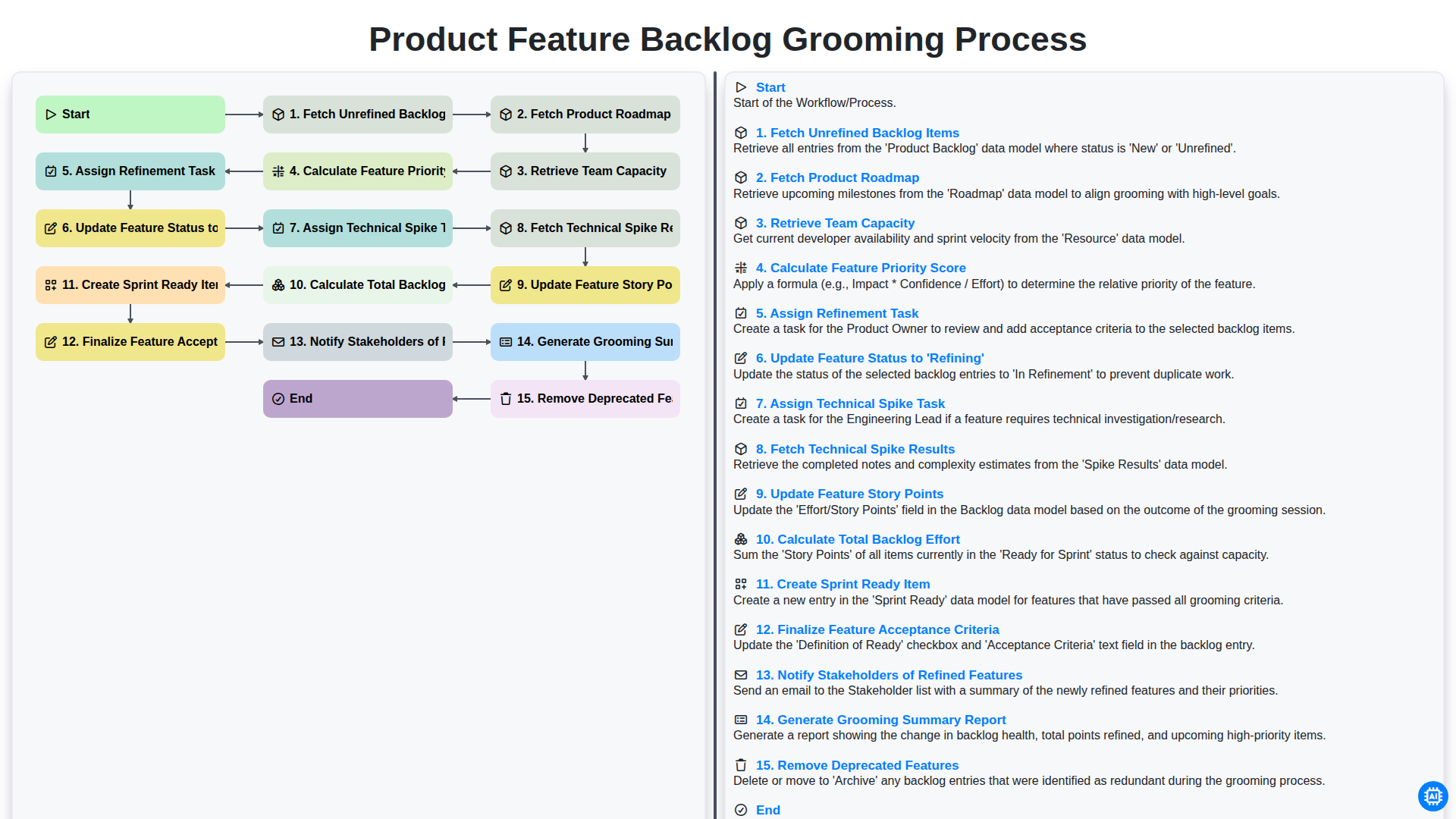
Product Feature Backlog Grooming Process
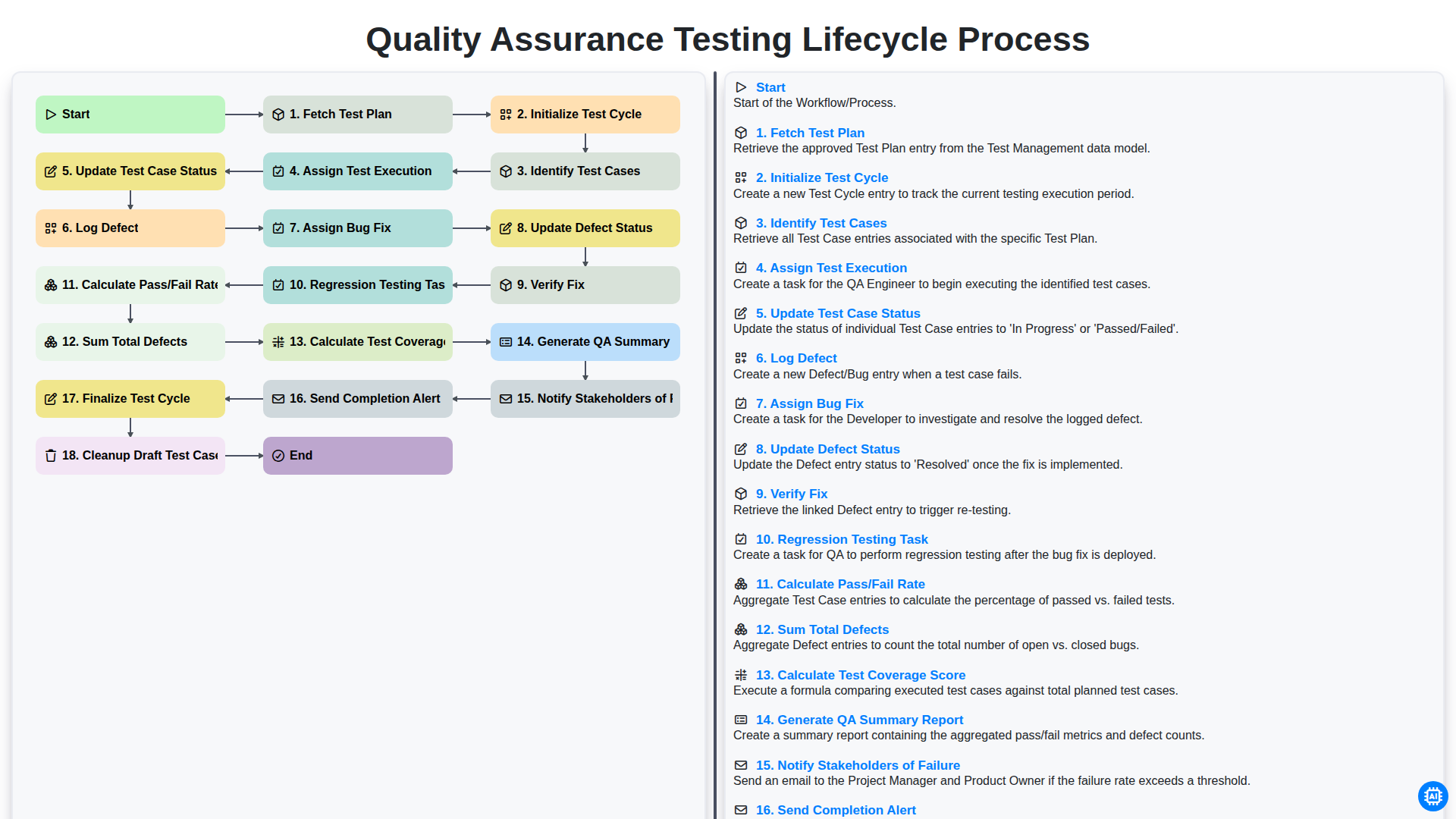
Quality Assurance Testing Lifecycle Process
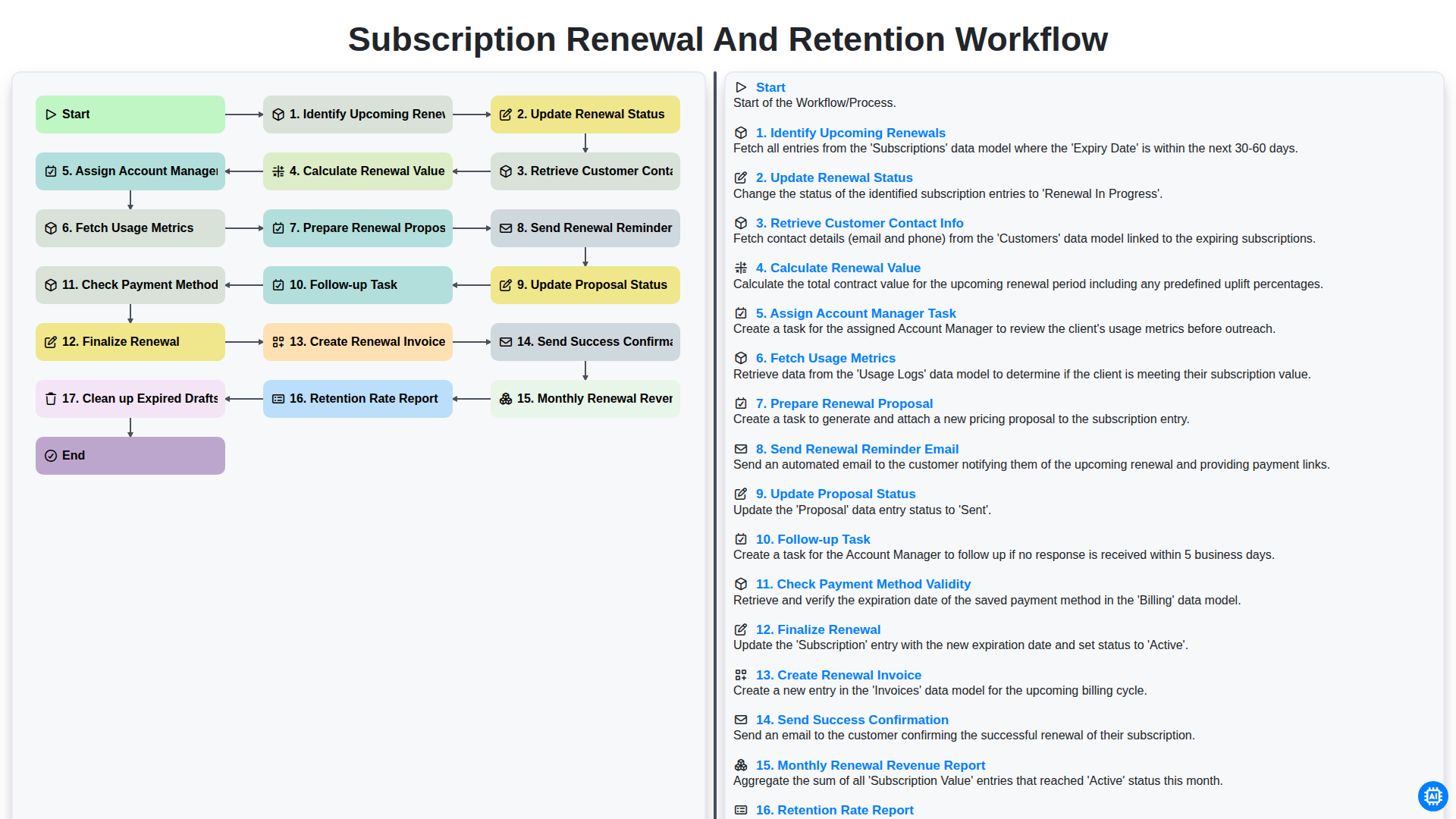
Subscription Renewal and Retention Workflow
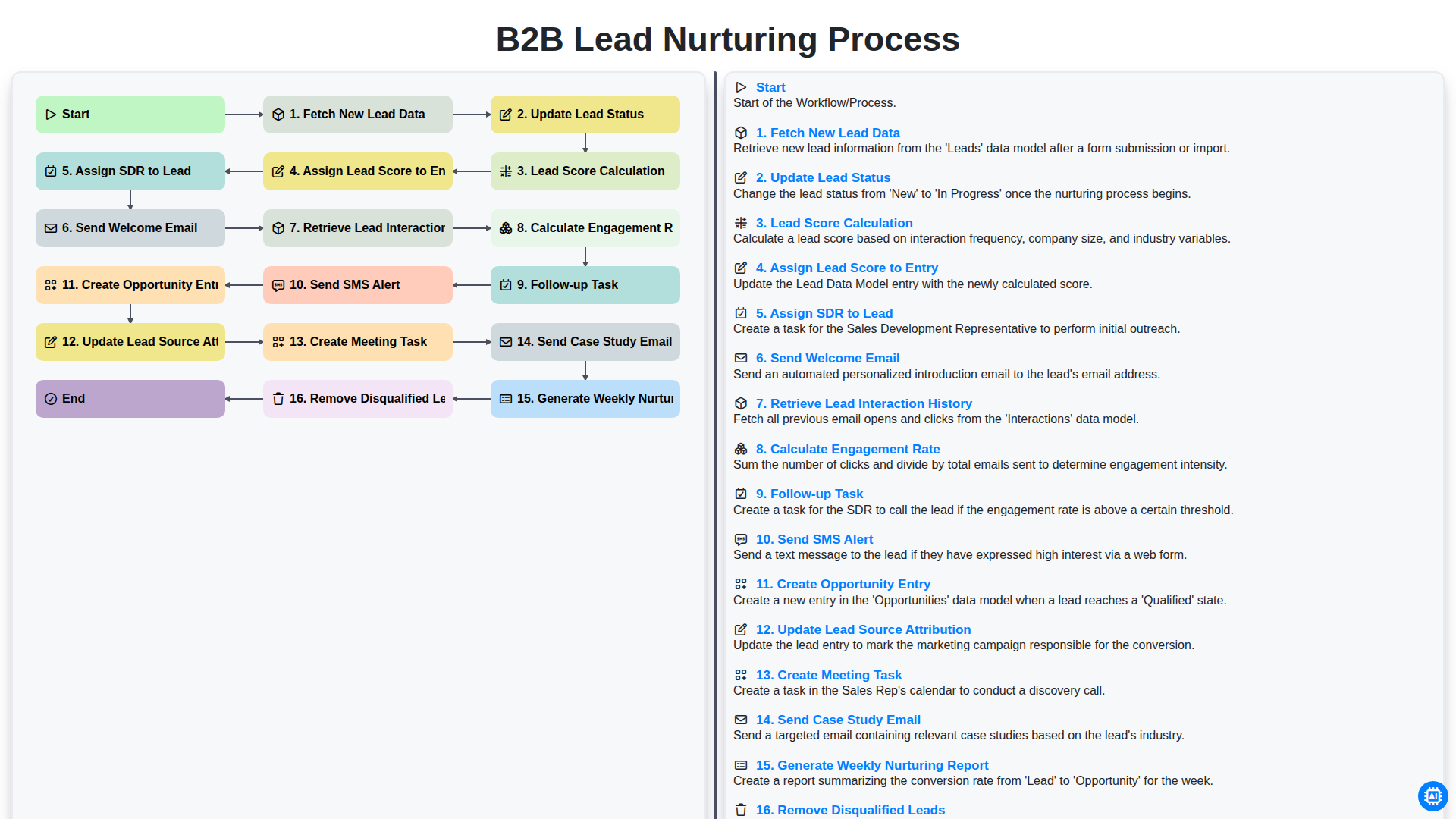
B2B Lead Nurturing Process
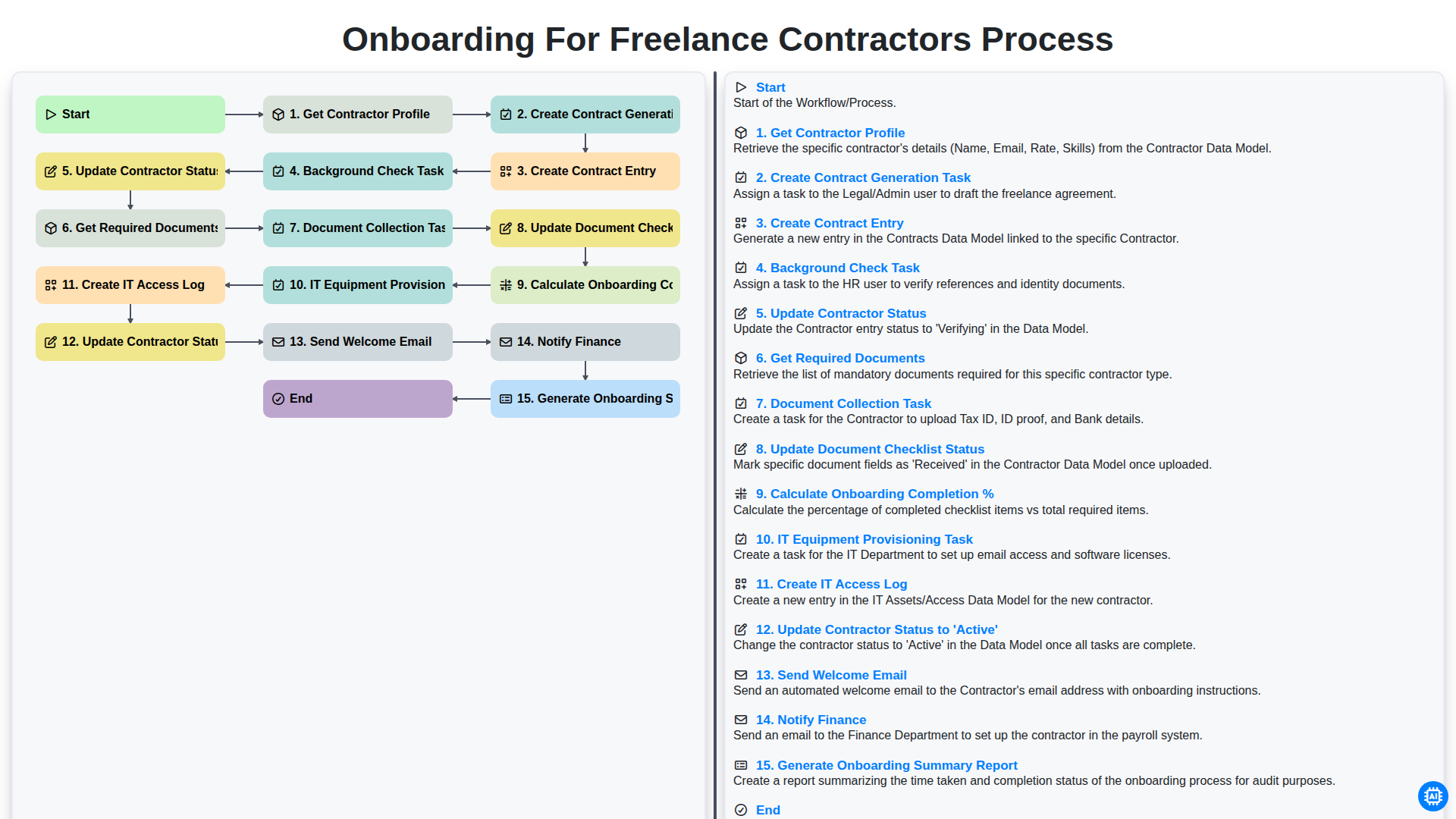
Onboarding for Freelance Contractors Process
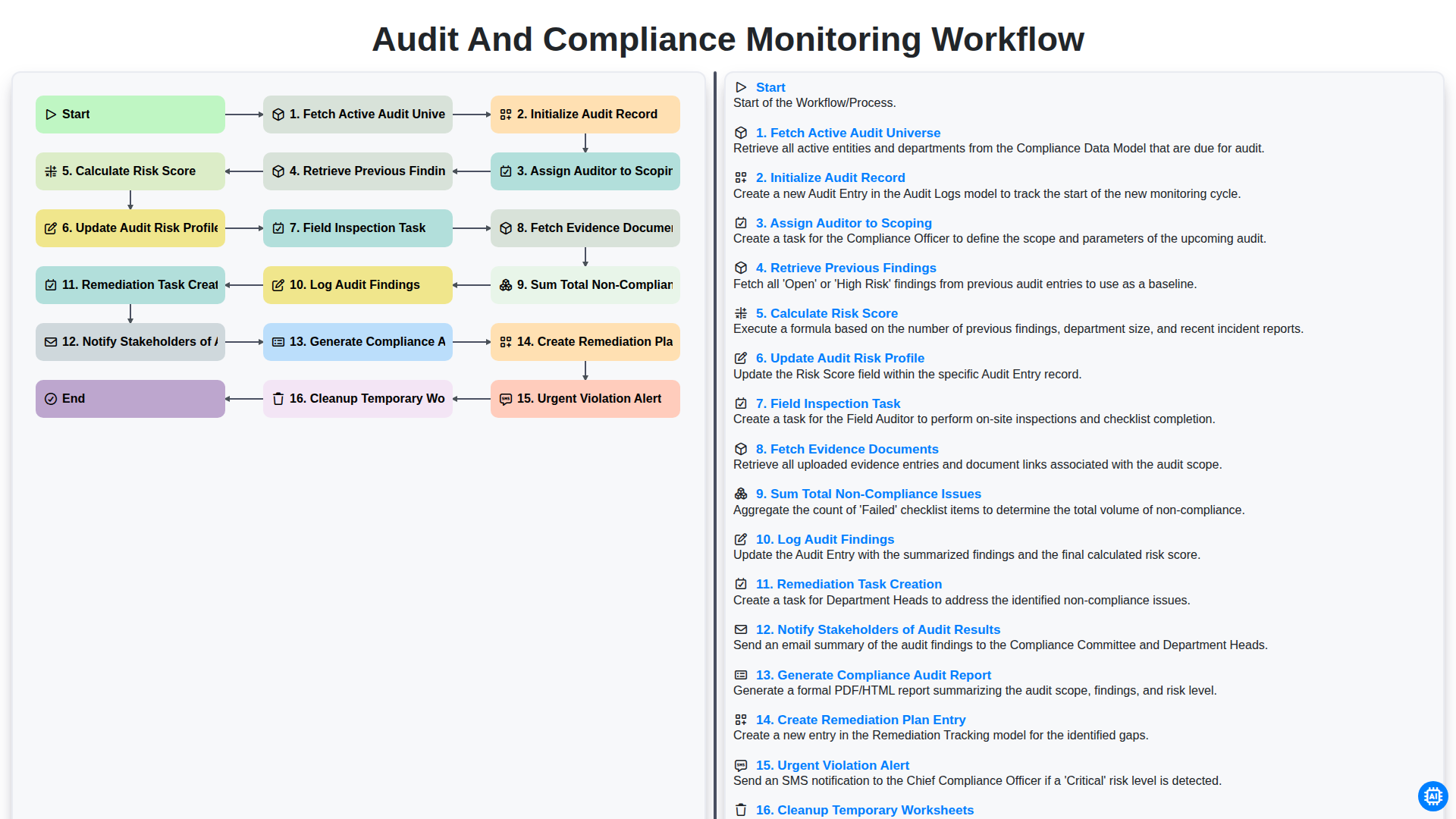
Audit and Compliance Monitoring Workflow
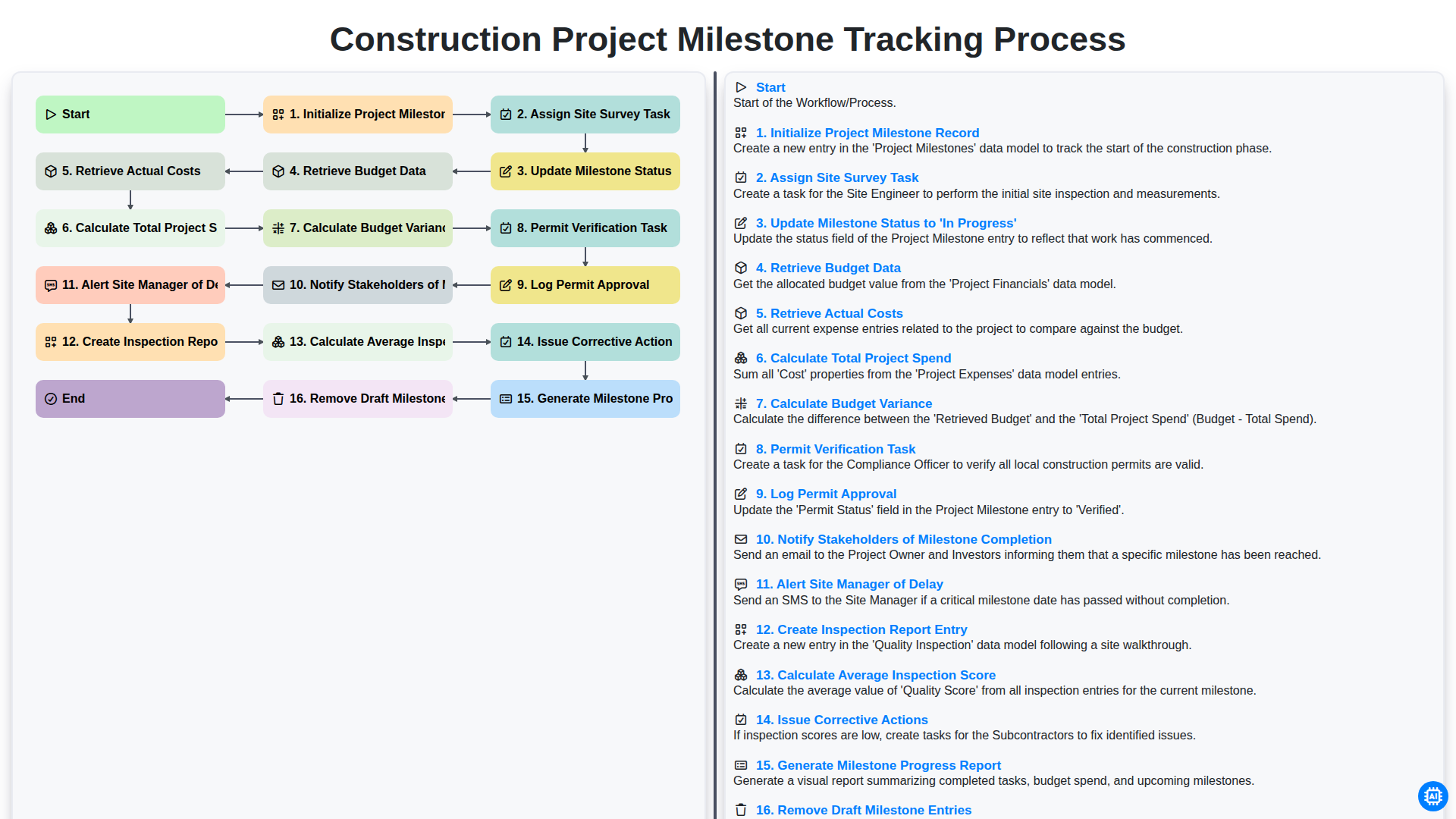
Construction Project Milestone Tracking Process
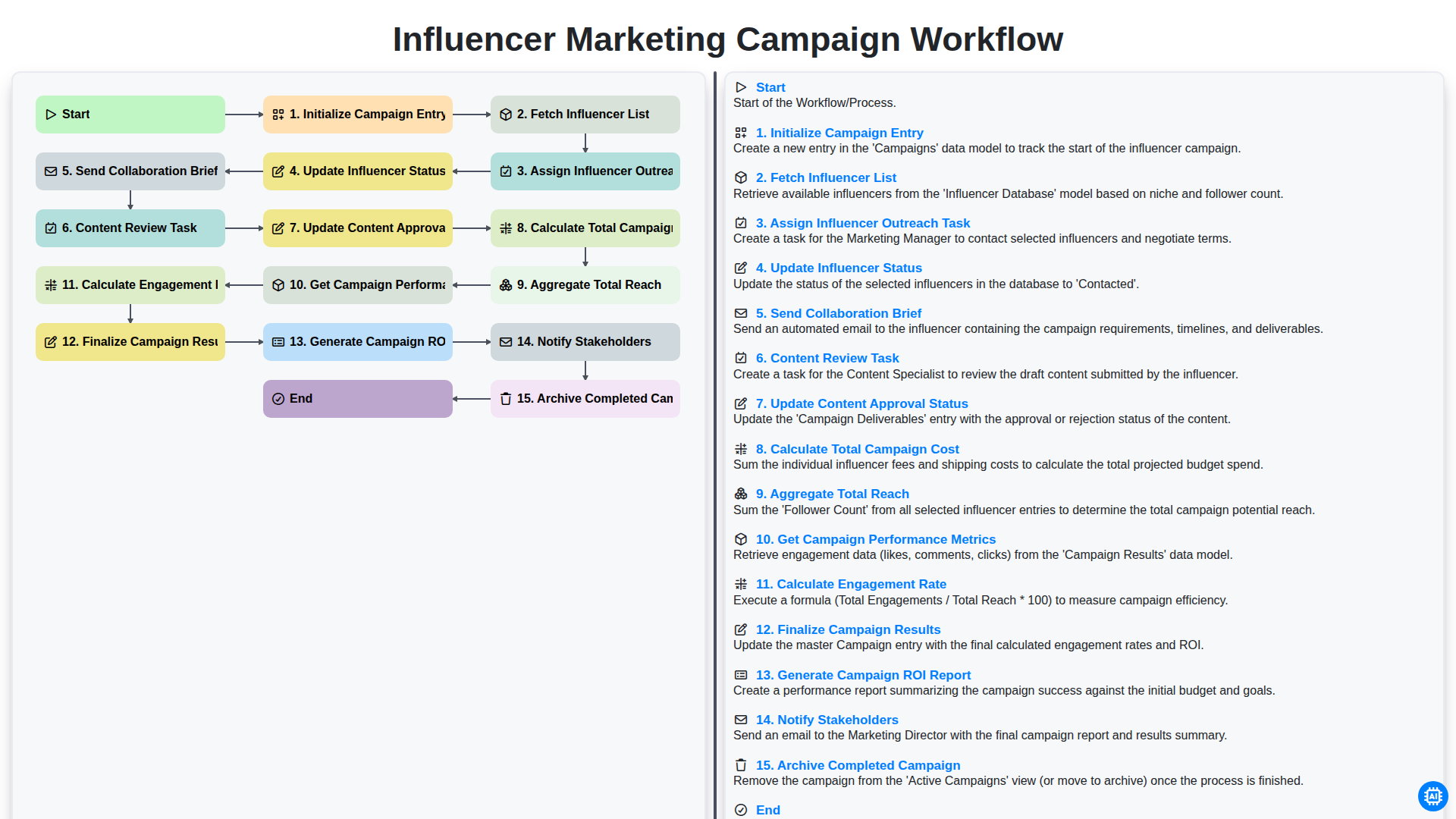
Influencer Marketing Campaign Workflow
Besoin d'aide avec les listes de contrôle?
Vous avez une question ? Nous sommes là pour vous aider. Veuillez soumettre votre demande et nous vous répondrons rapidement.