 ChecklistGuro
 Project Resource Allocation Process
Master your team's productivity with our Project Resource Allocation Process. Streamline task management, prevent burnout, and optimize workload distribution through a strategic, step-by-step workflow designed to balance skillsets with project demands for maximum efficiency.
Ce modèle a été installé 2 fois.
Début
Début du flux de travail/processus.
1. Fetch Available Resources
Retrieve all personnel entries from the Resource Data Model where status is 'Available'.
2. Fetch Project Requirements
Retrieve the specific skill requirements and required hours from the Project Data Model.
3. Calculate Total Required Hours
Sum the 'Required Hours' property from the Project Requirements entries to determine total workload.
4. Calculate Capacity Gap
Subtract 'Total Required Hours' from 'Total Available Resource Hours' to identify if more staff is needed.
5. Assign Resource Researcher
Create a task for the Resource Manager to match specific skills to the project needs.
6. Update Resource Status
Update the status of a selected resource from 'Available' to 'Reserved' in the Resource Data Model.
7. Create Allocation Record
Create a new entry in the 'Allocations' Data Model linking the Resource, Project, and Date Range.
8. Calculate Total Allocated Cost
Sum the 'Hourly Rate' of all resources assigned to this specific project entry.
9. Final Budget Review
Create a task for the Finance Controller to approve the cost of the allocated resources.
10. Notify Resource Manager
Send an email to the Resource Manager with the summary of the new allocation.
11. Notify Assigned Staff
Send an email to the assigned employee informing them of their upcoming project commitment.
12. Update Project Schedule
Update the 'Resource Confirmed' checkbox in the Project Data Model to true.
13. Generate Allocation Utilization Report
Create a report showing the percentage of resource utilization across all active projects.
14. Cleanup Draft Allocations
Delete any temporary or unapproved allocation entries created during the planning phase.
Fin
Fin du flux de travail/processus.
Début du flux de travail/processus.
Retrieve all personnel entries from the Resource Data Model where status is 'Available'.
Retrieve the specific skill requirements and required hours from the Project Data Model.
Sum the 'Required Hours' property from the Project Requirements entries to determine total workload.
Subtract 'Total Required Hours' from 'Total Available Resource Hours' to identify if more staff is needed.
Create a task for the Resource Manager to match specific skills to the project needs.
Update the status of a selected resource from 'Available' to 'Reserved' in the Resource Data Model.
Create a new entry in the 'Allocations' Data Model linking the Resource, Project, and Date Range.
Sum the 'Hourly Rate' of all resources assigned to this specific project entry.
Create a task for the Finance Controller to approve the cost of the allocated resources.
Send an email to the Resource Manager with the summary of the new allocation.
Send an email to the assigned employee informing them of their upcoming project commitment.
Update the 'Resource Confirmed' checkbox in the Project Data Model to true.
Create a report showing the percentage of resource utilization across all active projects.
Delete any temporary or unapproved allocation entries created during the planning phase.
Fin du flux de travail/processus.
Questions fréquemment posées
Commentaires
Aucun commentaire n'a été publié pour le moment. Soyez le premier à en ajouter un !
Démonstration de la solution de gestion des tâches
Organisez-vous et augmentez votre productivité ! ChecklistGuro simplifie la gestion des tâches, la priorisation et le suivi des progrès. Accomplissez davantage, réduisez le stress et atteignez vos objectifs. Gérez tout cela grâce à notre plateforme Work OS.
Modèles de flux de travail associés
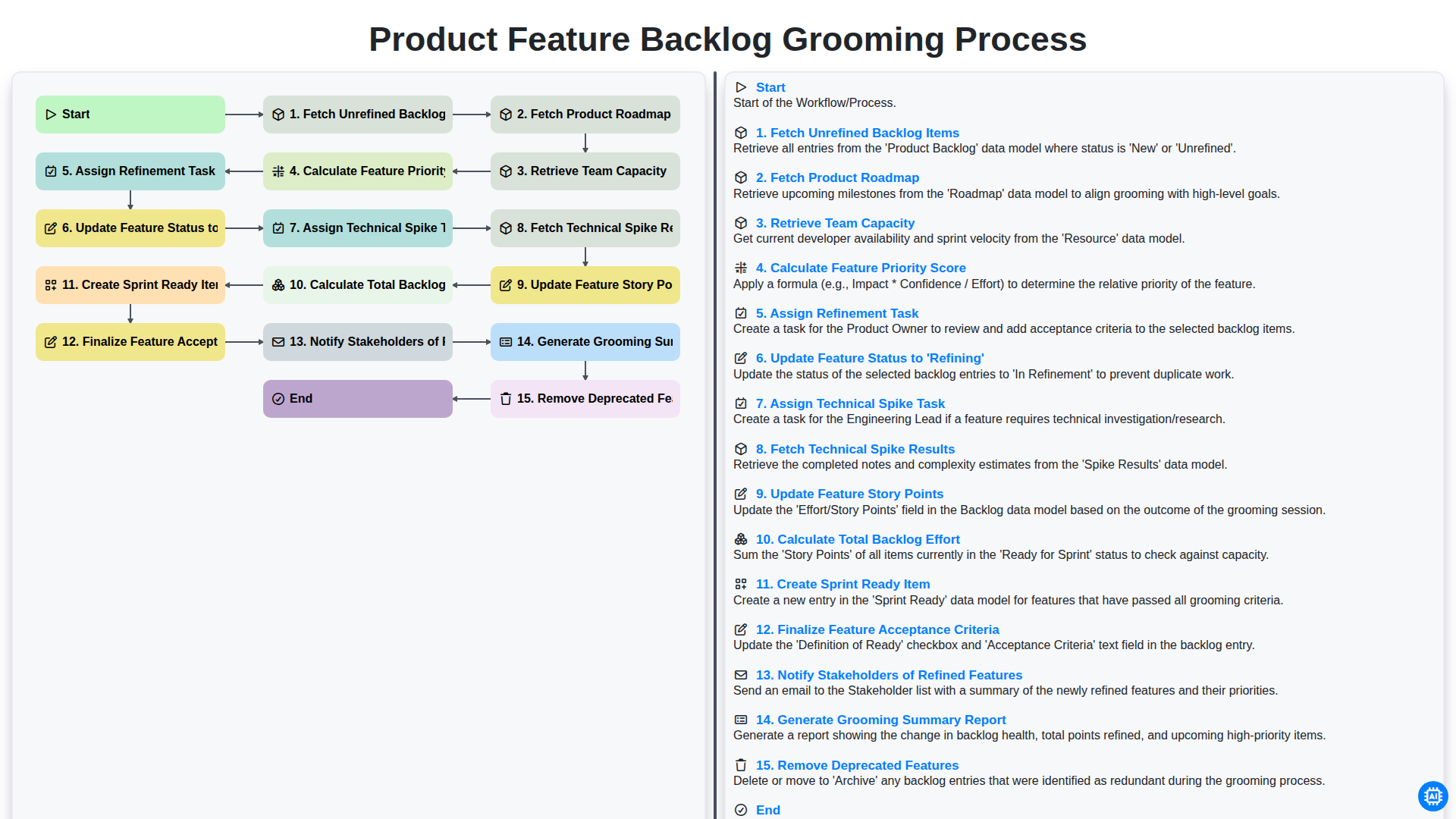
Product Feature Backlog Grooming Process
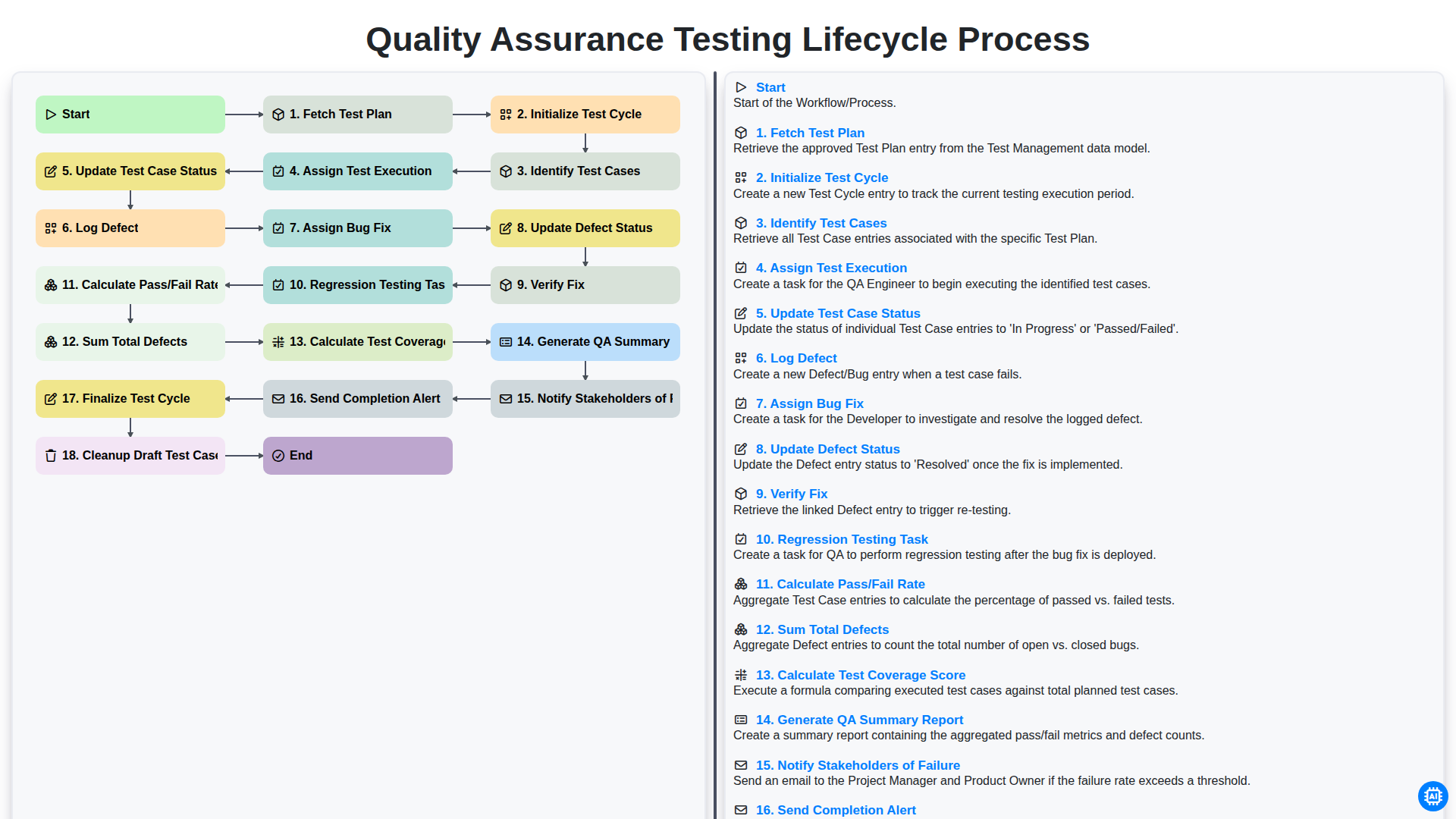
Quality Assurance Testing Lifecycle Process
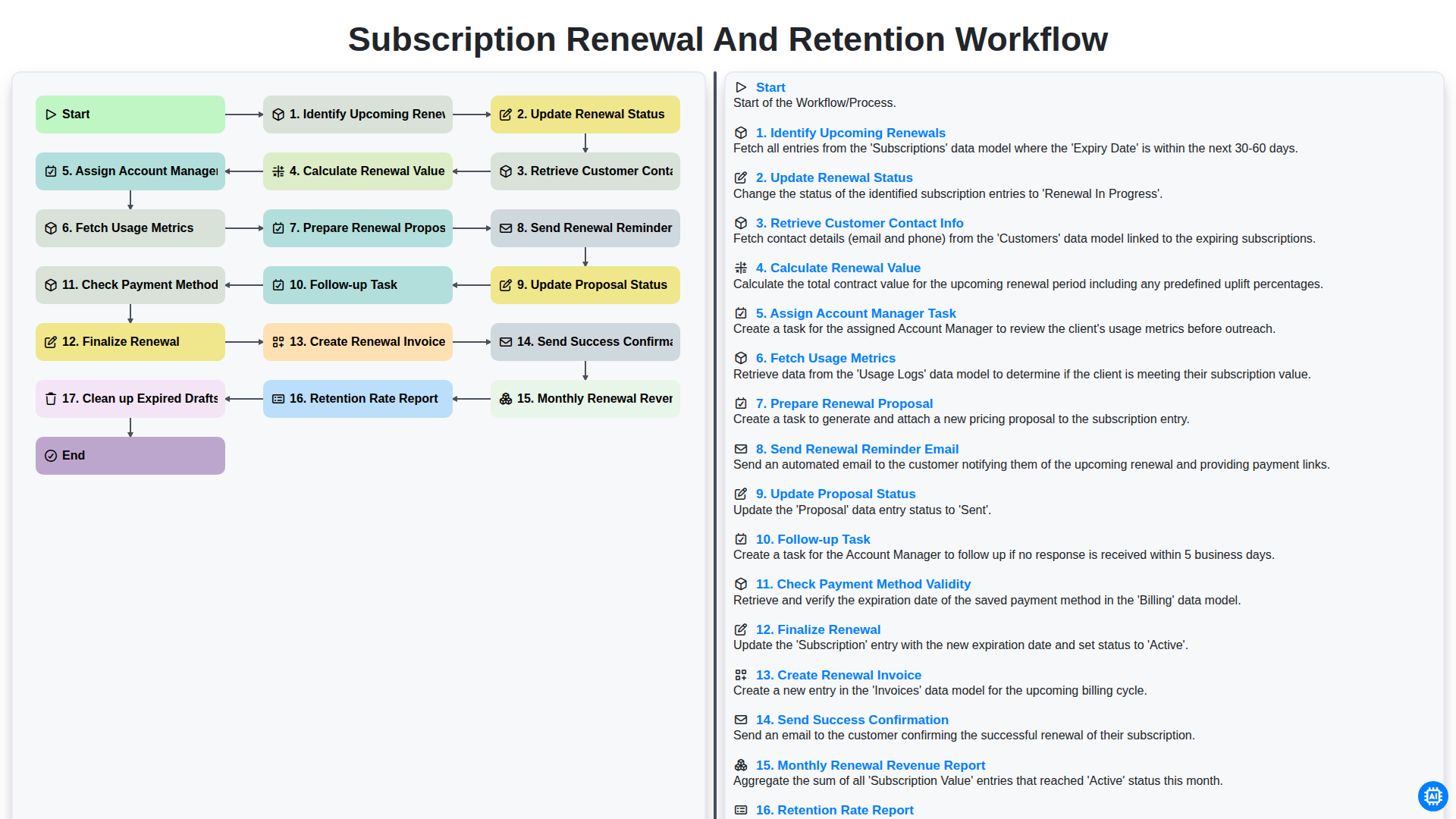
Subscription Renewal and Retention Workflow
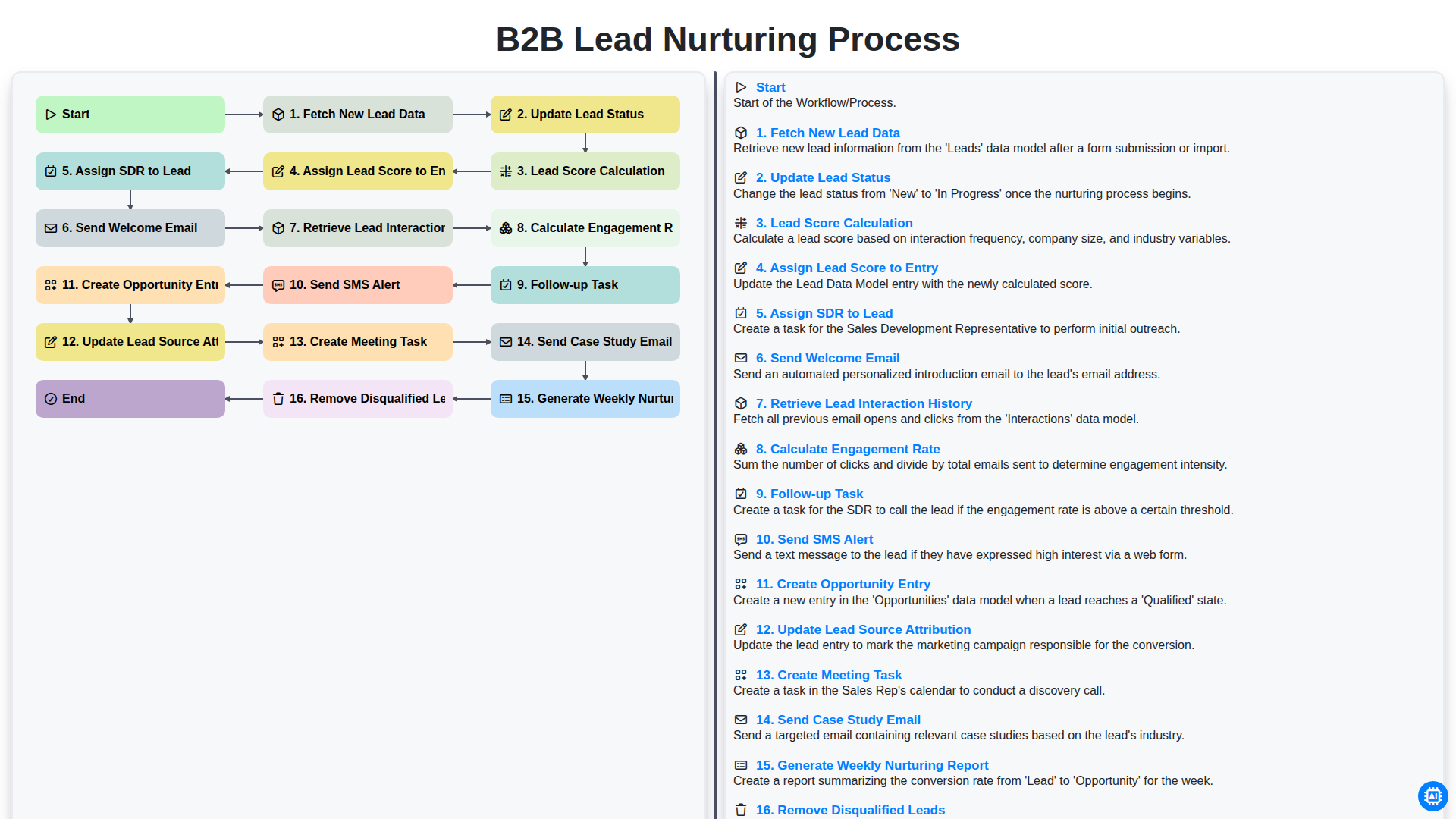
B2B Lead Nurturing Process
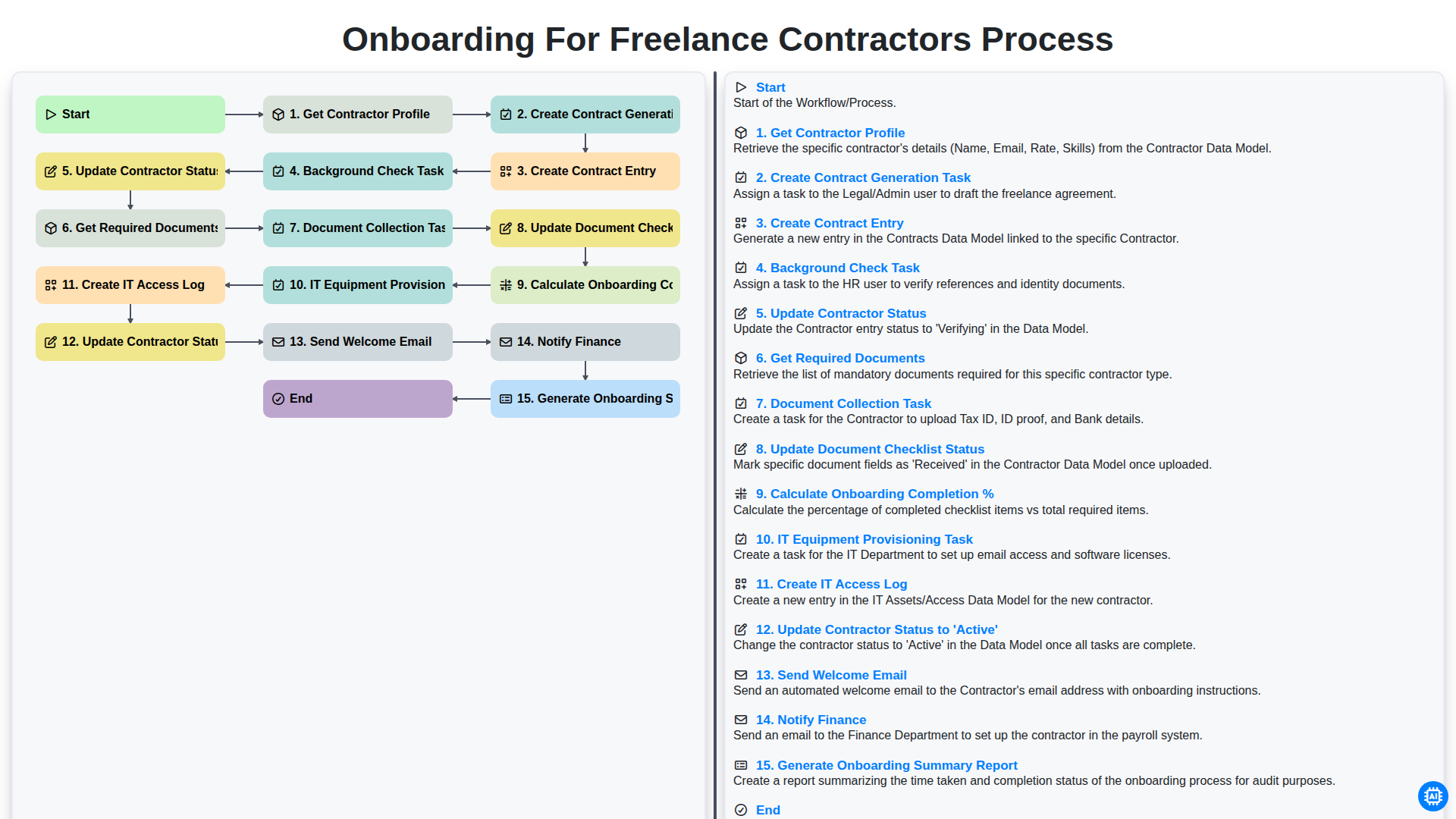
Onboarding for Freelance Contractors Process
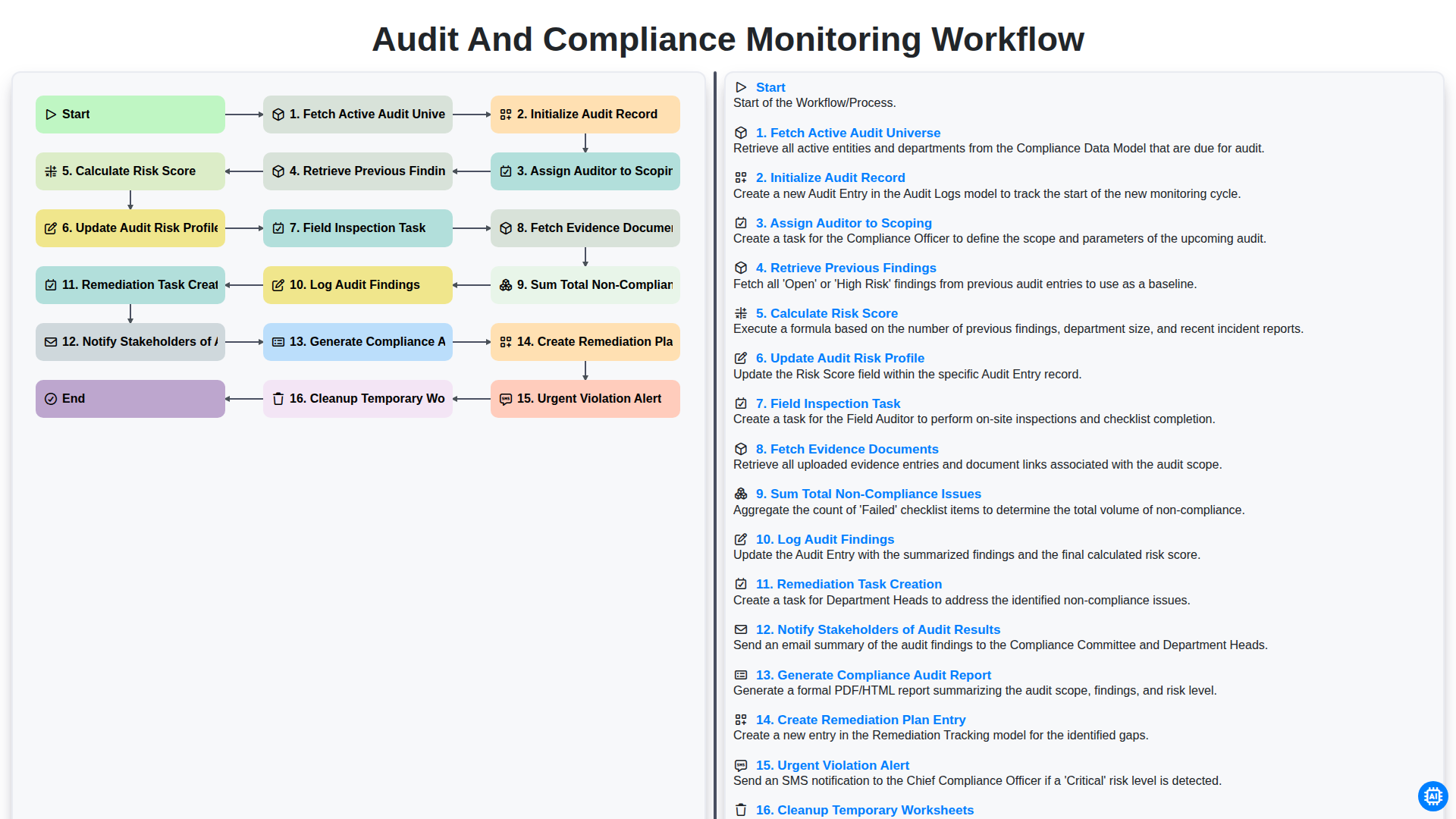
Audit and Compliance Monitoring Workflow
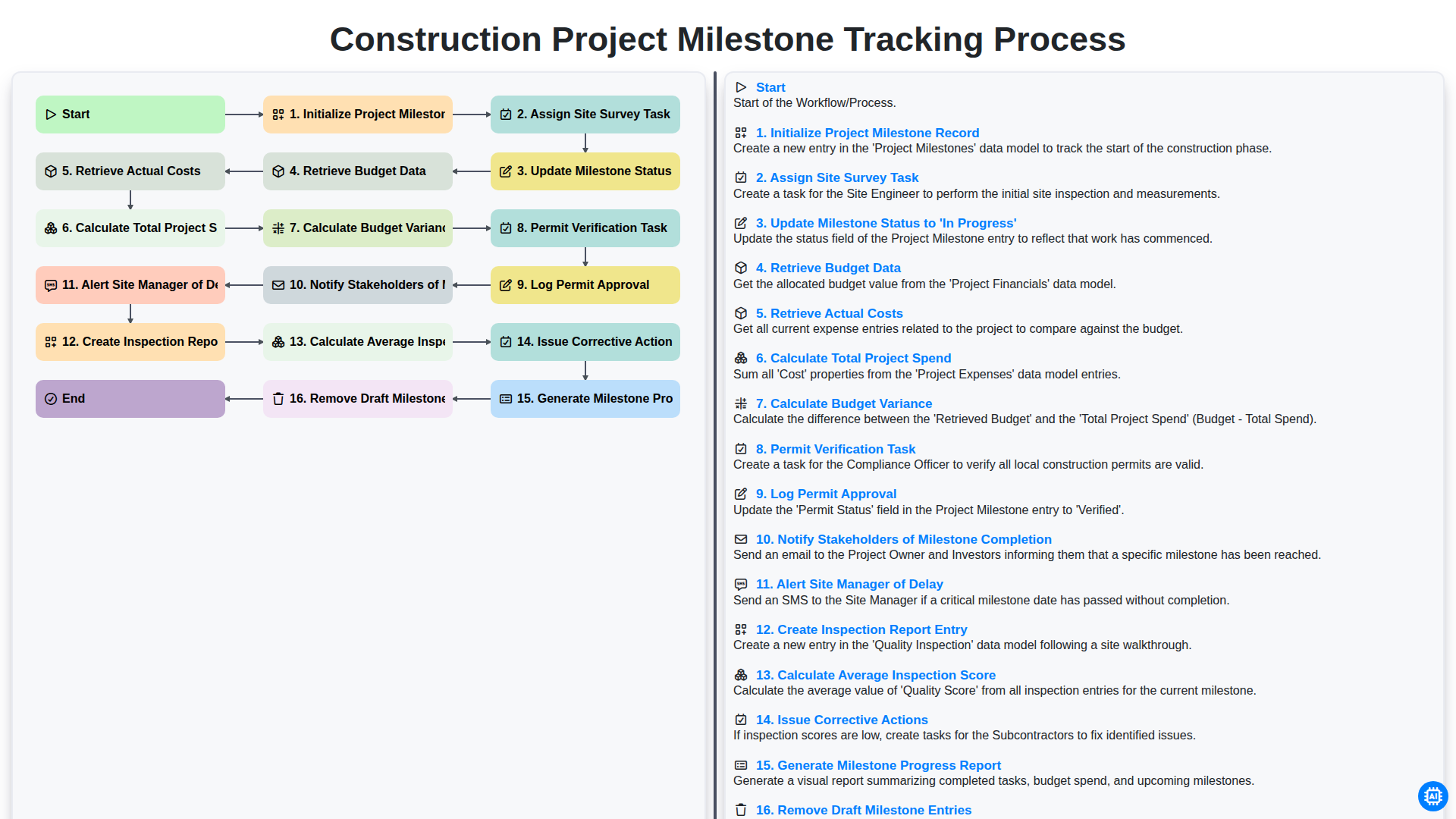
Construction Project Milestone Tracking Process
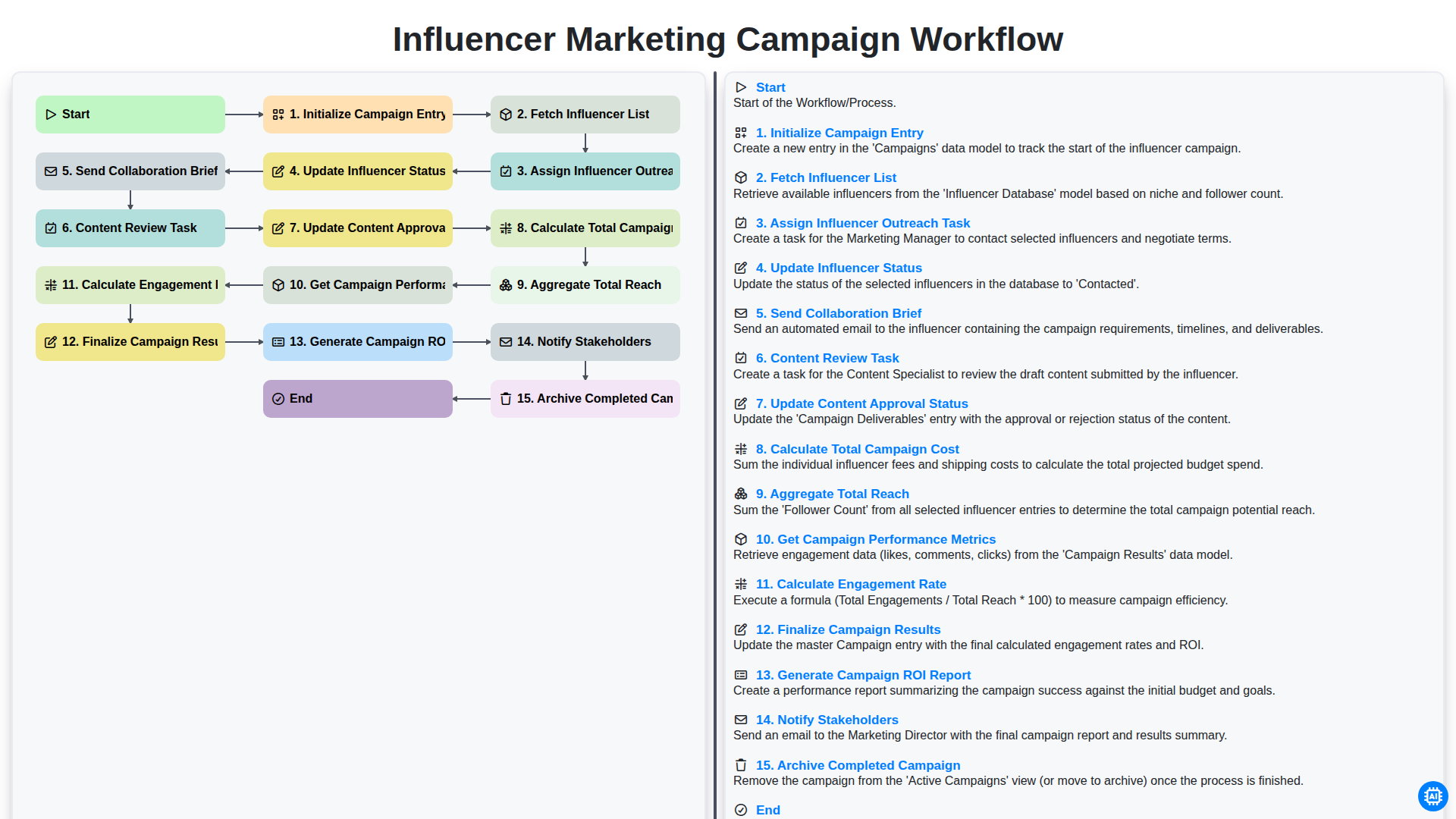
Influencer Marketing Campaign Workflow
Besoin d'aide avec les listes de contrôle?
Vous avez une question ? Nous sommes là pour vous aider. Veuillez soumettre votre demande et nous vous répondrons rapidement.