 ChecklistGuro
 Landed Cost Tracking Process
Master your supply chain margins with our comprehensive Landed Cost Tracking Process. Learn how to seamlessly integrate freight, customs, insurance, and handling fees into your WMS to achieve pinpoint inventory valuation and true product profitability. Optimize your warehouse operations by eliminating hidden costs and streamlining landed cost calculations for every shipment.
Ce modèle a été installé 2 fois.
Début
Début du flux de travail/processus.
1. Retrieve Purchase Order Details
Fetch the initial shipment details and item quantities from the Purchase Order data model.
2. Retrieve Shipping Documentation
Get all related freight invoices, customs duties, and insurance documents linked to the shipment.
3. Initialize Landed Cost Record
Create a new Landed Cost Entry record to begin tracking costs for the specific shipment ID.
4. Input Freight Charges
Update the Landed Cost record with freight, fuel surcharges, and handling fees once invoiced.
5. Input Customs & Duties
Update the record with customs clearance fees, import duties, and taxes paid.
6. Input Logistics Extras
Update the record with secondary costs like warehousing, inspections, or documentation fees.
7. Sum Total Ancillary Costs
Aggregate all individual cost line items (freight, duty, fees) to calculate the total additional cost.
8. Calculate Total Landed Cost
Execute formula: Original Product Cost + Total Ancillary Costs.
9. Calculate Unit Cost Variance
Calculate the difference between the original estimated unit cost and the new calculated landed unit cost.
10. Finalize Landed Cost Entry
Update the final calculated total and the updated unit cost back into the primary record.
11. Financial Audit Task
Create a task for the Finance Controller to verify the accuracy of the landed cost against bank statements.
12. Notify Procurement Team
Send an email to the Procurement Manager notifying them that the final landed cost is available for review.
13. Generate Monthly Landed Cost Variance Report
Create a report summarizing cost deviations across all shipments for the current month.
14. Create Cost Variance Log
Create an entry in the Cost Variance Data Model if the deviation exceeds a predefined threshold.
Fin
Fin du flux de travail/processus.
Début du flux de travail/processus.
Fetch the initial shipment details and item quantities from the Purchase Order data model.
Get all related freight invoices, customs duties, and insurance documents linked to the shipment.
Create a new Landed Cost Entry record to begin tracking costs for the specific shipment ID.
Update the Landed Cost record with freight, fuel surcharges, and handling fees once invoiced.
Update the record with customs clearance fees, import duties, and taxes paid.
Update the record with secondary costs like warehousing, inspections, or documentation fees.
Aggregate all individual cost line items (freight, duty, fees) to calculate the total additional cost.
Execute formula: Original Product Cost + Total Ancillary Costs.
Calculate the difference between the original estimated unit cost and the new calculated landed unit cost.
Update the final calculated total and the updated unit cost back into the primary record.
Create a task for the Finance Controller to verify the accuracy of the landed cost against bank statements.
Send an email to the Procurement Manager notifying them that the final landed cost is available for review.
Create a report summarizing cost deviations across all shipments for the current month.
Create an entry in the Cost Variance Data Model if the deviation exceeds a predefined threshold.
Fin du flux de travail/processus.
Questions fréquemment posées
Commentaires
Aucun commentaire n'a été publié pour le moment. Soyez le premier à en ajouter un !
Démonstration de la solution WMS - Système de gestion d'entrepôt
Optimisez vos opérations d'entrepôt et augmentez l'efficacité ! Le WMS de ChecklistGuro rationalise la gestion des stocks, l'exécution des commandes et l'expédition. Réduisez les erreurs, améliorez la précision et maximisez l'utilisation de l'espace. Gérez tout cela grâce à notre plateforme Work OS.
Modèles de flux de travail associés
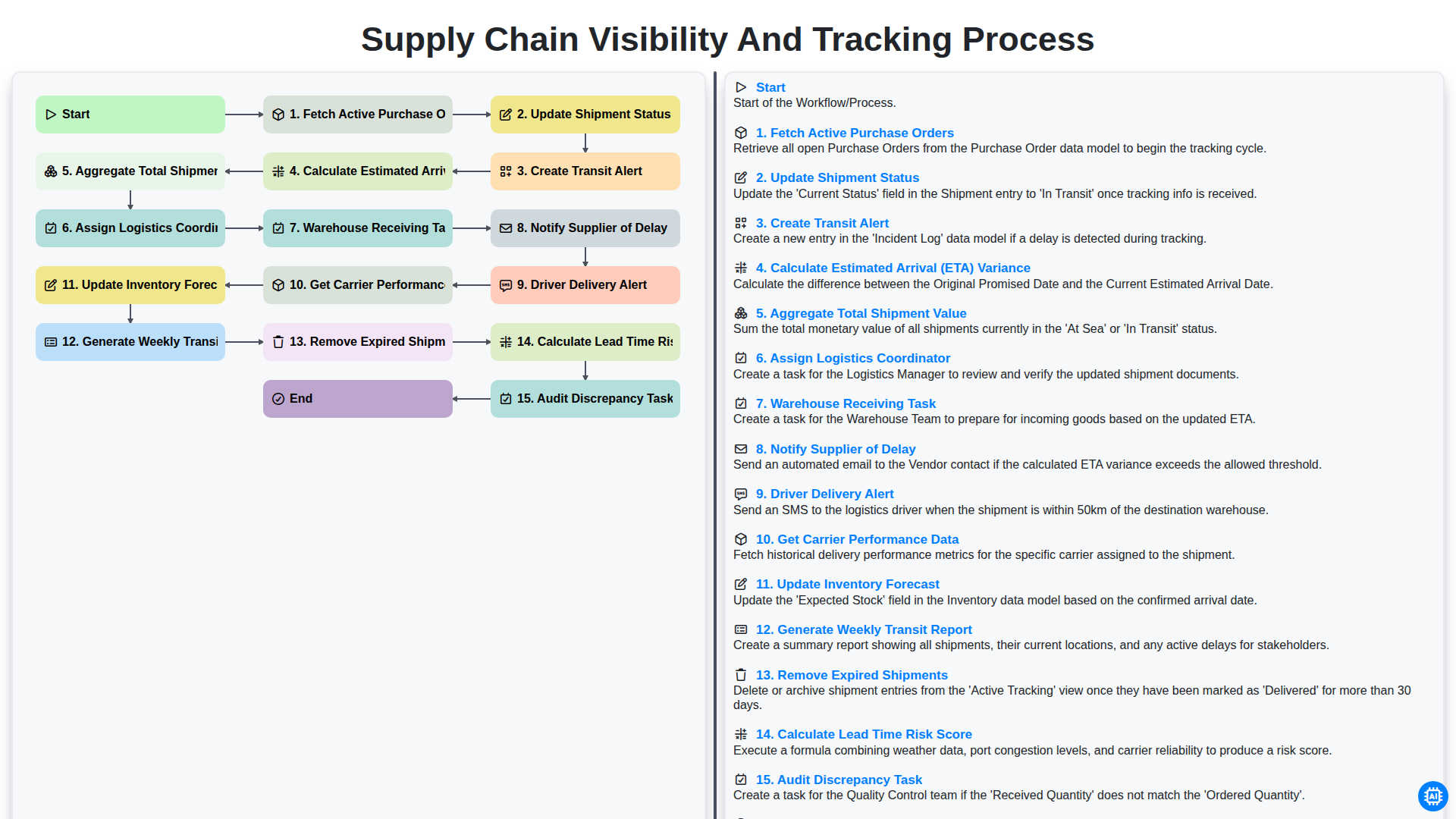
Supply Chain Visibility and Tracking Process
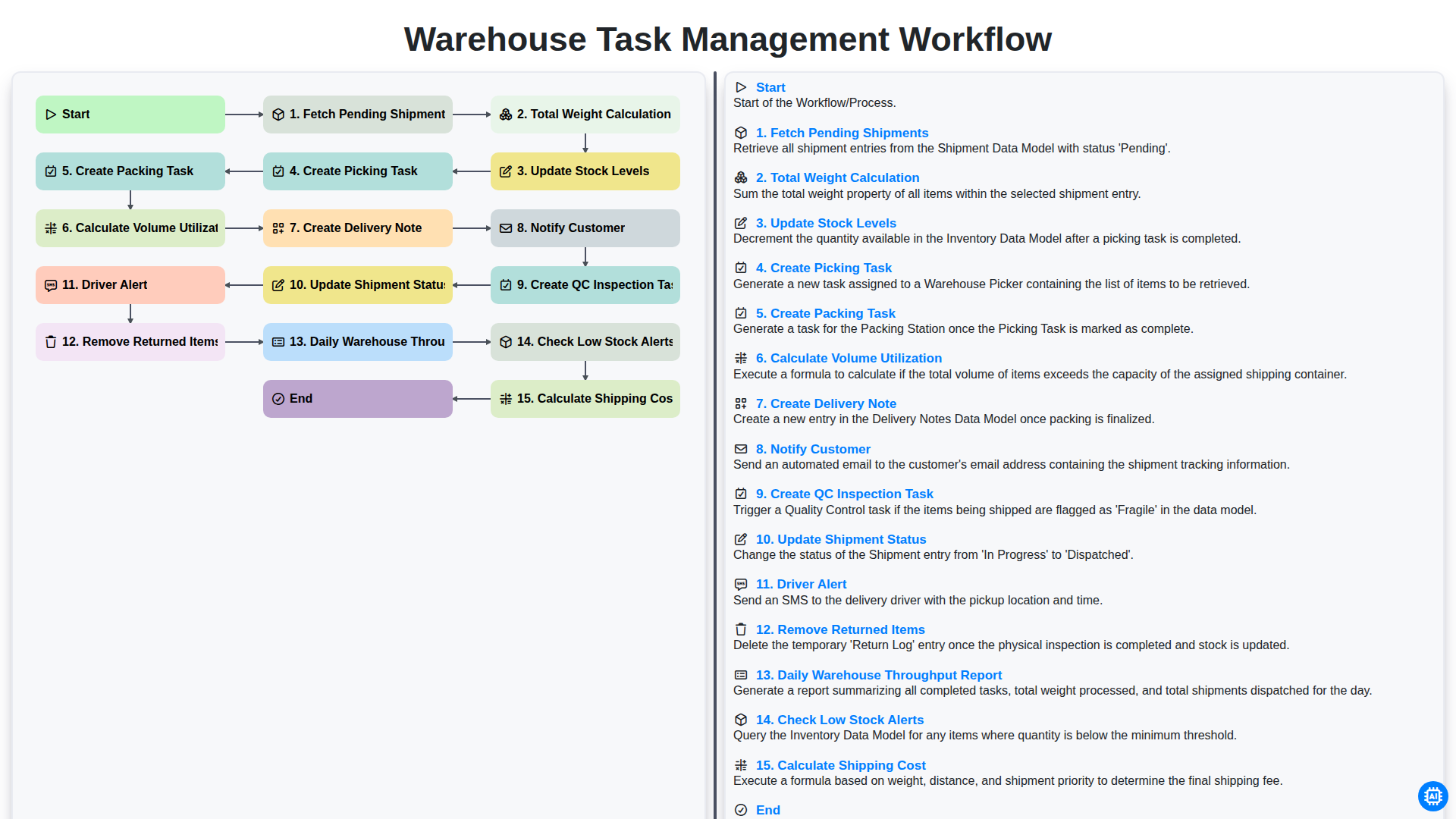
Warehouse Task Management Workflow
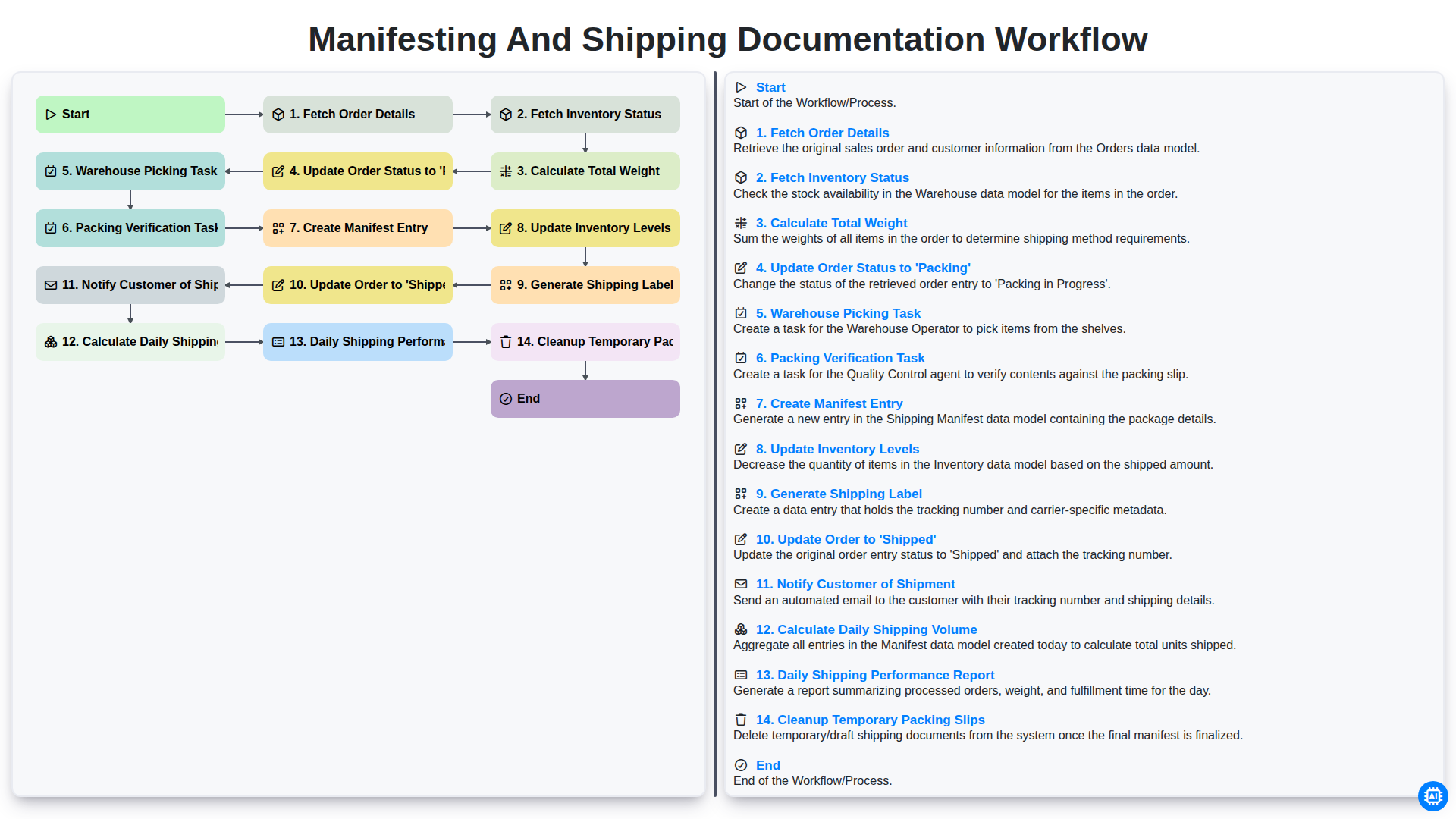
Manifesting and Shipping Documentation Workflow
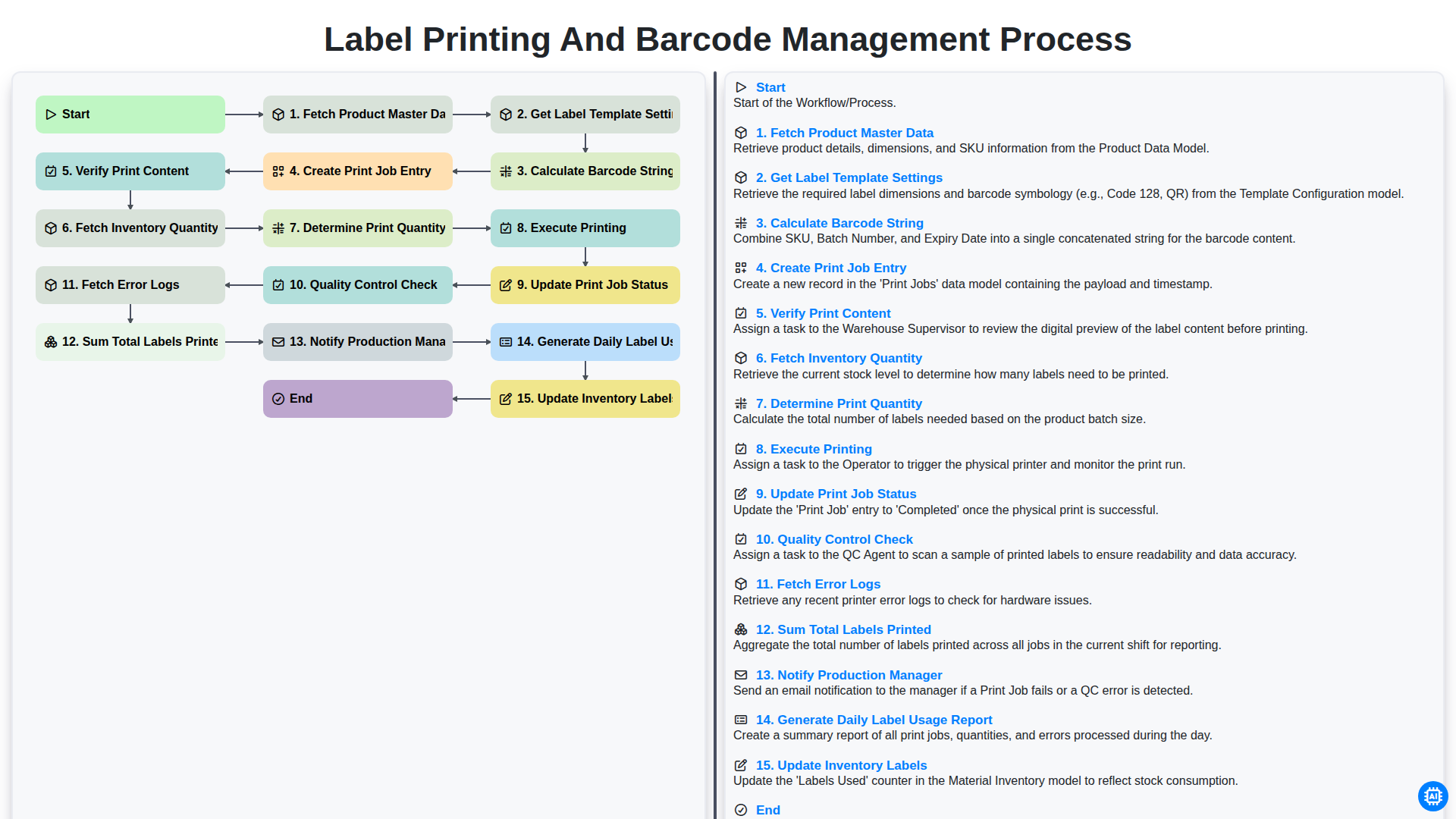
Label Printing and Barcode Management Process
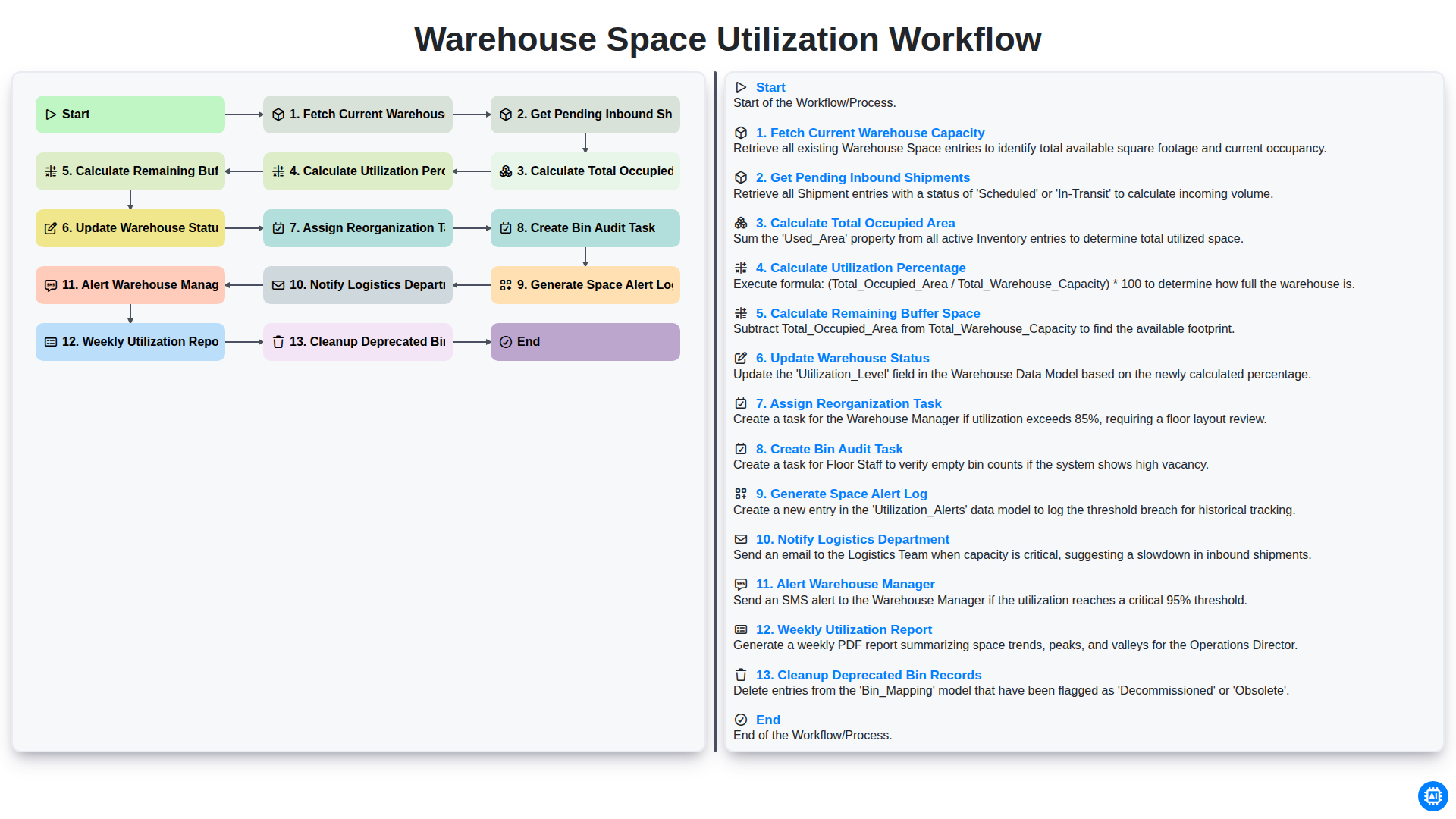
Warehouse Space Utilization Workflow
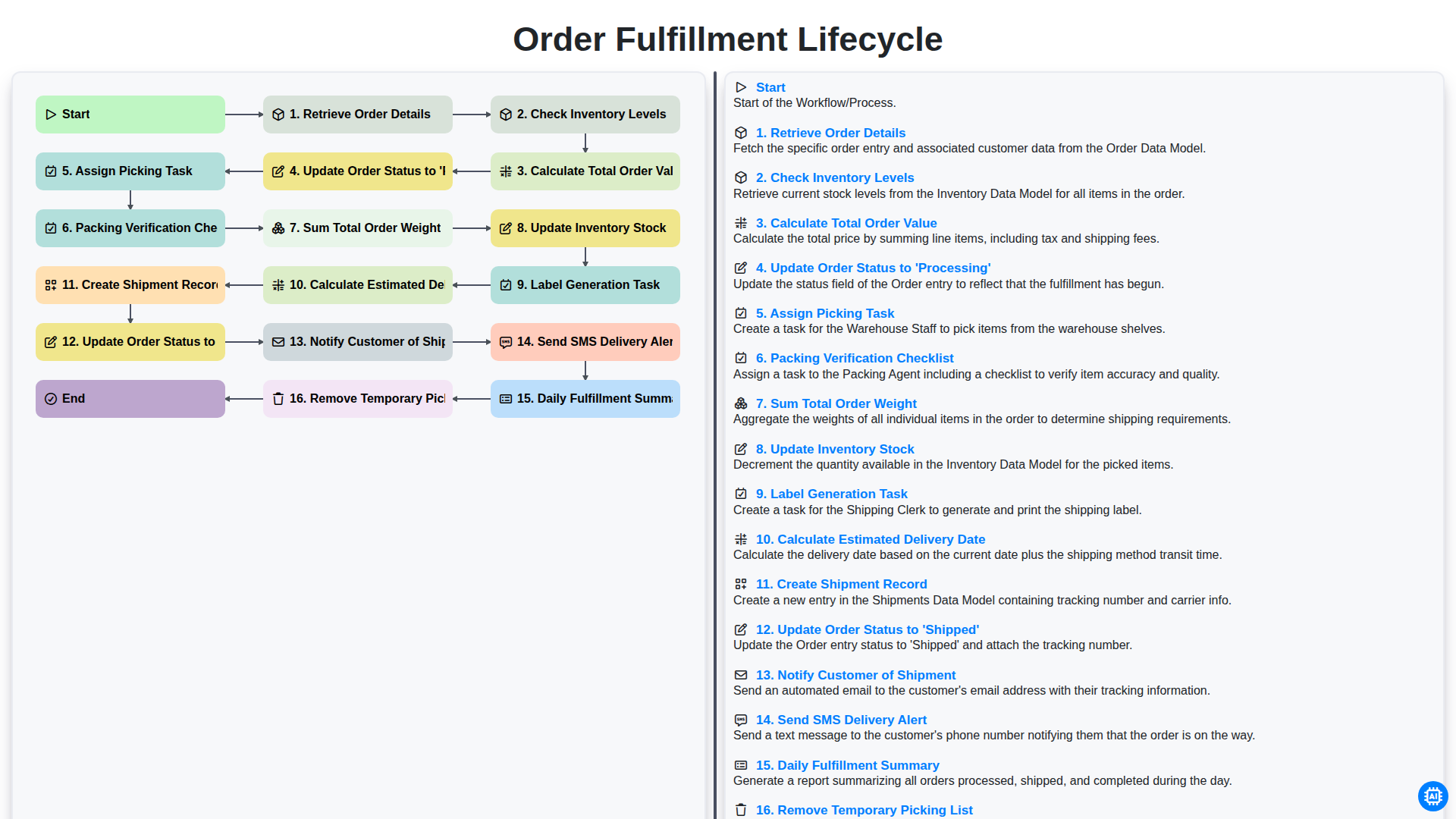
Order Fulfillment Lifecycle
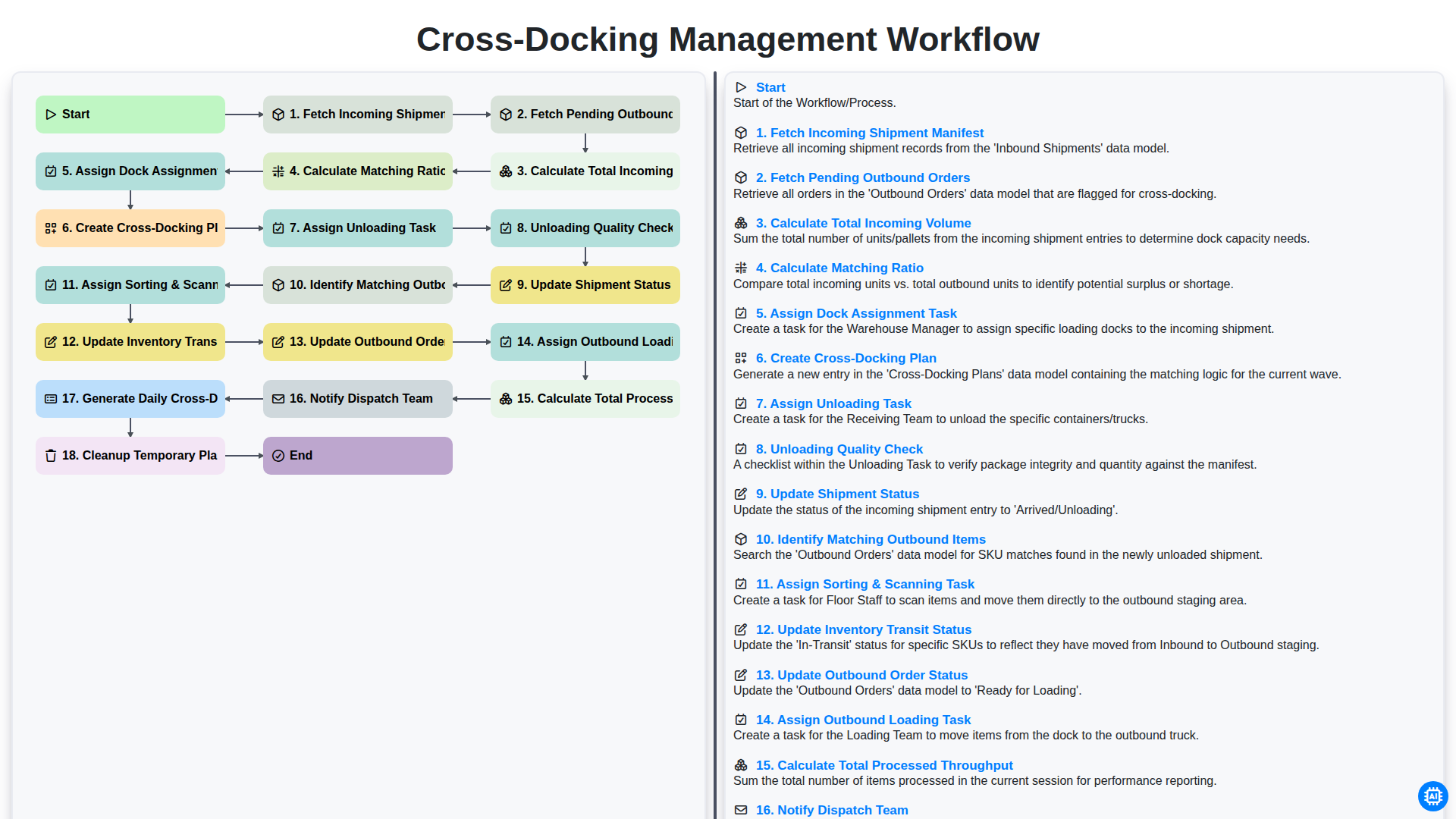
Cross-Docking Management Workflow
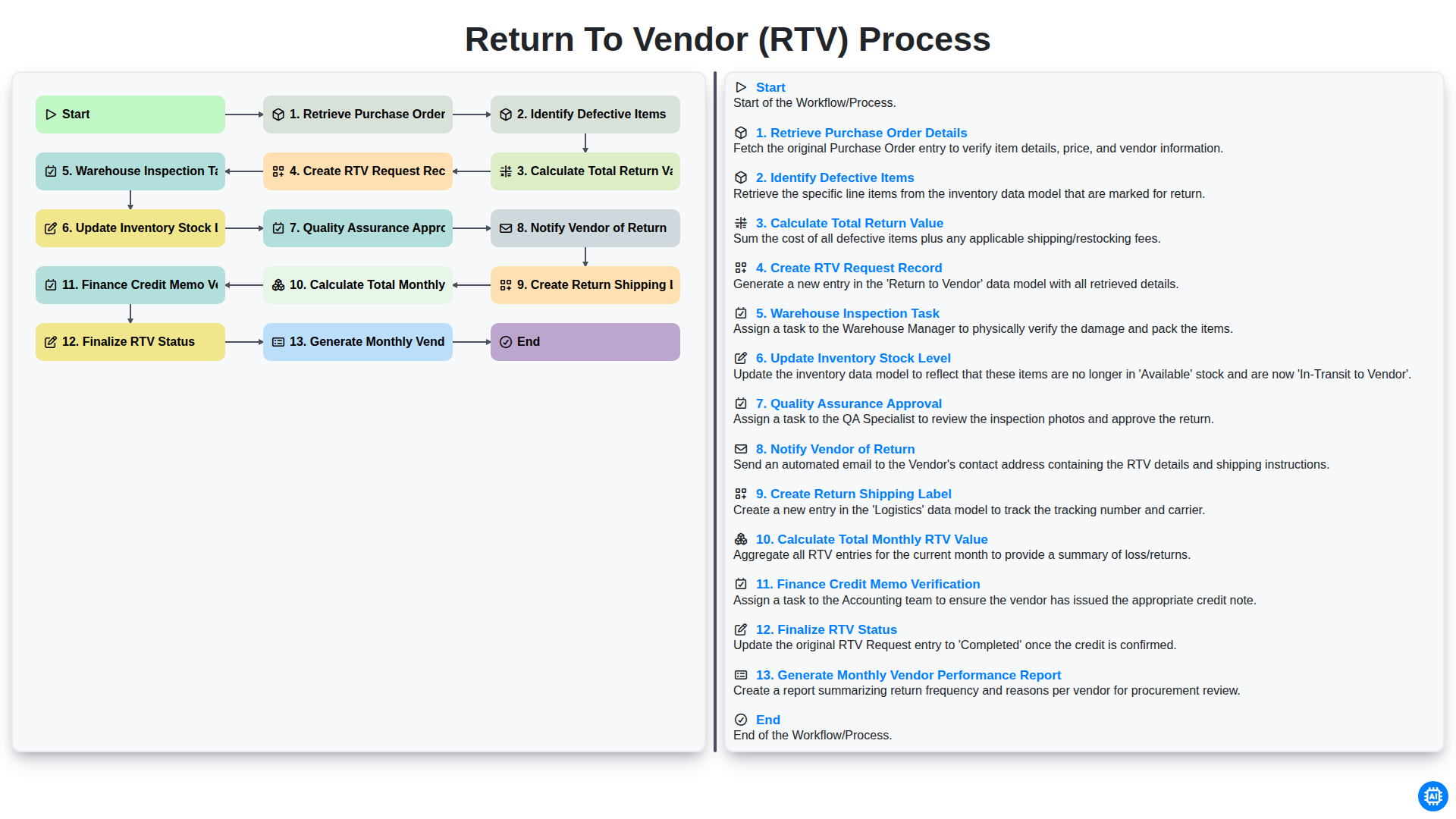
Return to Vendor (RTV) Process
Besoin d'aide avec les listes de contrôle?
Vous avez une question ? Nous sommes là pour vous aider. Veuillez soumettre votre demande et nous vous répondrons rapidement.