 ChecklistGuro
 Revenue Recognition Workflow
Streamline your financial closing with our automated Revenue Recognition Workflow. Designed for modern accounting management, this process ensures seamless compliance with ASC 606 and IFRS 15 standards by automating contract review, revenue allocation, and deferred revenue tracking. Eliminate manual errors, optimize audit trails, and gain real-time visibility into your earned vs. unearned revenue streams with a single, integrated workflow.
Ten szablon został zainstalowany 5 razy.
Rozpoczęcie
Rozpoczęcie przepływu pracy/procesu.
1. Get Unrecognized Revenue
Retrieve all entries from the Sales Orders data model where the recognition status is 'Pending'.
2. Total Pending Revenue
Sum the 'Total Amount' property of all retrieved unrecognized revenue entries to get the total amount to be recognized.
3. Calculate Monthly Pro-rata
Divide the total pending revenue by the remaining months in the contract period.
4. Assign Revenue Recognition Task
Create a task for the Finance Controller to review the calculated monthly revenue figures.
5. Create Revenue Journal Entry
Create a new entry in the General Ledger data model with the calculated monthly recognition amount.
6. Update Sales Order Status
Update the status of the processed Sales Order entries to 'Recognized' in the Sales Orders data model.
7. Notify Accounting Department
Send an email to the accounting team with a summary of the revenue recognized in this period.
8. Generate Revenue Recognition Report
Create a PDF report summarizing the total revenue recognized and the remaining deferred revenue.
Koniec
Koniec przepływu pracy/procesu.
Rozpoczęcie przepływu pracy/procesu.
Retrieve all entries from the Sales Orders data model where the recognition status is 'Pending'.
Sum the 'Total Amount' property of all retrieved unrecognized revenue entries to get the total amount to be recognized.
Divide the total pending revenue by the remaining months in the contract period.
Create a task for the Finance Controller to review the calculated monthly revenue figures.
Create a new entry in the General Ledger data model with the calculated monthly recognition amount.
Update the status of the processed Sales Order entries to 'Recognized' in the Sales Orders data model.
Send an email to the accounting team with a summary of the revenue recognized in this period.
Create a PDF report summarizing the total revenue recognized and the remaining deferred revenue.
Koniec przepływu pracy/procesu.
Komentarze
Na razie nie ma żadnych komentarzy. Dodaj pierwszy!
Prezentacja rozwiązania do zarządzania finansami i księgowości
Odrzuć sztywne, uniwersalne rozwiązania programowe. Wykorzystaj w pełni programowalne środowisko księgowe, które można dostosować do specyficznych procesów pracy, złożonych struktur organizacyjnych i zmieniającej się logiki biznesowej.
Powiązane Szablony Pracy
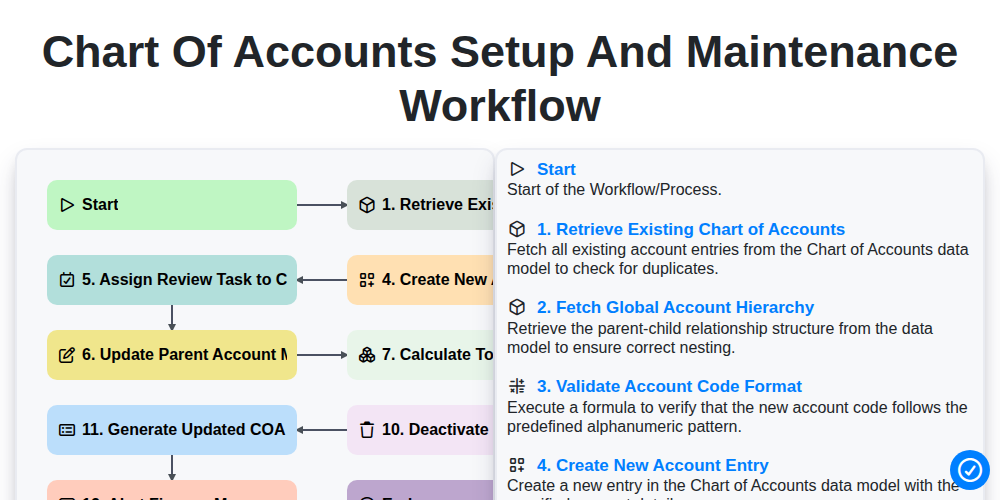
Chart of Accounts Setup and Maintenance Workflow
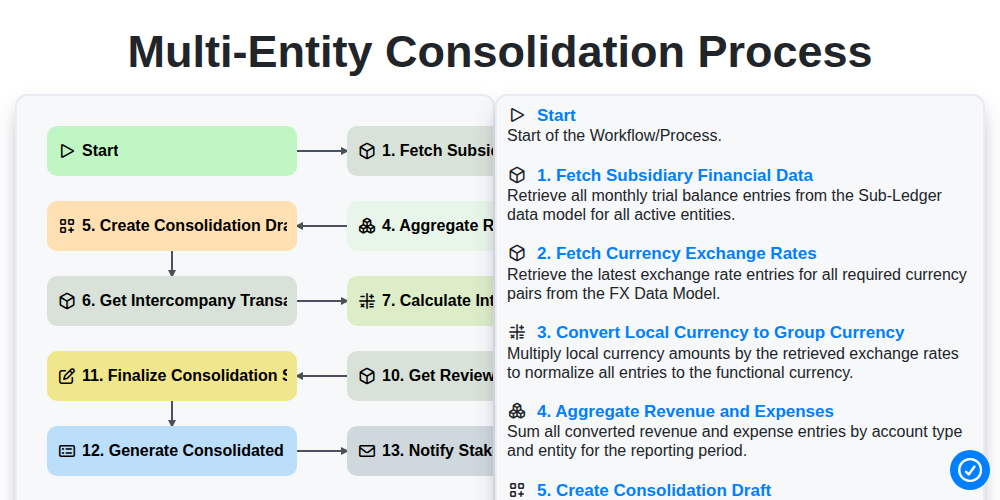
Multi-Entity Consolidation Process
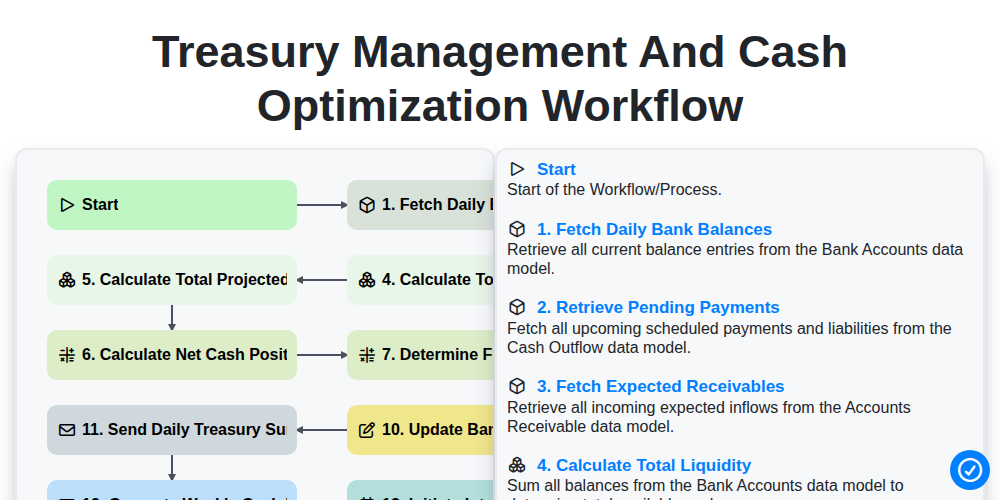
Treasury Management and Cash Optimization Workflow
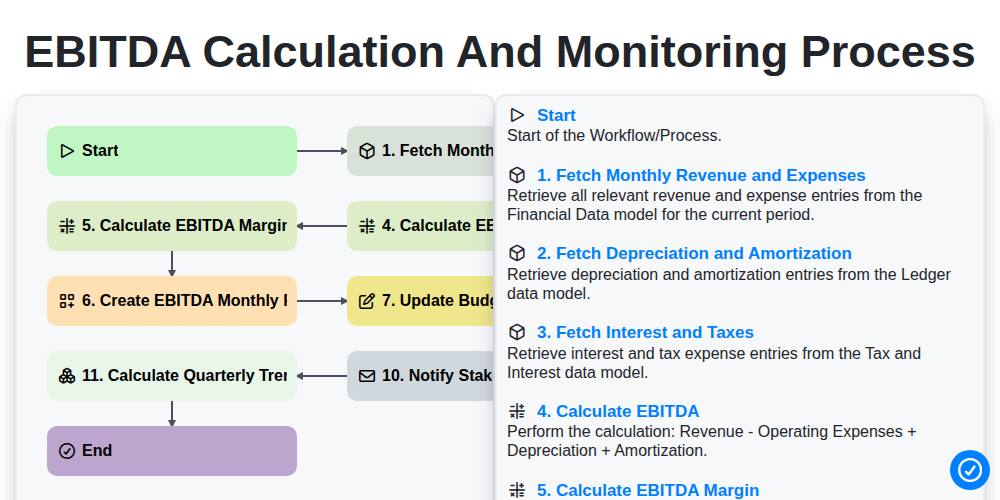
EBITDA Calculation and Monitoring Process
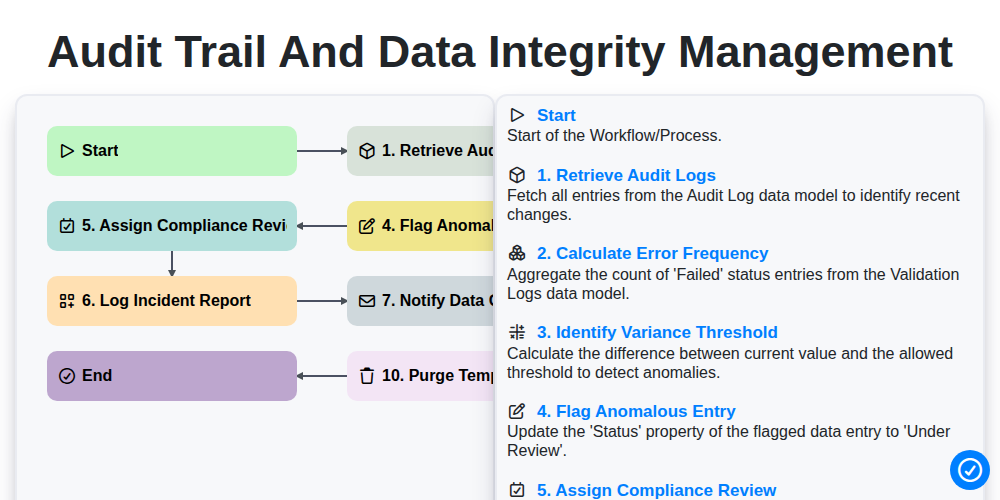
Audit Trail and Data Integrity Management
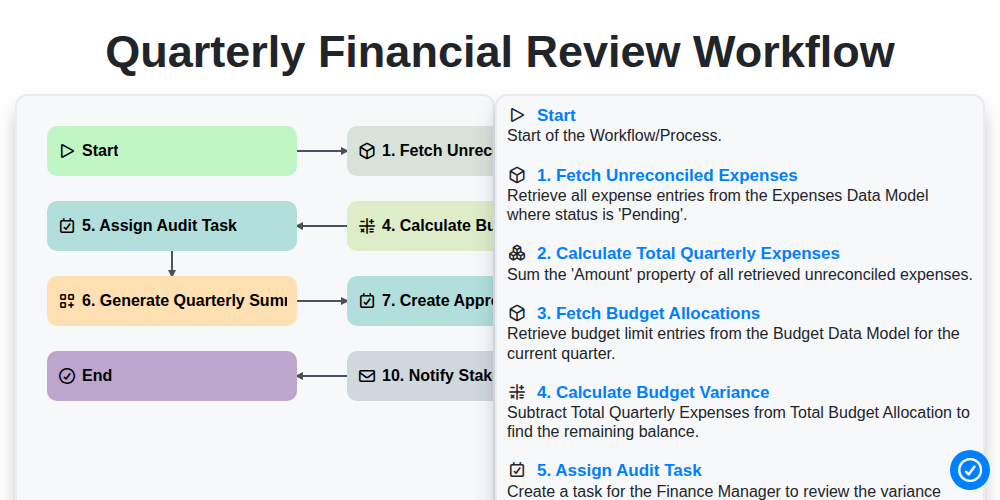
Quarterly Financial Review Workflow
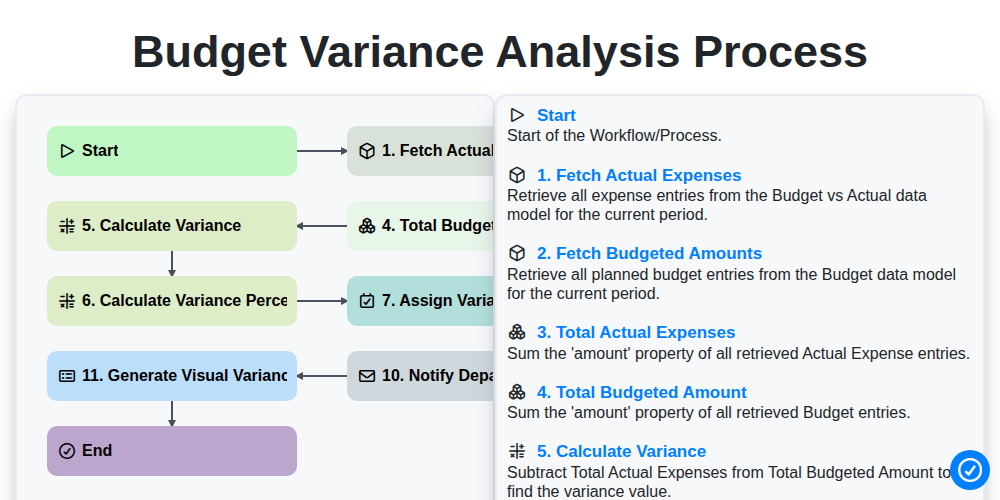
Budget Variance Analysis Process
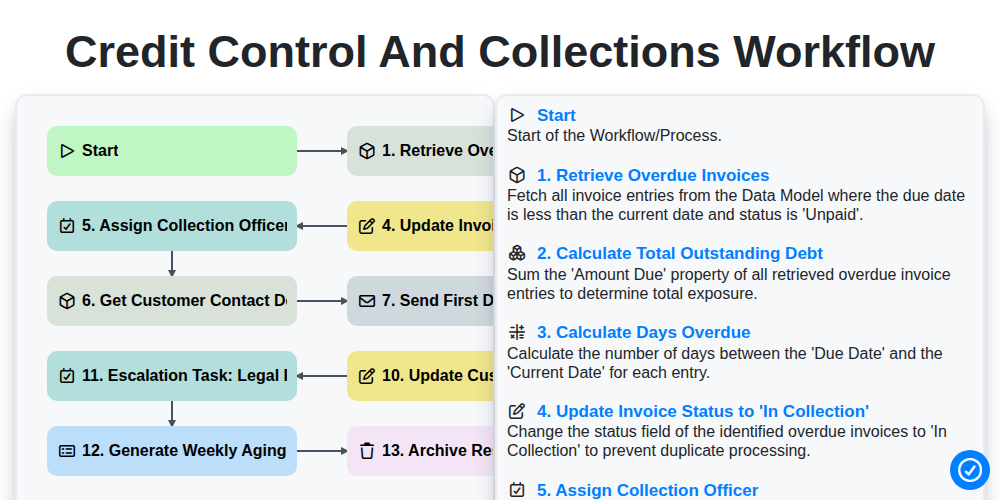
Credit Control and Collections Workflow
Możemy to zrobić razem
Potrzebujesz pomocy z listami kontrolnymi?
Masz pytanie? Jesteśmy tu, aby pomóc. Prześlij zapytanie, a my szybko na nie odpowiemy.