 ChecklistGuro
 Automotive Sales Forecasting Workflow
Drive predictable revenue and optimize inventory management with our Automotive Sales Forecasting Workflow. Streamline your dealership's performance by integrating real-time market trends, historical seasonal data, and dealer inventory levels into a single, automated predictive model. Master your supply chain, eliminate stockouts, and make data-driven decisions to outpace the competition and maximize dealership profitability.
Ten szablon został zainstalowany 2 razy.
Rozpoczęcie
Rozpoczęcie przepływu pracy/procesu.
1. Fetch Historical Sales Data
Retrieve sales records from the previous 12 months from the Sales Data Model.
2. Fetch Current Inventory Levels
Get current stock levels for all vehicle models from the Inventory Data Model.
3. Fetch Market Trends
Retrieve latest market demand indices and competitor pricing data.
4. Calculate Average Monthly Sales
Calculate the mean monthly sales volume from the historical sales data fetched.
5. Calculate Total Inventory Value
Sum the total value of all vehicles currently in stock.
6. Compute Forecasted Demand
Apply a growth multiplier to the Average Monthly Sales based on Market Trends.
7. Calculate Stock Gap
Subtract Forecasted Demand from Current Inventory Levels to identify potential shortages.
8. Create Forecast Report Entry
Generate a new entry in the Forecast Data Model containing the calculated results.
9. Assign Forecast Review to Sales Manager
Create a task for the Sales Manager to validate the accuracy of the generated forecast.
10. Procurement Alert Task
Create a task for the Procurement Team if the Stock Gap calculation shows a deficit.
11. Update Inventory Strategy
Update the 'Strategy' field in the Inventory Data Model based on the forecast outcome.
12. Generate Executive Monthly Summary
Create a visual PDF report summarizing the forecast vs. actuals for stakeholders.
13. Notify Sales Team of New Forecast
Send an email to the Sales Department with the summary of the new monthly forecast.
14. Urgent Stock Alert
Send an SMS to the Floor Manager if inventory levels fall below the critical threshold.
15. Cleanup Temporary Forecast Data
Delete temporary calculation scratchpad entries after the final report is generated.
Koniec
Koniec przepływu pracy/procesu.
Rozpoczęcie przepływu pracy/procesu.
Retrieve sales records from the previous 12 months from the Sales Data Model.
Get current stock levels for all vehicle models from the Inventory Data Model.
Retrieve latest market demand indices and competitor pricing data.
Calculate the mean monthly sales volume from the historical sales data fetched.
Sum the total value of all vehicles currently in stock.
Apply a growth multiplier to the Average Monthly Sales based on Market Trends.
Subtract Forecasted Demand from Current Inventory Levels to identify potential shortages.
Generate a new entry in the Forecast Data Model containing the calculated results.
Create a task for the Sales Manager to validate the accuracy of the generated forecast.
Create a task for the Procurement Team if the Stock Gap calculation shows a deficit.
Update the 'Strategy' field in the Inventory Data Model based on the forecast outcome.
Create a visual PDF report summarizing the forecast vs. actuals for stakeholders.
Send an email to the Sales Department with the summary of the new monthly forecast.
Send an SMS to the Floor Manager if inventory levels fall below the critical threshold.
Delete temporary calculation scratchpad entries after the final report is generated.
Koniec przepływu pracy/procesu.
Czy ten szablon przepływu pracy okazał się pomocny?
Komentarze
Na razie nie ma żadnych komentarzy. Dodaj pierwszy!
Demonstracja rozwiązania do zarządzania produkcją samochodów
Optymalizuj produkcję samochodów! ChecklistGuro digitalizuje procesy, od inspekcji części po ostateczne testy. Zmniejsz liczbę błędów, zwiększ wydajność i zapewnij zgodność z wymaganiami jakości. Osiągaj wyniki dzięki naszej platformie Work OS.
Powiązane Szablony Pracy
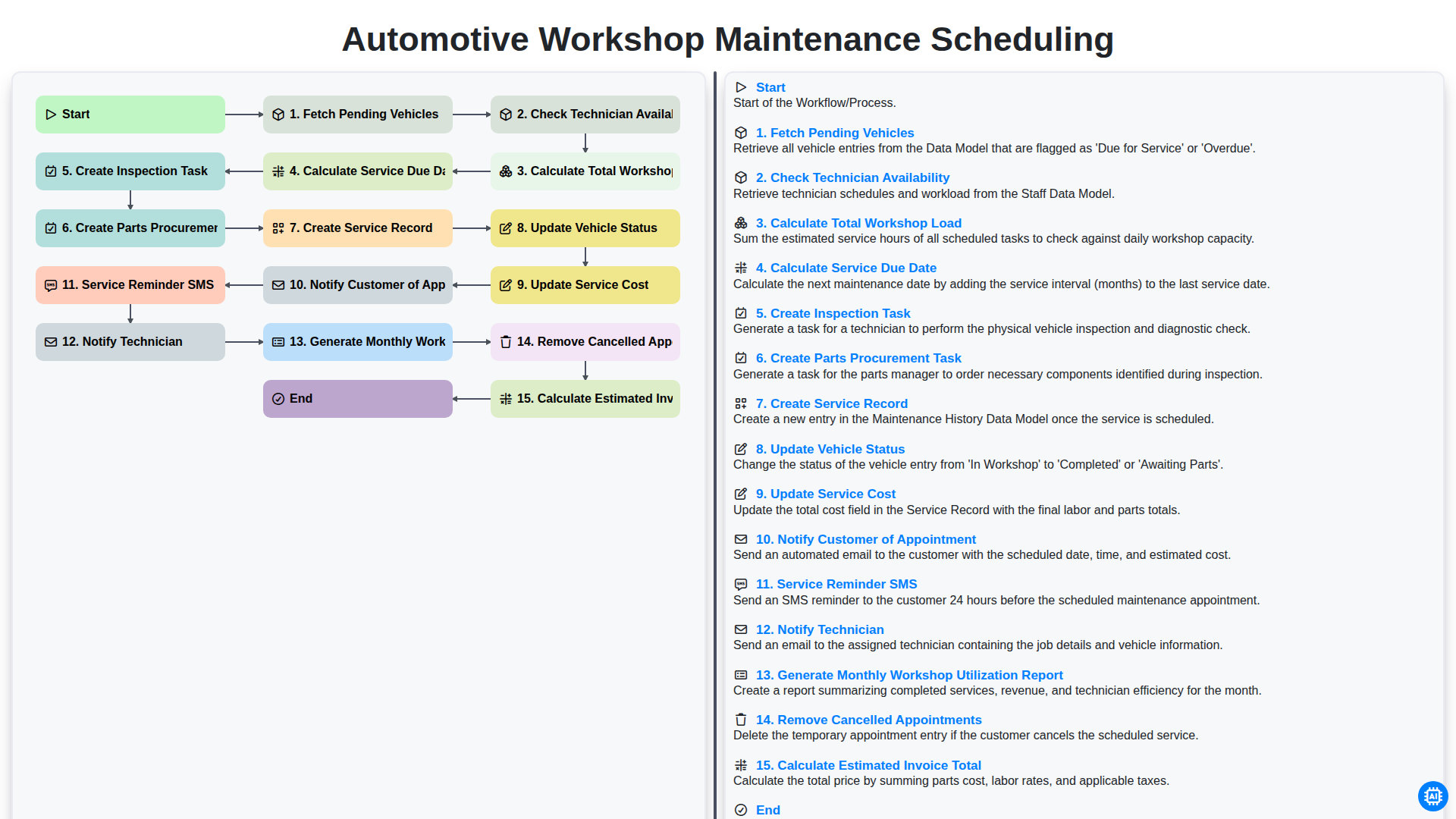
Automotive Workshop Maintenance Scheduling

Automotive Service Appointment Management

Automotive Vehicle Delivery and Handover Process

Automotive Customer Feedback and Survey Process

Automotive Vehicle Trade-In Evaluation Process

Automotive Digital Marketing Lead Workflow
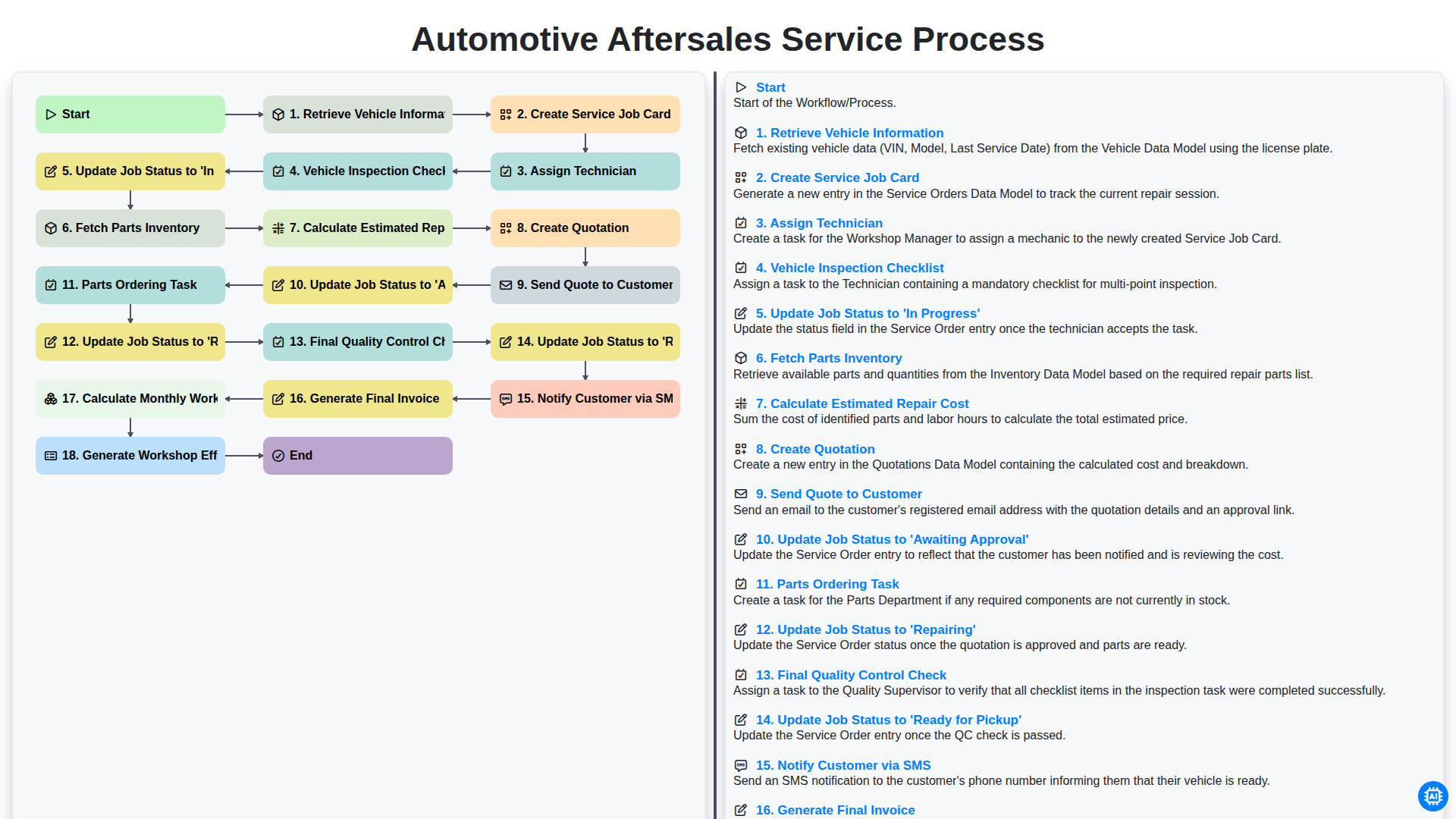
Automotive Aftersales Service Process
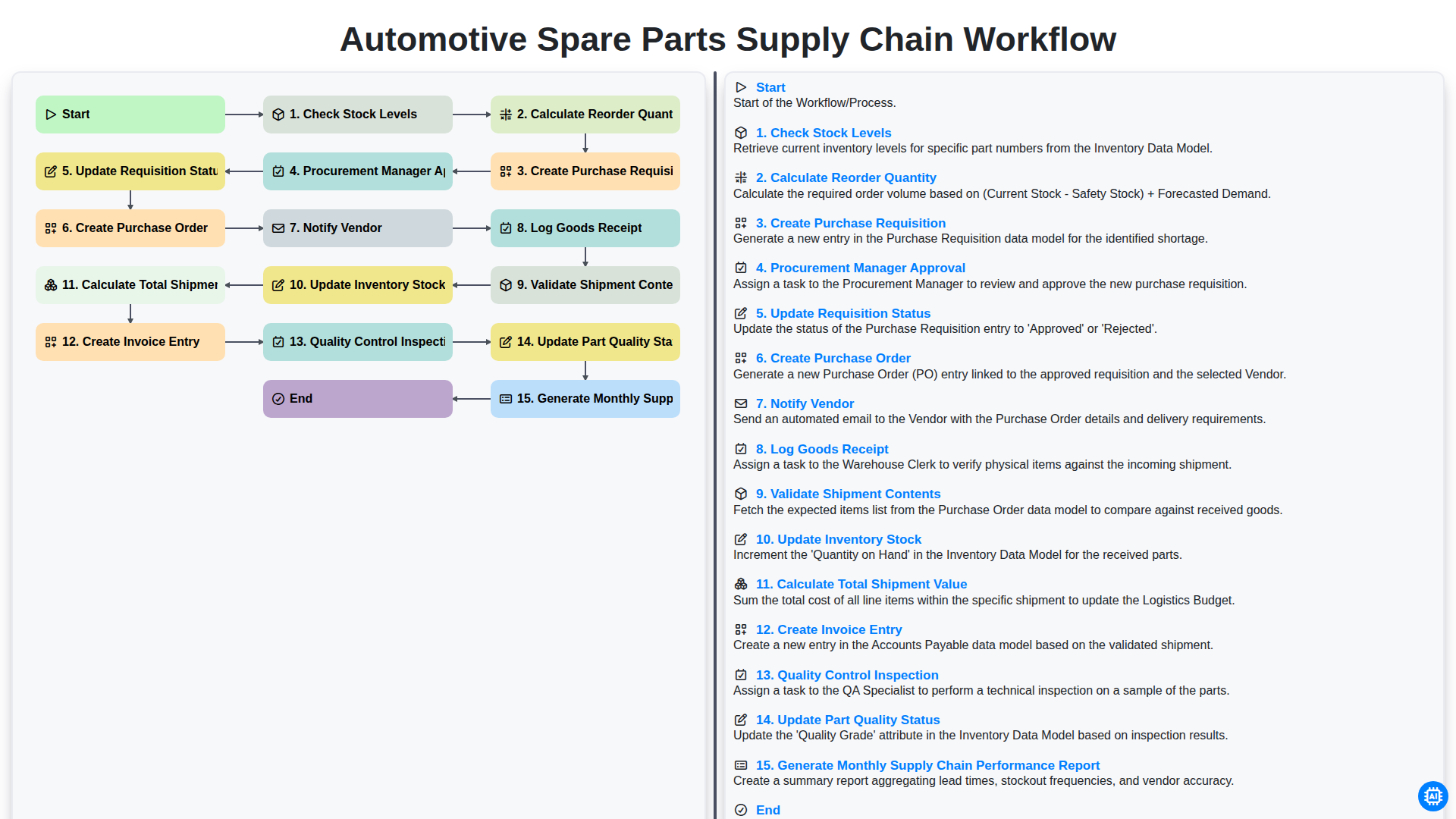
Automotive Spare Parts Supply Chain Workflow
Możemy to zrobić razem
Potrzebujesz pomocy z listami kontrolnymi?
Masz pytanie? Jesteśmy tu, aby pomóc. Prześlij zapytanie, a my szybko na nie odpowiemy.