 ChecklistGuro
 Automotive Technician Dispatching Process
Streamline your shop's efficiency with our expert Automotive Technician Dispatching Process. Master the art of optimized scheduling, real-time technician assignment, and seamless workload management to reduce bay downtime, maximize billable hours, and boost customer satisfaction in your automotive service center.
Ten szablon został zainstalowany 5 razy.
Rozpoczęcie
Rozpoczęcie przepływu pracy/procesu.
1. Fetch Pending Service Appointments
Retrieve all upcoming vehicle service appointments from the Appointments data model.
2. Get Available Technicians
Retrieve a list of technicians currently marked as 'On Duty' in the Technician data model.
3. Check Technician Workload
Get all active tasks assigned to each available technician to determine current capacity.
4. Calculate Total Daily Labor Hours
Sum the estimated duration of all scheduled tasks to compare against total technician availability.
5. Calculate Technician Capacity Gap
Subtract total scheduled labor hours from total available technician hours to identify over or under-utilization.
6. Create Assignment Task
Create a task for the Service Manager to review and approve the proposed technician-to-vehicle assignments.
7. Update Appointment Status
Change the status of the Appointment entry from 'Scheduled' to 'Assigned'.
8. Create Dispatch Record
Create a new entry in the Dispatch Log data model containing the technician ID, Vehicle ID, and Timestamp.
9. Notify Technician of New Job
Create a task in the Technician's personal queue containing the vehicle details and repair instructions.
10. Send Dispatch Alert to Technician
Send an SMS to the technician's mobile number notifying them of the new assignment.
11. Notify Customer of Technician Assignment
Send an email to the vehicle owner confirming which technician will be working on their car.
12. Update Technician Schedule
Update the Technician's availability data model to reflect the newly blocked time slot.
13. Retrieve Vehicle Service History
Fetch previous maintenance records for the specific vehicle to provide context to the technician.
14. Generate Daily Dispatch Summary
Create a daily report showing total vehicles dispatched, technician utilization, and pending arrivals.
Koniec
Koniec przepływu pracy/procesu.
Rozpoczęcie przepływu pracy/procesu.
Retrieve all upcoming vehicle service appointments from the Appointments data model.
Retrieve a list of technicians currently marked as 'On Duty' in the Technician data model.
Get all active tasks assigned to each available technician to determine current capacity.
Sum the estimated duration of all scheduled tasks to compare against total technician availability.
Subtract total scheduled labor hours from total available technician hours to identify over or under-utilization.
Create a task for the Service Manager to review and approve the proposed technician-to-vehicle assignments.
Change the status of the Appointment entry from 'Scheduled' to 'Assigned'.
Create a new entry in the Dispatch Log data model containing the technician ID, Vehicle ID, and Timestamp.
Create a task in the Technician's personal queue containing the vehicle details and repair instructions.
Send an SMS to the technician's mobile number notifying them of the new assignment.
Send an email to the vehicle owner confirming which technician will be working on their car.
Update the Technician's availability data model to reflect the newly blocked time slot.
Fetch previous maintenance records for the specific vehicle to provide context to the technician.
Create a daily report showing total vehicles dispatched, technician utilization, and pending arrivals.
Koniec przepływu pracy/procesu.
Najczęściej zadawane pytania
Komentarze
Na razie nie ma żadnych komentarzy. Dodaj pierwszy!
Demonstracja rozwiązania do zarządzania produkcją samochodów
Optymalizuj produkcję samochodów! ChecklistGuro digitalizuje procesy, od inspekcji części po ostateczne testy. Zmniejsz liczbę błędów, zwiększ wydajność i zapewnij zgodność z wymaganiami jakości. Osiągaj wyniki dzięki naszej platformie Work OS.
Powiązane Szablony Pracy
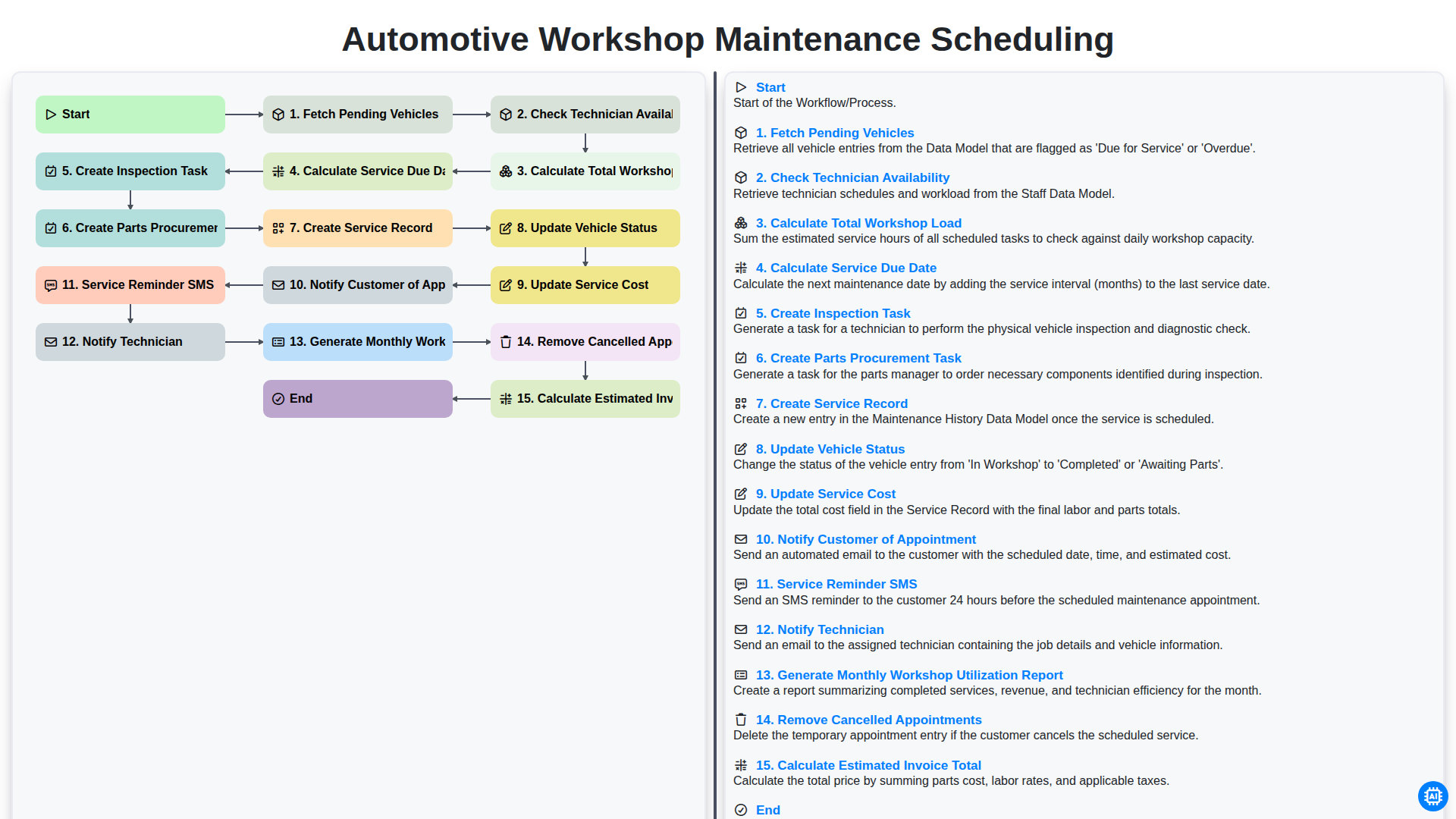
Automotive Workshop Maintenance Scheduling

Automotive Service Appointment Management

Automotive Vehicle Delivery and Handover Process

Automotive Customer Feedback and Survey Process

Automotive Vehicle Trade-In Evaluation Process

Automotive Digital Marketing Lead Workflow
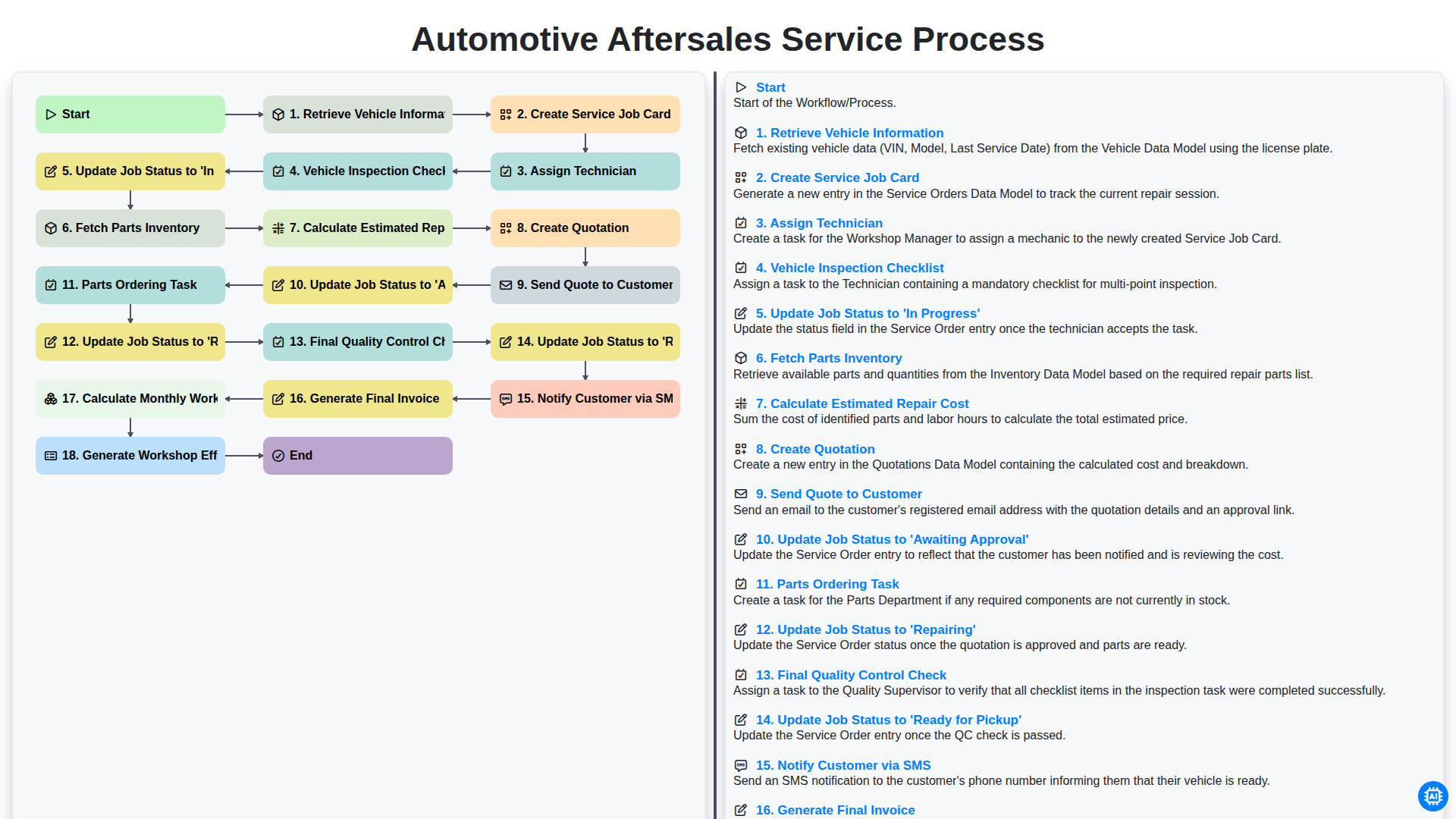
Automotive Aftersales Service Process
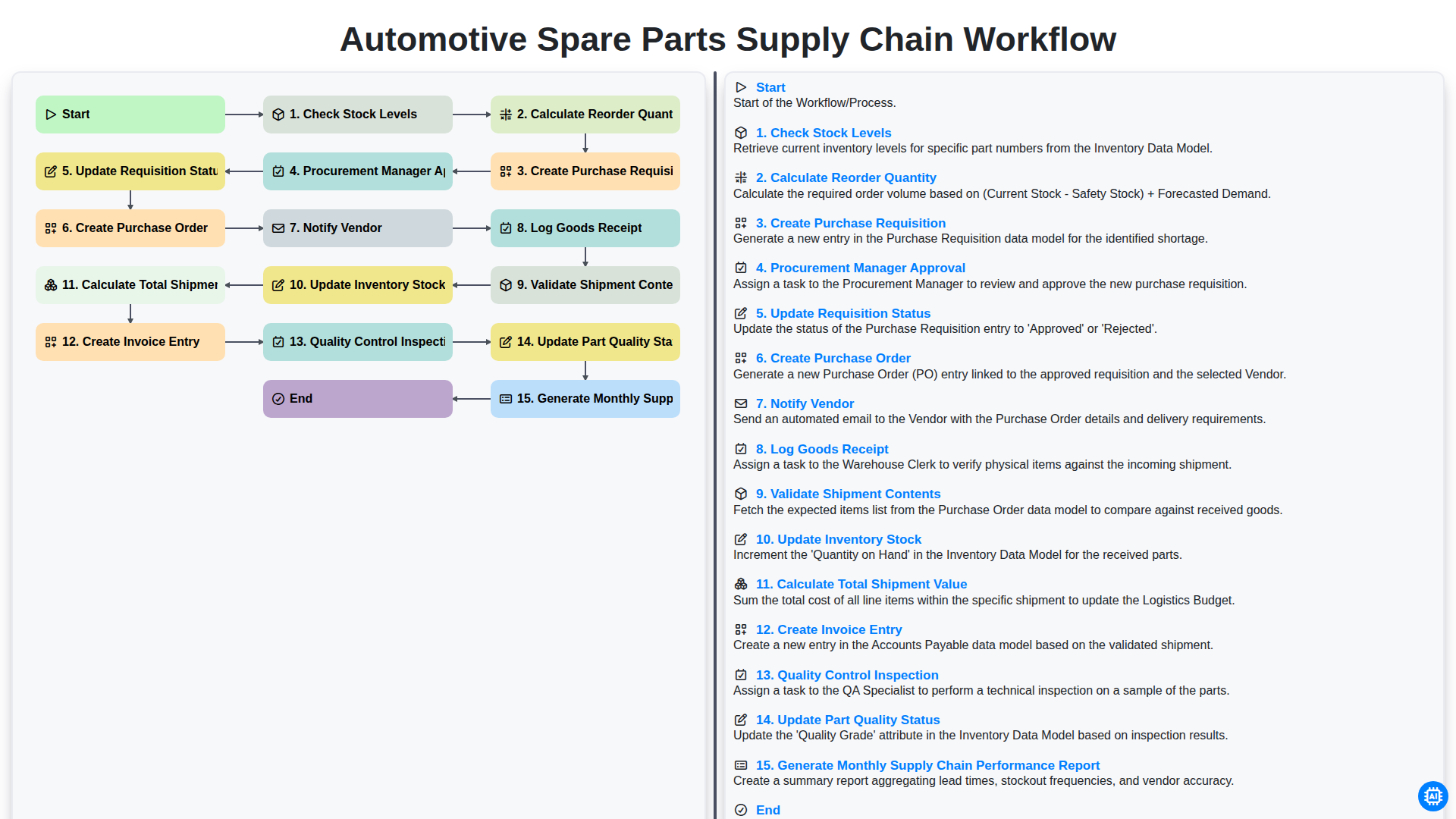
Automotive Spare Parts Supply Chain Workflow
Potrzebujesz pomocy z listami kontrolnymi?
Masz pytanie? Jesteśmy tu, aby pomóc. Prześlij zapytanie, a my szybko na nie odpowiemy.