 ChecklistGuro
 Guest Complaint Resolution and Service Recovery Process
Turn service failures into loyal fans with our comprehensive Guest Complaint Resolution and Service Recovery Process. This step-by-step hospitality workflow provides staff with a structured framework to handle grievances, empower frontline employees, and implement effective recovery strategies that restore guest satisfaction and protect your brand reputation.
Ten szablon został zainstalowany 5 razy.
Rozpoczęcie
Rozpoczęcie przepływu pracy/procesu.
1. Log Complaint Entry
Create a new entry in the 'Complaints' data model containing details like guest name, room number, and complaint type.
2. Retrieve Guest Profile
Get existing guest data from the 'Guest Profiles' data model to check loyalty status and previous history.
3. Assign Front Desk Investigation
Create a task for the Front Desk Manager to investigate the incident and gather facts.
4. Update Complaint Status
Update the status of the 'Complaints' entry from 'New' to 'In Investigation'.
5. Calculate Urgency Score
Execute a formula based on 'Complaint Severity' and 'Guest Loyalty Tier' to determine priority level.
6. Assign Service Recovery Task
Create a task for the Duty Manager to decide on the compensation (e.g., voucher, discount, or apology).
7. Create Compensation Record
Create an entry in the 'Service Recovery Actions' data model to track the specific remedy provided.
8. Send Apology Email to Guest
Send an automated or templated email to the guest's email address expressing regret and outlining the solution.
9. Update Guest Profile History
Update the 'Guest Profile' entry to include a note about the recent complaint for future reference.
10. Calculate Weekly Complaint Volume
Aggregate the number of entries in the 'Complaints' data model for the current week to monitor trends.
11. Send SMS Alert to Manager
Send an SMS to the Duty Manager if the complaint severity is marked as 'Critical'.
12. Follow-up Task
Create a task for the Guest Relations Officer to contact the guest 24 hours later to ensure satisfaction.
13. Close Complaint Entry
Update the 'Complaints' entry status to 'Resolved' and timestamp the closure.
14. Generate Monthly Service Recovery Report
Create a report from the 'Service Recovery Actions' data model to summarize total costs and resolution times.
Koniec
Koniec przepływu pracy/procesu.
Rozpoczęcie przepływu pracy/procesu.
Create a new entry in the 'Complaints' data model containing details like guest name, room number, and complaint type.
Get existing guest data from the 'Guest Profiles' data model to check loyalty status and previous history.
Create a task for the Front Desk Manager to investigate the incident and gather facts.
Update the status of the 'Complaints' entry from 'New' to 'In Investigation'.
Execute a formula based on 'Complaint Severity' and 'Guest Loyalty Tier' to determine priority level.
Create a task for the Duty Manager to decide on the compensation (e.g., voucher, discount, or apology).
Create an entry in the 'Service Recovery Actions' data model to track the specific remedy provided.
Send an automated or templated email to the guest's email address expressing regret and outlining the solution.
Update the 'Guest Profile' entry to include a note about the recent complaint for future reference.
Aggregate the number of entries in the 'Complaints' data model for the current week to monitor trends.
Send an SMS to the Duty Manager if the complaint severity is marked as 'Critical'.
Create a task for the Guest Relations Officer to contact the guest 24 hours later to ensure satisfaction.
Update the 'Complaints' entry status to 'Resolved' and timestamp the closure.
Create a report from the 'Service Recovery Actions' data model to summarize total costs and resolution times.
Koniec przepływu pracy/procesu.
Czy ten szablon przepływu pracy okazał się pomocny?
Komentarze
Na razie nie ma żadnych komentarzy. Dodaj pierwszy!
Demonstracja rozwiązania do zarządzania branżą hotelarską
Prowadzenie hotelu, restauracji lub innego przedsiębiorstwa związanej z branżą hotelarskiej jest wymagające. Platforma Work OS firmy ChecklistGuro upraszcza zarządzanie, od rezerwacji i obsługi gości, po zarządzanie zapasami i planowanie grafików pracowników. Zwiększ wydajność, popraw jakość obsługi gości i zwiększ rentowność! Zobacz, jak ChecklistGuro może zrewolucjonizować Twoją działalność w branży hotelarskiej.
Powiązane Szablony Pracy

Hotel Departmental Communication and Task Management Workflow
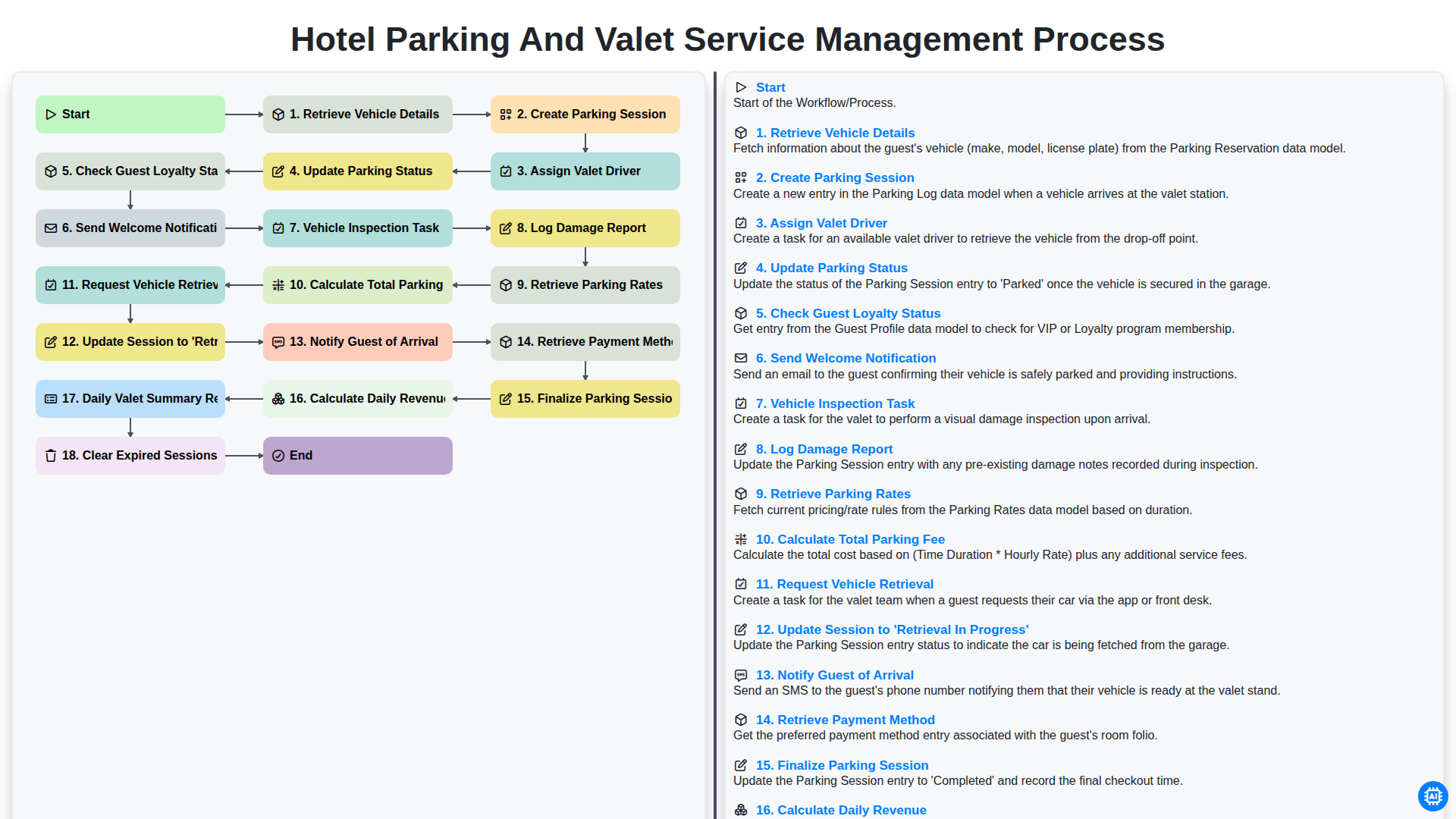
Hotel Parking and Valet Service Management Process
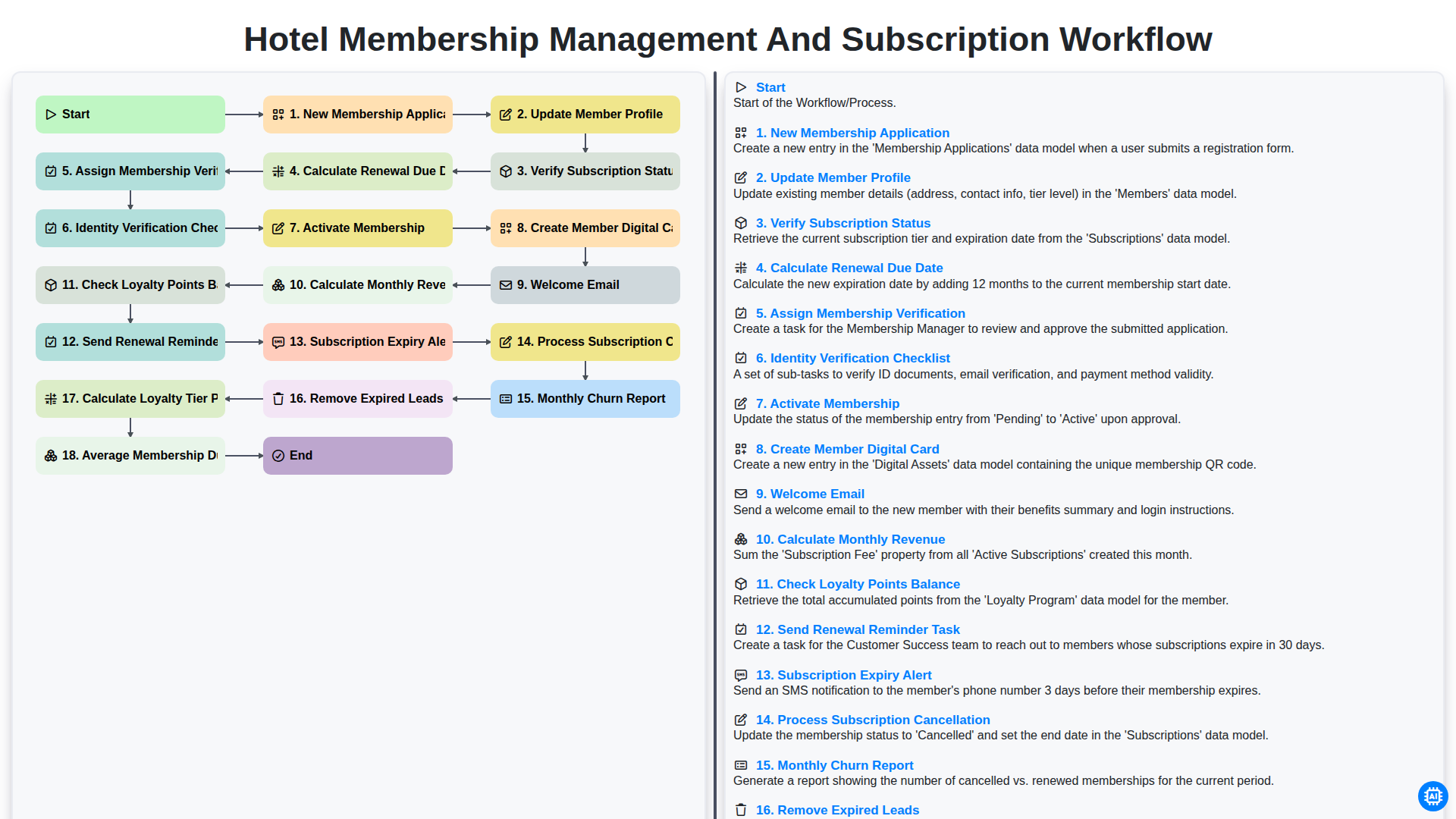
Hotel Membership Management and Subscription Workflow

Hotel VIP Guest Arrival and Personalized Service Process

Hotel Staff Onboarding and Training Management Workflow
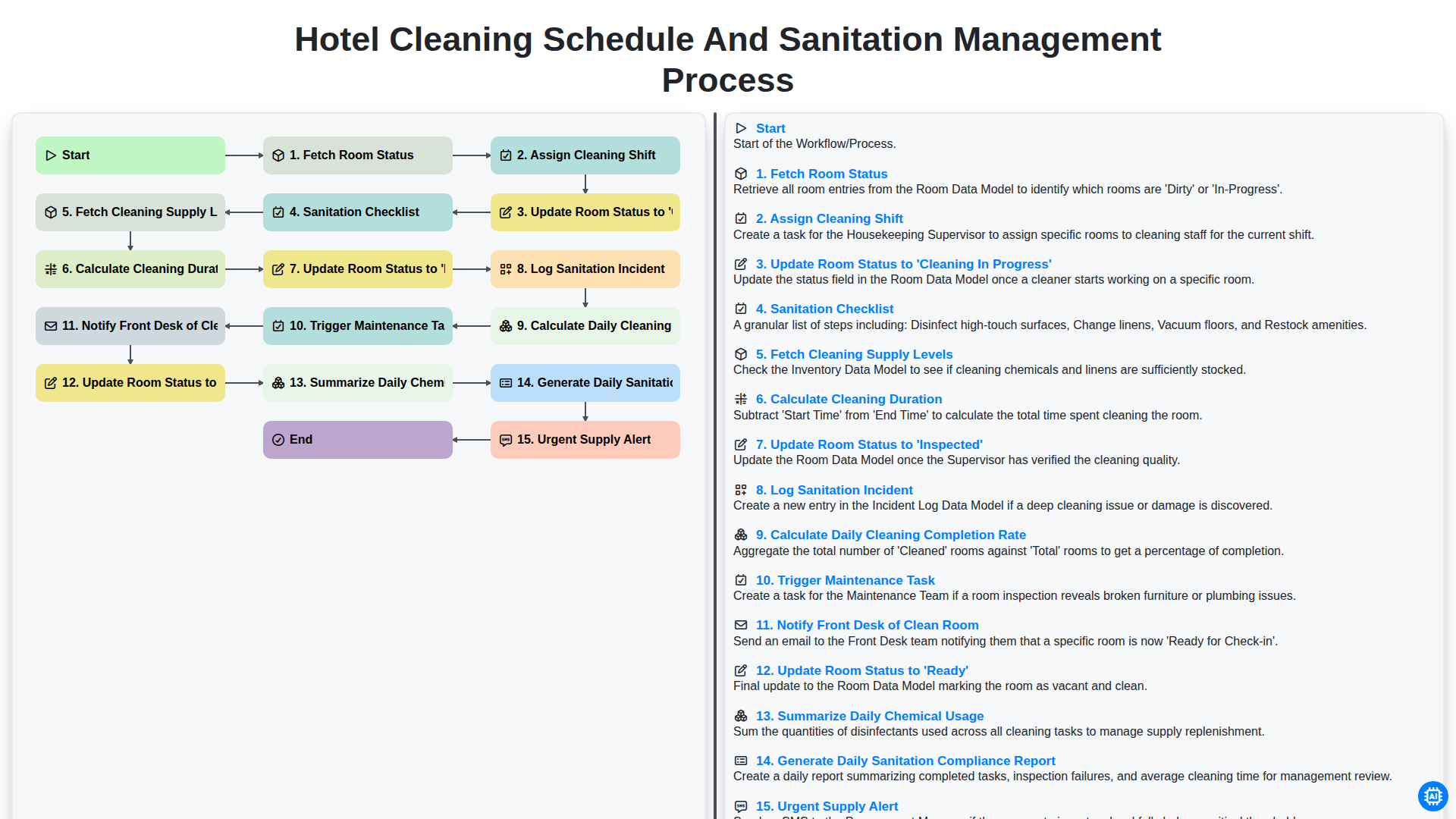
Hotel Cleaning Schedule and Sanitation Management Process

Hotel Group Booking and Room Block Management Workflow
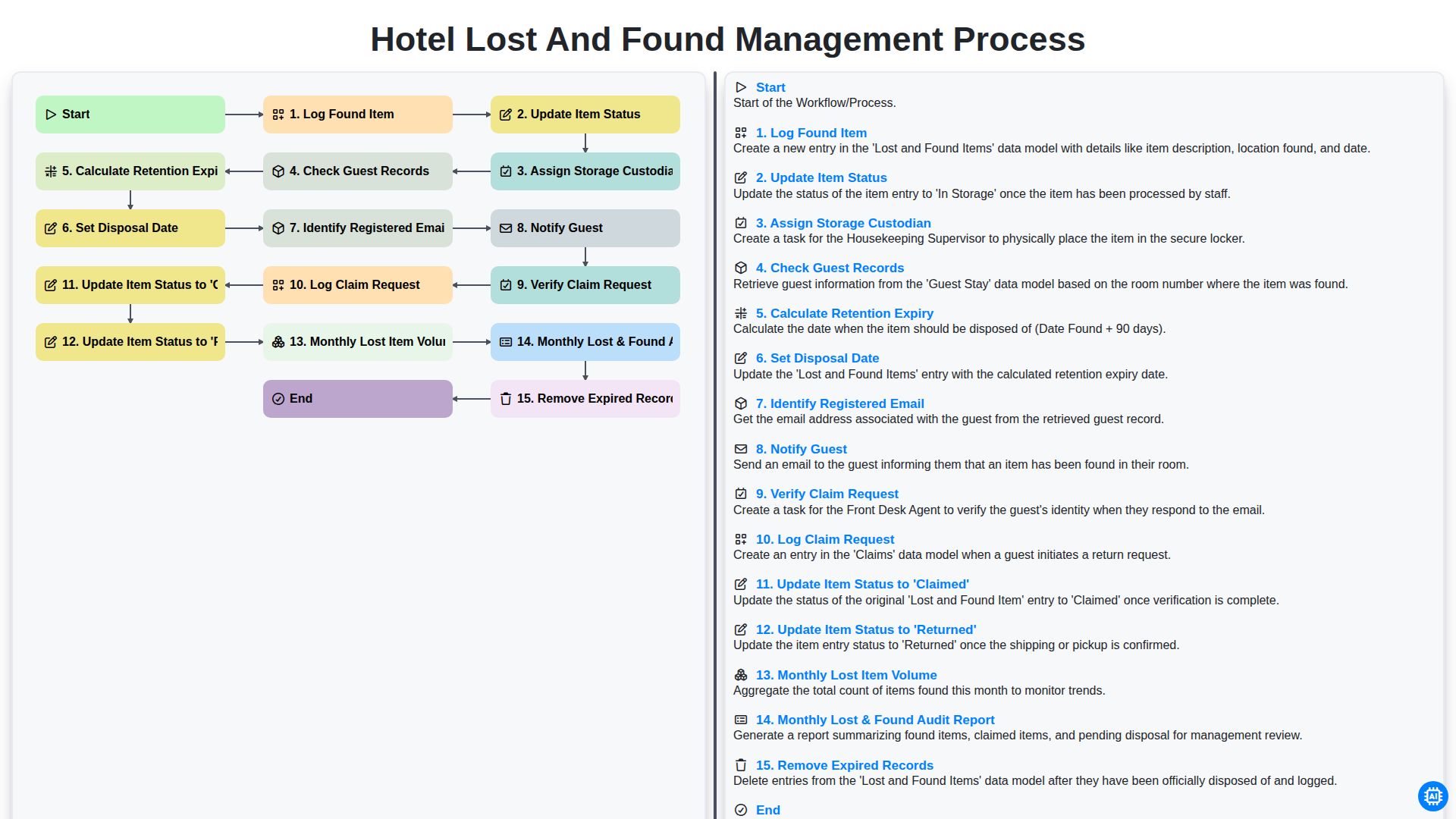
Hotel Lost and Found Management Process
Możemy to zrobić razem
Potrzebujesz pomocy z listami kontrolnymi?
Masz pytanie? Jesteśmy tu, aby pomóc. Prześlij zapytanie, a my szybko na nie odpowiemy.