 ChecklistGuro
 Guest Complaint Resolution and Service Recovery Process
Turn service failures into loyal fans with our comprehensive Guest Complaint Resolution and Service Recovery Process. This step-by-step hospitality workflow provides staff with a structured framework to handle grievances, empower frontline employees, and implement effective recovery strategies that restore guest satisfaction and protect your brand reputation.
This Template was installed 5 times.
Start
Start of the Workflow/Process.
1. Log Complaint Entry
Create a new entry in the 'Complaints' data model containing details like guest name, room number, and complaint type.
2. Retrieve Guest Profile
Get existing guest data from the 'Guest Profiles' data model to check loyalty status and previous history.
3. Assign Front Desk Investigation
Create a task for the Front Desk Manager to investigate the incident and gather facts.
4. Update Complaint Status
Update the status of the 'Complaints' entry from 'New' to 'In Investigation'.
5. Calculate Urgency Score
Execute a formula based on 'Complaint Severity' and 'Guest Loyalty Tier' to determine priority level.
6. Assign Service Recovery Task
Create a task for the Duty Manager to decide on the compensation (e.g., voucher, discount, or apology).
7. Create Compensation Record
Create an entry in the 'Service Recovery Actions' data model to track the specific remedy provided.
8. Send Apology Email to Guest
Send an automated or templated email to the guest's email address expressing regret and outlining the solution.
9. Update Guest Profile History
Update the 'Guest Profile' entry to include a note about the recent complaint for future reference.
10. Calculate Weekly Complaint Volume
Aggregate the number of entries in the 'Complaints' data model for the current week to monitor trends.
11. Send SMS Alert to Manager
Send an SMS to the Duty Manager if the complaint severity is marked as 'Critical'.
12. Follow-up Task
Create a task for the Guest Relations Officer to contact the guest 24 hours later to ensure satisfaction.
13. Close Complaint Entry
Update the 'Complaints' entry status to 'Resolved' and timestamp the closure.
14. Generate Monthly Service Recovery Report
Create a report from the 'Service Recovery Actions' data model to summarize total costs and resolution times.
End
End of the Workflow/Process.
Start of the Workflow/Process.
Create a new entry in the 'Complaints' data model containing details like guest name, room number, and complaint type.
Get existing guest data from the 'Guest Profiles' data model to check loyalty status and previous history.
Create a task for the Front Desk Manager to investigate the incident and gather facts.
Update the status of the 'Complaints' entry from 'New' to 'In Investigation'.
Execute a formula based on 'Complaint Severity' and 'Guest Loyalty Tier' to determine priority level.
Create a task for the Duty Manager to decide on the compensation (e.g., voucher, discount, or apology).
Create an entry in the 'Service Recovery Actions' data model to track the specific remedy provided.
Send an automated or templated email to the guest's email address expressing regret and outlining the solution.
Update the 'Guest Profile' entry to include a note about the recent complaint for future reference.
Aggregate the number of entries in the 'Complaints' data model for the current week to monitor trends.
Send an SMS to the Duty Manager if the complaint severity is marked as 'Critical'.
Create a task for the Guest Relations Officer to contact the guest 24 hours later to ensure satisfaction.
Update the 'Complaints' entry status to 'Resolved' and timestamp the closure.
Create a report from the 'Service Recovery Actions' data model to summarize total costs and resolution times.
End of the Workflow/Process.
Found this Workflow Template helpful?
Comments
There are no comments yet. Be the first to add one!
Hospitality Management Solution Demo
Running a hotel, restaurant, or other hospitality business is demanding. ChecklistGuro's Work OS platform simplifies management, from reservations and guest services to inventory and staff scheduling. Improve efficiency, enhance guest experience, and boost profitability! See how ChecklistGuro can transform your hospitality operations.
Related Workflow Templates

Hotel Departmental Communication and Task Management Workflow
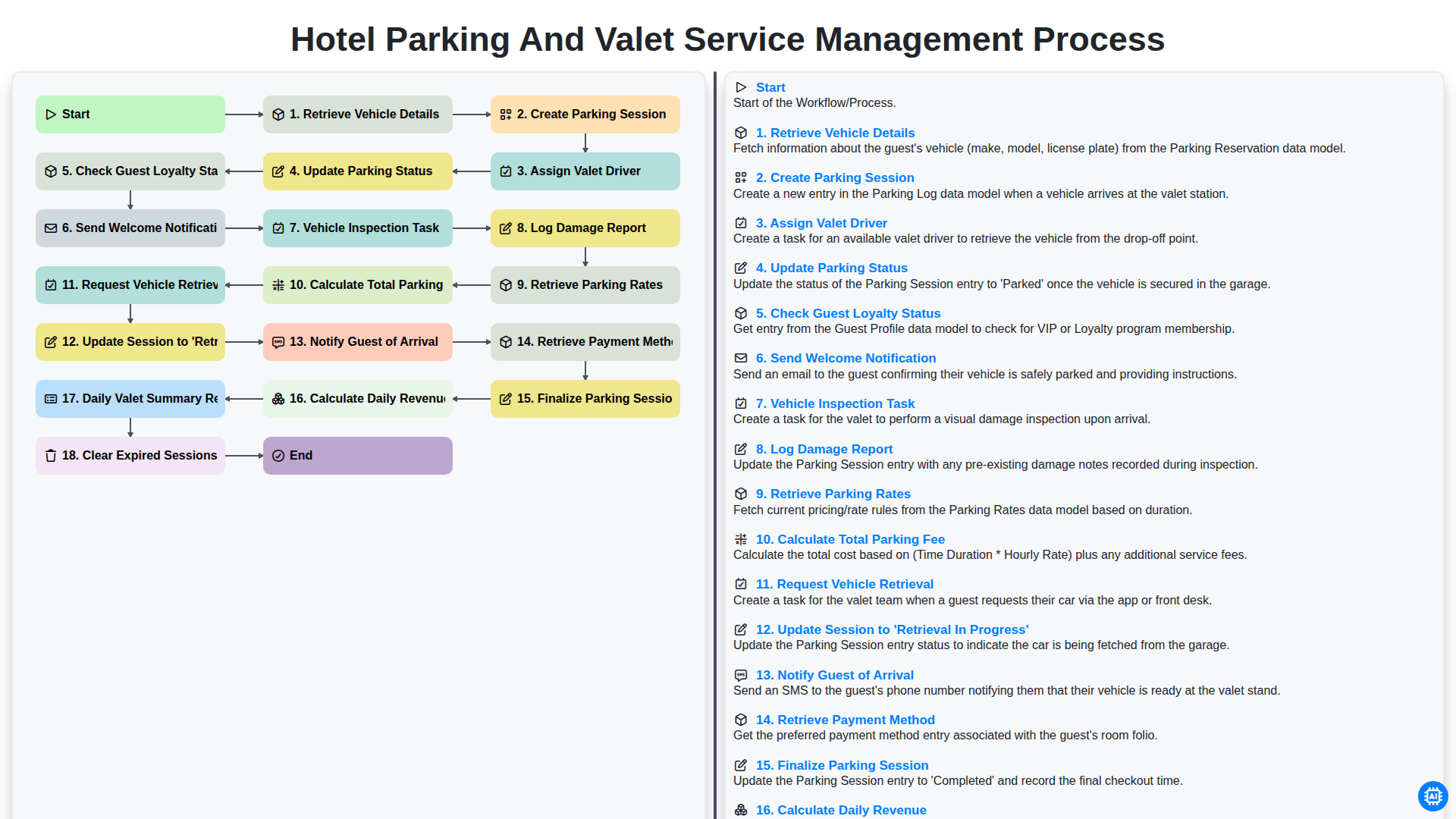
Hotel Parking and Valet Service Management Process
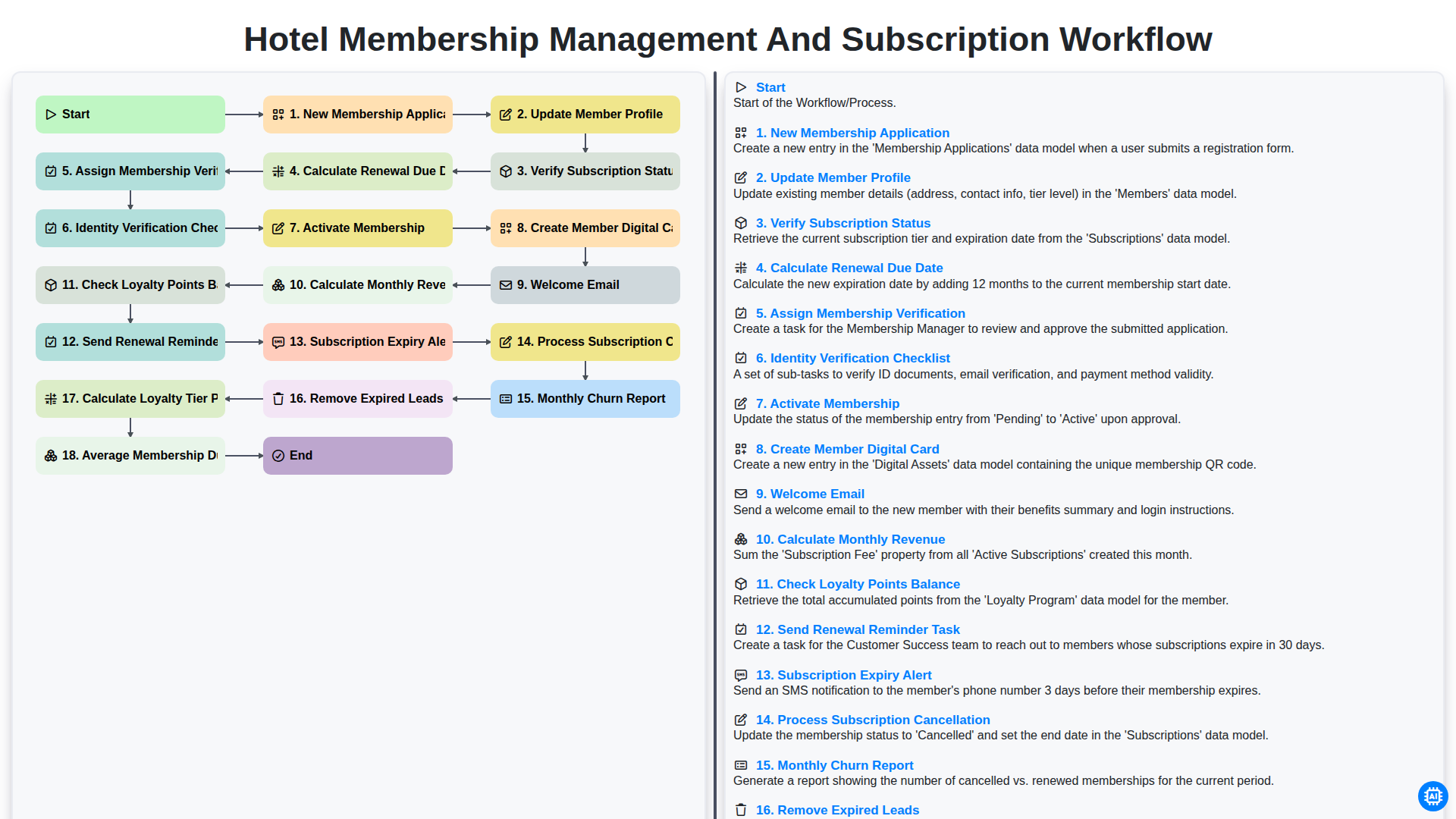
Hotel Membership Management and Subscription Workflow

Hotel VIP Guest Arrival and Personalized Service Process

Hotel Staff Onboarding and Training Management Workflow
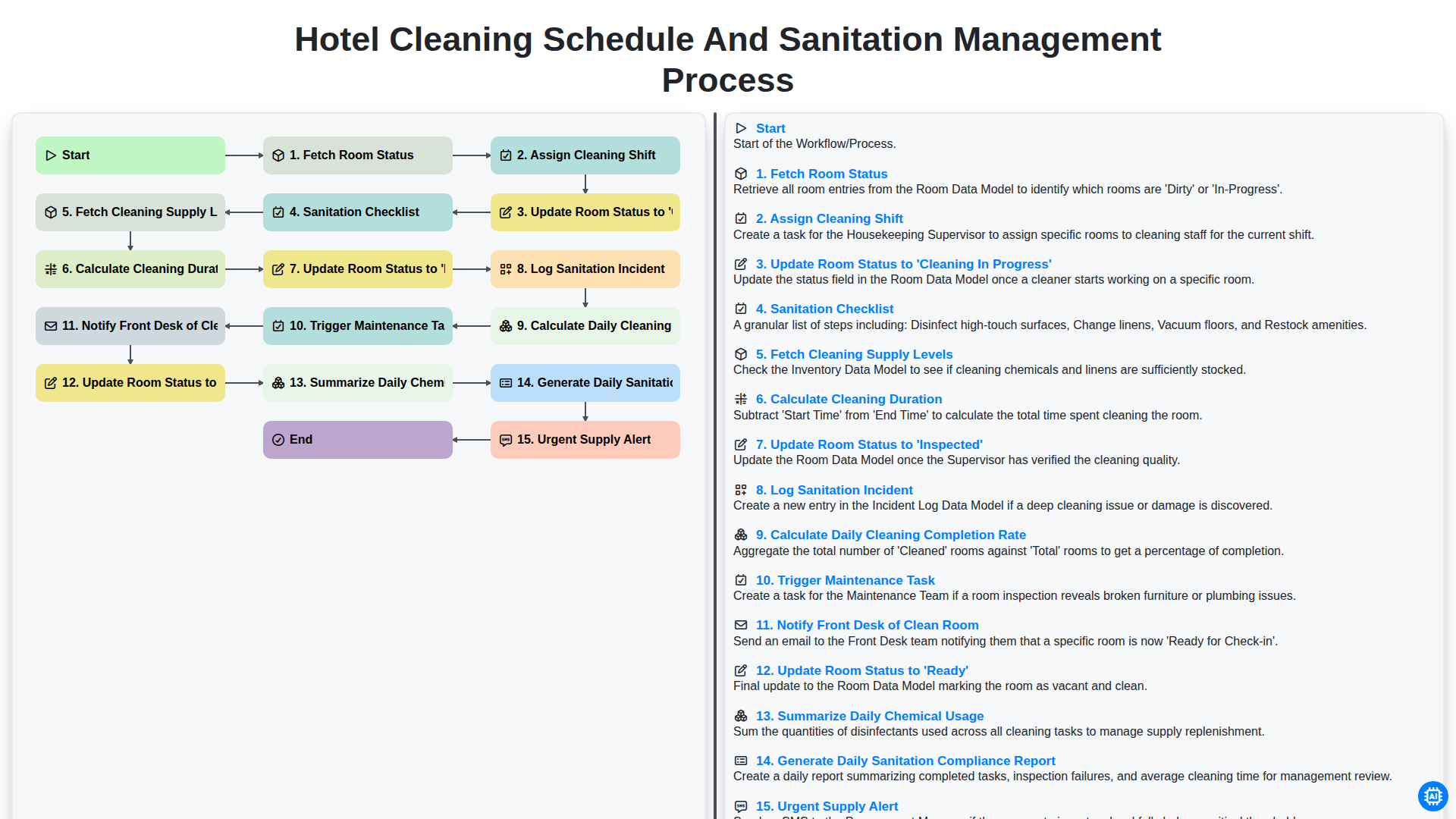
Hotel Cleaning Schedule and Sanitation Management Process

Hotel Group Booking and Room Block Management Workflow
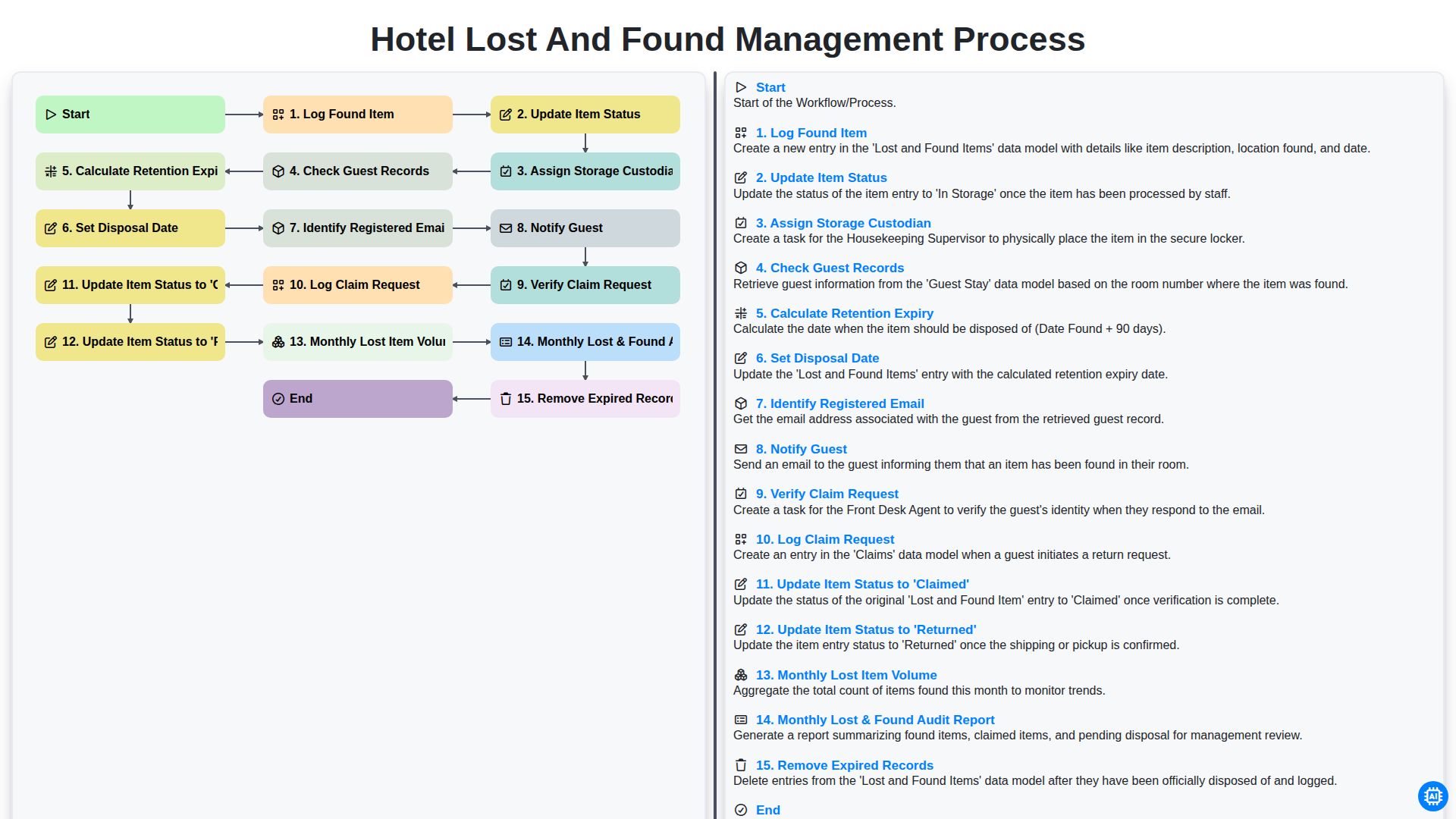
Hotel Lost and Found Management Process
We can do it Together
Need help with
Hospitality?
Have a question? We're here to help. Please submit your inquiry, and we'll respond promptly.