 ChecklistGuro
 Exit Interview and Feedback Process
Optimize employee retention and gain actionable insights with our comprehensive Exit Interview and Feedback Process. Streamline departures, capture critical feedback, and transform turnover data into strategic HR intelligence to improve organizational culture and reduce future attrition.
Ten szablon został zainstalowany 2 razy.
Rozpoczęcie
Rozpoczęcie przepływu pracy/procesu.
1. Retrieve Employee Record
Fetch the departing employee's profile and department details from the Employee Data Model.
2. Initialize Exit Interview Record
Create a new entry in the Exit Interview Data Model to track the specific departure instance.
3. Assign Exit Interviewer
Create a task for the HR Manager to schedule the interview session.
4. Update Employee Status
Update the employee's status to 'Departing' in the central Employee Data Model.
5. IT Asset Recovery Task
Create a task for the IT Department to collect hardware (laptop, mobile, etc.).
6. Fetch Asset List
Retrieve the list of all company assets currently assigned to the employee.
7. Mark Assets as Returned
Update the status of specific hardware entries to 'Returned' in the Asset Data Model.
8. Finance Clearance Task
Create a task for the Finance team to ensure all outstanding expenses or advances are settled.
9. Retrieve Exit Survey Responses
Fetch the raw data from the submitted digital Exit Survey form.
10. Calculate Attrition Sentiment Score
Execute a formula to convert qualitative survey scores into a numerical sentiment index.
11. Aggregate Departmental Sentiment
Calculate the average sentiment score for the specific department to identify trends.
12. Final Review Task
Create a task for the Department Head to review the interview notes and feedback.
13. Send Exit Survey to Employee
Send an automated email to the departing employee containing the feedback survey link.
14. Notify HR of Process Completion
Send a summary email to HR once all checklist items and tasks are finalized.
15. Generate Monthly Attrition Report
Generate a report aggregating all completed Exit Interview entries for the current month.
16. Revoke System Access
Remove the employee's temporary access permissions from the internal software registry.
Koniec
Koniec przepływu pracy/procesu.
Rozpoczęcie przepływu pracy/procesu.
Fetch the departing employee's profile and department details from the Employee Data Model.
Create a new entry in the Exit Interview Data Model to track the specific departure instance.
Create a task for the HR Manager to schedule the interview session.
Update the employee's status to 'Departing' in the central Employee Data Model.
Create a task for the IT Department to collect hardware (laptop, mobile, etc.).
Retrieve the list of all company assets currently assigned to the employee.
Update the status of specific hardware entries to 'Returned' in the Asset Data Model.
Create a task for the Finance team to ensure all outstanding expenses or advances are settled.
Fetch the raw data from the submitted digital Exit Survey form.
Execute a formula to convert qualitative survey scores into a numerical sentiment index.
Calculate the average sentiment score for the specific department to identify trends.
Create a task for the Department Head to review the interview notes and feedback.
Send an automated email to the departing employee containing the feedback survey link.
Send a summary email to HR once all checklist items and tasks are finalized.
Generate a report aggregating all completed Exit Interview entries for the current month.
Remove the employee's temporary access permissions from the internal software registry.
Koniec przepływu pracy/procesu.
Komentarze
Na razie nie ma żadnych komentarzy. Dodaj pierwszy!
Demonstracja rozwiązania do zarządzania zasobami ludzkimi
Uprość procesy HR i wzmocnij swój zespół! Rozwiązanie HRM firmy ChecklistGuro usprawnia wdrażanie, zarządzanie wydajnością i zgodność. Popraw zaangażowanie pracowników, zmniejsz obciążenie administracyjne i stymuluj rozwój organizacji. Zarządzaj wszystkim za pomocą naszej platformy Work OS.
Powiązane Szablony Pracy

Skill Gap Analysis and Competency Mapping

Workforce Compliance and Auditing Process

Remote Work and Hybrid Team Management Process

Employee Probation Period Evaluation Workflow

Diversity, Equity, and Inclusion (DEI) Tracking Process

Health and Safety Compliance Workflow

Internal Job Posting and Transfer Process
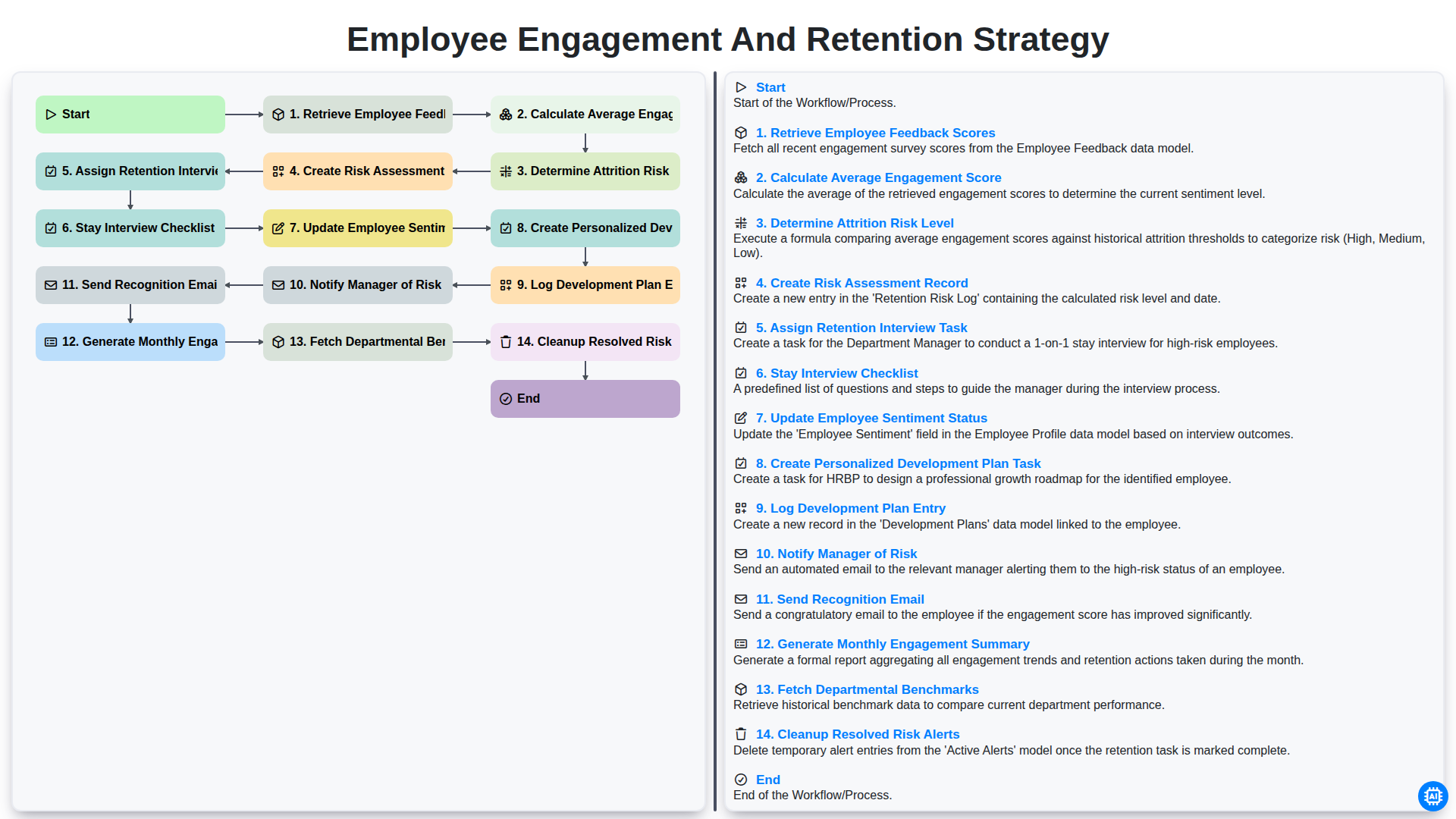
Employee Engagement and Retention Strategy
Możemy to zrobić razem
Potrzebujesz pomocy z listami kontrolnymi?
Masz pytanie? Jesteśmy tu, aby pomóc. Prześlij zapytanie, a my szybko na nie odpowiemy.