 ChecklistGuro
 Laboratory Information Management System (LIMS) Workflow
Optimize your pharmaceutical operations with our streamlined Laboratory Information Management System (LIMS) Workflow. Designed to ensure rigorous compliance, enhance data integrity, and accelerate sample lifecycle management, this automated process eliminates manual errors and strengthens GxP-compliant traceability from specimen collection to final reporting. Transform your lab efficiency and maintain peak regulatory standards with our intelligent, end-to-end LIMS solution.
Ten szablon został zainstalowany 4 razy.
Rozpoczęcie
Rozpoczęcie przepływu pracy/procesu.
1. Register Sample Entry
Create a new entry in the 'Samples' data model with metadata like Sample ID, Type, and Priority.
2. Set Sample Status to 'Received'
Update the status of the newly created sample entry to 'Received' upon arrival in the lab.
3. Assign Sample Preparation
Create a task for the Lab Technician to prepare the sample (centrifugation, dilution, etc.).
4. Fetch Reagent Expiry Dates
Retrieve data from the 'Reagents' data model to ensure all chemicals used are within valid expiry dates.
5. Calculate Dilution Factor
Execute a formula to calculate the final concentration based on the initial volume and dilution ratio.
6. Execute Laboratory Analysis
Create a task for the Analyst to perform the actual testing/assay on the prepared sample.
7. Log Analysis Results
Create a new entry in the 'Test Results' data model containing the raw numerical data from the analysis.
8. Calculate Mean Batch Result
Aggregate all 'Test Results' entries for the same Batch ID to find the average (AVG) value.
9. Determine Pass/Fail Status
Compare the aggregated mean result against the predefined 'Specification Limit' constant.
10. Update Sample Final Status
Update the 'Samples' entry status to either 'Passed' or 'Failed' based on the calculation result.
11. Quality Control Review
Create a task for the Lab Manager to review the results if the status is 'Failed'.
12. Generate Certificate of Analysis (CoA)
Generate a formal PDF report aggregating all testing data, timestamps, and technician signatures.
13. Notify Client of Results
Send an email to the client's email address with the completed CoA attached.
14. Urgent Alert for Out-of-Spec
Send an SMS to the Lab Supervisor if a 'Failed' status is detected for a High-Priority sample.
15. Cleanup Temporary Logs
Delete temporary, non-traceable intermediate calculation entries to maintain database hygiene.
Koniec
Koniec przepływu pracy/procesu.
Rozpoczęcie przepływu pracy/procesu.
Create a new entry in the 'Samples' data model with metadata like Sample ID, Type, and Priority.
Update the status of the newly created sample entry to 'Received' upon arrival in the lab.
Create a task for the Lab Technician to prepare the sample (centrifugation, dilution, etc.).
Retrieve data from the 'Reagents' data model to ensure all chemicals used are within valid expiry dates.
Execute a formula to calculate the final concentration based on the initial volume and dilution ratio.
Create a task for the Analyst to perform the actual testing/assay on the prepared sample.
Create a new entry in the 'Test Results' data model containing the raw numerical data from the analysis.
Aggregate all 'Test Results' entries for the same Batch ID to find the average (AVG) value.
Compare the aggregated mean result against the predefined 'Specification Limit' constant.
Update the 'Samples' entry status to either 'Passed' or 'Failed' based on the calculation result.
Create a task for the Lab Manager to review the results if the status is 'Failed'.
Generate a formal PDF report aggregating all testing data, timestamps, and technician signatures.
Send an email to the client's email address with the completed CoA attached.
Send an SMS to the Lab Supervisor if a 'Failed' status is detected for a High-Priority sample.
Delete temporary, non-traceable intermediate calculation entries to maintain database hygiene.
Koniec przepływu pracy/procesu.
Komentarze
Na razie nie ma żadnych komentarzy. Dodaj pierwszy!
Demonstracja rozwiązania do zarządzania branżą farmaceutyczną
Nawigacja po złożonych przepisach i zapewnienie jakości w produkcji farmaceutycznej? Platforma Work OS firmy ChecklistGuro usprawnia procesy, od badań i rozwoju, po produkcję, pakowanie i dystrybucję. Zapewnij zgodność z przepisami, popraw wydajność i zmniejsz ryzyko. Odkryj, jak ChecklistGuro może zrewolucjonizować Twoją działalność w branży farmaceutycznej!
Powiązane Szablony Pracy
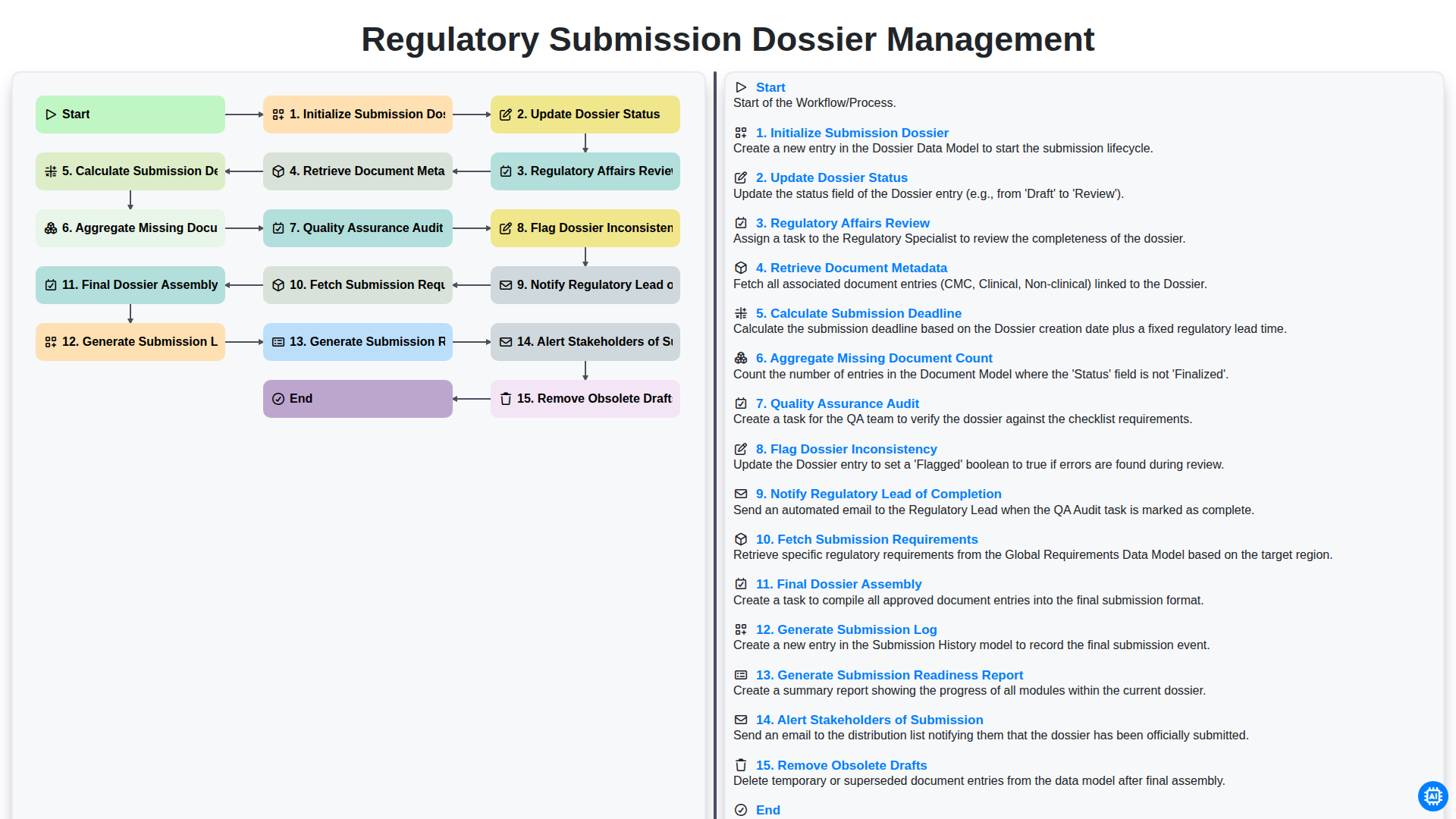
Regulatory Submission Dossier Management
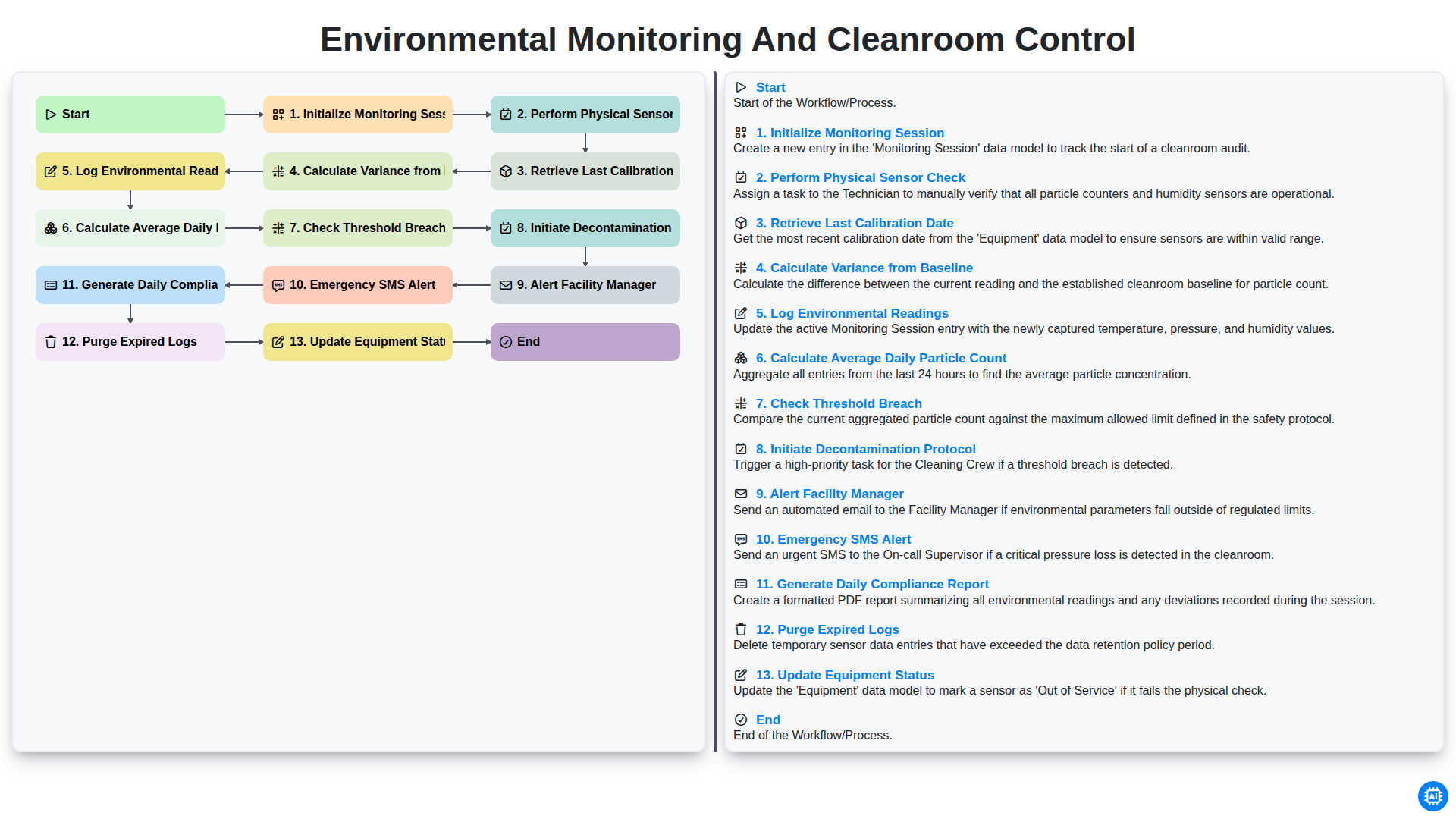
Environmental Monitoring and Cleanroom Control
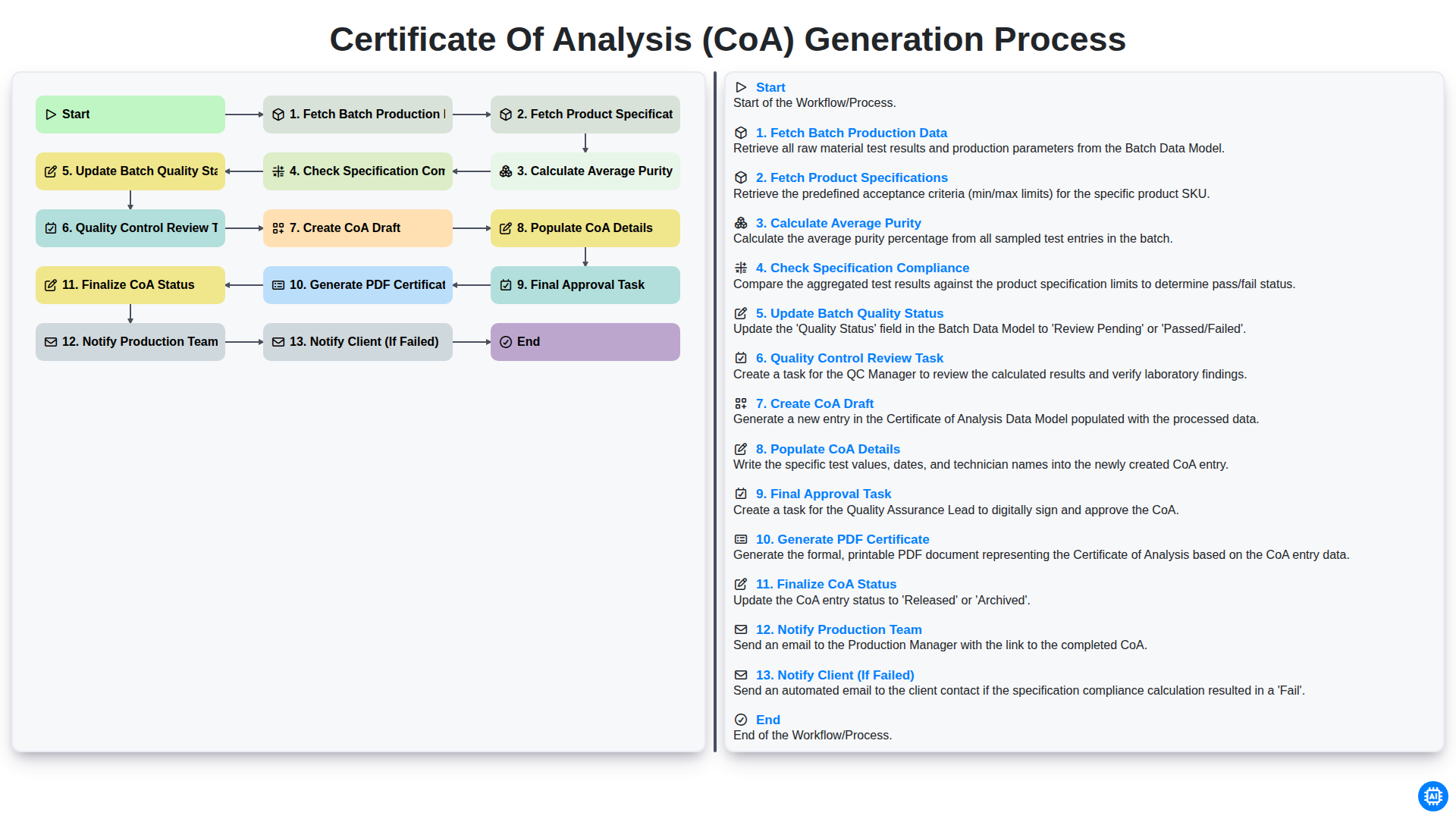
Certificate of Analysis (CoA) Generation Process
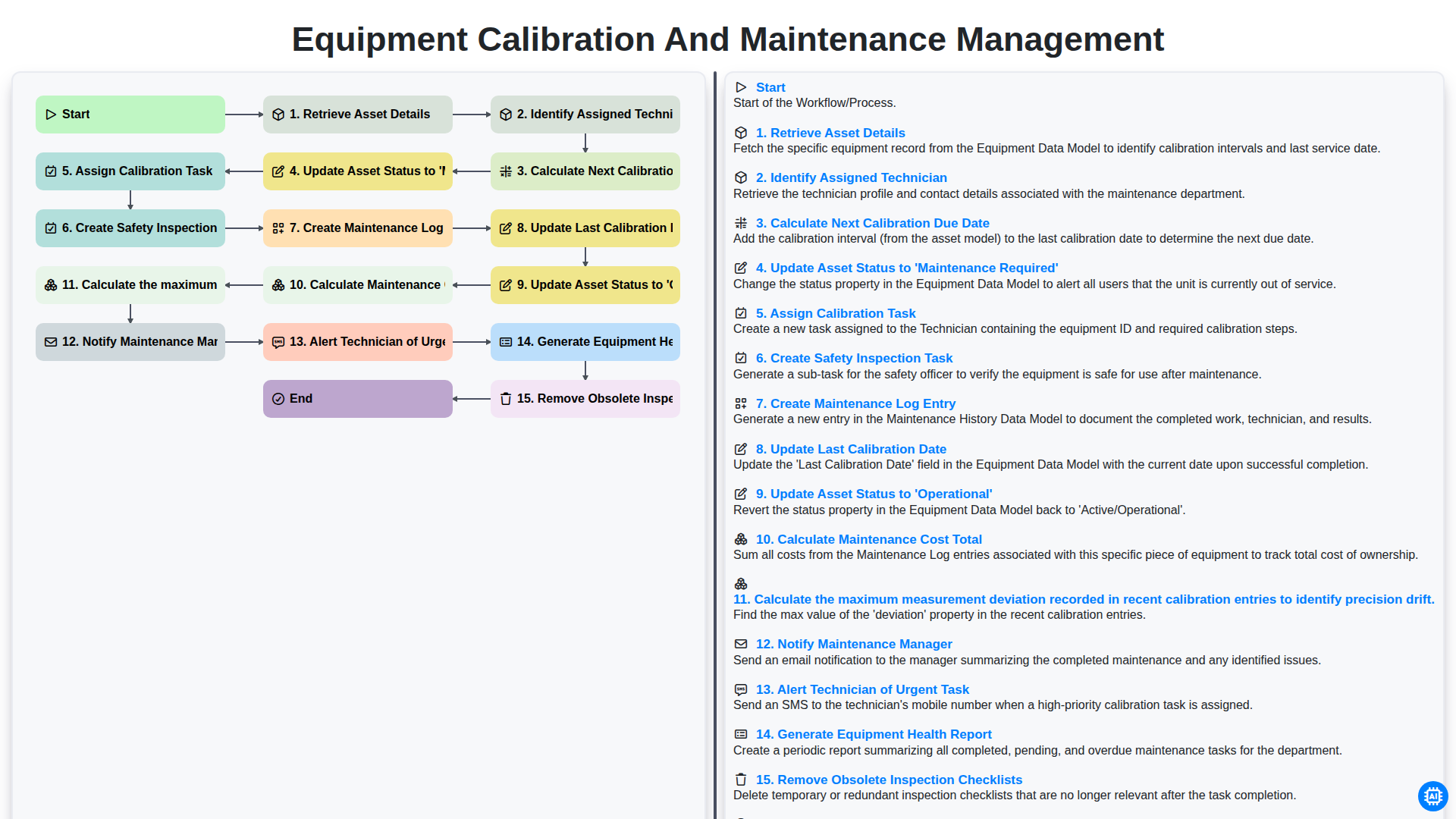
Equipment Calibration and Maintenance Management
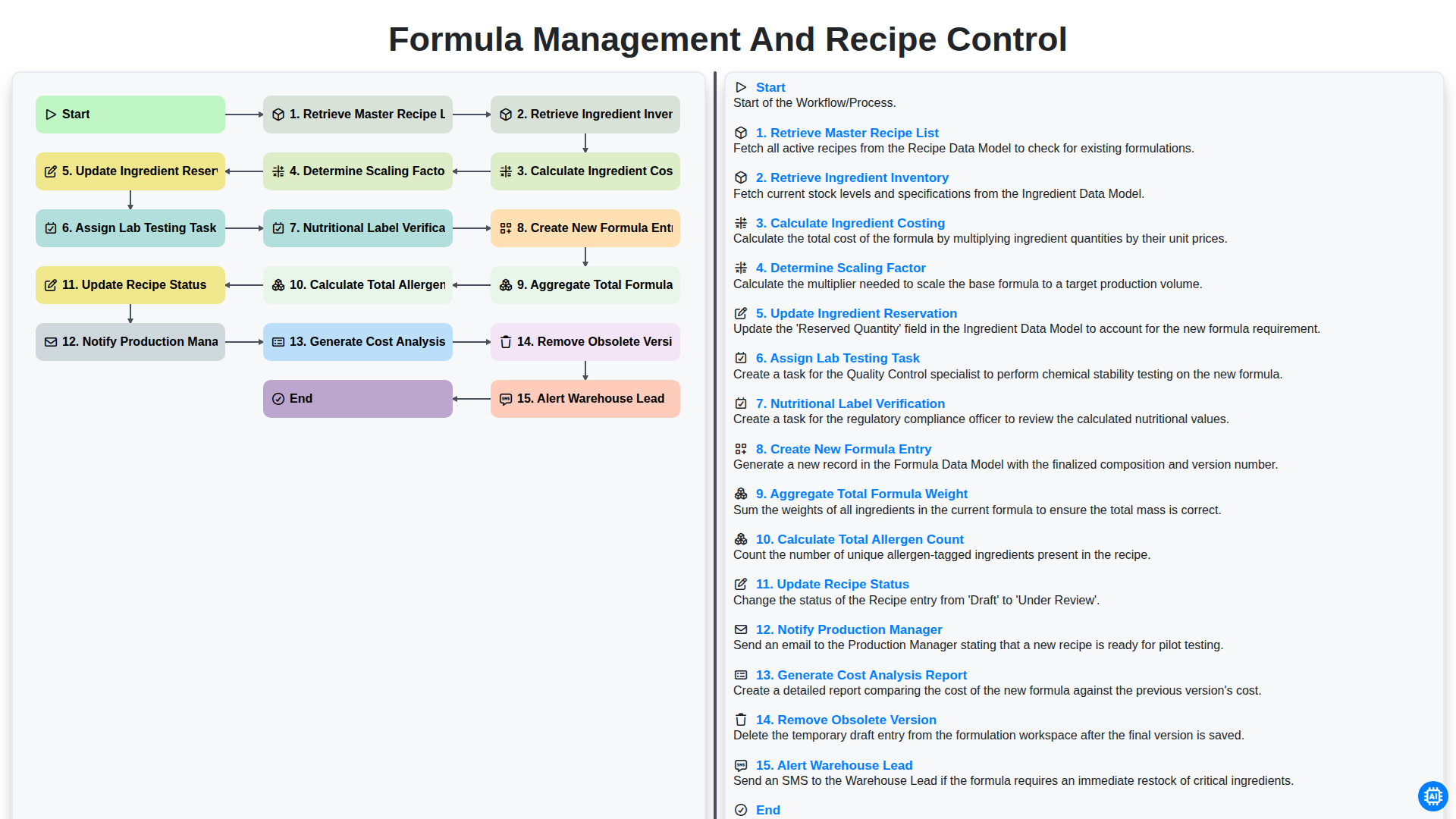
Formula Management and Recipe Control
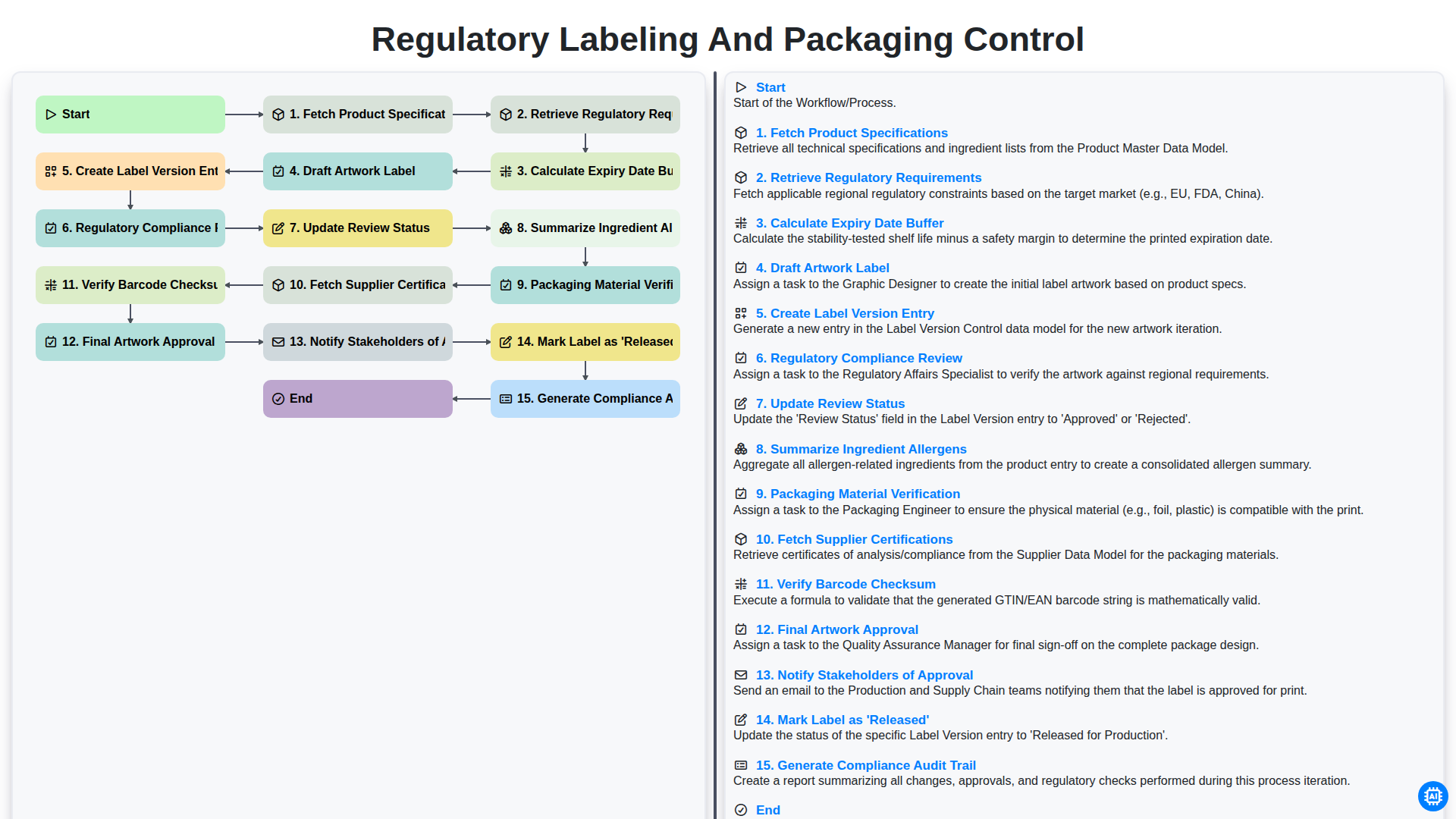
Regulatory Labeling and Packaging Control
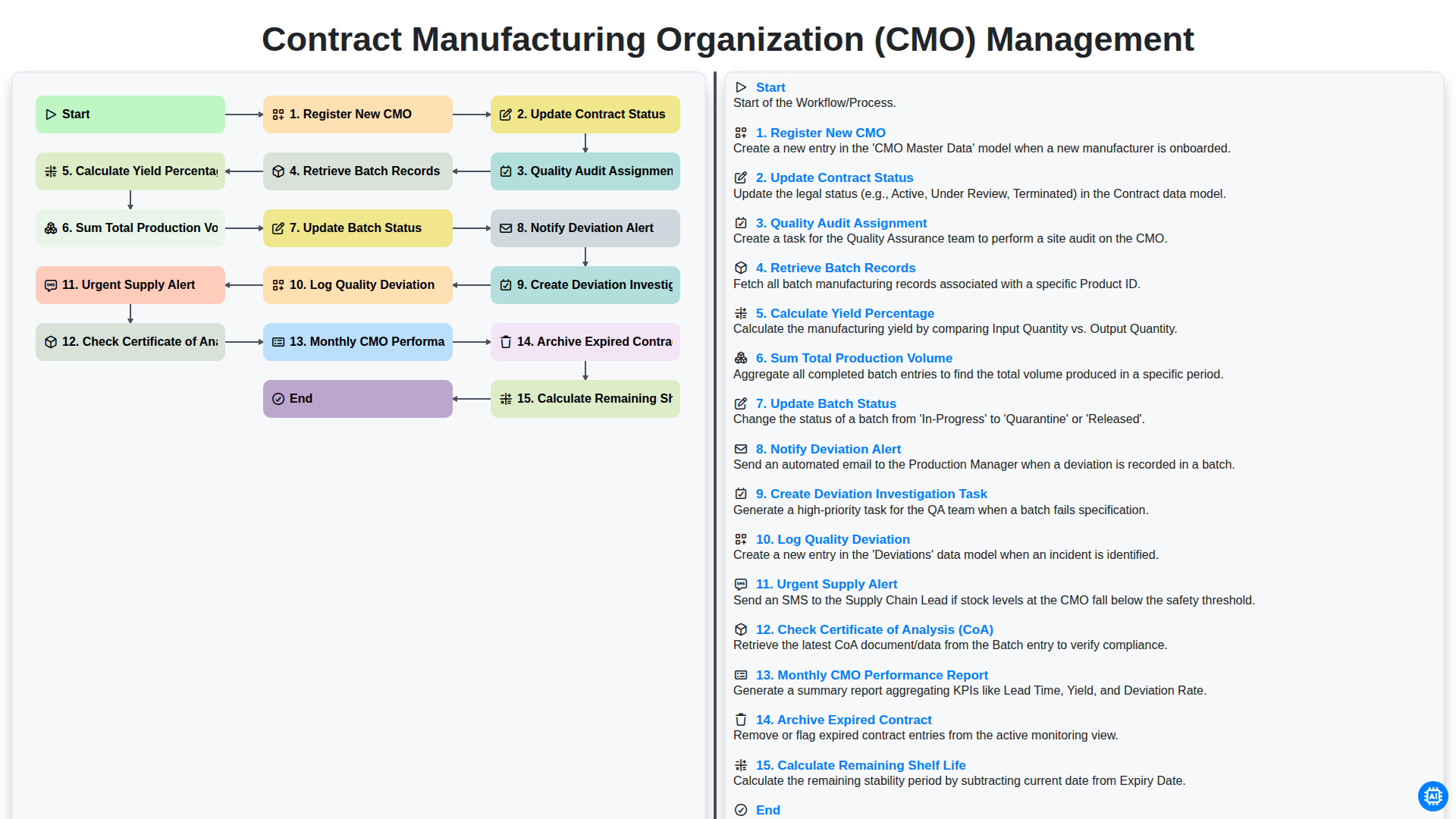
Contract Manufacturing Organization (CMO) Management
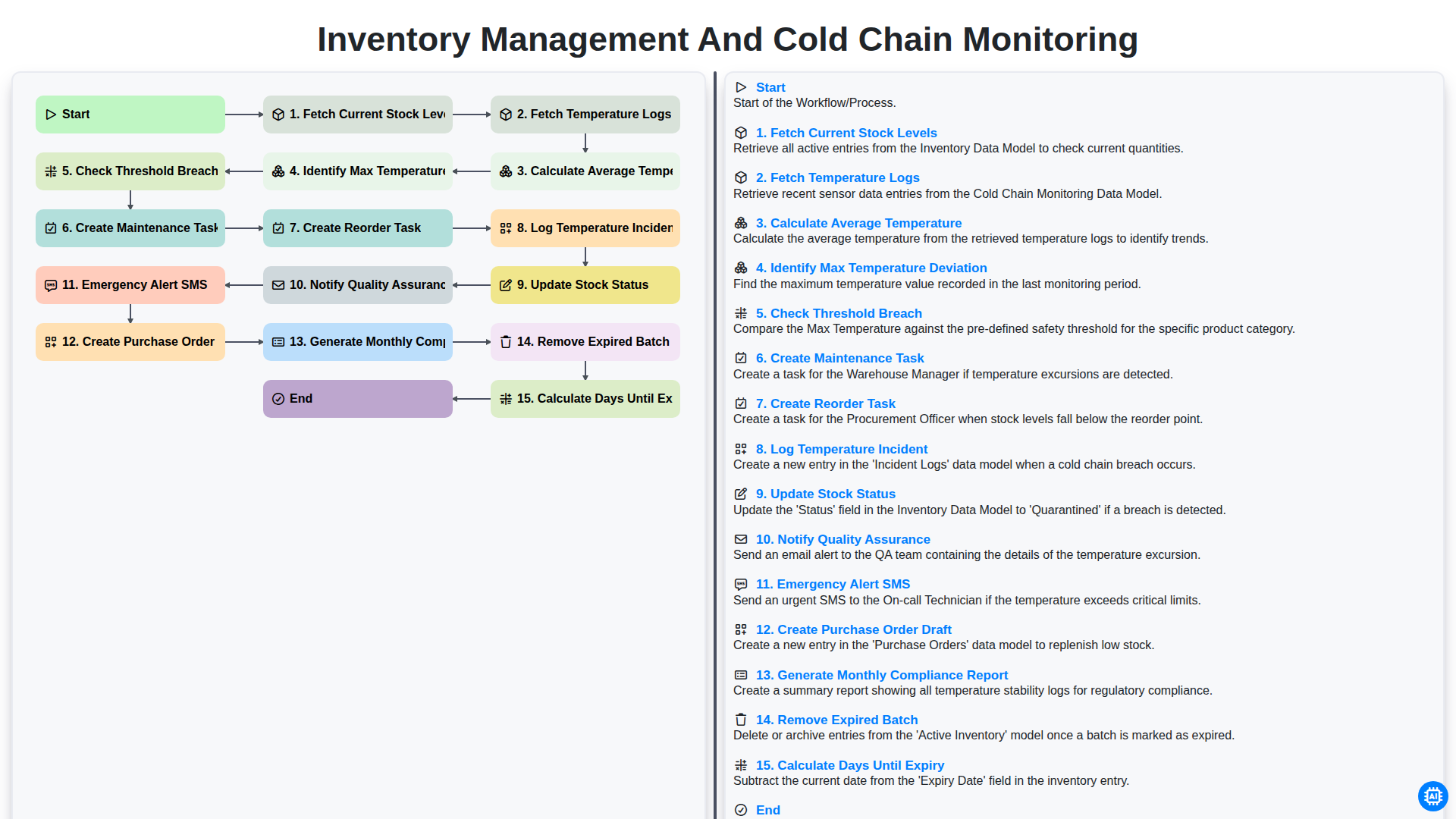
Inventory Management and Cold Chain Monitoring
Możemy to zrobić razem
Potrzebujesz pomocy z listami kontrolnymi?
Masz pytanie? Jesteśmy tu, aby pomóc. Prześlij zapytanie, a my szybko na nie odpowiemy.