 ChecklistGuro
 Regulatory Compliance Audit Management
Streamline your pharmaceutical quality management with our automated Regulatory Compliance Audit Management workflow. Ensure audit readiness, track CAPAs, and maintain rigorous GMP/GDP standards with real-time documentation, automated deficiency tracking, and end-to-end inspection oversight to mitigate risk and guarantee global regulatory alignment.
Ten szablon został zainstalowany 2 razy.
Rozpoczęcie
Rozpoczęcie przepływu pracy/procesu.
1. Fetch Pending Audits
Retrieve all audit entries from the Audit Data Model that are currently in 'Scheduled' or 'In Progress' status.
2. Create Audit Plan
Generate a new Audit Plan entry linked to a specific department or regulatory standard.
3. Assign Auditor
Create a task for the Compliance Officer to review the scope and assign an auditor.
4. Retrieve Regulatory Requirements
Fetch specific compliance clauses and checklists from the Regulatory Standards data model.
5. Execute Field Audit
Create a task for the assigned Auditor to perform on-site or remote inspections.
6. Evidence Collection Checklist
A task containing a mandatory checklist to ensure all required documents (invoices, logs, certificates) are uploaded.
7. Update Audit Status
Update the Audit Entry status to 'Findings Identified' once the field audit task is completed.
8. Get Identified Non-Conformities
Retrieve all non-conformity entries linked to the current Audit ID.
9. Generate Non-Compliance Report
Create a new entry in the Non-Conformance Data Model for every failed check found during the audit.
10. Calculate Compliance Score
Calculate the percentage of passed vs. failed items in the audit to determine the overall compliance rating.
11. Summarize Total Findings
Aggregate all non-conformity entries to count the total number of high-risk vs. low-risk findings.
12. Assign Remediation Task
Create a task for the Department Head to address the identified non-conformities.
13. Update Remediation Deadline
Update the due date in the Audit Entry based on the severity of the findings.
14. Notify Stakeholders of Failure
Send an automated email to the Legal and Operations teams when a critical non-compliance is recorded.
15. Generate Final Audit Report
Generate a comprehensive PDF/Report summarizing the audit scope, findings, and final score.
16. Close Audit Entry
Update the main Audit Entry status to 'Closed' once all remediation tasks are verified.
17. Urgent Alert
Send an SMS alert to the Compliance Director if a 'Critical' severity finding is logged.
Koniec
Koniec przepływu pracy/procesu.
Rozpoczęcie przepływu pracy/procesu.
Retrieve all audit entries from the Audit Data Model that are currently in 'Scheduled' or 'In Progress' status.
Generate a new Audit Plan entry linked to a specific department or regulatory standard.
Create a task for the Compliance Officer to review the scope and assign an auditor.
Fetch specific compliance clauses and checklists from the Regulatory Standards data model.
Create a task for the assigned Auditor to perform on-site or remote inspections.
A task containing a mandatory checklist to ensure all required documents (invoices, logs, certificates) are uploaded.
Update the Audit Entry status to 'Findings Identified' once the field audit task is completed.
Retrieve all non-conformity entries linked to the current Audit ID.
Create a new entry in the Non-Conformance Data Model for every failed check found during the audit.
Calculate the percentage of passed vs. failed items in the audit to determine the overall compliance rating.
Aggregate all non-conformity entries to count the total number of high-risk vs. low-risk findings.
Create a task for the Department Head to address the identified non-conformities.
Update the due date in the Audit Entry based on the severity of the findings.
Send an automated email to the Legal and Operations teams when a critical non-compliance is recorded.
Generate a comprehensive PDF/Report summarizing the audit scope, findings, and final score.
Update the main Audit Entry status to 'Closed' once all remediation tasks are verified.
Send an SMS alert to the Compliance Director if a 'Critical' severity finding is logged.
Koniec przepływu pracy/procesu.
Komentarze
Na razie nie ma żadnych komentarzy. Dodaj pierwszy!
Demonstracja rozwiązania do zarządzania branżą farmaceutyczną
Nawigacja po złożonych przepisach i zapewnienie jakości w produkcji farmaceutycznej? Platforma Work OS firmy ChecklistGuro usprawnia procesy, od badań i rozwoju, po produkcję, pakowanie i dystrybucję. Zapewnij zgodność z przepisami, popraw wydajność i zmniejsz ryzyko. Odkryj, jak ChecklistGuro może zrewolucjonizować Twoją działalność w branży farmaceutycznej!
Powiązane Szablony Pracy
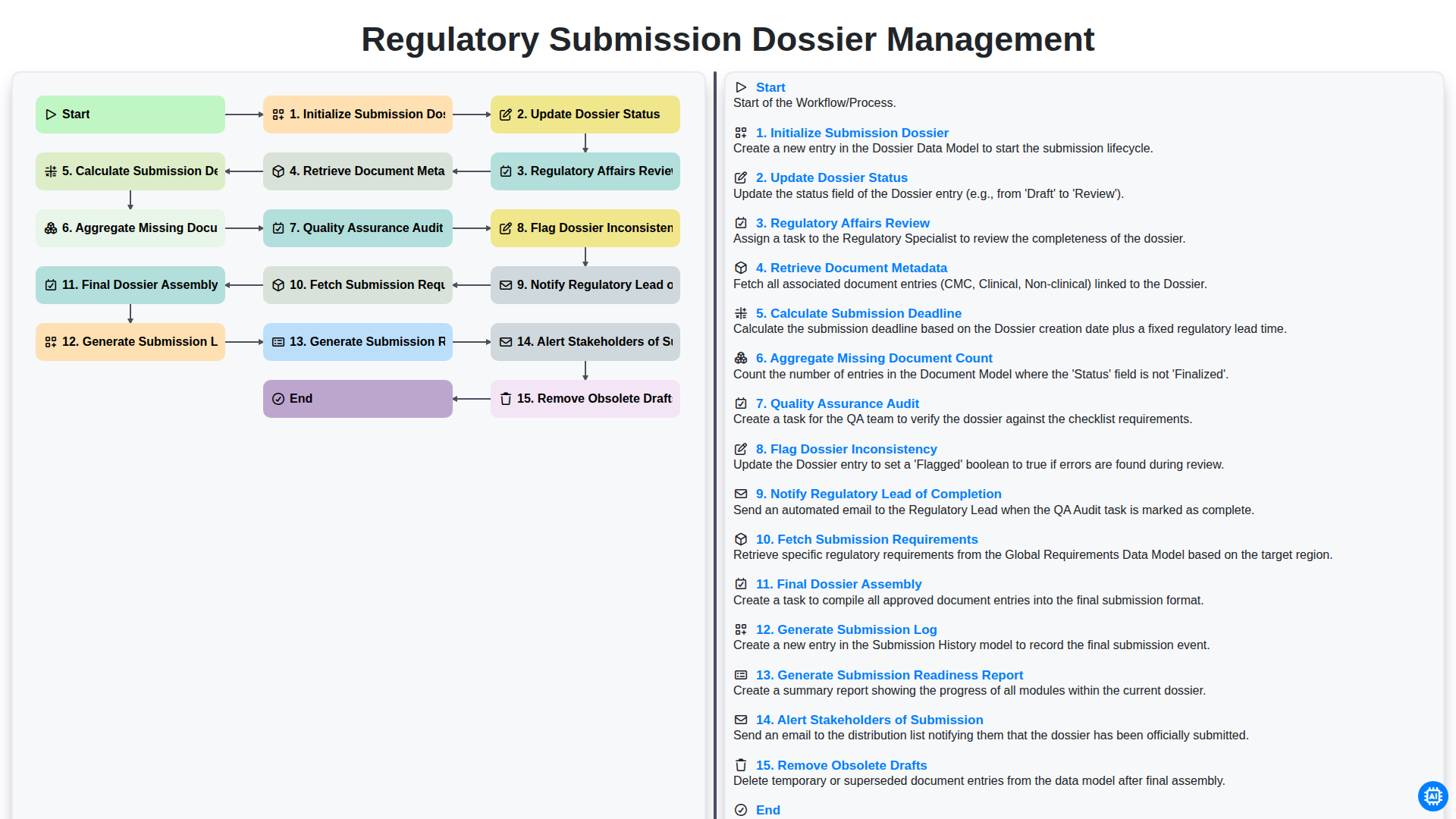
Regulatory Submission Dossier Management
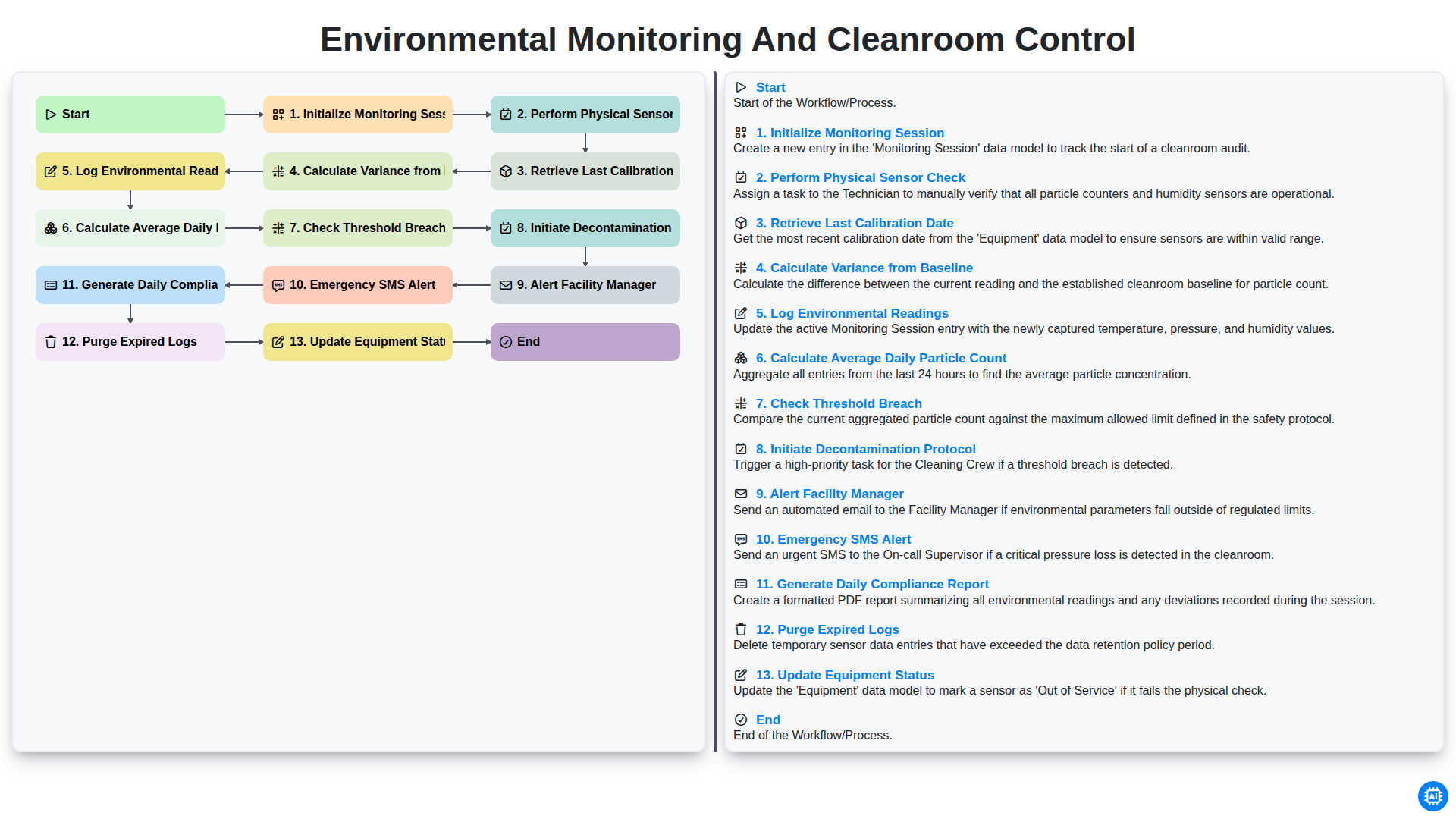
Environmental Monitoring and Cleanroom Control
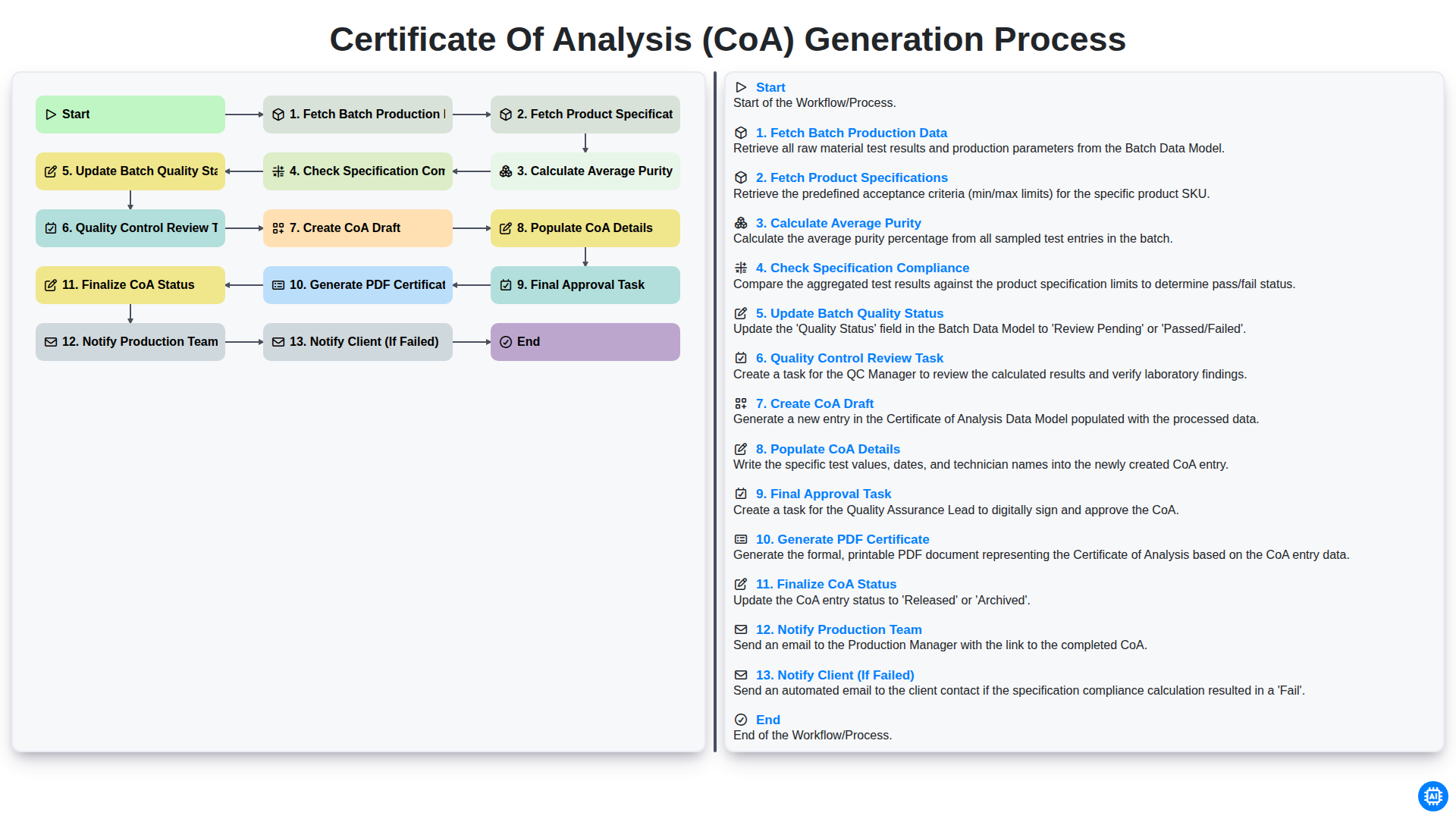
Certificate of Analysis (CoA) Generation Process
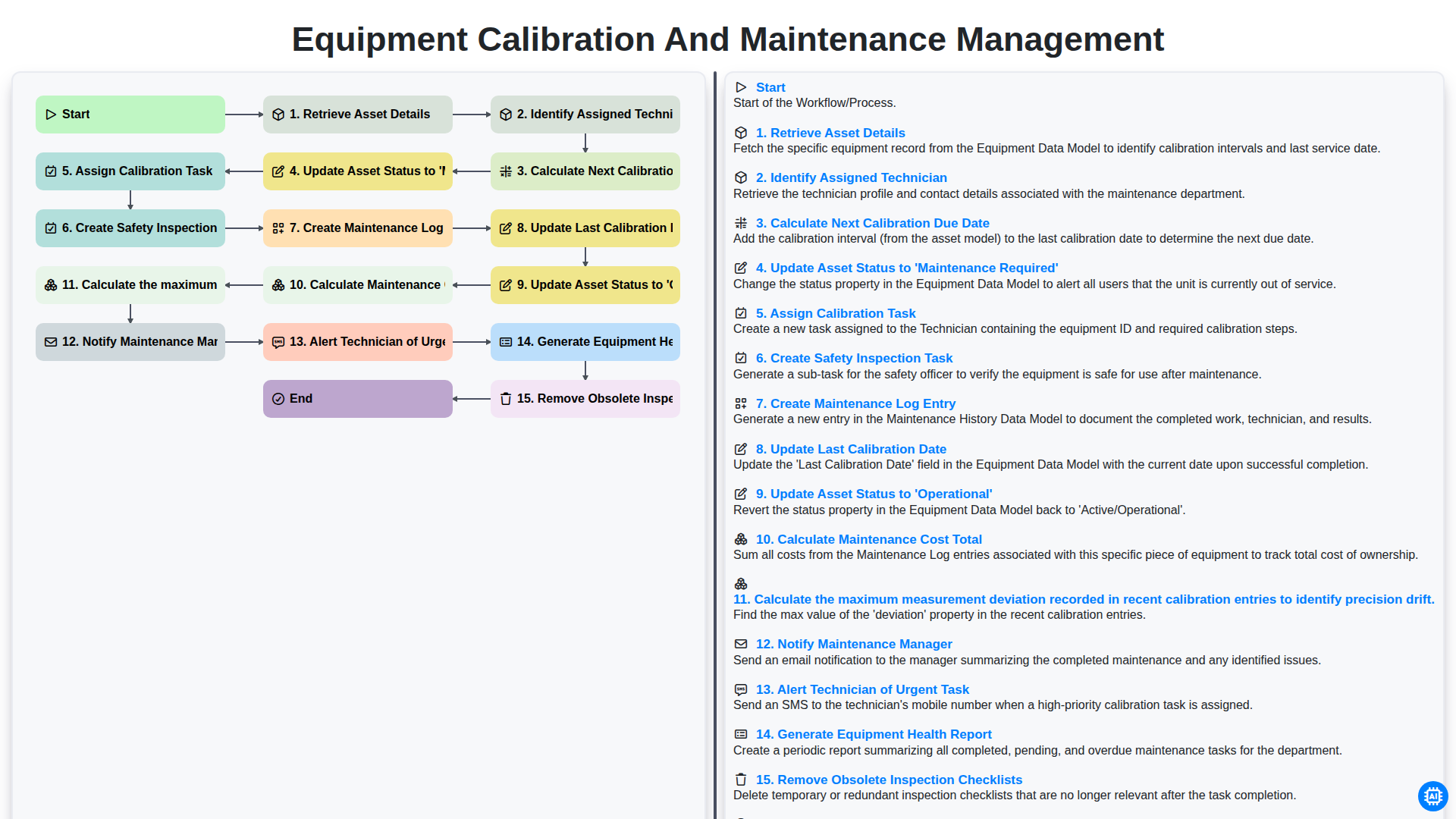
Equipment Calibration and Maintenance Management
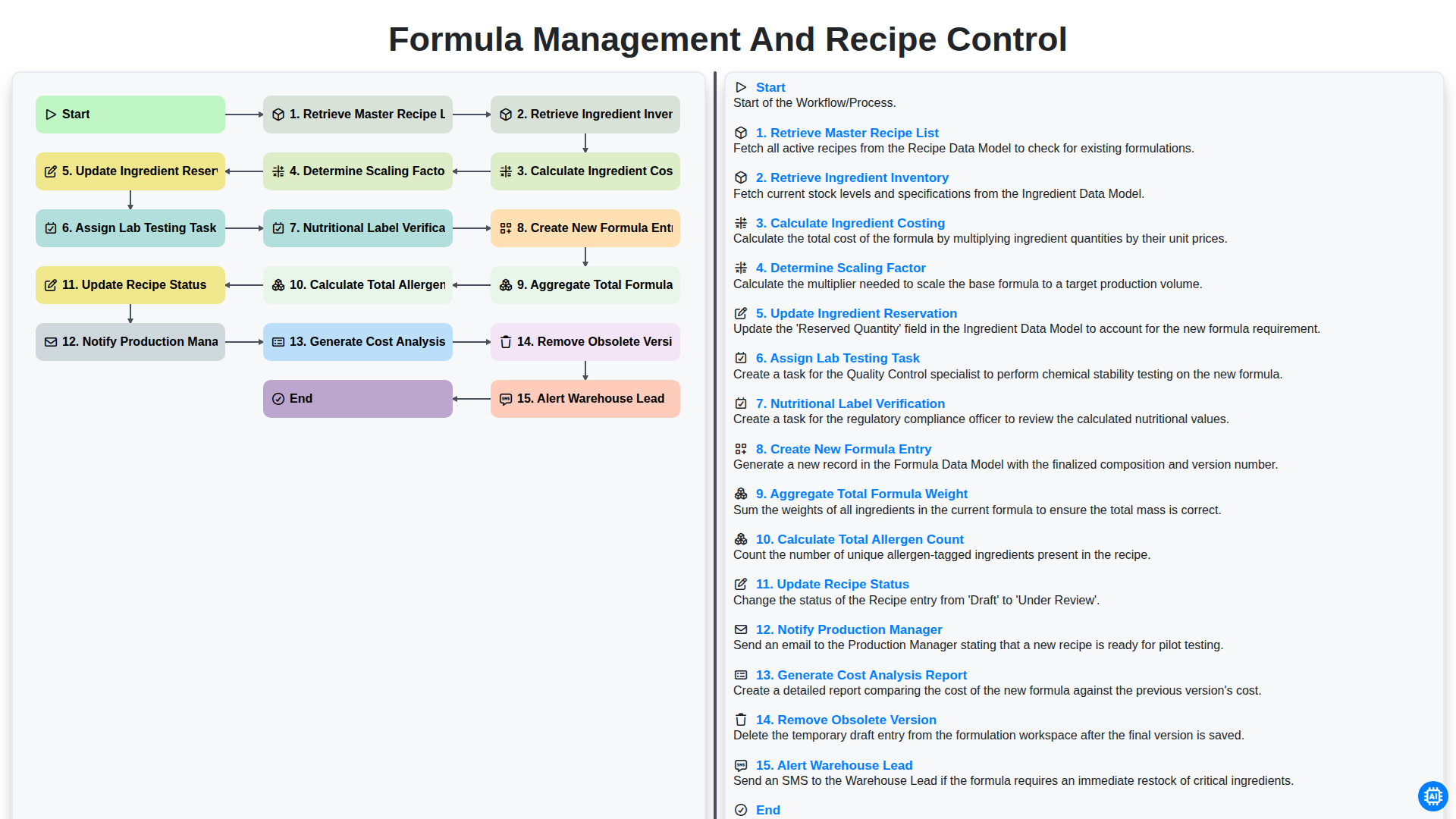
Formula Management and Recipe Control
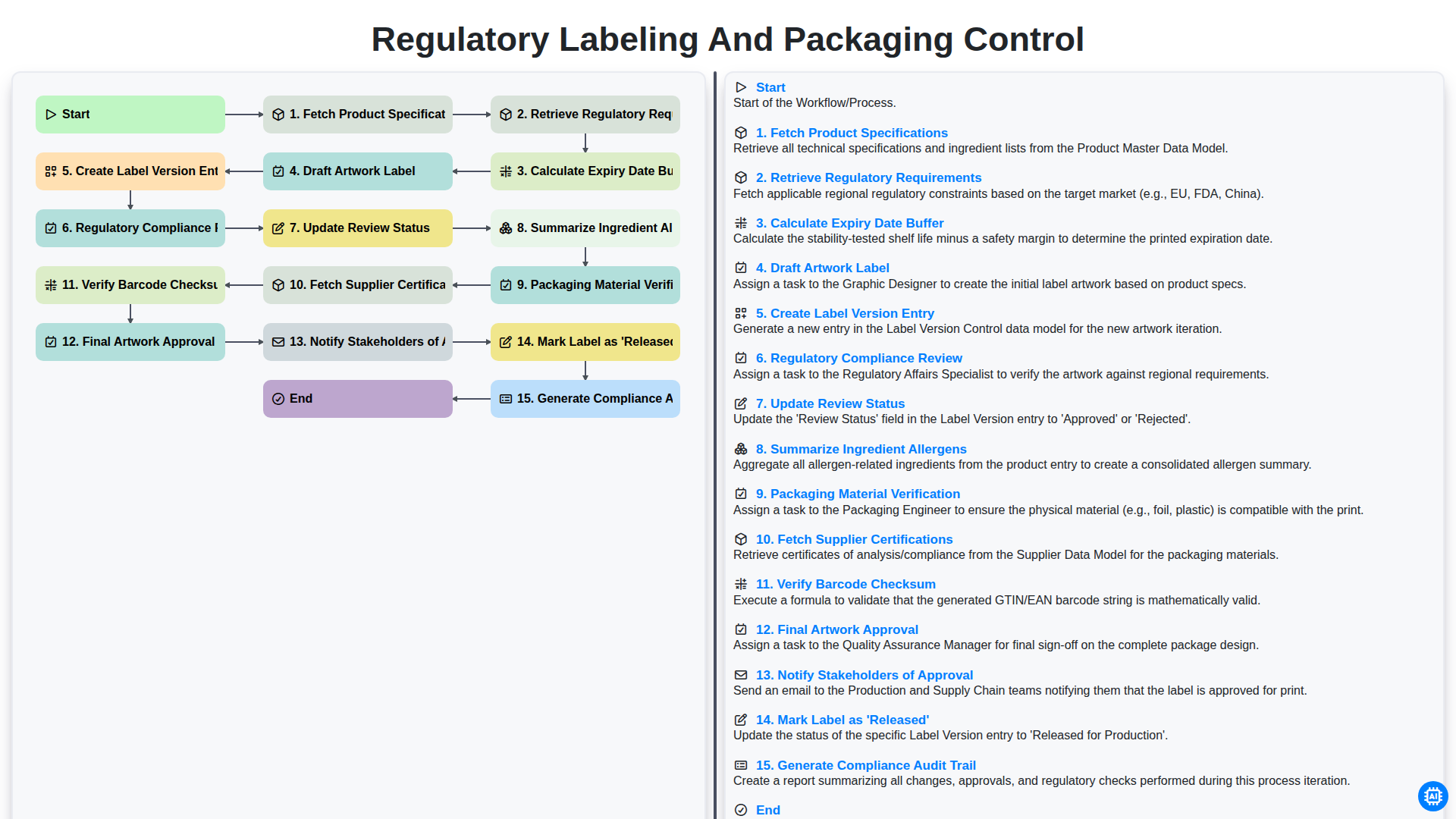
Regulatory Labeling and Packaging Control
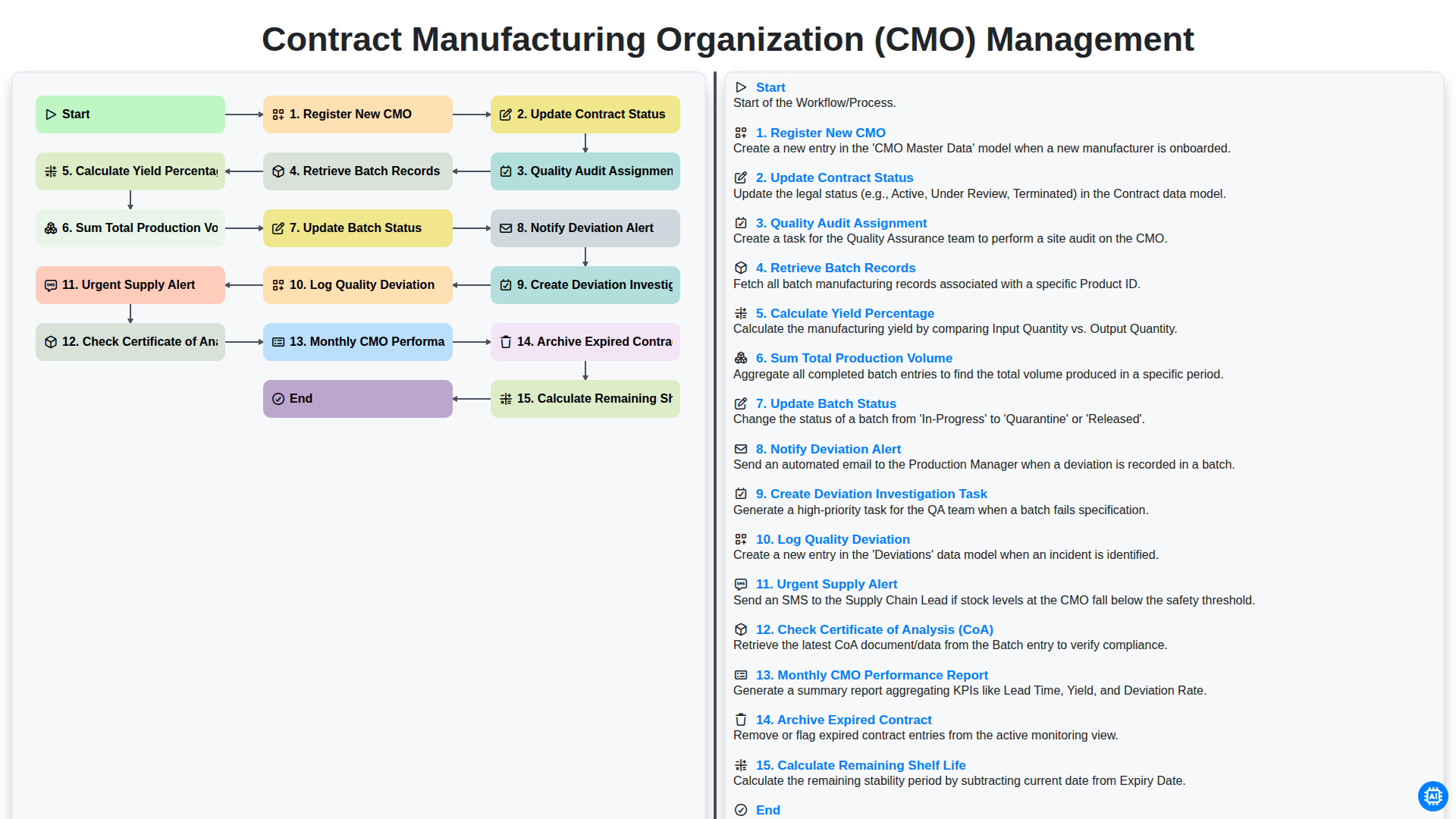
Contract Manufacturing Organization (CMO) Management
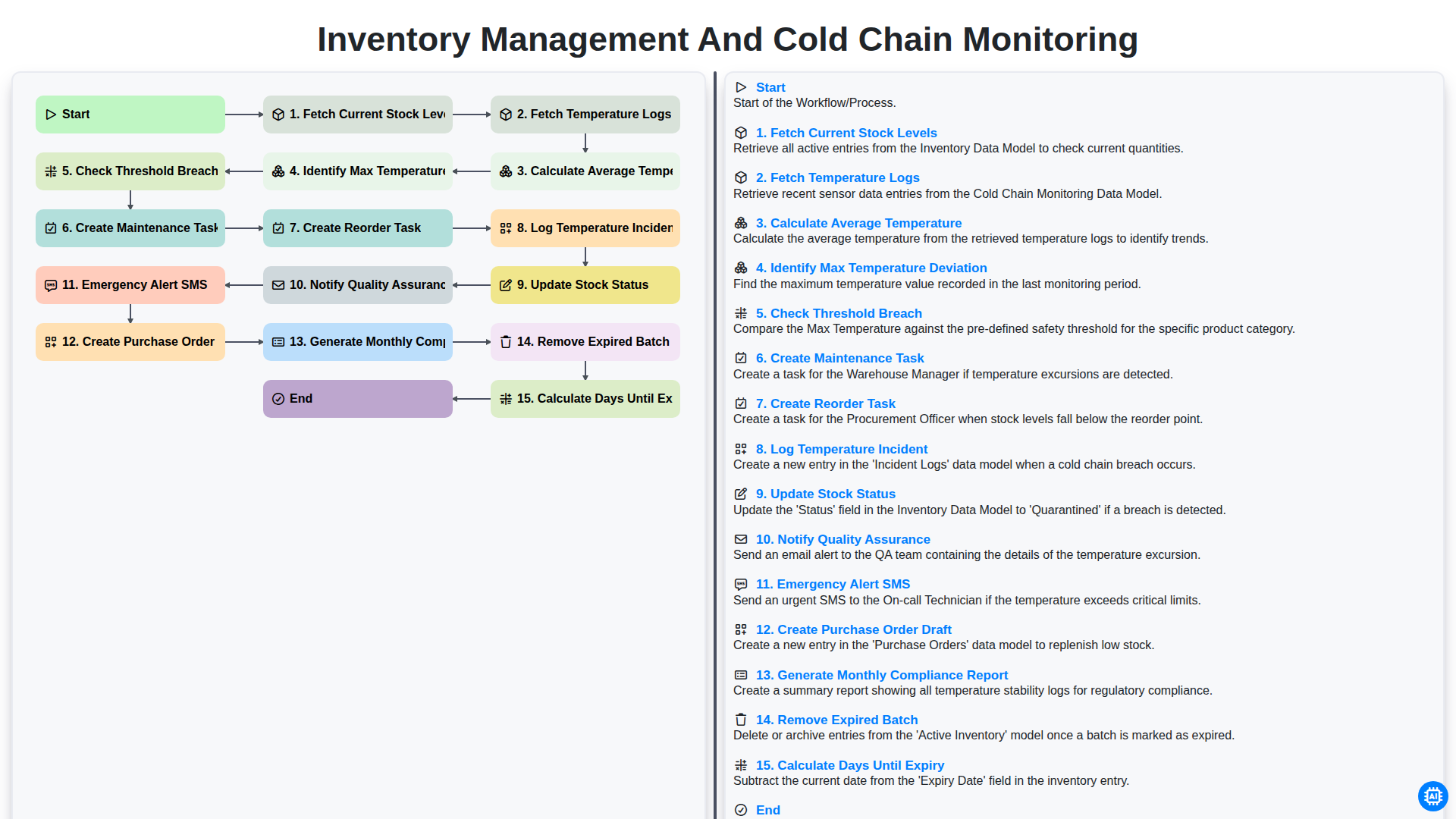
Inventory Management and Cold Chain Monitoring
Możemy to zrobić razem
Potrzebujesz pomocy z listami kontrolnymi?
Masz pytanie? Jesteśmy tu, aby pomóc. Prześlij zapytanie, a my szybko na nie odpowiemy.