 ChecklistGuro
 Product Requirements Document (PRD) Workflow
Streamline your product development lifecycle with our comprehensive Product Requirements Document (PRD) Workflow. Master the art of defining features, aligning stakeholders, and eliminating ambiguity with a structured, step-by-step process designed for agile project managers and product owners to transform vague ideas into actionable engineering roadmaps.
Ten szablon został zainstalowany 1 razy.
Rozpoczęcie
Rozpoczęcie przepływu pracy/procesu.
1. Initialize PRD Entry
Create a new entry in the 'Product Requirements' data model to start the document lifecycle.
2. Draft Product Overview
Assign a task to the Product Manager to define the problem statement and goals.
3. Define User Stories
Assign a task to the Product Manager to write detailed user stories and acceptance criteria.
4. Update PRD Status to 'Drafting'
Update the status field of the PRD entry to indicate that the drafting phase has begun.
5. Fetch Stakeholder List
Retrieve all relevant stakeholders from the 'Users' or 'Stakeholders' data model for review assignment.
6. Stakeholder Review
Create tasks for the retrieved stakeholders to review the draft requirements.
7. Retrieve Review Comments
Get all feedback entries linked to the current PRD via the 'Comments' data model.
8. Calculate Feedback Severity
Aggregate review comments to count the number of 'High Priority' blockers identified.
9. Determine Complexity Score
Execute a formula based on estimated development hours and number of required features to determine project complexity.
10. Update PRD with Feedback Summary
Update the PRD entry with the aggregated count of blockers and the calculated complexity score.
11. Address Critical Blockers
Create a high-priority task for the Product Manager to resolve all 'High' severity feedback items.
12. Finalize PRD Status
Update the PRD entry status to 'Approved' once all blockers are resolved.
13. Notify Engineering Team
Send an email to the Engineering Lead containing the link to the approved PRD.
14. Create Development Epic
Create a new entry in the 'Epics' data model, automatically populated with data from the PRD.
15. Generate PRD Completion Report
Create a report summarizing the timeline from drafting to approval for historical tracking.
Koniec
Koniec przepływu pracy/procesu.
Rozpoczęcie przepływu pracy/procesu.
Create a new entry in the 'Product Requirements' data model to start the document lifecycle.
Assign a task to the Product Manager to define the problem statement and goals.
Assign a task to the Product Manager to write detailed user stories and acceptance criteria.
Update the status field of the PRD entry to indicate that the drafting phase has begun.
Retrieve all relevant stakeholders from the 'Users' or 'Stakeholders' data model for review assignment.
Create tasks for the retrieved stakeholders to review the draft requirements.
Get all feedback entries linked to the current PRD via the 'Comments' data model.
Aggregate review comments to count the number of 'High Priority' blockers identified.
Execute a formula based on estimated development hours and number of required features to determine project complexity.
Update the PRD entry with the aggregated count of blockers and the calculated complexity score.
Create a high-priority task for the Product Manager to resolve all 'High' severity feedback items.
Update the PRD entry status to 'Approved' once all blockers are resolved.
Send an email to the Engineering Lead containing the link to the approved PRD.
Create a new entry in the 'Epics' data model, automatically populated with data from the PRD.
Create a report summarizing the timeline from drafting to approval for historical tracking.
Koniec przepływu pracy/procesu.
Czy ten szablon przepływu pracy okazał się pomocny?
Komentarze
Na razie nie ma żadnych komentarzy. Dodaj pierwszy!
Demonstracja rozwiązania do zarządzania projektami
Realizuj projekty na czas i w ramach budżetu! ChecklistGuro upraszcza zarządzanie zadaniami, współpracę i śledzenie postępów. Zwiększ widoczność i popraw produktywność zespołu. Zarządzaj wszystkim za pomocą naszej platformy Work OS.
Powiązane Szablony Pracy

Strategic Planning and Execution Process

Digital Transformation Project Workflow

Employee Onboarding Project Management

Customer Implementation Workflow

Design System Maintenance Process

Quality Assurance (QA) Testing Workflow

Internal Audit and Compliance Workflow
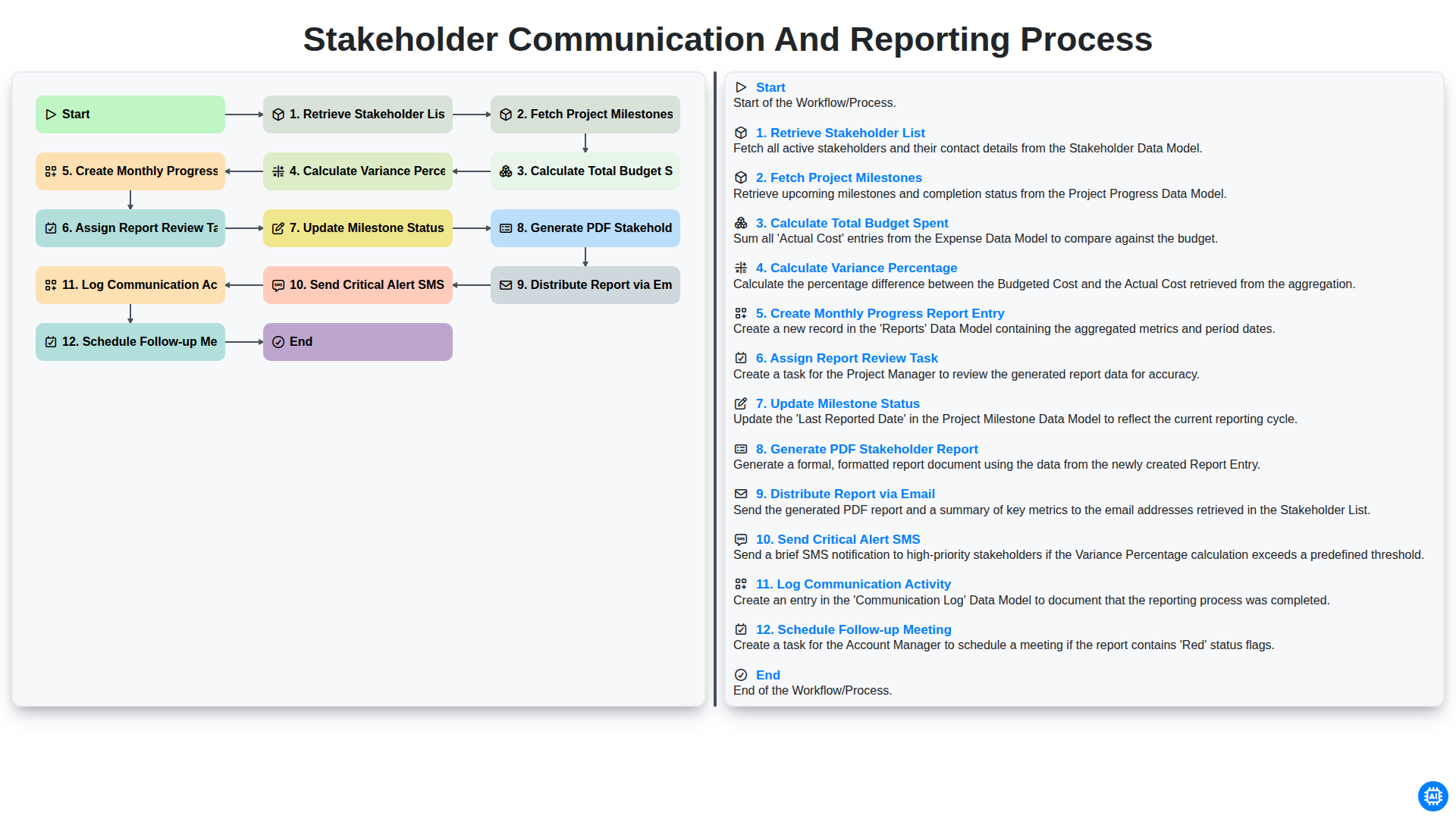
Stakeholder Communication and Reporting Process
Możemy to zrobić razem
Potrzebujesz pomocy z listami kontrolnymi?
Masz pytanie? Jesteśmy tu, aby pomóc. Prześlij zapytanie, a my szybko na nie odpowiemy.