 ChecklistGuro
 Property Tax and Compliance Management Workflow
Streamline your real estate operations with our automated Property Tax and Compliance Management Workflow. Eliminate manual errors, track tax deadlines, and ensure regulatory adherence across your entire portfolio with a centralized, audit-ready process designed to mitigate risk and optimize property performance.
Ten szablon został zainstalowany 2 razy.
Rozpoczęcie
Rozpoczęcie przepływu pracy/procesu.
1. Fetch Property Records
Retrieve all property entries from the Property Data Model to initiate the annual compliance check.
2. Fetch Tax Deadlines
Retrieve the global tax calendar to identify upcoming payment due dates.
3. Calculate Tax Liability
Calculate the total tax amount per property using (Property Value * Tax Rate) - Exemptions.
4. Update Property Tax Estimates
Update the 'Estimated Tax Due' field in the Property Data Model with the newly calculated values.
5. Calculate Total Portfolio Liability
Sum the 'Estimated Tax Due' from all property entries to get the total projected expenditure.
6. Assign Tax Auditor
Create a task for the Compliance Officer to verify the accuracy of the calculated tax amounts.
7. Document Collection Task
Create a task for Property Managers to upload updated deed or occupancy certificates.
8. Create Tax Assessment Record
Create a new entry in the 'Tax Assessments' data model for the current fiscal year.
9. Update Compliance Status
Update the 'Compliance Status' field of the property to 'Under Review' once the audit begins.
10. Retrieve Pending Documents
Check the Document Data Model for any missing required compliance files.
11. Notify Property Owners
Send an email to property owners regarding their upcoming tax obligations and estimated amounts.
12. Urgent Deadline Alert
Send an SMS alert to the Finance Manager if a tax payment deadline is within 48 hours.
13. Execute Tax Payment
Create a task for the Accounting Department to process the actual payments to the municipality.
14. Mark Tax as Paid
Update the 'Payment Status' in the Tax Assessment record to 'Paid' after the transaction is verified.
15. Generate Annual Compliance Report
Create a comprehensive PDF report summarizing all paid, pending, and overdue property taxes for the year.
16. Cleanup Draft Assessments
Delete any incomplete or erroneous draft tax assessment entries from the previous cycle.
Koniec
Koniec przepływu pracy/procesu.
Rozpoczęcie przepływu pracy/procesu.
Retrieve all property entries from the Property Data Model to initiate the annual compliance check.
Retrieve the global tax calendar to identify upcoming payment due dates.
Calculate the total tax amount per property using (Property Value * Tax Rate) - Exemptions.
Update the 'Estimated Tax Due' field in the Property Data Model with the newly calculated values.
Sum the 'Estimated Tax Due' from all property entries to get the total projected expenditure.
Create a task for the Compliance Officer to verify the accuracy of the calculated tax amounts.
Create a task for Property Managers to upload updated deed or occupancy certificates.
Create a new entry in the 'Tax Assessments' data model for the current fiscal year.
Update the 'Compliance Status' field of the property to 'Under Review' once the audit begins.
Check the Document Data Model for any missing required compliance files.
Send an email to property owners regarding their upcoming tax obligations and estimated amounts.
Send an SMS alert to the Finance Manager if a tax payment deadline is within 48 hours.
Create a task for the Accounting Department to process the actual payments to the municipality.
Update the 'Payment Status' in the Tax Assessment record to 'Paid' after the transaction is verified.
Create a comprehensive PDF report summarizing all paid, pending, and overdue property taxes for the year.
Delete any incomplete or erroneous draft tax assessment entries from the previous cycle.
Koniec przepływu pracy/procesu.
Czy ten szablon przepływu pracy okazał się pomocny?
Komentarze
Na razie nie ma żadnych komentarzy. Dodaj pierwszy!
Demonstracja rozwiązania do zarządzania nieruchomościami
Uprość swoje działania w branży nieruchomości! ChecklistGuro usprawnia zarządzanie nieruchomościami, przedłużanie umów najmu i przyjmowanie wniosków dotyczących konserwacji. Zwiększ satysfakcję najemców i zmaksymalizuj zwrot z inwestycji. Zarządzaj wszystkim za pomocą naszej platformy Work OS.
Powiązane Szablony Pracy

Real Estate Agent Performance Tracking Process

Property Inventory and Asset Management Workflow

Real Estate Referral Management Process

Tenant Move-in and Move-out Workflow

Real Estate Market Analysis and Reporting Process

Property Showing and Tour Scheduling Workflow

Real Estate Closing Checklist and Workflow
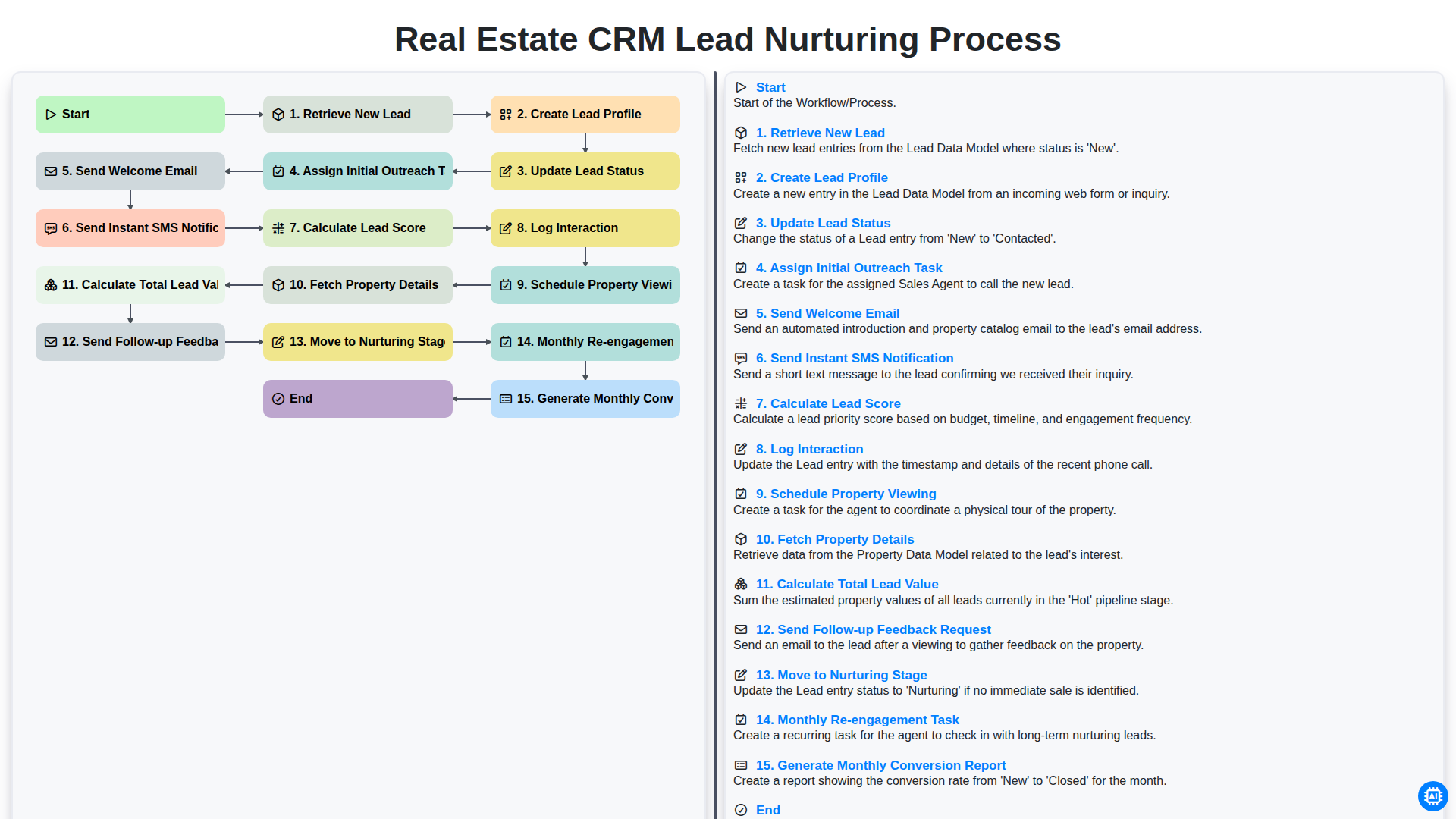
Real Estate CRM Lead Nurturing Process
Możemy to zrobić razem
Potrzebujesz pomocy z listami kontrolnymi?
Masz pytanie? Jesteśmy tu, aby pomóc. Prześlij zapytanie, a my szybko na nie odpowiemy.