 ChecklistGuro
 Real Estate Closing Checklist and Workflow
Master every transaction from contract to keys with our ultimate Real Estate Closing Checklist and Workflow. Streamline your escrow process, eliminate preventable errors, and ensure a seamless, stress-free closing experience for buyers and sellers alike. Perfect for agents and transaction coordinators looking to boost productivity and maintain flawless compliance.
Ten szablon został zainstalowany 3 razy.
Rozpoczęcie
Rozpoczęcie przepływu pracy/procesu.
1. Retrieve Property Details
Fetch core information (address, price, closing date) from the Property Data Model.
2. Retrieve Buyer/Seller Information
Fetch contact details and legal names from the Parties Data Model.
3. Order Title Search
Create a task for the Escrow Officer to initiate the title search process.
4. Verify Mortgage Payoffs
Create a task to contact lenders and confirm final payoff amounts.
5. Create Closing Disclosure (CD)
Generate a new entry in the Closing Documents data model containing the finalized fee breakdown.
6. Calculate Total Closing Costs
Sum all tax, lender, and legal fees to determine the total cash required at closing.
7. Aggregate Total Escrow Fees
Sum all individual service fees from the Line Items data model to validate the final balance.
8. Coordinate Notary Signing
Create a task to schedule the mobile notary for the signing appointment.
9. Update Property Status
Change the status of the Property entry from 'In Escrow' to 'Pending Closing'.
10. Notify Parties of Closing Date
Send an email to Buyers, Sellers, and Agents confirming the final appointment time and location.
11. Verify Wire Transfer Receipt
Create a high-priority task to confirm funds have cleared the escrow account.
12. Alert Agent of Document Signature
Send an SMS to the Real Estate Agent once all parties have digitally signed the contract.
13. Mark Transaction as Closed
Update the transaction record to 'Closed' and timestamp the completion.
14. Generate Post-Closing Summary
Create a final report summarizing the transaction details for the company archives.
15. Remove Draft Contingencies
Delete any expired or inactive contingency entries from the transaction record.
Koniec
Koniec przepływu pracy/procesu.
Rozpoczęcie przepływu pracy/procesu.
Fetch core information (address, price, closing date) from the Property Data Model.
Fetch contact details and legal names from the Parties Data Model.
Create a task for the Escrow Officer to initiate the title search process.
Create a task to contact lenders and confirm final payoff amounts.
Generate a new entry in the Closing Documents data model containing the finalized fee breakdown.
Sum all tax, lender, and legal fees to determine the total cash required at closing.
Sum all individual service fees from the Line Items data model to validate the final balance.
Create a task to schedule the mobile notary for the signing appointment.
Change the status of the Property entry from 'In Escrow' to 'Pending Closing'.
Send an email to Buyers, Sellers, and Agents confirming the final appointment time and location.
Create a high-priority task to confirm funds have cleared the escrow account.
Send an SMS to the Real Estate Agent once all parties have digitally signed the contract.
Update the transaction record to 'Closed' and timestamp the completion.
Create a final report summarizing the transaction details for the company archives.
Delete any expired or inactive contingency entries from the transaction record.
Koniec przepływu pracy/procesu.
Czy ten szablon przepływu pracy okazał się pomocny?
Komentarze
Na razie nie ma żadnych komentarzy. Dodaj pierwszy!
Demonstracja rozwiązania do zarządzania nieruchomościami
Uprość swoje działania w branży nieruchomości! ChecklistGuro usprawnia zarządzanie nieruchomościami, przedłużanie umów najmu i przyjmowanie wniosków dotyczących konserwacji. Zwiększ satysfakcję najemców i zmaksymalizuj zwrot z inwestycji. Zarządzaj wszystkim za pomocą naszej platformy Work OS.
Powiązane Szablony Pracy

Real Estate Agent Performance Tracking Process

Property Inventory and Asset Management Workflow

Real Estate Referral Management Process

Property Tax and Compliance Management Workflow

Tenant Move-in and Move-out Workflow

Real Estate Market Analysis and Reporting Process

Property Showing and Tour Scheduling Workflow
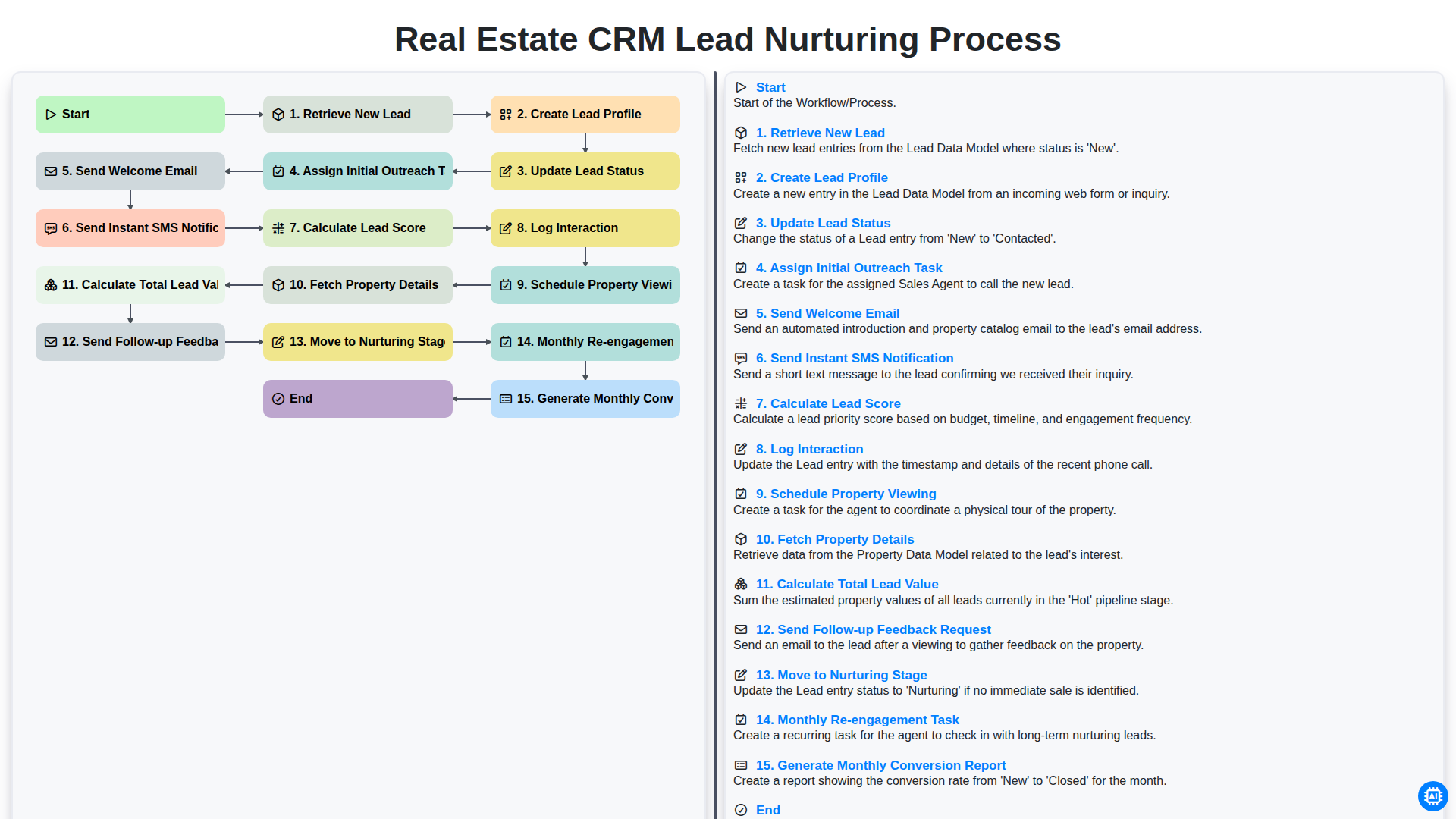
Real Estate CRM Lead Nurturing Process
Możemy to zrobić razem
Potrzebujesz pomocy z listami kontrolnymi?
Masz pytanie? Jesteśmy tu, aby pomóc. Prześlij zapytanie, a my szybko na nie odpowiemy.