 ChecklistGuro
 Customer Support Ticket Escalation Workflow
Streamline your support operations and eliminate bottlenecks with our Customer Support Ticket Escalation Workflow. This automated task management process ensures critical issues are instantly routed to the right senior agents, reducing resolution time and preventing customer churn. Optimize your support hierarchy, set clear SLA thresholds, and master your incident management lifecycle with this seamless, high-efficiency escalation framework.
Ten szablon został zainstalowany 2 razy.
Rozpoczęcie
Rozpoczęcie przepływu pracy/procesu.
1. Create Support Ticket
Create a new entry in the 'Tickets' data model when a customer submits a request.
2. Update Ticket Status
Update the status of the ticket entry (e.g., from 'New' to 'In Progress' or 'Escalated').
3. Fetch Customer Profile
Retrieve customer contact details and tier (e.g., VIP, Standard) from the 'Customers' data model.
4. Calculate Priority Score
Calculate priority based on customer tier and ticket urgency (e.g., VIP + High Urgency = Critical).
5. Assign Tier 1 Agent
Create a task for the support team to perform the initial investigation.
6. Check SLA Threshold
Retrieve the 'SLA Due Date' from the ticket entry to check for upcoming breaches.
7. Create Escalation Task
Create a high-priority task for Tier 2/Engineering if the ticket meets escalation criteria.
8. Notify Customer of Escalation
Send an automated email to the customer informing them their ticket has been moved to a specialist.
9. Alert Support Manager
Send an email to the Support Manager if a ticket remains unassigned for over 2 hours.
10. Calculate Average Resolution Time
Aggregate all 'Closed' tickets in the last 30 days to calculate the average time to resolution.
11. Update Escalation Log
Update the 'Escalation History' data model with the timestamp and reason for the escalation.
12. Alert On-Call Engineer
Send an SMS to the on-call engineer for Critical (P0) system-down incidents.
13. Generate Weekly Escalation Report
Create a report summarizing the number of escalated tickets vs. resolved tickets for the week.
14. Cleanup Resolved Drafts
Delete temporary or duplicate draft entries created during the triage process.
Koniec
Koniec przepływu pracy/procesu.
Rozpoczęcie przepływu pracy/procesu.
Create a new entry in the 'Tickets' data model when a customer submits a request.
Update the status of the ticket entry (e.g., from 'New' to 'In Progress' or 'Escalated').
Retrieve customer contact details and tier (e.g., VIP, Standard) from the 'Customers' data model.
Calculate priority based on customer tier and ticket urgency (e.g., VIP + High Urgency = Critical).
Create a task for the support team to perform the initial investigation.
Retrieve the 'SLA Due Date' from the ticket entry to check for upcoming breaches.
Create a high-priority task for Tier 2/Engineering if the ticket meets escalation criteria.
Send an automated email to the customer informing them their ticket has been moved to a specialist.
Send an email to the Support Manager if a ticket remains unassigned for over 2 hours.
Aggregate all 'Closed' tickets in the last 30 days to calculate the average time to resolution.
Update the 'Escalation History' data model with the timestamp and reason for the escalation.
Send an SMS to the on-call engineer for Critical (P0) system-down incidents.
Create a report summarizing the number of escalated tickets vs. resolved tickets for the week.
Delete temporary or duplicate draft entries created during the triage process.
Koniec przepływu pracy/procesu.
Czy ten szablon przepływu pracy okazał się pomocny?
Komentarze
Na razie nie ma żadnych komentarzy. Dodaj pierwszy!
Demonstracja rozwiązania do zarządzania zadaniami
Zorganizuj się i zwiększ produktywność! ChecklistGuro upraszcza zarządzanie zadaniami, ustalanie priorytetów i śledzenie postępów. Osiągaj więcej, unikaj stresu i realizuj swoje cele. Zarządzaj wszystkim za pomocą naszej platformy Work OS.
Powiązane Szablony Pracy
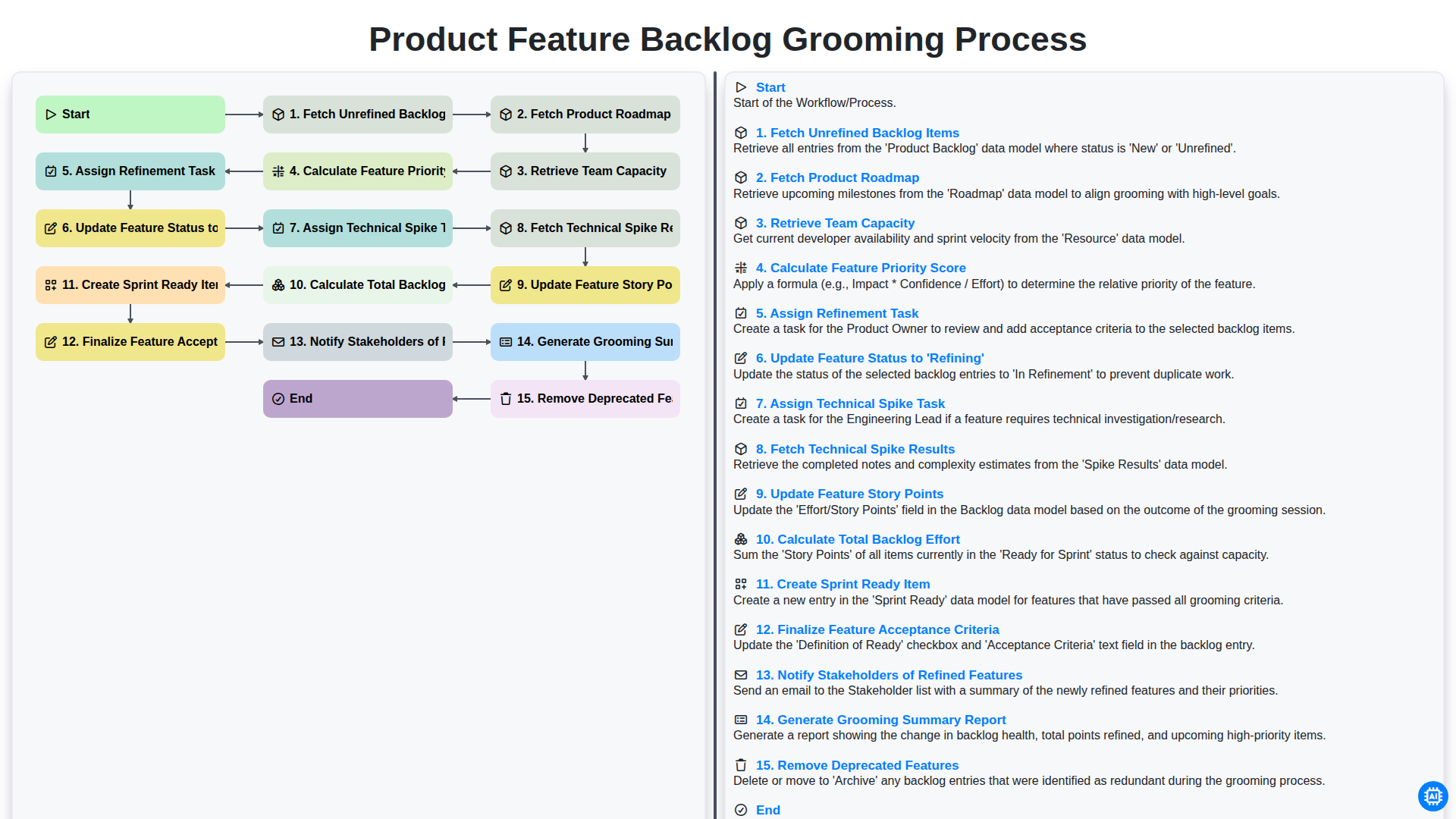
Product Feature Backlog Grooming Process
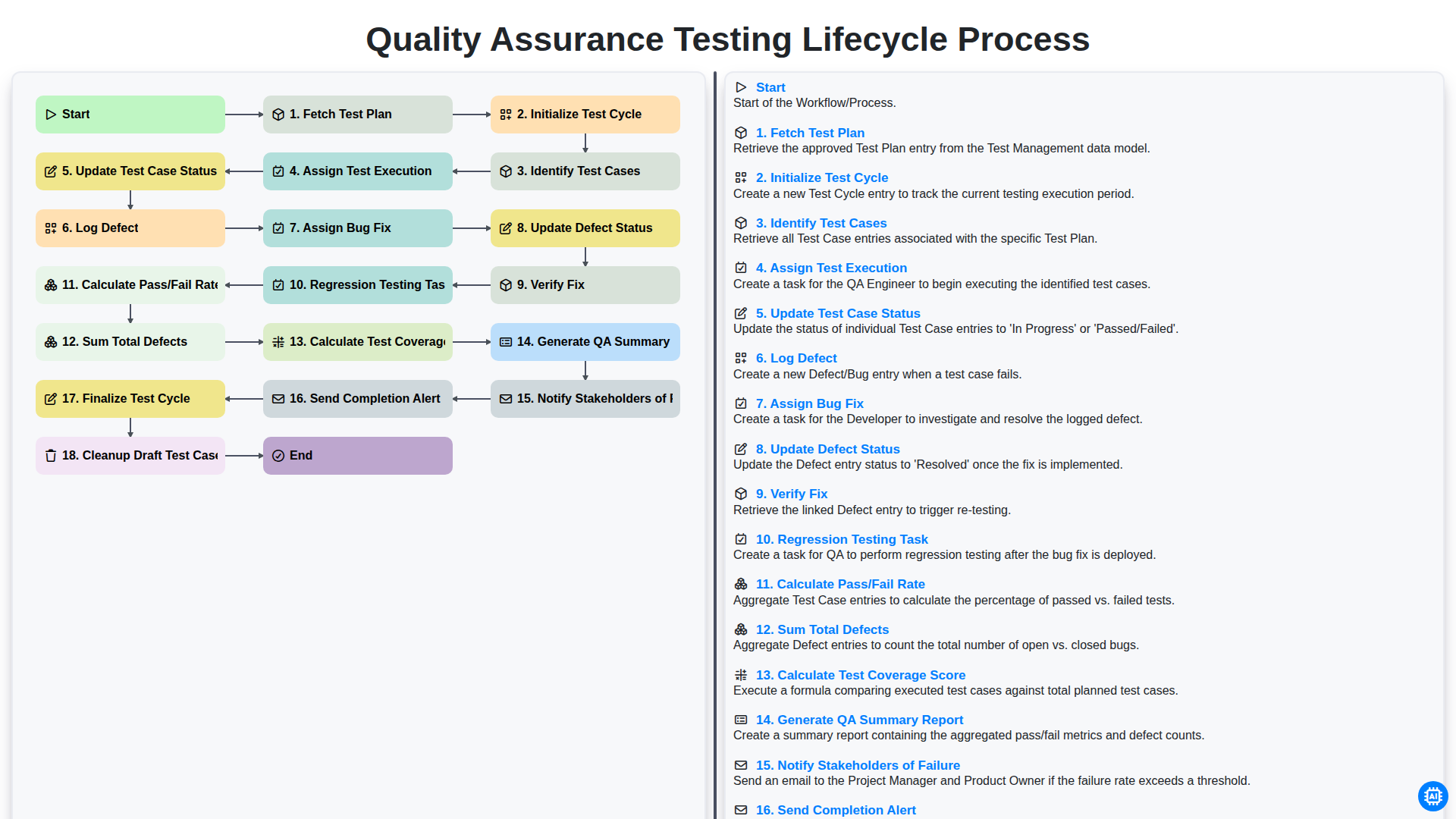
Quality Assurance Testing Lifecycle Process
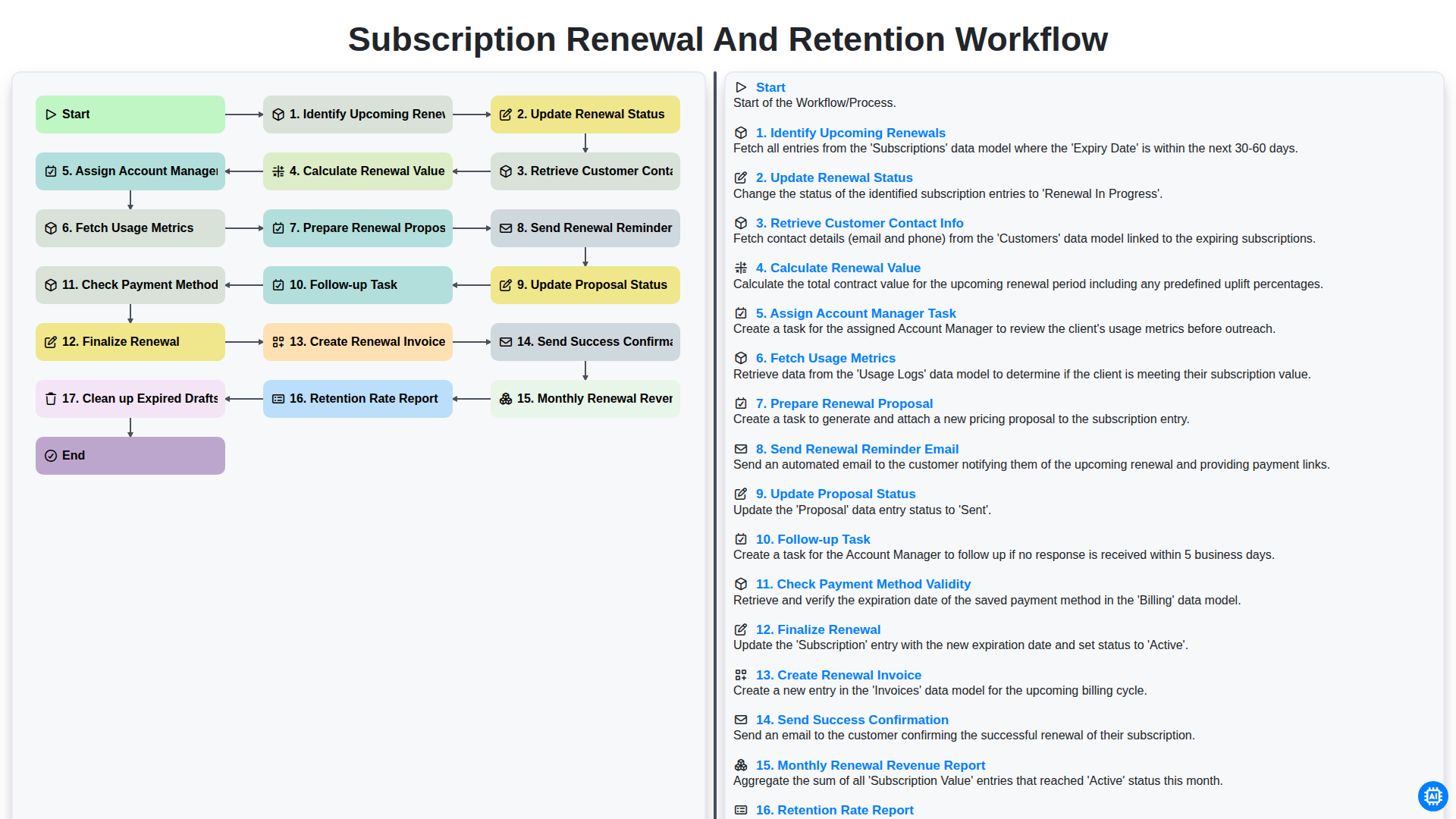
Subscription Renewal and Retention Workflow

B2B Lead Nurturing Process
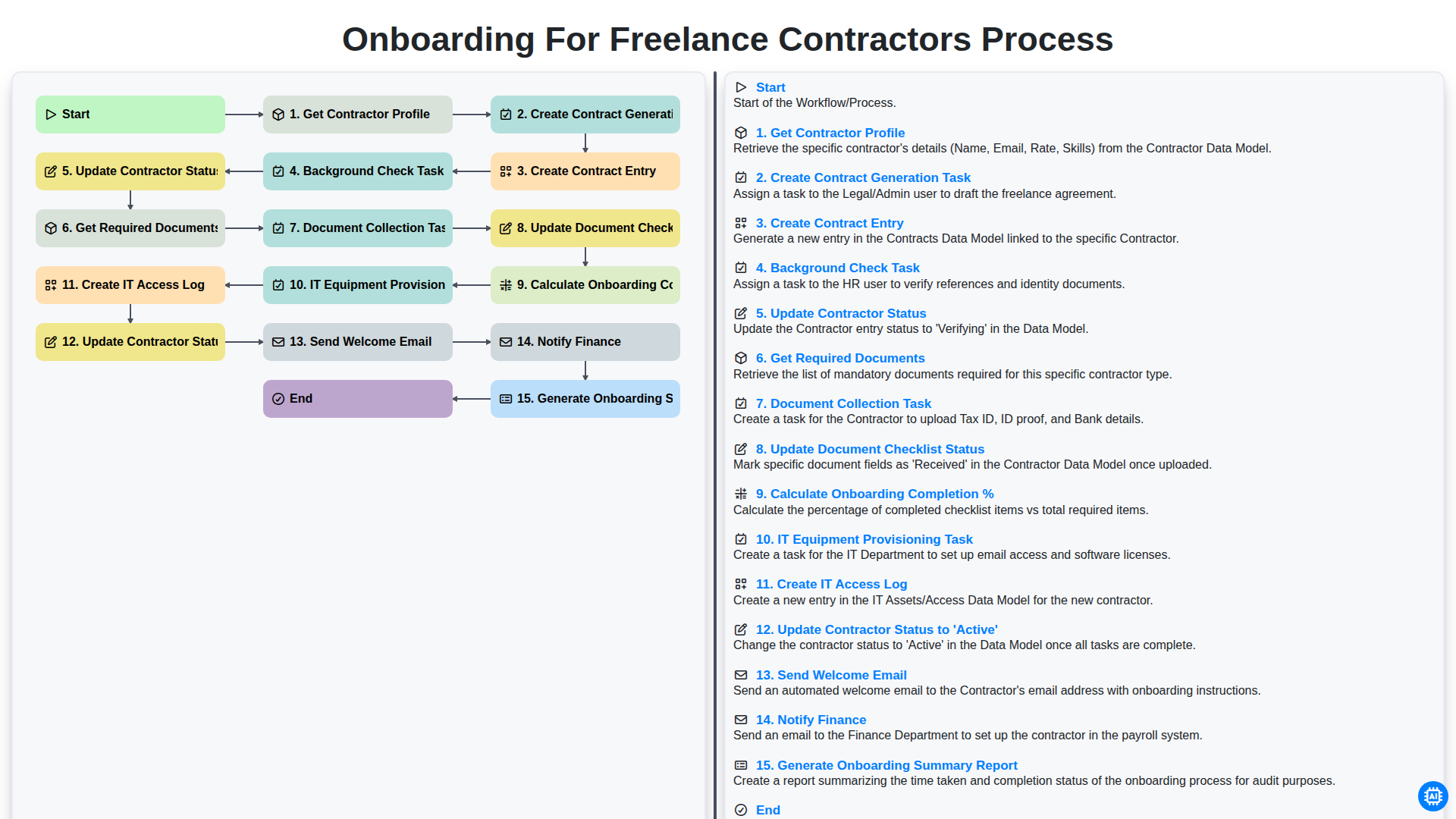
Onboarding for Freelance Contractors Process

Audit and Compliance Monitoring Workflow
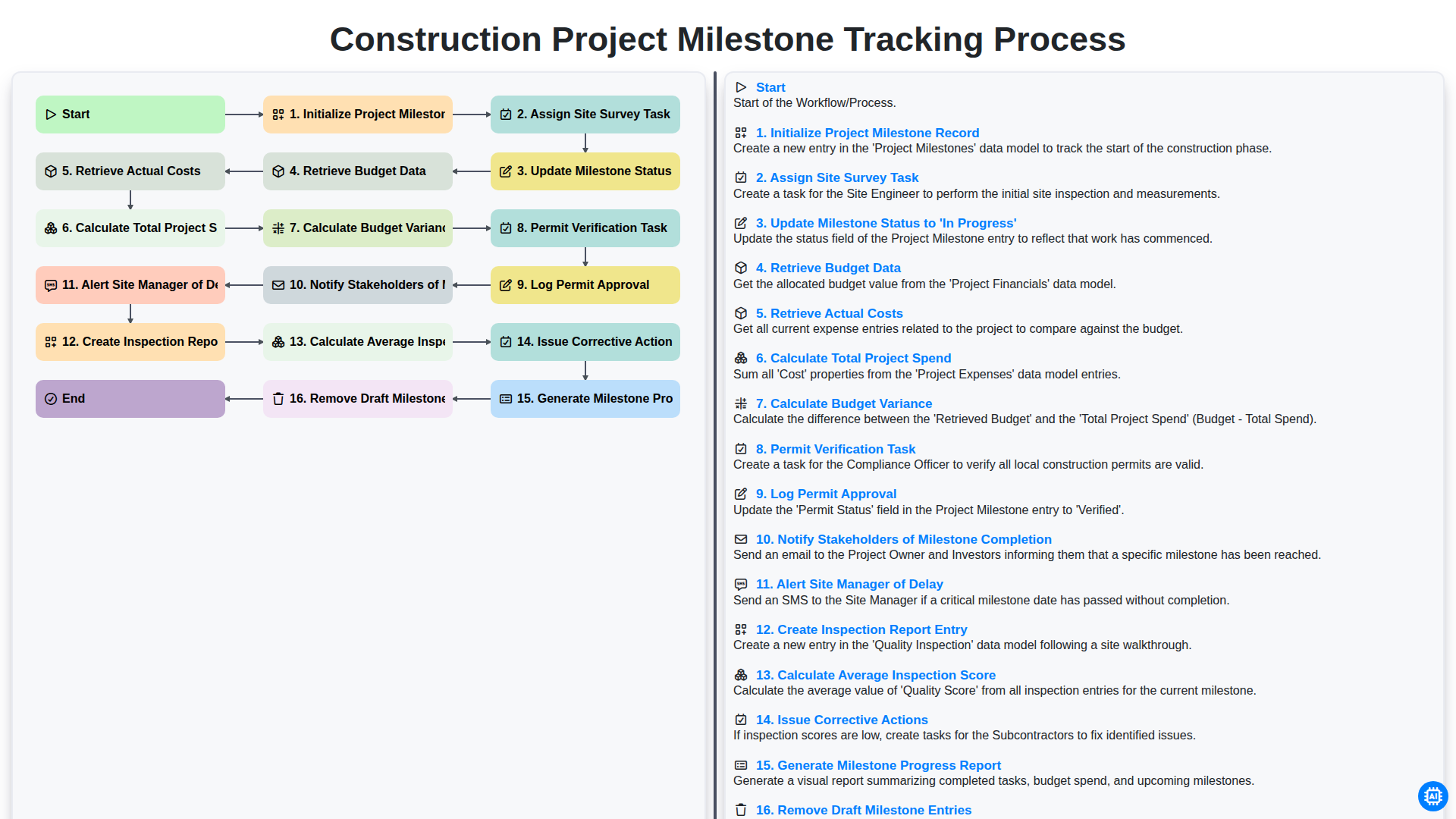
Construction Project Milestone Tracking Process
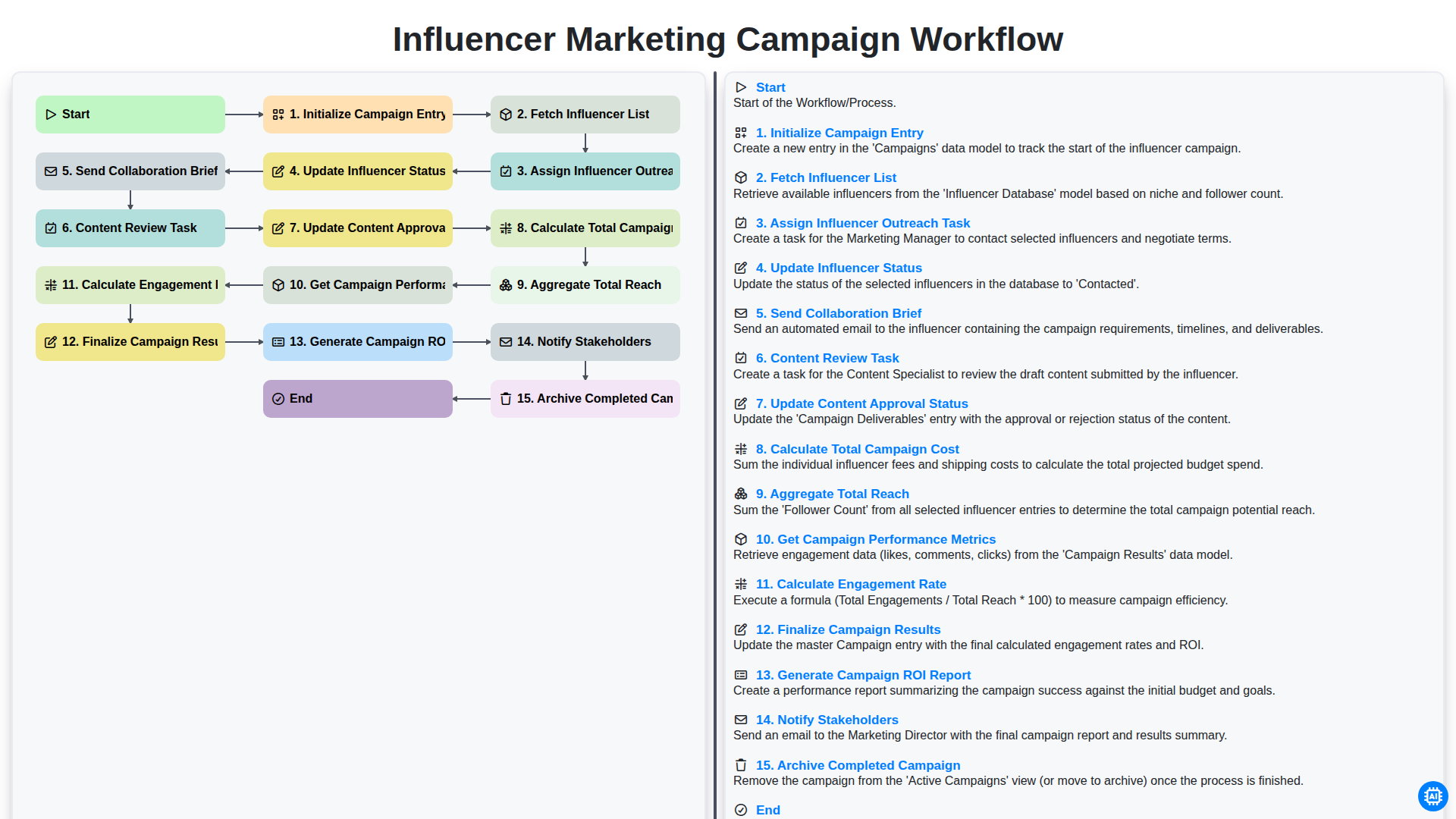
Influencer Marketing Campaign Workflow
Możemy to zrobić razem
Potrzebujesz pomocy z listami kontrolnymi?
Masz pytanie? Jesteśmy tu, aby pomóc. Prześlij zapytanie, a my szybko na nie odpowiemy.