 ChecklistGuro
Online Review Response Plan
**Option 1 (Concise):** Protect your hotel's reputation! Download our free Online Review Response Plan checklist for hospitality businesses & master guest feedback management. Boost bookings & improve your star rating. **Option 2 (Detailed):** Don't let negative reviews hurt your hotel's success! Our comprehensive Online Review Response Plan checklist equips hospitality businesses with a proven strategy for managing online feedback, from TripAdvisor to Google. Improve your online reputation, increase guest loyalty, and drive more bookings - download now! **Option 3 (Benefit-focused):** Turn online reviews into opportunities! Our Online Review Response Plan checklist for hotels & restaurants will help you build trust, enhance your brand, and attract more guests. Get your free guide today!
Este modelo foi instalado 1 vezes.
Review Monitoring & Alerts
Establish systems for actively monitoring online review platforms and receiving timely alerts when new reviews are posted.
Frequency of Review Platform Checks (per day)
Primary Review Platforms to Monitor (Initial Focus)
Specify 'Other' platforms (if selected above)
Alert Method(s) - Which methods will trigger an alert?
Review Types to Trigger Alerts (e.g., 1-star, 5-star)
Describe any existing review monitoring tools in use.
Review Platform Prioritization
Identify which review platforms (e.g., Google, TripAdvisor, Booking.com, Yelp) are most impactful for your business and prioritize response efforts accordingly.
Which review platforms are most impactful for your hospitality business?
If 'Other' was selected above, please specify the platform(s):
Estimate the percentage of total bookings/reservations originating from Google Business Profile:
Estimate the percentage of total bookings/reservations originating from TripAdvisor:
Estimate the percentage of total bookings/reservations originating from Booking.com:
Which platform receives the most reviews per week?
Briefly explain the reasoning behind your platform prioritization. What makes these platforms particularly important for your brand?
Response Team & Roles
Define who is responsible for monitoring, responding to, and escalating reviews within your team. Include contact information and backup personnel.
Primary Review Response Contact Name
Primary Contact Phone Number
Primary Contact Email Address
Primary Contact Role
Secondary Review Response Contact Name
Secondary Contact Phone Number
Secondary Contact Email Address
Secondary Contact Role
Platforms with Response Responsibility
Review Response Guidelines
Create guidelines for tone, brand voice, and legal considerations for responding to reviews. This includes addressing negative, positive, and neutral reviews.
Overall Tone of Voice Guidelines
Standard Greeting for Positive Reviews
Standard Acknowledgment Phrase for Negative Reviews
Guidelines for Addressing Specific Complaints (e.g., cleanliness, noise, service)
Prohibited Phrases or Language (e.g., arguing, defensiveness, blaming)
Maximum Response Time (hours)
Handling Personal Information Requests (e.g., contact information for complaints)
Response Templates (Positive Reviews)
Develop pre-approved templates for responding to positive reviews to ensure consistency and efficiency.
Standard Thank You Template (General)
Template for Reviews Highlighting Specific Service (e.g., Breakfast, Cleanliness)
Template for Reviews Mentioning Staff by Name
Default Level of Enthusiasm (Selection)
Emoji Usage (Scale 1-5)
Offer Inclusion (Selection)
Response Templates (Negative Reviews)
Create templates for addressing negative reviews, focusing on empathy, acknowledgment, and resolution. Include escalation paths for complex issues.
Template 1: Acknowledging & Apologizing (Minor Issue)
Template 1 Example: [Example text apologizing and acknowledging the issue]
Template 2: Acknowledging & Investigating (Serious Issue)
Template 2 Example: [Example text acknowledging, apologizing, and outlining investigation steps]
Desired Resolution Offer (Select One)
Personalized Follow-up Notes (Optional)
Escalation Required? (Review Severity)
Notes for Escalation (If Applicable)
Escalation Procedures
Outline the process for escalating complex or sensitive reviews to management or other relevant departments.
Review Score Threshold for Manager Escalation
Review Type Requiring Manager Involvement
Detailed Description of Issue for Escalation
Reviewer Sentiment requiring Escalation
Date of Review (if critical for context)
Suggested Actions for Manager (e.g., direct contact, refund, investigation)
Department to Notify (if applicable)
Escalated To (Name/Title)
Review Recovery Strategies
Define strategies for addressing and potentially recovering from particularly damaging or unfair reviews. This might include contacting the reviewer directly or seeking platform intervention.
Documented Process for Contacting Reviewer (If Appropriate)
Maximum Time to Initiate Contact (Hours)
Contact Method Preference (If Applicable)
Template for Outreach to Reviewer (Explanation of Discrepancy/Offer of Resolution)
Potential Resolution Options to Offer (Check all that apply)
Specify 'Other' Resolution Option (If Selected)
Internal Escalation Required? (For complex review situations)
Date of Reviewer Contact (If Applicable)
Notes on Reviewer Contact and Outcome (Document all communication)
Legal & Compliance Considerations
Ensure all responses comply with relevant legal guidelines, including truthfulness, accuracy, and privacy regulations. Consult with legal counsel as needed.
Summary of Relevant Privacy Laws (e.g., GDPR, CCPA)
Are you familiar with the platform's Terms of Service regarding review responses?
Outline the process for handling potentially defamatory reviews and seeking legal counsel.
Do responses adhere to truth-in-advertising guidelines?
Describe procedures for handling reviews containing personal information (PII) of guests or staff.
Are responses checked for compliance with non-disparagement clauses in contracts (if applicable)?
Training & Education
Provide training to all team members involved in review response, covering guidelines, platform best practices, and handling difficult situations.
Review of Brand Voice & Tone Guidelines
Platforms Covered in Training (Select All That Apply)
Role-Playing Scenarios (Negative Review Response)
Number of Training Sessions Completed (per Team Member)
Preferred Training Format
Last Training Completion Date (per Team Member)
Training Documentation (e.g., presentation slides)
Regular Review & Updates
Schedule regular reviews of the Online Review Response Plan to ensure it remains effective and aligns with business needs and platform updates.
Last Plan Review Date
Frequency of Plan Review (Months)
Summary of Changes Made During Last Review
Areas of the Plan Reviewed
Notes and Recommendations for Future Updates
Overall Assessment of Plan Effectiveness (Scale of 1-5, 1=Needs Improvement, 5=Excellent)
Next Scheduled Review Date
Perguntas Mais Frequentes
Posso personalizar este modelo depois de instalá-lo?
Com certeza. Após a instalação, você pode adicionar, remover ou reorganizar tarefas, adicionar campos personalizados e ajustar os prazos para que se adequem ao seu fluxo de trabalho específico.
Posso adicionar imagens ou fotografias aos itens desta lista de verificação?
Sim. A nossa plataforma permite anexar fotografias, assinaturas e notas a qualquer item de uma lista de verificação, para uma melhor confirmação e comprovação da conclusão da tarefa.
Posso criar uma lista de verificação personalizada do zero, em vez de usar um modelo?
Sim. Pode usar a nossa funcionalidade para criar um fluxo de trabalho único, adaptado às suas necessidades operacionais específicas.
Posso adicionar dependências entre as tarefas?
Sim, pode configurar lógica condicional e dependências para garantir que a sua equipa siga a sequência correta de operações.
Posso atribuir itens específicos de uma lista de verificação a diferentes membros da equipa?
Sim. Pode atribuir tarefas individuais a colaboradores específicos, garantindo uma clara definição de responsabilidades em toda a sua equipa.
Posso usar estas listas de verificação em dispositivos móveis, diretamente no local de trabalho?
Sim. A nossa plataforma é totalmente adaptável, permitindo que a sua equipa complete, atualize e carregue fotografias em listas de verificação diretamente a partir de qualquer smartphone ou tablet.
Como devo informar o meu gestor quando uma lista de verificação for concluída?
Pode configurar notificações automatizadas (por e-mail, notificação push ou alertas dentro do aplicativo) para serem acionadas sempre que uma lista de verificação for concluída ou se um item não passar na inspeção.
É possível que várias pessoas trabalhem na mesma lista de verificação ao mesmo tempo?
Sim, a plataforma oferece suporte a atualizações em tempo real, permitindo que vários utilizadores contribuam para uma única lista de verificação dinâmica.
Onde são armazenados os dados das listas de verificação concluídas?
Todas as listas de verificação concluídas são armazenadas de forma segura no seu painel de controlo do Work OS, criando um registo de auditoria permanente e pesquisável das suas operações.
É possível gerar relatórios com base nos resultados da minha lista de verificação?
Sim. Pode acompanhar as taxas de conclusão, identificar problemas recorrentes e monitorizar o desempenho da equipa através das nossas ferramentas de análise e relatórios integradas.
Como posso usar estas listas de verificação para fins de conformidade ou auditoria?
Como as nossas listas de verificação registam carimbos de data e hora, fotografias e assinaturas digitais, servem como um registo digital completo e fiável para o cumprimento de requisitos legais e auditorias internas.
Posso exportar os dados da minha lista de verificação concluída para usá-los em outras ferramentas?
Sim. Pode exportar os seus dados em vários formatos (CSV, Excel, etc.) para integrar as informações operacionais com outros softwares de gestão empresarial.
Comentários
Ainda não existem comentários. Seja o primeiro a adicionar um!
Demonstração da Solução de Gestão Hoteleira
Gerir um hotel, restaurante ou outro negócio no setor da hotelaria é um desafio. A plataforma Work OS da ChecklistGuro simplifica a gestão, desde as reservas e o atendimento aos clientes até ao controlo de inventário e à organização de horários dos funcionários. Melhore a eficiência, aprimore a experiência dos clientes e aumente a rentabilidade! Descubra como a ChecklistGuro pode transformar as suas operações no setor da hotelaria.
Modelos de listas de verificação relacionados
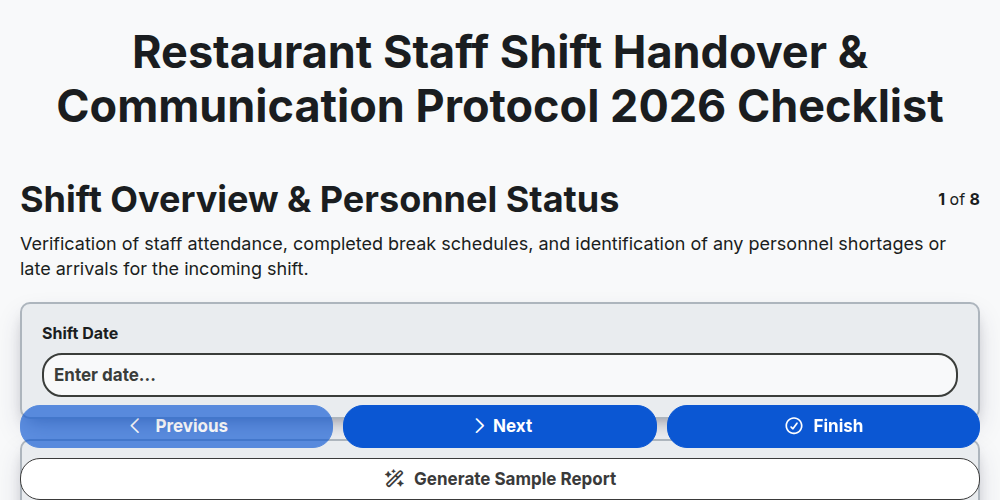
Restaurant Staff Shift Handover & Communication Protocol 2026
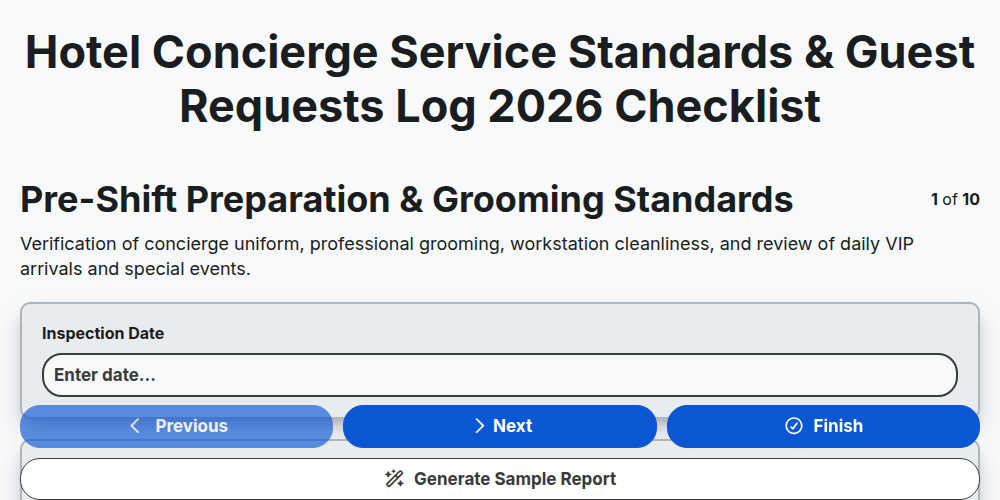
Hotel Concierge Service Standards & Guest Requests Log 2026
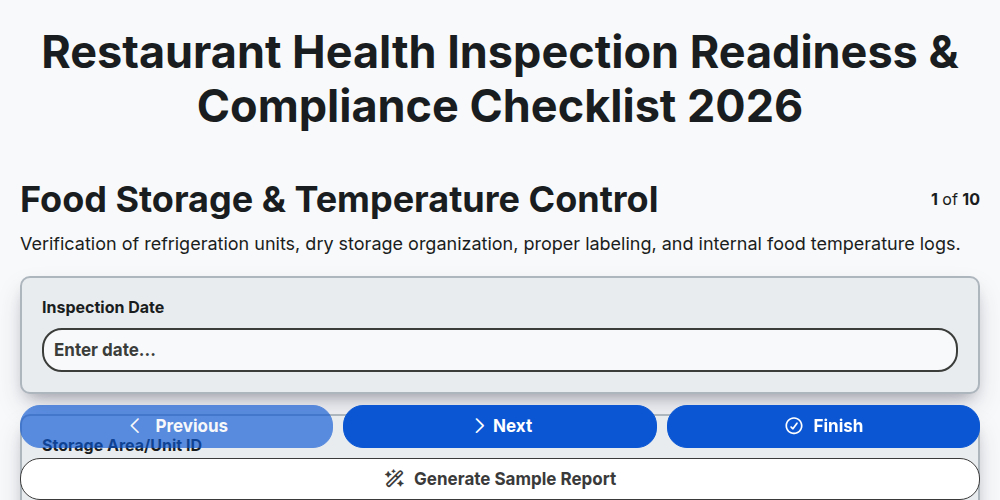
Restaurant Health Inspection Readiness & Compliance Checklist 2026
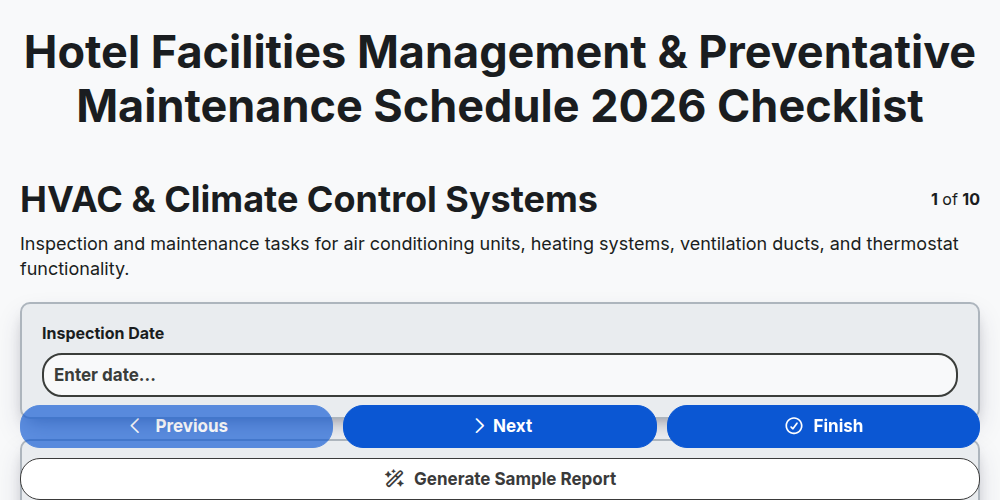
Hotel Facilities Management & Preventative Maintenance Schedule 2026
Restaurant Kitchen Opening & Closing Sanitation Audit 2026
Hotel Laundry Operations & Linen Quality Control Checklist 2026
Banquet Staff Training & Service Excellence Protocol 2026
Hotel Loyalty Program & Guest Retention Strategy Checklist 2026
Precisa de ajuda com o(a) Hospitalidade?
Tem alguma dúvida? Estamos aqui para ajudar. Envie a sua questão e responderemos o mais breve possível.