 ChecklistGuro
 Distribution Center Operations Workflow
Streamline your supply chain with our comprehensive Distribution Center Operations Workflow. Master every stage of the fulfillment lifecycle-from inbound receiving and inventory management to picking, packing, and outbound shipping-to optimize warehouse efficiency, reduce lead times, and eliminate operational bottlenecks in your logistics network.
Este modelo foi instalado 2 vezes.
Começar
Início do fluxo de trabalho/processo.
1. Fetch Pending Shipments
Retrieve all shipment entries currently marked as 'Ready for Picking' from the Shipment Data Model.
2. Calculate Total Order Volume
Sum the total number of units across all pending shipment entries to determine warehouse workload.
3. Assign Picking Task
Create a task for the Warehouse Floor Supervisor to initiate the picking process for the identified shipments.
4. Update Shipment Status to 'Picking'
Change the status of the selected shipment entries from 'Ready for Picking' to 'In Progress'.
5. Check Inventory Levels
Retrieve inventory levels for all SKUs included in the current picking wave from the Inventory Data Model.
6. Calculate Stock Shortage
Subtract 'Required Quantity' from 'Available Quantity' to identify if any items are out of stock.
7. Create Replenishment Task
Generate a task for the Receiving Team if the calculation identifies a stock shortage.
8. Create Replenishment Order
Create a new entry in the Procurement Data Model to restock the depleted SKUs.
9. Assign Packing Task
Create a task for the Packing Station staff once the 'Picking' task is marked as complete.
10. Update Shipment Status to 'Packed'
Update the shipment record to indicate that items have been verified and boxed.
11. Get Carrier Details
Fetch shipping carrier information and contact details from the Carrier Data Model.
12. Create Shipping Label Record
Create a new entry in the Logistics Data Model containing tracking numbers and manifest details.
13. Notify Customer of Dispatch
Send an automated email to the customer's email address contained in the Order Entry.
14. Update Shipment Status to 'Dispatched'
Finalize the shipment status as 'Dispatched' and move it to the completed stage.
15. Generate Daily Dispatch Report
Generate a summary report of all shipments dispatched within the last 24 hours for management review.
16. Notify Driver of Pickup
Send an SMS to the assigned delivery driver notifying them that the shipment is ready for pickup at the loading dock.
17. Clear Completed Picking Wave
Remove temporary 'Picking Wave' entries from the active dashboard once the wave is fully processed.
Fim
Fim do fluxo de trabalho/processo.
Início do fluxo de trabalho/processo.
Retrieve all shipment entries currently marked as 'Ready for Picking' from the Shipment Data Model.
Sum the total number of units across all pending shipment entries to determine warehouse workload.
Create a task for the Warehouse Floor Supervisor to initiate the picking process for the identified shipments.
Change the status of the selected shipment entries from 'Ready for Picking' to 'In Progress'.
Retrieve inventory levels for all SKUs included in the current picking wave from the Inventory Data Model.
Subtract 'Required Quantity' from 'Available Quantity' to identify if any items are out of stock.
Generate a task for the Receiving Team if the calculation identifies a stock shortage.
Create a new entry in the Procurement Data Model to restock the depleted SKUs.
Create a task for the Packing Station staff once the 'Picking' task is marked as complete.
Update the shipment record to indicate that items have been verified and boxed.
Fetch shipping carrier information and contact details from the Carrier Data Model.
Create a new entry in the Logistics Data Model containing tracking numbers and manifest details.
Send an automated email to the customer's email address contained in the Order Entry.
Finalize the shipment status as 'Dispatched' and move it to the completed stage.
Generate a summary report of all shipments dispatched within the last 24 hours for management review.
Send an SMS to the assigned delivery driver notifying them that the shipment is ready for pickup at the loading dock.
Remove temporary 'Picking Wave' entries from the active dashboard once the wave is fully processed.
Fim do fluxo de trabalho/processo.
Achou este modelo de fluxo de trabalho útil?
Comentários
Ainda não existem comentários. Seja o primeiro a adicionar um!
Demonstração da Solução de Gestão de Logística
Cansado de atrasos nas entregas, encomendas extraviadas e rotas ineficientes? A plataforma Work OS da ChecklistGuro otimiza toda a sua operação logística, desde a gestão de armazém e o processamento de pedidos até a otimização de rotas e o rastreamento de entregas. Obtenha visibilidade em tempo real, reduza custos e melhore a satisfação do cliente. Descubra como a ChecklistGuro pode transformar o seu negócio de logística!
Modelos de Fluxo de Trabalho Relacionados

Logistics Risk Management Process

Dangerous Goods Compliance Workflow
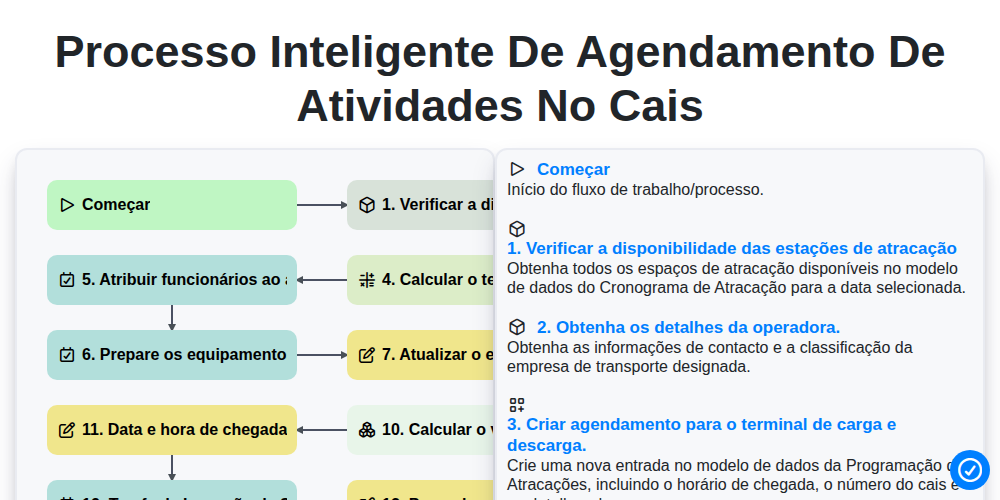
Processo Inteligente de Agendamento de Atividades no Cais

Transportation Management System (TMS) Workflow
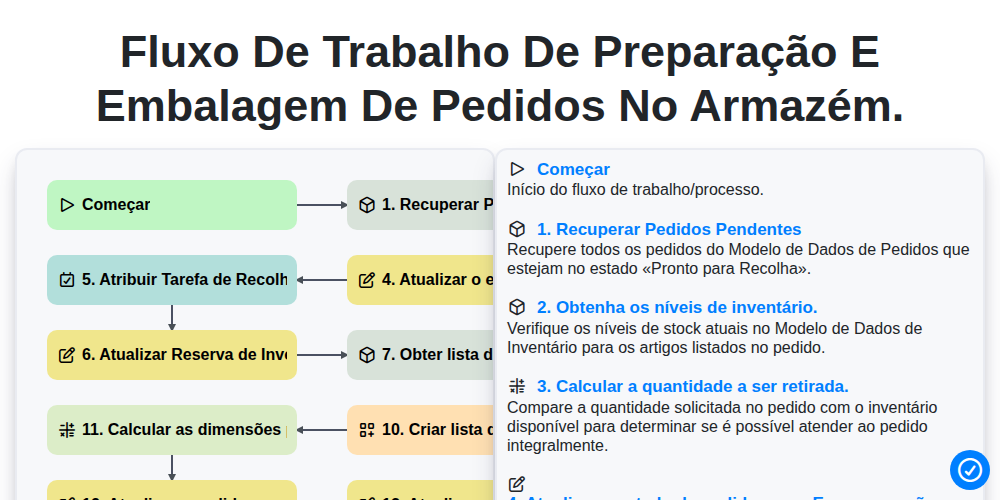
Fluxo de trabalho de preparação e embalagem de pedidos no armazém.

Inventory Replenishment Automation Process

Digital Bill of Lading Management Workflow
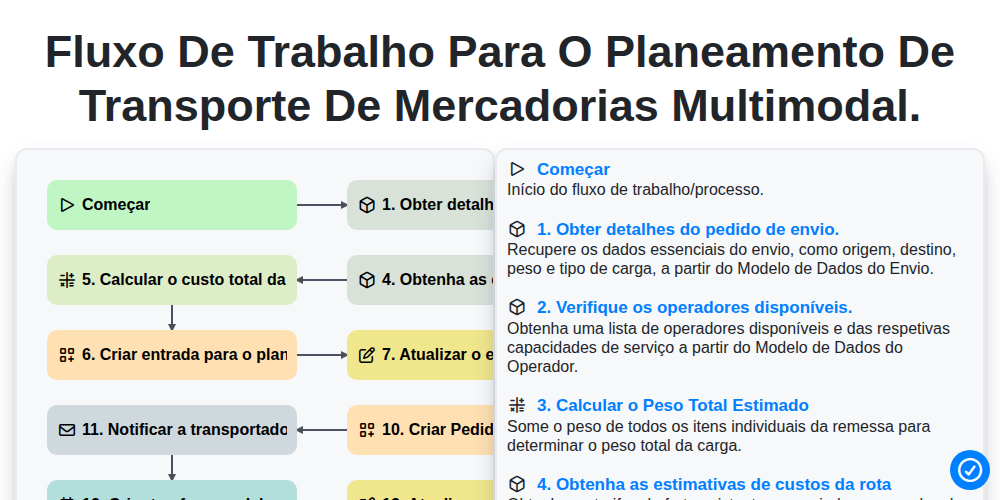
Fluxo de trabalho para o planeamento de transporte de mercadorias multimodal.
Podemos fazer isso juntos.
Precisa de ajuda com o(a) Logística?
Tem alguma dúvida? Estamos aqui para ajudar. Envie a sua questão e responderemos o mais breve possível.