 ChecklistGuro
 Freight Audit and Payment Process
Streamline your supply chain efficiency with our comprehensive Freight Audit and Payment Process. Learn how to eliminate billing errors, prevent overcharges, and automate carrier invoice reconciliation to optimize logistics spend and ensure 100% payment accuracy.
Este modelo foi instalado 4 vezes.
Começar
Início do fluxo de trabalho/processo.
1. Fetch Pending Invoices
Retrieve all unpaid invoice entries from the Freight Invoice data model.
2. Fetch Carrier Contracts
Retrieve contract rate cards from the Carrier Agreement data model to use as a baseline for validation.
3. Calculate Total Invoice Amount
Sum the base freight cost, fuel surcharges, and accessorial fees from the invoice entry.
4. Get Audit Discrepancies
Retrieve any identified discrepancies between the invoice amount and the contracted rate.
5. Calculate Variance Percentage
Calculate the percentage difference between the invoiced amount and the expected contract amount.
6. Assign Discrepancy Investigation
Create a task for the Audit Specialist to investigate if the variance exceeds the allowed threshold.
7. Update Invoice Audit Status
Update the status of the invoice entry to 'In Audit' or 'Discrepancy Found'.
8. Carrier Dispute Resolution Task
Create a task for the Carrier Relations Manager to contact the carrier regarding disputed charges.
9. Notify Carrier of Dispute
Send an email to the carrier's billing contact with details of the disputed line items.
10. Finalize Audit Approval
Update the invoice entry to 'Approved for Payment' once all checks pass.
11. Aggregate Total Monthly Liability
Sum the total value of all approved invoices for the current billing cycle to prepare for payment run.
12. Execute Payment Disbursement
Create a task for the Finance Department to execute the actual bank transfer/payment.
13. Mark Invoice as Paid
Update the invoice entry status to 'Paid' and record the payment reference number.
14. Send Payment Advice to Carrier
Send an automated email to the carrier confirming that payment has been processed.
15. Generate Monthly Audit Savings Report
Create a report showing total amount saved through discrepancy identification and recovery.
Fim
Fim do fluxo de trabalho/processo.
Início do fluxo de trabalho/processo.
Retrieve all unpaid invoice entries from the Freight Invoice data model.
Retrieve contract rate cards from the Carrier Agreement data model to use as a baseline for validation.
Sum the base freight cost, fuel surcharges, and accessorial fees from the invoice entry.
Retrieve any identified discrepancies between the invoice amount and the contracted rate.
Calculate the percentage difference between the invoiced amount and the expected contract amount.
Create a task for the Audit Specialist to investigate if the variance exceeds the allowed threshold.
Update the status of the invoice entry to 'In Audit' or 'Discrepancy Found'.
Create a task for the Carrier Relations Manager to contact the carrier regarding disputed charges.
Send an email to the carrier's billing contact with details of the disputed line items.
Update the invoice entry to 'Approved for Payment' once all checks pass.
Sum the total value of all approved invoices for the current billing cycle to prepare for payment run.
Create a task for the Finance Department to execute the actual bank transfer/payment.
Update the invoice entry status to 'Paid' and record the payment reference number.
Send an automated email to the carrier confirming that payment has been processed.
Create a report showing total amount saved through discrepancy identification and recovery.
Fim do fluxo de trabalho/processo.
Achou este modelo de fluxo de trabalho útil?
Comentários
Ainda não existem comentários. Seja o primeiro a adicionar um!
Demonstração da Solução de Gestão de Logística
Cansado de atrasos nas entregas, encomendas extraviadas e rotas ineficientes? A plataforma Work OS da ChecklistGuro otimiza toda a sua operação logística, desde a gestão de armazém e o processamento de pedidos até a otimização de rotas e o rastreamento de entregas. Obtenha visibilidade em tempo real, reduza custos e melhore a satisfação do cliente. Descubra como a ChecklistGuro pode transformar o seu negócio de logística!
Modelos de Fluxo de Trabalho Relacionados

Logistics Risk Management Process

Dangerous Goods Compliance Workflow
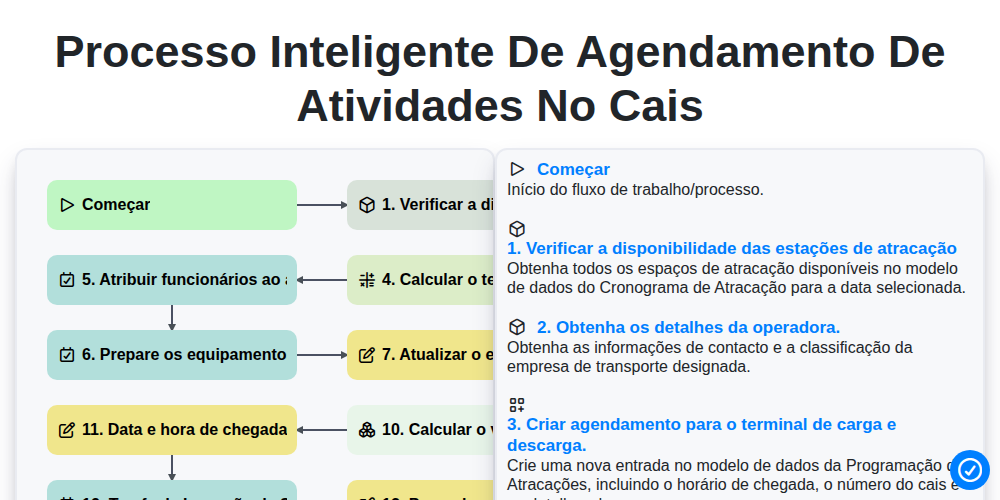
Processo Inteligente de Agendamento de Atividades no Cais

Transportation Management System (TMS) Workflow
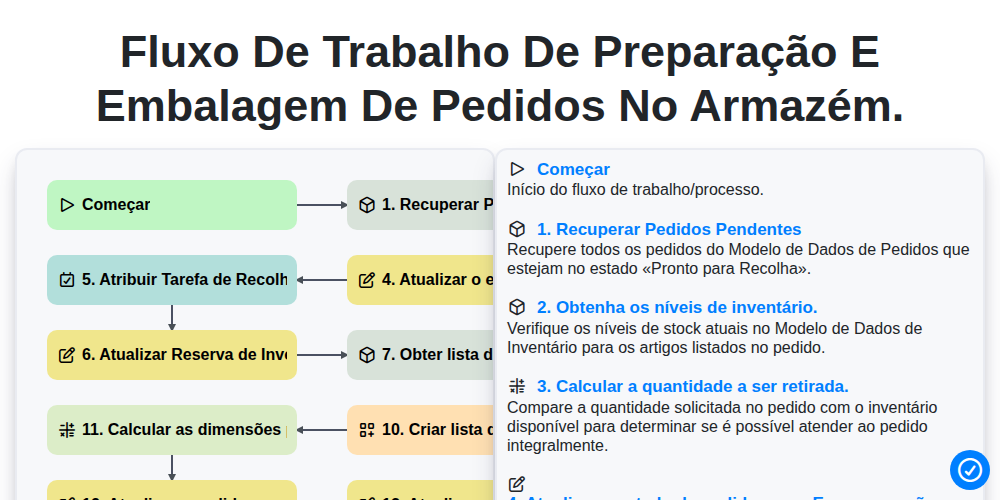
Fluxo de trabalho de preparação e embalagem de pedidos no armazém.

Inventory Replenishment Automation Process

Digital Bill of Lading Management Workflow
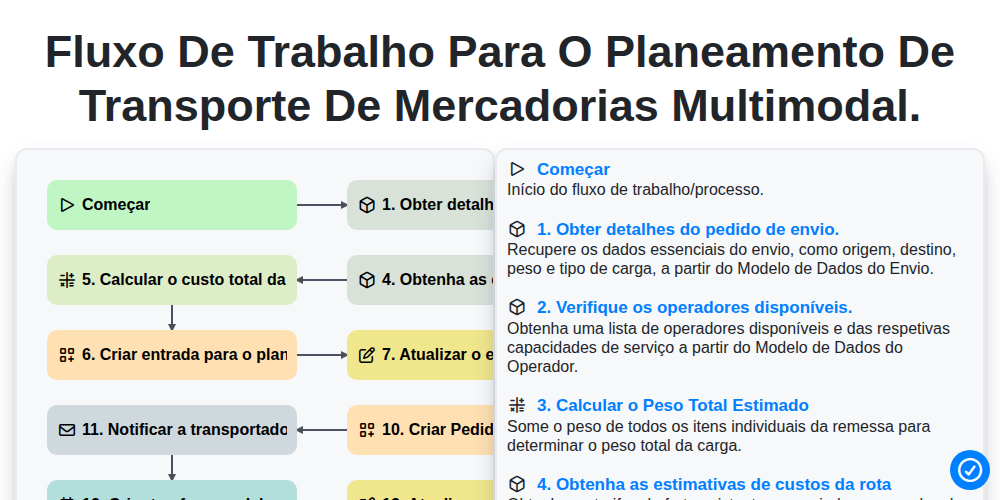
Fluxo de trabalho para o planeamento de transporte de mercadorias multimodal.
Podemos fazer isso juntos.
Precisa de ajuda com o(a) Logística?
Tem alguma dúvida? Estamos aqui para ajudar. Envie a sua questão e responderemos o mais breve possível.