 ChecklistGuro
 Шаблон за контролен списък за отминаване от хотел
Осигурете плавно напускане на гостите и минимизирайте оперативните пропуски! Нашият Шаблон за Проверка при Отпътуване на Гости – оптимизира процеса на вашия екип – от събиране на ключове до актуализиране на статуса на стаите. Изтеглете сега и повишете ефективността на вашия хотел.
This Template was installed 2 times.
Проверка на гостевата стая
Проверете дали стаята е чиста, без повреди и всички вещи са на място.
Номер на стаята
Обща чистота
Състояние на леглото
Чистота на банята
Забележки за щети/поддръжка
Липсващи удобства?
Фото доказателство (ако е необходимо)
Ключов контрол
Съберете и регистрирайте всички ключове и картони за стаите.
Номер на стаята
Ключов/и номер(и)
Статуси на ключови показатели
Дата на събиране
Време за събиране
Инициали на служителя
Тип ключ
Отопление, вентилация и климатични системи и комунални услуги
Потвърдете, че HVAC е изключен и комуналните услуги са изключени.
Настройка на термостата (Последна)
Статус на отоплително/охладително/вентилационно (ОВВ) устройство
Напрежение (ако е приложимо)
Статус на водоразгревателя
Единица на време Крайно обслужен
Бележки за отопление, вентилация и кондициониране/комунални услуги
Изгубени и намерени
Проверете дали нямат оставили вещи и регистрирайте ги в „Изгубено и намерено“.
Описание на артикула
Категория на артикула
Приблизителна стойност (USD)
Дата на намиране
Намерена локация (Номер на стаята/Зона)
Име на госта (ако е известно)
Снимка на артикула (По избор)
Съобщение за щети
Документирайте всяка съществуваща или нова повреда в стаята и докладвайте я.
Подробно описание на щетите
Оценка на разходите за ремонт ($)
Категория на щети
Прикачете снимки на повредите
Ниво на спешност
Дата на забелязани щети
Последна преминаваща проверка
Направете последна проверка, за да се уверите, че всичко е наред.
Проме номер е потвърден
Забележали ли повреди?
Състояние на отопление, вентилация и климатизация (HVAC)
Светлините работят?
Необичайни миризми?
Дата на инспекция
Комуникация за поддържане на чистота
Предайте състоянието на стаята и всякакви необходими ремонти на обслужващото персонала.
Заявки за поддръжка
Проблеми с състоянието на стаята
Очаков срок за ремонт (часове)
Ниво на приоритет
Дата на докладване
Фактуриране и плащания
Потвърдете, че гостът е изплатил сметката си и плащанията са обработени.
Такса за стая
Данък
Такса за услуга
Приложени отстъпки
Обща дължима сума
Метод на плащане
Бележки/Коментари относно плащането
Frequently Asked Questions
Can I customize this template after installing it?
Absolutely. Once installed, you can add, remove, or reorder tasks, add custom fields, and adjust deadlines to fit your specific workflow.
Can I add images or photos to these checklist items?
Yes. Our platform allows you to attach photos, signatures, and notes to any checklist item for better verification and proof of completion.
Can I create a custom checklist from scratch instead of using a template?
Yes. You can use our "Create your own checklist" feature to build a unique workflow tailored exactly to your operational requirements.
Can I add dependencies between tasks?
Yes, you can set up conditional logic and dependencies to ensure your team follows the correct sequence of operations.
Can I assign specific checklist items to different team members?
Yes. You can assign individual tasks to specific employees, ensuring clear accountability across your entire team.
Can I use these checklists on mobile devices in the field?
Yes. Our platform is fully responsive, allowing your team to complete, update, and upload photos to checklists directly from any smartphone or tablet.
How do I notify my manager when a checklist is completed?
You can set up automated notifications (via email, push notification, or in-app alerts) to trigger whenever a checklist is finished or if an item fails inspection.
Can multiple people work on the same checklist simultaneously?
Yes, the platform supports real-time updates, allowing multiple users to contribute to a single live checklist.
Where is the data from completed checklists stored?
All completed checklists are stored securely in your Work OS dashboard, creating a permanent, searchable audit trail of your operations.
Can I generate reports based on my checklist results?
Yes. You can track completion rates, identify recurring issues, and monitor team performance through our integrated reporting and analytics tools.
How can I use these checklists for compliance or auditing purposes?
Because our checklists capture timestamps, photos, and digital signatures, they serve as a robust digital paper trail for regulatory compliance and internal audits.
Can I export my completed checklist data for use in other tools?
Yes. You can export your data in various formats (CSV, Excel, etc.) to integrate your operational insights with your other business software.
Comments
There are no comments yet. Be the first to add one!
Hospitality Management Solution Demo
Running a hotel, restaurant, or other hospitality business is demanding. ChecklistGuro's Work OS platform simplifies management, from reservations and guest services to inventory and staff scheduling. Improve efficiency, enhance guest experience, and boost profitability! See how ChecklistGuro can transform your hospitality operations.
Related Checklist Templates
Restaurant Staff Shift Handover & Communication Protocol 2026
Hotel Concierge Service Standards & Guest Requests Log 2026
Restaurant Health Inspection Readiness & Compliance Checklist 2026
Hotel Facilities Management & Preventative Maintenance Schedule 2026
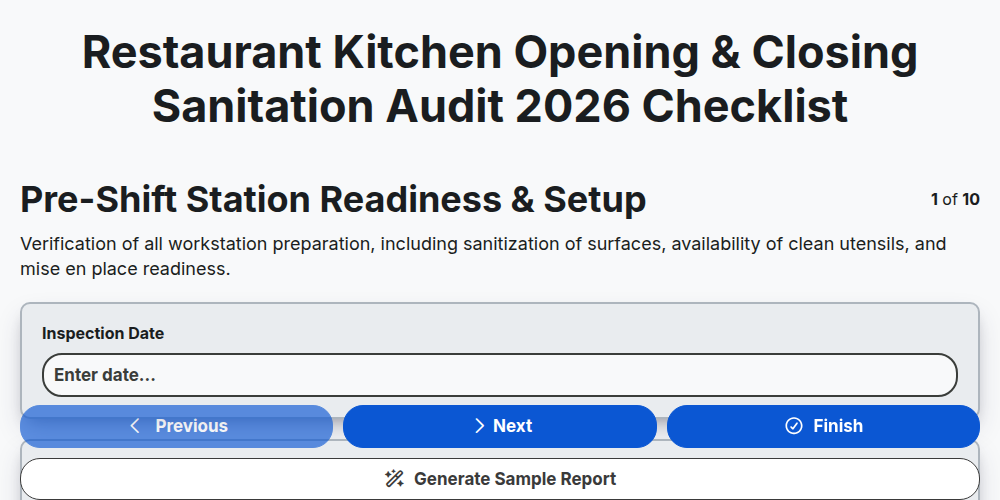
Restaurant Kitchen Opening & Closing Sanitation Audit 2026
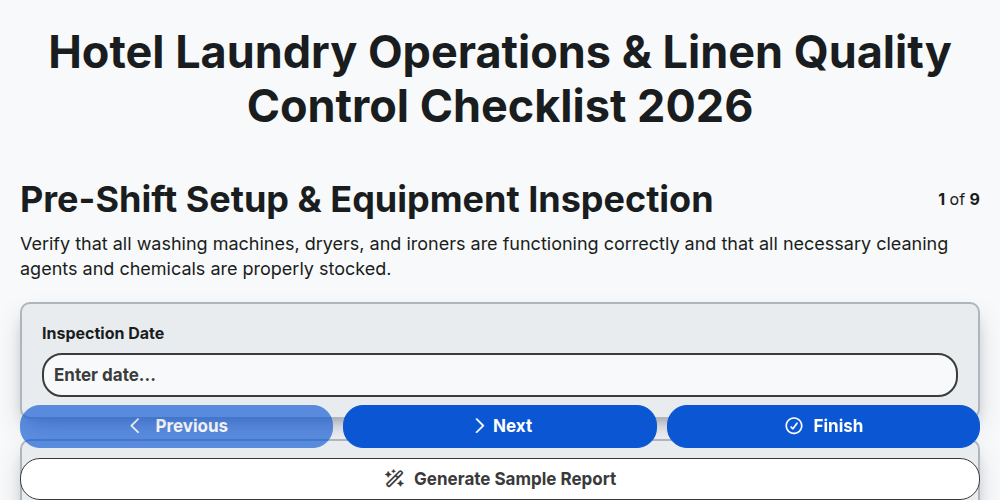
Hotel Laundry Operations & Linen Quality Control Checklist 2026
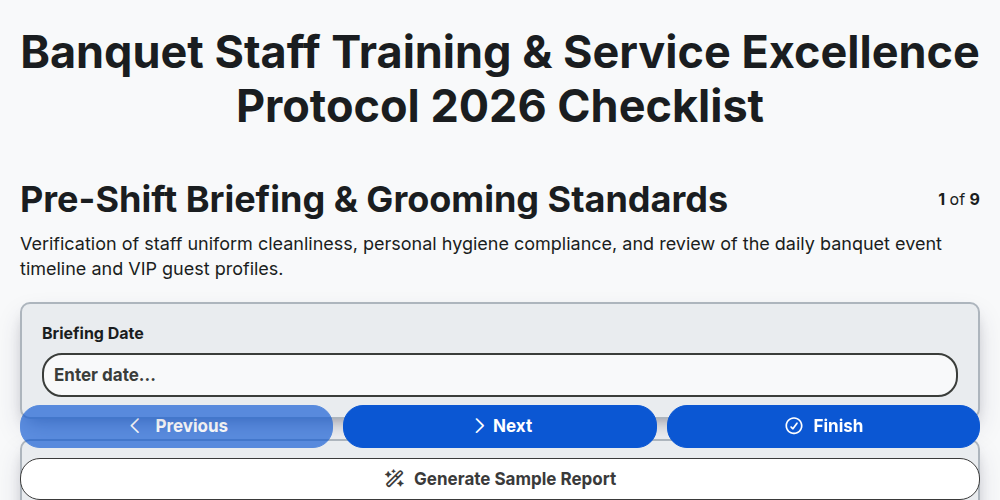
Banquet Staff Training & Service Excellence Protocol 2026
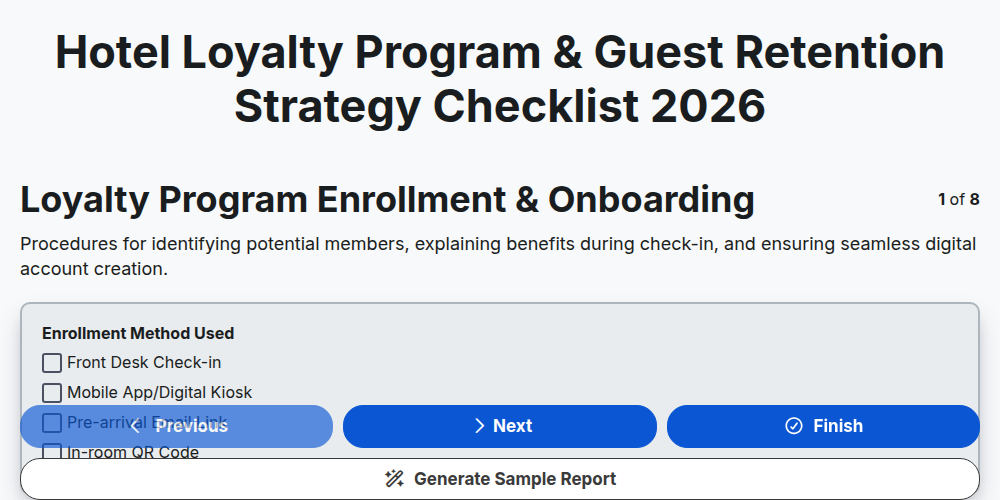
Hotel Loyalty Program & Guest Retention Strategy Checklist 2026
Need help with
Гостоприемство?
Have a question? We're here to help. Please submit your inquiry, and we'll respond promptly.