 ChecklistGuro
 Incident Reporting Protocol
Ensure guest safety & protect your hospitality business! Download our free Incident Reporting Protocol checklist - streamline reporting, minimize risk, and build trust. Stay compliant & proactive!
This Template was installed 5 times.
Incident Identification & Initial Response
Focuses on recognizing incidents, ensuring immediate safety, and providing initial support to those involved.
Type of Incident?
Brief Description of Incident
Exact Location of Incident
Time of Incident
Immediate Actions Taken?
Number of People Involved
Description of Immediate Response (e.g., first aid administered, area secured)
Photos/Videos of Scene (if applicable)
Reporting Procedures
Details the steps to formally report the incident, including who to notify and required information.
Incident Severity Level
Reporting Method Used
Brief Description of Incident
Number of People Involved
Date of Incident
Time of Incident
Specific Location of Incident
Initial Response Team Contacted (if applicable)
Name of Person Completing Report
Documentation & Record Keeping
Covers the accurate and thorough recording of incident details and related documents.
Date of Incident
Time of Incident
Specific Location of Incident
Detailed Description of Incident (including what happened, who was involved, and any immediate actions taken)
Number of People Directly Affected
Statements from Involved Parties (witnesses, victims, staff)
Photographs or Video Evidence (if applicable)
Type of Incident (e.g., Injury, Property Damage, Security Breach)
Reporting Staff Member Name
Reporting Staff Member Signature
Investigation & Analysis
Outlines the process for investigating the incident, identifying root causes, and determining corrective actions.
Detailed Description of Incident Circumstances
Potential Contributing Factors
Number of Witnesses
Precise Incident Location (GPS coordinates or detailed description)
Witness Statements (if applicable)
Severity Assessment (e.g., Minor, Moderate, Severe)
Date of Investigation
Time of Investigation Started
Corrective Actions & Follow-Up
Focuses on implementing solutions to prevent recurrence and monitoring their effectiveness.
Root Causes Identified (Select all that apply)
Detailed Description of Corrective Actions
Planned Completion Date for Corrective Actions
Estimated Cost of Corrective Actions
Departments Involved in Corrective Actions (Select all that apply)
Date Corrective Actions Implemented
Summary of Verification/Validation Process (How was the effectiveness of corrective actions verified?)
Effectiveness of Corrective Actions
Any Unexpected Outcomes or Challenges during Corrective Actions
Communication & Stakeholder Management
Addresses communicating incident details to relevant parties and managing their expectations.
Select Primary Contact Method for Initial Notification:
Summary of Communication Made to Affected Guests/Customers:
Was Legal Counsel Notified?
Was Insurance Company Notified?
Record of Communication with Regulatory Bodies (e.g., Health Department, Tourism Board):
Date of Initial Communication with Stakeholders
Time of Initial Communication with Stakeholders
Select all stakeholders notified:
Training & Awareness
Ensures all staff understand their responsibilities regarding incident reporting and prevention.
Employee Name
Training Module Completed (Select all that apply)
Training Completion Date
Briefly describe your understanding of incident reporting responsibilities.
Which of the following are common incident types you should report?
Who should you initially contact in case of an incident?
Review & Improvement
Establishes a process for periodically reviewing the incident reporting protocol and making necessary adjustments.
Date of Last Protocol Review
Summary of Review Findings
Areas for Potential Improvement Identified?
Number of incidents reported since last review?
Detailed Description of Proposed Changes
Target Date for Implementation of Changes
Review Approved by (Select Position)
Reviewer Signature
Frequently Asked Questions
Can I customize this template after installing it?
Absolutely. Once installed, you can add, remove, or reorder tasks, add custom fields, and adjust deadlines to fit your specific workflow.
Can I add images or photos to these checklist items?
Yes. Our platform allows you to attach photos, signatures, and notes to any checklist item for better verification and proof of completion.
Can I create a custom checklist from scratch instead of using a template?
Yes. You can use our "Create your own checklist" feature to build a unique workflow tailored exactly to your operational requirements.
Can I add dependencies between tasks?
Yes, you can set up conditional logic and dependencies to ensure your team follows the correct sequence of operations.
Can I assign specific checklist items to different team members?
Yes. You can assign individual tasks to specific employees, ensuring clear accountability across your entire team.
Can I use these checklists on mobile devices in the field?
Yes. Our platform is fully responsive, allowing your team to complete, update, and upload photos to checklists directly from any smartphone or tablet.
How do I notify my manager when a checklist is completed?
You can set up automated notifications (via email, push notification, or in-app alerts) to trigger whenever a checklist is finished or if an item fails inspection.
Can multiple people work on the same checklist simultaneously?
Yes, the platform supports real-time updates, allowing multiple users to contribute to a single live checklist.
Where is the data from completed checklists stored?
All completed checklists are stored securely in your Work OS dashboard, creating a permanent, searchable audit trail of your operations.
Can I generate reports based on my checklist results?
Yes. You can track completion rates, identify recurring issues, and monitor team performance through our integrated reporting and analytics tools.
How can I use these checklists for compliance or auditing purposes?
Because our checklists capture timestamps, photos, and digital signatures, they serve as a robust digital paper trail for regulatory compliance and internal audits.
Can I export my completed checklist data for use in other tools?
Yes. You can export your data in various formats (CSV, Excel, etc.) to integrate your operational insights with your other business software.
Comments
There are no comments yet. Be the first to add one!
Hospitality Management Solution Demo
Running a hotel, restaurant, or other hospitality business is demanding. ChecklistGuro's Work OS platform simplifies management, from reservations and guest services to inventory and staff scheduling. Improve efficiency, enhance guest experience, and boost profitability! See how ChecklistGuro can transform your hospitality operations.
Related Checklist Templates
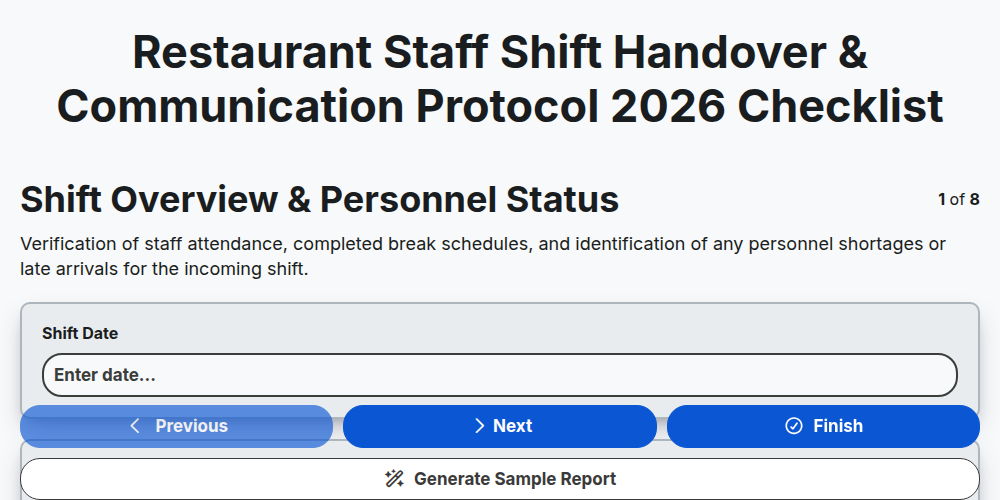
Restaurant Staff Shift Handover & Communication Protocol 2026
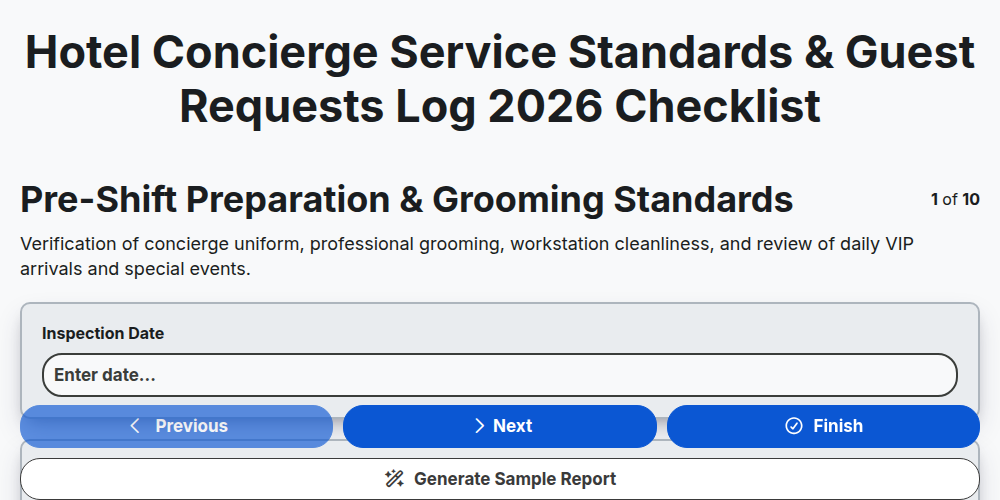
Hotel Concierge Service Standards & Guest Requests Log 2026
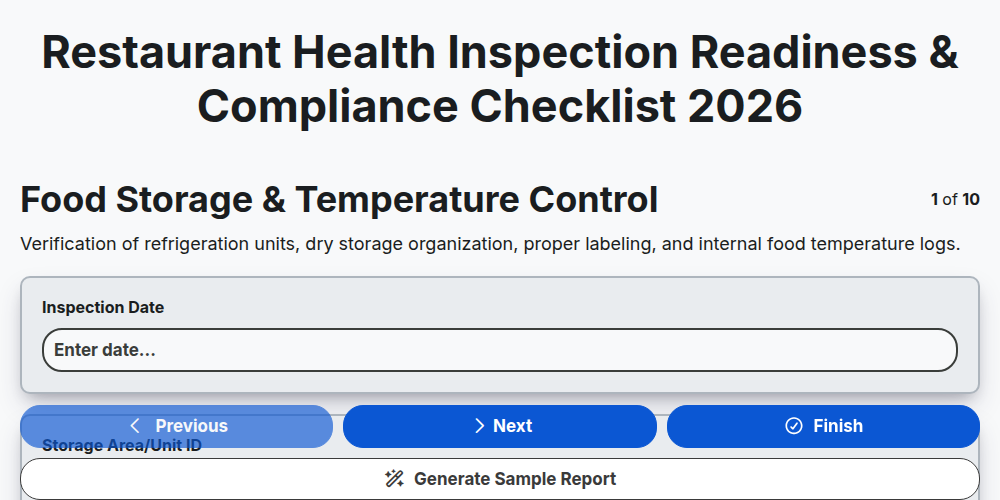
Restaurant Health Inspection Readiness & Compliance Checklist 2026
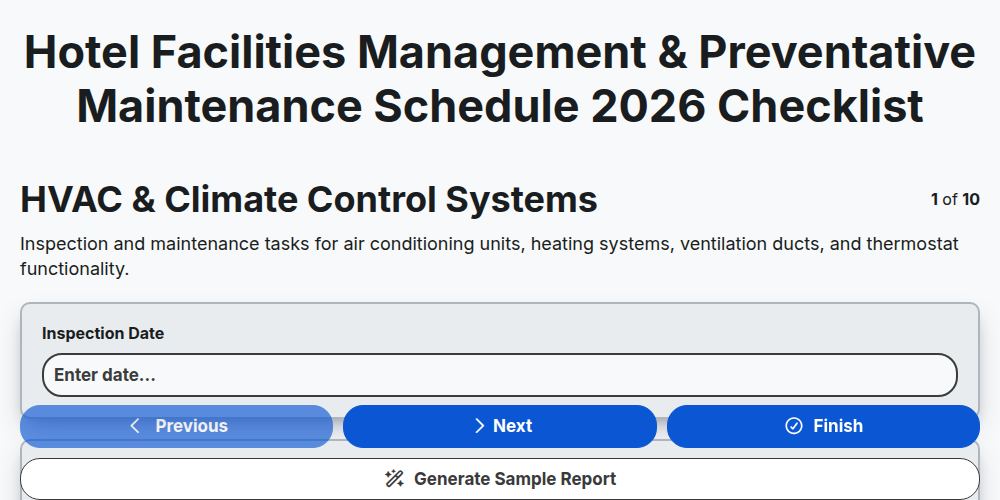
Hotel Facilities Management & Preventative Maintenance Schedule 2026
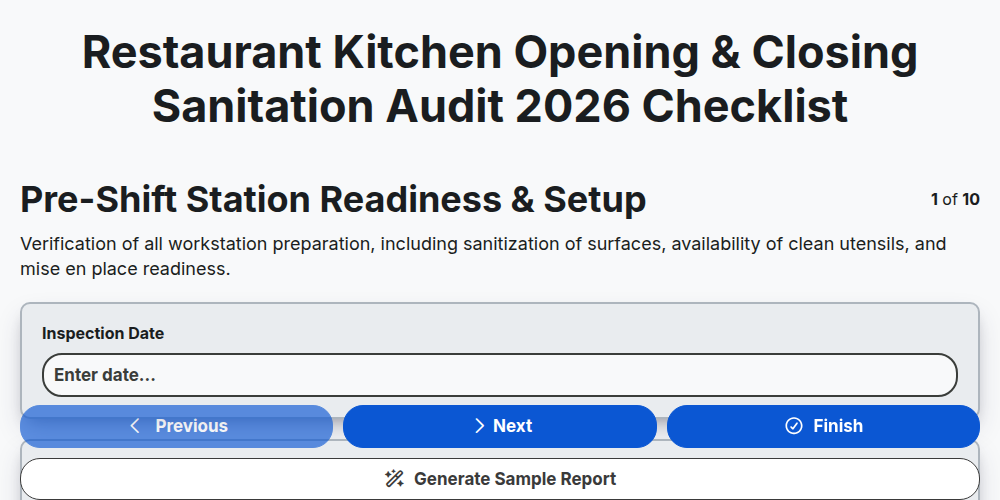
Restaurant Kitchen Opening & Closing Sanitation Audit 2026
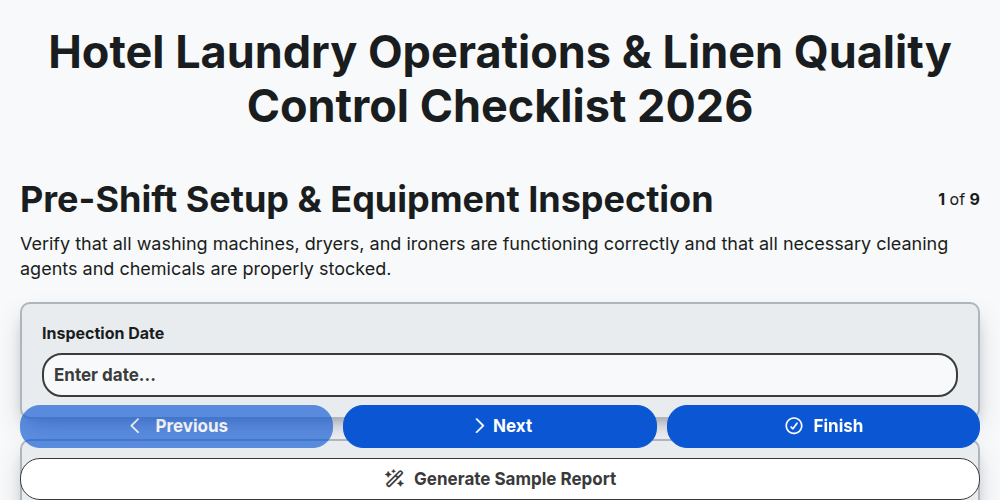
Hotel Laundry Operations & Linen Quality Control Checklist 2026
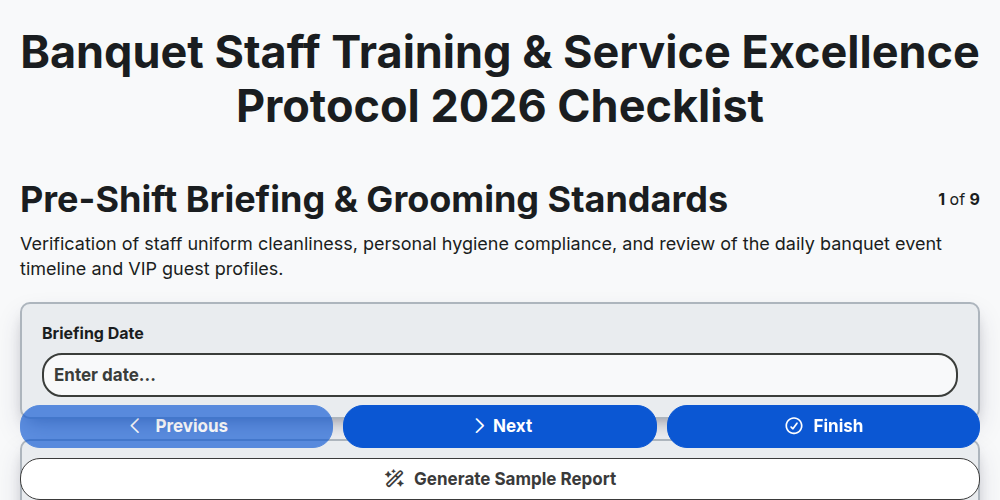
Banquet Staff Training & Service Excellence Protocol 2026
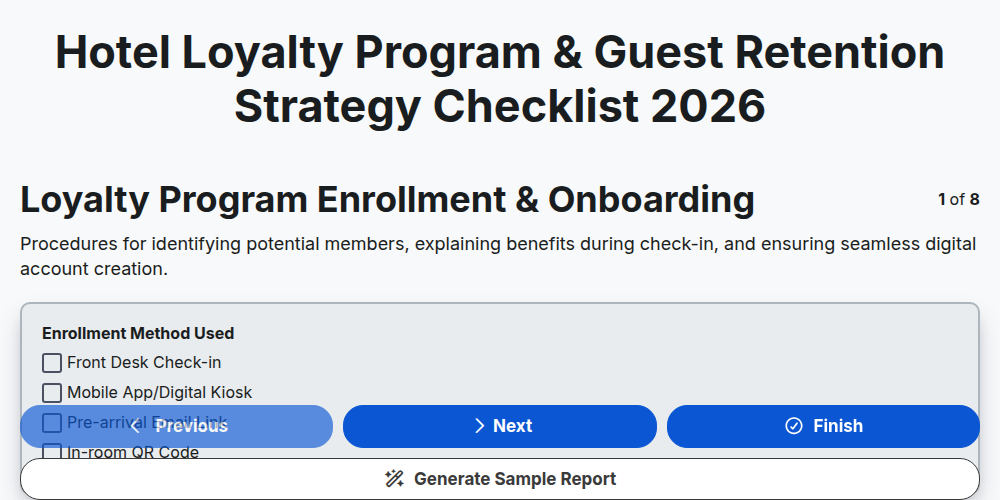
Hotel Loyalty Program & Guest Retention Strategy Checklist 2026
Need help with
Гостоприемство?
Have a question? We're here to help. Please submit your inquiry, and we'll respond promptly.