 ChecklistGuro
 Payroll Processing Verification
Ensure accurate & compliant payroll for your hospitality business! Download our free Payroll Processing Verification checklist - minimize errors, avoid costly penalties, and keep your team happy. Perfect for restaurants, hotels, and more!
This Template was installed 3 times.
Employee Data Verification
Ensures accuracy of employee information used for payroll calculation.
Employee Status Verification
Employee ID Validation
Legal Name Verification
Social Security Number (SSN) Check Digit
Address Confirmation
Bank Account Verification
Date of Hire Verification
Hours Worked & Attendance
Confirms accuracy of employee hours, including overtime, tips, and comp time.
Total Regular Hours Worked
Total Overtime Hours Worked
Total Tip Amount Received (if applicable)
Comp Time Accrued/Used (if applicable)
Attendance Record Source
Notes on Attendance Discrepancies (if any)
Date of Timesheet Approval
Timesheet Approval Status
Wage & Salary Calculation
Validates correct calculation of gross pay based on hourly rates, salaries, and applicable bonuses.
Hourly Rate Verification
Salary Amount Verification
Overtime Hours Calculation
Bonus Amount Verification
Pay Frequency (e.g., Weekly, Bi-Weekly, Monthly)
Correct Pay Group Assignment
Comments/Notes on Wage Calculations (if any)
Tax Withholding & Reporting
Verifies accurate calculation and withholding of federal, state, and local taxes, and ensures proper reporting.
Federal Income Tax Withholding Amount
State Income Tax Withholding Amount
Local Income Tax Withholding Amount (if applicable)
Social Security Tax Withholding Amount
Medicare Tax Withholding Amount
Form 941 Filed and Submitted?
Form 940 Filed and Submitted?
Date of Last Tax Filing (Form 941)
Upload copy of Form 941 (if applicable)
Deductions & Contributions
Confirms accuracy of employee and employer contributions to benefits, retirement plans, and other deductions.
Total Employee 401k Contributions
Total Employer 401k Matching Contributions
Total Health Insurance Premiums - Employee Portion
Total Health Insurance Premiums - Employer Portion
Total Workers Compensation Contributions
Union Dues Deduction Applied?
Total Union Dues Deducted (if applicable)
Which voluntary deductions are included?
Specify other voluntary deductions (if 'Other' selected)
Payment Processing & Distribution
Validates the method of payment, ensures accurate amounts are paid to employees, and addresses direct deposit verification.
Payment Method Used:
Total Number of Employees Paid:
Total Gross Pay Amount:
Total Net Pay Amount:
Payment Issue Date:
Notes/Comments on Payment Processing:
Direct Deposit Verification Status:
Payment File/Record Backup:
Compliance & Regulatory Adherence
Confirms adherence to relevant labor laws, wage and hour regulations, and industry-specific compliance requirements (e.g., tip pooling rules).
Confirm compliance with federal minimum wage laws.
Verify compliance with state minimum wage laws.
Confirm adherence to tip pooling agreements (if applicable).
Verify compliance with overtime regulations (FLSA).
Date of last compliance audit.
Summary of any compliance issues identified and corrective actions taken.
Number of employee complaints regarding wage/hour issues received this period.
Confirm compliance with applicable pay transparency laws (if any).
Record Keeping & Documentation
Reviews completeness and accuracy of payroll records and supporting documentation for audit trails.
Last Payroll Cycle End Date
Total Number of Paychecks Issued
Summary of any unusual payroll adjustments/corrections made
Payroll Register Export (e.g., CSV, Excel)
Were all timekeeping records reconciled to payroll?
Explanation for any discrepancies found during reconciliation (if applicable)
Are tip records retained as required by law?
Date of last audit of payroll records
Frequently Asked Questions
Can I customize this template after installing it?
Absolutely. Once installed, you can add, remove, or reorder tasks, add custom fields, and adjust deadlines to fit your specific workflow.
Can I add images or photos to these checklist items?
Yes. Our platform allows you to attach photos, signatures, and notes to any checklist item for better verification and proof of completion.
Can I create a custom checklist from scratch instead of using a template?
Yes. You can use our "Create your own checklist" feature to build a unique workflow tailored exactly to your operational requirements.
Can I add dependencies between tasks?
Yes, you can set up conditional logic and dependencies to ensure your team follows the correct sequence of operations.
Can I assign specific checklist items to different team members?
Yes. You can assign individual tasks to specific employees, ensuring clear accountability across your entire team.
Can I use these checklists on mobile devices in the field?
Yes. Our platform is fully responsive, allowing your team to complete, update, and upload photos to checklists directly from any smartphone or tablet.
How do I notify my manager when a checklist is completed?
You can set up automated notifications (via email, push notification, or in-app alerts) to trigger whenever a checklist is finished or if an item fails inspection.
Can multiple people work on the same checklist simultaneously?
Yes, the platform supports real-time updates, allowing multiple users to contribute to a single live checklist.
Where is the data from completed checklists stored?
All completed checklists are stored securely in your Work OS dashboard, creating a permanent, searchable audit trail of your operations.
Can I generate reports based on my checklist results?
Yes. You can track completion rates, identify recurring issues, and monitor team performance through our integrated reporting and analytics tools.
How can I use these checklists for compliance or auditing purposes?
Because our checklists capture timestamps, photos, and digital signatures, they serve as a robust digital paper trail for regulatory compliance and internal audits.
Can I export my completed checklist data for use in other tools?
Yes. You can export your data in various formats (CSV, Excel, etc.) to integrate your operational insights with your other business software.
Comments
There are no comments yet. Be the first to add one!
Hospitality Management Solution Demo
Running a hotel, restaurant, or other hospitality business is demanding. ChecklistGuro's Work OS platform simplifies management, from reservations and guest services to inventory and staff scheduling. Improve efficiency, enhance guest experience, and boost profitability! See how ChecklistGuro can transform your hospitality operations.
Related Checklist Templates
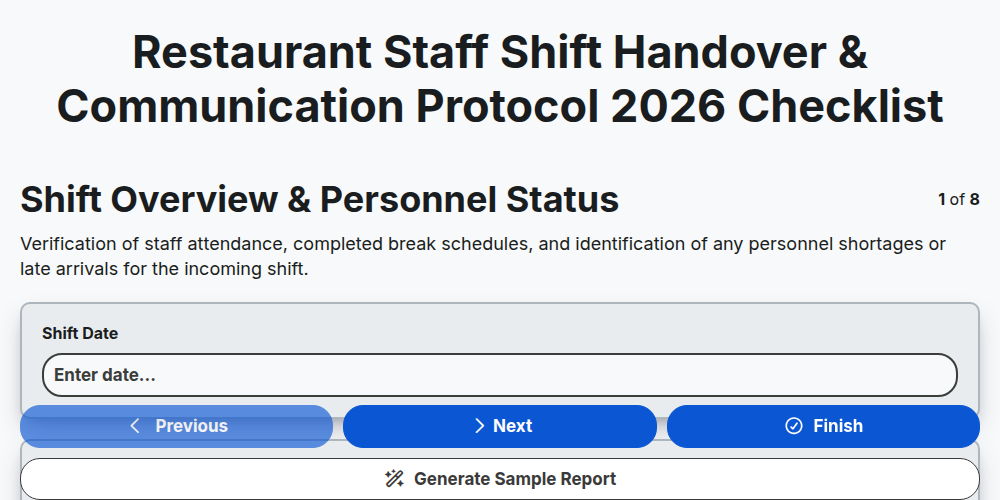
Restaurant Staff Shift Handover & Communication Protocol 2026
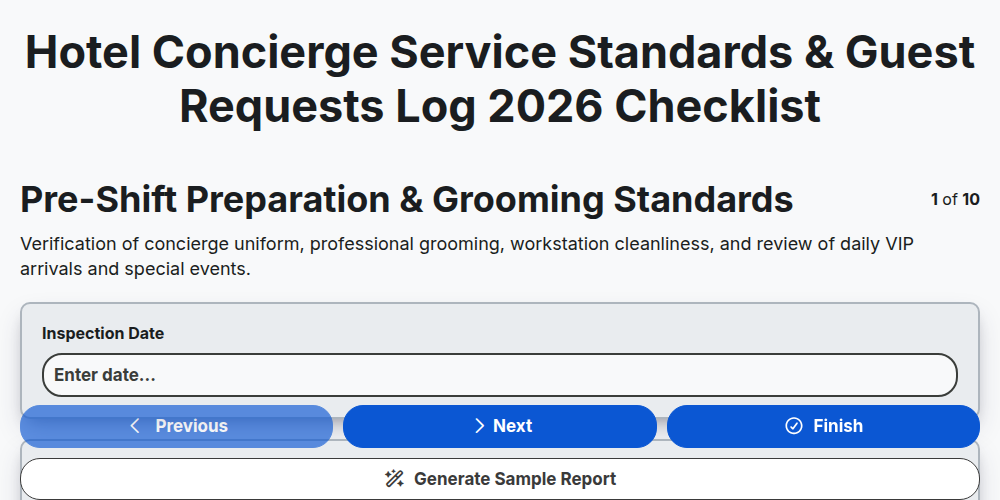
Hotel Concierge Service Standards & Guest Requests Log 2026
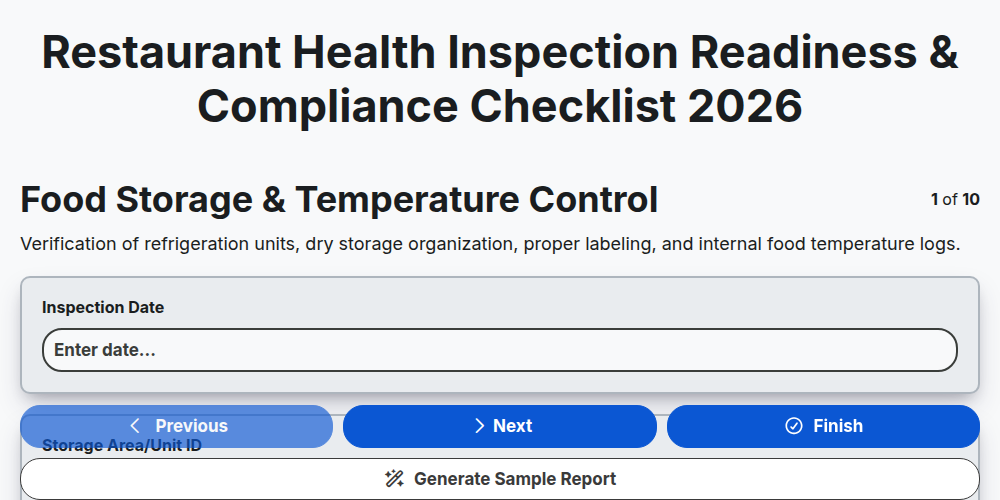
Restaurant Health Inspection Readiness & Compliance Checklist 2026
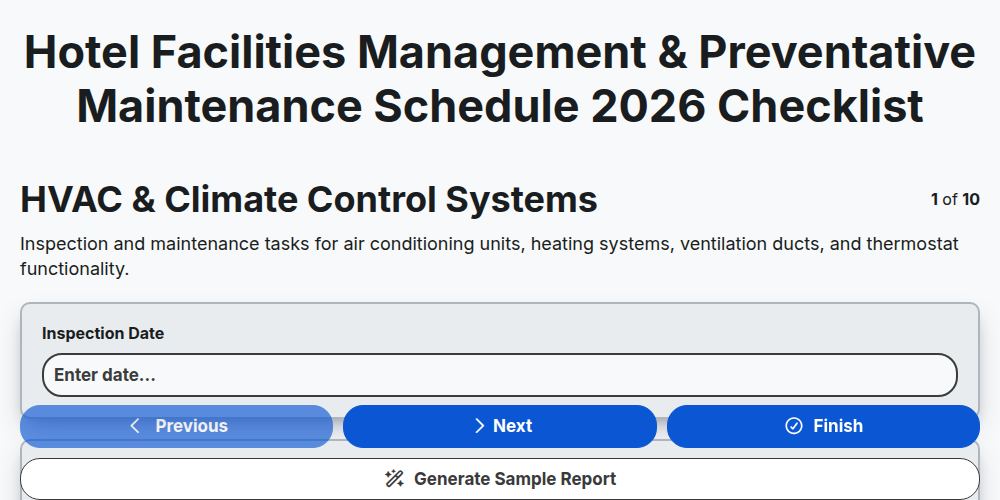
Hotel Facilities Management & Preventative Maintenance Schedule 2026
Restaurant Kitchen Opening & Closing Sanitation Audit 2026
Hotel Laundry Operations & Linen Quality Control Checklist 2026
Banquet Staff Training & Service Excellence Protocol 2026
Hotel Loyalty Program & Guest Retention Strategy Checklist 2026
Need help with
Гостоприемство?
Have a question? We're here to help. Please submit your inquiry, and we'll respond promptly.