 ChecklistGuro
 Vehicle Maintenance Log Review
Ensure fleet efficiency & minimize downtime! Our Vehicle Maintenance Log Review checklist helps logistics teams identify trends, optimize maintenance schedules, and boost overall vehicle health. Download now & save money! #logistics #fleetmanagement #vehiclemaintenance #checklist
This Template was installed 1 times.
Log Completeness & Accuracy
Ensuring all required information is present and accurate in the maintenance logs.
Log Entry Date
Vehicle Identification Number (VIN)
Vehicle License Plate Number
Driver Name/ID
Description of Work Performed
Mileage at Service
Service Type (e.g., PM, Repair, Inspection)
Hours of Labor
Comments/Notes
Preventative Maintenance Compliance
Verifying adherence to scheduled preventative maintenance tasks for each vehicle.
Date of Last Scheduled PM
Mileage at Last PM
PM Type Performed (e.g., Oil Change, Inspection)
Detailed Description of Services Performed
Was PM Completed as Scheduled?
If No, Explain Deviation from Schedule
Date of Next Scheduled PM
Estimated Mileage for Next PM
Corrective Maintenance Review
Analyzing reported issues, repairs performed, and overall effectiveness of corrective maintenance.
Describe the initial reported issue/defect.
Detailed description of the diagnostic process.
Explanation of the root cause of the issue (if determined).
Parts cost for repair.
Labor hours spent on repair.
Severity Level of Issue (Before Repair)
Repair Quality Assessment (After Repair)
Date Repair Completed
Parts & Labor Cost Analysis
Reviewing maintenance costs to identify trends, potential cost savings, and areas for improved efficiency.
Total Parts Cost for Review Period
Total Labor Cost for Review Period
Average Parts Cost per Vehicle
Average Labor Cost per Vehicle
Are parts costs within budget?
Explanation for any cost variances (if applicable)
Supporting Documentation (Invoices, quotes etc.)
Unexplained cost outliers (over $XXX) - Number of Incidents
Driver Reporting & Feedback
Evaluating driver-reported issues and incorporating driver feedback into maintenance planning.
Describe any unusual noises or vibrations experienced during operation.
Detail any warning lights or dashboard indicators illuminated.
Describe any unusual smells detected within the vehicle.
Estimated Mileage at time of Report
Date of Incident/Observation
Severity of Issue (Driver Assessment)
Attach photos/videos documenting the issue (if applicable)
Regulatory Compliance (DOT/Local)
Confirming maintenance practices align with relevant regulatory requirements and inspections.
Last DOT Inspection Date Verified?
Next Scheduled DOT Inspection Date
DOT Inspection Mileage
Inspection Outcome (Pass/Fail)
Notes on DOT Inspection Findings/Corrective Actions
Vehicle Registration Status
Date of Last Local Inspection (if applicable)
Vehicle Downtime Analysis
Assessing the impact of maintenance-related downtime on operational efficiency and identifying opportunities to minimize it.
Total Downtime (Hours) - This Review Period
Number of Vehicles Experiencing Downtime
Description of Primary Downtime Causes
Categories of Downtime (select all that apply)
First Downtime Event Date
Last Downtime Event Date
Actions Taken to Reduce Downtime
Estimated Cost of Downtime (Lost Productivity)
Maintenance Vendor Performance
Evaluating the quality and timeliness of work performed by external maintenance vendors.
Vendor Response Time (Days)
Percentage of Repairs Completed On Time
Overall Quality of Work (Subjective)
Specific Feedback on Repair Quality
Did the Vendor Follow Procedures?
Were estimates accurate?
Supporting Documentation (Invoices, Quotes, Photos)
Frequently Asked Questions
Can I customize this template after installing it?
Absolutely. Once installed, you can add, remove, or reorder tasks, add custom fields, and adjust deadlines to fit your specific workflow.
Can I add images or photos to these checklist items?
Yes. Our platform allows you to attach photos, signatures, and notes to any checklist item for better verification and proof of completion.
Can I create a custom checklist from scratch instead of using a template?
Yes. You can use our "Create your own checklist" feature to build a unique workflow tailored exactly to your operational requirements.
Can I add dependencies between tasks?
Yes, you can set up conditional logic and dependencies to ensure your team follows the correct sequence of operations.
Can I assign specific checklist items to different team members?
Yes. You can assign individual tasks to specific employees, ensuring clear accountability across your entire team.
Can I use these checklists on mobile devices in the field?
Yes. Our platform is fully responsive, allowing your team to complete, update, and upload photos to checklists directly from any smartphone or tablet.
How do I notify my manager when a checklist is completed?
You can set up automated notifications (via email, push notification, or in-app alerts) to trigger whenever a checklist is finished or if an item fails inspection.
Can multiple people work on the same checklist simultaneously?
Yes, the platform supports real-time updates, allowing multiple users to contribute to a single live checklist.
Where is the data from completed checklists stored?
All completed checklists are stored securely in your Work OS dashboard, creating a permanent, searchable audit trail of your operations.
Can I generate reports based on my checklist results?
Yes. You can track completion rates, identify recurring issues, and monitor team performance through our integrated reporting and analytics tools.
How can I use these checklists for compliance or auditing purposes?
Because our checklists capture timestamps, photos, and digital signatures, they serve as a robust digital paper trail for regulatory compliance and internal audits.
Can I export my completed checklist data for use in other tools?
Yes. You can export your data in various formats (CSV, Excel, etc.) to integrate your operational insights with your other business software.
Comments
There are no comments yet. Be the first to add one!
Logistics Management Solution Demo
Tired of shipping delays, lost packages, and inefficient routes? ChecklistGuro's Work OS platform streamlines your entire logistics operation, from warehouse management and order fulfillment to route optimization and delivery tracking. Gain real-time visibility, reduce costs, and improve customer satisfaction. Learn how ChecklistGuro can transform your logistics business!
Related Checklist Templates
Outbound Shipping Quality Control & Load Integrity Audit 2026
Supply Chain Sustainability & Green Logistics Compliance 2026
Cargo Damage & Discrepancy Investigation Protocol 2026
Warehouse Equipment Maintenance & Battery Management Checklist 2026
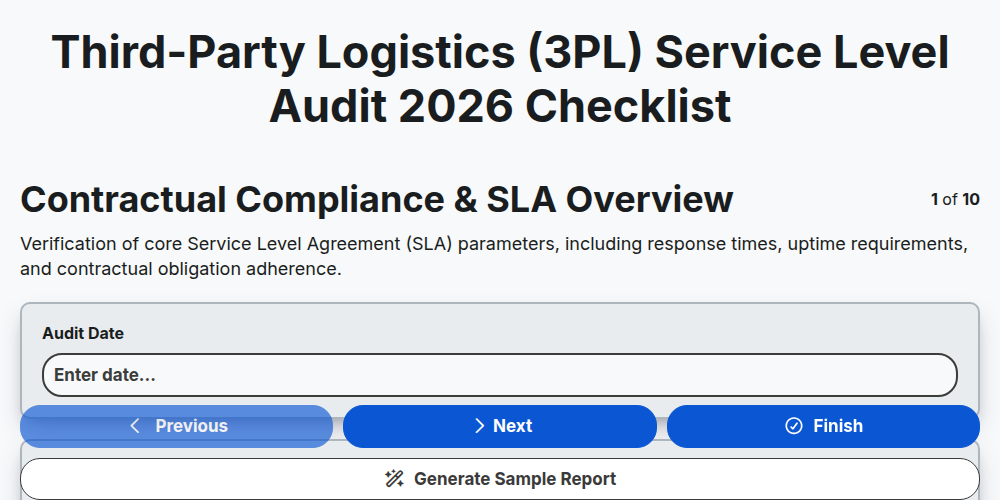
Third-Party Logistics (3PL) Service Level Audit 2026
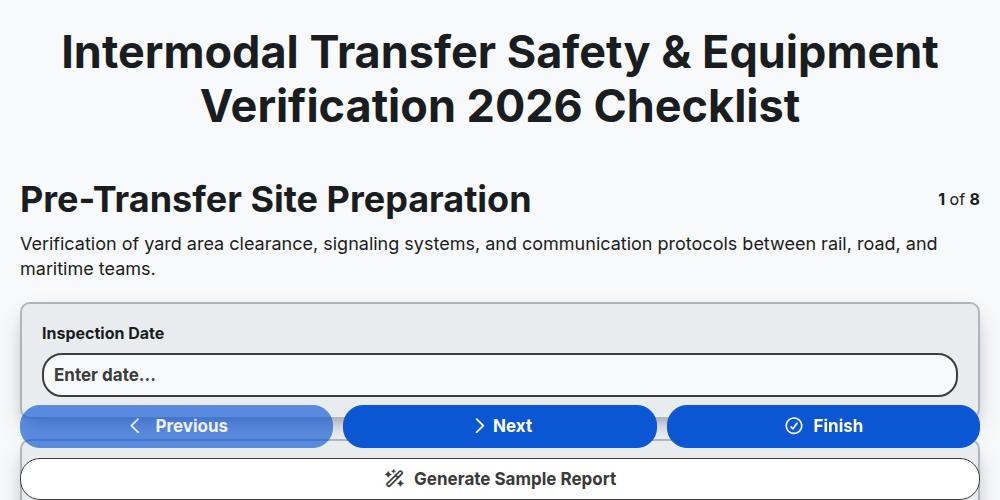
Intermodal Transfer Safety & Equipment Verification 2026
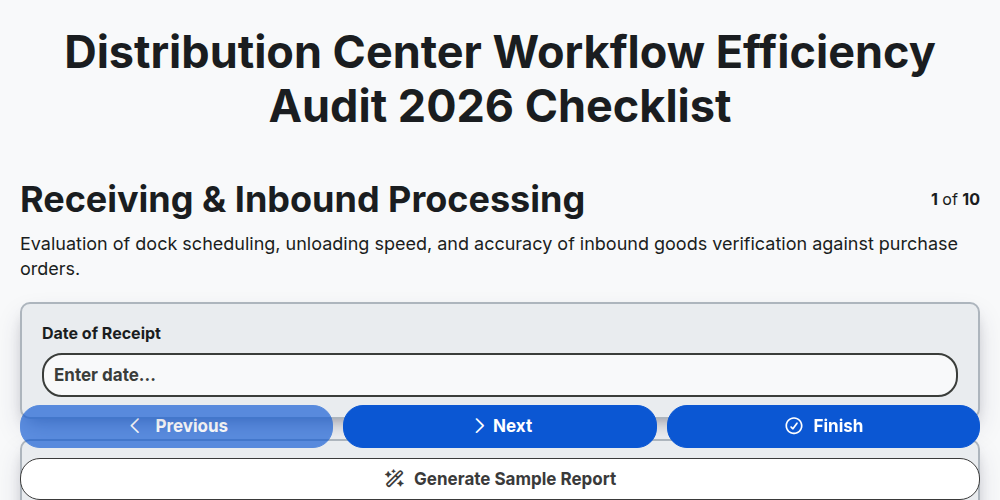
Distribution Center Workflow Efficiency Audit 2026
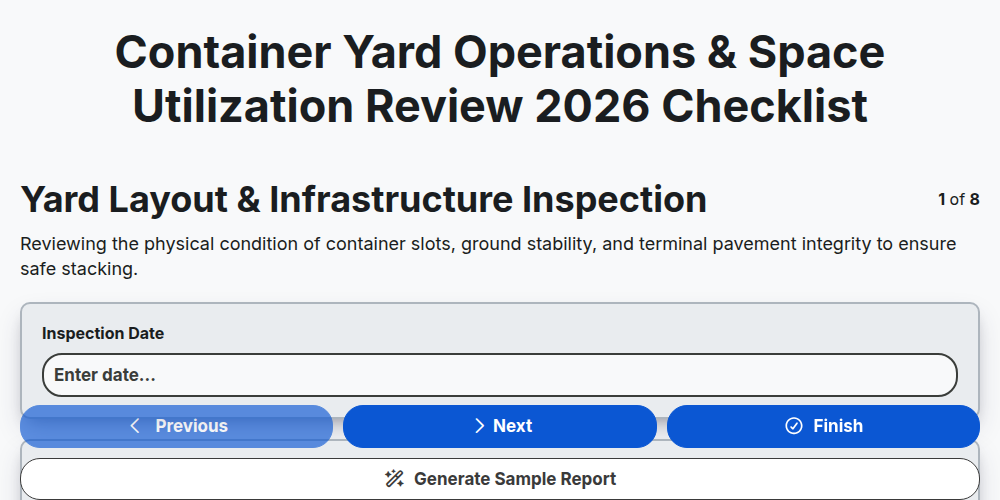
Container Yard Operations & Space Utilization Review 2026
Need help with
Логистика?
Have a question? We're here to help. Please submit your inquiry, and we'll respond promptly.