 ChecklistGuro
 Insurance Quote Generation Process
Streamline your underwriting with our comprehensive Insurance Quote Generation Process. Learn how to automate data collection, evaluate risk profiles, and accelerate policy issuance to deliver lightning-fast, accurate premiums and transform your agency's efficiency.
Този шаблон е инсталиран 2 пъти.
Старт
Начало на работния поток/процеса.
1. Initialize Quote Request
Create a new entry in the 'Quote Requests' data model to initiate the process.
2. Fetch Client Profile
Retrieve existing data from the 'Clients' data model using the provided Client ID.
3. Fetch Risk Assessment Data
Retrieve historical risk data and previous claim entries associated with the client.
4. Calculate Base Premium
Execute formula based on coverage amount, risk score, and industry multipliers.
5. Calculate Tax and Fees
Apply regional tax percentages and administrative fees to the base premium.
6. Update Quote Financials
Update the 'Quote Request' entry with the newly calculated premium and total cost.
7. Underwriter Risk Review
Assign a task to the Underwriting team to review high-risk indicators in the data.
8. Aggregate Claims History
Sum the total value of all 'Claim' entries associated with the client to determine loss ratio.
9. Compliance Verification
Assign a task to the Compliance Officer to ensure the quote meets regulatory standards.
10. Generate Final Quote Document
Create a new entry in the 'Quotes' data model containing the finalized terms and conditions.
11. Send Quote to Agent
Send an email to the assigned Insurance Agent with the quote details and summary.
12. Send Quote to Client
Send a formal email to the Client's email address with the quote attachment/link.
13. Notify Client of Quote Availability
Send an SMS notification to the client's phone number alerting them that their quote is ready.
14. Monthly Quote Conversion Report
Generate a report aggregating all 'Quote' entries created during the current month.
15. Set Quote Status to Issued
Update the status of the Quote Request entry to 'Issued' upon final approval.
Край
Край на работния поток/процеса.
Начало на работния поток/процеса.
Create a new entry in the 'Quote Requests' data model to initiate the process.
Retrieve existing data from the 'Clients' data model using the provided Client ID.
Retrieve historical risk data and previous claim entries associated with the client.
Execute formula based on coverage amount, risk score, and industry multipliers.
Apply regional tax percentages and administrative fees to the base premium.
Update the 'Quote Request' entry with the newly calculated premium and total cost.
Assign a task to the Underwriting team to review high-risk indicators in the data.
Sum the total value of all 'Claim' entries associated with the client to determine loss ratio.
Assign a task to the Compliance Officer to ensure the quote meets regulatory standards.
Create a new entry in the 'Quotes' data model containing the finalized terms and conditions.
Send an email to the assigned Insurance Agent with the quote details and summary.
Send a formal email to the Client's email address with the quote attachment/link.
Send an SMS notification to the client's phone number alerting them that their quote is ready.
Generate a report aggregating all 'Quote' entries created during the current month.
Update the status of the Quote Request entry to 'Issued' upon final approval.
Край на работния поток/процеса.
Често Задавани Въпроси
Коментари
Все още няма коментари. Бъдете първият, който добави!
Демонстрация на решението за управление в индустрията на застраховането
Управлението на полици, искове и спазването на нормативните изисквания в индустрията на застраховането е сложно. Платформата Work OS на ChecklistGuro оптимизира вашите операции, от оценка на риска и подновяване на полици до обработка на искове и изготвяне на отчети. Подобрете ефективността, намалете грешките и повишете удовлетвореността на клиентите. Открийте как ChecklistGuro може да трансформира вашия бизнес в застраховането!
Свързани шаблони за работни потоци

Policy Lifecycle Management Workflow

Insurance Renewal Quote Automation

Agent Performance Tracking Workflow

Insurance Renewal Management Process

Insurance Regulatory Reporting Process
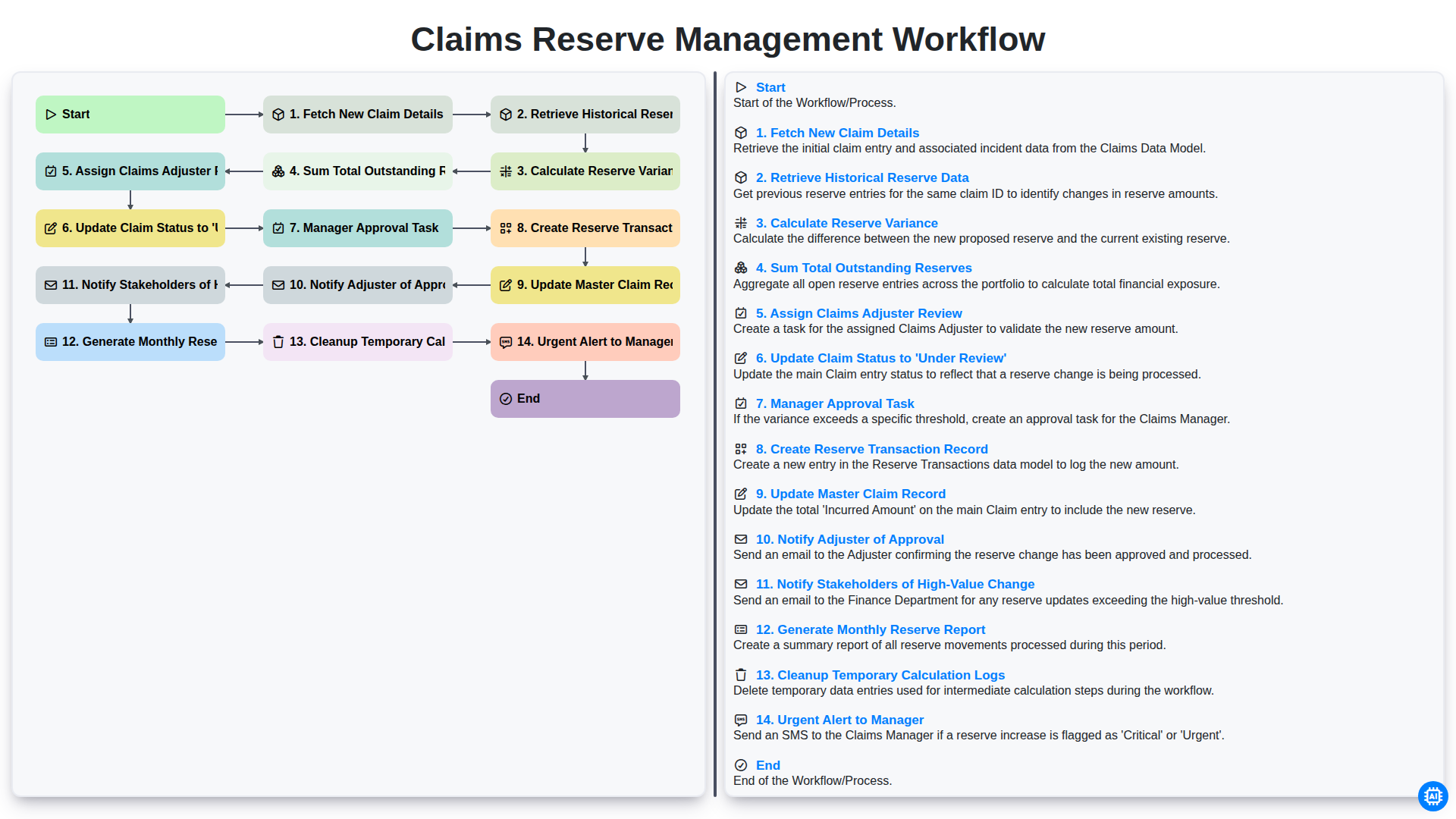
Claims Reserve Management Workflow

Policy Cancellation and Lapsed Workflow
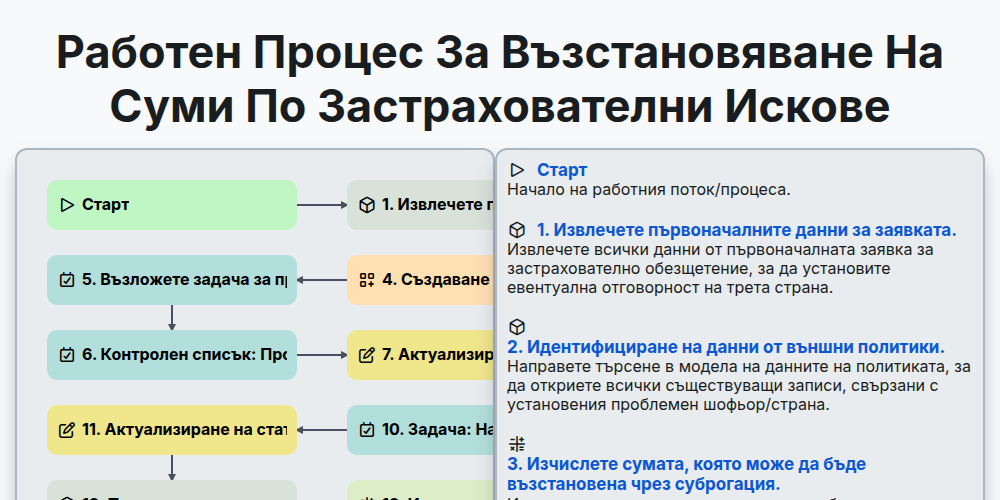
Работен процес за възстановяване на суми по застрахователни искове
Нуждаете се от помощ с
Застраховане?
Имате въпрос? Тук сме, за да помогнем. Моля, изпратете запитването си и ние ще отговорим своевременно.