 ChecklistGuro
 Farm Inventory and Stock Level Management Process
Master your farm's resources with our Farm Inventory and Stock Level Management Process. Streamline tracking, prevent shortages, and optimize supply chains with a detailed, step-by-step workflow designed to reduce waste, monitor essential inputs, and boost agricultural profitability through precision stock control.
Esta plantilla se instaló 5 veces.
Inicio
Inicio del flujo de trabajo/proceso.
1. Fetch Current Stock Levels
Retrieve all active entries from the 'Inventory Items' data model to check current quantities.
2. Calculate Total Stock Value
Sum the 'Unit Price' * 'Quantity' for all items in the inventory to get total inventory valuation.
3. Identify Low Stock Items
Filter the 'Inventory Items' data model to find entries where 'Current Quantity' is less than or equal to 'Reorder Point'.
4. Calculate Reorder Quantity
Calculate the difference between 'Target Stock Level' and 'Current Quantity' to determine how much to order.
5. Create Purchase Order Task
Assign a task to the Procurement Manager to initiate a purchase for identified low-stock items.
6. Create Purchase Order Entry
Generate a new entry in the 'Purchase Orders' data model for the requested supplies.
7. Update Stock Status
Update the 'Status' field of the inventory item to 'Restocking' once a purchase order is created.
8. Notify Supplier
Send an email to the vendor's email address found in the 'Supplier' data model with the order details.
9. Warehouse Receiving Task
Create a task for the Warehouse Clerk to verify physical goods upon delivery.
10. Update Received Quantities
Update the 'Current Quantity' in the 'Inventory Items' data model after physical verification.
11. Calculate Monthly Consumption Rate
Aggregate usage data from 'Stock Movement' entries to find the average usage per month.
12. Generate Inventory Discrepancy Report
Create a report comparing 'System Stock Level' vs 'Physical Count' results from the audit task.
13. Urgent Stock Alert
Send an SMS to the Farm Owner if a critical item (e.g., essential feed or medicine) hits zero stock.
14. Remove Expired/Damaged Items
Delete or archive entries from the 'Inventory Items' data model that are marked as unusable/expired.
15. Log Stock Movement
Create an entry in the 'Stock Movement Log' whenever an item is added or removed from the inventory.
Fin
Fin del flujo de trabajo/proceso.
Inicio del flujo de trabajo/proceso.
Retrieve all active entries from the 'Inventory Items' data model to check current quantities.
Sum the 'Unit Price' * 'Quantity' for all items in the inventory to get total inventory valuation.
Filter the 'Inventory Items' data model to find entries where 'Current Quantity' is less than or equal to 'Reorder Point'.
Calculate the difference between 'Target Stock Level' and 'Current Quantity' to determine how much to order.
Assign a task to the Procurement Manager to initiate a purchase for identified low-stock items.
Generate a new entry in the 'Purchase Orders' data model for the requested supplies.
Update the 'Status' field of the inventory item to 'Restocking' once a purchase order is created.
Send an email to the vendor's email address found in the 'Supplier' data model with the order details.
Create a task for the Warehouse Clerk to verify physical goods upon delivery.
Update the 'Current Quantity' in the 'Inventory Items' data model after physical verification.
Aggregate usage data from 'Stock Movement' entries to find the average usage per month.
Create a report comparing 'System Stock Level' vs 'Physical Count' results from the audit task.
Send an SMS to the Farm Owner if a critical item (e.g., essential feed or medicine) hits zero stock.
Delete or archive entries from the 'Inventory Items' data model that are marked as unusable/expired.
Create an entry in the 'Stock Movement Log' whenever an item is added or removed from the inventory.
Fin del flujo de trabajo/proceso.
¿Le resultó útil esta plantilla de flujo de trabajo?
Comentarios
Aún no hay comentarios. ¡Sé el primero en añadir uno!
Demostración de la Solución de Gestión de Granjas
¡Cultive su granja de forma más inteligente y eficiente! ChecklistGuro optimiza la planificación de cultivos, la gestión de tareas y el seguimiento de recursos. Maximice los rendimientos, reduzca el desperdicio y mejore la rentabilidad. Administre todo con nuestro Work OS.
Plantillas de flujo de trabajo relacionadas
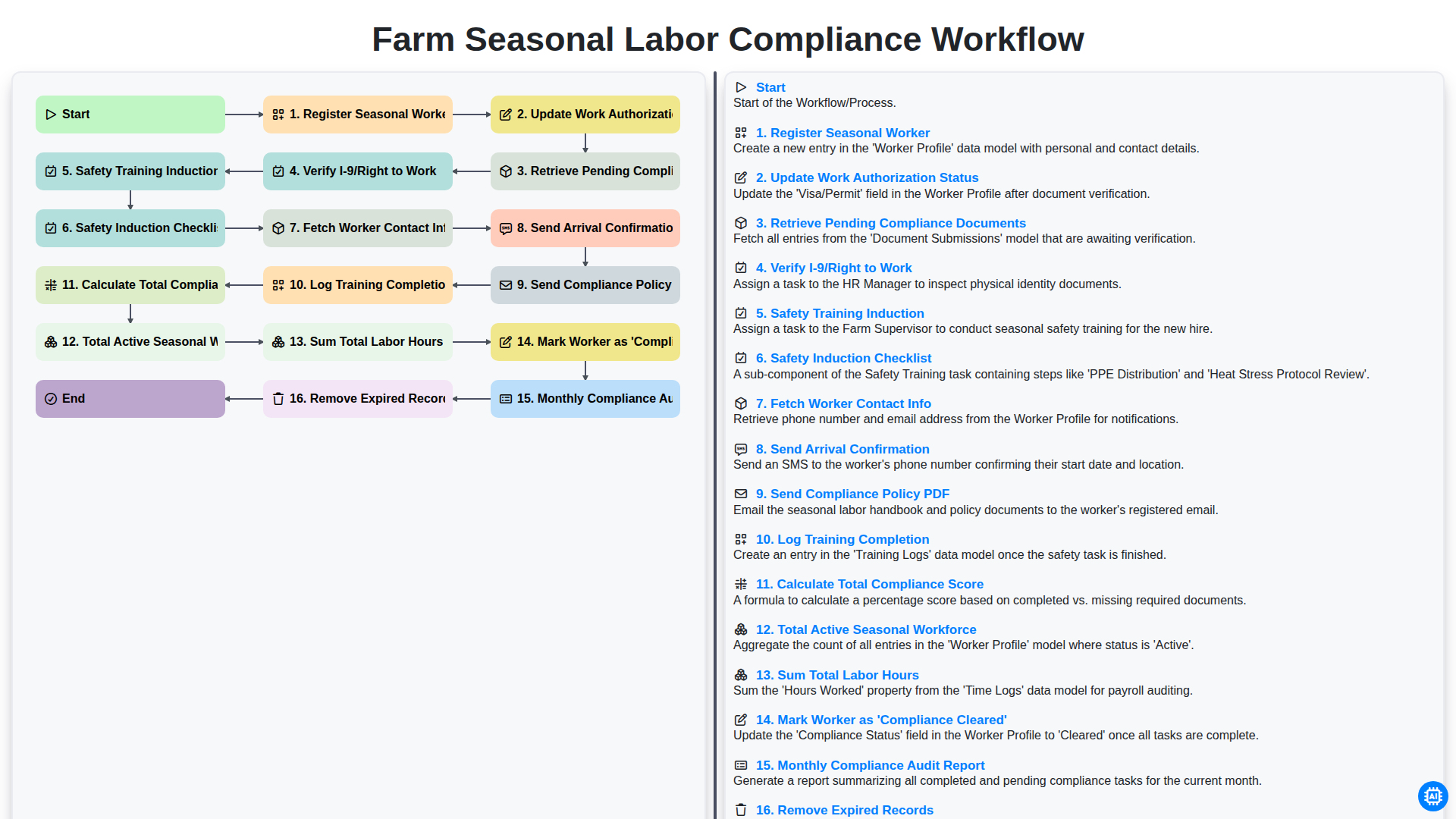
Farm Seasonal Labor Compliance Workflow
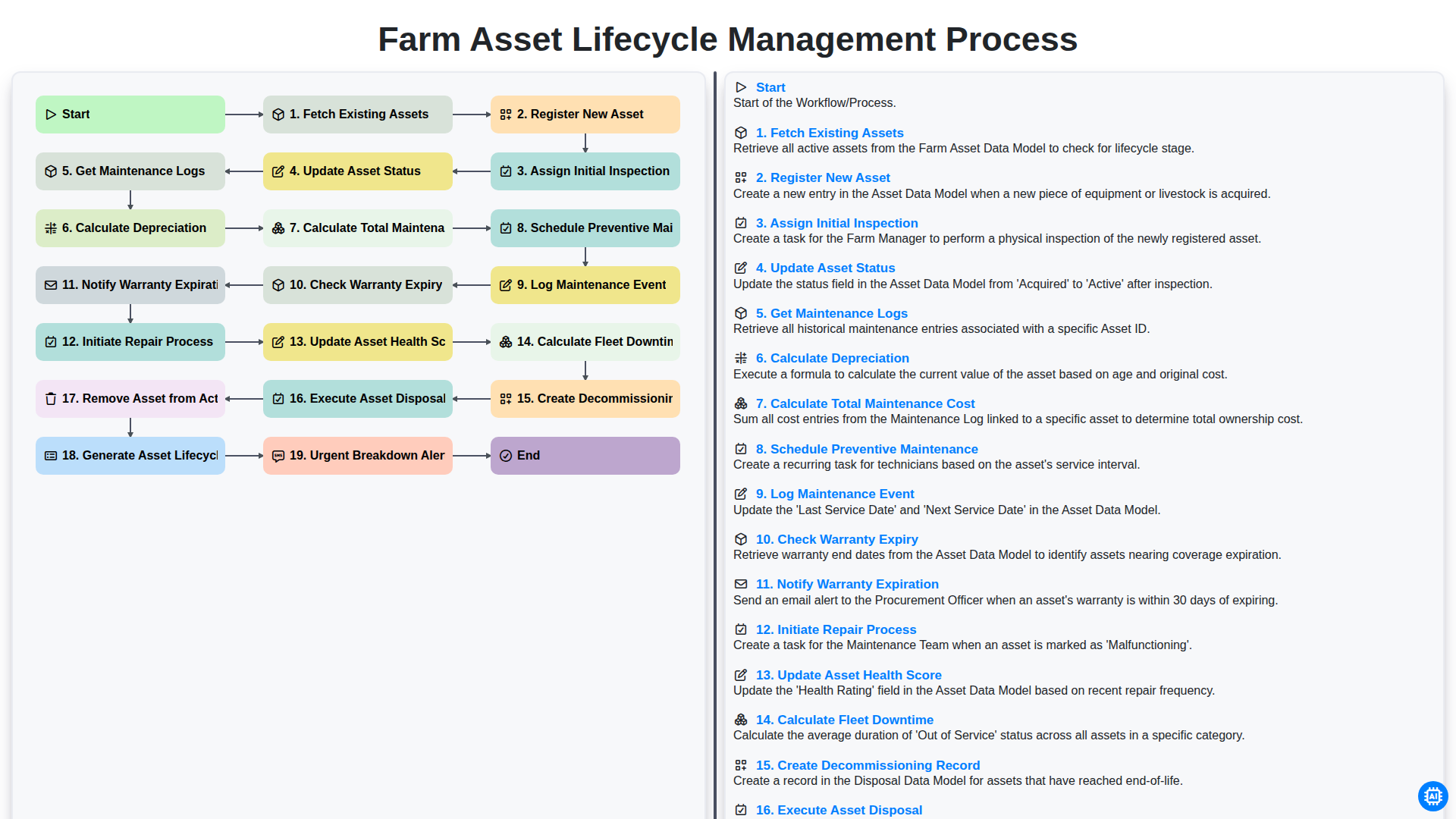
Farm Asset Lifecycle Management Process
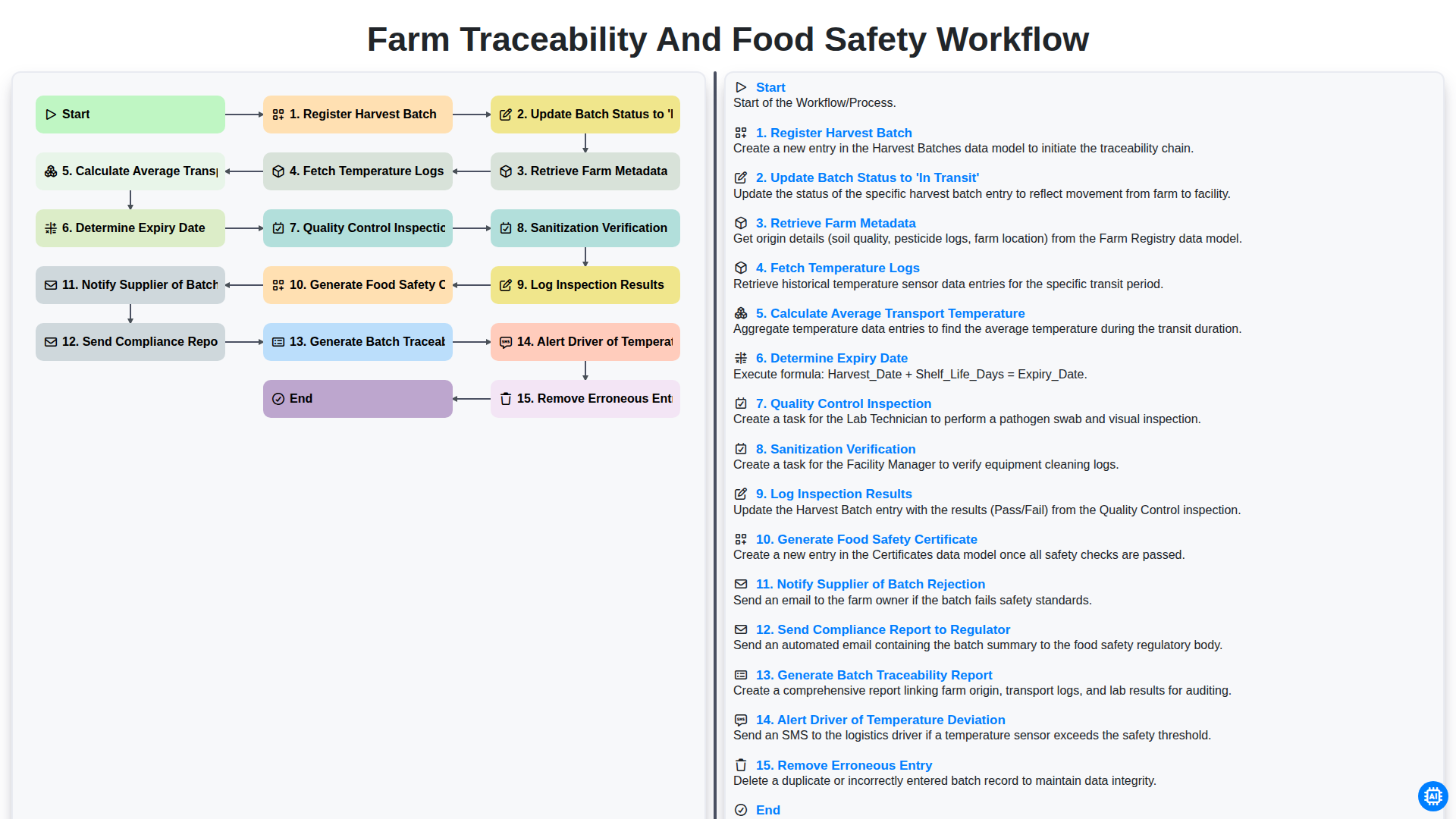
Farm Traceability and Food Safety Workflow
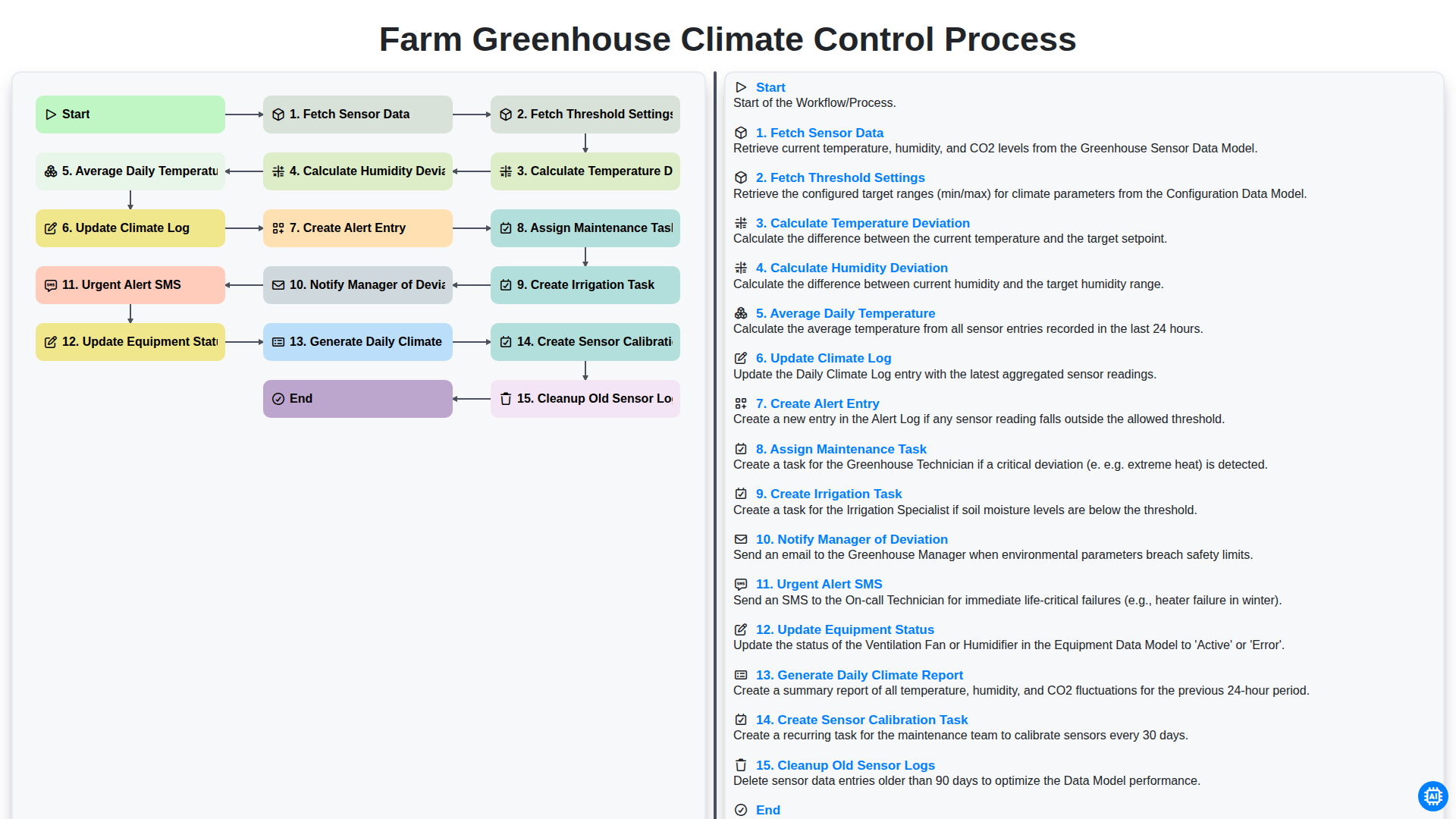
Farm Greenhouse Climate Control Process
Integrated Pest Management (IPM) Workflow
Farm Field Mapping and Spatial Data Management Process
Farm Revenue and Sales Order Management Workflow
Farm Supply Chain and Logistics Management Process
Podemos hacerlo juntos
¿Necesita ayuda con las listas de verificación?
¿Tienes alguna pregunta? Estamos aquí para ayudarte. Envía tu consulta y te responderemos a la brevedad.