 ChecklistGuro
 Análisis de la interrupción de la línea de producción - Flujo de trabajo
Detenga los cuellos de botella de producción al instante. Este flujo de trabajo de Análisis de Tiempos de Inactividad de la Línea de Producción ayuda a los fabricantes a identificar las causas raíz, priorizar soluciones e impulsar la efectividad global del equipo (OEE). Minimice los tiempos de inactividad costosos y maximice la producción con un proceso optimizado para la recopilación, análisis y corrección de datos.
Esta plantilla se instaló 1 veces.
Inicio
Inicio del flujo de trabajo/proceso.
1. Recuperar registros de eventos de inactividad
Recupera todos los registros de eventos de inactividad de las últimas 24 horas, incluyendo la marca de tiempo, el ID de la línea y el código de razón.
2. Calcula el tiempo total de inactividad por línea.
Consolida los registros de interrupciones, calculando el tiempo total de inactividad (en minutos) para cada línea de producción.
3. Asignar tarea de investigación inicial
Crear una tarea asignada al técnico de mantenimiento para que inicie la investigación inicial de líneas con una inactividad superior a 15 minutos.
4. Actualizar el estado del evento a En investigación.
Actualiza el estado de los eventos de inactividad en las líneas marcadas para investigación a En Investigación.
5. Recuperar datos de rendimiento de la máquina
Obtenga datos de rendimiento recientes (velocidad, temperatura, códigos de error) para las máquinas que estén experimentando tiempos de inactividad.
6. Calcular el MTBF (Tiempo Medio Entre Fallos)
Calcule el MTBF para las máquinas afectadas utilizando datos históricos de tiempos de inactividad.
7. Asignar tarea de análisis de la causa raíz.
Crea una tarea para que un ingeniero realice un análisis de causa raíz si el tiempo de inactividad excede un umbral (por ejemplo, 30 minutos).
8. Crear entrada de causa raíz
Cree una entrada en el modelo de datos de Causa Raíz, registrando los hallazgos del ingeniero.
9. Asignar tarea de acción correctiva
Asignar una tarea al equipo responsable para implementar acciones correctivas basadas en el análisis de la causa raíz.
10. Actualizar evento de inactividad con la causa raíz.
Actualice el registro del evento de inactividad con la causa raíz identificada.
11. Crear entrada del plan de acción correctivo
Crear una entrada en el modelo de datos del Plan de Acción Correctivo que describa los pasos para prevenir la recurrencia.
12. Notificar al supervisor sobre tiempo de inactividad crítico.
Enviar un correo electrónico al supervisor de producción para eventos de inactividad que excedan un umbral crítico (por ejemplo, 1 hora).
13. Generar Informe de Tiempo de Inactividad
Elaborar un informe que resuma los eventos de inactividad de la semana pasada, incluyendo las líneas afectadas, las razones y las acciones correctivas.
14. Actualizar el estado del evento a Resuelto.
Actualiza el estado del evento de inactividad a Resuelto una vez finalizadas las acciones correctivas.
15. Recuperar eventos de inactividad similares.
Obtenga una lista de eventos de inactividad similares pasados para comparar la causa raíz y la acción preventiva.
Fin
Fin del flujo de trabajo/proceso.
Inicio del flujo de trabajo/proceso.
Recupera todos los registros de eventos de inactividad de las últimas 24 horas, incluyendo la marca de tiempo, el ID de la línea y el código de razón.
Consolida los registros de interrupciones, calculando el tiempo total de inactividad (en minutos) para cada línea de producción.
Crear una tarea asignada al técnico de mantenimiento para que inicie la investigación inicial de líneas con una inactividad superior a 15 minutos.
Actualiza el estado de los eventos de inactividad en las líneas marcadas para investigación a En Investigación.
Obtenga datos de rendimiento recientes (velocidad, temperatura, códigos de error) para las máquinas que estén experimentando tiempos de inactividad.
Calcule el MTBF para las máquinas afectadas utilizando datos históricos de tiempos de inactividad.
Crea una tarea para que un ingeniero realice un análisis de causa raíz si el tiempo de inactividad excede un umbral (por ejemplo, 30 minutos).
Cree una entrada en el modelo de datos de Causa Raíz, registrando los hallazgos del ingeniero.
Asignar una tarea al equipo responsable para implementar acciones correctivas basadas en el análisis de la causa raíz.
Actualice el registro del evento de inactividad con la causa raíz identificada.
Crear una entrada en el modelo de datos del Plan de Acción Correctivo que describa los pasos para prevenir la recurrencia.
Enviar un correo electrónico al supervisor de producción para eventos de inactividad que excedan un umbral crítico (por ejemplo, 1 hora).
Elaborar un informe que resuma los eventos de inactividad de la semana pasada, incluyendo las líneas afectadas, las razones y las acciones correctivas.
Actualiza el estado del evento de inactividad a Resuelto una vez finalizadas las acciones correctivas.
Obtenga una lista de eventos de inactividad similares pasados para comparar la causa raíz y la acción preventiva.
Fin del flujo de trabajo/proceso.
¿Le resultó útil esta plantilla de flujo de trabajo?
Comentarios
Aún no hay comentarios. ¡Sé el primero en añadir uno!
Demostración de la solución de gestión de la fabricación
¡Deje de lidiar con papeleo y sistemas desconectados! Nuestra solución aporta claridad y control a su proceso de producción. Desde procedimientos operativos estándar (SOP) y mantenimiento de equipos hasta control de calidad y seguimiento de inventario, simplificamos cada paso.
Plantillas de flujo de trabajo relacionadas
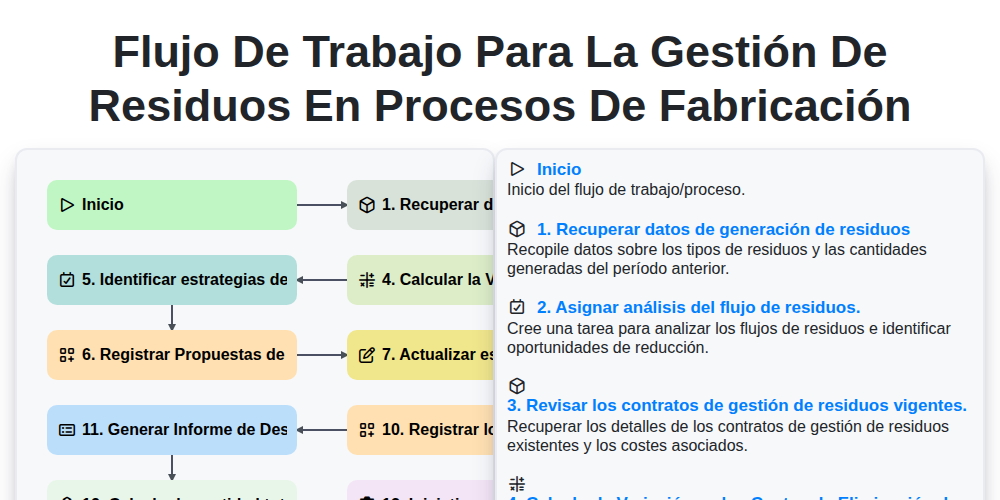
Flujo de Trabajo para la Gestión de Residuos en Procesos de Fabricación
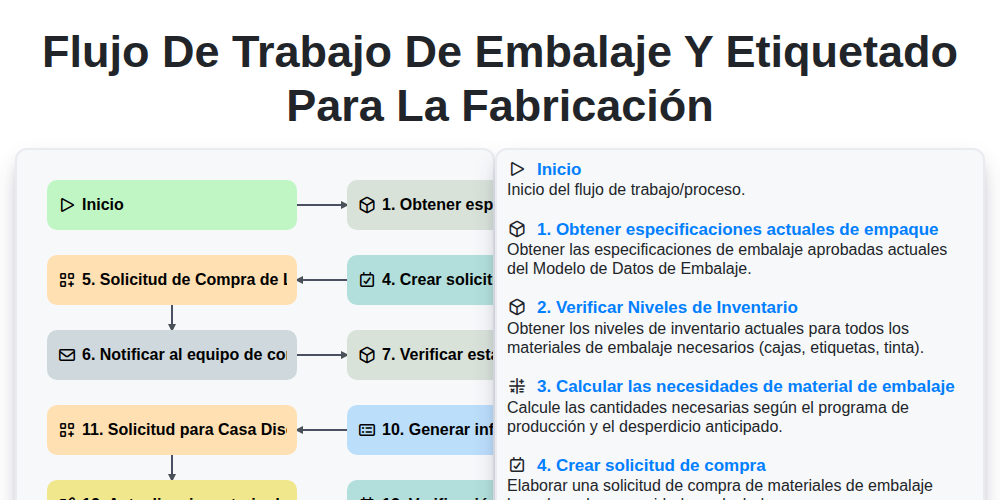
Flujo de trabajo de embalaje y etiquetado para la fabricación
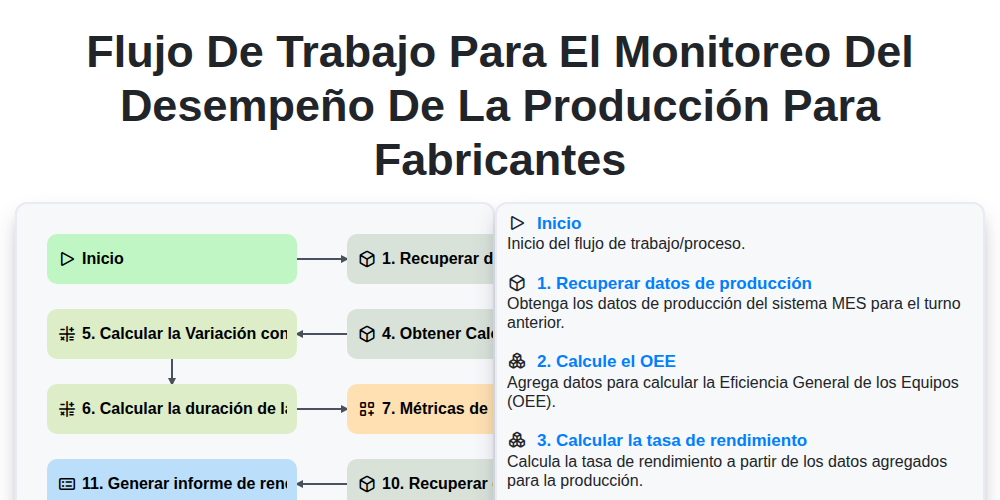
Flujo de Trabajo para el Monitoreo del Desempeño de la Producción para Fabricantes
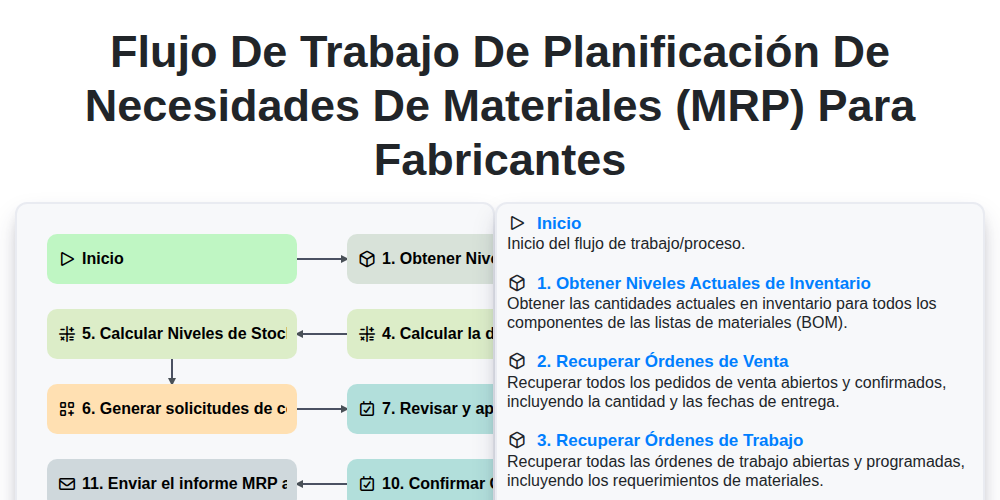
Flujo de trabajo de Planificación de Necesidades de Materiales (MRP) para fabricantes
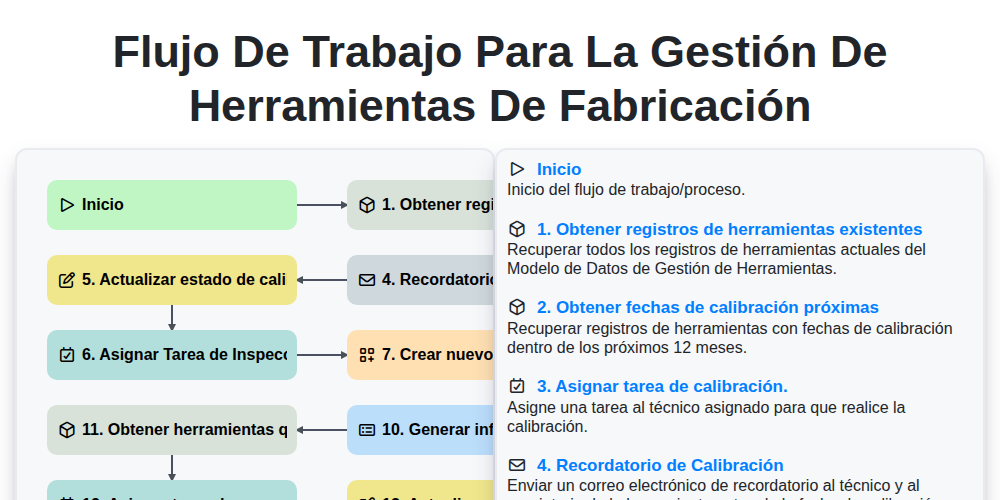
Flujo de trabajo para la gestión de herramientas de fabricación
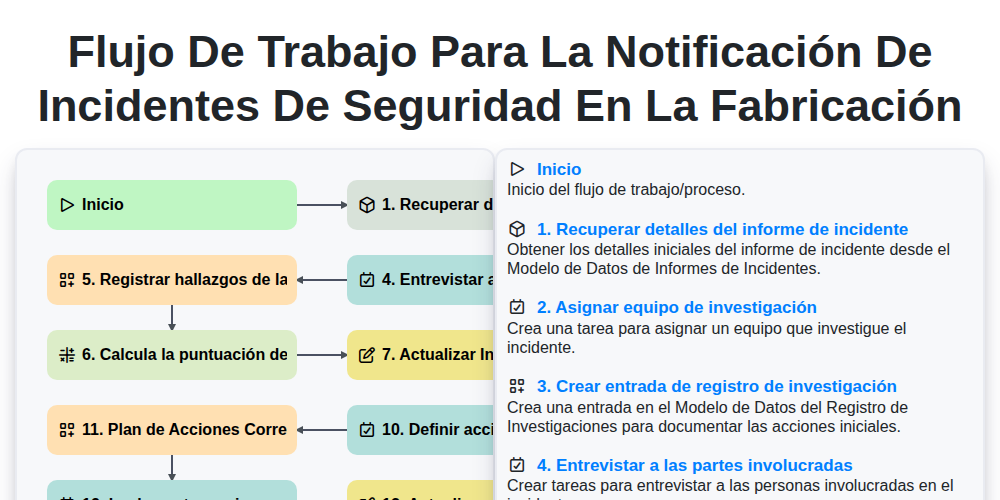
Flujo de trabajo para la notificación de incidentes de seguridad en la fabricación
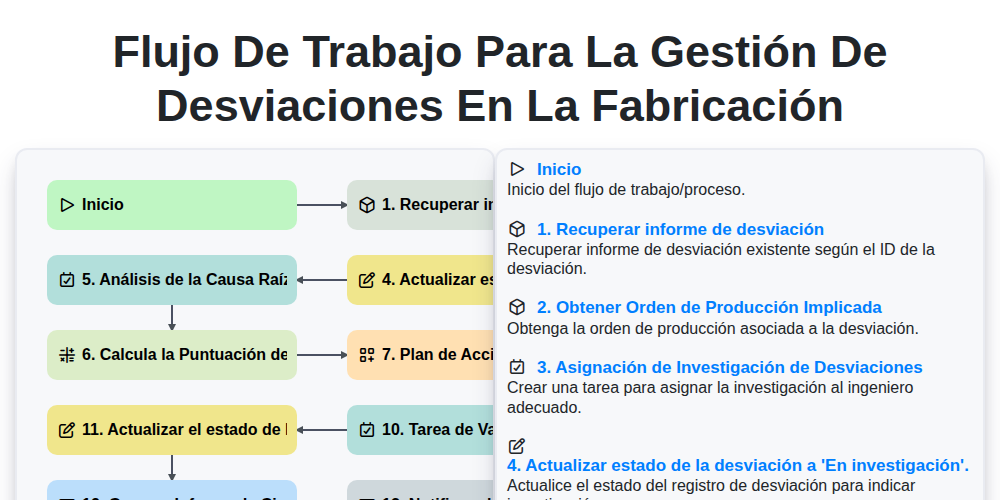
Flujo de Trabajo para la Gestión de Desviaciones en la Fabricación
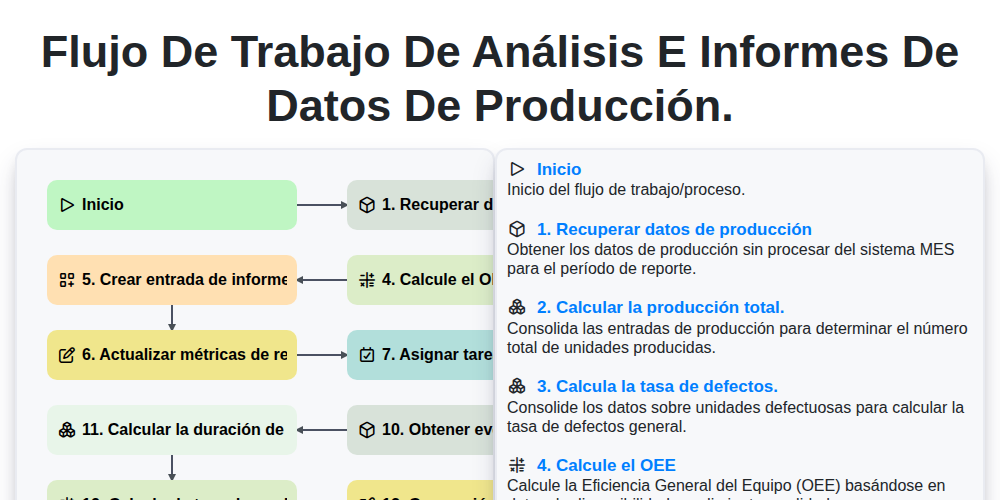
Flujo de trabajo de análisis e informes de datos de producción.
Podemos hacerlo juntos
¿Necesita ayuda con las listas de verificación?
¿Tienes alguna pregunta? Estamos aquí para ayudarte. Envía tu consulta y te responderemos a la brevedad.