Manufacturing Management
Stop chasing paperwork and wrestling with disconnected systems! Our solution brings clarity and control to your production process. From standard operating procedures (SOPs) and equipment maintenance to quality control and inventory tracking, we simplify every step.
No credit card or cancellation needed.
Drive Operational Excellence Across Your Manufacturing Floors
Stop relying on spreadsheets and fragmented communication. Our Work OS provides a centralized, real-time view of your entire manufacturing operation - from raw materials to finished goods. Streamline workflows, improve visibility, and empower your teams to make data-driven decisions for maximum efficiency.
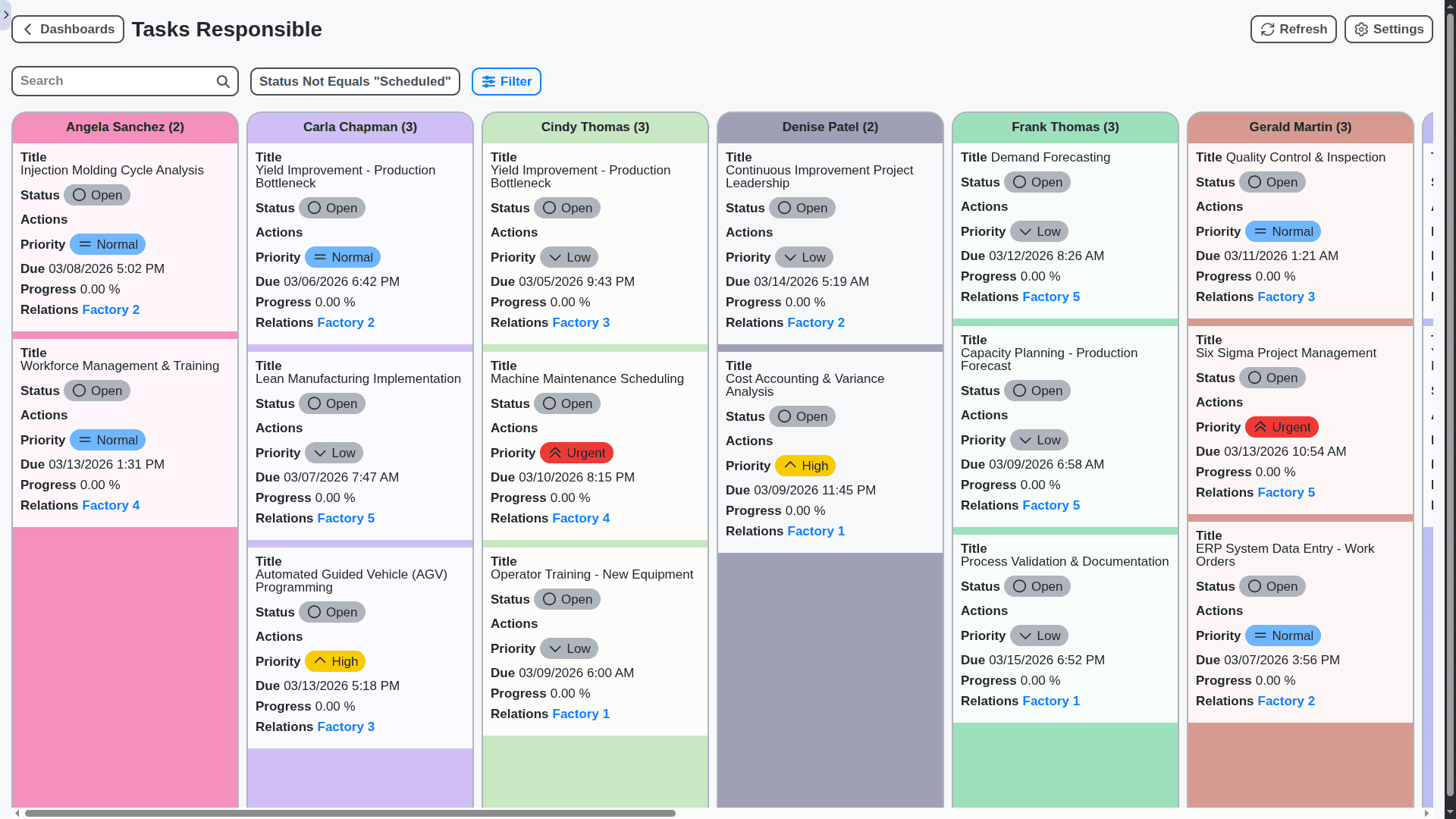
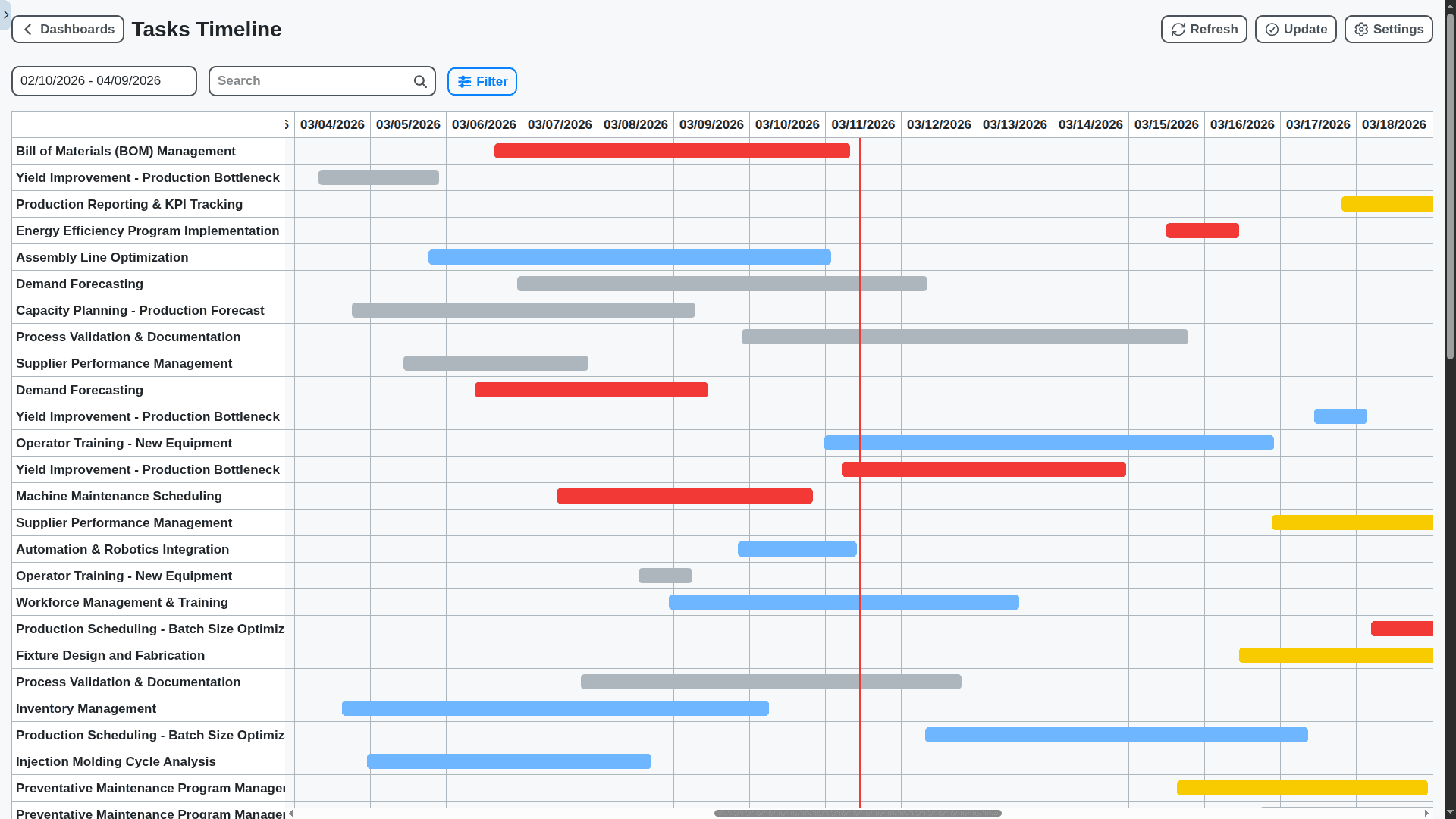
Real-Time Production Planning & Scheduling
Optimize your production schedules with dynamic planning capabilities. Easily factor in resource availability, machine capacity, and material lead times to create realistic and adaptable plans. Reduce bottlenecks, minimize waste, and ensure timely order fulfillment.
Optimized Equipment Maintenance & Uptime
Prevent costly downtime with a proactive maintenance management system. Track equipment performance, schedule preventative maintenance, manage work orders, and analyze failure patterns - all in one place.
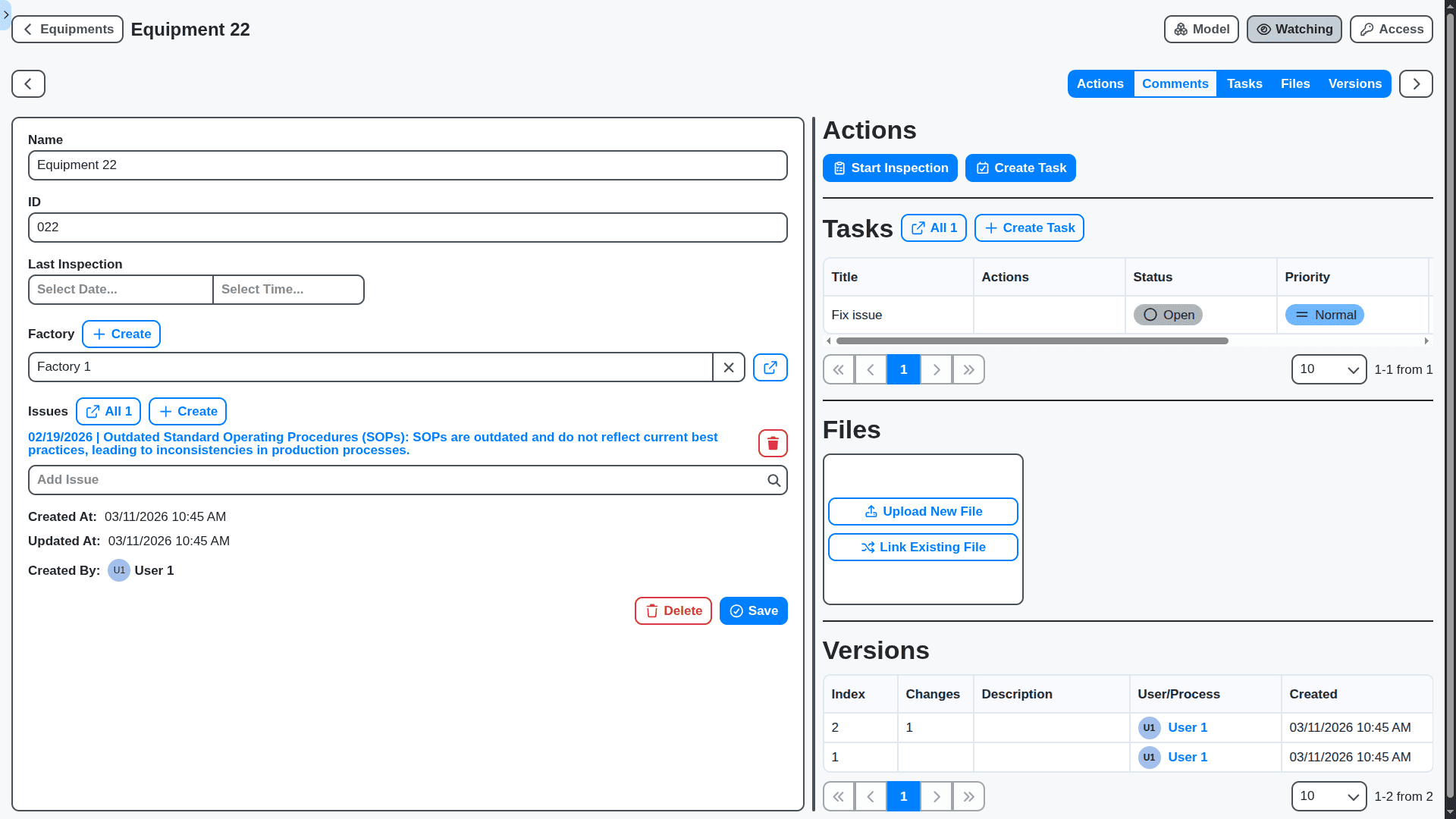
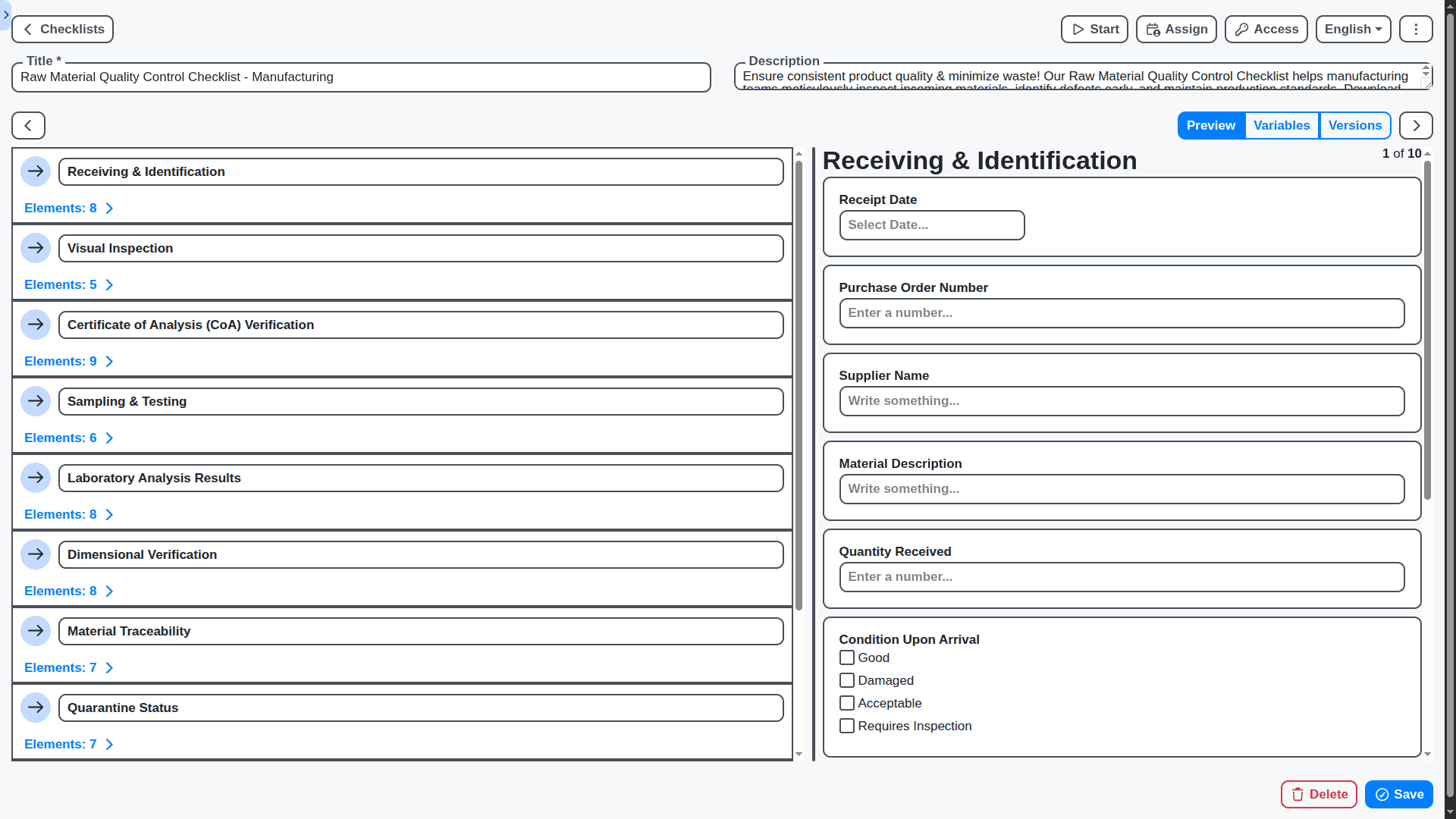
Quality Control & Defect Tracking Simplified
Maintain the highest quality standards with integrated quality control processes. Capture inspection data, track defects, identify root causes, and implement corrective actions - ensuring consistent product quality and customer satisfaction.
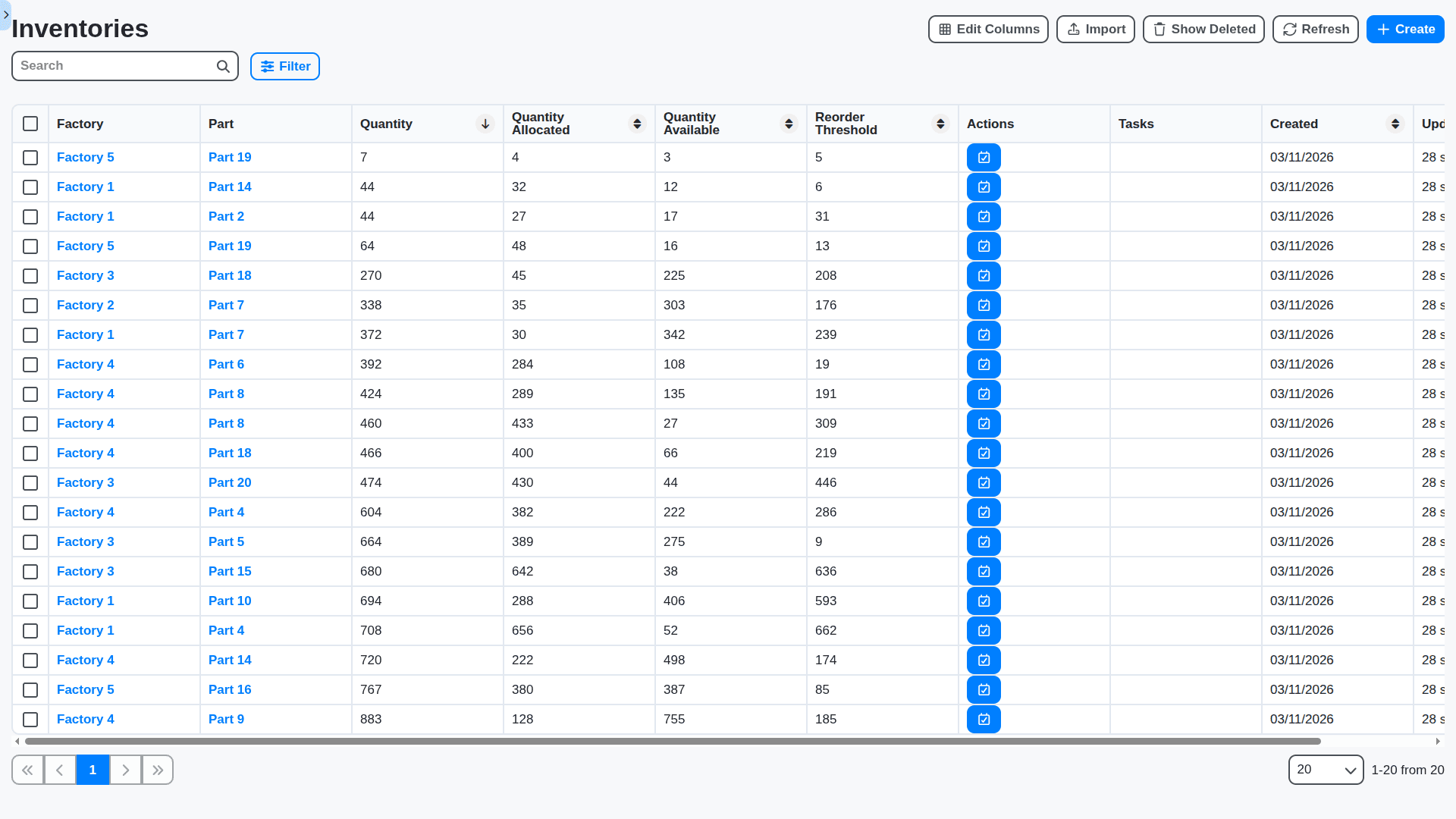
Inventory Management: Optimize Stock Levels & Reduce Waste
Gain complete visibility into your inventory levels across all locations. Manage raw materials, work-in-progress, and finished goods with accuracy and efficiency. Reduce waste, prevent stockouts, and optimize your supply chain.
Workforce Collaboration & Communication
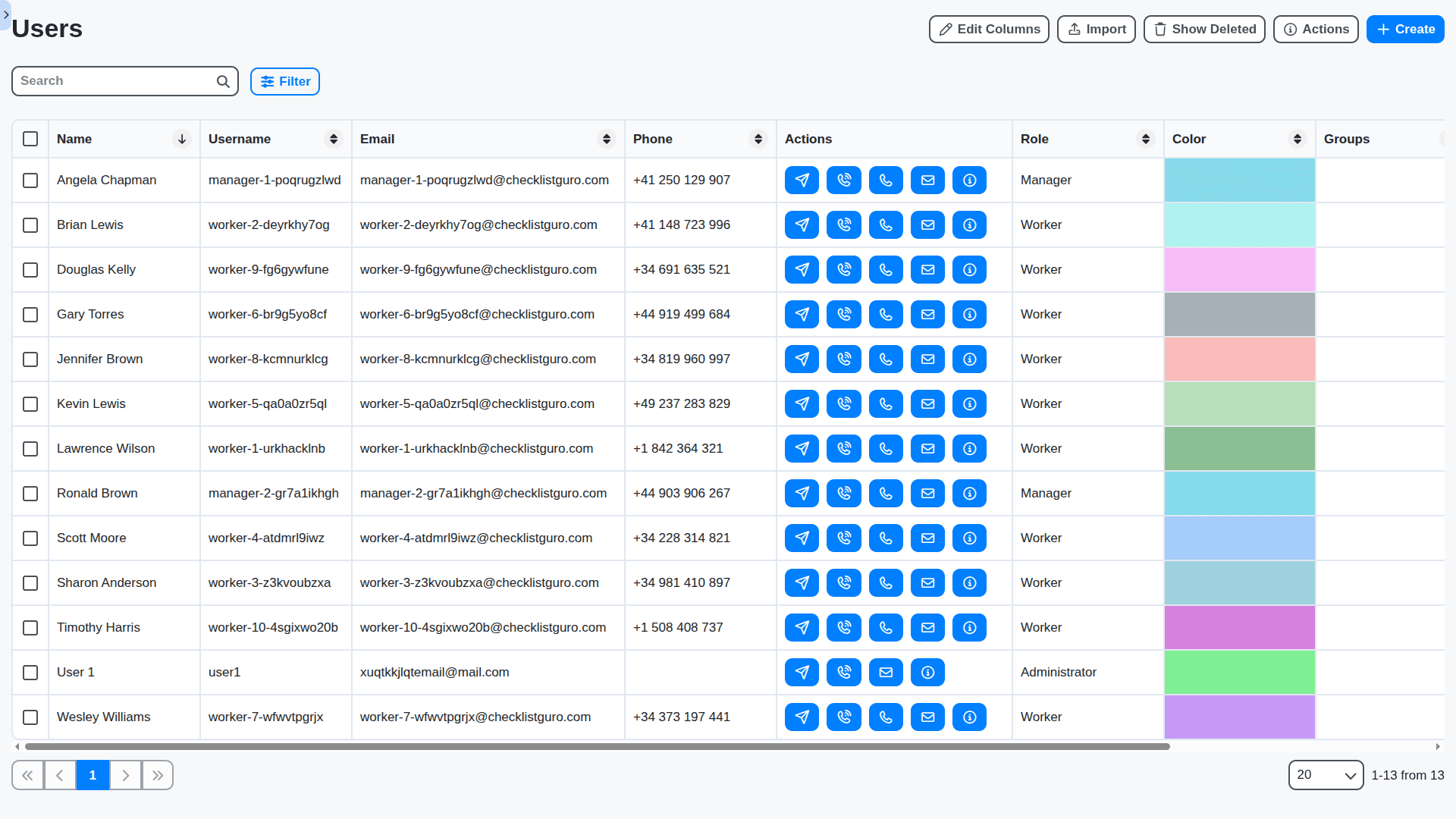
Break down silos and foster seamless collaboration across your manufacturing teams. Centralize communication, assign tasks, share updates, and track progress - all within the Work OS.
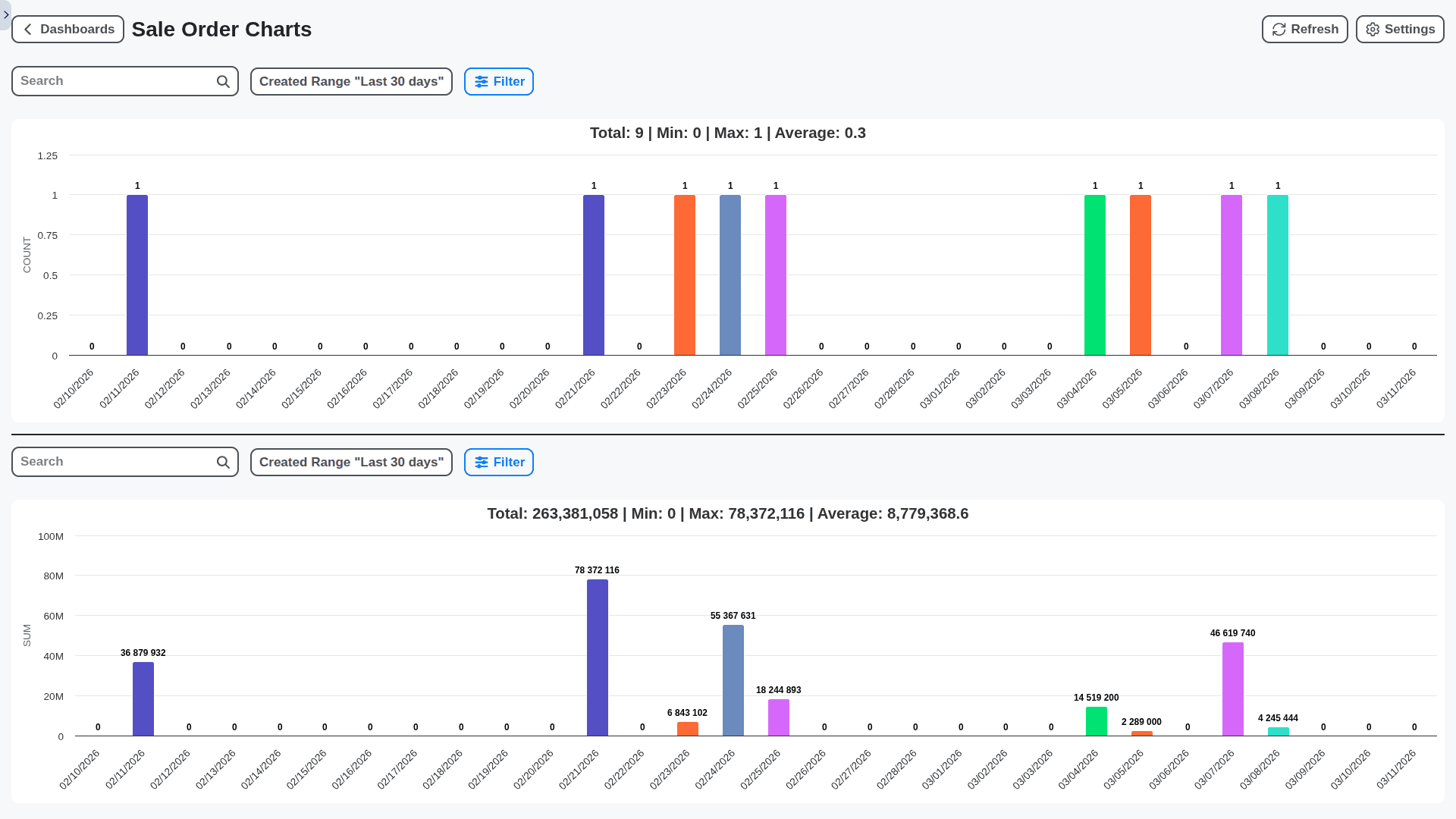
Real-Time Performance Analytics & Reporting
Go beyond basic reporting. Our Work OS provides real-time data visualization and custom reporting dashboards to track key performance indicators (KPIs), identify trends, and make informed decisions to drive continuous improvement.
No credit card or cancellation needed.
Features of our Manufacturing Management Solution
Core Manufacturing Management Features
Production Planning & Scheduling: Create and manage production plans and schedules, considering capacity, materials, and demand.
Bill of Materials (BOM) Management: Create and manage BOMs for finished goods and sub-assemblies.
Work Order Management: Generate and manage work orders for production tasks, including routing and resource allocation.
Shop Floor Control: Track production progress in real-time, including machine status, labor hours, and material consumption.
Inventory Management: Manage raw materials, work-in-progress, and finished goods inventory levels.
Machine Maintenance Management: Schedule and track machine maintenance activities to prevent downtime.
Quality Control Management: Define and implement quality control procedures, including inspections and testing.
Business Process Management (BPM) Features
New Product Introduction (NPI) Workflow: Automate the process of introducing new products into production, including design review, prototyping, and tooling.
Change Order Workflow: Manage engineering change orders, ensuring proper review, approval, and implementation.
Deviation Management Workflow: Handle deviations from standard operating procedures, ensuring proper investigation, corrective action, and documentation.
Production Order Release Workflow: Automate the release of production orders, considering capacity, materials, and demand.
Material Procurement Workflow: Manage the procurement process, including purchase requisitions, approvals, and order placement.
Maintenance Request Workflow: Handle maintenance requests from shop floor personnel, routing them to appropriate maintenance teams.
Supplier Quality Management Workflow: Manage supplier quality performance, including audits, corrective actions, and performance reviews.
Reporting & Analytics Features
Overall Equipment Effectiveness (OEE) Reporting: Calculate and track OEE to identify areas for improvement.
Production Performance Reporting: Generate reports on production output, cycle times, and yield rates.
Inventory Turnover Reporting: Calculate and track inventory turnover rates to optimize inventory levels.
Cost Accounting Reporting: Track manufacturing costs, including labor, materials, and overhead.
Predictive Maintenance Reporting: Leverage data analytics to predict machine failures and schedule preventive maintenance.
Customizable Dashboards: Enable users to create personalized dashboards to monitor key performance indicators (KPIs).
Technical & Admin Features
Role-Based Access Control (RBAC): Define user roles and permissions to control access to manufacturing data.
Security: Secure data with encryption and access controls.
Scalability: Handle a large number of users, machines, and production data points.
API & Integrations: Provide APIs for integration with ERP systems, MES (Manufacturing Execution Systems), and other business applications.
Real-Time Data Streaming: Enable real-time data streaming from machines and sensors to provide up-to-the-minute visibility into production status.
Version Control for BOMs and Routings: Maintain version history for BOMs and routings to track changes and ensure consistency.
Audit Trail: Track user activity and changes to manufacturing data for compliance and accountability.
No credit card or cancellation needed.
Manufacturing Checklist Templates
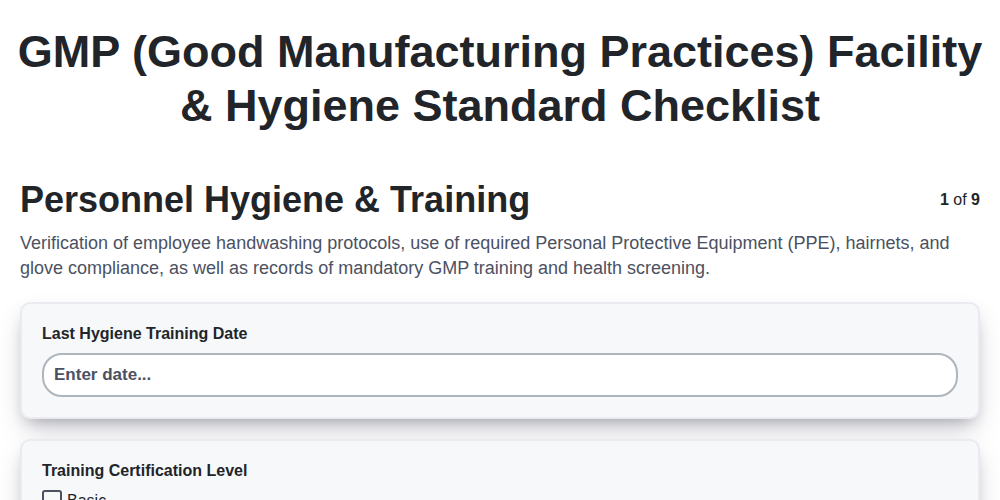
GMP (Good Manufacturing Practices) Facility & Hygiene Standard Checklist
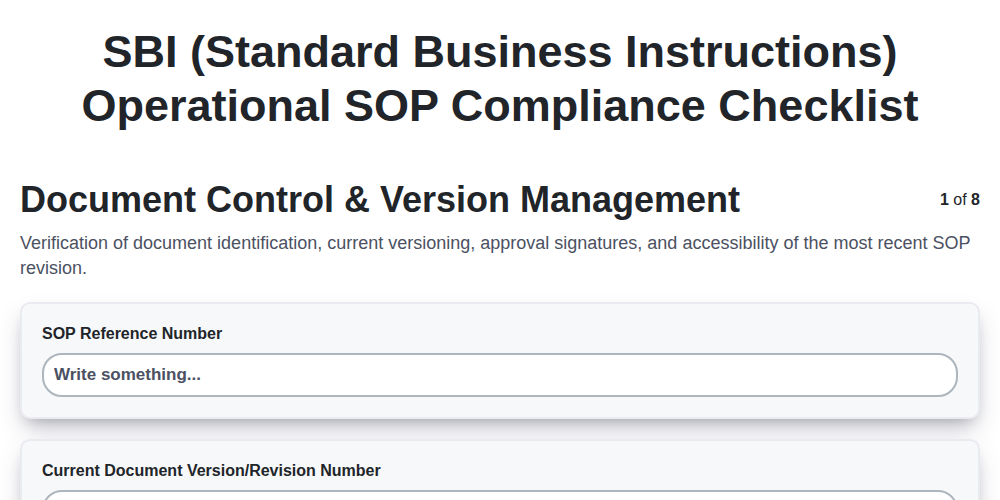
SBI (Standard Business Instructions) Operational SOP Compliance Checklist
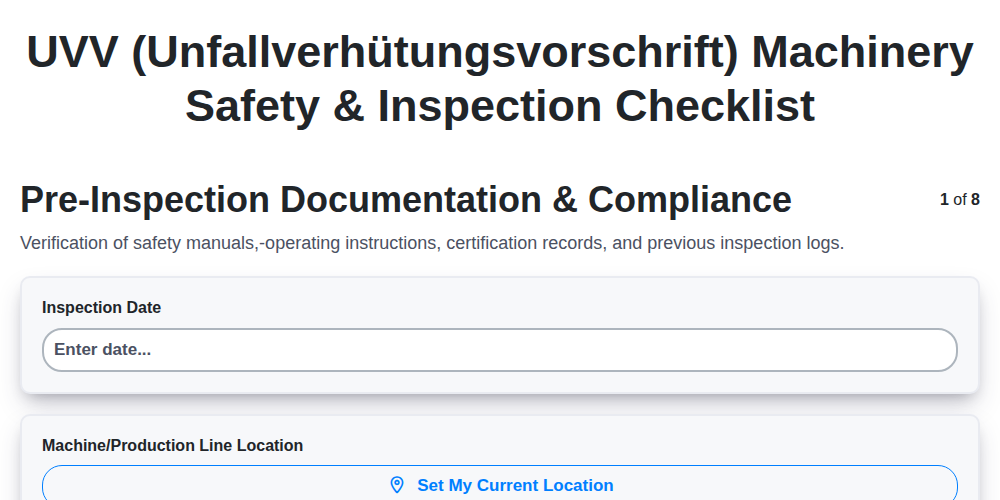
UVV (Unfallverhütungsvorschrift) Machinery Safety & Inspection Checklist
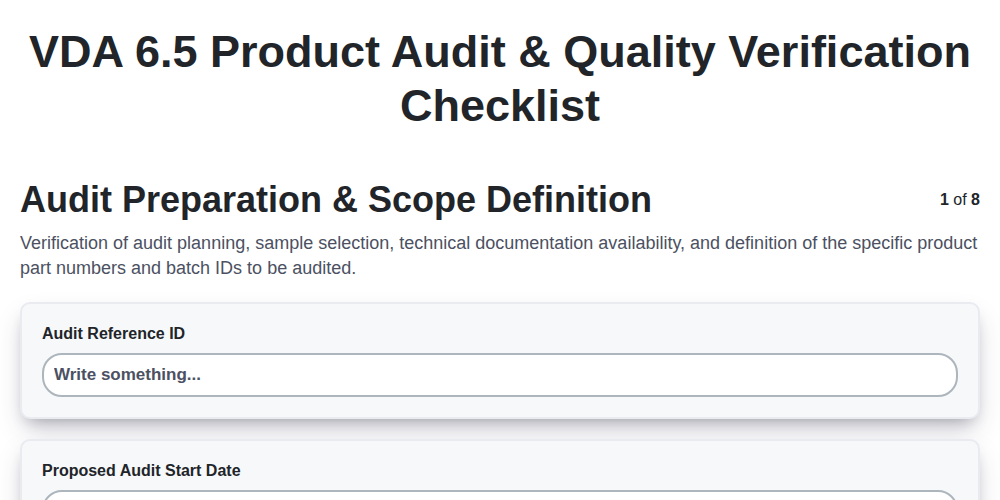
VDA 6.5 Product Audit & Quality Verification Checklist
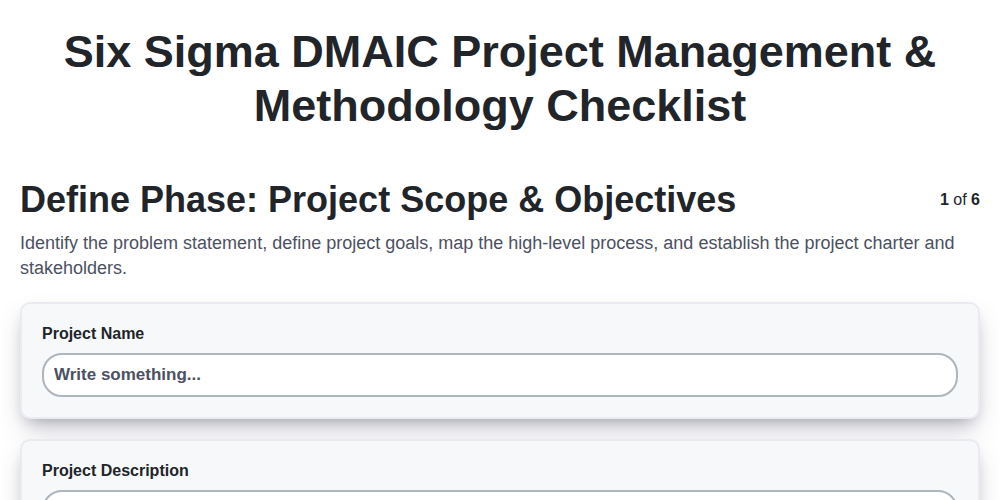
Six Sigma DMAIC Project Management & Methodology Checklist
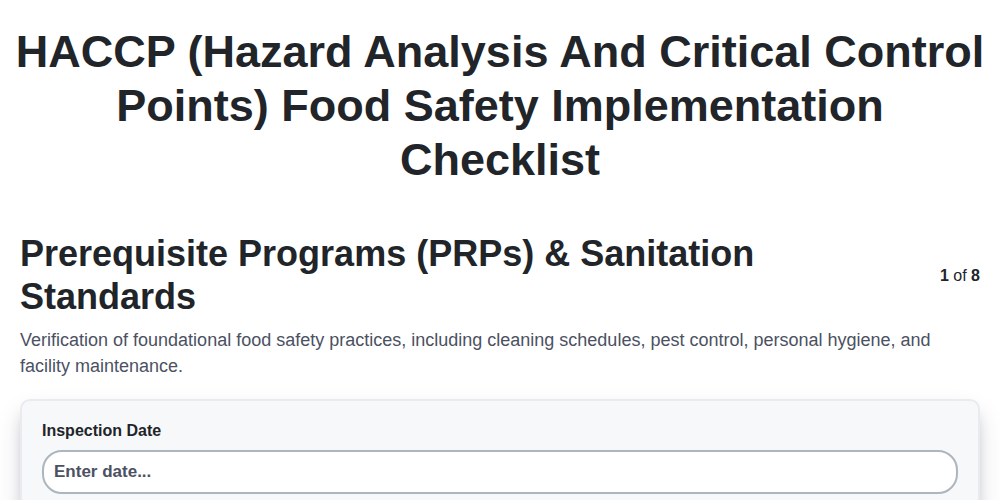
HACCP (Hazard Analysis and Critical Control Points) Food Safety Implementation Checklist
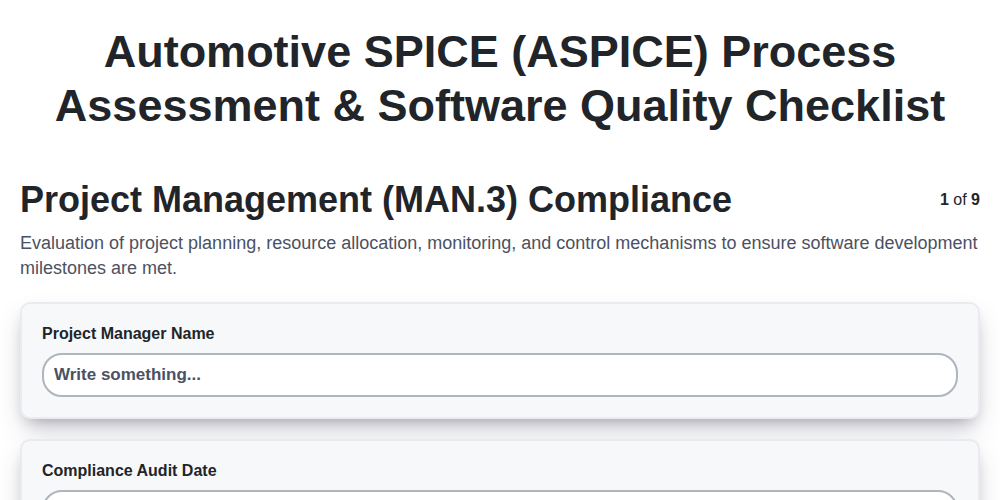
Automotive SPICE (ASPICE) Process Assessment & Software Quality Checklist
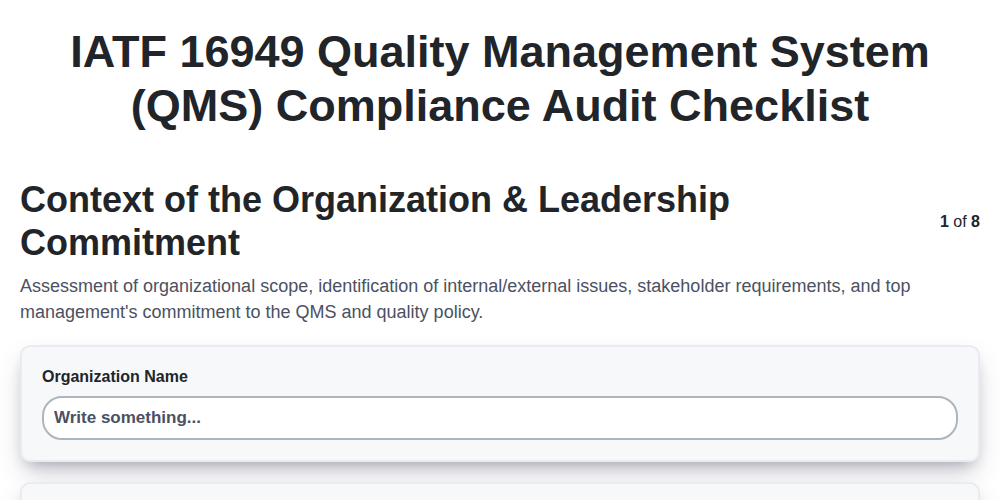
IATF 16949 Quality Management System (QMS) Compliance Audit Checklist
Frequently Asked Questions
What types of manufacturing processes can I use your checklist software for?
Our software is incredibly versatile! You can use it for a wide range of manufacturing processes, including (but not limited to) assembly line checklists, quality control audits, machine maintenance checklists, safety inspections for equipment, production line verification, and pre-operation checklists. It's suitable for both discrete and continuous manufacturing.
I'm new to digital checklists. How easy is it to get started with your software for my manufacturing facility?
It's designed to be user-friendly! You can start immediately. Just create an account, and you're guided through creating your first checklist. We offer video tutorials and helpful tooltips to assist you. Plus, you can import existing paper checklists by simply entering the questions and answers into the platform.
Can I customize the checklists to fit my specific manufacturing workflows and equipment?
Absolutely! Our software provides extensive customization options. You can add your own questions, assign custom fields (like serial numbers or dates), add images or videos to your checklists, and tailor the flow to match your exact processes. You can also create different checklist versions for different machines or production lines.
How can I assign checklists to different team members in my manufacturing operation?
You can easily assign checklists to individuals or groups within your organization. Set due dates, reminders, and specify who's responsible for completing each step. This ensures accountability and helps track progress throughout your manufacturing operation.
What kind of reporting and analytics do you provide for our manufacturing checklists?
Our software generates comprehensive reports on checklist completion rates, identification of recurring issues, and overall process efficiency. You can easily identify bottlenecks, pinpoint areas for improvement, and demonstrate compliance with industry standards. Reports can be exported in various formats (CSV, PDF, etc.).
Can I integrate your checklist software with other systems we use in our manufacturing environment (e.g., ERP, MES)?
We offer robust API integration capabilities. While direct integrations with specific ERP/MES systems might require custom development, our API allows you to connect our checklist data with your existing systems, streamlining data flow and improving overall operational efficiency. Contact us to discuss your specific integration needs.
How secure is my manufacturing data within your platform?
Data security is our top priority. We use industry-standard encryption (both in transit and at rest) to protect your data. Our servers are hosted in secure data centers with multiple layers of physical and digital security measures.
Can multiple users access and update checklists simultaneously in my manufacturing plant?
Yes! Our software supports simultaneous user access and updates. This allows your entire team to collaborate on checklists in real-time, improving efficiency and accuracy. Changes are instantly reflected for all authorized users.
How do I handle non-conformance or corrective actions identified during a manufacturing checklist?
Our platform allows you to easily document any non-conformance identified during the checklist process. You can add detailed descriptions, assign corrective actions, set deadlines, and track progress until resolution. This ensures that issues are addressed promptly and effectively.
What kind of support do you offer?
We offer a variety of support options, including: comprehensive online documentation, video tutorials, responsive email support, and priority phone support for premium subscribers. We're committed to helping you get the most out of our software!
We can do it Together
Make a Request
Have a question? We're here to help. Please submit your inquiry, and we'll respond promptly.