 ChecklistGuro
 Product Stability Testing and Monitoring
Ensure drug efficacy and safety with our comprehensive Product Stability Testing and Monitoring workflow. Our pharmaceutical process optimizes real-time stability studies, degradation analysis, and environmental monitoring to guarantee regulatory compliance, maintain shelf-life integrity, and uphold the highest standards of quality control from production to market.
Esta plantilla se instaló 2 veces.
Inicio
Inicio del flujo de trabajo/proceso.
1. Fetch Recent Deployment Records
Retrieve the latest deployment logs from the Deployment Data Model to identify the version being tested.
2. Execute Automated Regression Suite
Assign a task to the QA Engineer to run the predefined automated testing scripts.
3. Retrieve Error Logs
Fetch error logs and crash reports from the System Logs Data Model for the current timeframe.
4. Calculate Error Rate
Aggregate error logs to calculate the percentage of failed requests against total requests.
5. Calculate Stability Score
Apply a formula using error rate, latency, and CPU usage to determine the overall Stability Score.
6. Manual Exploratory Testing
Create a task for the QA team to perform manual UI/UX stability checks on high-impact features.
7. Fetch Resource Utilization Metrics
Retrieve CPU, Memory, and Disk I/O data from the Infrastructure Monitoring Data Model.
8. Calculate Average Latency
Calculate the average response time from the captured performance metrics.
9. Determine Threshold Breach
Compare the calculated Stability Score and Latency against predefined SLA thresholds.
10. Investigate Performance Degradation
Create an investigation task for the DevOps Engineer if the stability score falls below the threshold.
11. Create Incident Report
Create a new entry in the Incident Data Model if a critical stability failure is detected.
12. Update Deployment Status
Update the status of the current deployment entry to 'Unstable' or 'Failed' based on test results.
13. Notify Stakeholders of Stability Alert
Send an email alert to the Product Manager and Engineering Lead containing the stability summary.
14. Generate Stability Summary Report
Create a comprehensive PDF/Dashboard report summarizing the results of the testing period.
15. Emergency Alert to On-Call Engineer
Send an SMS to the on-call engineer if a critical system crash is detected during testing.
16. Cleanup Temporary Test Data
Delete temporary test logs and transient data entries created during the testing cycle to save storage.
Fin
Fin del flujo de trabajo/proceso.
Inicio del flujo de trabajo/proceso.
Retrieve the latest deployment logs from the Deployment Data Model to identify the version being tested.
Assign a task to the QA Engineer to run the predefined automated testing scripts.
Fetch error logs and crash reports from the System Logs Data Model for the current timeframe.
Aggregate error logs to calculate the percentage of failed requests against total requests.
Apply a formula using error rate, latency, and CPU usage to determine the overall Stability Score.
Create a task for the QA team to perform manual UI/UX stability checks on high-impact features.
Retrieve CPU, Memory, and Disk I/O data from the Infrastructure Monitoring Data Model.
Calculate the average response time from the captured performance metrics.
Compare the calculated Stability Score and Latency against predefined SLA thresholds.
Create an investigation task for the DevOps Engineer if the stability score falls below the threshold.
Create a new entry in the Incident Data Model if a critical stability failure is detected.
Update the status of the current deployment entry to 'Unstable' or 'Failed' based on test results.
Send an email alert to the Product Manager and Engineering Lead containing the stability summary.
Create a comprehensive PDF/Dashboard report summarizing the results of the testing period.
Send an SMS to the on-call engineer if a critical system crash is detected during testing.
Delete temporary test logs and transient data entries created during the testing cycle to save storage.
Fin del flujo de trabajo/proceso.
¿Le resultó útil esta plantilla de flujo de trabajo?
Comentarios
Aún no hay comentarios. ¡Sé el primero en añadir uno!
Demostración de la Solución de Gestión Farmacéutica
¿Está buscando cumplir con regulaciones complejas y garantizar la calidad en la fabricación farmacéutica? La plataforma Work OS de ChecklistGuro optimiza los procesos, desde la investigación y desarrollo hasta la producción, el envasado y la distribución. Mantenga el cumplimiento normativo, mejore la eficiencia y reduzca los riesgos. ¡Descubra cómo ChecklistGuro puede transformar sus operaciones farmacéuticas!
Plantillas de flujo de trabajo relacionadas
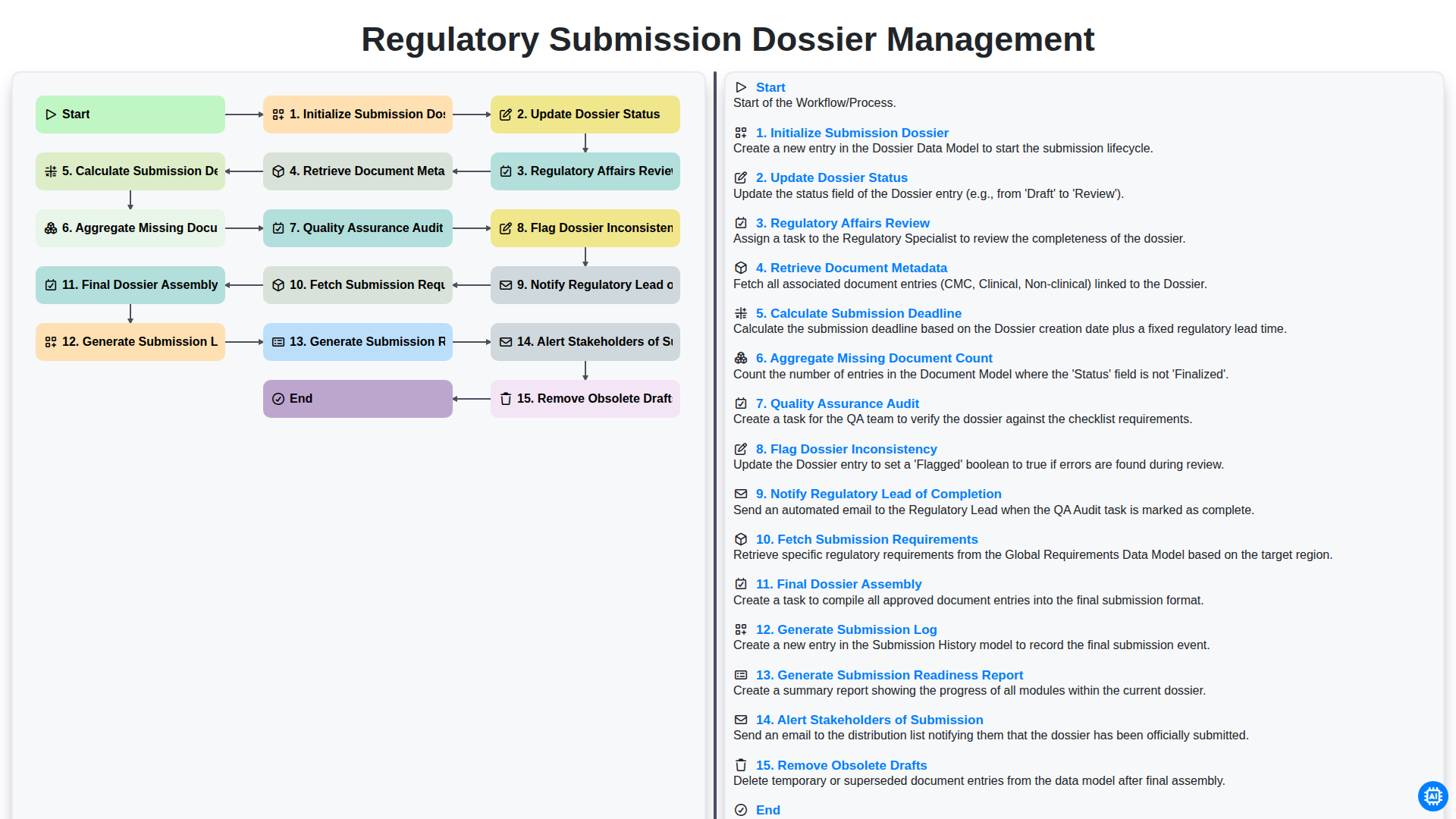
Regulatory Submission Dossier Management
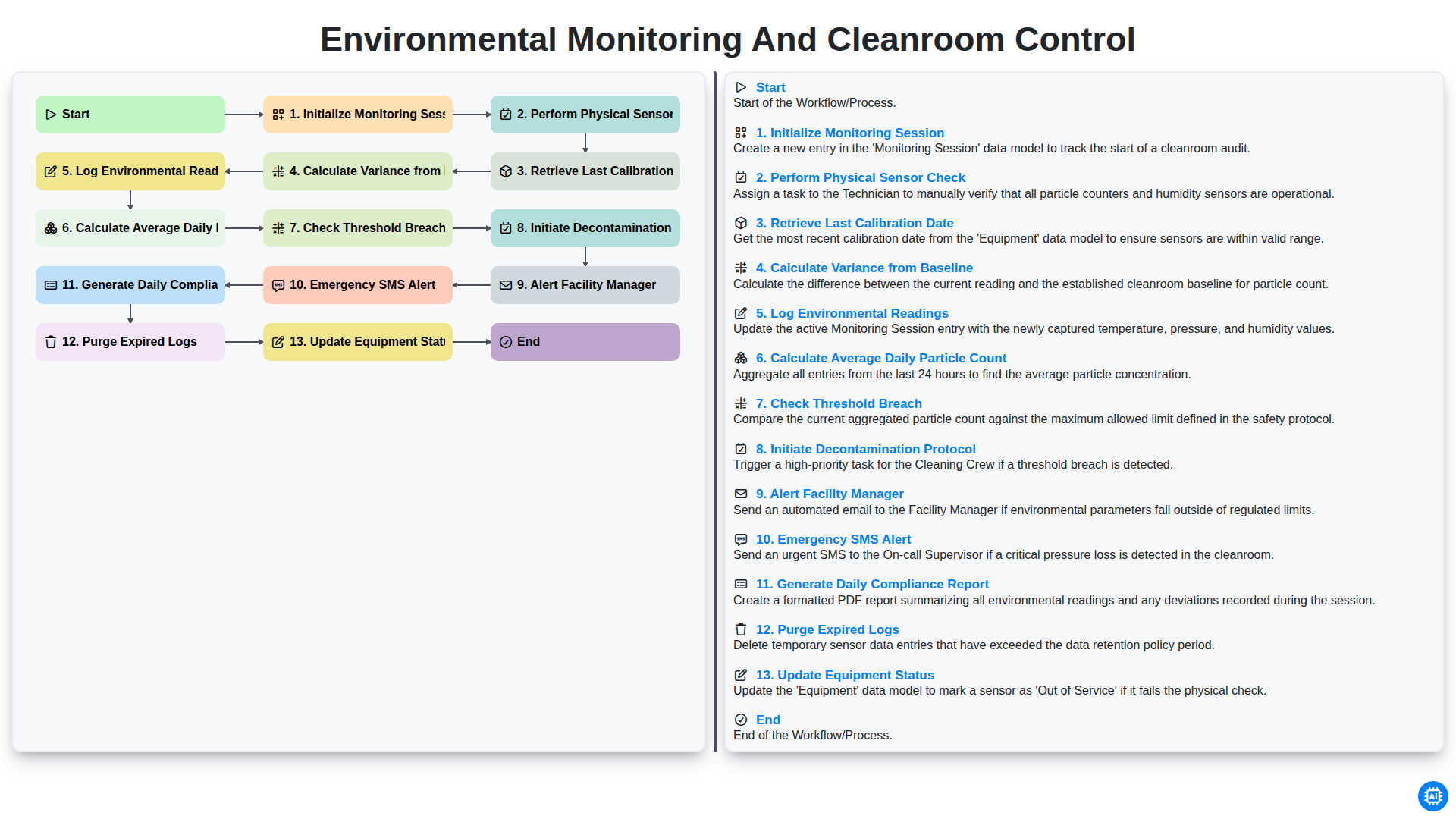
Environmental Monitoring and Cleanroom Control
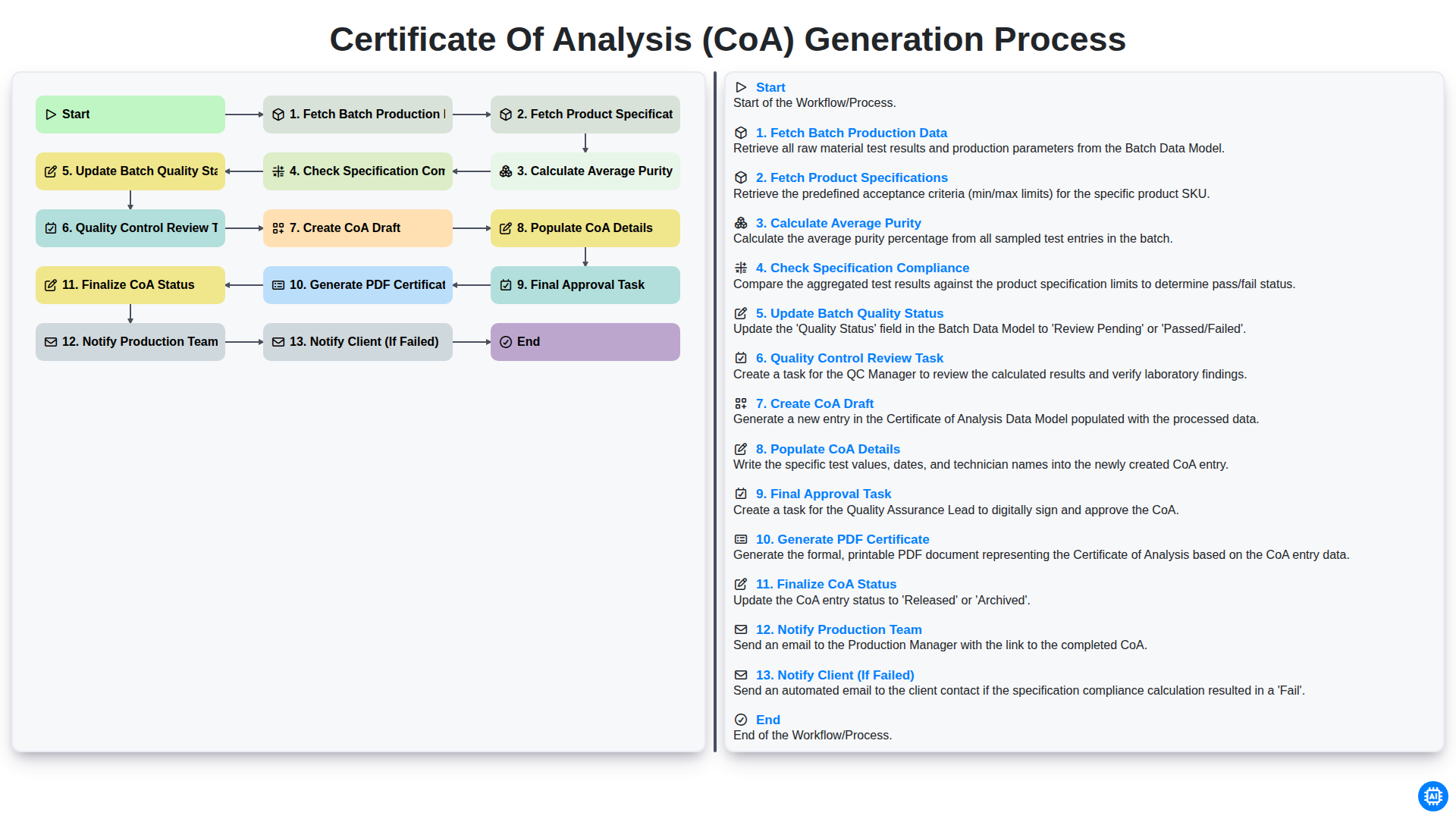
Certificate of Analysis (CoA) Generation Process
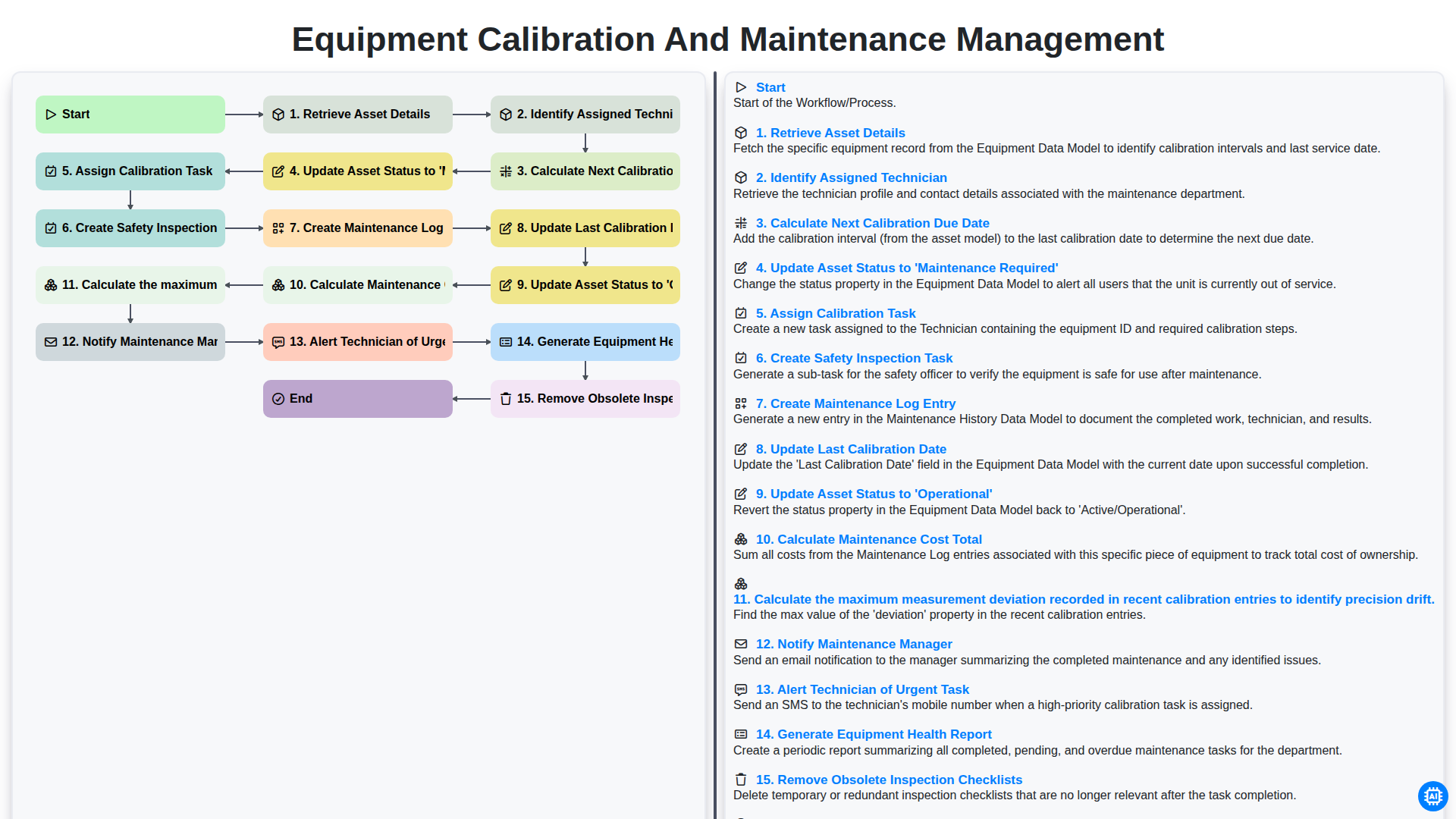
Equipment Calibration and Maintenance Management
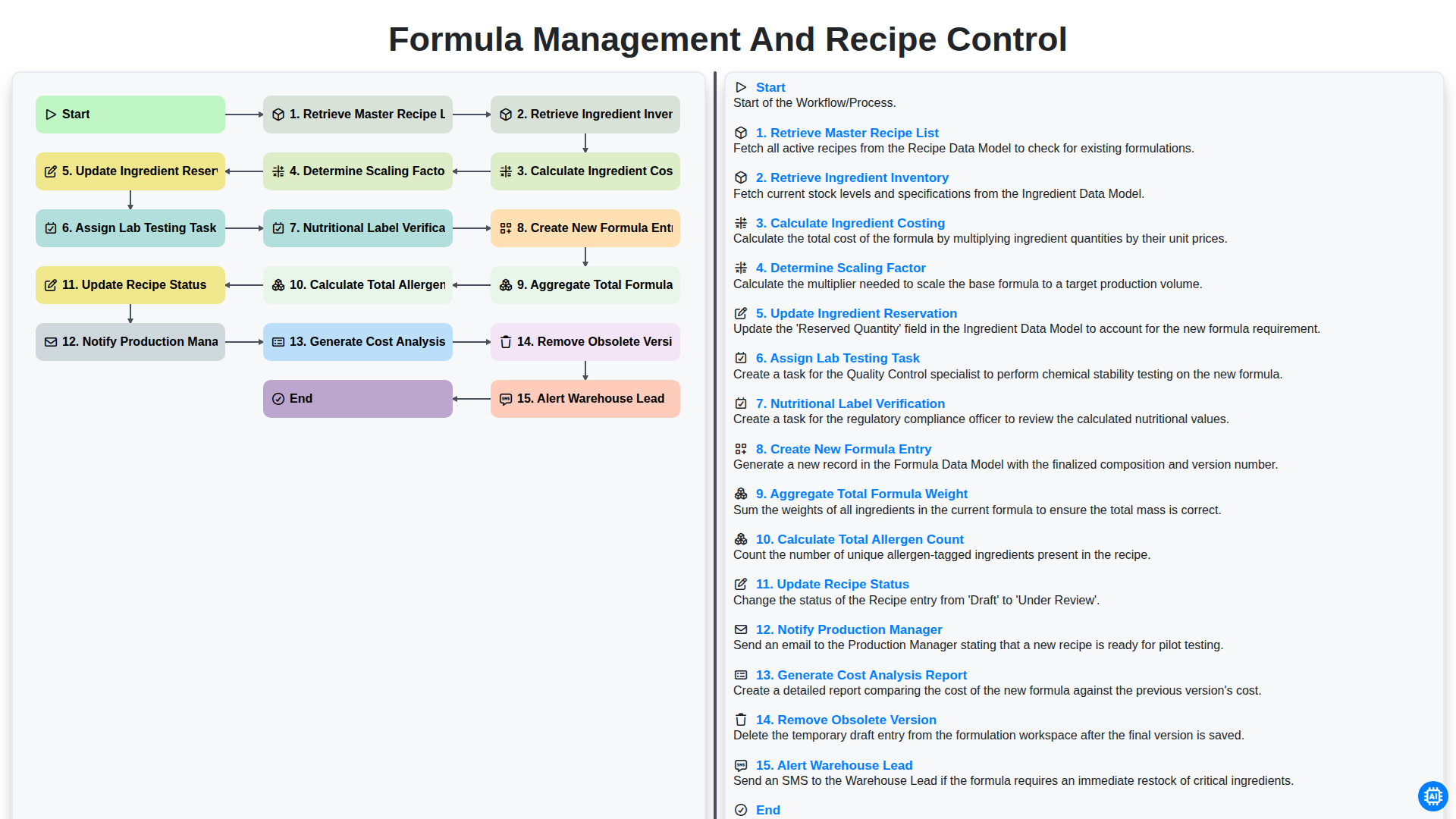
Formula Management and Recipe Control
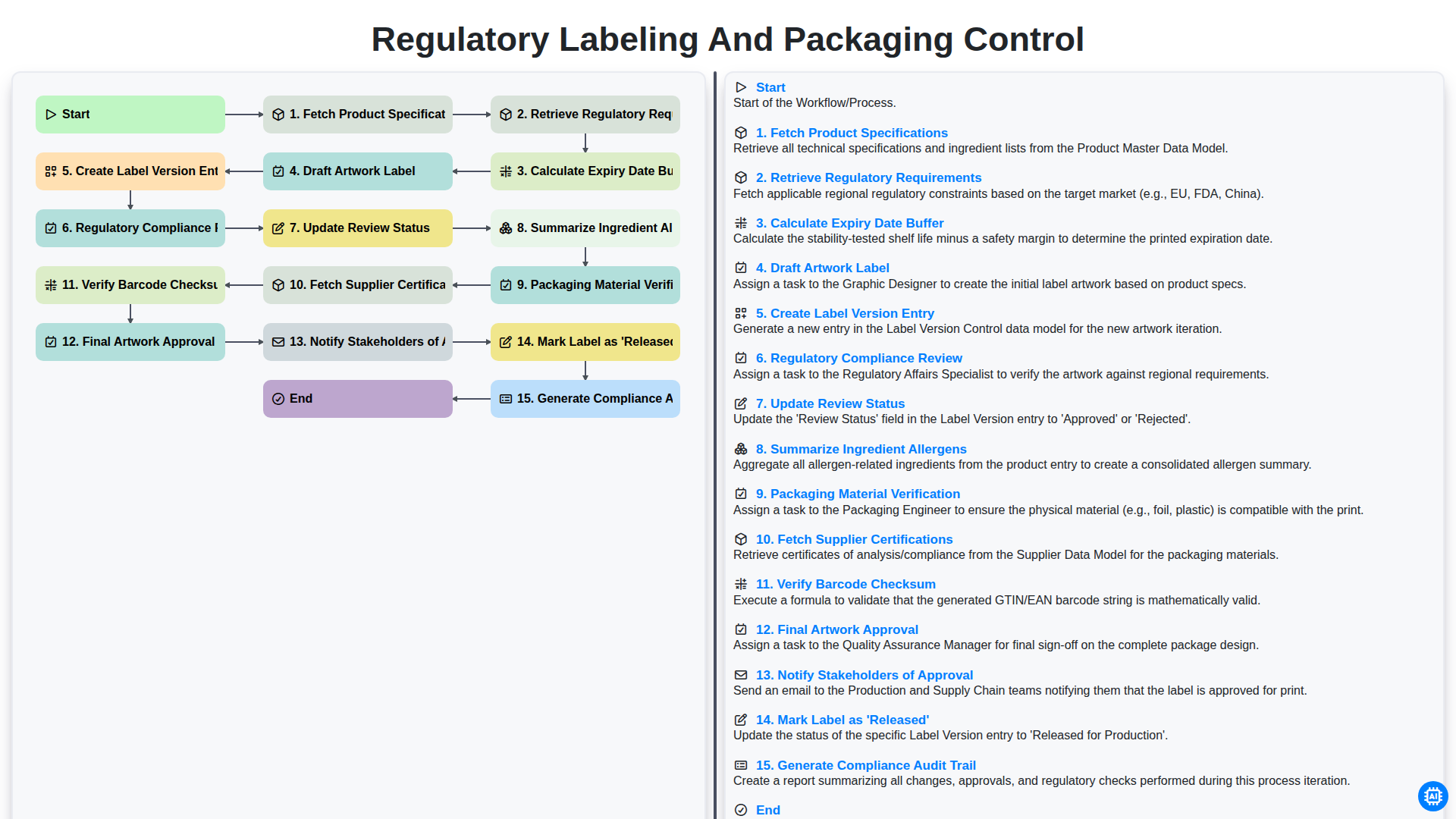
Control del etiquetado y el envasado según la normativa.
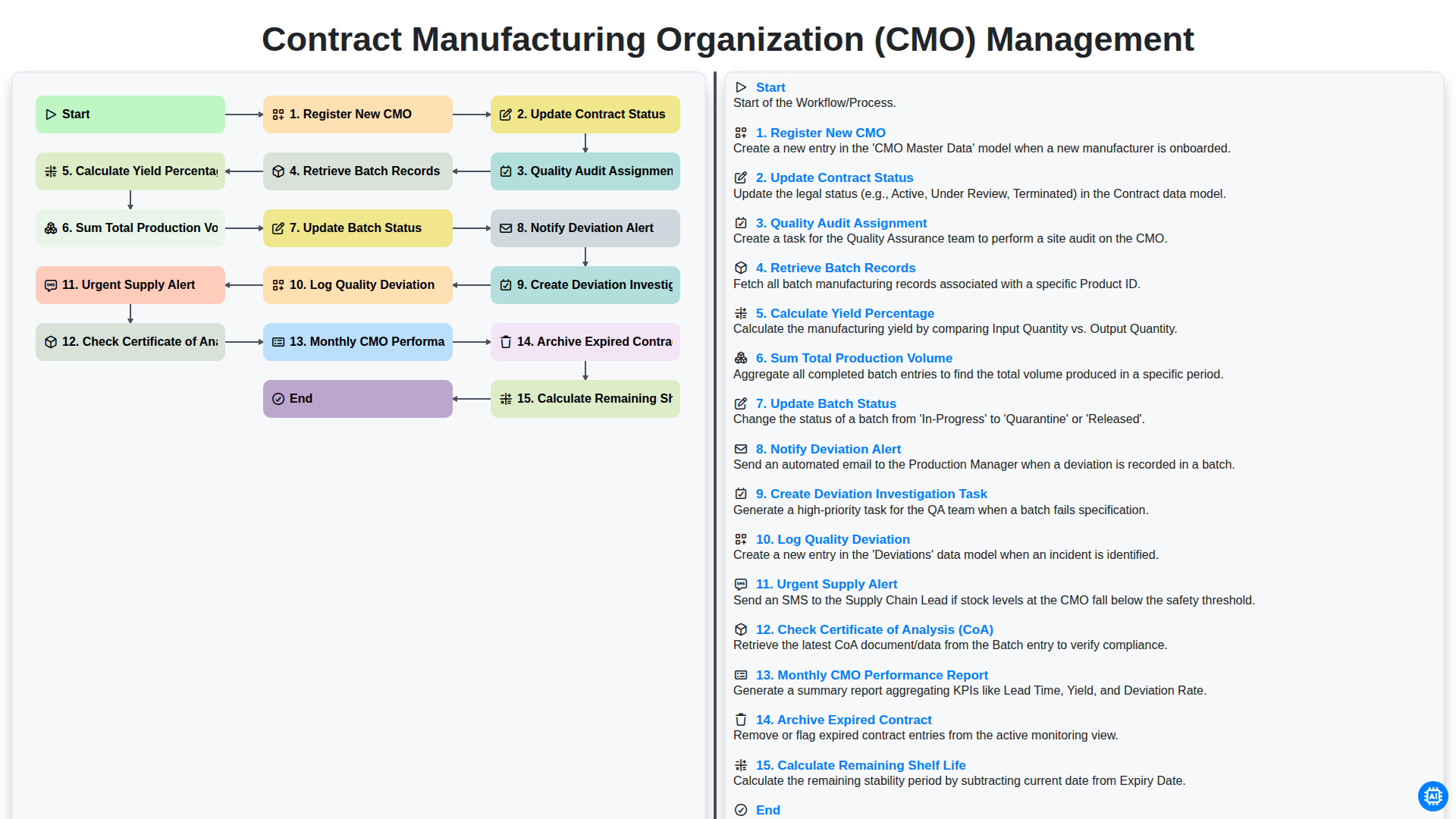
Contract Manufacturing Organization (CMO) Management
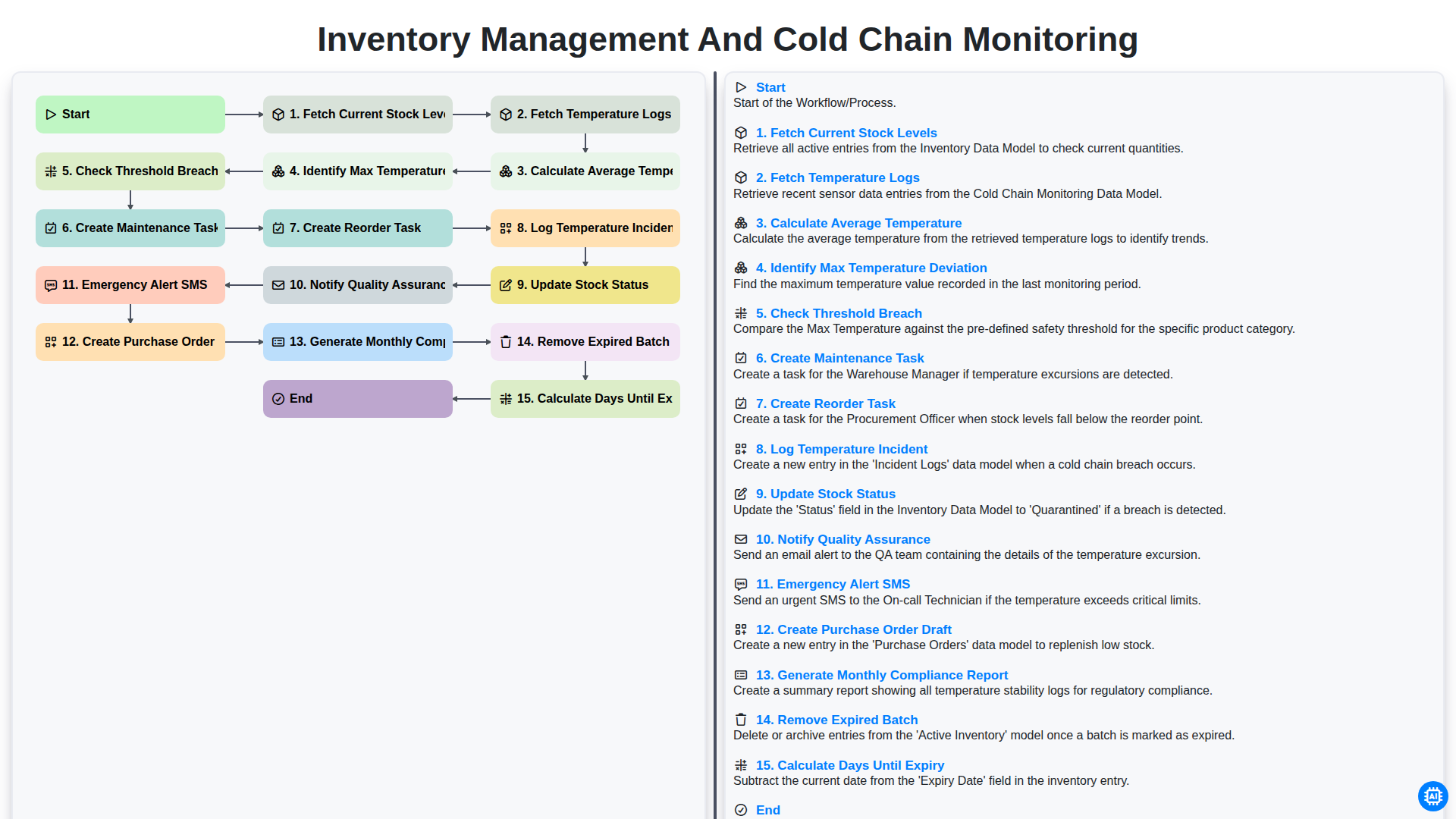
Inventory Management and Cold Chain Monitoring
Podemos hacerlo juntos
¿Necesita ayuda con las listas de verificación?
¿Tienes alguna pregunta? Estamos aquí para ayudarte. Envía tu consulta y te responderemos a la brevedad.