 ChecklistGuro
 Product Stability Testing and Monitoring
Ensure drug efficacy and safety with our comprehensive Product Stability Testing and Monitoring workflow. Our pharmaceutical process optimizes real-time stability studies, degradation analysis, and environmental monitoring to guarantee regulatory compliance, maintain shelf-life integrity, and uphold the highest standards of quality control from production to market.
This Template was installed 3 times.
Start
Start of the Workflow/Process.
1. Fetch Recent Deployment Records
Retrieve the latest deployment logs from the Deployment Data Model to identify the version being tested.
2. Execute Automated Regression Suite
Assign a task to the QA Engineer to run the predefined automated testing scripts.
3. Retrieve Error Logs
Fetch error logs and crash reports from the System Logs Data Model for the current timeframe.
4. Calculate Error Rate
Aggregate error logs to calculate the percentage of failed requests against total requests.
5. Calculate Stability Score
Apply a formula using error rate, latency, and CPU usage to determine the overall Stability Score.
6. Manual Exploratory Testing
Create a task for the QA team to perform manual UI/UX stability checks on high-impact features.
7. Fetch Resource Utilization Metrics
Retrieve CPU, Memory, and Disk I/O data from the Infrastructure Monitoring Data Model.
8. Calculate Average Latency
Calculate the average response time from the captured performance metrics.
9. Determine Threshold Breach
Compare the calculated Stability Score and Latency against predefined SLA thresholds.
10. Investigate Performance Degradation
Create an investigation task for the DevOps Engineer if the stability score falls below the threshold.
11. Create Incident Report
Create a new entry in the Incident Data Model if a critical stability failure is detected.
12. Update Deployment Status
Update the status of the current deployment entry to 'Unstable' or 'Failed' based on test results.
13. Notify Stakeholders of Stability Alert
Send an email alert to the Product Manager and Engineering Lead containing the stability summary.
14. Generate Stability Summary Report
Create a comprehensive PDF/Dashboard report summarizing the results of the testing period.
15. Emergency Alert to On-Call Engineer
Send an SMS to the on-call engineer if a critical system crash is detected during testing.
16. Cleanup Temporary Test Data
Delete temporary test logs and transient data entries created during the testing cycle to save storage.
End
End of the Workflow/Process.
Start of the Workflow/Process.
Retrieve the latest deployment logs from the Deployment Data Model to identify the version being tested.
Assign a task to the QA Engineer to run the predefined automated testing scripts.
Fetch error logs and crash reports from the System Logs Data Model for the current timeframe.
Aggregate error logs to calculate the percentage of failed requests against total requests.
Apply a formula using error rate, latency, and CPU usage to determine the overall Stability Score.
Create a task for the QA team to perform manual UI/UX stability checks on high-impact features.
Retrieve CPU, Memory, and Disk I/O data from the Infrastructure Monitoring Data Model.
Calculate the average response time from the captured performance metrics.
Compare the calculated Stability Score and Latency against predefined SLA thresholds.
Create an investigation task for the DevOps Engineer if the stability score falls below the threshold.
Create a new entry in the Incident Data Model if a critical stability failure is detected.
Update the status of the current deployment entry to 'Unstable' or 'Failed' based on test results.
Send an email alert to the Product Manager and Engineering Lead containing the stability summary.
Create a comprehensive PDF/Dashboard report summarizing the results of the testing period.
Send an SMS to the on-call engineer if a critical system crash is detected during testing.
Delete temporary test logs and transient data entries created during the testing cycle to save storage.
End of the Workflow/Process.
Frequently Asked Questions
Comments
There are no comments yet. Be the first to add one!
Pharmaceutical Management Solution Demo
Navigating complex regulations and ensuring quality in pharmaceutical manufacturing? ChecklistGuro's Work OS platform streamlines processes from R&D to production, packaging, and distribution. Maintain compliance, improve efficiency, and reduce risk. Discover how ChecklistGuro can transform your pharmaceutical operations!
Related Workflow Templates
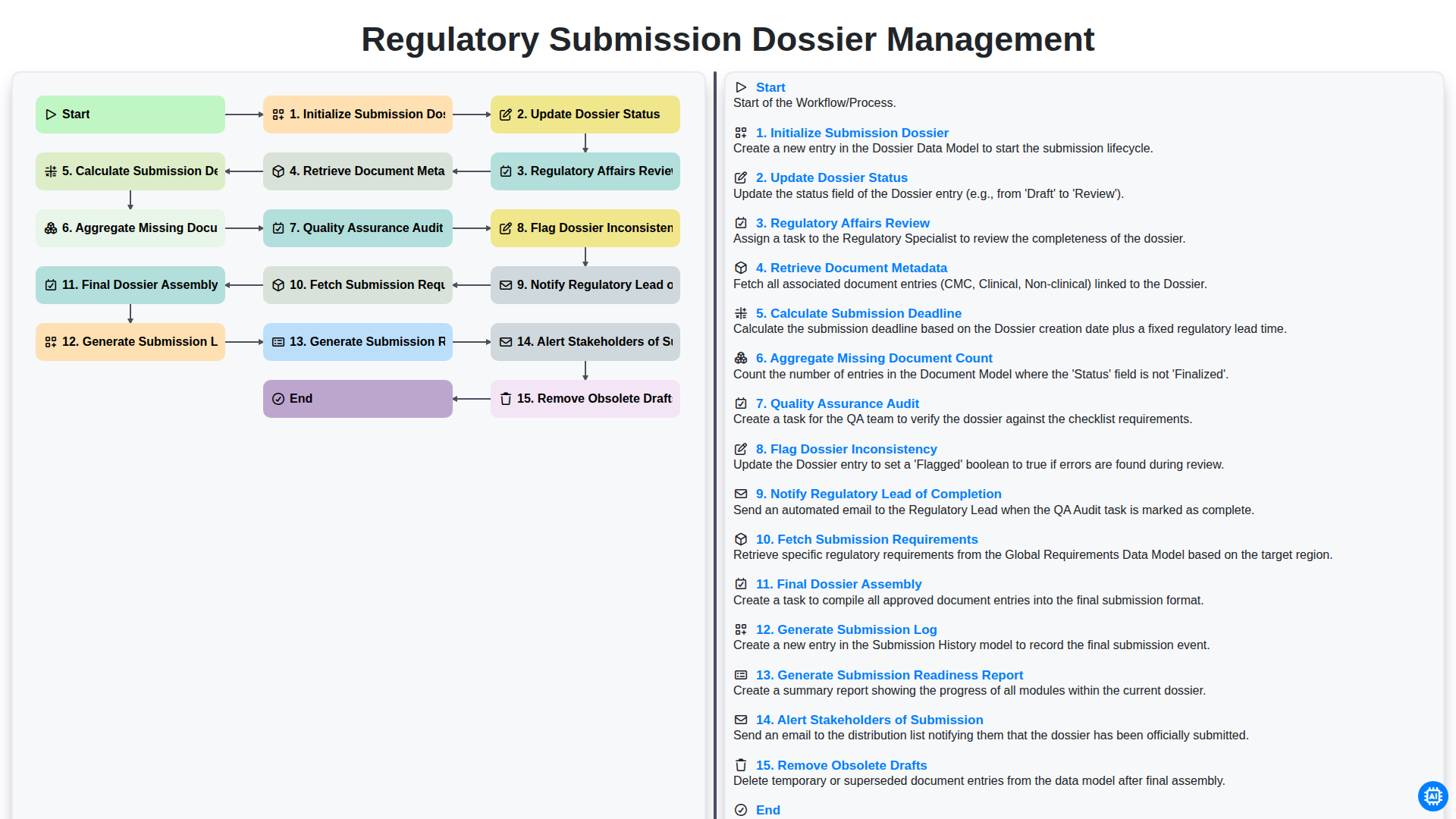
Regulatory Submission Dossier Management
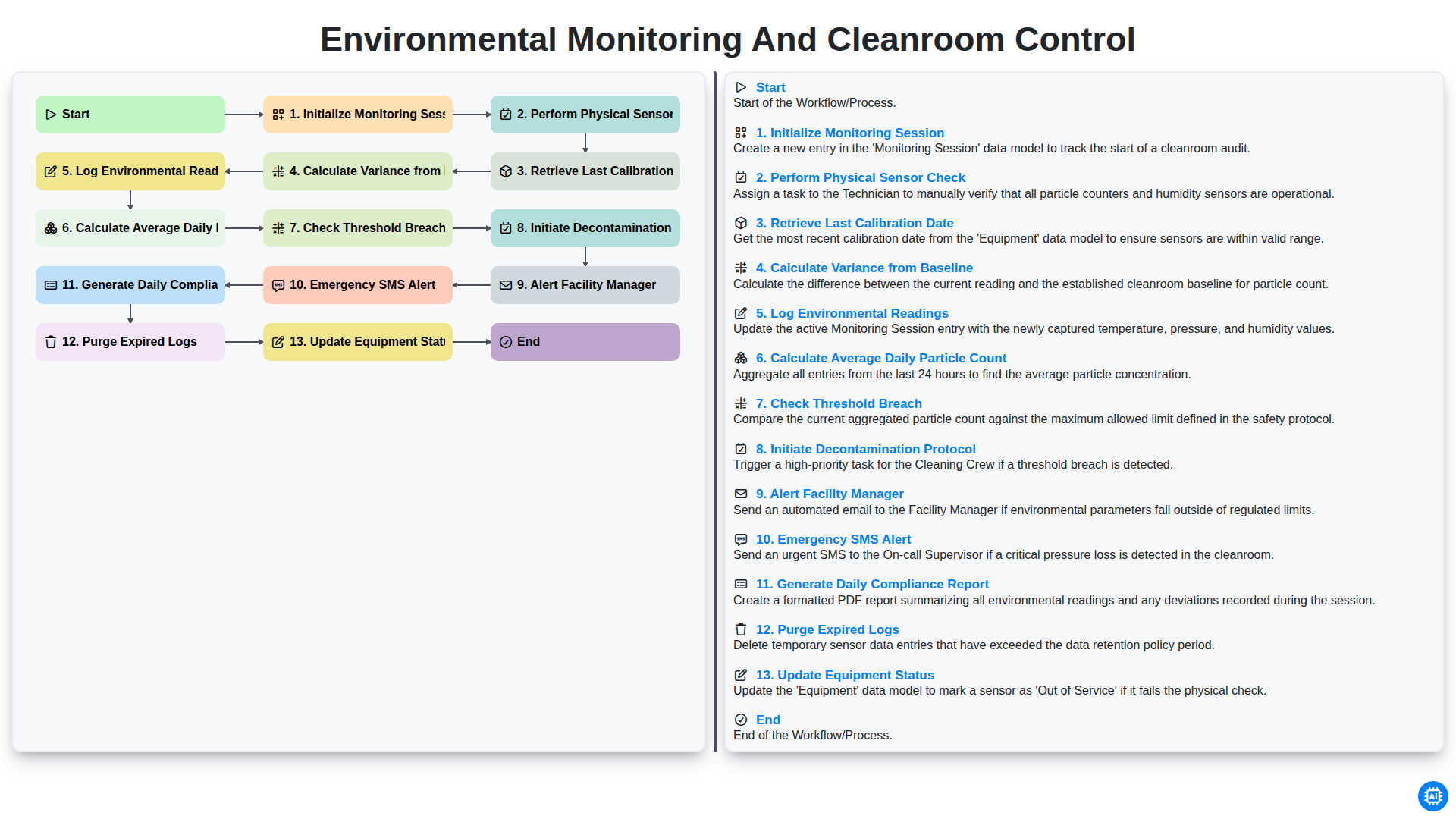
Environmental Monitoring and Cleanroom Control
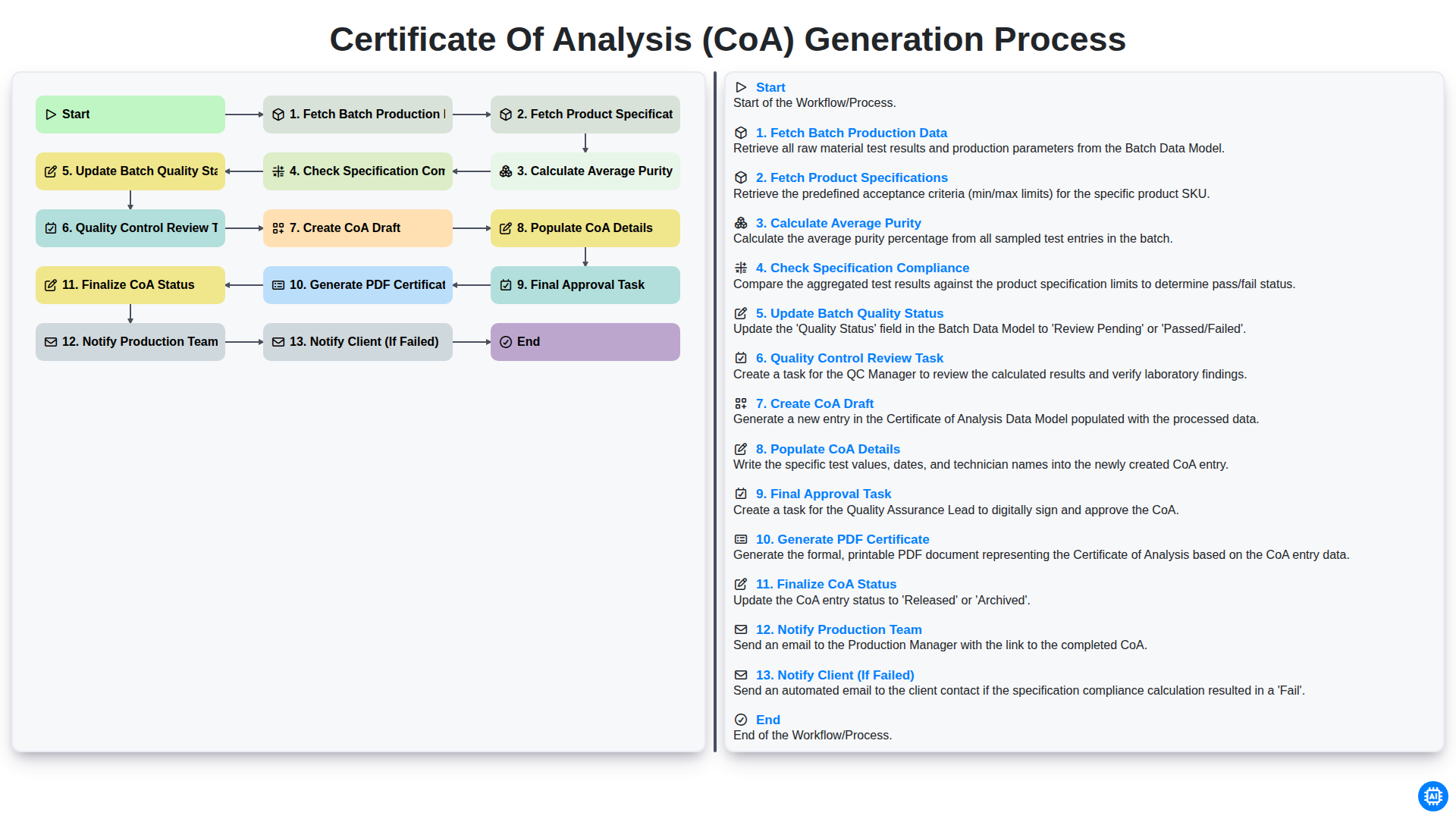
Certificate of Analysis (CoA) Generation Process
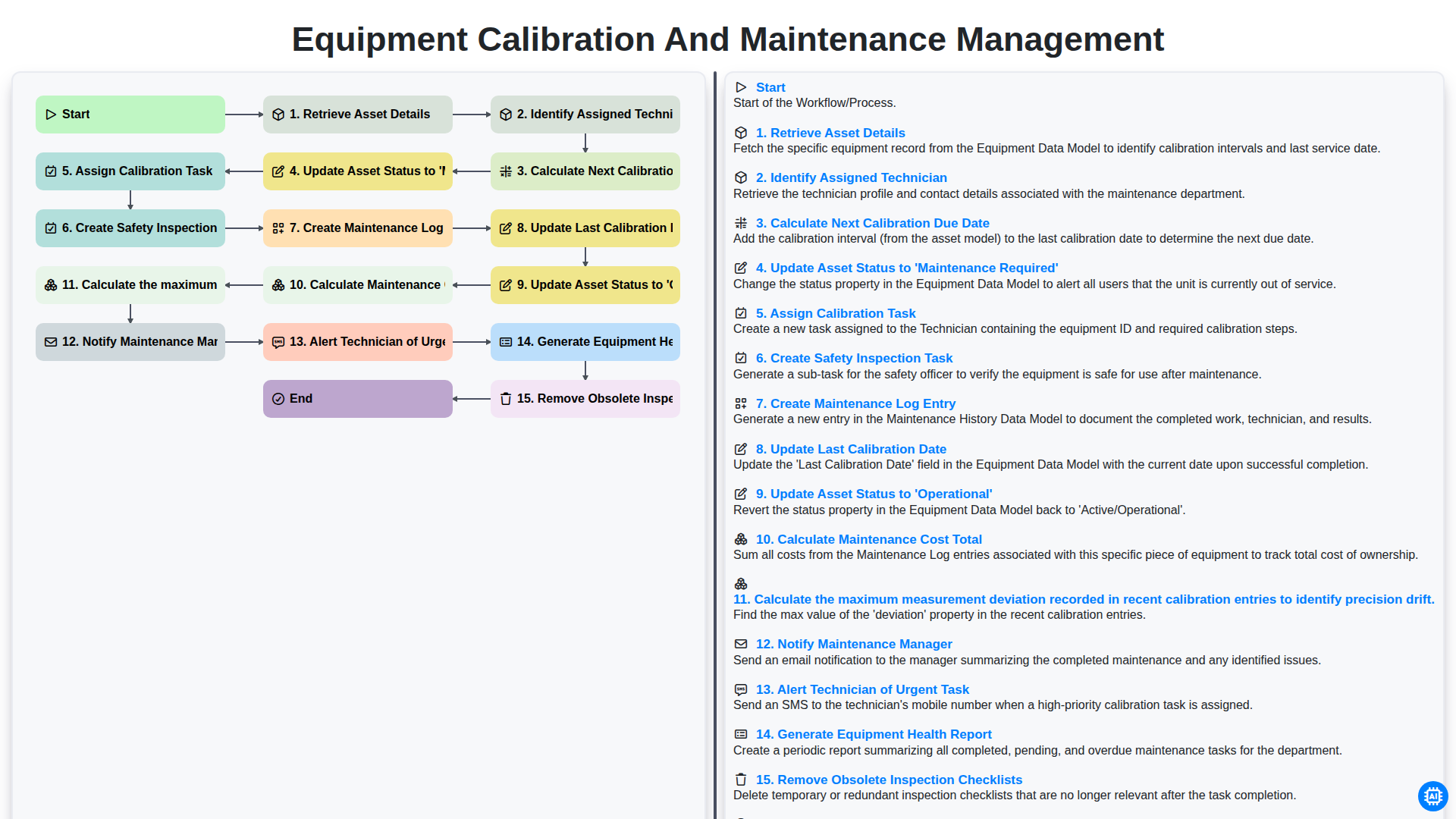
Equipment Calibration and Maintenance Management
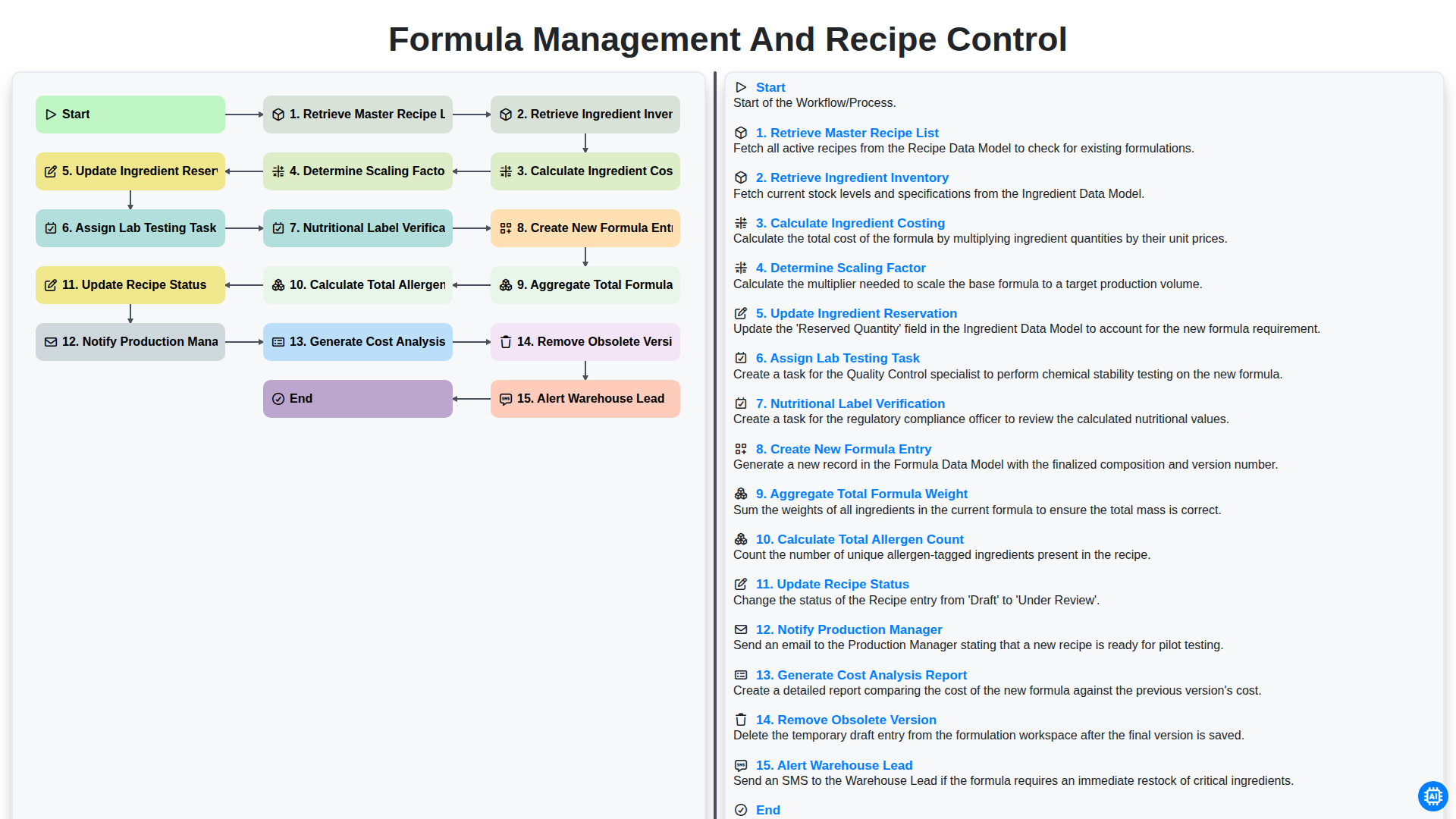
Formula Management and Recipe Control
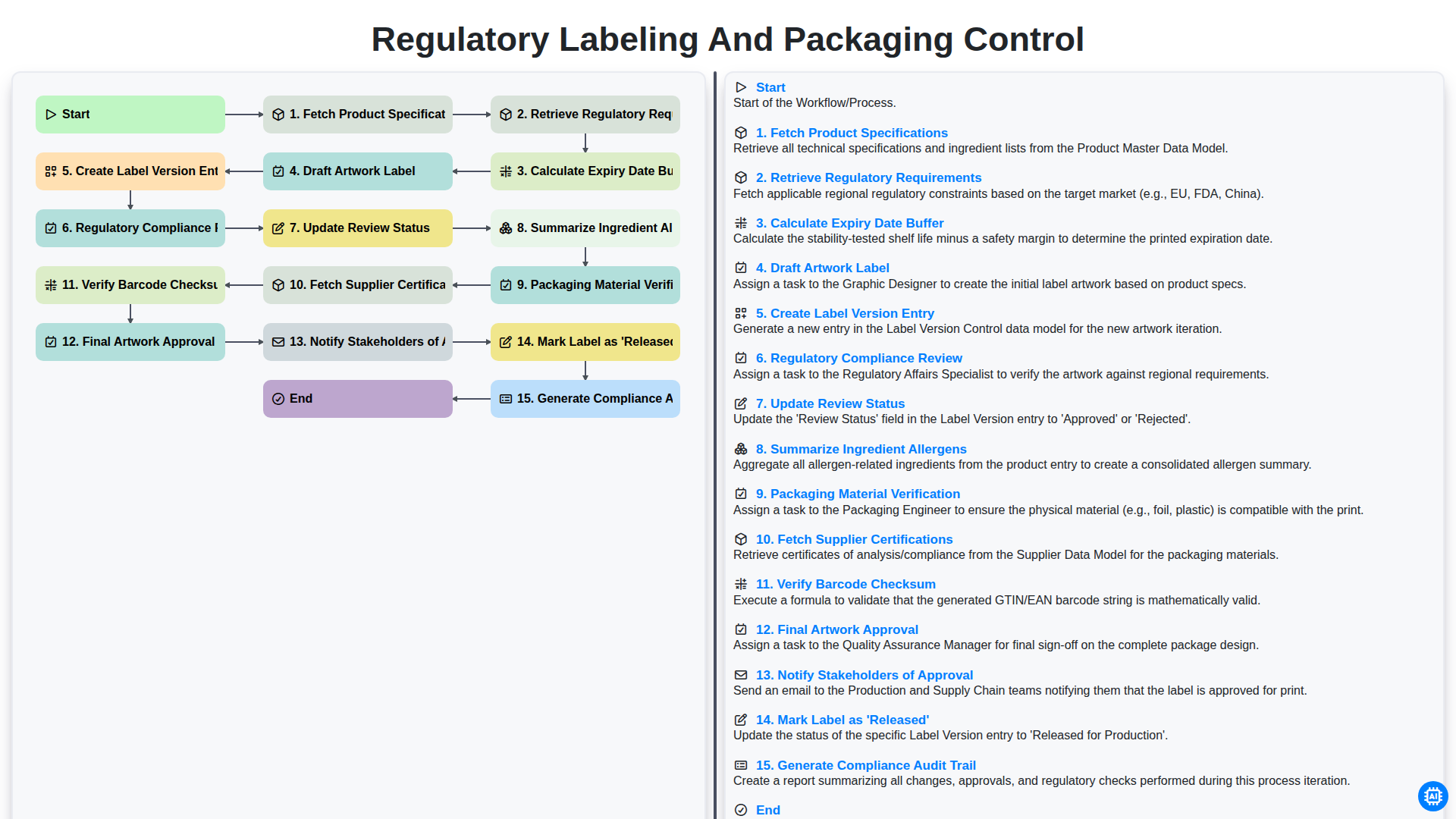
Regulatory Labeling and Packaging Control
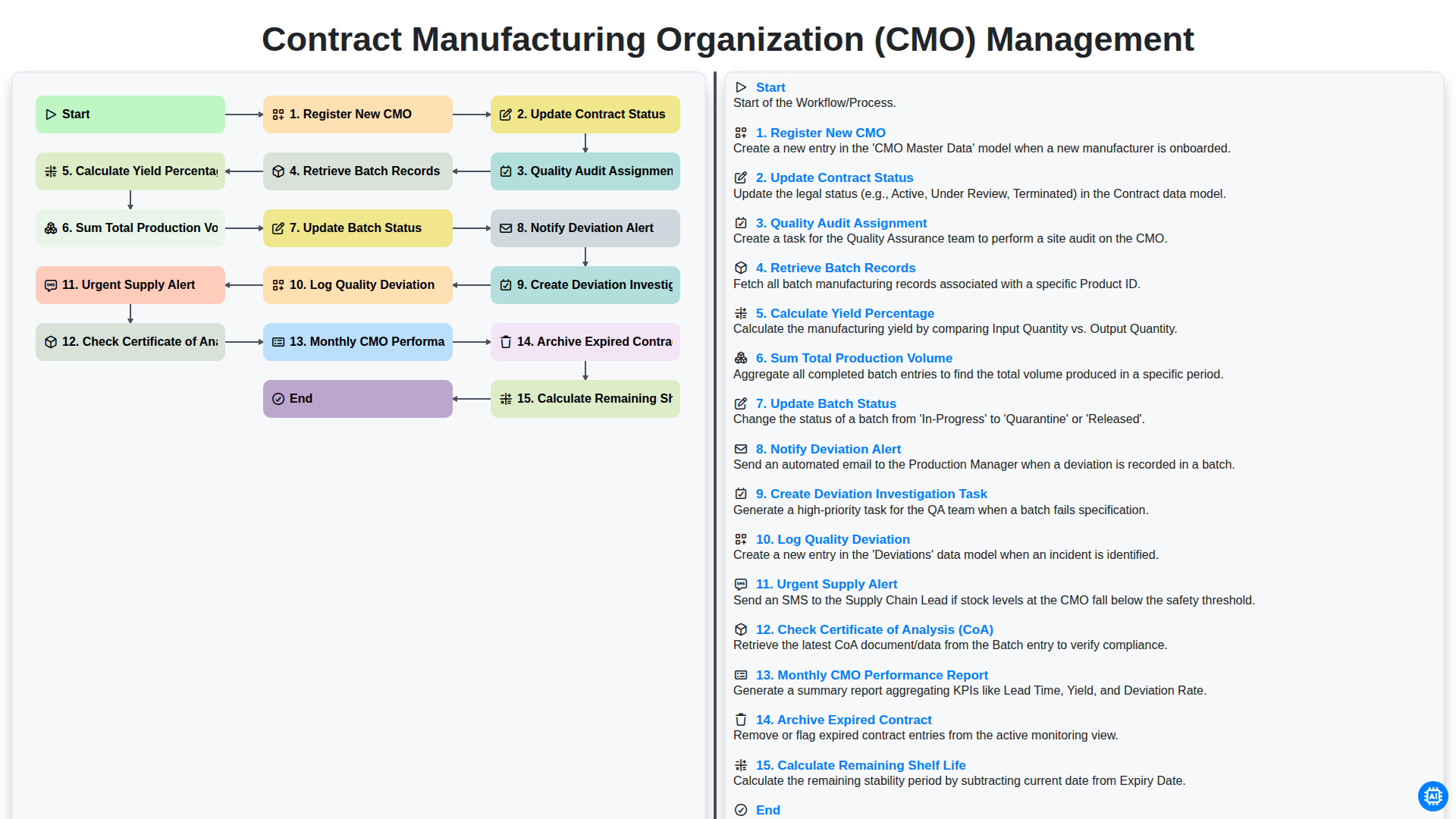
Contract Manufacturing Organization (CMO) Management
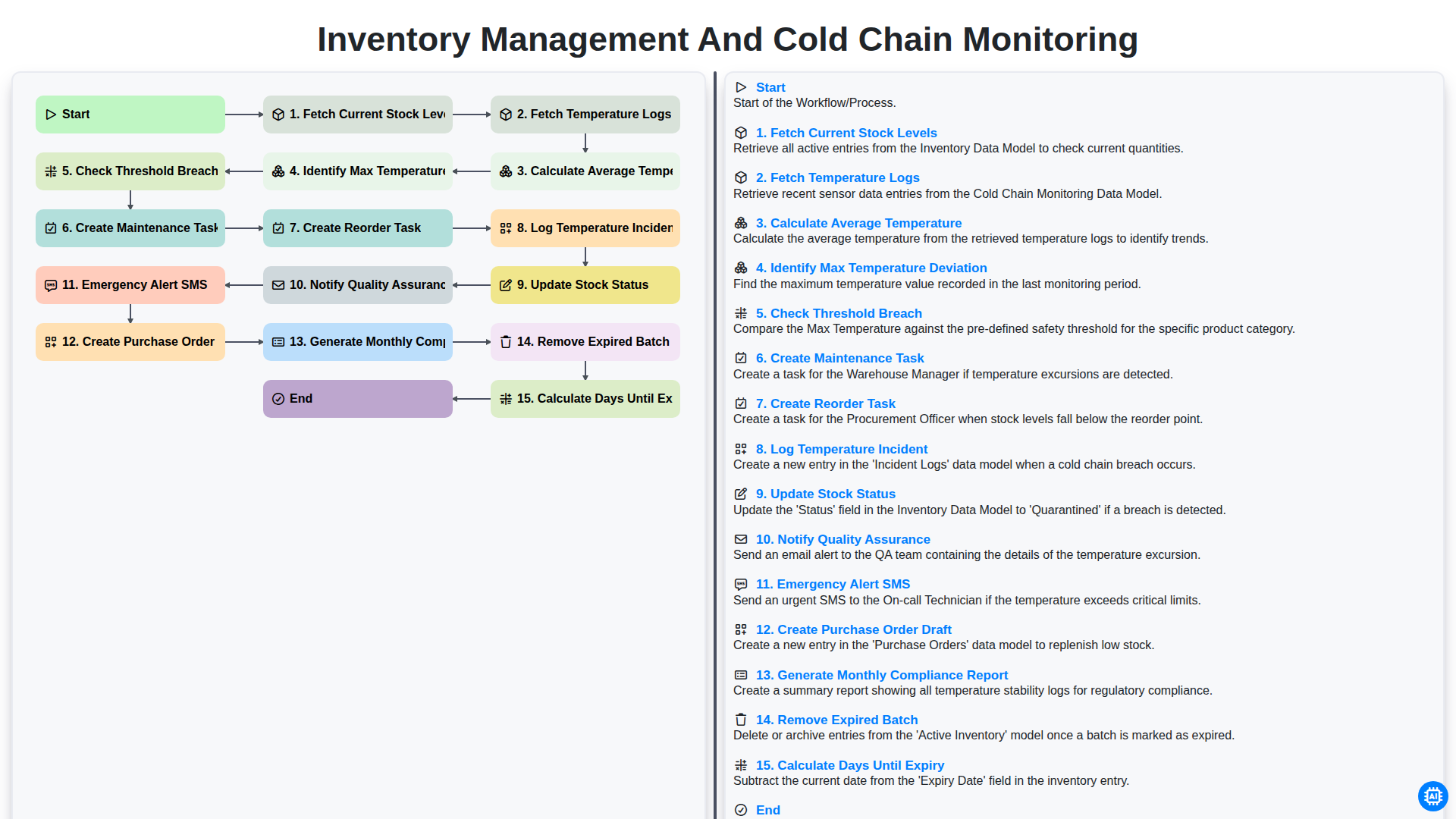
Inventory Management and Cold Chain Monitoring
Need help with
Pharmaceutical?
Have a question? We're here to help. Please submit your inquiry, and we'll respond promptly.