 ChecklistGuro
 CRM Integration Checklist
Ensure a seamless CRM integration! This checklist guides you through every step - from planning and data mapping to testing and go-live - minimizing disruption and maximizing your CRM's potential. Download now and integrate confidently!
Ce modèle a été installé 4 fois.
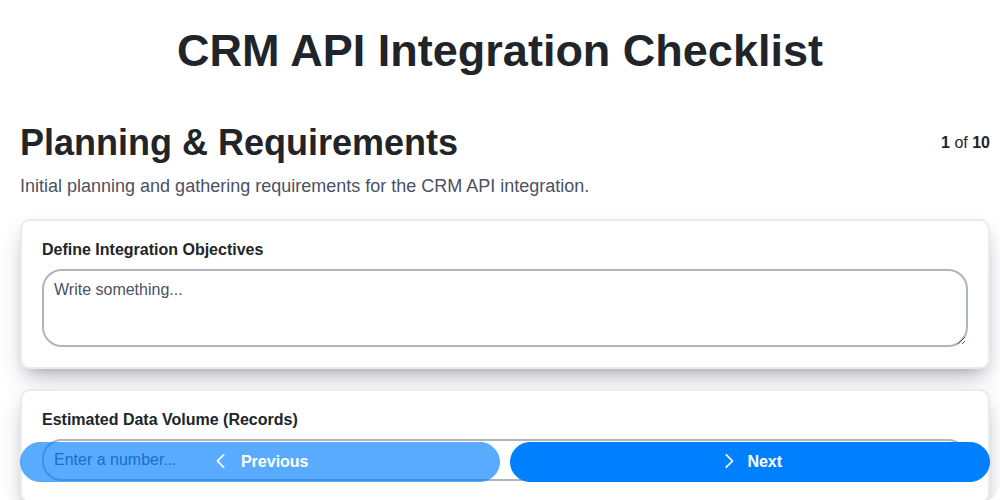
Planning & Requirements
Define integration goals, scope, and technical requirements.
Define Integration Goals
Estimated Number of Records to Integrate
Data Direction (One-way or Two-way)
Data Synchronization Frequency
Target Integration Completion Date
Identify Key Stakeholders and Roles
Integration Approach (e.g., Middleware, Direct API)
Data Mapping & Transformation
Map data fields between CRM and integrated systems, defining transformation rules.
Source CRM System
Target System
CRM Field Name (Source)
Target System Field Name
Data Type Conversion (e.g., Text to Number)
Transformation Logic (e.g., Concatenation, Formatting)
Data Transformation Required?
Example Data Mapping File (CSV/Excel)
API Connectivity & Authentication
Configure API connections, authentication methods, and access permissions.
CRM API Endpoint URL
API Key/Access Token
Rate Limit (Requests per Minute)
Authentication Method
Detailed Authentication Instructions (if applicable)
SSL Certificate Validation
Certificate Expiration Date (if applicable)
Data Synchronization & ETL
Set up data synchronization processes (ETL - Extract, Transform, Load).
Initial Data Load Volume (Records)
Synchronization Direction
Synchronization Frequency (Minutes)
Data Transformation Rules (Specifics)
Data Fields to Synchronize
Scheduled Data Load Date
Error Handling Strategy (Retry Attempts, Notifications)
Testing & Validation
Perform thorough testing to ensure data accuracy and system functionality.
Number of Test Records Created
Data Synchronization Direction
Detailed Description of Test Scenarios
Data Accuracy Verification Method
Number of Failed Test Cases
Date of Testing Completion
Summary of Test Results and Discrepancies Found
Error Handling & Monitoring
Implement error handling procedures and set up monitoring for integration health.
Alert Threshold (Failed Sync Attempts)
Notification Channel (Error Alerts)
Error Logging Configuration
Last Successful Sync Date
Critical System Dependencies (Monitor)
Scheduled Monitoring Check Time
Security & Compliance
Ensure integration adheres to security protocols and compliance regulations.
Data Encryption Method
Access Control Implementation
Last Security Audit Date
Data Retention Period (in years)
Relevant Compliance Standards
Description of Security Incident Response Plan
Security Policy Document
Documentation & Training
Document the integration process and provide training to relevant users.
Integration Documentation Summary
Integration Design Document
Training Materials Provided (Select all that apply)
Training Session 1 Date
Training Session 1 Time
Number of Users Trained
Deployment & Go-Live
Plan and execute the deployment of the integrated systems.
Planned Go-Live Date
Scheduled Deployment Time
Number of Users Impacted
Deployment Rollback Plan Description
Deployment Environment
Deployment Script/Package
Communication Plan to Users
Post-Deployment Monitoring End Date
Post-Implementation Review
Assess the integration's performance and identify areas for improvement.
Review Date
Data Accuracy Score (1-10)
Overall Integration Success?
Key Strengths of Integration
Areas for Improvement
Issues Encountered (Select all that apply)
Recommendations for Future Enhancements
Ce modèle de liste de contrôle vous a-t-il été utile ?
Commentaires
Aucun commentaire n'a été publié pour le moment. Soyez le premier à en ajouter un !
Démonstration de la solution CRM - Gestion de la relation client
Avez-vous du mal à gérer les interactions avec les clients et à suivre les prospects ? ChecklistGuro offre une solution CRM centralisée, reliant vos équipes de vente, de marketing et de support pour améliorer la collaboration et l'expérience client. Simplifiez votre flux de travail et concluez plus de contrats.
Modèles de liste de contrôle associés

Nous pouvons le faire ensemble
Besoin d'aide avec les listes de contrôle?
Vous avez une question ? Nous sommes là pour vous aider. Veuillez soumettre votre demande et nous vous répondrons rapidement.