 ChecklistGuro
 Employee Onboarding Project Management
Streamline your new hire integration with our comprehensive Employee Onboarding Project Management workflow. Master every stage of the recruitment-to-productivity lifecycle, from automated documentation and task assignment to personalized training schedules and equipment provisioning. Eliminate manual errors, reduce time-to-productivity, and create a seamless, professional first impression that boosts long-term employee retention and operational efficiency.
Ce modèle a été installé 2 fois.
Début
Début du flux de travail/processus.
1. Create Employee Profile
Create a new entry in the 'Employee' data model once a candidate accepts the offer.
2. Fetch Department Manager
Retrieve the Manager details from the 'Departments' data model based on the new hire's assigned department.
3. IT Provisioning Task
Create a task for the IT Department to prepare hardware (laptop, peripherals).
4. Software Access Task
Create a task for IT to set up email, Slack, and necessary SaaS permissions.
5. HR Documentation Task
Create a task for HR to verify IDs, tax forms, and signed contracts.
6. Update Employee Status
Update the 'Status' field in the Employee data model from 'Candidate' to 'Onboarding'.
7. Calculate Start Date Countdown
Calculate the number of days remaining until the start date to prioritize tasks.
8. Welcome Email to Employee
Send a welcome email to the new hire's personal email address with onboarding instructions.
9. Notify Manager
Send an email to the Department Manager notifying them of the new hire's start date.
10. Create Onboarding Checklist
Generate a set of standardized checklist items within the Employee entry for the first week.
11. Get Equipment Inventory
Retrieve available assets from the 'Hardware Inventory' data model.
12. Assign Asset to Employee
Update the 'Assigned To' field in the 'Hardware' data model to link a laptop to the new employee.
13. Buddy Assignment Task
Create a task for the assigned 'Onboarding Buddy' to schedule a coffee chat.
14. Arrival Reminder
Send an SMS to the employee on their first morning with office entry instructions.
15. Calculate Total Onboarding Cost
Sum the costs of all equipment and training materials assigned to this onboarding process.
16. Onboarding Completion Report
Generate a report showing the completion percentage of all tasks within the Onboarding Project.
17. Cleanup Temp Documents
Delete temporary recruitment files from the data model once the employee profile is finalized.
Fin
Fin du flux de travail/processus.
Début du flux de travail/processus.
Create a new entry in the 'Employee' data model once a candidate accepts the offer.
Retrieve the Manager details from the 'Departments' data model based on the new hire's assigned department.
Create a task for the IT Department to prepare hardware (laptop, peripherals).
Create a task for IT to set up email, Slack, and necessary SaaS permissions.
Create a task for HR to verify IDs, tax forms, and signed contracts.
Update the 'Status' field in the Employee data model from 'Candidate' to 'Onboarding'.
Calculate the number of days remaining until the start date to prioritize tasks.
Send a welcome email to the new hire's personal email address with onboarding instructions.
Send an email to the Department Manager notifying them of the new hire's start date.
Generate a set of standardized checklist items within the Employee entry for the first week.
Retrieve available assets from the 'Hardware Inventory' data model.
Update the 'Assigned To' field in the 'Hardware' data model to link a laptop to the new employee.
Create a task for the assigned 'Onboarding Buddy' to schedule a coffee chat.
Send an SMS to the employee on their first morning with office entry instructions.
Sum the costs of all equipment and training materials assigned to this onboarding process.
Generate a report showing the completion percentage of all tasks within the Onboarding Project.
Delete temporary recruitment files from the data model once the employee profile is finalized.
Fin du flux de travail/processus.
Commentaires
Aucun commentaire n'a été publié pour le moment. Soyez le premier à en ajouter un !
Démonstration de la solution de gestion de projet
Livrez vos projets dans les délais et dans le budget ! ChecklistGuro rationalise la gestion des tâches, la collaboration et le suivi des progrès. Améliorez la visibilité et augmentez la productivité de l'équipe. Gérez tout cela grâce à notre plateforme Work OS.
Modèles de flux de travail associés

Strategic Planning and Execution Process

Digital Transformation Project Workflow

Customer Implementation Workflow

Design System Maintenance Process

Quality Assurance (QA) Testing Workflow
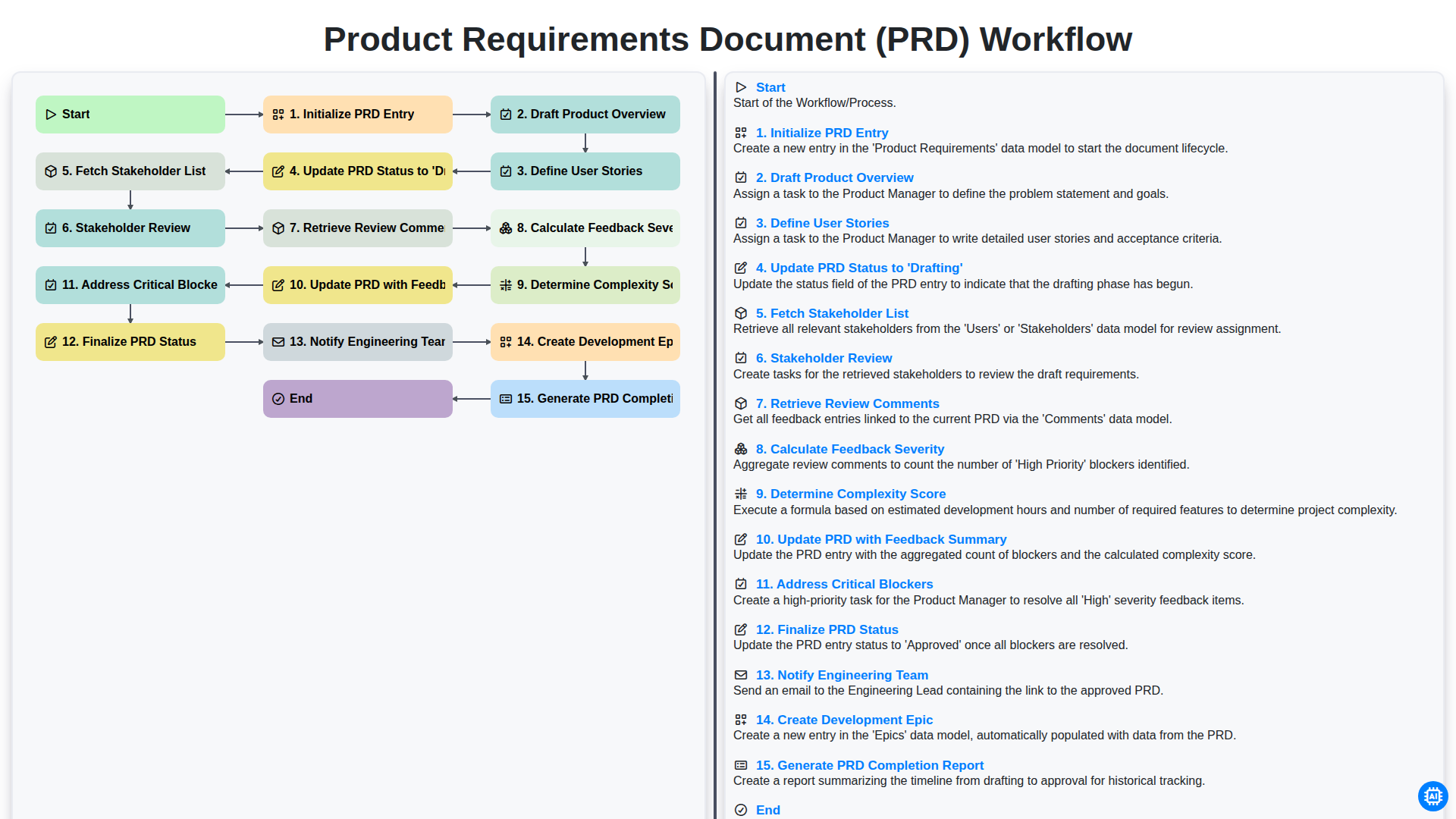
Product Requirements Document (PRD) Workflow

Internal Audit and Compliance Workflow
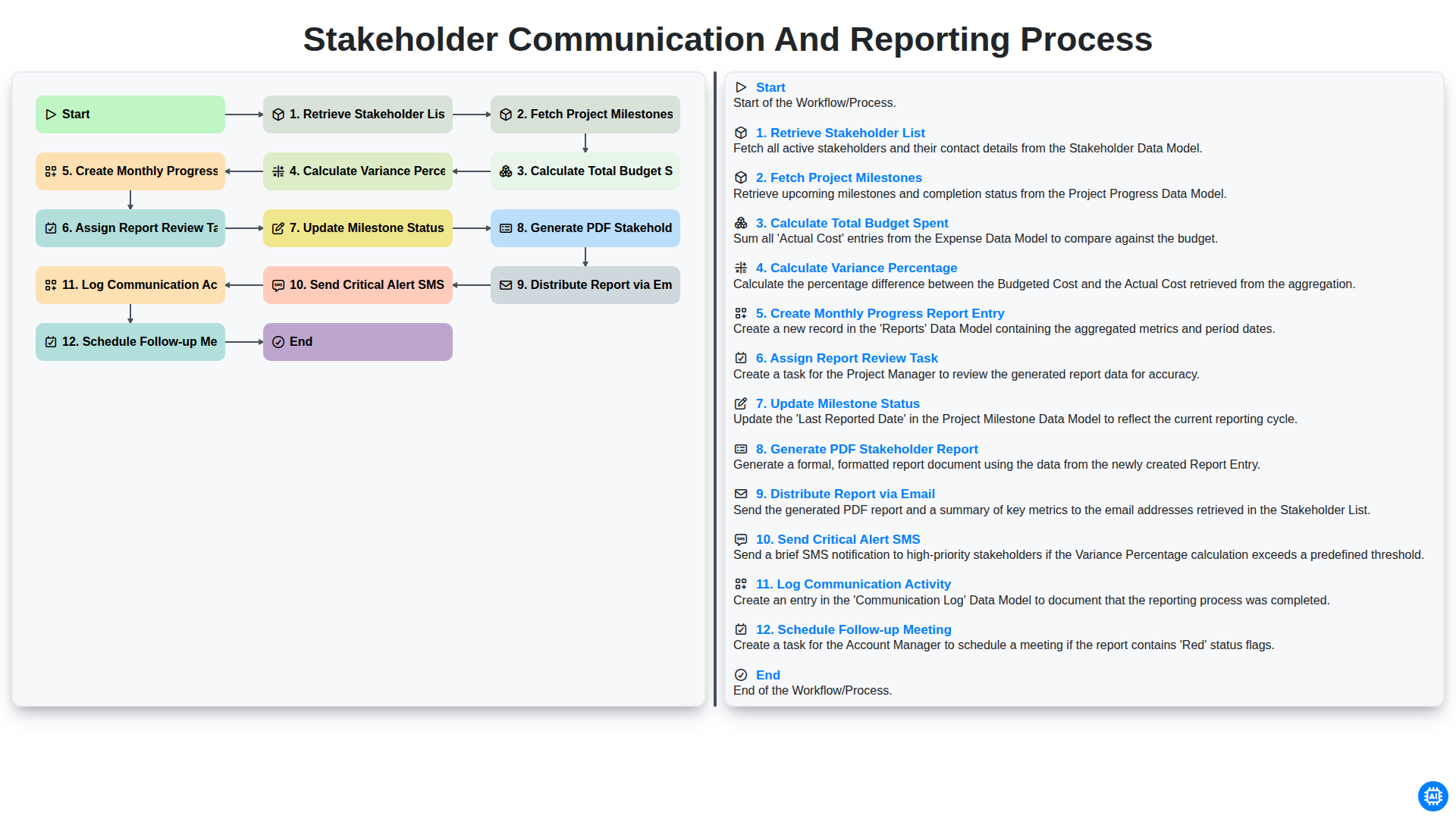
Stakeholder Communication and Reporting Process
Nous pouvons le faire ensemble
Besoin d'aide avec les listes de contrôle?
Vous avez une question ? Nous sommes là pour vous aider. Veuillez soumettre votre demande et nous vous répondrons rapidement.