 ChecklistGuro
 Strategic Planning and Execution Process
Master the art of turning vision into reality with our Strategic Planning and Execution Process. This comprehensive project management workflow guides you through seamless goal setting, resource allocation, and actionable milestone tracking to bridge the gap between high-level strategy and operational success. Streamline your decision-making, optimize team productivity, and drive measurable results with a structured roadmap designed for execution excellence.
Ce modèle a été installé 5 fois.
Début
Début du flux de travail/processus.
1. Retrieve Market Research Data
Fetch existing market analysis and competitor data from the Market Intelligence data model.
2. Retrieve Financial Budget
Pull current fiscal year budget constraints from the Finance data model.
3. Calculate Resource Gap
Calculate the difference between required project man-hours and currently available staff capacity.
4. Assign SWOT Analysis Task
Create a task for the Strategy Team to perform a Strengths, Weaknesses, Opportunities, and Threats analysis.
5. Create Strategic Goal Entry
Create a new entry in the Strategic Goals data model based on the approved analysis.
6. Assign OKR Definition Task
Create a task for Department Heads to define Objectives and Key Results (OKRs) aligned with the new strategic goal.
7. Update Strategic Roadmap
Update the existing Roadmap entry with new milestones and timelines.
8. Aggregate Total Estimated Cost
Sum the 'Estimated Cost' property from all newly created Project Plan entries to determine total strategic investment.
9. Calculate ROI Projection
Execute a formula using projected revenue and estimated cost to determine the projected Return on Investment.
10. Budget Approval Task
Create a task for the CFO to review and approve the allocated budget for the strategic initiatives.
11. Update Budget Status
Update the 'Approval Status' field in the Finance data model to 'Approved'.
12. Notify Stakeholders
Send an email to the Executive Board containing the summary of the approved Strategic Plan.
13. Create Implementation Task
Create operational tasks for Project Managers to begin executing individual roadmap items.
14. Generate Quarterly Strategy Report
Create a comprehensive report summarizing the progress of all strategic tasks and their alignment with KPIs.
15. Remove Obsolete Initiatives
Delete any entries in the Strategic Initiatives model that were identified as no longer viable during the planning phase.
Fin
Fin du flux de travail/processus.
Début du flux de travail/processus.
Fetch existing market analysis and competitor data from the Market Intelligence data model.
Pull current fiscal year budget constraints from the Finance data model.
Calculate the difference between required project man-hours and currently available staff capacity.
Create a task for the Strategy Team to perform a Strengths, Weaknesses, Opportunities, and Threats analysis.
Create a new entry in the Strategic Goals data model based on the approved analysis.
Create a task for Department Heads to define Objectives and Key Results (OKRs) aligned with the new strategic goal.
Update the existing Roadmap entry with new milestones and timelines.
Sum the 'Estimated Cost' property from all newly created Project Plan entries to determine total strategic investment.
Execute a formula using projected revenue and estimated cost to determine the projected Return on Investment.
Create a task for the CFO to review and approve the allocated budget for the strategic initiatives.
Update the 'Approval Status' field in the Finance data model to 'Approved'.
Send an email to the Executive Board containing the summary of the approved Strategic Plan.
Create operational tasks for Project Managers to begin executing individual roadmap items.
Create a comprehensive report summarizing the progress of all strategic tasks and their alignment with KPIs.
Delete any entries in the Strategic Initiatives model that were identified as no longer viable during the planning phase.
Fin du flux de travail/processus.
Commentaires
Aucun commentaire n'a été publié pour le moment. Soyez le premier à en ajouter un !
Démonstration de la solution de gestion de projet
Livrez vos projets dans les délais et dans le budget ! ChecklistGuro rationalise la gestion des tâches, la collaboration et le suivi des progrès. Améliorez la visibilité et augmentez la productivité de l'équipe. Gérez tout cela grâce à notre plateforme Work OS.
Modèles de flux de travail associés

Digital Transformation Project Workflow

Employee Onboarding Project Management

Customer Implementation Workflow

Design System Maintenance Process

Quality Assurance (QA) Testing Workflow
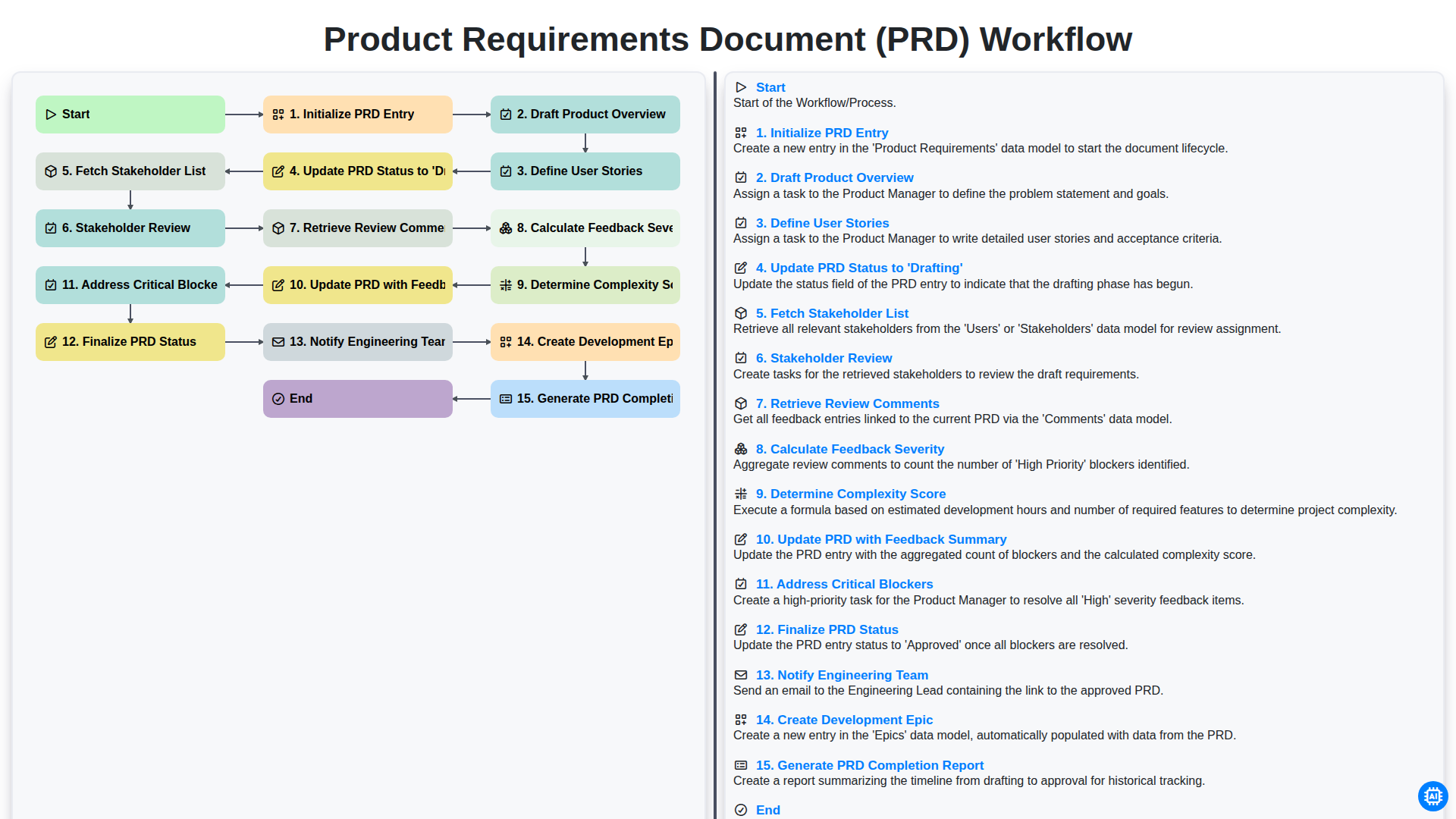
Product Requirements Document (PRD) Workflow

Internal Audit and Compliance Workflow
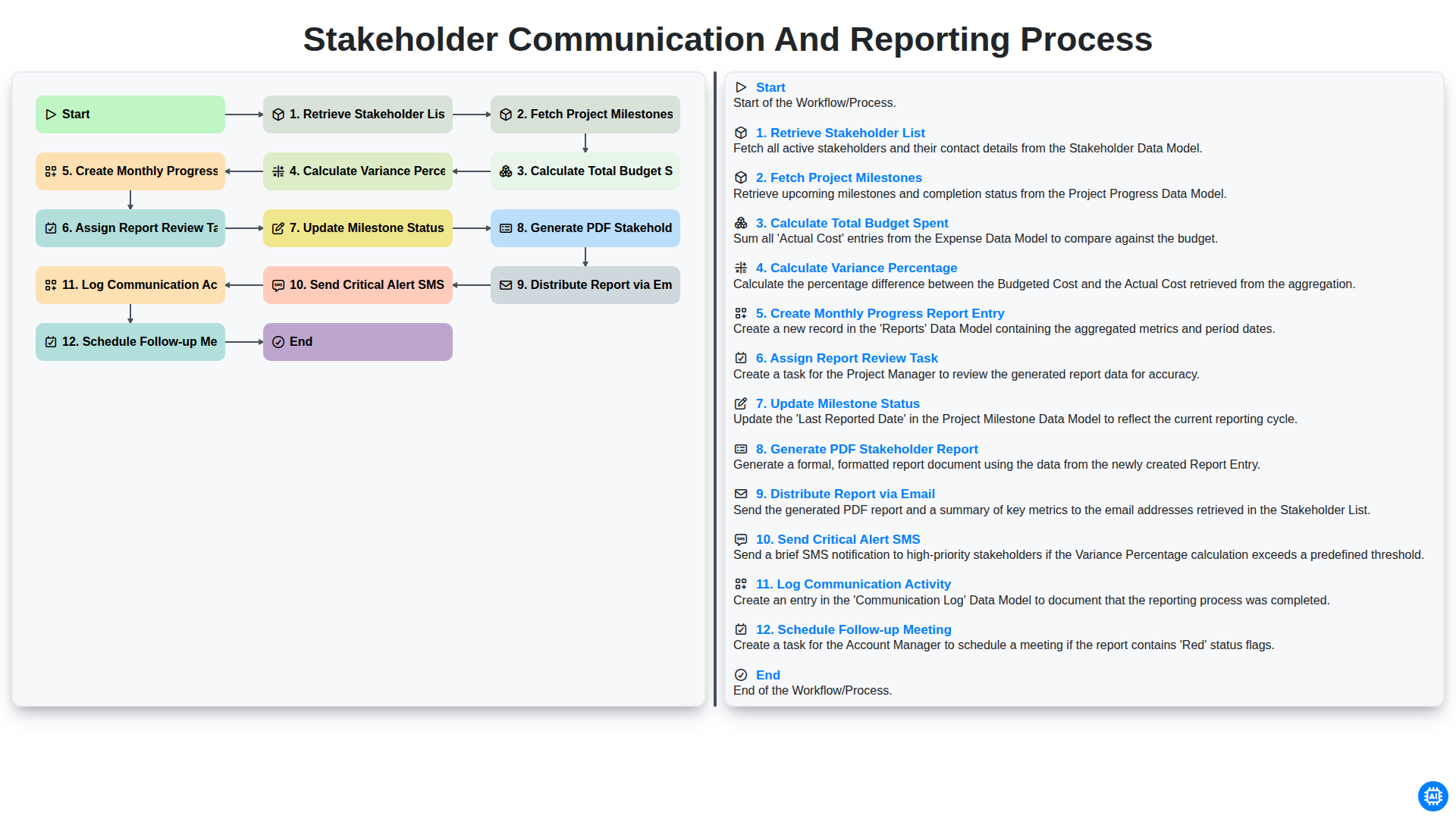
Stakeholder Communication and Reporting Process
Nous pouvons le faire ensemble
Besoin d'aide avec les listes de contrôle?
Vous avez une question ? Nous sommes là pour vous aider. Veuillez soumettre votre demande et nous vous répondrons rapidement.