 ChecklistGuro
 Property Inventory and Asset Management Workflow
Streamline your real estate operations with our comprehensive Property Inventory and Asset Management Workflow. Designed for property managers and real estate investors, this automated process ensures seamless tracking of physical assets, detailed maintenance logs, and real-time inventory updates. Eliminate manual errors, optimize lifecycle management, and maintain total oversight of your entire property portfolio with a scalable, organized, and efficient asset management strategy.
Ce modèle a été installé 1 fois.
Début
Début du flux de travail/processus.
1. Register New Asset
Create a new entry in the 'Assets' data model when a new item is acquired.
2. Update Asset Status
Update the status field (e.g., 'In Use', 'Under Repair', 'Retired') of an existing asset entry.
3. Fetch Asset Details
Retrieve specific information (Serial Number, Model, Purchase Date) from the Assets data model for inspection.
4. Calculate Depreciation
Execute a formula to determine the current book value of an asset based on purchase price and age.
5. Assign Physical Audit Task
Create a task for the Facility Manager to physically verify the presence of the asset.
6. Asset Inspection Checklist
A set of sub-tasks to verify the physical condition and functionality of the asset during audit.
7. Calculate Total Asset Value
Sum the 'Current Value' field of all active entries in the Assets data model.
8. Count Broken Assets
Count the number of entries in the Assets model where the status is 'Damaged'.
9. Notify Procurement
Send an email to the Procurement Department when an asset's replacement threshold is reached.
10. Maintenance Schedule Task
Create a recurring task to perform preventative maintenance on high-value machinery.
11. Decommission Asset
Remove or archive the entry from the active Assets data model once it is officially retired.
12. Monthly Inventory Report
Generate a comprehensive report summarizing all new additions and disposals for the month.
13. Urgent Alert: Asset Theft/Loss
Send an SMS notification to the Security Head when an asset is marked as 'Lost' or 'Stolen'.
14. Assign Custodian
Update the 'Assigned To' field in the Asset entry to link it to a specific employee/user.
15. Calculate Maintenance Cost Ratio
Calculate the ratio of total maintenance spend vs. the original purchase price of the asset.
Fin
Fin du flux de travail/processus.
Début du flux de travail/processus.
Create a new entry in the 'Assets' data model when a new item is acquired.
Update the status field (e.g., 'In Use', 'Under Repair', 'Retired') of an existing asset entry.
Retrieve specific information (Serial Number, Model, Purchase Date) from the Assets data model for inspection.
Execute a formula to determine the current book value of an asset based on purchase price and age.
Create a task for the Facility Manager to physically verify the presence of the asset.
A set of sub-tasks to verify the physical condition and functionality of the asset during audit.
Sum the 'Current Value' field of all active entries in the Assets data model.
Count the number of entries in the Assets model where the status is 'Damaged'.
Send an email to the Procurement Department when an asset's replacement threshold is reached.
Create a recurring task to perform preventative maintenance on high-value machinery.
Remove or archive the entry from the active Assets data model once it is officially retired.
Generate a comprehensive report summarizing all new additions and disposals for the month.
Send an SMS notification to the Security Head when an asset is marked as 'Lost' or 'Stolen'.
Update the 'Assigned To' field in the Asset entry to link it to a specific employee/user.
Calculate the ratio of total maintenance spend vs. the original purchase price of the asset.
Fin du flux de travail/processus.
Commentaires
Aucun commentaire n'a été publié pour le moment. Soyez le premier à en ajouter un !
Démonstration de la solution de gestion immobilière
Simplifiez vos opérations immobilières ! ChecklistGuro rationalise la gestion immobilière, les renouvellements de baux et les demandes de maintenance. Améliorez la satisfaction des locataires et maximisez le retour sur investissement. Gérez tout cela grâce à notre plateforme Work OS.
Modèles de flux de travail associés

Real Estate Agent Performance Tracking Process

Real Estate Referral Management Process

Property Tax and Compliance Management Workflow

Tenant Move-in and Move-out Workflow

Real Estate Market Analysis and Reporting Process

Property Showing and Tour Scheduling Workflow

Real Estate Closing Checklist and Workflow
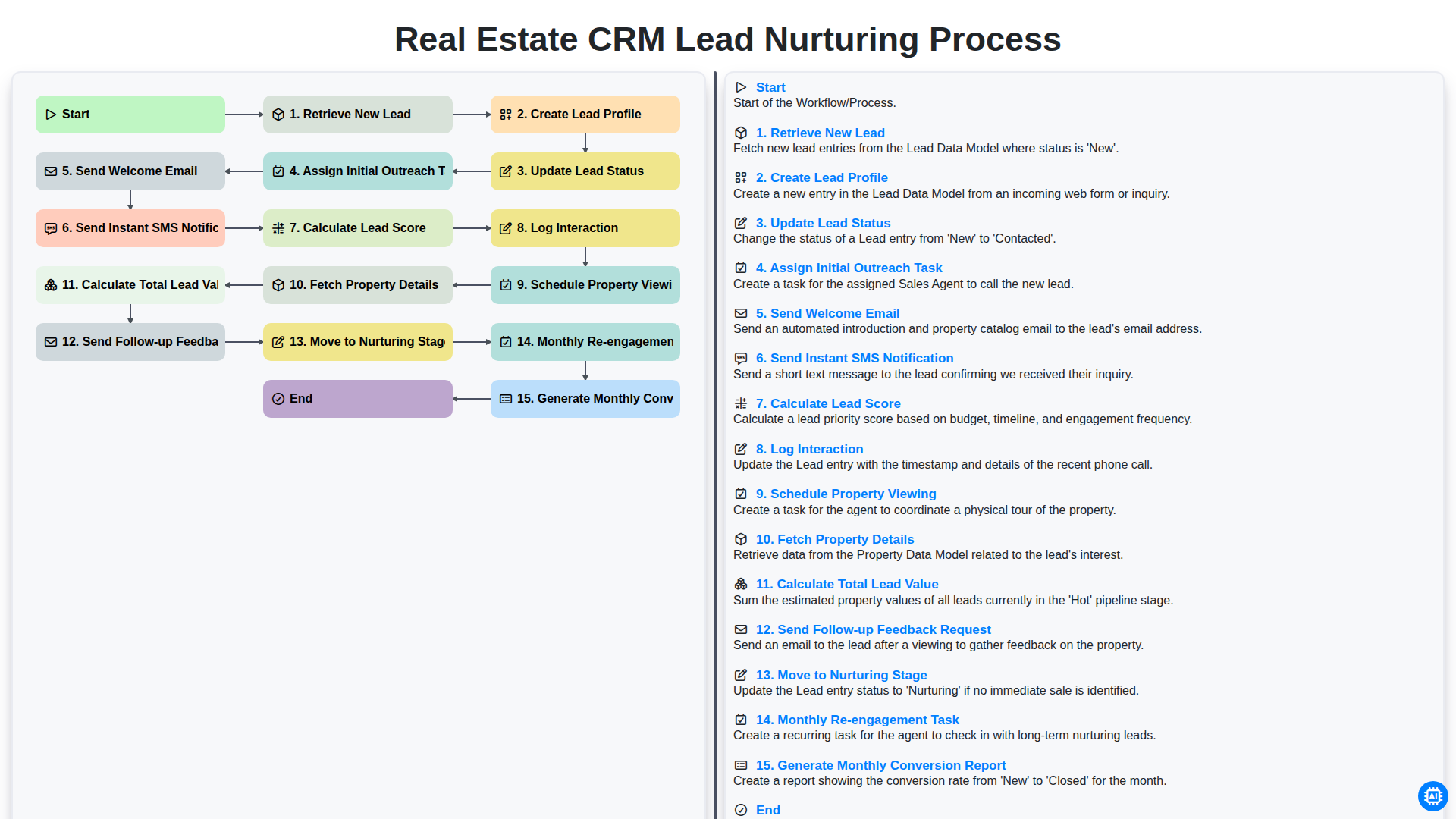
Real Estate CRM Lead Nurturing Process
Nous pouvons le faire ensemble
Besoin d'aide avec les listes de contrôle?
Vous avez une question ? Nous sommes là pour vous aider. Veuillez soumettre votre demande et nous vous répondrons rapidement.