 ChecklistGuro
 Tenant Move-in and Move-out Workflow
Streamline your property management with our comprehensive Tenant Move-in and Move-out Workflow. Eliminate manual errors, ensure seamless transitions, and master every step of the leasing lifecycle-from initial inspections and key handovers to security deposit processing and final walkthroughs. The ultimate checklist for real estate professionals looking to automate vacancy management and enhance tenant satisfaction.
Ce modèle a été installé 5 fois.
Début
Début du flux de travail/processus.
1. Fetch Tenant Profile
Retrieve existing tenant information and lease terms from the Tenant Data Model.
2. Check Property Availability
Verify the status of the specific unit in the Property Data Model to ensure it is vacant/ready.
3. Lease Agreement Generation
Assign a task to the Property Manager to prepare and send the digital lease for signature.
4. Create Move-in Record
Create a new entry in the Move-in/Move-out Logs data model to track the start date.
5. Update Unit Status to 'Occupied'
Update the Property Data Model to change the unit status from 'Vacant' to 'Occupied'.
6. Pre-Arrival Inspection
Assign a task to the Maintenance Team to perform a cleanliness and functionality check.
7. Generate Move-in Inspection Report
Create a new inspection entry containing photos and notes regarding the unit condition at handover.
8. Calculate Security Deposit Total
Calculate the total amount due by summing first month's rent and security deposit fees.
9. Record Initial Payment
Update the Tenant Ledger with the initial payment amount received.
10. Welcome Email to Tenant
Send a welcome email containing move-in instructions, key pickup details, and building rules.
11. Key Handover
Task for the Front Desk or Manager to physically hand over keys and access fobs.
12. Retrieve Move-out Notice
Fetch the notice period and end-of-lease date from the Tenant Lease Data Model.
13. Schedule Move-out Inspection
Assign a task to the Maintenance Team to inspect the property upon vacancy.
14. Mark Unit as 'Under Notice'
Update the Property Data Model to reflect that the unit is soon to be vacated.
15. Fetch Move-in Condition Data
Retrieve the original inspection data to compare against the move-out condition.
16. Calculate Damage Deductions
Calculate the total cost of repairs by summing all damage entries found during move-out.
17. Update Security Deposit Balance
Subtract repair costs and unpaid utilities from the original security deposit entry.
18. Sum Total Outstanding Utilities
Aggregate all unpaid utility entries associated with the tenant's account.
19. Final Account Settlement
Assign a task to the Accounting Department to process the final refund or invoice.
20. Move-out Reminder
Send an SMS reminder to the tenant regarding the deadline for removing all personal belongings.
21. Remove Temporary Access Permissions
Delete the temporary digital key access entries from the Security Data Model.
22. Generate Final Move-out Summary
Create a final report summarizing the condition, costs, and closing status for the property owner.
Fin
Fin du flux de travail/processus.
Début du flux de travail/processus.
Retrieve existing tenant information and lease terms from the Tenant Data Model.
Verify the status of the specific unit in the Property Data Model to ensure it is vacant/ready.
Assign a task to the Property Manager to prepare and send the digital lease for signature.
Create a new entry in the Move-in/Move-out Logs data model to track the start date.
Update the Property Data Model to change the unit status from 'Vacant' to 'Occupied'.
Assign a task to the Maintenance Team to perform a cleanliness and functionality check.
Create a new inspection entry containing photos and notes regarding the unit condition at handover.
Calculate the total amount due by summing first month's rent and security deposit fees.
Update the Tenant Ledger with the initial payment amount received.
Send a welcome email containing move-in instructions, key pickup details, and building rules.
Task for the Front Desk or Manager to physically hand over keys and access fobs.
Fetch the notice period and end-of-lease date from the Tenant Lease Data Model.
Assign a task to the Maintenance Team to inspect the property upon vacancy.
Update the Property Data Model to reflect that the unit is soon to be vacated.
Retrieve the original inspection data to compare against the move-out condition.
Calculate the total cost of repairs by summing all damage entries found during move-out.
Subtract repair costs and unpaid utilities from the original security deposit entry.
Aggregate all unpaid utility entries associated with the tenant's account.
Assign a task to the Accounting Department to process the final refund or invoice.
Send an SMS reminder to the tenant regarding the deadline for removing all personal belongings.
Delete the temporary digital key access entries from the Security Data Model.
Create a final report summarizing the condition, costs, and closing status for the property owner.
Fin du flux de travail/processus.
Commentaires
Aucun commentaire n'a été publié pour le moment. Soyez le premier à en ajouter un !
Démonstration de la solution de gestion immobilière
Simplifiez vos opérations immobilières ! ChecklistGuro rationalise la gestion immobilière, les renouvellements de baux et les demandes de maintenance. Améliorez la satisfaction des locataires et maximisez le retour sur investissement. Gérez tout cela grâce à notre plateforme Work OS.
Modèles de flux de travail associés

Real Estate Agent Performance Tracking Process

Property Inventory and Asset Management Workflow

Real Estate Referral Management Process

Property Tax and Compliance Management Workflow

Real Estate Market Analysis and Reporting Process

Property Showing and Tour Scheduling Workflow

Real Estate Closing Checklist and Workflow
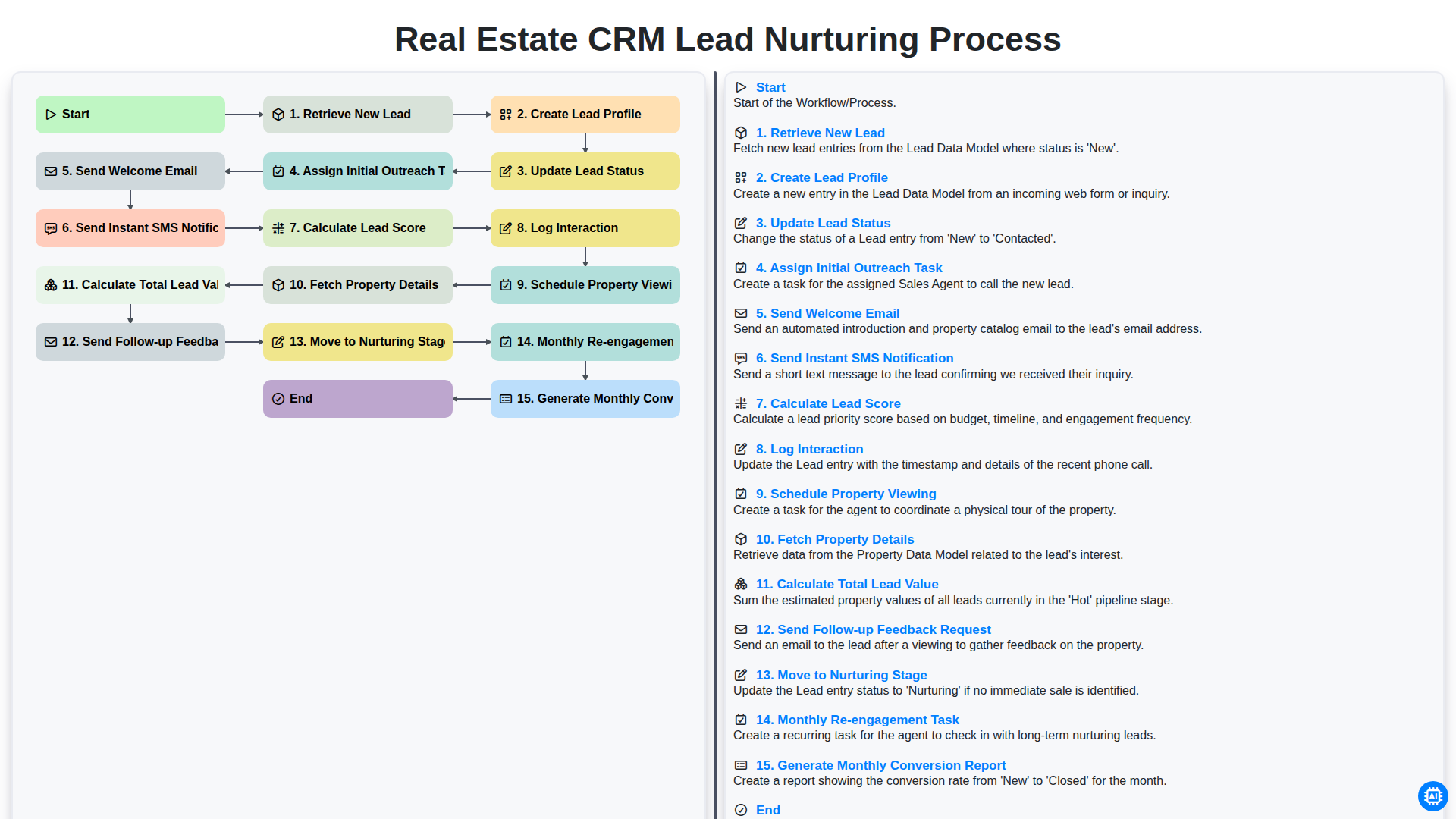
Real Estate CRM Lead Nurturing Process
Nous pouvons le faire ensemble
Besoin d'aide avec les listes de contrôle?
Vous avez une question ? Nous sommes là pour vous aider. Veuillez soumettre votre demande et nous vous répondrons rapidement.